


 Menu
MenuMenu


Get Sales Advice from Mon - Fri 9am - 5:00pm:
020 3337 8950LAST UPDATED: October 31, 2025
Build vs Buy: Should You DIY Your Gaming PC in 2025?
If you’re a gamer, you’ve probably had this thought at least once: “Should I build my own gaming PC or just buy one ready to go?”
Well, you’re definitely not alone. The build vs buy gaming PC debate has been going on among gamers for years, and in 2025, it’s hotter than ever. GPUs are smarter, CPUs are faster, and AI-powered games are pushing hardware limits harder than a sweaty ranked match. At the same time, prebuilt PCs have come a long way, serving up sleek designs, quiet cooling, and reliable plug-and-play performance that’s tough to ignore.
Whether you’re a first-timer eyeing your first proper gaming setup or a seasoned tinkerer who gets a buzz from new PC components, deciding which route to take isn’t as simple as it once was.
That’s exactly what we’re here to figure out. We’ll weigh the pros and cons, from cost and performance to upgradability and warranty, to help you decide whether your next gaming powerhouse should be one you build yourself or one that’s ready to boot straight out of the box.
The DIY Route – Building Your Own Gaming Rig
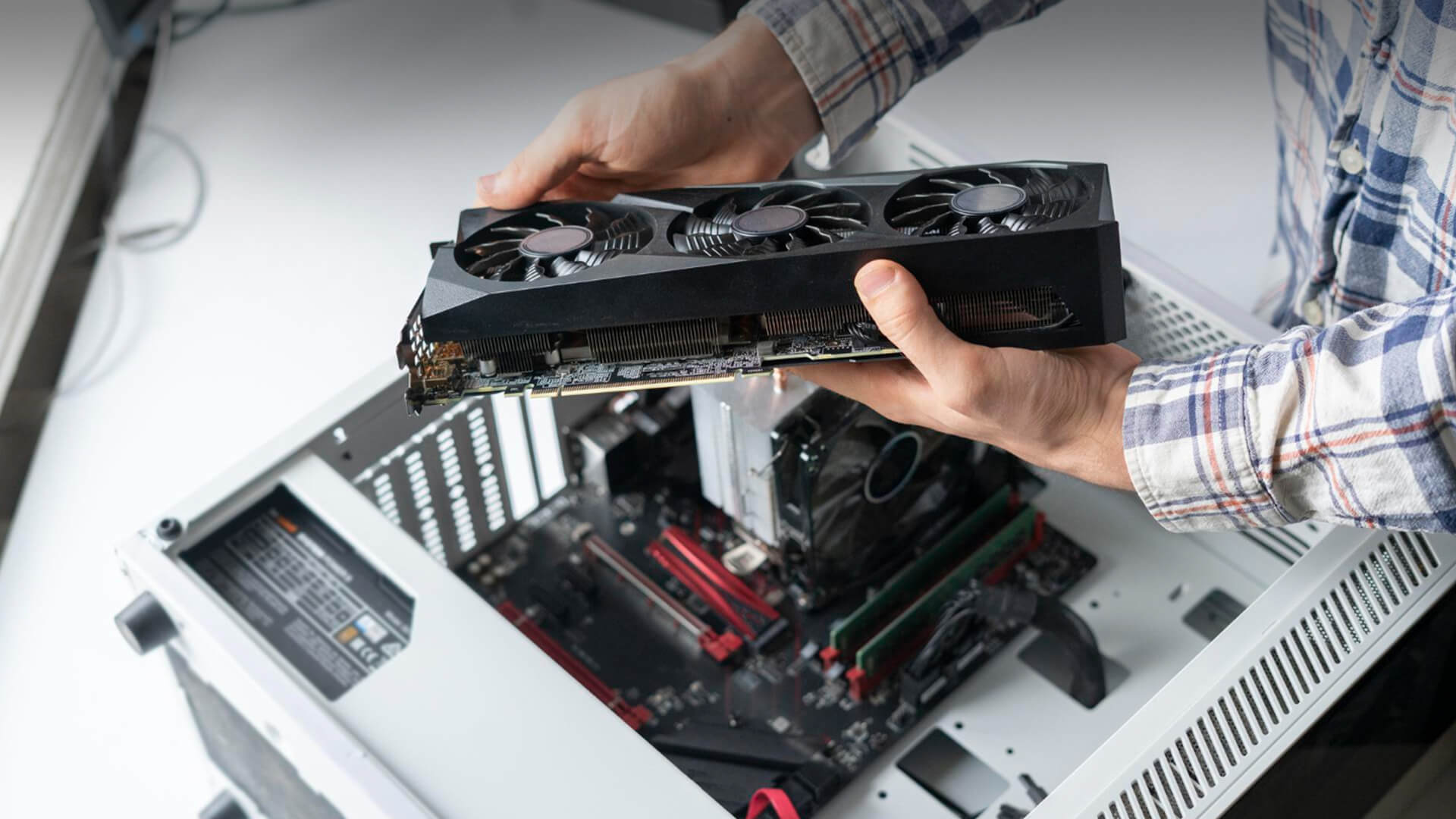
There’s something special about building your own PC, like assembling a high-performance Lego set, but one that can run Cyberpunk 2077 at max settings. The DIY route is where you get to unleash your inner tech wizard, handpicking every part until your system is exactly what you want it to be. It’s the control freak’s dream, and honestly, it’s a big reason why the build vs buy gaming PC debate even exists.
Building a personal computer in 2025 has never been easier or more fun. Compatibility tools, PC part pickers, and endless YouTube guides mean you don’t need an engineering degree to get started. You choose the case that screams your personality, the GPU that fits your budget (and ego), the computer storage that suits your requirements, and the cooling setup that keeps your rig quiet while it devours frames. From RGB patterns to airflow design, it’s all about creating something that feels uniquely yours.
Of course, there’s also the satisfaction factor. That proud moment when your system finally powers on for the first time, fans spin up, and the BIOS screen flickers to life. That’s pure dopamine. But, it’s not all sunshine and stable overclocks. You’ll face a few hurdles, double-checking part compatibility, handling cable management (a.k.a. the octopus fight), and occasionally dealing with a part that decides to arrive DOA. Still, most PC builders will tell you the learning experience alone is worth it. Once you’ve built one system, you’ll never look at prebuilt specs the same way again.
So, if you’ve got the patience, curiosity, and a few hours to spare, building your own rig gives you something money can’t buy. Total control and a story behind every component.
The Case for Prebuilt – Convenience Meets Power
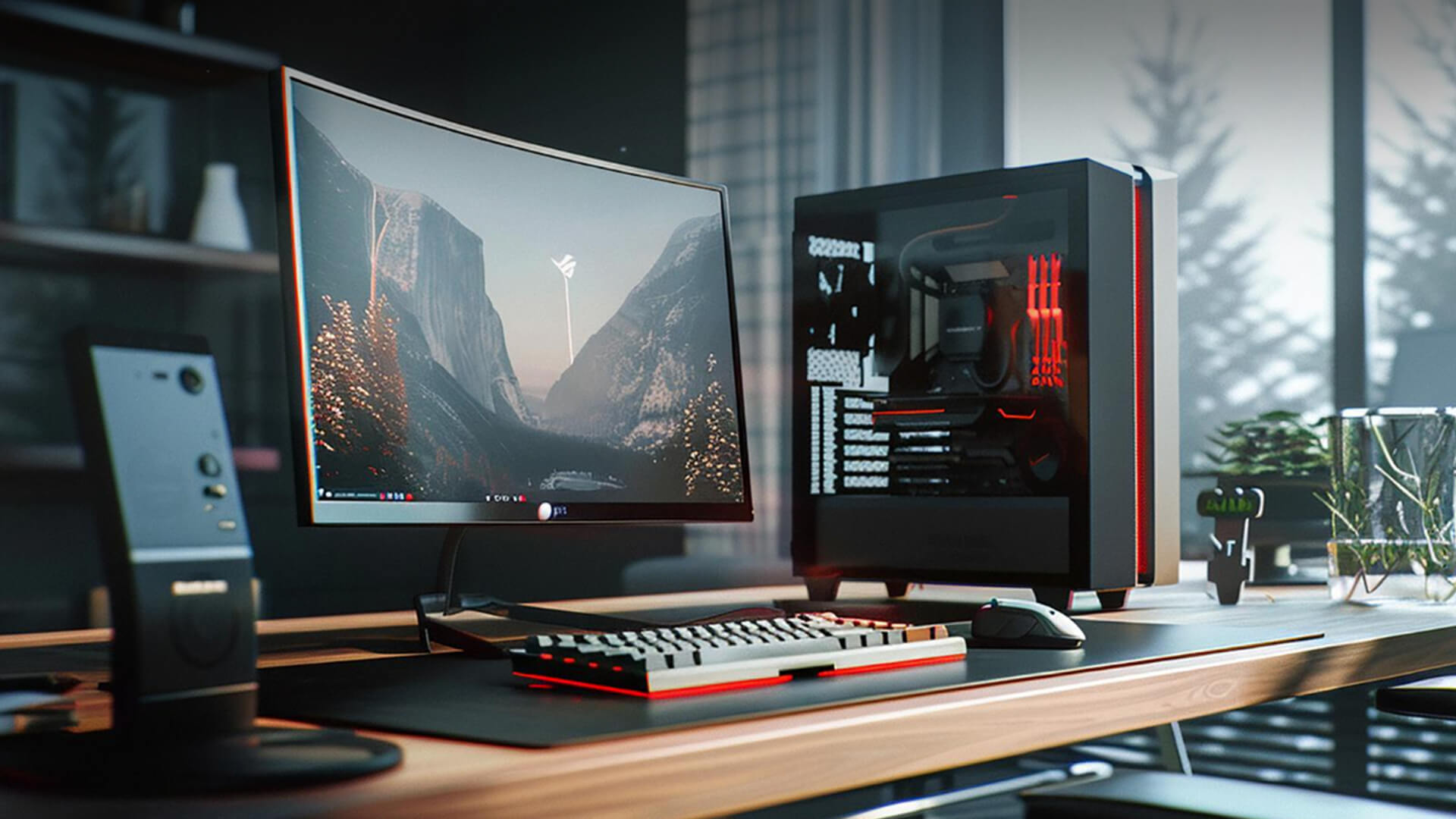
Not everyone dreams of wrestling with SATA cables at 2 a.m. or watching three hours of “how to apply thermal paste” tutorials before touching a motherboard. For many gamers, the idea of building a PC sounds about as relaxing as a Dark Souls boss fight on a Monday morning, and that’s exactly where prebuilt systems step in.
Prebuilt gaming PCs in 2025 are nothing like the clunky beige boxes of the past. These machines are sleek, efficient, and seriously powerful. Manufacturers have nailed the balance between design, airflow, and performance, giving you rigs that not only look premium but also perform like absolute beasts straight out of the box. Plug it in, power it up, and you’re basically raid-ready in minutes. No parts lists, no missing screws, and no “why won’t it POST?” panic attacks.
The convenience factor is the real MVP here. You’re getting a fully assembled and tested system, complete with a warranty and support team that actually knows what they’re talking about. That peace of mind is worth a lot, especially if you’re new to PC gaming or just want to spend more time playing rather than building. Plus, with the rapid evolution of hardware in 2025, prebuilt options are often optimised with the latest components, drivers, and BIOS updates, saving you from a heap of setup stress.
So, if your idea of a good weekend involves gaming marathons rather than screwdriver sessions, a prebuilt PC gives you that instant gratification without sacrificing performance. It’s the power of modern gaming, minus the headache.
Performance, Longevity, and Future-Proofing
Here’s where things get spicy. When it comes to the build vs buy gaming PC debate, performance is usually where people plant their flag... and for good reason. No one wants to drop a few grand on a rig that chokes the moment a new AAA release drops. Learning about 2025 AAA PC requirements can help you make the right decision.
When you build your own system, you get to hand-pick every component for performance harmony. Want to pair an overpowered GPU with a budget CPU just to see what happens? Go for it (though maybe don’t). Prefer a specific motherboard for easier future upgrades or a certain RAM speed that matches your overclocking ambitions? Totally your call. This control means you can fine-tune your setup for the games you play most, whether that’s squeezing out every frame in Valorant or ensuring your RPG worlds load faster than your mate’s excuses for lagging behind.
That said, prebuilt systems aren’t slouches anymore. The days of overpriced prebuilts packed with mystery parts are mostly gone. In 2025, most major builders are using high-quality, branded components, fine-tuned for stability and thermal efficiency. You’re getting solid, balanced performance without the guesswork. Plus, modern prebuilts are tested under load, which means you’re less likely to run into that dreaded “it boots, but why is it on fire?” scenario.
Future-proofing is where DIY still shines a bit brighter. When you’ve built the system yourself, upgrading later is usually easier. Swap out the GPU, add another stick of PC RAM, upgrade your cooling, switch your Intel CPU with an option from AMD Processors, done. With some prebuilts, however, you might hit limits with proprietary parts or space constraints. It’s not a deal-breaker, but it’s worth thinking about if you’re the kind of gamer who loves staying ahead of the tech curve.
At the end of the day, both paths can deliver killer performance. The difference lies in how much you want to control that performance, build for flexibility, buy for balance.
Real-World Examples – Build vs Buy in Action

It’s one thing to debate specs and theory, it’s another to see how it actually plays out when you put pounds to parts. Let’s break down what building and buying really look like at different budgets.
£1,000 Budget Build – The Smart Starter Setup
If you’ve got around £1,000 to spend, you’re likely targeting smooth 1080p or 1440p gaming without going broke. Building your own PC at this level lets you mix and match parts: a capable CPU such as one from Intel Processors range, a mid-tier GPU, 16GB of RAM, and a quick NVMe SSD. That combo will handle most modern titles with ease and even give you a bit of future headroom.
But remember, that DIY price tag doesn’t include everything. Add an operating system, maybe a few extra fans, and factor in the time spent watching “how to cable manage like a pro” tutorials. You’ll still get a great system, but the “savings” can shrink once you include the extras (and your sanity).
£1,000 Prebuilt – Ready to Roll, No Tools Required
On the flip side, a prebuilt gaming PC at the same budget often delivers very similar performance, minus the manual labour. These systems come fully assembled, tested, and backed by warranty, so you can jump straight into gaming.
Yes, you’ll pay a small premium for that plug-and-play convenience, but for many, it’s a fair deal. No bent pins, no missing screws, no “why won’t it boot?” panic. Just smooth gaming from the moment it lands on your desk.
£2,000 Range – Powerhouse Territory
Now, if you’re climbing into the £2,000 zone, the conversation shifts. Custom builds here can be masterpieces with tailored cooling systems, specific RGB setups, even overclocked components tuned for max FPS glory. But premium prebuilts have caught up. Many feature next-gen CPUs and gaming Graphics card options, whisper-quiet cooling, and cable work so clean it belongs in an art gallery.
At this price point, it’s not about which is faster. It’s about which suits you. DIY builds give you creative control; prebuilts give you flawless execution and zero hassle.
In the end, both sides of the build vs buy gaming PC coin can deliver incredible rigs. One tells your story, the other just saves you a few headaches along the way.
The Experience Factor – Setup, Support, and Everyday Use
So, you’ve made your choice, or at least narrowed it down, but what’s life actually like after you get your shiny new rig? The answer depends on whether you went full DIY hero or chose the easy-mode prebuilt path.
Building It Yourself – The First Boot Adventure
Setting up your own build is equal parts thrilling and nerve-wracking. That first power-on moment? Chef’s kiss. The fans spin, lights flash, and for a brief second, you feel like Tony Stark powering up his first suit.
But before you reach that glory, you’ll face the classic DIY rites of passage. Mounting the CPU cooler just right, connecting a dozen tiny cables that all look identical, and realising the motherboard manual is suddenly your new bedtime reading. Once it’s running, though, you know your system inside out. Troubleshooting becomes easier, upgrades feel natural, and that confidence boost is real.
Building your own system isn’t just about saving money. It’s about earning your stripes as a gamer who knows their machine at a component level.
Prebuilt PCs – Plug, Play, and Peace of Mind
Prebuilt users, meanwhile, enjoy the sweet simplicity of skipping all that setup stress. Your PC arrives tested, assembled, and ready to boot. Plug it in, hit the power button, and you’re gaming within minutes. No BIOS tweaks, no driver hunting, no “why is this cable too short?” moments.
And when something goes wrong (because it always does eventually), you’ve got warranty support and customer service to back you up. That’s a massive win for anyone who doesn’t want to play tech support between matches.
For most gamers, the experience of using a prebuilt system feels smoother and more streamlined, less fiddling, more fragging.
Time vs Tinkering
At the end of the day, this stage of the build vs buy gaming PC journey comes down to what kind of gamer you are. Do you enjoy the satisfaction of building and maintaining your own system, or would you rather spend your weekends exploring new game worlds instead of BIOS menus?
There’s no wrong choice, just different types of fun. One’s about craftsmanship, the other’s about convenience. Pick the kind that fits your playstyle, both in and out of the game.
So, Which Should You Choose?
Alright, we’ve compared costs, performance, and even the emotional rollercoaster of assembling your own rig. So, where does that leave us? In classic gamer fashion: it depends.
The truth is, there’s no one-size-fits-all answer in the build vs buy gaming PC debate. It all comes down to what kind of player you are and how much time, effort, and curiosity you’re willing to invest outside the game itself.
When Building Makes Sense
If you’re the type who loves tweaking settings, experimenting with overclocks, or customising every last cable tie, building your own system will be your happy place. It’s not just about performance; it’s about expression. You’re creating a rig that reflects you, from the glow of your RGB fans to the hum of your cooling system.
Building also makes long-term sense if you plan to upgrade gradually. You can start with a solid base and evolve your setup as new hardware drops. It’s a satisfying cycle of improvement that keeps your PC fresh for years. Just be ready for a bit of tinkering, and maybe the occasional BIOS tantrum.
When Buying Is the Smarter Play
If you’d rather skip the technical gymnastics and jump straight into gaming, a prebuilt system is your best mate. It’s the ideal option for players who value time and simplicity. You get the latest hardware, warranty protection, and support, all without the guesswork of part picking.
Prebuilts are also brilliant for parents buying a rig for their kids or anyone who doesn’t want to risk spending £2,000 and ending up with a flashing error code instead of a desktop. These systems just work right out of the box.
The Bottom Line
At the end of the day, both options get you where you want to be: immersed in incredible games on hardware that can handle the heat. The difference lies in how you want to get there.
- Build for control, creativity, and the joy of learning something hands-on.
- Buy for convenience, reliability, and less time between unboxing and playing.
Whichever path you take, the best part is the same: that first game session on your new rig, when everything runs smooth, the graphics pop, and you think, yeah, this was worth it.
FAQ – Gaming PC Buying and Building in 2025
Should I buy a PC or build one?
If you love getting hands-on and want to fine-tune every detail, building your own gaming PC is incredibly rewarding. You’ll learn loads, get exactly what you want, and maybe save a few quid if you plan it right. But if you’d rather skip the hassle and jump straight into gaming, buying a prebuilt PC is the smarter move. In 2025, both options are top tier. It’s just about whether you prefer tinkering or playing.
What’s better for 1440p and 4K gaming – build or buy?
Both paths can deliver excellent results, but it depends on your budget and goals. A custom-built PC gives you flexibility to prioritise your GPU and cooling, perfect for squeezing out every frame at higher resolutions. Prebuilt systems, on the other hand, are often optimised by experts to balance performance and thermals right out of the box, ideal for gamers who want instant 4K-ready performance without micromanaging specs.
Do prebuilt PCs come with upgrade options?
Absolutely. Most modern prebuilts use standard-sized components, meaning you can swap out GPUs, RAM, and storage later on. The only thing to watch out for is space or proprietary parts in some compact or brand-specific cases. But overall, the days of locked-down prebuilts are fading fast. 2025 systems are far more modular and future-friendly than they used to be.
Can you customise branded gaming PCs?
Yep, and it’s easier than you might think. Many retailers now let you tweak your prebuilt before checkout including upgrading RAM, storage, or even choosing a different graphics card. You can also modify and expand most prebuilts later if you fancy adding personal touches like RGB, liquid cooling, or extra drives. Think of it as a halfway house between full DIY and plug-and-play simplicity.
How long does it take to build your own PC?
For first-timers, expect a few hours, longer if you’re triple-checking every step (and watching build guides in another tab). Once you’ve done it once or twice, it becomes second nature. But remember, things can go wrong: a cable too short here, a missing screw there. Patience is the real power supply in any DIY build.
What’s included in a prebuilt package?
A prebuilt gaming PC usually arrives with an installed operating system, driver setup, and basic testing done. Plug it in, connect your peripherals, and you’re ready to go. Some even include free software or game bundles, depending on the brand or promotion. Basically, you handle the unboxing they handle the rest.
Are warranties better for prebuilt or custom builds?
Prebuilts usually win here. You get a full-system warranty and dedicated support, so if something breaks, you send it back and it’s sorted. With DIY builds, each part has its own warranty, meaning you’ll need to deal with manufacturers individually. Not a big deal for experienced builders, but definitely something to consider if you prefer minimal fuss.
You can pay with:
*PayPal Credit Representative Example: Assumed credit limit £1,200, Representative 23.9% APR (variable). Purchase rate 23.9% p.a (variable).Terms & Conditions apply.


PayPal Credit and PayPal Pay in 3 are trading names of PayPal UK Ltd, 5 Fleet Place, London, United Kingdom, EC4M 7RD. Terms and conditions apply. Credit subject to status, UK residents only, Five Tech LTD acts as a broker and offers finance from a restricted range of finance providers. PayPal Pay in 3 is not regulated by the Financial Conduct Authority. Pay in 3 eligibility is subject to status and approval. 18+. UK residents only. Pay in 3 is a form of credit. Check if affordable and how you will repay. May make other borrowing more difficult or expensive. See product terms for more details.
Copyright © 1996-2026 Fivetech LTD | Terms and Conditions
box.co.uk & Box are trading names of Five Tech Limited. Registered office: Box LTD, Unit 10 Woodford Trading Estate, Woodford Green IG8 8HF