


 Menu
MenuMenu


Get Sales Advice from Mon - Fri 9am - 5:00pm:
020 3337 8950LAST UPDATED: March 26, 2026
Fractal Case Panels Not Aligning? Fix Side & Top Panel Snap and Fit Issues
You finish your build, step back to admire it and then the side panel refuses to close. Or the top panel won't sit flat. Or the front panel snaps in on one side but pops out on the other.
If this sounds familiar, you're not alone. Fractal case panel issues are one of the most common frustrations builders face, even with otherwise excellent build quality.
The good news? In most cases, nothing is "broken". Fractal Design cases use tight tolerances, modular panels, and snap-fit systems that demand precision. A millimetre out of place inside the chassis can be enough to throw everything off.
This guide walks through why Fractal case panels stop lining up, how to identify the real cause, and how to fix side, top, and front panel fit issues without damaging your build.
Why Fractal Case Panels Sometimes Refuse to Line Up
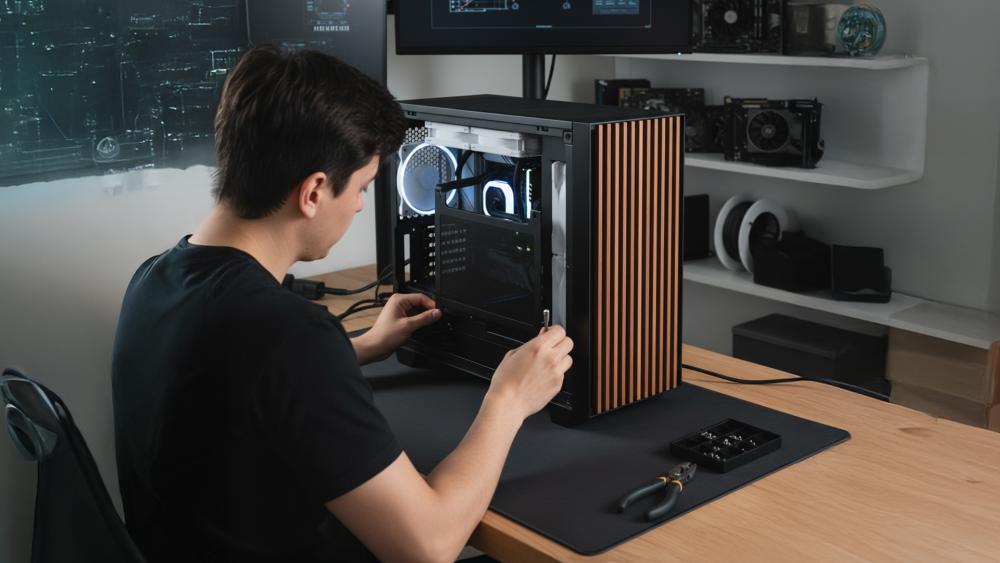
Fractal Design cases are built with very tight chassis tolerances. That precision is what gives models like the Meshify, North, Torrent, and Terra their clean lines, solid build quality, and excellent airflow. The downside is that there's almost no room for error during a build. Even a tiny misalignment inside the case can stop a panel from closing properly. When a Fractal side panel or top panel refuses to sit flush, it's usually not a defect; it's the case reacting to internal pressure or interference that's only a millimetre or two out of spec.
Tight Tolerances and Why "Almost Right" Isn't Enough
Unlike cheaper cases that flex to hide minor mistakes, Fractal cases are rigid by design. Steel panels, snap-fit clips, and tempered glass don't forgive uneven pressure. If cables, brackets, or components push outward even slightly, the panel rails won't engage correctly. This is why panels often look aligned but refuse to snap or latch at the final step. The tighter the tolerances, the more important precise cable routing and component placement become.
Cables, Cooling Hardware, and Internal Pressure Affect Panel Fit
Internal pressure is the most common cause of Fractal case panel issues. Thick cable bundles behind the motherboard tray can bow outward, especially in mid-sized and compact cases. Power cables for GPUs and CPUs are frequent offenders, particularly when they're stacked instead of spread flat. Cooling hardware can cause similar problems. Fans or radiators mounted slightly too high, or dust filters that aren't seated properly, can block top panels or front panels from snapping into place. Because airflow panels are designed to sit flush, any obstruction immediately shows up as a fit issue.
Before You Fix it, Identify What's Causing the Problem
Not all Fractal case panel issues have the same root cause. Side panels, top panels, and front panels are mounted differently and fail for different reasons. Jumping straight to "forcing it to fit" often leads to snapped clips, scratched panels, or cracked tempered glass. Taking a few minutes to identify which panel is misbehaving and why makes the fix faster and far safer.
Side Panel Issues: Pressure and Clearance Problems
Side panel alignment problems are almost always caused by internal pressure. Cables routed behind the motherboard tray, GPU power connectors, or tall internal components can push outward just enough to stop the panel from sitting flush. This is especially common with tempered glass panels, which don't flex at all. If a side panel looks aligned but won't latch or snaps out after closing, something inside the case is pressing against it.
Top Panel Issues: Cooling Hardware and Filter Placement
Top panels usually stop fitting properly after a cooling change. Fans with thicker frames, radiators mounted slightly too far forward, or dust filters that aren't fully seated can block the panel rails or snap-fit clips. Even a small offset can cause the panel to sit unevenly or refuse to snap in. If the problem appears after installing fans or a radiator, the obstruction is almost always near the top mounting area.
Front Panel Issues: Clips, Frames, and Panel Flex
Front panels behave differently again. Most Fractal front panels rely on snap-fit clips and airflow frames rather than rails. If the panel snaps in on one side but pops out on the other, the issue is often a bent mounting tab, weakened clip, or slight frame flex. Mesh front panels can also hide alignment problems until pressure is applied, making the issue feel inconsistent.
Why Identifying the Panel First Saves Time
Each panel type fails in its own way, and the fix depends on understanding that difference. Side panels point you toward cable management and internal clearance. Top panels point to fan thickness, radiator offsets, or filter seating. Front panels usually indicate clip or frame issues. Knowing which panel is affected tells you exactly where to look and helps you fix the problem without damaging your case or components.
Fixing Side Panel Alignment Issues on Fractal Cases
Side panels are the most sensitive part of a Fractal case because they sit directly against internal components and cables. If a side panel won't close, the solution is never to force it. The fix is almost always about reducing outward pressure and reseating the panel correctly.
Step 1: Relieve Internal Pressure Behind the Panel
Most side panel problems start behind the motherboard tray. Even small cable bundles can push the panel outward enough to stop latching.
To reduce pressure without tearing the build apart:
- Open the rear side panel and inspect cable routing behind the motherboard tray
- Flatten cable runs instead of stacking them vertically
- Route thicker cables (GPU, CPU power) along natural chassis channels and recesses
- Avoid letting excess PSU cable length pile up directly behind the panel rails or latch points
If your case uses a PSU shroud, check that unused cables are tucked inside the shroud rather than pressed against the side panel area.
| Extra tip: If the chassis feels slightly twisted, loosen all motherboard screws by half a turn, gently press the side panel into place to square the frame, then re-tighten the screws evenly. Uneven standoff tension can subtly distort the case just enough to affect panel alignment. |
Step 2: Check Component Clearance Near the Panel
Before reseating the panel, quickly scan for components that might be causing interference:
- GPU power connectors sticking out at sharp angles
- Thick cable combs or extensions near the panel edge
- Fan or radiator brackets pressing outward
If anything touches the panel when it's held in place, reroute or reposition it before continuing.
Step 3: Reseat the Panel the Right Way (Order Matters)
Fractal side panels are designed to slide and latch, not snap on with force. The order you seat the panel makes a big difference.
Follow this sequence:
- Align and insert the bottom tabs first, making sure they are fully seated in their slots
- Keep the panel flat and parallel to the chassis
- Gently press the top edge inward until it slides or clicks into place
If you try to push the top edge first, the bottom tabs won't align properly, and the panel will always feel "almost right" but never close fully.
Step 4: Apply Even Pressure (Especially with Tempered Glass)
For tempered glass panels:
- Use gentle, even pressure across the centre of the panel
- Never press hard on one corner or edge
- If resistance remains, stop and recheck for obstructions
Tempered glass doesn't flex. If it resists, something inside the case is still pushing back.
Solving Top Panel Snap and Seating Problems
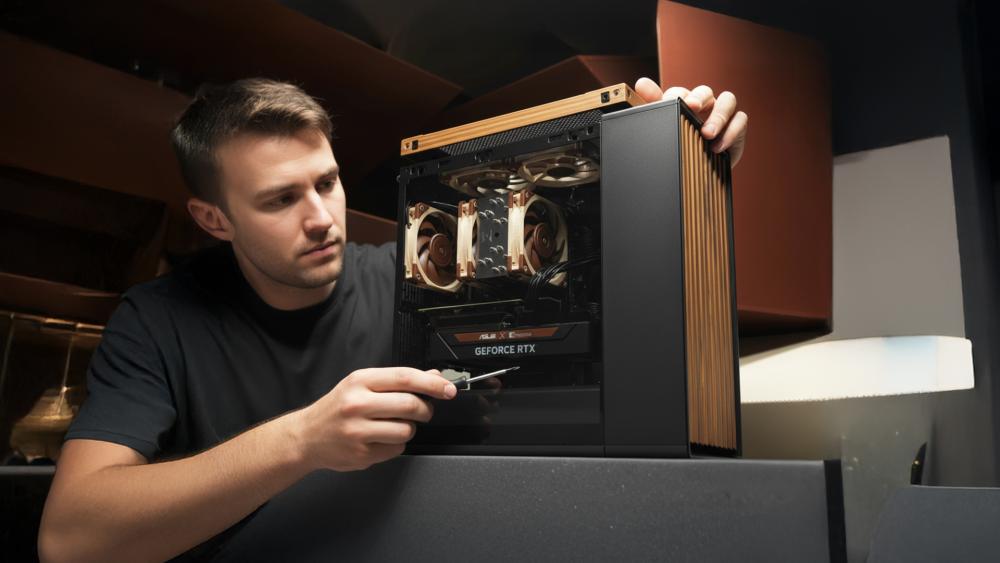
Top panel issues often appear after cooling upgrades. Fans, radiators, and filters change the internal layout more than most builders expect, and even a small mismatch can stop the panel from sitting flat or snapping into place.
Step 1: Check Fan and Radiator Placement First
Cooling hardware is the most common cause of top panel fit problems.
Go through these checks:
- Confirm that radiators are mounted in the correct offset position for your Fractal case
- Check that fans are seated fully in their mounting slots and not sitting higher on one side
- Measure fan thickness; some aftermarket fans are thicker than standard 25 mm models
- Look for screws that are slightly over-tightened and pulling the radiator or fan out of alignment
Even a few millimetres of interference can block snap-fit clips from engaging, especially on mesh top panels.
Step 2: Look for Obstructions Along the Panel Rails
Before reinstalling the panel, inspect the edges of the top opening:
- Make sure no fan cables are crossing over the panel rails
- Check that radiator brackets are flush and not flexing upward
- Ensure no rubber grommets or vibration pads are out of place
Anything sitting proud of the chassis edge can prevent the panel from seating evenly.
Step 3: Test Without the Dust Filter
Magnetic dust filters add thickness and can easily be misaligned.
To rule them out:
- Remove the dust filter completely
- Reinstall the top panel and check if it snaps into place cleanly
If the panel fits without the filter, the issue is alignment rather than clearance. Re-seat the filter carefully so it lies flat before reinstalling the panel.
Step 4: Reseat the Panel Evenly
Top panels need to sit flat across their entire length.
When reinstalling:
- Align the panel carefully at one end
- Lower it evenly rather than pressing down on one corner
- Apply gentle, even pressure until all clips engage
If the panel rocks, flexes, or rattles, remove it and recheck alignment rather than forcing it.
Step 5: Confirm Fit and Noise Levels
Once seated:
- Run the system briefly and listen for vibration or rattling
- Lightly tap the panel to check for movement
- Confirm the panel remains flat across the surface
A correctly seated top panel should snap in smoothly, sit flush, and stay quiet even under load.
| If you're comparing different layouts, airflow designs, and panel systems, Fractal cases compared guide breaks down how each model handles space, cooling, and fit before you commit to a build. |
When the Problem isn't Alignment: But Fit and Finish
Sometimes panels technically close, but they don't feel secure. You may notice rattling, uneven gaps, or panels that pop loose during use. When this happens, the issue is usually wear, deformation, or material behaviour rather than a mistake in your build.
Step 1: Check for Loose Clips and Panel Rattle
Snap-fit panels rely on small metal or plastic clips to stay seated.
Over time, these clips can weaken due to:
- Frequent panel removal for cleaning or upgrades
- Panels being pulled off at an angle instead of evenly
- Slight manufacturing fatigue in snap-fit mechanisms
Signs of clip wear include panels that:
- Rattle when fans spin up
- Sit flush at first but loosen over time
- Require pressure to stay in place
If clips no longer hold firmly, alignment fixes won't fully solve the problem.
Step 2: Inspect for Subtle Panel or Frame Deformation
Shipping or handling can cause slight warping that's hard to spot visually.
To diagnose this:
- Remove the problematic panel
- Swap it with the equivalent panel from the opposite side of the case
- Try fitting it in the same position
If the issue follows the panel, the panel itself is likely warped.
If the issue stays with the chassis, the frame may have a slight bend or flex.
Even minor deformation can prevent tight-tolerance panels from sitting correctly.
Step 3: Understand How Different Panel Types Behave
Not all panels react the same way to small imperfections.
- Mesh panels are lighter and more forgiving, often flexing slightly to hide minor alignment issues
- Solid steel panels rely on straight edges and firm clip engagement
- Tempered glass panels have zero flexibility and immediately reveal uneven pressure or frame twist
This is why airflow-focused cases can feel more "fussy" the panels are designed to sit perfectly flat, not to compensate for internal pressure.
Step 4: Decide Whether Adjustment or Replacement Makes Sense
If a panel:
- Rattles despite correct alignment
- Shows visible bowing or uneven gaps
- Won't stay seated after reseating clips
It may be more practical to replace the panel rather than continue adjusting internal components. Tight-tolerance cases don't leave much margin for worn or warped parts.
| For builders dealing with heat build-up or uneven airflow, Fractal cooling & hotspot fixes guide explains how panel design, fan placement, and internal layout affect temperatures and long-term performance. |
How to Avoid Panel Fit Issues on Your Next Fractal Build
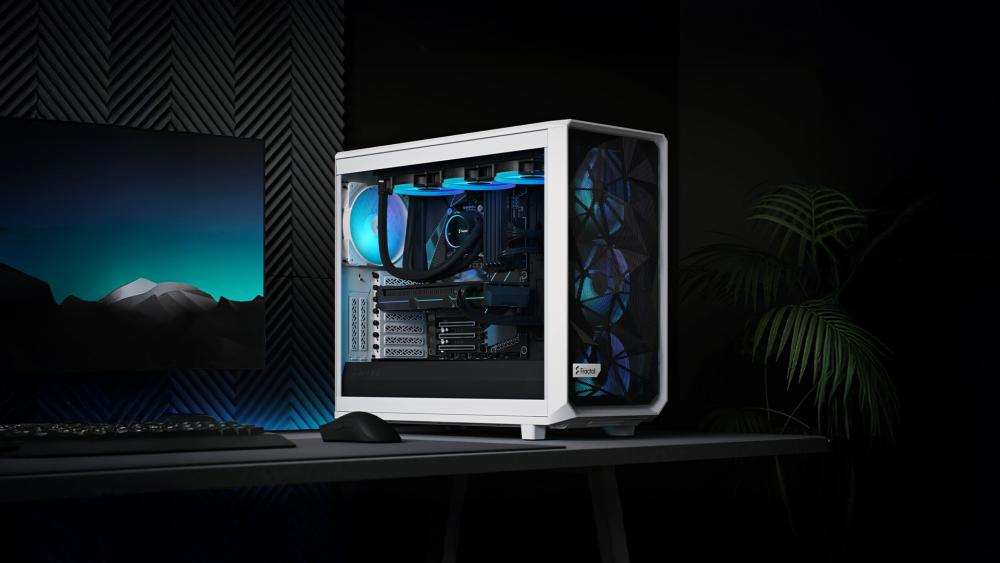
Most panel issues are preventable with the right habits.
Build Order and Cable Management Habits that Make Panels "Just Work"
Install large components first, then route cables before tightening everything down. Test-fit panels early, especially after adding cooling hardware. This allows you to catch clearance issues before the build is fully locked in.
Choosing the Right Case Size for Your Hardware and Cooling Plans
Many Fractal case panel issues don't start with the panels at all. They begin with case choice. Modern GPUs, thicker radiators, and dense cable runs leave very little tolerance in compact designs. When space runs tight, the pressure usually shows up as side or top panels that won't seat properly.
When Compact Cases Cause Panel Problems
Smaller cases can struggle with long graphics cards, front-mounted radiators, or thicker fans. Even if parts technically fit, limited cable clearance often pushes panels outward, making snap-fit or tempered glass panels difficult to close.
Why Mid-Tower Cases Are the Safest Option
Mid-sized PC cases offer better rear cable depth and more forgiving airflow spacing. This reduces internal pressure and makes panels far easier to slide, latch, and sit flush during both first builds and upgrades.
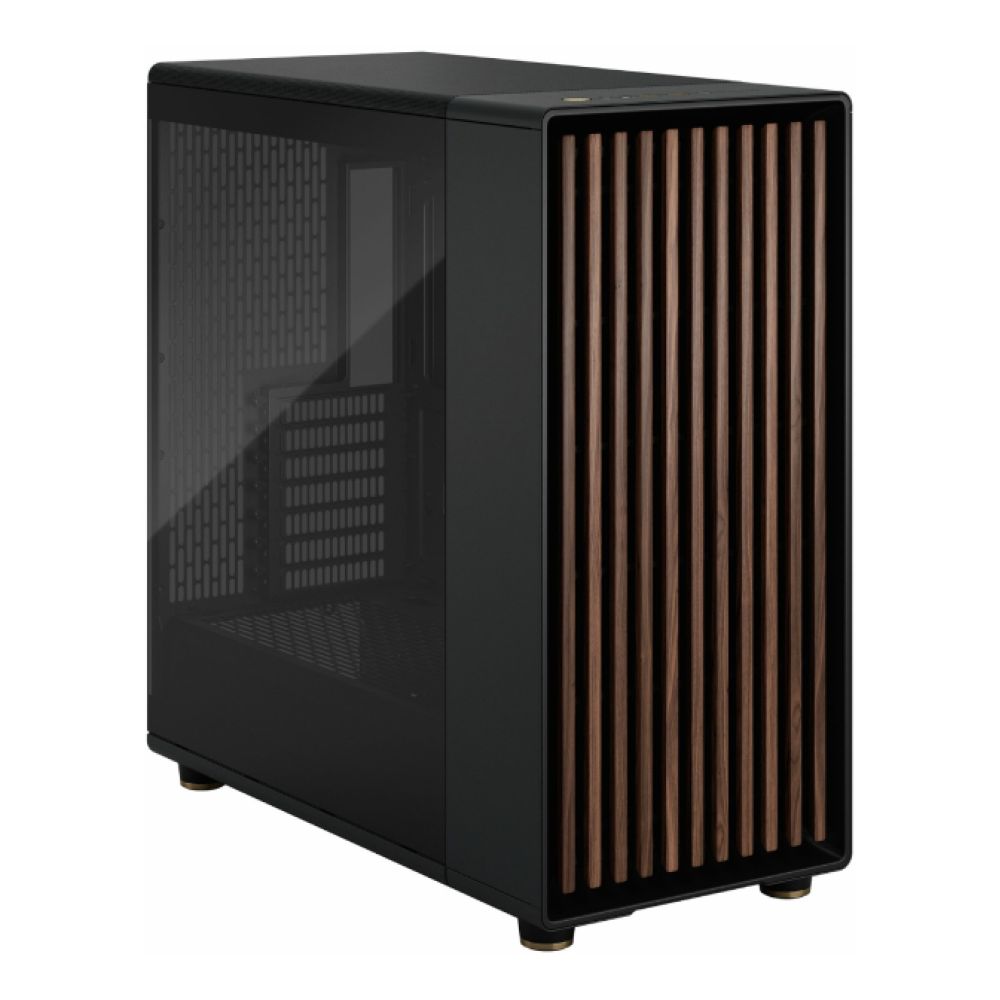
Recommended case:
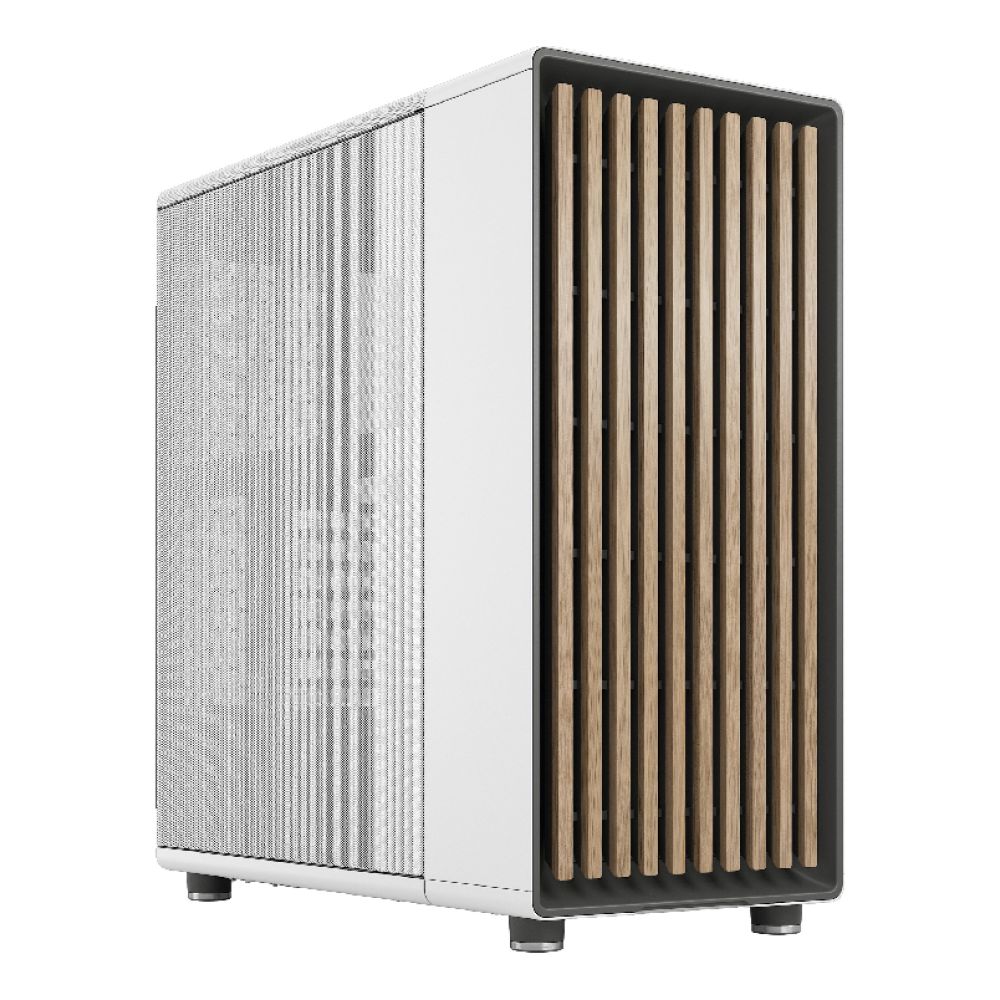
Fractal Design North Chalk White Mesh Side Panel ATX Mid Tower PC Case
MPN: FD-C-NOR1C-03
A well-balanced mid tower with generous rear cable clearance and a mesh side panel that's more forgiving during installation. Its airflow-focused layout helps components sit without pushing against side panel rails.
When Full Tower Cases Make Sense
Full tower cases virtually eliminate clearance issues. Extra internal space allows cables, radiators, and fans to sit without interference, making side, top, and front panels much easier to fit correctly.
Recommended case:
Fractal Design Pop XL Air RGB Tempered Glass EATX Full Tower PC Case - Black
MPN: FD-C-POR1X-06
Designed for airflow-focused, high-capacity systems, the Pop XL Air RGB delivers generous interior space for advanced cooling and clean cable routing. Integrated RGB lighting adds vibrant customisation, making it an ideal choice for gamers seeking performance with standout visual appeal.
Mesh Panels and Filters Need Extra Room
Mesh front panels and magnetic dust filters rely on everything sitting perfectly flat. In tight cases, even small obstructions can cause uneven seating or vibration. Extra clearance helps airflow panels behave as intended.
Recommended case:
Fractal Design Meshify 3 Ambience Pro RGB Mid Tower Gaming PC Case – Black
MPN: FD-C-MES3A-03
Built around airflow efficiency, this case provides proper spacing for mesh panels and filters. Its internal layout reduces pressure points that often cause front or top panels to sit unevenly.

What to Check Before You Buy
Beyond GPU length, check fan thickness, radiator offsets, PSU shroud space, and rear cable depth. Choosing a case that fits your hardware comfortably not just on paper; is one of the easiest ways to avoid panel alignment issues altogether.
Final Thoughts
Fractal case panel issues are rarely a sign of poor build quality. More often, they're the result of tight chassis tolerances combined with internal pressure from cables, cooling hardware, or slightly oversized components. Because Fractal Design cases are built to sit flush and rigid especially with tempered glass panels and snap-fit designs — even small misalignments can stop panels from closing cleanly.
By identifying the real cause first, reseating panels correctly, managing internal clearance, and choosing a case size that suits your cooling plans, most alignment and snap-fit problems can be fixed without forcing anything or risking damage. Just as importantly, these steps help preserve airflow in the case, reduce vibration or rattle, and make future upgrades far less frustrating.
If you're planning a new build or rethinking your current setup, you can explore the Fractal PC cases range, compare different computer case options, or browse mid-sized PC cases and full tower cases at Box.co.uk. With detailed specifications and a wide selection in one place, it's easier to choose a case that fits your hardware properly — and avoids panel fit issues from day one.
FAQs
Why won't my Fractal side panel snap into place?
In most cases, internal pressure is the issue. Cables behind the motherboard tray, a slightly misaligned motherboard, or GPU power connectors can push outward just enough to prevent the panel from engaging with its rails or clips. Because Fractal cases use tight tolerances, even a 1 mm obstruction can stop the panel from seating properly.
What causes a Fractal top panel to sit unevenly after installing fans?
Top panels often sit unevenly when fans or radiators are mounted too high, use thicker-than-standard frames, or are positioned incorrectly on the mounting slots. Dust filters that aren't fully seated can also add extra thickness, preventing the mesh or solid top panel from lying flat.
Can cable management stop a PC case panel from closing properly?
Yes — this is the most common cause of panel fit issues. Bundled or overlapping cables behind the motherboard tray can press directly against side panels, especially tempered glass ones that don't flex. Flattening and rerouting cables usually resolves the problem immediately.
Is it safe to apply pressure to a tempered glass panel?
Only gentle, even pressure should ever be used. Never force one corner or press sharply, as tempered glass panels can shatter if stressed unevenly. If the panel resists, it's safer to remove it and check for obstructions rather than pushing harder.
When should I replace or return a Fractal case panel?
If a panel remains misaligned after clearing cables, reseating components, and checking clips or tabs, it may be warped or damaged from shipping. Visible bends, uneven gaps, or weakened snap-fit clips are good indicators that a replacement or return is the safer option.
You can pay with:
*PayPal Credit Representative Example: Assumed credit limit £1,200, Representative 23.9% APR (variable). Purchase rate 23.9% p.a (variable).Terms & Conditions apply.


PayPal Credit and PayPal Pay in 3 are trading names of PayPal UK Ltd, 5 Fleet Place, London, United Kingdom, EC4M 7RD. Terms and conditions apply. Credit subject to status, UK residents only, Five Tech LTD acts as a broker and offers finance from a restricted range of finance providers. PayPal Pay in 3 is not regulated by the Financial Conduct Authority. Pay in 3 eligibility is subject to status and approval. 18+. UK residents only. Pay in 3 is a form of credit. Check if affordable and how you will repay. May make other borrowing more difficult or expensive. See product terms for more details.
Copyright © 1996-2026 Fivetech LTD | Terms and Conditions
box.co.uk & Box are trading names of Five Tech Limited. Registered office: Box LTD, Unit 10 Woodford Trading Estate, Woodford Green IG8 8HF