


 Menu
MenuMenu


Get Sales Advice from Mon - Fri 9am - 5:00pm:
020 3337 8950LAST UPDATED: February 23, 2026
Why 1440p Is the New Sweet Spot for Gaming Monitors
If you're stuck between "cheap and fast" 1080p and "looks amazing but costly" 4K, 1440p is the middle ground that actually feels right in real play. The best 1440p gaming monitor gives you a clear jump in sharpness and immersion without nuking your frame rates, and it's become the default upgrade for a lot of PC gamers. You also get loads of choice now, from fast IPS to high-contrast VA and even OLED options, so picking the best 1440p gaming monitor is more about matching your games and hardware than just buying the priciest panel.
In this guide, we'll break down what gamers genuinely notice at 1440p, which refresh rates matter, how panel tech affects your experience, and what "QHD" really means. So without further ado, let's get started.
Why 1440p Has Become the Sweet Spot for PC Gaming
1440p has hit the sweet spot because it upgrades clarity without demanding a full rebuild. On a 27-inch or 32-inch screen, a 1440p gaming monitor looks noticeably sharper than 1080p, but you can still push high refresh rates on sensible GPUs. That's the key. You're not choosing between "pretty" and "playable" as much as you do at 4K.
Another reason 1440p is everywhere now is variety. The market is stacked with 1440p monitors across different budgets and panel types, including 1440p IPS, 1440p VA gaming monitor, and the premium end like an OLED 1440p monitor. That means you can pick the best 1440p gaming monitor that fits how you play: competitive shooters, immersive single-player, or a mix of gaming and work.
1440p also makes sense for modern PC builds. It pairs well with current GPUs and keeps your upgrade path flexible. If your current GPU struggles, you can tune settings and still enjoy the boost in detail, and if you upgrade later, the best 1440p gaming monitor will scale with you. For a quick look at monitor options, high-performance gaming monitors is the best starting point.
1440p vs 1080p vs 4K — What Gamers Actually Notice
Most gamers don't care about spec sheets, they care about what they see and feel. The best 1440p gaming monitor sits right in the zone where image quality is clearly better than 1080p, but performance is far easier to maintain than 4K. The trick is understanding what changes first: smoothness, detail, and hardware demand.
Frame Rates and Smoothness
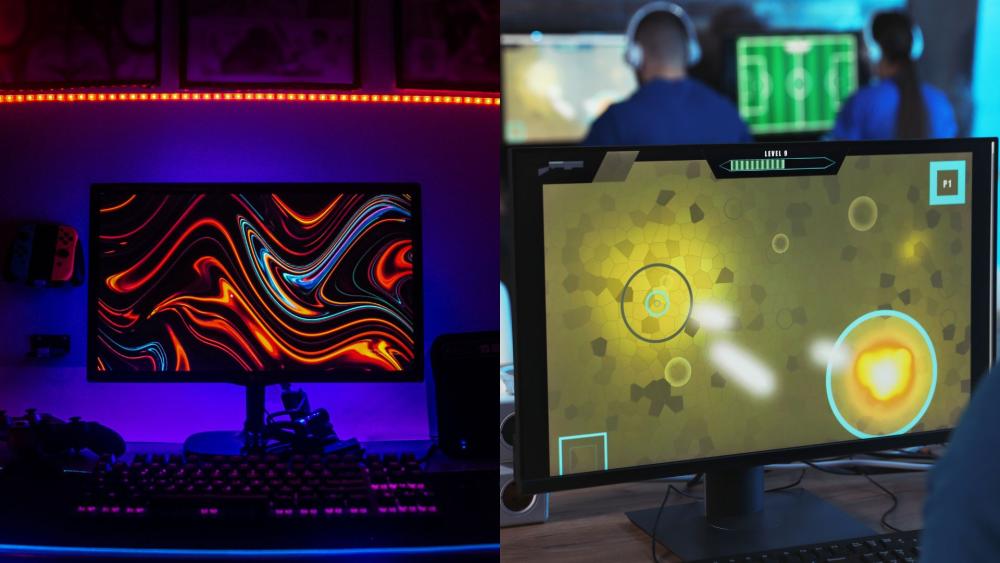
Frame rate is still king for most players. 1080p is the easiest to run at ultra-high FPS, while 4K can drop you into "settings tweaking simulator" territory. A 1440p gaming monitor is popular because you can still push 144Hz or 165Hz in loads of games without going full flagship GPU.
If you mainly play esports titles, you can hit high FPS at 1440p with the right settings and still enjoy a sharper image than 1080p. If you play big single-player releases, a 1440p gaming monitor lets you keep the game looking clean without the massive performance tax that often comes with 4K.
Image Detail and Screen Size
The bigger the screen, the more 1080p starts to look soft. On 27 inches and above, a 1440p resolution monitor usually looks crisper with less visible pixel structure. That's why QHD monitors took off. They just look "right" at normal desk distance.
4K still wins for raw detail, especially for productivity, but the real-world jump from 1440p to 4K in fast-paced games is less dramatic than 1080p to 1440p. That's why so many people land on a 1440p gaming monitor as the practical upgrade.
Hardware Demands
This is where 1440p really earns its rep. A 2560 x 1440 gaming monitor needs more GPU power than 1080p, but far less than 4K. That makes your build choices easier, and you get more "future proof" life out of the monitor.
If you want to sanity-check your GPU options, browse graphics cards capable of 1440p gaming. Pairing a sensible GPU with the best 1440p gaming monitor is usually a stronger move than overspending on 4K and then playing on medium settings forever.
Refresh Rate and Responsiveness at 1440p
Resolution is only half the story. The reason a 1440p gaming monitor feels like such a big upgrade is that the 1440p space is full of high refresh panels. You can get sharp visuals and smooth motion, and that combo is what makes gameplay feel modern.
144Hz, 165Hz and 240Hz Explained
For most people, 144Hz is the sweet spot. It's a huge jump from 60Hz, it looks smooth in motion, and it's easier to drive consistently at 1440p. 165Hz is basically a slightly higher ceiling, often with similar real-world feel. 240Hz is for competitive gamers who value motion clarity and response above everything else, and who have the hardware to push it.
The best 1440p gaming monitor at 144Hz or 165Hz is the "buy once, enjoy everything" pick. If you're specifically chasing high refresh, browse our best High Refresh Rate Monitors and filter by QHD.
Input Lag and Competitive Gaming
Refresh rate helps, but so does low input lag and fast pixel response. Competitive players should look beyond just "1440p" and check response times, motion blur handling, and whether the monitor has good overdrive tuning.
Picking the best 1440p gaming monitor for competitive play is often about panel behaviour as much as refresh rate.
Panel Technologies in Modern 1440p Gaming Monitors
This is where your monitor choice gets personal. The best 1440p gaming monitor is not one thing, because panel tech changes how games look and feel. You're choosing between speed, contrast, and premium image quality.
IPS for Balanced Performance
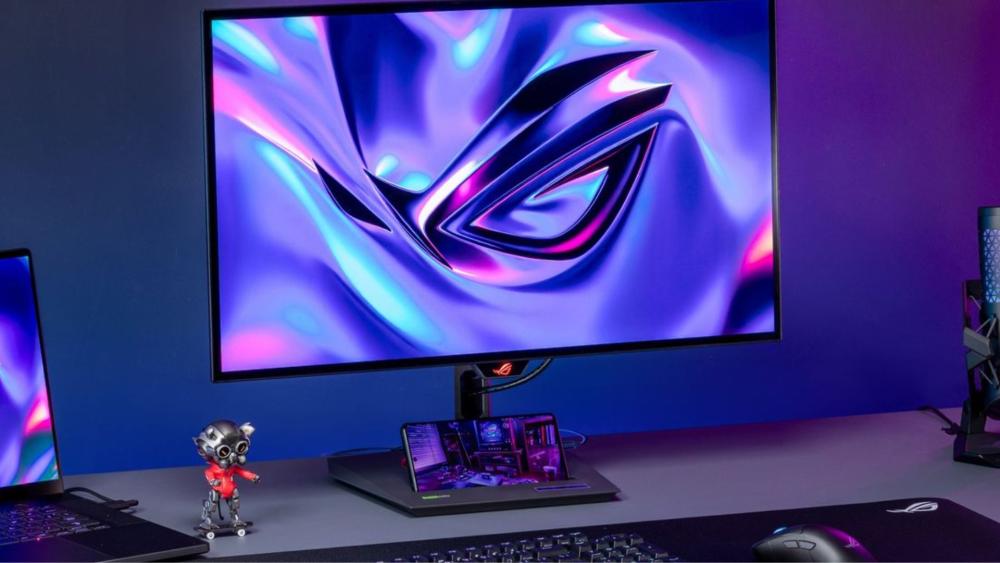
1440p IPS is the safe all-rounder. You get strong colours, good viewing angles, and generally reliable motion handling. If you play a mix of games and also do general work, a 1440p gaming monitor with IPS is often the easiest recommendation.
IPS is also popular because it tends to look consistent across different scenes, which matters if you bounce between bright shooters and darker story games. If you want a broad selection, start at high-performance monitors for gaming and filter for IPS and QHD.
VA for Contrast and Immersion
A 1440p VA gaming monitor can look brilliant for darker games thanks to higher contrast. Horror, space games, and cinematic single-player titles often benefit because blacks look deeper and scenes feel more "inky".
The trade-off is that some VA panels can show smearing in darker transitions. Modern VA has improved a lot, but this is why your choice for the best 1440p gaming monitor should match your favourite genres.
OLED for High-End Gaming
An OLED 1440p monitor is the premium route: incredible contrast, fast response, and that "everything pops" look. OLED is especially good for HDR-style visuals and cinematic games, but it's usually pricier.
If you want top clarity plus a lot of workspace, some gamers also consider high-res options beyond standard QHD. For browsing higher pixel density panels, check high res monitors. Even then, a 1440p gaming monitor often remains the best-value balance for most rigs.
If you want more details, check out our gaming monitor panel types explained guide where we discuss the different types of panels in detail. Or if you want a deeper breakdown of the differences between IPS, VA, and OLED behaviour for gaming, our guide on the best monitor specs for PC Gaming might help.
Adaptive Sync and Tear-Free Gameplay
If you've ever seen tearing or stutter when FPS doesn't match refresh, adaptive sync is the fix. The best 1440p gaming monitor should ideally support some form of adaptive sync because 1440p performance can vary more than 1080p depending on the game.
FreeSync and G-Sync Compatibility
FreeSync is common and works well across a wide range of GPUs. Many monitors are also "G-Sync Compatible", meaning they work smoothly with NVIDIA cards even if they're not full G-Sync module displays.
The key is not the label, it's the result: stable motion without tearing. When you're choosing the best 1440p gaming monitor, adaptive sync is one of those features you'll notice immediately once you've had it.
Why Adaptive Sync Matters at 1440p
At 1440p, FPS can swing more depending on game settings. Adaptive sync helps your monitor match those swings, so camera pans stay clean and you don't get that jittery feel.
If you ever run into connection weirdness (black screen, no output), that can be mistaken for a broken panel. It's often just input/handshake trouble. The best 1440p gaming monitor is only "best" if it's set up properly.
What to Expect From the Best 1440p Gaming Monitors
Once you know the basics, it's easier to spot what separates a bargain QHD panel from the best 1440p gaming monitor you'll love for years. It's not just resolution, it's the full experience.
Performance Improvements
You should expect:
- Noticeably sharper UI and textures than 1080p
- Smoother motion with 144Hz+ panels
- Better clarity on 27–32 inch screens
- More consistent gameplay with adaptive sync
The best 1440p gaming monitor should feel like a complete upgrade, not just "more pixels".
Value for Money
1440p is where pricing makes sense. You can get excellent 1440p gaming monitors without paying 4K flagship money. This is why QHD is now the default recommendation for many PC builds.
If you're comparing categories, start with high-performance monitors and then cross-check high refresh rate monitors to see how refresh pricing scales at 1440p.
Features Becoming Standard
On many modern 1440p monitors, these are becoming normal:
- 144Hz or 165Hz refresh
- Adaptive sync
- Decent HDR support (varies massively)
- Better OSD controls and gaming modes
- USB hubs on some models
Even with these extras, the best 1440p gaming monitor still usually costs less than a truly strong 4K gaming setup.
Also Read: How to Fix Gaming Monitor No Signal Issues.
Is a 1440p Gaming Monitor Right for Your Setup?
This is the honest check before you buy. A 1440p gaming monitor is the right call for most gamers, but your game list and hardware should guide you.
Competitive Gamers
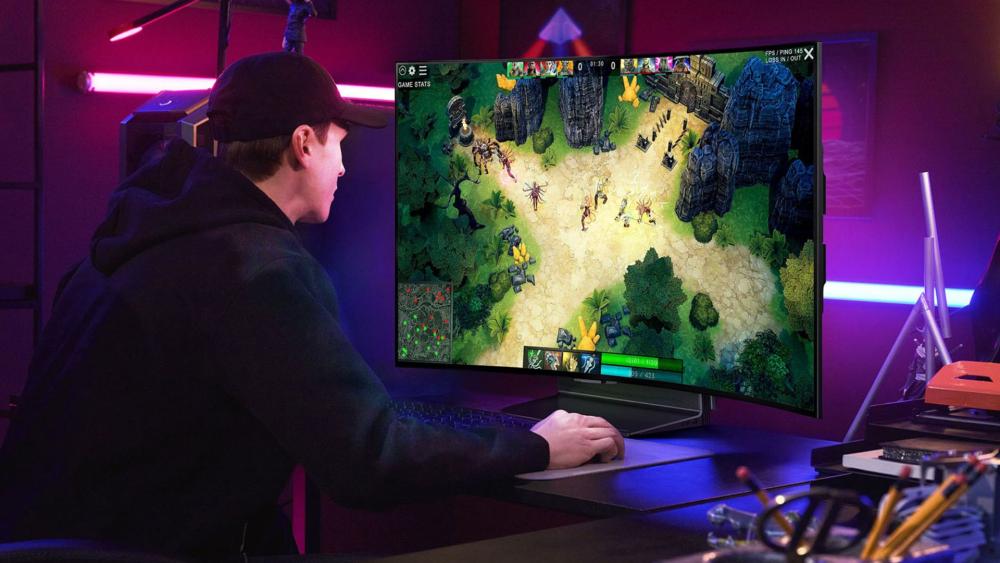
If you live in Valorant, CS2, Apex, or similar, the best 1440p gaming monitor can still work brilliantly, especially at 165Hz or 240Hz, but you'll want to ensure your GPU and CPU can keep FPS high.
If you're chasing absolute max FPS, 1080p might still win for pure competitive edge. But for many players, the sharper image of a 2560 x 1440 gaming monitor is worth it, especially when spotting enemies at range.
Single-Player and Immersive Gaming
This is where QHD shines. The best 1440p gaming monitor boosts detail, makes worlds look cleaner, and keeps performance realistic. Add a VA or OLED panel and you get deeper contrast that makes story games look properly cinematic.
If you like higher pixel density or want extra workspace for streaming and editing, you can also go for high-resolution monitors. Still, the value of a 1440p gaming monitor is hard to beat for most single-player setups.
Productivity and Mixed Use
A 1440p PC monitor is also great for work. More space for windows, sharper text than 1080p, and generally a cleaner desktop experience. If you're a "work by day, raid by night" type, a best 1440p gaming monitor is one of the easiest upgrades to justify.
If you're not sure your PC is ready, start with graphics cards that support1440p gaming and check what performance tier you're in. Pairing the right GPU with the best 1440p gaming monitor saves you from buyer's remorse.
Conclusion
1440p has become the default sweet spot because it delivers the upgrade gamers actually feel: sharper visuals than 1080p, easier performance than 4K, and loads of high refresh options. The best 1440p gaming monitor is the one that matches your play style, your panel preference, and your hardware, whether that's fast IPS for competitive play, VA for contrast-heavy immersion, or an OLED option for premium visuals. Start with high-end gaming monitors, prioritise refresh rate and adaptive sync, and double-check your GPU so your best 1440p gaming monitor runs the way it should.
FAQs
Is 1440p vs 1080p noticeable?
Yes, especially on 27-inch and larger screens. Text, UI, and game detail look cleaner on a best 1440p gaming monitor, and the image usually feels less "soft" than 1080p at the same size.
Is 1440p 2K or 4k?
1440p is most commonly called QHD (2560×1440). Some people call it "2K", but that label is inconsistent in marketing. In practice, a best 1440p gaming monitor is QHD, not 4K.
Is 1440 better than 4k for gaming?
For many gamers, yes, because it's easier to run high FPS. A best 1440p gaming monitor often gives a better balance of smoothness and clarity than 4K unless you have very powerful hardware.
What is the best CPU and GPU for 1440p?
It depends on your target FPS and games, but you generally want a strong mid-to-high GPU tier for modern titles at QHD. Start with graphics cards that support 1440p gaming, then match it with a CPU that won't bottleneck high refresh play on your gaming monitor.
You can pay with:
*PayPal Credit Representative Example: Assumed credit limit £1,200, Representative 23.9% APR (variable). Purchase rate 23.9% p.a (variable).Terms & Conditions apply.


PayPal Credit and PayPal Pay in 3 are trading names of PayPal UK Ltd, 5 Fleet Place, London, United Kingdom, EC4M 7RD. Terms and conditions apply. Credit subject to status, UK residents only, Five Tech LTD acts as a broker and offers finance from a restricted range of finance providers. PayPal Pay in 3 is not regulated by the Financial Conduct Authority. Pay in 3 eligibility is subject to status and approval. 18+. UK residents only. Pay in 3 is a form of credit. Check if affordable and how you will repay. May make other borrowing more difficult or expensive. See product terms for more details.
Copyright © 1996-2026 Fivetech LTD | Terms and Conditions
box.co.uk & Box are trading names of Five Tech Limited. Registered office: Box LTD, Unit 10 Woodford Trading Estate, Woodford Green IG8 8HF