


 Menu
MenuMenu


Get Sales Advice from Mon - Fri 9am - 5:00pm:
020 3337 8950LAST UPDATED: July 14, 2026
Best Games for Mac: Is an iMac Good for Gaming?
Mac gaming has changed a lot. For years, Macs were seen as excellent computers for work, creativity and study, but not serious gaming. That is no longer fully true. Thanks to Apple Silicon, the M4 chip, better native Mac games, cloud gaming, Apple Arcade, Steam support and Mac App Store releases, there are now more games for Mac than many people expect.
However, there is still one important point to understand: a Mac is not the same as a Windows gaming PC. An iMac can be good for gaming if you choose the right games, understand macOS compatibility and are happy to adjust settings where needed. But if you want the biggest PC game library, maximum frame rates and the widest support for competitive titles, a dedicated gaming PC still has the advantage.
This guide explains the best games for Mac, whether an iMac for gaming makes sense, how Gaming on iMac M4 feels, where to find macOS games, and which Steam, App Store, Apple Arcade, free and online games are worth considering.
To compare Apple options, browse Apple Store deals or shop the all-in-one PC range at Box.co.uk.
Are Macs Good for Gaming in 2026?
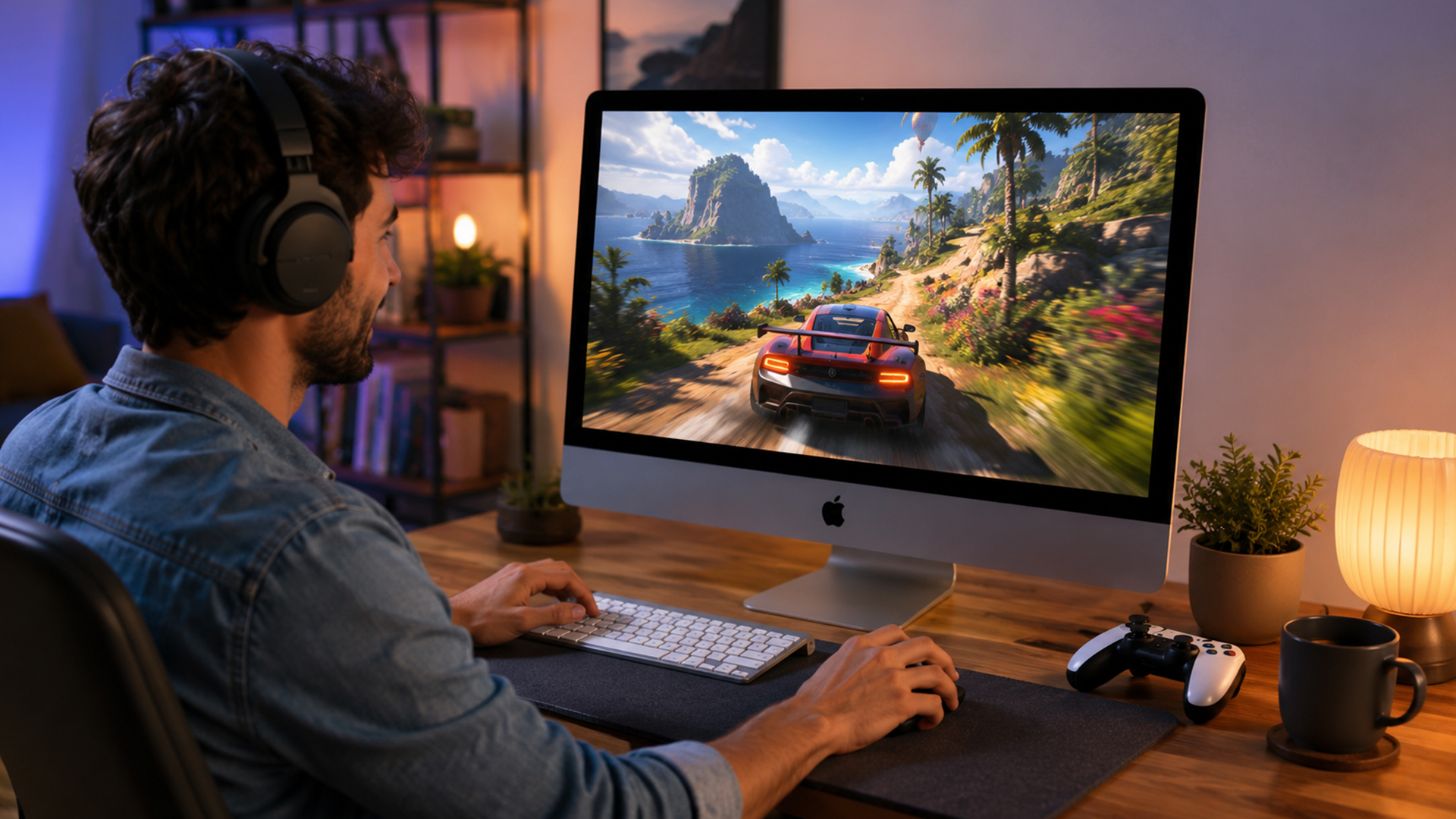
Macs are better for gaming than they used to be. Apple Silicon has improved performance, efficiency and graphics capability, while more developers are bringing games to Mac through native versions, the Mac App Store, Apple Arcade and Steam.
That said, Mac gaming is still different from Windows gaming. The hardware is strong, but game compatibility is the deciding factor. Some games run brilliantly on Mac, some need lower settings, some are available only through cloud gaming, and some still do not support macOS at all.
How Mac Gaming Has Improved with Apple Silicon
Apple Silicon has made Macs faster and more efficient. Instead of using separate CPU and GPU designs like many traditional PCs, Apple Silicon uses integrated graphics and unified memory. This helps the system share memory efficiently between processing and graphics tasks.
For gaming, this means an iMac with an M4 chip can run many Mac-compatible games smoothly, especially indie games, strategy games, simulation games, Apple Arcade titles and selected modern AAA releases built or optimised for Apple platforms.
The M4 iMac is not a dedicated gaming desktop, but it is a capable all-in-one computer. It has a sharp 4.5K Retina display, efficient performance and enough power for a growing library of native Mac games.
Why Game Compatibility Still Matters
The biggest issue with gaming on Mac is not always performance. It is whether the game is available for macOS in the first place.
Many popular PC games are still designed mainly for Windows. Some have native Mac versions, some are available through Steam for macOS, some are on the Mac App Store, and some can be played through cloud gaming. Others may need workarounds, which can be less reliable and less beginner-friendly.
Before buying any game, always check the platform requirements. Look for macOS support, Apple Silicon support, controller support, storage requirements and online service compatibility.
When a Mac Is Good Enough for Gaming
A Mac is good enough for gaming if you play titles that are supported on macOS. It is especially good for casual games, indie games, strategy games, simulation games, Apple Arcade games and selected premium Mac releases.
A Mac may not be the best choice if you mainly play competitive shooters, heavily modded Windows games, older 32-bit titles, or games with anti-cheat systems that do not support macOS.
Is iMac Good for Gaming?
So, is iMac good for gaming? Yes, but with limits. An iMac is good for casual gaming, Apple Arcade, Mac App Store titles, many Steam games for Mac, cloud gaming and selected modern releases. It is not the best choice for gamers who want maximum compatibility with every PC game.
The iMac is best understood as a powerful all-in-one Mac that can also game, not a gaming PC replacement for every player.
iMac Gaming Performance Explained
The iMac’s gaming performance depends on three things: the chip, the game and the settings. The M4 chip gives the iMac strong everyday performance and enough graphics power for many supported titles. But some demanding games may need lower resolution or reduced graphics settings for smoother frame rates.
The 24-inch 4.5K Retina display looks excellent, but running games at full native 4.5K resolution can be demanding. For smoother gameplay, many users will get better results by lowering the in-game resolution or choosing medium graphics settings.
What the M4 iMac Does Well
The M4 iMac is strong for Mac-compatible games that are well optimised. It is also good for users who want one machine for gaming, work, streaming, browsing, video calls, schoolwork and creative tasks.
It does well with:
| Gaming Type | How iMac Handles It |
|---|---|
| Apple Arcade games | Very well, especially casual, family and controller-friendly titles |
| Mac App Store games | Good, especially native or Apple Silicon-friendly games |
| Strategy and simulation games | Usually strong, depending on game requirements |
| Indie games | Often excellent because many are less demanding |
| Cloud gaming | Good if your internet connection is fast and stable |
| AAA Mac releases | Good when the game is properly optimised for Mac |
The iMac is also appealing because it gives you a clean desk setup. There is no tower, no separate monitor, and fewer cables.
Where iMac Still Falls Behind Gaming PCs
A gaming PC still wins for game compatibility, upgrade options and raw graphics performance. Windows has the largest PC gaming library, and many competitive games are built with Windows first.
An iMac also cannot be upgraded like a gaming PC. You cannot swap in a new graphics card later, so it is important to choose the right memory and storage at the time of purchase.
If your main goal is high-frame-rate gaming across the widest possible game library, a gaming PC is still the better option. If you want a stylish all-in-one computer that can also play a good range of Mac games, an iMac can make sense.
Who Should Consider an iMac for Gaming?
An iMac is a good gaming choice for people who want a Mac first and a gaming machine second. It is ideal for students, families, creatives, and home users who want a beautiful desktop for everyday tasks, plus access to Mac-compatible games.
It is not the ideal choice for players who only care about esports, modding, Windows-only games or maximum performance.
Best Games for Mac to Play in 2026
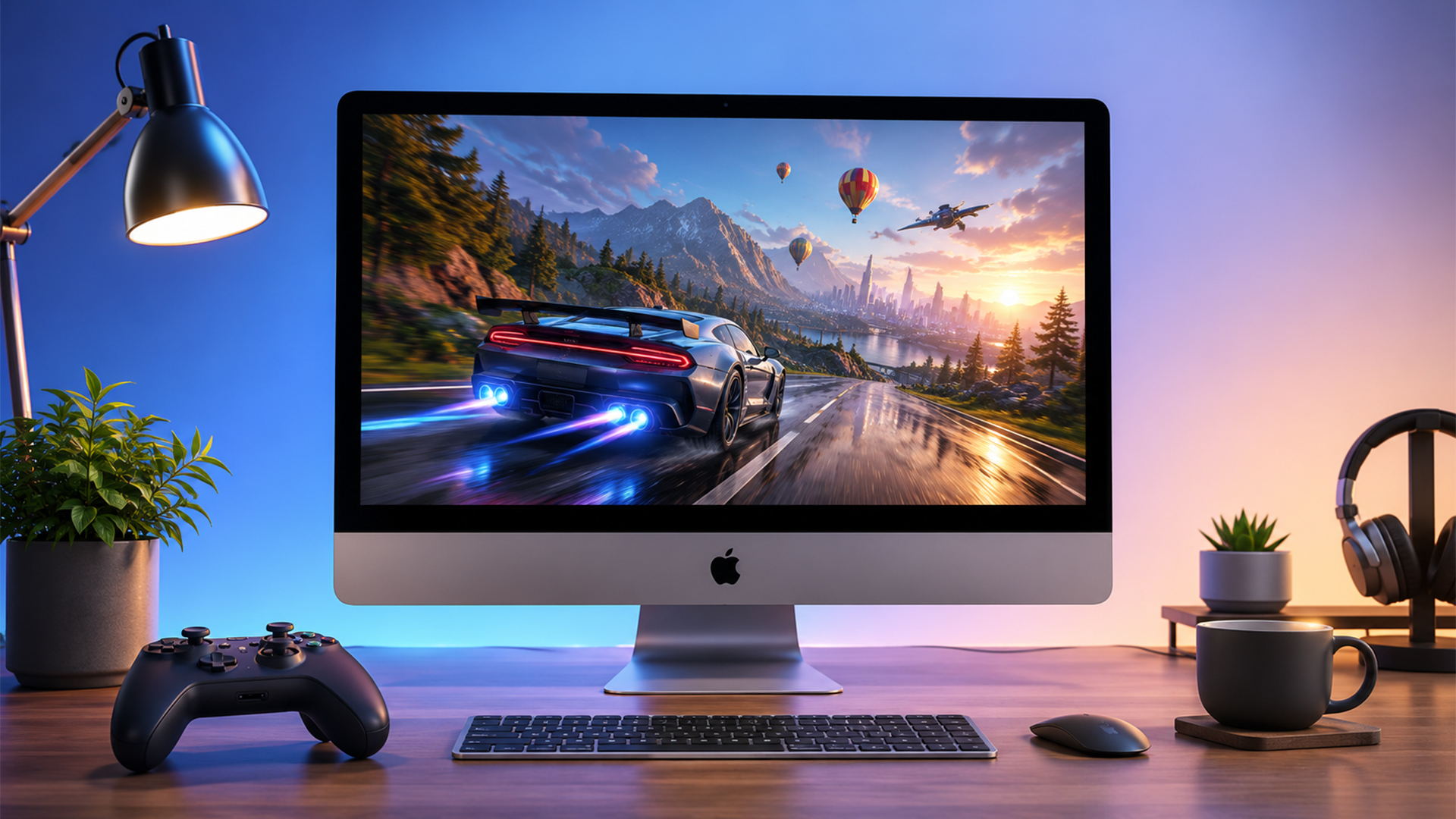
The best games for Mac depend on where you prefer to play. Some users buy from Steam, some use the Mac App Store, and others prefer Apple Arcade. The safest approach is to check compatibility before buying and choose games that clearly support macOS.
Best Steam Games for Mac
Steam has a dedicated macOS section, which makes it easier to find Steam games for Mac. Popular Mac-compatible titles often include strategy, indie, RPG, simulation, and management games.
Good types of Steam games to consider on Mac include story-driven RPGs, city builders, farming games, roguelikes, card games, puzzle games and creative indie titles. These often run well because they are less dependent on Windows-only anti-cheat or very high-end GPU features.
When browsing Steam, check the operating system icons and system requirements before buying. A game may be listed on Steam but still support Windows only.
Best Mac App Store Games
The Mac App Store is one of the easiest places to find mac app store games because the store is built around Apple devices. You can find casual games, premium titles, puzzle games, adventure games, racing games and selected modern releases.
Examples of the types of games commonly found on the Mac App Store include action adventures, simulation games, puzzle games, racing titles and family-friendly games. The benefit is simplicity: installation, updates and purchases are all handled through your Apple account.
The Mac App Store is a good place to start if you want a straightforward experience without checking multiple launchers.
Best Apple Arcade Games for Mac
Apple Arcade is useful if you want a large library of games without ads or in-app purchases. It includes games across action, puzzle, strategy, adventure, simulation, sports and family genres.
For Mac users, Apple Arcade is especially good because many games are designed to work across Apple devices. You can play on Mac, iPhone, iPad and Apple TV, depending on the game, and many titles support controllers.
Apple Arcade is a good fit for families, casual players and users who want a simple monthly subscription rather than buying individual games.
Best Strategy and Simulation Games for Mac
Strategy and simulation games are often some of the strongest games you can play on Mac. These games usually benefit from the iMac’s large, sharp display and do not always need ultra-fast reaction times.
Look for city builders, management sims, farming games, civilisation-style strategy games, life simulators and tycoon-style games. These can work especially well on iMac because the screen gives you more room for menus, maps and detailed interfaces.
Best Racing Games for iMac
If you want racing games for iMac, check the Mac App Store, Apple Arcade and Steam for compatible racing titles. Arcade-style racing games usually work better on Mac than highly demanding simulation racers that are built mainly for Windows.
A controller can make racing games much more enjoyable. Before downloading, check whether the game supports your preferred controller and whether it is optimised for macOS.
Best Casual and Indie Games for Mac
Casual and indie games are a major strength for Mac gaming. Many indie games run smoothly, do not need extreme graphics power and are available through Steam, the Mac App Store or Apple Arcade.
If you want relaxing, creative or story-focused games, Mac is a strong platform. Puzzle games, cosy games, narrative adventures, deck-builders and casual multiplayer games are often excellent choices.
Best Free Games for Mac
There are plenty of top free games for Mac, especially through the Mac App Store, browser-based platforms and selected free-to-play games that support macOS. Free games are a good way to test how your Mac handles gaming before spending money.
Top Free Games for Mac Beginners
If you are new to Mac gaming, start with lighter games. Card games, puzzle games, casual racing games, browser games and simple multiplayer titles can run well and are easy to try.
Free games are also useful for families or students because they do not require a big upfront spend. Just remember to check whether a free game includes in-app purchases, ads or online accounts.
Best Free Downloadable Games for Mac
For downloadable games for Mac, the Mac App Store is the simplest place to start. Steam also has free-to-play titles, but you should filter for macOS support before downloading.
Free downloadable games can include casual games, strategy games, online multiplayer titles and indie demos. Always download from trusted stores to avoid unsafe installers.
Best Online Games for Mac
Online games for Mac can include browser games, cloud gaming services and macOS-supported multiplayer games. Browser games are usually the easiest because they run through Safari or another browser, while cloud gaming lets you stream games that may not run natively on Mac.
Cloud gaming can be especially useful for Windows-only titles, but it depends on internet speed, latency and service availability.
Can You Play Steam Games on Mac?
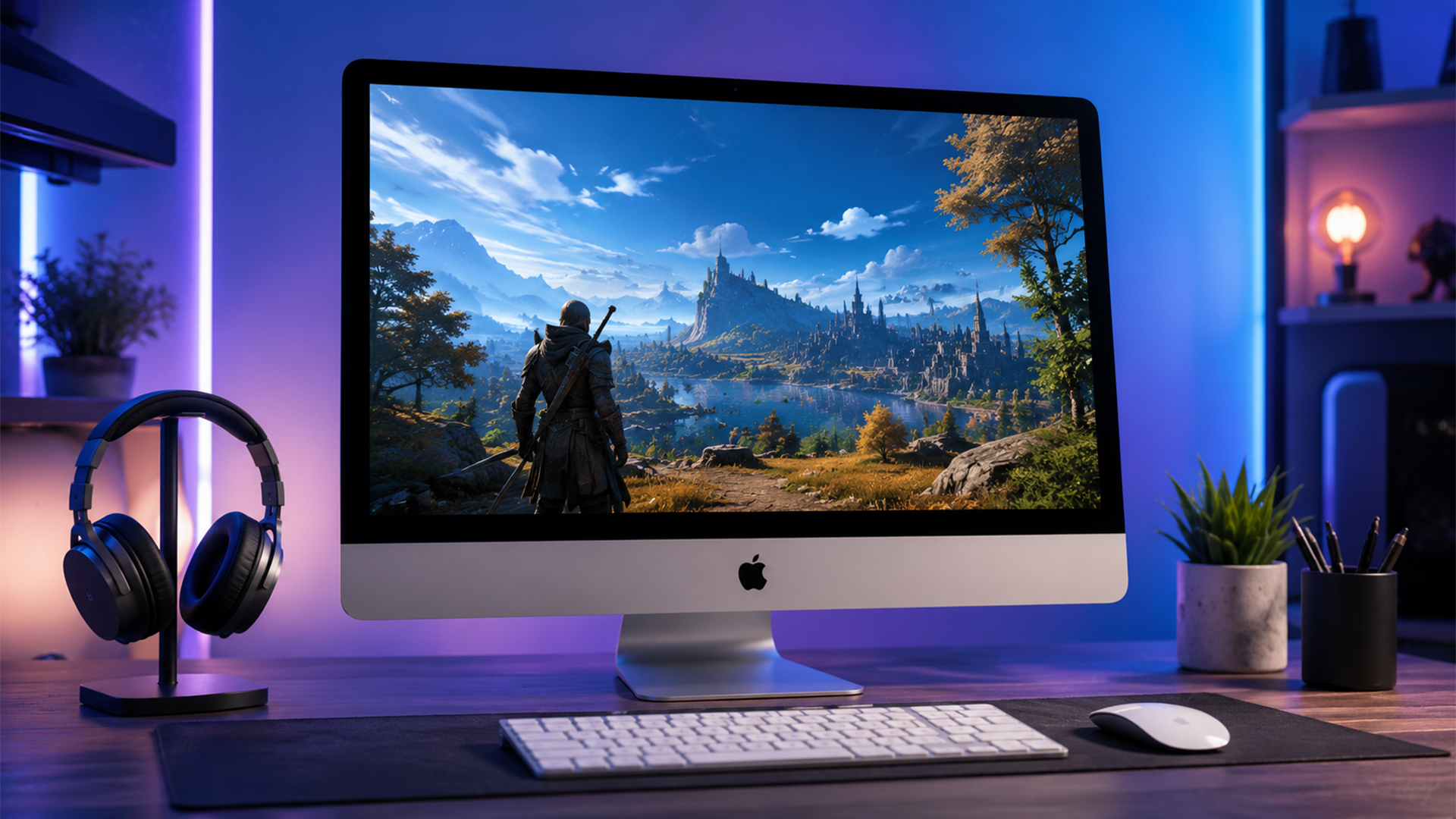
Yes, you can play Steam games on Mac, but not every Steam game supports macOS. Steam has a macOS-compatible section, and many games list operating system support on the product page.
How to Find macOS-Compatible Games on Steam
When looking for Steam games for Mac, use Steam’s macOS category or check the system requirements on each game page. Look for macOS listed as a supported platform.
Before buying, check:
| What to Check | Why It Matters |
|---|---|
| macOS support | Confirms the game is built for Mac |
| Apple Silicon support | Helps performance on M-series Macs |
| Storage requirement | Some games need a lot of SSD space |
| Controller support | Useful for racing, action and platform games |
| Online requirements | Important for multiplayer and cloud saves |
| Recent updates | Older Mac ports may not work well on newer macOS versions |
A game being popular on Steam does not automatically mean it runs on Mac.
Native Mac Games vs Compatibility Workarounds
Native Mac games are usually the best experience because they are built or adapted for macOS. They are easier to install, more stable and better supported.
Compatibility workarounds can sometimes run Windows games on Mac, but they are not always simple. Performance can vary, online features may not work, and updates can break compatibility. For most everyday users, native games and cloud gaming are easier.
Why Some Windows Games Do Not Run on Mac
Some Windows games do not run on Mac because they use Windows-only graphics APIs, anti-cheat systems, launchers or multiplayer services. Others simply have no macOS version because the developer has not released one.
This is why game compatibility matters more than the iMac’s raw performance.
What Specs Matter for Gaming on iMac?
If you are buying an iMac and want to play games, choose the specification carefully. You cannot upgrade most major parts later, so it is better to think ahead.
M4 Chip and Integrated GPU Performance
The M4 chip gives the iMac strong everyday performance and a capable integrated GPU. It is good for many Mac-compatible games, but it is not the same as a large dedicated desktop graphics card in a gaming PC.
For casual, indie, strategy, simulation and Apple Arcade gaming, the M4 iMac is a strong fit. For demanding AAA games, you may need to lower resolution and graphics settings.
Unified Memory and Storage Considerations
Unified memory is shared between the CPU and GPU. More memory can help with multitasking and demanding apps. If you plan to game, stream, browse and run creative software on the same machine, choose as much unified memory as your budget allows.
Storage is also important. Games can take up a lot of space, especially modern AAA titles. If you plan to keep several games installed, consider a larger SSD.
Display Quality, Resolution and Frame Rates
The iMac’s 4.5K display is excellent for image quality, but high resolution can be demanding in games. You do not always need to play at native resolution. Lowering resolution can make gameplay smoother while still looking good on the Retina display.
For many games, balanced settings are better than pushing maximum graphics.
Game Controller Support for iMac
Many Mac games support controllers, especially Apple Arcade and some App Store games. A controller can improve racing games, platformers, action games and casual sofa-style gaming.
Before buying a game, check controller support on the store page.
iMac vs MacBook vs Gaming PC for Gaming
The best gaming device depends on how you use it. An iMac, MacBook and gaming PC all suit different types of buyers.
Choose iMac for a Clean All-in-One Setup
Choose an iMac if you want a clean desktop setup for work, study, creativity and casual gaming. It is ideal if you want a high-quality display, simple setup and a Mac-first experience.
The iMac is good for users who want one stylish machine that can handle everyday tasks and a growing library of Mac-compatible games.
Explore the iMac all-in-one range if you want a simple desktop setup.
Choose MacBook If You Want Portability
Choose a MacBook if you want to game occasionally but also need portability for university, work or travel. A MacBook can be useful if you want the same Apple ecosystem experience in a laptop form.
You can compare MacBook gaming options if portability matters more than having a fixed desktop setup.
Choose a Gaming PC for Maximum Game Compatibility
Choose a gaming PC if your main priority is access to the widest game library. Windows gaming PCs still offer the strongest compatibility for PC games, especially competitive titles, modded games and demanding AAA releases.
If you are choosing between Mac and Windows, read our guide: Mac vs Windows: Should You Buy an iMac or Windows PC in 2026?.
Tips to Improve Gaming Performance on Mac
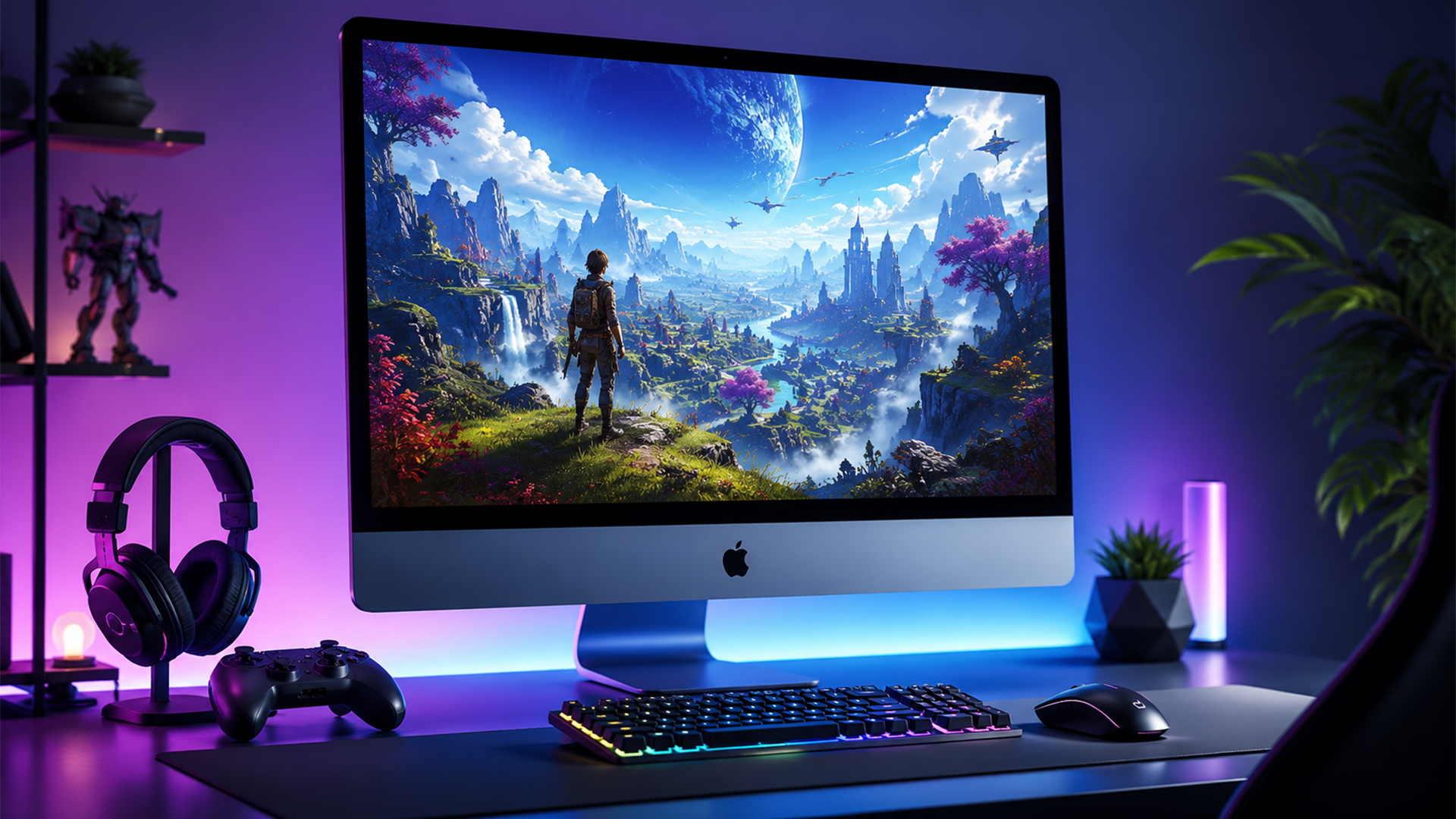
Even if your Mac is powerful, small changes can improve the gaming experience.
Lower Resolution and Graphics Settings
If a game feels slow, lower the resolution first. On an iMac, you do not always need to play at full 4.5K. Reducing resolution can improve frame rates quickly.
You can also lower shadows, reflections, anti-aliasing, and texture quality. These settings often have a big impact on performance.
Keep macOS and Games Updated
Updates can improve performance, fix bugs, and add compatibility improvements. Keep macOS, game launchers, and games updated, especially if you play newer titles.
If your iMac feels slow in general, read our guide: iMac Running Slow? 12 Easy Fixes to Speed Up Your iMac in 2026.
Use a Controller for Better Comfort
A controller can make many games feel better on iMac, especially racing games, platformers, action games and Apple Arcade titles. It also makes the iMac feel more like a living-room gaming setup if you sit back from the screen.
Consider Cloud Gaming for Unsupported Titles
Cloud gaming can help if a game does not run natively on Mac. Instead of relying on your iMac to run the game locally, the game runs on remote servers and streams to your Mac.
This can be useful for games such as Fortnite, which is not natively available on Mac in its current form. The downside is that cloud gaming depends heavily on internet speed and latency.
Best Games for Mac by Player Type
Different Mac users want different games. The best choice depends on whether you want something casual, creative, competitive or story-driven.
| Player Type | Best Mac Game Style |
|---|---|
| Casual player | Apple Arcade, puzzle games, card games and cosy indie titles |
| Student gamer | Free Mac games, online games and lighter Steam titles |
| Family user | Apple Arcade and Mac App Store games with controller support |
| Strategy fan | Simulation, city building and turn-based strategy games |
| Racing fan | App Store racing games and controller-friendly arcade racers |
| AAA player | Native Mac premium releases and selected cloud gaming services |
| Windows game fan | Cloud gaming or a Windows gaming PC may be better |
This is the most practical way to choose. Start with the type of games you enjoy, then check whether they support macOS.
Final Verdict: Should You Use an iMac for Gaming?
An iMac can be a good choice for casual gaming, Apple Arcade, indie games, strategy titles, simulation games and selected Mac-compatible releases.
The M4 iMac is ideal if you want one stylish all-in-one computer for work, study, creativity and light gaming. However, it is not the best option for competitive esports, Windows-only games or high-end AAA gaming at maximum settings.
Choose an iMac if you want a Mac-first desktop that can also game. Choose a Windows gaming PC if gaming is your main priority.
View Apple Mac desktops or shop MacBook gaming options at Box.co.uk.
FAQs
Which is the best game to play on a Mac?
The best game to play on a Mac depends on what you enjoy. Apple Arcade is great for casual and family-friendly games, Steam is good for Mac-compatible indie, strategy and simulation titles, and the Mac App Store is useful for easy downloads. For many users, the best Mac game is one that runs natively on macOS and supports Apple Silicon.
Can we play GTA 5 on Mac?
GTA 5 does not have a straightforward native macOS version like it does for Windows PC. Some Mac users play it through cloud gaming, virtualisation or compatibility tools, but these are workarounds. If GTA 5 is a priority, a Windows gaming PC or console is usually easier.
What games can I play on my Mac for free?
You can play free Mac games from the Mac App Store, selected free-to-play Steam titles with macOS support, browser games and some cloud gaming options. Always check macOS compatibility before downloading.
Is gaming on a Mac getting better?
Yes, gaming on Mac is improving. Apple Silicon, Game Porting Toolkit, Apple Arcade, the Mac App Store and more native Mac releases have made Mac gaming stronger than it used to be. Compatibility is still the main limitation compared with Windows.
Can I use an iMac as a gaming computer?
Yes, you can use an iMac as a gaming computer for Mac-compatible titles, Apple Arcade, App Store games, Steam games for Mac and cloud gaming. It is best for casual, indie, strategy, simulation and selected premium games rather than every Windows PC title.
Can an iMac run Fortnite?
An iMac cannot run the current native Mac version of Fortnite in the usual way because Fortnite is not natively available on Mac. However, you can play Fortnite on Mac through cloud gaming services, depending on availability and internet quality.
Can I play Epic Games on a Mac?
You can play some Epic Games titles on Mac if the specific game supports macOS or is available through cloud gaming. Not every Epic Games title works natively on Mac, so check the system requirements before downloading.
You can pay with:
*PayPal Credit Representative Example: Assumed credit limit £1,200, Representative 23.9% APR (variable). Purchase rate 23.9% p.a (variable).Terms & Conditions apply.


PayPal Credit and PayPal Pay in 3 are trading names of PayPal UK Ltd, 5 Fleet Place, London, United Kingdom, EC4M 7RD. Terms and conditions apply. Credit subject to status, UK residents only, Five Tech LTD acts as a broker and offers finance from a restricted range of finance providers. PayPal Pay in 3 is not regulated by the Financial Conduct Authority. Pay in 3 eligibility is subject to status and approval. 18+. UK residents only. Pay in 3 is a form of credit. Check if affordable and how you will repay. May make other borrowing more difficult or expensive. See product terms for more details.
Copyright © 1996-2026 Fivetech LTD | Terms and Conditions
box.co.uk & Box are trading names of Five Tech Limited. Registered office: Box LTD, Unit 10 Woodford Trading Estate, Woodford Green IG8 8HF