


 Menu
MenuMenu


Get Sales Advice from Mon - Fri 9am - 5:00pm:
020 3337 8950POSTED: July 01, 2026
Best Colour Laser Printers for Office Use: 2026 Buying Guide
Choosing the best colour laser printer for office use is about more than getting bright colour prints. A good office printer should help your team work faster, keep documents looking professional and reduce everyday printing problems.
For small businesses, home offices and busy teams, a colour laser printer can be a practical choice because it is built for regular document printing. It can handle reports, invoices, presentations, charts, proposals, client packs and internal paperwork with sharp text and consistent colour output.
The right model depends on how your office works. Some teams need a compact wireless printer for a small workspace. Others need a colour laser printer scanner with print, scan, copy and fax features. Some businesses need a faster printer with a larger paper tray and better toner page yield to reduce long-term running costs.
This guide explains how to choose the best colour laser printer in 2026, including small business options, multifunction features, compact models, wireless printing, budget choices and key buying features.
To compare current options, browse office printer options or explore laser printers for office workloads.
What Makes the Best Colour Laser Printer for Office Use?
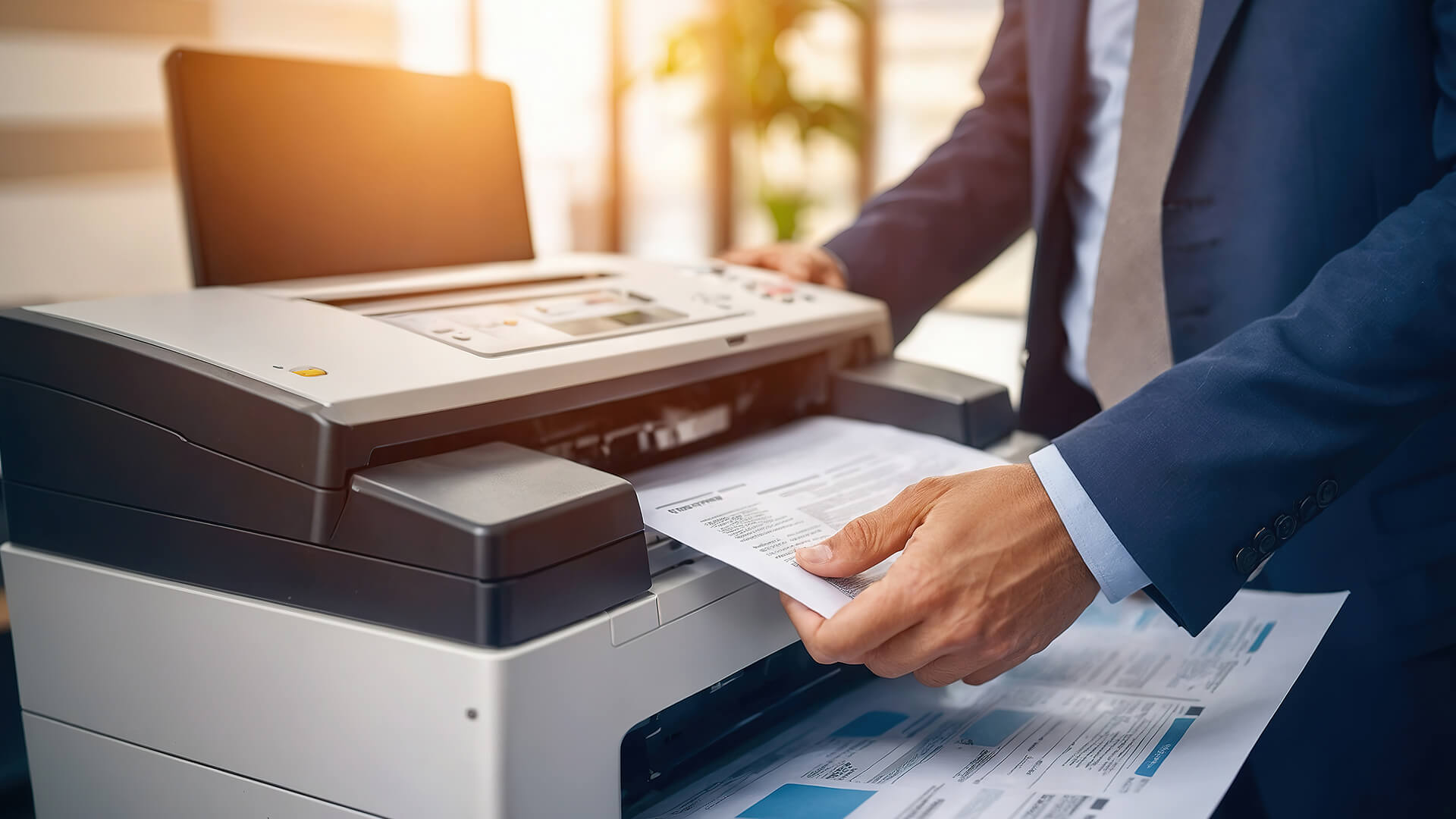
The best colour laser printer should match your print volume, document type and available space. A printer that suits a home office may not be powerful enough for a shared business workspace, while a large office printer may be too much for a small team.
A strong colour laser printer for office use should offer:
- Sharp text for business documents
- Clear colour output for charts, graphics and reports
- Reliable print speed
- Automatic double-sided printing
- Good paper tray capacity
- Wireless printing or Ethernet connectivity
- Mobile printing support
- Reasonable toner cost per page
- Easy replacement toner availability
- A suitable monthly duty cycle
- Simple maintenance
For office use, reliability is one of the biggest benefits. If several people depend on the same printer, it needs to be easy to connect, quick enough for daily work and capable of handling regular print jobs without constant refilling or troubleshooting.
Colour Laser Printers vs Inkjet Printers for Offices
Both inkjet and laser printers can work well, but they suit different needs. A colour laser printer is usually better for regular office documents, while an inkjet printer may be better for photo-heavy prints, creative work or flexible media.
| Feature | Colour Laser Printer | Inkjet Printer |
|---|---|---|
| Best for | Reports, proposals, charts, business documents | Photos, creative work, mixed media |
| Text quality | Very sharp | Good, depending on model |
| Print speed | Usually strong for office documents | Varies by model |
| Running costs | Can be efficient with high-yield toner | Depends on ink system and usage |
| Maintenance | Less risk of ink drying out | Ink can dry or clog if unused |
| Colour output | Good for graphics and documents | Often better for photos |
| Office use | Strong for regular document workloads | Good for flexible printing needs |
If your team prints business documents, colour charts, client packs and reports, a colour laser printer is often a sensible choice. If your work is more image-heavy or creative, an inkjet may still be worth considering.
For more detail, read our guide to ink and toner running-cost differences.
Best Small Business Colour Laser Printer
The best small business colour laser printer should be easy to share, affordable to run and reliable enough for everyday work. Small businesses often need one printer to handle several types of documents, so the right model should support the way the team actually works.
A small business color laser printer is a versatile asset that elevates professional documentation, delivering crisp, vibrant results for client proposals, sales documents, and business presentations. It efficiently handles day-to-day operations by producing sharp branded invoices, internal documents, and detailed color reports. Additionally, its high-quality output is ideal for creating visually impactful charts and graphs, marketing handouts, and durable training materials that leave a lasting impression.
When buying for a small business, look beyond the purchase price. A slightly more capable printer can save time if it prints faster, holds more paper and uses toner more efficiently.
Best Small Business Colour Laser Printer: What to Look For
For small business printing, focus on features that make everyday work easier. A good model should include reliable wireless printing, automatic duplex printing, good toner page yield and a paper tray that suits your normal workload.
Key features to compare include:
- Print speed in pages per minute
- Toner cost per page
- Toner page yield
- Paper tray capacity
- Monthly duty cycle
- Duplex printing
- Wireless and Ethernet support
- AirPrint and Mopria support
- Secure printing options
- Scanner and copier features if needed
The best printer is not always the cheapest model. It is the one that gives your team reliable output without high running costs or regular interruptions.
Best A3 Colour Laser Printer for Small Business
The best A3 colour laser printer for small business is useful if your team needs larger colour documents, such as posters, plans, visual layouts, spreadsheets, training materials or marketing prints.
A3 color laser printing is a powerful tool across diverse sectors, allowing design teams and architects to showcase intricate visual concepts and blueprints with high-impact precision. It helps marketing and sales teams create large, professional handouts and presentations that grab attention, while estate agents can produce stunning property brochures and floor plans. Additionally, project planners and education settings benefit from the expanded layout space to display complex schedules, massive charts, learning visuals, and comprehensive large-format reports clearly.
However, A3 colour laser printers are usually larger and more expensive than A4 models. Before buying one, think about how often your team prints A3. If you only need A3 occasionally, a smaller A4 colour laser printer may be better value, with specialist A3 jobs outsourced when required.
If A3 is part of your weekly workflow, focus on paper handling, toner yield, tray capacity and total cost of ownership.
Best HP Colour Laser Printer for Small Business
The best HP colour laser printer for small business should offer dependable document quality, simple connectivity and practical office features. HP is a popular choice for office printing because many businesses are already familiar with its printer ecosystem.
An HP color laser printer is an excellent choice for offices seeking a seamless, dependable workflow that pairs sharp business documents with easy setup. It supports modern workplace flexibility through robust wireless and network printing capabilities, alongside multifunction options (print, copy, scan, fax) to handle diverse tasks. Furthermore, selected models offer advanced secure printing to protect sensitive data, all backed by familiar software management tools and highly reliable replacement toner availability to minimise downtime.
HP colour laser printers are especially useful for teams that want a professional, easy-to-manage office printer for everyday documents. To compare models, browse HP printing solutions for offices.
Colour Laser Printer Scanner
A colour laser printer scanner is a practical choice for offices that handle paperwork regularly. Instead of buying a separate printer and scanner, a multifunction printer gives your team one device for print, scan, copy and sometimes fax tasks.
A colour laser printer scanner can help with:
- Scanning signed contracts
- Copying forms
- Digitising paperwork
- Sending documents to clients
- Saving receipts and records
- Sharing documents with remote teams
- Reducing office equipment clutter
If scanning is part of your daily workflow, choose a model with an automatic document feeder. This lets you scan or copy several pages at once without placing each page on the scanner glass manually.
Colour Laser Printer with Scanner and WiFi
A colour laser printer with a scanner and WiFi is one of the most useful choices for modern offices. WiFi makes the printer easier to place, while scanning supports admin tasks, document storage and hybrid work.
This type of printer is ideal for small offices, hybrid teams, shared workspaces, reception desks, home offices, laptop-based teams and mobile printing users
Wireless printing is convenient, but Ethernet connectivity can also be useful for a more stable shared office setup. If several people rely on the same printer, a model with both WiFi and Ethernet gives more flexibility.
Best MFP Colour Laser Printer
The best MFP colour laser printer should combine print, scan, copy, and sometimes fax in one reliable office device. MFP stands for multifunction printer, and this type of printer is often the best choice for business use.
A good MFP colour laser printer should include:
- Colour printing
- Scanning
- Copying
- Automatic document feeder
- Duplex printing
- Wireless printing
- Ethernet connectivity
- Mobile printing support
- Good paper capacity
- Easy controls
MFP models are especially useful for teams that handle documents throughout the day. Instead of moving between different devices, your team can manage printing, scanning, and copying from one central machine.
Browse print, scan and copy printers to compare multifunction options.
Best Colour All in One Laser Printer
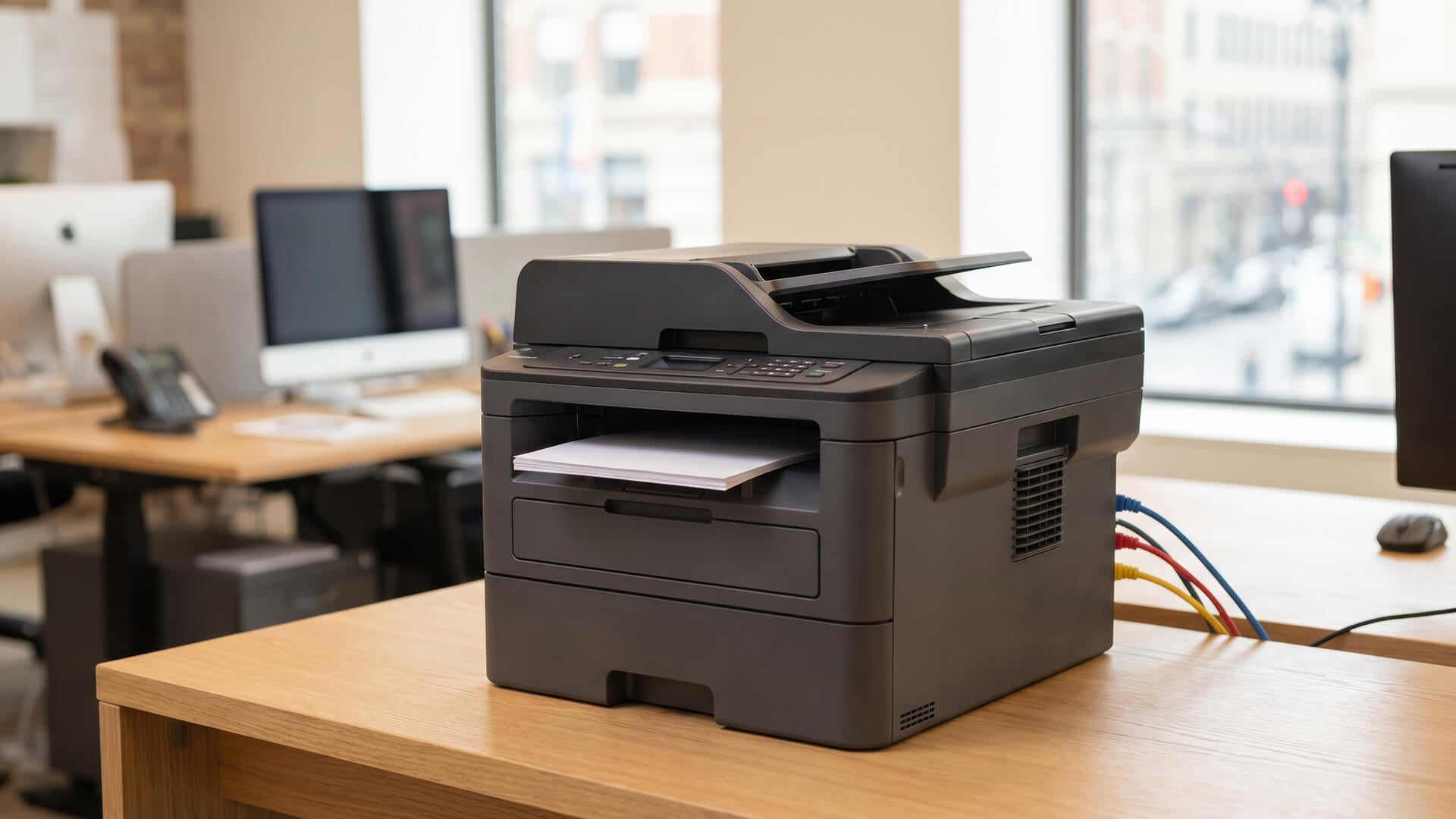
The best colour all in one laser printer is ideal if your office wants one device that can do everything. It helps save space, simplify setup and support multiple users from one shared printer.
Choose a colour all-in-one laser printer if your team regularly needs to:
- Print colour documents
- Scan paperwork
- Copy forms
- Print double-sided documents
- Share one printer across several users
- Print from laptops and mobile devices
- Keep business printing centralised
For small offices, an all-in-one colour laser printer is often the most practical option because it offers more flexibility than a print-only model.
Small Colour Laser Printer
A small colour laser printer is a good choice if your office needs professional colour output but has limited space. This can be useful for home offices, reception desks, small teams and shared workspaces.
A small colour laser printer works well for:
- Desk-side printing
- Small business printing
- Home office printing
- Hybrid workspaces
- Freelancers
- Small admin teams
- Reception areas
When choosing a compact model, check the full printer footprint. Some printers need extra space at the back or side for paper trays, ventilation, or toner access.
Best Compact Colour Laser Printer
The best compact colour laser printer should save space without feeling too limited. It should still offer reliable document quality, simple connectivity, and practical paper handling.
Look for:
- Small footprint
- Wireless printing
- Automatic double-sided printing
- Good colour document quality
- Easy toner replacement
- Reasonable paper tray capacity
- Quiet operation
- Mobile printing support
A compact colour laser printer is ideal if you want professional office documents without a large machine taking over the workspace.
Best Wireless Colour Laser Printer
The best wireless colour laser printer should be easy for multiple people to access. This is especially important in offices where staff use a mix of laptops, desktops, phones and tablets.
A good wireless colour laser printer should support:
- WiFi printing
- Mobile printing
- Apple AirPrint
- Mopria
- Laptop printing
- App-based setup
- Optional Ethernet
- Secure printing where available
Wireless printing helps keep the office setup cleaner and gives you more freedom over where the printer is placed.
Budget Colour Laser Printer
A budget colour laser printer can be a sensible choice if your office needs professional-looking colour documents without a high upfront cost. However, running costs matter, so it is important to check toner prices before buying.
Before choosing a budget colour laser printer, compare:
- Starter toner yield
- Standard toner yield
- High-yield toner availability
- Replacement toner cost
- Duplex printing support
- WiFi support
- Monthly duty cycle
- Paper tray capacity
- Warranty
- Long-term total cost of ownership
A lower-cost printer may be fine for occasional colour printing. But if your team prints regularly, a slightly more expensive model with better toner yield may save money over time.
Key Features to Compare Before Buying
A colour laser printer can look good in a product listing, but the everyday experience depends on the details.
Print Speed and PPM
Print speed is measured in pages per minute, often shown as PPM. A faster printer is useful if several people share one device or if your business prints long reports.
For a small team, moderate speed may be enough. For a busier office, faster printing can reduce waiting time and keep work moving.
Toner Cost Per Page
Toner cost per page is one of the most important buying factors. A printer with a low upfront price can become expensive if toner replacements are costly.
Compare:
- Black toner cost
- Colour toner cost
- Standard toner yield
- High-yield toner options
- Total cost per page
- Replacement toner availability
You can browse replacement toner and print supplies to compare consumables.
Toner Page Yield
Toner page yield tells you how many pages a toner cartridge is expected to print. Higher yield usually means fewer replacements and better value for regular printing.
This matters most for offices that print colour reports, graphics or branded documents often.
Duplex Printing
Duplex printing means automatic double-sided printing. It helps save paper, reduce filing space and make reports look more professional.
It is especially useful for printing contracts, policies, training packs, Internal documents, and client reports.
Automatic Document Feeder
An automatic document feeder lets you scan or copy multiple pages without placing each one on the scanner glass. This is useful if your office handles multi-page documents.
An ADF is helpful for forms, receipts, HR documents, ID copies, and client files.
Connectivity
A good office printer should support the way your team works. Look for WiFi, Ethernet, USB, mobile printing, AirPrint and Mopria support.
Ethernet is useful for stable office networks. WiFi is useful for flexible placement. USB can help if one computer needs a direct connection.
Paper Tray Capacity
Paper tray capacity matters in shared offices. A small tray can be annoying if several people print every day.
Choose a paper tray size that suits your normal workload, not just the occasional small print job.
Monthly Duty Cycle
Monthly duty cycle gives an idea of how much work the printer is designed to handle. Choose a printer with a duty cycle comfortably above your expected monthly print volume.
This helps avoid buying a printer that is constantly pushed too hard.
Best Colour Laser Printer by Office Type
Different offices need different features. Use this table as a simple guide.
| Office Type | Best Printer Choice | Key Features to Prioritise |
|---|---|---|
| Small business admin teams | Colour laser MFP | Print, scan, copy, duplex, ADF |
| Sales teams | Colour laser printer | Sharp colour documents, fast printing, wireless support |
| Hybrid offices | Wireless colour laser printer | WiFi, Ethernet, AirPrint, Mopria |
| Reception desks | Compact MFP colour laser | Small footprint, easy controls, scan and copy |
| Marketing teams | Colour laser or inkjet | Colour quality, media handling, running costs |
| Home offices | Compact wireless colour laser | Desk-friendly size, wireless printing, low maintenance |
| Busy shared offices | Higher-duty colour laser | Larger tray, higher toner yield, faster PPM |
The best printer is not always the one with the most features. It is the one that fits your workload, budget and available space.
Colour Laser Printer Running Costs
Colour laser printers can be good value for office use, but it is important to understand the running costs before buying. Toner may cost more upfront than ink cartridges, but it often lasts longer and is better suited to regular office document printing.
Running-cost factors include:
- Toner price
- Toner page yield
- High-yield cartridge support
- Drum replacement
- Waste toner units
- Energy use
- Paper use
- Maintenance needs
For office buyers, total cost of ownership matters more than purchase price alone. If your team prints regularly, look for high-yield toner support and automatic double-sided printing.
For more advice, read our guide to eco-friendly printer options for home & office.
Common Mistakes When Buying a Colour Laser Printer
Buying on Price Alone
A cheap colour laser printer can cost more over time if toner is expensive or page yield is low. Always compare running costs before buying.
Ignoring Scanner Needs
If your team scans contracts, forms or paperwork, choose a multifunction laser printer. A print-only model may not support your full workflow.
Forgetting About Space
Check the full printer size, including space needed for trays, cables, ventilation and toner replacement.
Choosing Too Little Paper Capacity
A small paper tray may be fine for occasional use, but it can slow down a shared office. Choose a tray size that fits your normal workload.
Not Checking Mobile Printing Support
Modern teams often print from laptops, phones and tablets. AirPrint, Mopria and mobile printing support can make daily use easier.
Overlooking Toner Availability
Before buying, make sure replacement toner is easy to find. This helps reduce downtime later.
How to Choose a Colour Laser Printer
To choose the right colour laser printer, start with your workload. Think about how many pages your team prints each month, whether you need scanning, whether colour is essential and how many people will share the printer.
If your team mostly prints business documents, charts and reports, an A4 colour laser printer may be ideal. If you scan and copy regularly, choose a multifunction model. If space is limited, look for a compact wireless colour laser printer. If print volume is high, prioritise toner yield, paper tray capacity and monthly duty cycle.
A simple rule is to buy for the work you do every week, not the rare task you might do once a year. That helps you avoid overspending while still choosing a printer that supports your daily office needs.
For more setup guidance, read our guide to Choose the right home office printer.
Final Verdict: Which Colour Laser Printer Should You Buy?
The best colour laser printer for your office is the one that fits your team’s workload, space and budget. Choose a multifunction laser printer if you need printing, scanning and copying in one device. Choose a compact wireless model if space is limited. If your office prints heavily, focus on toner yield, paper capacity and monthly duty cycle.
View Brother printers for busy teams or compare Xerox printers for business use at Box.co.uk.
FAQs
What is the highest rated colour laser printer?
The highest rated colour laser printer depends on the office using it. A small team may prefer a compact wireless multifunction printer, while a busy office may need a faster model with higher toner yield, larger paper capacity and a stronger monthly duty cycle.
Is it worth buying a colour laser printer?
Yes, a colour laser printer is worth buying if your office regularly prints reports, charts, presentations, proposals or branded business documents. It offers sharp text, consistent colour output and reliable performance for regular office workloads.
What is the best colour laser printer for 2026?
The best colour laser printer for 2026 is one that matches your workload. For most offices, a wireless colour laser multifunction printer with duplex printing, good toner yield, scanning and network support is the most practical choice.
Which is better, HP or Canon colour laser printers?
Both HP and Canon make strong colour laser printers. HP is popular for office workflows, business features and printer management, while Canon is also known for reliable print quality. The better choice depends on price, toner costs, speed, features and availability.
What are the downsides of laser printers?
Laser printers can cost more upfront, and replacement toner can be expensive. Colour photo quality may not match a specialist photo inkjet printer, and larger laser printers can take up more space. However, they are often excellent for regular office document printing.
How to choose a colour laser printer?
Choose a colour laser printer by checking your print volume, colour needs, scanning requirements, paper capacity, toner cost per page, print speed, connectivity and available space. For shared office use, prioritise wireless or Ethernet support, duplex printing and easy-to-find replacement toner.
You can pay with:
*PayPal Credit Representative Example: Assumed credit limit £1,200, Representative 23.9% APR (variable). Purchase rate 23.9% p.a (variable).Terms & Conditions apply.


PayPal Credit and PayPal Pay in 3 are trading names of PayPal UK Ltd, 5 Fleet Place, London, United Kingdom, EC4M 7RD. Terms and conditions apply. Credit subject to status, UK residents only, Five Tech LTD acts as a broker and offers finance from a restricted range of finance providers. PayPal Pay in 3 is not regulated by the Financial Conduct Authority. Pay in 3 eligibility is subject to status and approval. 18+. UK residents only. Pay in 3 is a form of credit. Check if affordable and how you will repay. May make other borrowing more difficult or expensive. See product terms for more details.
Copyright © 1996-2026 Fivetech LTD | Terms and Conditions
box.co.uk & Box are trading names of Five Tech Limited. Registered office: Box LTD, Unit 10 Woodford Trading Estate, Woodford Green IG8 8HF