


 Menu
MenuMenu


Get Sales Advice from Mon - Fri 9am - 5:00pm:
020 3337 8950LAST UPDATED: April 29, 2026
BenQ vs Dell Monitors: Which Brand is Better for Work, Gaming & Creators?
Choosing between BenQ and Dell monitors is not just about picking the bigger brand. Both make strong displays, but they tend to suit different users. Dell is often a safe choice for work, business desks, and clean productivity setups. BenQ is strong for eye comfort, gaming features, and selected creator-focused screens.
The right choice depends on how you use your monitor every day. A Dell monitor display may make more sense for office productivity, USB-C connectivity, and a tidy desk setup. A BenQ monitor may be better if you care about long viewing comfort, FPS-focused gaming tools, or specific creative features.
This BenQ vs Dell monitors guide compares the two brands across display quality, gaming, work, creative use, design, and value. By the end, you should have a clearer idea of which brand fits your setup, whether you need better colour accuracy, stronger gaming performance, or a more practical screen for everyday work.
BenQ vs Dell Monitors: Key Differences at a Glance
The BenQ vs Dell monitors comparison comes down to how you use your screen. Dell usually feels stronger for work, business setups, and clean desk productivity. BenQ is often more focused on viewing comfort, gaming tools, and specialist display features.
| Feature | BenQ | Dell |
| Focus | Eye-care, gaming, creator and specialist displays | Office, business, productivity and UltraSharp-style displays |
| Common panel options | IPS and VA, depending on the range | IPS is common across many productivity models |
| Colour performance | Strong on selected creative models | Strong on professional and UltraSharp-style models |
| Gaming features | More focused on motion clarity and esports tools | Good gaming options, but less esports-led overall |
| Work features | Comfort modes, low blue light and brightness tools | USB-C, docking, cable management and multi-screen support |
| Connectivity | HDMI, DisplayPort and USB-C on selected models | Often strong for USB-C and business desk setups |
| Ergonomics | Adjustable stands on many mid-range and premium models | Strong stand adjustability across many work monitors |
| Best fit | Comfort, FPS gaming and selected creative work | Office use, productivity and professional setups |
Brand Positioning and Focus
Dell is usually the better brand for work setups. Many of its monitors are aimed at offices, hybrid workers, business users and multi-screen desks. If you want a clean, reliable display for daily tasks, Dell's latest monitors are a sensible place to start.
BenQ has a wider specialist feel. A BenQ monitor may appeal more if you care about viewing comfort, gaming features, or display modes made for creative work. The brand is also well known for monitors that focus on eye care and gaming clarity.
If you want the best Dell monitor, start with your desk setup and connection needs. If you want the best BenQ monitor, think more about how long you use the screen and whether gaming or creative features matter.
Target Users: Gaming, Office and Creative
The best choice changes by user type. Dell often suits office workers, remote teams and productivity users. BenQ can make more sense for gamers, students, home users and creators who want specific display tools.
For gaming, look at refresh rate, response time and motion handling. For creative work, focus on colour accuracy, calibration and panel quality. For work, prioritise office productivity, comfort, ports and stand adjustment.
A Dell monitor display is often a strong fit for clean desk setups and business use. A BenQ screen may be better if comfort, gaming modes or specialist features matter more to your daily use.
Price Range Overview
Both brands cover entry-level, mid-range and premium monitors. BenQ and Dell monitors generally start from around £85 to £100, depending on the model and current offers.
Mid-range options usually sit around £150 to £500, where you start to see better stands, sharper screens, stronger connectivity options, and more useful features for work or gaming.
Premium models can go beyond £500, especially if you want ultrawide screens, 4K resolution, USB-C, advanced colour features, HDR support, or esports-focused performance. In a budget vs premium displays comparison, price should come in second spot, as the first preference should always be your needs. There is no point in getting a monitor with powerful specs unless you actually need them.
Display Quality and Panel Technology
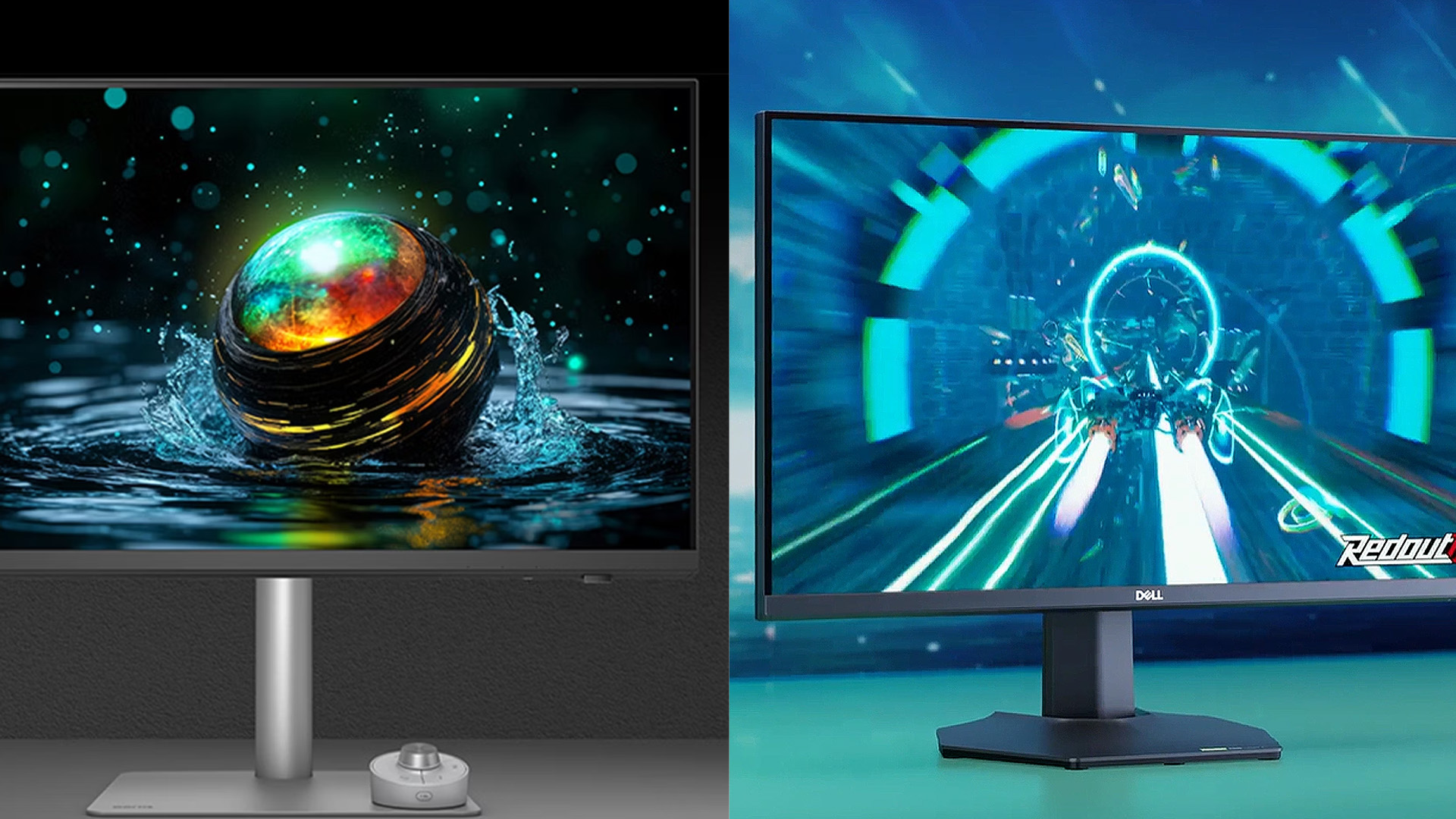
Display quality matters because it affects everything you do on screen. Text clarity, colour depth, contrast, brightness, and viewing angles all change how comfortable a monitor feels day to day.
A Dell monitor display often makes sense if you want a clean, consistent screen for work, business use, and professional desk setups. BenQ monitor screens can be a strong fit if you want eye-care features, gaming-focused panels, or selected creator-friendly options.
Colour Accuracy and Calibration
If you edit photos, videos, graphics, or brand assets, colour accuracy should be one of your first checks. A monitor with weak colour handling can make images look different once they are viewed on another screen or printed.
This is where the Dell Ultrasharp vs BenQ comparison becomes important. Dell UltraSharp models are often popular for professional desk setups and consistent visuals. BenQ also offers creator-focused screens with strong colour features and factory calibration on selected models.
Panel Types: IPS and VA
Panel type changes how a screen looks and feels. IPS vs VA panels is one of the most important comparisons to understand before buying.
- IPS: IPS panels usually offer wider viewing angles and better colour consistency. That makes them a strong choice for office work, creative tasks, and shared desk setups. VA panels often provide stronger contrast, which can make films, games, and darker scenes look deeper.
- VA: VA panel may suit media or certain gaming setups. A VA panel may also be a better choice for users who prefer higher contrast and deeper blacks.
Brightness and HDR Performance
Brightness affects comfort, especially in bright rooms or near windows. A dim screen can feel harder to use during the day. A brighter screen can make text, images, and video easier to view.
HDR support can also improve contrast and highlights, but not all HDR monitors perform the same. A basic HDR label does not always mean a true high-end HDR experience. Check brightness, contrast, panel quality, and colour coverage before deciding.
For gaming and creative previews, HDR can add more impact. For everyday work, brightness, sharpness, and comfort may matter more. A good BenQ screen or Dell option should match the room, workload, and type of content you view most.
BenQ vs Dell for Gaming
For high-performance gaming displays, the right pick in the BenQ vs Dell comparison comes down to what you play most. BenQ has a stronger esports identity, especially through ZOWIE. Dell, through Alienware, is often stronger for players who want speed, sharp visuals, and a more balanced Dell screen for gaming and media.
Refresh Rate and Response Time
- BenQ: BenQ covers both competitive and immersive gaming. Its ZOWIE range goes heavily into speed, with models such as the XL2566X+ offering a 400Hz refresh rate and DyAc 2, while the XL2586X goes up to 540Hz at Full HD. BenQ's MOBIUZ range also covers more cinematic gaming, including 4K Mini LED options such as the EX321UX with 144Hz, 1ms GtG, HDR10 and VESA DisplayHDR 1000. It is a good idea to compare different BenQ monitor series before making the final call.
- Dell: Dell's gaming strength sits mainly in its Alienware monitors. The range includes QD-OLED models such as the AW2725Q, which offers 4K at 240Hz with a 0.03ms grey-to-grey response time, plus NVIDIA G-SYNC Compatible, AMD FreeSync Premium Pro and VESA AdaptiveSync support. Dell also offers QHD QD-OLED gaming screens, such as the AW2726DM, with 240Hz and 0.03ms response time.
Motion Clarity and Gaming Features
- BenQ: BenQ is more focused on motion control for competitive play. ZOWIE monitors include features such as DyAc 2, Black eQualizer and Color Vibrance on selected models. BenQ says DyAc 2 uses a dual backlight design to improve blur reduction while keeping the light output easier for the eyes to adapt to. That makes BenQ DyAc especially relevant for FPS players who care about tracking and fast reactions.
- Dell: Dell focuses more on a premium gaming experience. Alienware QD-OLED models offer fast response times, adaptive sync support, deep contrast and wide colour coverage. The AW2725Q, for example, lists 99% DCI-P3 colour coverage, Dolby Vision and VESA DisplayHDR True Black 400. This makes Dell a strong option if you want gaming speed with richer visuals for story games, media and mixed use.
Which Brand is Better for FPS Games
- BenQ: For FPS games, BenQ is usually the more focused choice. ZOWIE monitors are built around fast motion, simple screen sizes, high refresh rates and tournament-style play. The 400Hz and 540Hz options show how strongly BenQ targets players who care more about reaction speed than cinematic visuals.
- Dell: Dell is better if you want FPS gaming alongside sharper visuals and broader use. Alienware QD-OLED monitors give you very fast response times, high refresh rates and stronger image quality. That makes them suitable for players who switch between shooters, RPGs, racing games, films and general desktop use.
BenQ vs Dell for Work and Productivity
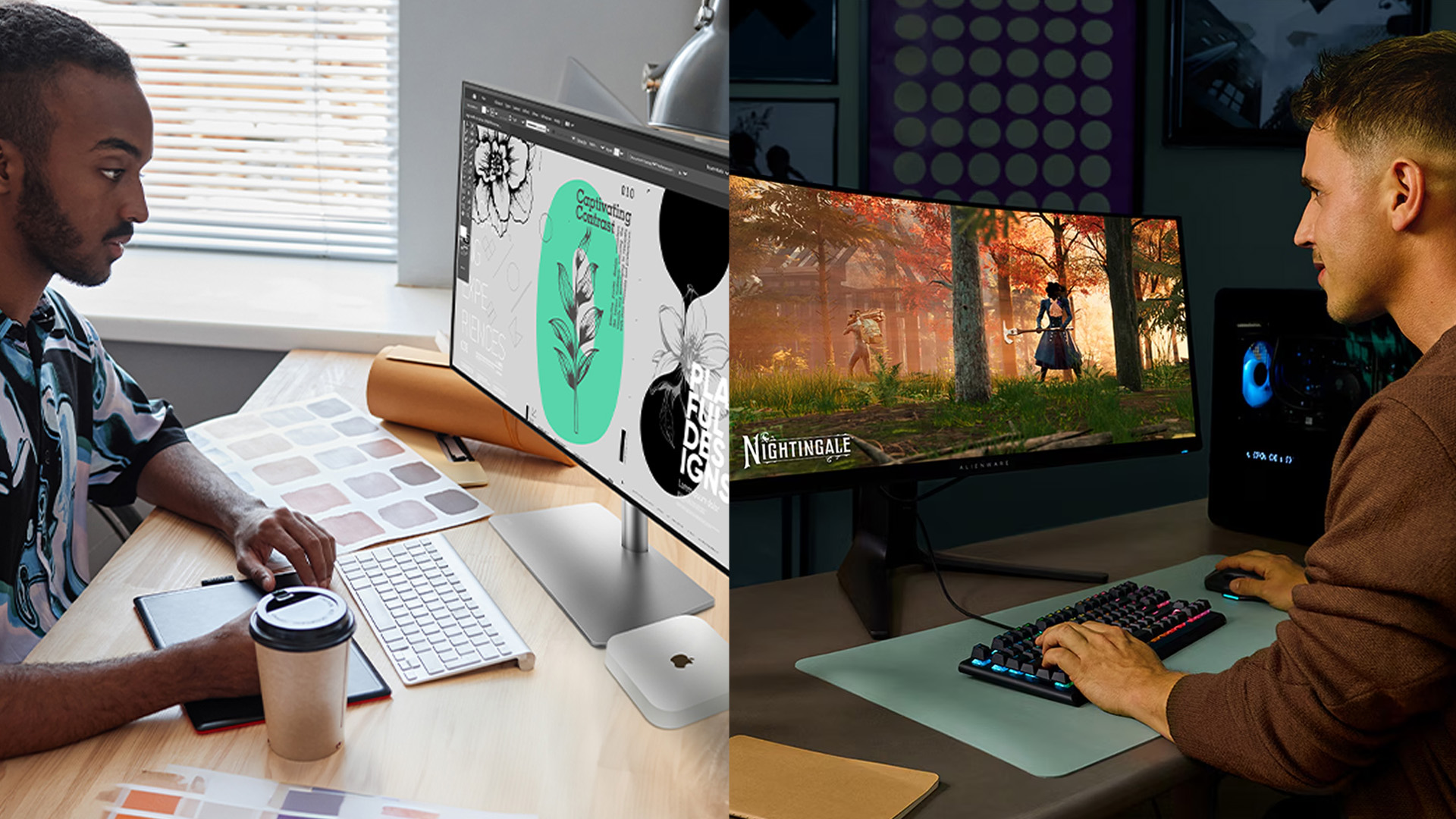
For work, selecting a BenQ or Dell monitor is less about raw specs and more about comfort, ports, adjustability, and how neatly the screen fits into your desk setup. Both brands offer professional-grade display setups; Dell usually has the edge for business desks and docking while BenQ is stronger if eye comfort is your main priority.
Eye Care and Comfort Features
- BenQ: BenQ puts a lot of focus on long viewing comfort. Its Brightness Intelligence technology uses an ambient light sensor to adjust screen brightness based on the room. BenQ also explains that B.I.+, now called Visual Optimizer in some materials, can adjust brightness and colour temperature to match your surroundings. That makes BenQ B.I+ useful if you spend long hours reading, writing, or switching between bright and dark content.
- Dell: Dell also takes eye comfort seriously, especially on work-focused displays. ComfortView Plus is described by Dell as a built-in, always-on, low blue light hardware solution. Dell also notes that it is TÜV certified and designed to reduce blue light while keeping colour quality more natural. That helps if you use a Dell monitor display for long office sessions.
USB-C and Connectivity Options
- BenQ: BenQ monitors can offer HDMI, DisplayPort, USB-C and other useful ports, depending on the model. This can work well for home offices, laptops, and tidy desk layouts. If you use one screen for work, video calls, and light media, the right BenQ model can keep things simple.
- Dell: Dell often feels stronger for desk connectivity. Dell is a more famous brand when it comes to USB-C monitors and buyers who want a dual monitor setup. It also supports monitor daisy chaining through DisplayPort MST, USB-C with DisplayPort Alternate Mode, or Thunderbolt MST, while HDMI does not support daisy chaining. That makes Dell a strong option for multi-screen desks and cleaner cable management.
Best for Office and Home Use
- BenQ: BenQ makes sense for home users who care about comfort. A BenQ screen can be a good fit for reading, browsing, spreadsheets, online learning, and long work sessions. It is especially appealing if your room lighting changes throughout the day.
- Dell: Dell is often the safer choice for offices, hybrid workers, and shared workspaces. Its strengths are ergonomic design, strong connectivity options, reliable stands, and business-friendly features. Many Dell UltraSharp USB-C monitors also support extra productivity tools such as PIP, PBP, or KVM on selected models, which can help users manage more than one device.
BenQ vs Dell for Creative Professionals
For users doing creative work, colour, calibration and resolution are the most important features to consider in a BenQ vs Dell monitors comparison. Monitors built for creators should help you trust what you see. It should also give you enough detail for editing photos, videos, graphics and design projects.
Colour Accuracy and Coverage
- BenQ: BenQ puts a lot of focus on creative colour control. Its AQCOLOR technology is designed for accurate colour on professional monitors, with BenQ highlighting 10-bit panels, 12-bit or 14-bit LUTs, low Delta E and colour consistency across selected professional models. That makes BenQ a strong option if you want a screen made for editing, design or digital artwork.
- Dell: Dell's UltraSharp range is also strong for creative and professional use. Some UltraSharp models focus on wide colour coverage and high resolution. For example, Dell's UltraSharp 32 6K monitor lists 6K resolution, IPS Black panel technology, 99% DCI-P3, 100% Rec.709 and 100% sRGB colour coverage.
Hardware Calibration Support
- BenQ: BenQ has a clear advantage if calibration is central to your workflow. Its Palette Master Ultimate software supports professional hardware calibration for SW models and software calibration for PD models. BenQ also lets users save customised ICC profiles and bind them to monitor colour modes, which helps keep colour workflows more consistent.
- Dell: Dell also supports colour management on selected UltraSharp monitors. The Dell Color Management tool is designed for adjusting and calibrating UltraSharp displays, while many higher-end Dell screens focus on consistent colour, wide gamuts and office-friendly professional use. Dell is often a strong choice if your creative work sits alongside productivity, video calls, USB-C docking and multi-device setups.
Best for Photo and Video Editing
- BenQ: BenQ is a strong choice for photographers, editors and designers who want display tools built around creative work. It is especially useful if you want colour modes, calibration support and screen features made for editing. A BenQ screen can make sense if your priority is a focused creative workspace rather than a general office display.
- Dell: Dell is better if you want a creative monitor that also works as a premium productivity hub. UltraSharp models often combine high resolution, wide colour coverage and strong connectivity options. This makes Dell appealing for editors who also need USB-C, multi-screen support, office work and a clean desk setup.
Design, Build Quality and Ergonomics
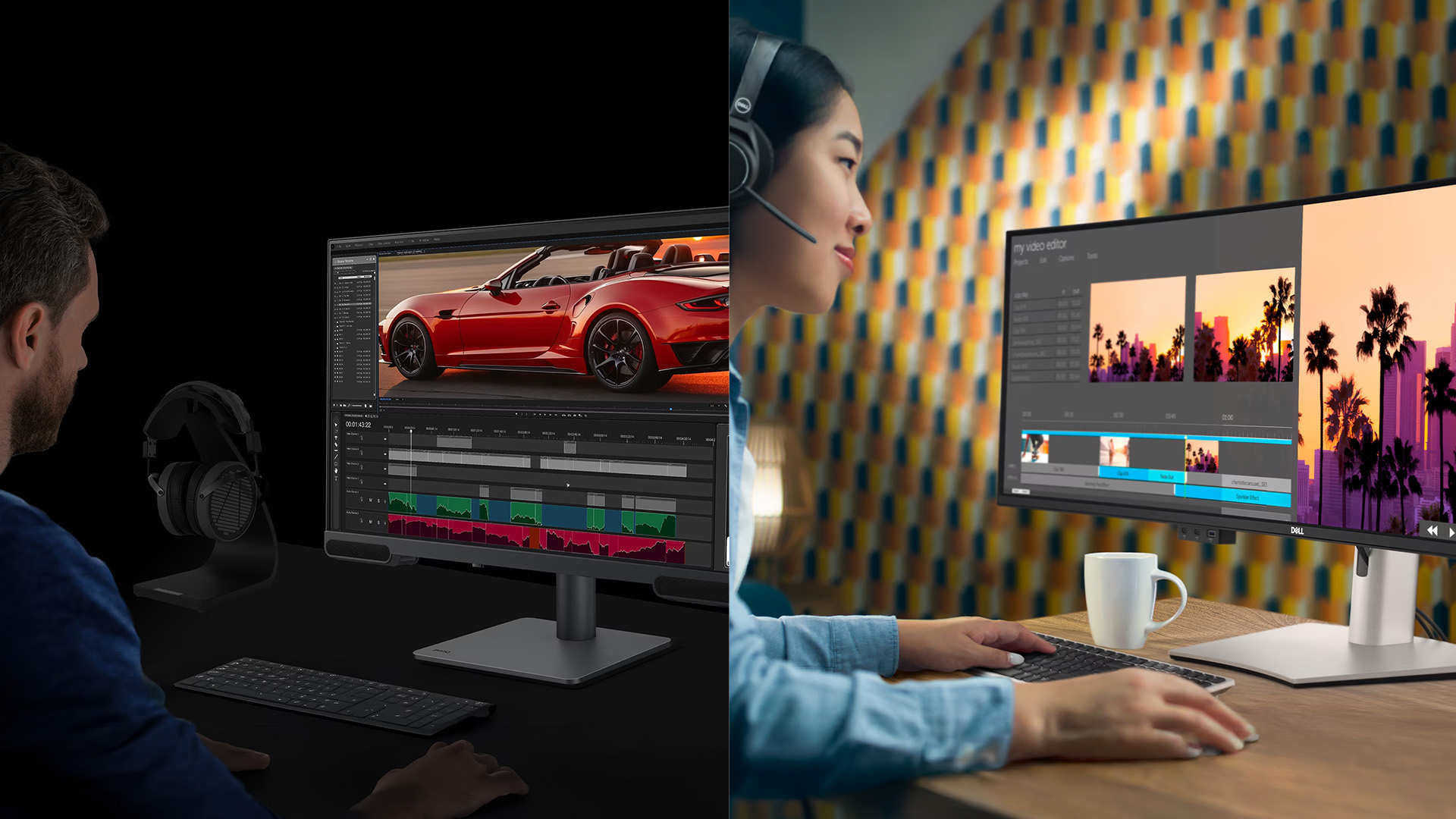
Design matters because a monitor is not something you use for a few minutes. It sits in front of you for long workdays, gaming sessions, editing tasks and general browsing.
Stand Adjustability
Dell is usually very strong for office-style adjustability. Many work-focused Dell monitors offer height adjustment, tilt, swivel and pivot, which helps you set the screen at a more comfortable viewing position. Dell also highlights adjustable stands as useful for reducing neck, shoulder and eye strain during long sessions.
BenQ also offers a strong ergonomic design across many home office and business models. Some BenQ monitors support tilt, swivel, pivot and height adjustment, which makes them easier to fit into shared desks, study spaces or long working sessions.
Build Materials and Durability
Dell monitors often feel more business-led in design. The look is usually clean and desk-friendly, with practical stands, tidy cable routing and a focus on long-term office use. That gives Dell an advantage if you want a monitor that blends into a professional setup without drawing too much attention.
BenQ tends to feel more feature-led. Some models are built around eye comfort, gaming clarity or creator workflows, so the physical design can vary more by range. That is not a weakness, but it means the build quality should be judged by the specific monitor rather than the brand name alone.
Desk Setup Compatibility
Dell is often easier to recommend for organised workstations. Many Dell monitors are designed with office setups in mind, especially if you use docking, USB-C, cable management or a dual monitor setup.
BenQ can also work well in compact or specialist setups. It may be the better choice if your desk is built around comfort modes, coding features, gaming focus or creator tools. For either brand, check VESA support, stand size, ports and connectivity options before buying. A good monitor should fit your desk as well as your workload.
Final Verdict: BenQ vs Dell – Which is Better?
There is no single winner in the BenQ vs Dell monitors debate. The better choice depends on what you need the screen to do every day.
Dell is usually the safer pick for work setups, business desks and productivity-focused users. If your priority is clean design, strong connectivity options, reliable ergonomic design and easy multi-screen use, a Dell monitor often makes more sense.
BenQ is stronger when your needs are more specific. It is a good choice if you care about long viewing comfort, FPS-focused gaming performance, or display features aimed at creative and specialist use. A BenQ monitor can also be a better fit if eye-care tools or motion clarity matter more than office docking features.
Frequently Asked Questions
Are Dell or BenQ monitors better?
Neither brand is better for every user. Dell is usually stronger for office, business and productivity setups. BenQ is often better for eye comfort, competitive gaming features and selected creative displays.
Which is better for home office, BenQ or Dell?
Dell is usually a strong choice for home office setups because many models focus on clean design, USB-C connectivity, adjustability and multi-monitor use. BenQ can be better if long viewing comfort and eye-care features are your main priority.
Which brand has better colour accuracy, BenQ or Dell?
Both brands offer colour-focused monitors. BenQ has strong creator-focused models, while Dell UltraSharp monitors are also popular for professional colour work. The better choice depends on the exact model, panel type, colour coverage and calibration support.
Are Dell monitors good for work?
Yes, Dell monitors are generally very good for work. Many models focus on productivity, comfort, strong stands, clean desk setups and practical ports. They are especially useful for office, hybrid and business environments.
Are BenQ monitors good for gaming?
Yes, many BenQ monitors are good for gaming, especially models aimed at competitive players. They often focus on fast motion, low blur, high refresh rates and features that help with FPS-style games.
You can pay with:
*PayPal Credit Representative Example: Assumed credit limit £1,200, Representative 23.9% APR (variable). Purchase rate 23.9% p.a (variable).Terms & Conditions apply.


PayPal Credit and PayPal Pay in 3 are trading names of PayPal UK Ltd, 5 Fleet Place, London, United Kingdom, EC4M 7RD. Terms and conditions apply. Credit subject to status, UK residents only, Five Tech LTD acts as a broker and offers finance from a restricted range of finance providers. PayPal Pay in 3 is not regulated by the Financial Conduct Authority. Pay in 3 eligibility is subject to status and approval. 18+. UK residents only. Pay in 3 is a form of credit. Check if affordable and how you will repay. May make other borrowing more difficult or expensive. See product terms for more details.
Copyright © 1996-2026 Fivetech LTD | Terms and Conditions
box.co.uk & Box are trading names of Five Tech Limited. Registered office: Box LTD, Unit 10 Woodford Trading Estate, Woodford Green IG8 8HF