


 Menu
MenuMenu


Get Sales Advice from Mon - Fri 9am - 5:00pm:
020 3337 8950LAST UPDATED: July 09, 2026
14 vs 16 Inch Laptop: Which Screen Size Should You Pick?
Choosing between a 14-inch and 16-inch laptop is mainly about how much screen space you want compared with how often you carry it. A 14-inch model is usually the easier everyday choice for travel, study and commuting, while a 16-inch model gives you more room for multitasking, creative work and longer desk sessions.
This 14 vs 16-inch laptop guide will help you match the right laptop screen size to your routine. A smaller model can feel more practical if you move between lectures, meetings or cafés, while a larger model may suit you better if you work with multiple windows, code, spreadsheets or visual tasks.
There is no one-size-fits-all answer. The best pick depends on portability, comfort, performance needs and whether you want the laptop to work on its own or as part of a wider desk setup.
Quick Answer: 14-Inch vs 16-Inch Laptop
The 14-inch vs 16-inch laptop decision comes down to how you use the device most days. A 14-inch laptop is usually the better pick if you want something light, compact and easy to carry. A 16-inch laptop is better if you want more built-in screen space for longer work sessions.
| Pick this size | Best for | Main trade-off |
|---|---|---|
| 14-inch laptop | Travel, study, commuting and everyday use | Less room for side-by-side windows |
| 16-inch laptop | Productivity, creative work, coding and gaming | Larger and usually heavier |
| 14-inch with an external monitor | Portable laptop plus a bigger desk display | Needs an extra screen at your desk |
| 16-inch as your main device | More built-in workspace and better screen comfort | Less bag-friendly than a small laptop |
If you want the easiest daily carry, choose 14 inches. If you want a larger screen for multitasking and fewer cramped windows, choose a 16-inch. For a wider look across sizes, specs and budgets, compare all laptop options before deciding.
14-Inch vs 16-Inch Laptop Size Comparison
A 14-inch vs 16-inch laptop comparison is not just about two inches on paper. Screen size is measured diagonally, so a 16-inch model usually feels noticeably roomier, especially when working with documents, browser tabs, spreadsheets or creative tools.
How Much Bigger Is a 16-Inch Laptop Screen?
A 16-inch screen gives you more space for side-by-side apps and split-screen working. It can feel more comfortable if you spend long hours reading, editing or comparing files.
A 14-inch screen is still enough for everyday work, but it may feel tighter if you keep multiple windows open at once.
Portability, Weight and Bag Fit
A 14-inch model is usually easier to carry. It is more likely to feel like a backpack-friendly laptop, especially for commuting, university or travel.
A 16-inch model gives more screen space, but the laptop's weight and larger body can matter if you carry it every day.
Desk Space, Travel and External Monitor Use
Think about where you use the laptop most. A 16-inch model works well as the main screen in a fixed desk setup, while a 14-inch model is easier to use on trains, café tables and lecture desks.
A 14-inch laptop can also work well with an external monitor at home or in the office. That gives you portability on the move and a bigger workspace when you are at your desk.
Why Choose a 14-Inch Laptop?
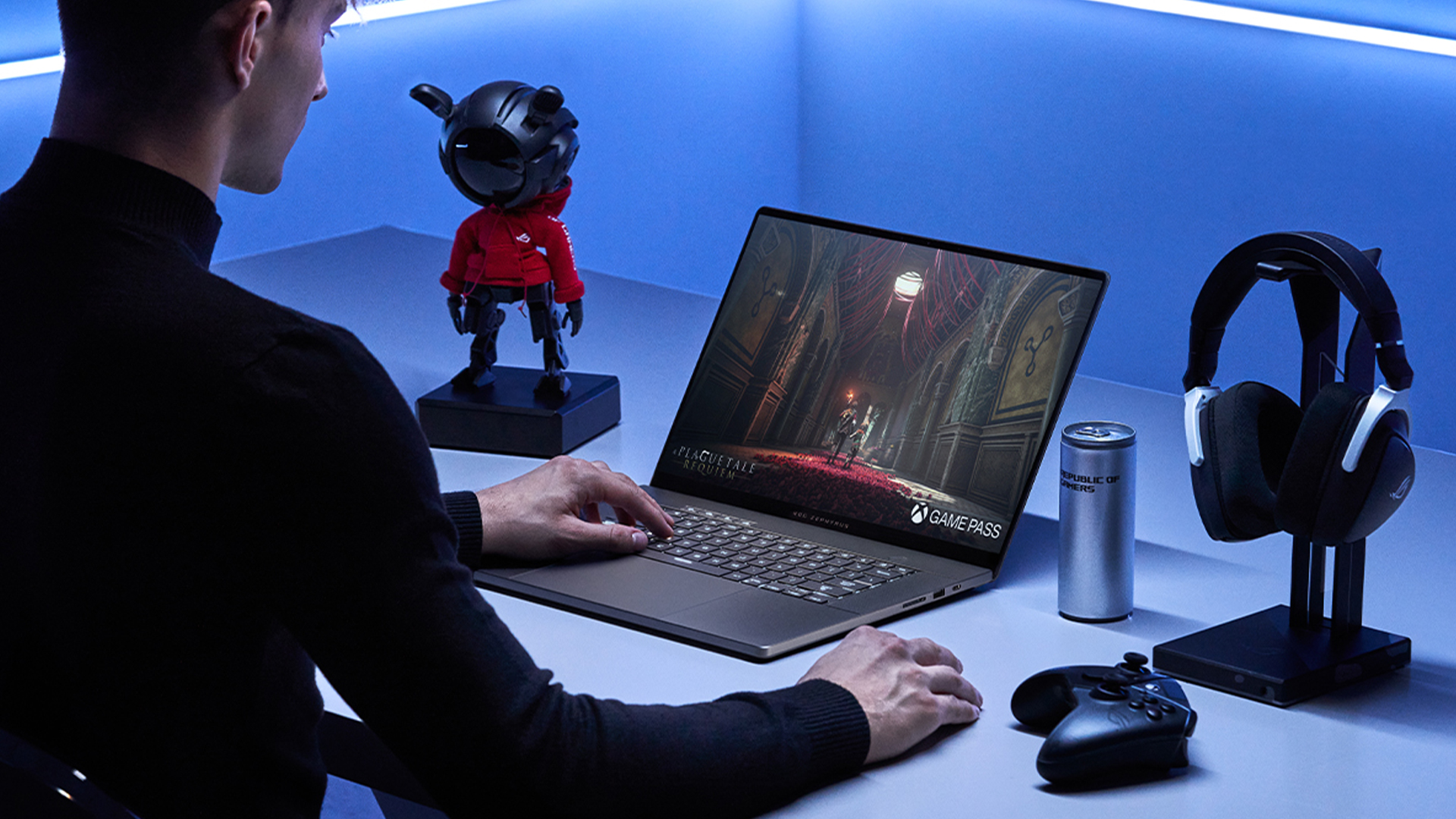
A 14-inch laptop is the better choice if you want a device that feels easy to carry but still has enough screen space for everyday work. It suits users who move between home, work, university, cafés or meetings and do not want a larger laptop weighing down their bag.
Choose a 14-inch model if you want:
- A lightweight laptop for daily travel
- A compact laptop that fits more easily into smaller bags
- A practical student laptop for lectures, notes and assignments
- An everyday laptop for browsing, documents, video calls and streaming
- A cleaner setup for small desks or shared workspaces
- A laptop that is easier to use on trains, in classrooms or while commuting
For students and mobile workers, compact 14-inch models often make the most sense because they balance screen space with portability. If you carry your machine every day, easy-carry laptop picks can save a lot of hassle over time.
The main trade-off is screen space. Laptops with a 14-inch screen are comfortable for general use, but they can feel tight for large spreadsheets, long editing timelines or heavy multitasking. That is why many of the best 14-inch laptops are ideal for portable productivity. This size is especially practical when looking comparing study-friendly laptops for coursework and everyday learning.
Why Choose a 16-Inch Laptop?
A 16-inch laptop makes sense if you want more room to work without relying on a second screen. The larger display is better for long documents, spreadsheets, creative apps, coding windows and media timelines, especially if the laptop is your main device.
Choose a 16-inch model if you want:
- A productivity laptop with more built-in workspace
- A large-screen laptop for clearer side-by-side work
- Better screen comfort during longer sessions
- More room for spreadsheets, editing tools or browser tabs
- A larger display for entertainment, creative work or gaming
- A stronger fit for desk-based work and fewer cramped windows
The main trade-off is portability. Laptops with a 16-inch screen can still be slim and manageable, but they usually need a larger bag and feel less compact than smaller models. If you mainly work from a desk, larger 16-inch notebooks or work-ready portable PCs can offer a better balance of workspace and performance.
For many buyers, the best 16-inch laptop is not just the one with the biggest screen. It should also have the right display resolution, battery life, ports and performance for the work you do most.
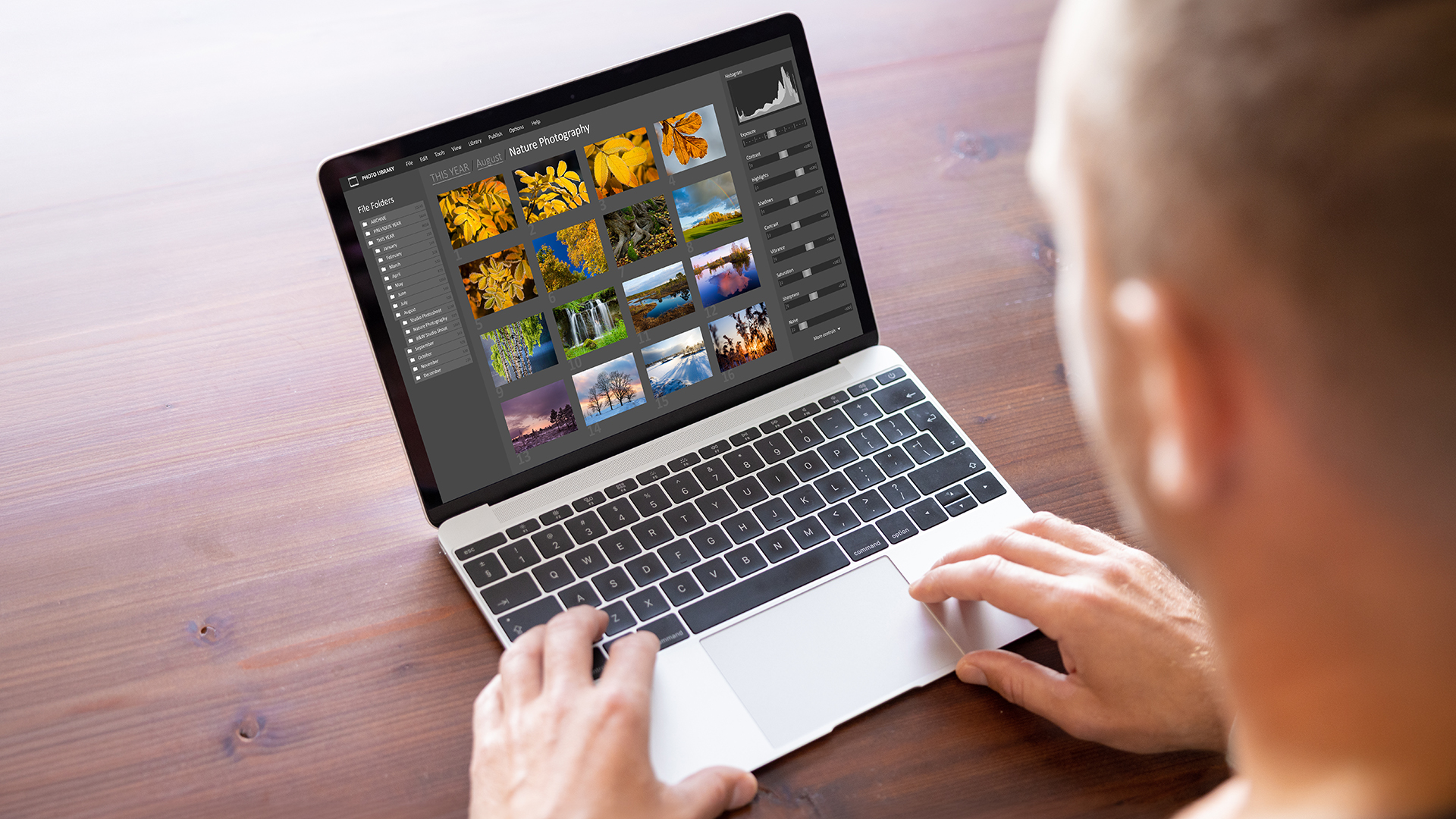
14-Inch vs 16-Inch Laptop for Work, Study, Programming and Gaming
The best size depends on the task. A 14-inch model is usually easier to carry, while a 16-inch model gives more room for screen-heavy work.
| Use case | Better size for most users | Why |
|---|---|---|
| Work | 14-inch for travel, 16-inch for desk work | A work laptop needs to match your meeting, document and monitor setup |
| Study | 14-inch | Easier to carry around campus and better for daily lectures |
| Business travel | 14-inch | A lighter business laptop is easier between offices, trains and meetings |
| Programming | 16-inch | A programming laptop benefits from more room for code, browser tabs and terminal windows |
| Engineering | 16-inch | An engineering laptop often needs more space for technical software and detailed layouts |
| Gaming | 16-inch | A gaming laptop feels more immersive on a larger screen, although GPU and cooling still matter more |
| Battery life | Depends on the model | Screen size matters, but processor, display type and hardware can affect runtime more |
For students, the lighter option is usually the easier daily choice, so the best university laptops for students often prioritise portability over screen size. For gaming, a 16-inch screen can feel better, but compact models still matter if you carry the laptop often. That is why the best gaming laptops should be judged by both performance and size.
Best 14-Inch and 16-Inch Laptop Options to Consider
The comparison below highlights strong 14 and 16-inch laptops in both categories. The aim is not to pick one winner straight away, but to match the screen size, display, GPU, specs and use case to your daily workload.
| Laptop | Display | Processor | GPU | RAM | Storage | Best for |
|---|---|---|---|---|---|---|
| Lenovo V14 | 14-inch Full HD LCD, 1920 x 1080 | Intel Core i5-13420H | Integrated Intel UHD | 16GB | 512GB SSD | Business, study and everyday productivity |
| Apple MacBook Pro M5 | 14.2-inch LED, 3024 x 1964, 120Hz | Apple M5 10-Core CPU | 10-Core integrated Apple GPU | 24GB | 1TB SSD | Creative work, premium productivity and macOS users |
| Acer Chromebook Spin 314 | 14-inch WUXGA touchscreen, 1920 x 1200 | Intel N100 Quad-Core | Integrated Intel UHD | 4GB | 128GB SSD | Light study, browsing, notes and flexible 2-in-1 use |
| ASUS TUF Gaming A14 | 14-inch IPS, 2560 x 1600, 165Hz | AMD Ryzen AI Max+ 392 | Integrated AMD Radeon 8060S | 32GB | 1TB SSD | Portable gaming and high-performance everyday use |
| Lenovo ThinkBook 16 G6 | 16-inch WUXGA IPS, 1920 x 1200 | Intel Core i5-13420H | Integrated Intel UHD | 8GB | 256GB SSD | Business, hybrid work and larger-screen documents |
| ASUS Zenbook S 16 | 16-inch OLED touchscreen, 2880 x 1800, 120Hz | AMD Ryzen AI 9 465 | Integrated AMD Radeon 880M | 32GB | 2TB SSD | Creators, multitaskers and premium OLED productivity |
| ASUS VivoBook 16 | 16-inch WUXGA IPS, 1920 x 1200 | Intel Core i5-1335U | Integrated Intel Iris Xe | 16GB | 512GB SSD | Students, professionals and everyday large-screen use |
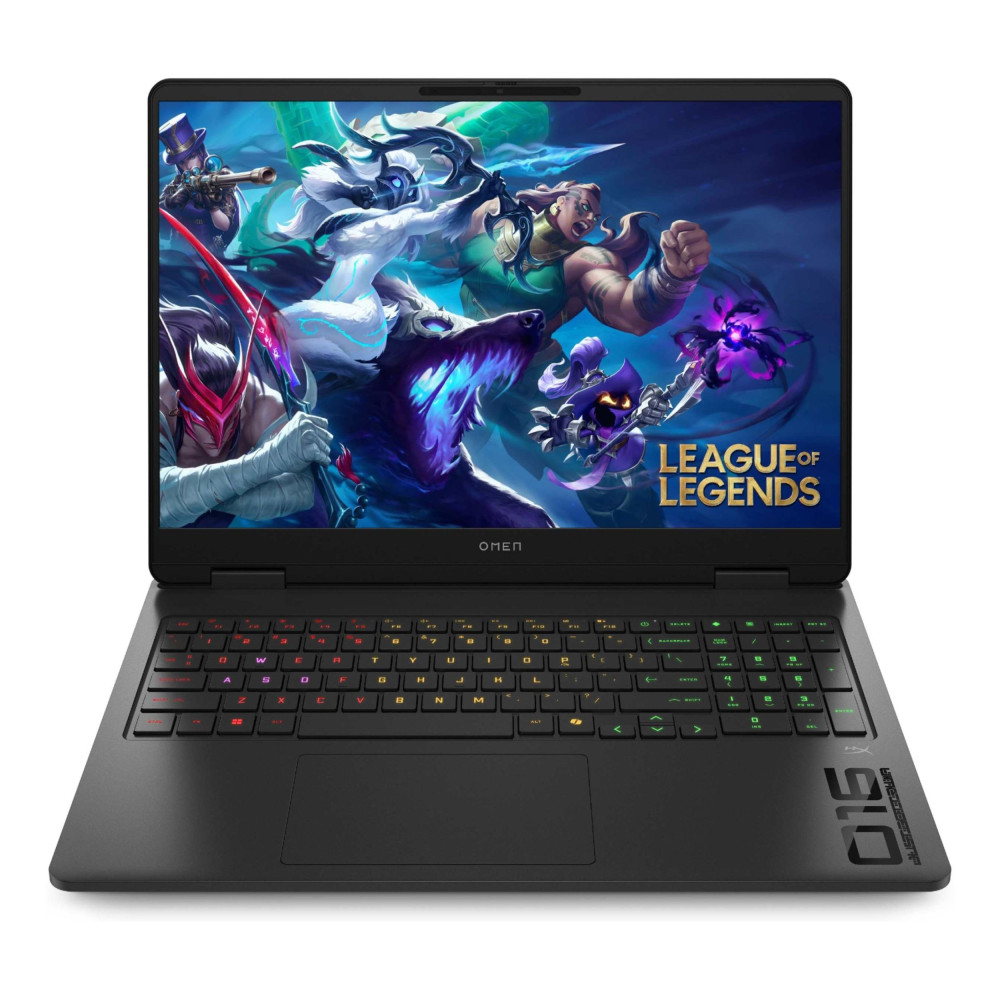
| HP OMEN Gaming 16 | 16-inch WUXGA IPS, 1920 x 1200, 144Hz | AMD Ryzen 9 8940HX | Dedicated NVIDIA RTX 5060, 8GB GDDR7 | 24GB | 1TB SSD | Gaming, streaming and performance-heavy workloads |
Let’s look at each model in more detail so you can decide whether a 14-inch or 16-inch laptop is the better fit.
Best 14-Inch Laptop Options
Below are some leading 14-inch picks for users who want a compact laptop without sacrificing everyday performance.
Lenovo V14 Intel Core i5-13420H 14-Inch Business Laptop
MPN: 83A0007LUK
Key Features
- Processor: Intel Core i5-13420H Octa-Core
- Display: 14-inch Full HD LCD, 1920 x 1080
- RAM: 16GB DDR4
- Storage: 512GB SSD
- Graphics: Integrated Intel UHD
- Operating System: Windows 11 Pro
Best for: Business users, students and everyday productivity. It suits buyers who want a compact Windows laptop with strong RAM, practical storage and a professional setup.

Apple MacBook Pro M5 14.2-Inch Laptop
MPN: MDE34B/A
Key Features
- Processor: Apple M5 10-Core CPU
- Display: 14.2-inch LED, 3024 x 1964, 120Hz
- RAM: 24GB
- Storage: 1TB SSD
- Graphics: 10-Core integrated Apple GPU
- Operating System: macOS Tahoe
Best for: Creators, students and home office users who want a premium compact laptop with strong performance, high memory and a sharp display.
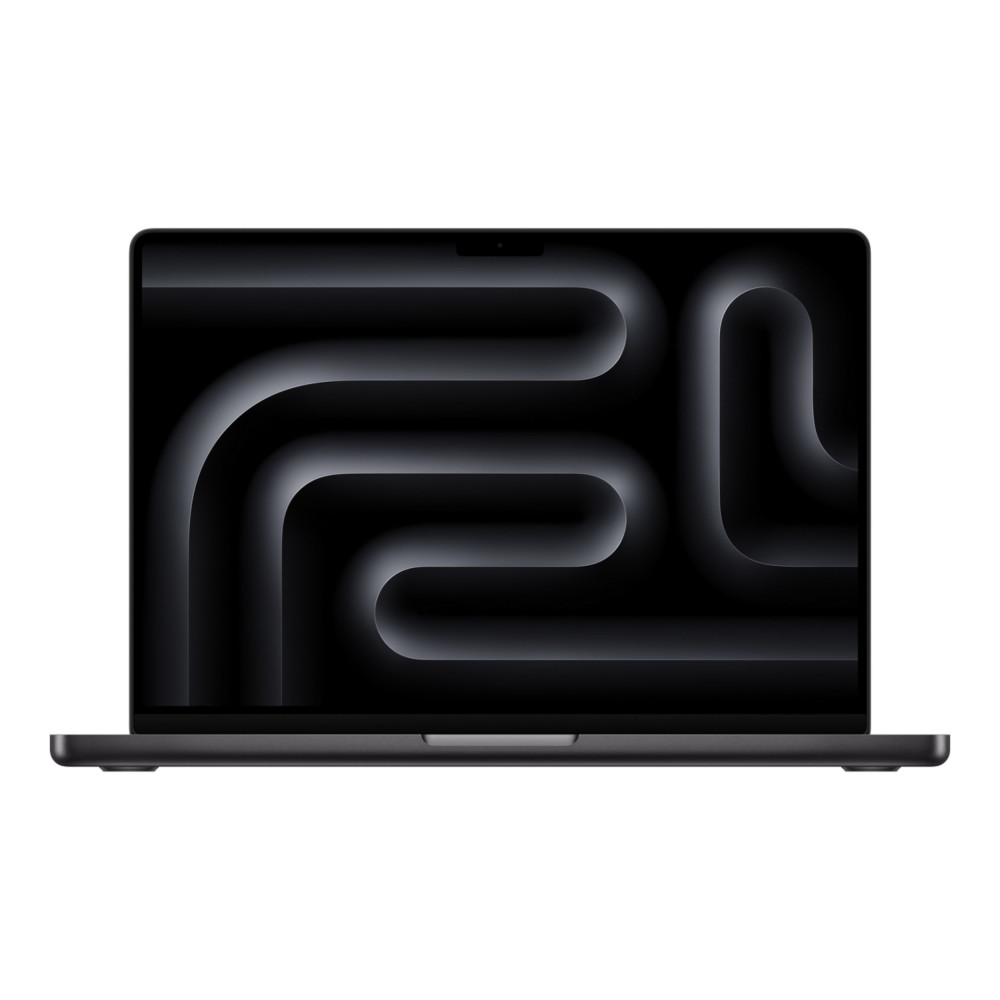
Acer Chromebook Spin 314 Convertible 14-Inch Laptop
MPN: NX.KYHEK.001
Key Features
- Processor: Intel N100 Quad-Core
- Display: 14-inch WUXGA touchscreen, 1920 x 1200
- RAM: 4GB LPDDR5
- Storage: 128GB SSD
- Graphics: Integrated Intel UHD
- Operating System: ChromeOS
Best for: Everyday users, students and mobile workers who want a flexible 2-in-1 Chromebook for browsing, notes, streaming and light productivity.
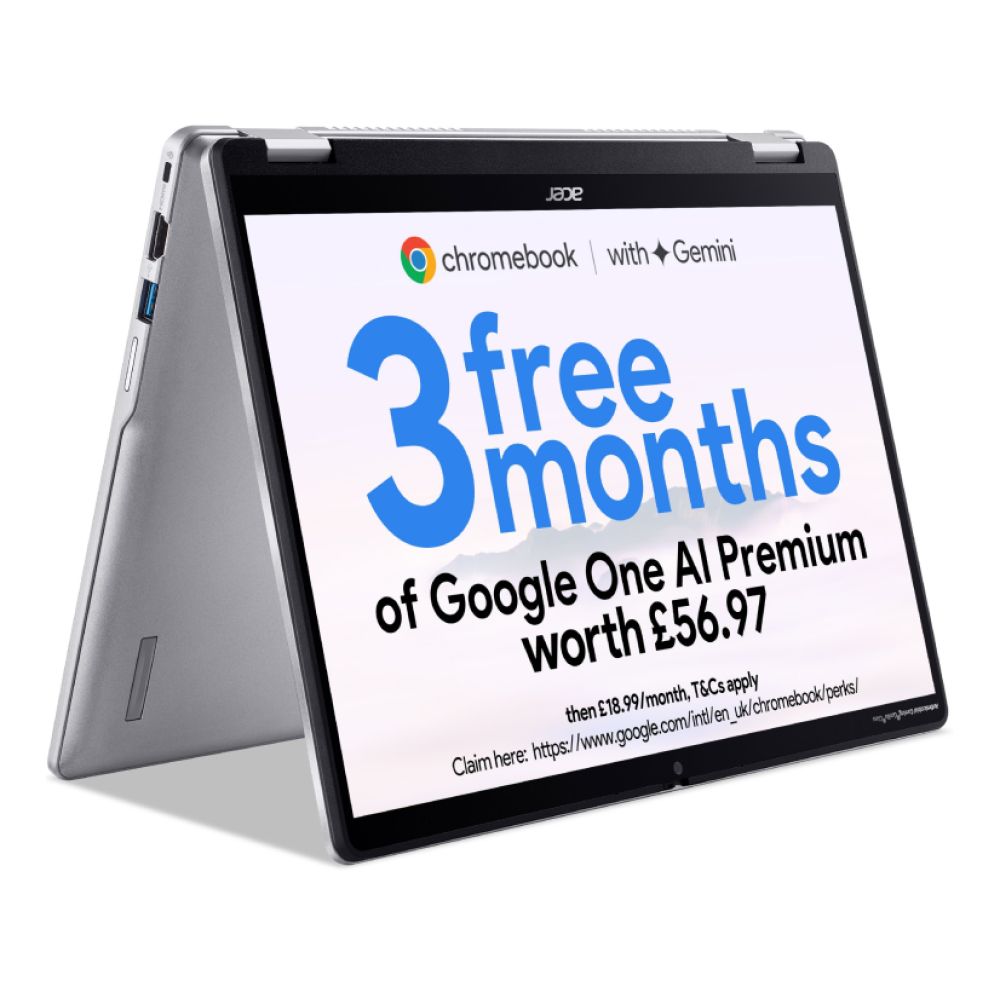
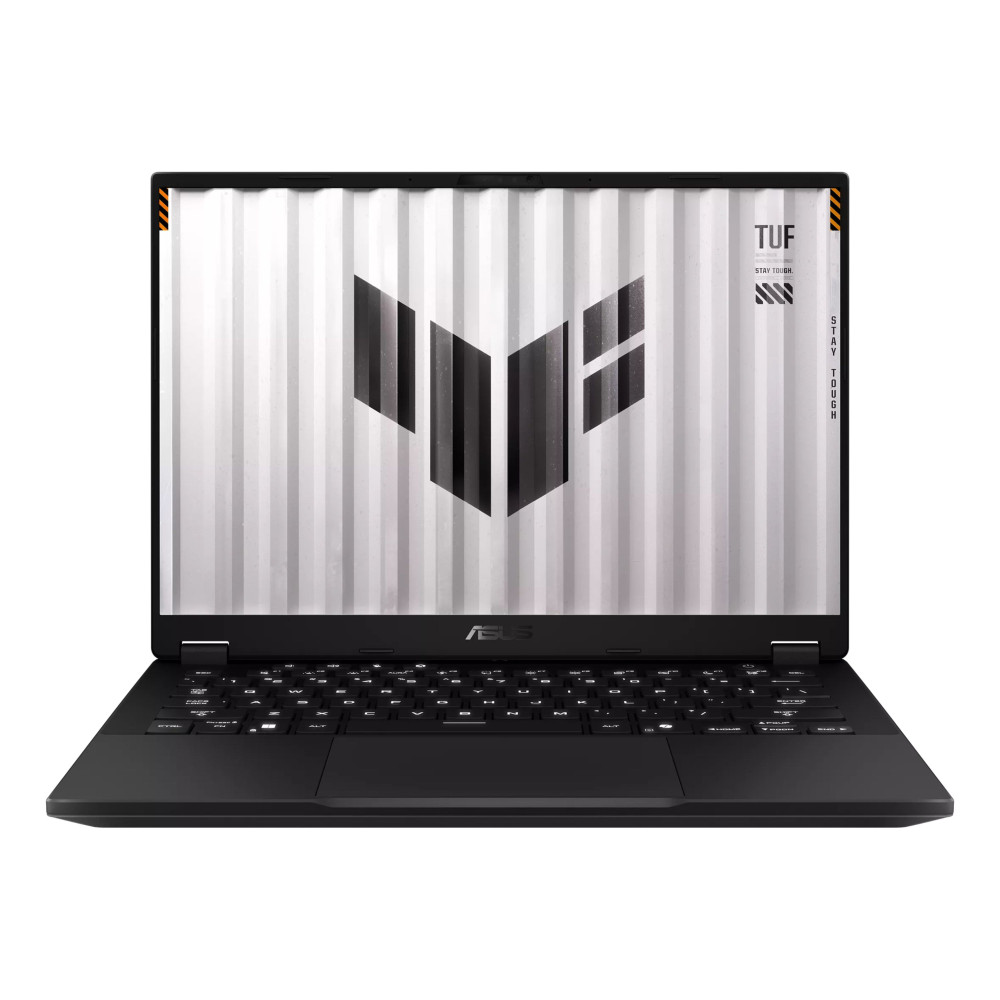
ASUS TUF Gaming A14 14-Inch Gaming Laptop
MPN: FA401EA-RG007W
Key Features
- Processor: AMD Ryzen AI Max+ 392 12-Core
- Display: 14-inch IPS, 2560 x 1600, 165Hz
- RAM: 32GB LPDDR5X
- Storage: 1TB SSD
- Graphics: Integrated AMD Radeon 8060S
- Operating System: Windows 11 Home
Best for: Gamers and power users who want a compact 14-inch gaming laptop with strong multitasking power and a high-refresh display.
Best 16-Inch Laptop Options
Below are some strong 16-inch options for users who want a larger screen for multitasking, creative work, gaming, study or office tasks.
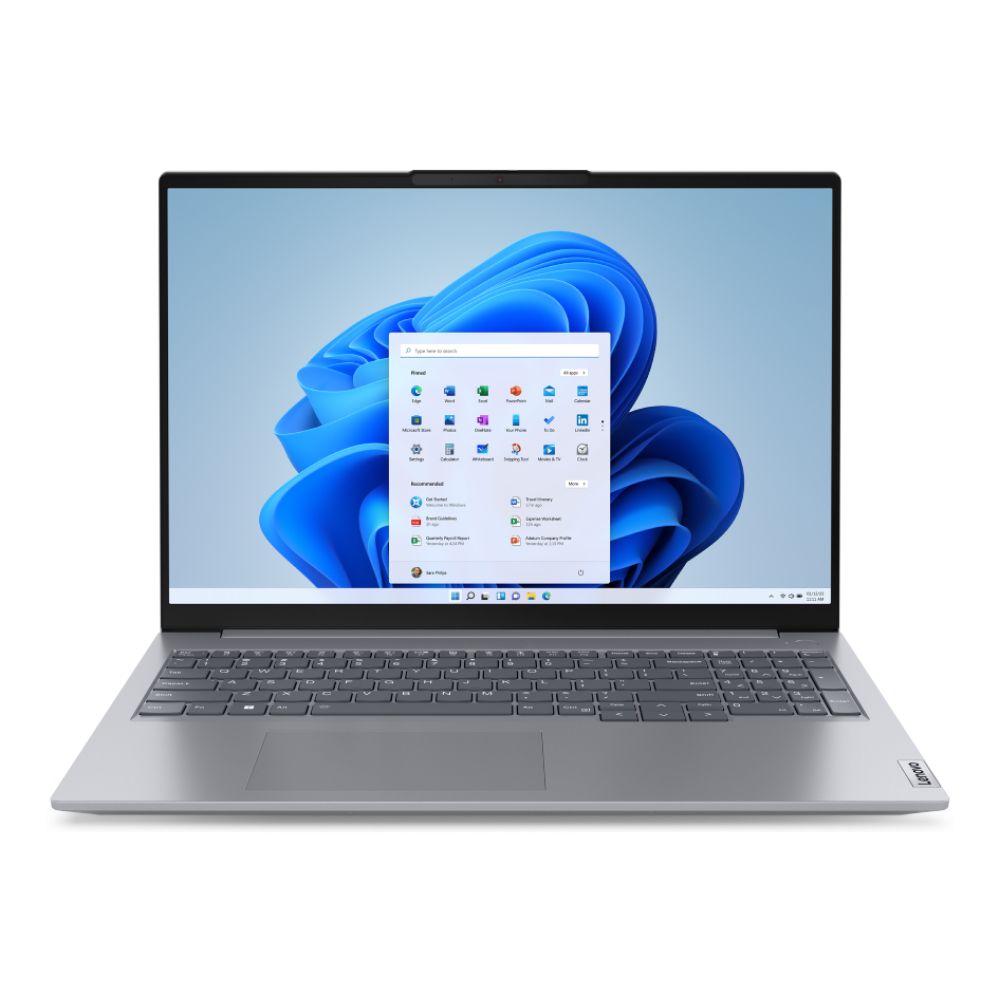
Lenovo ThinkBook 16 G6 IRL 16-Inch Laptop
MPN: 21KH00QXUK
Key Features
- Processor: Intel Core i5-13420H Octa-Core
- Display: 16-inch WUXGA IPS, 1920 x 1200
- RAM: 8GB DDR5
- Storage: 256GB SSD
- Graphics: Integrated Intel UHD
- Operating System: Windows 11 Pro
Best for: Business users, hybrid workers and students who want a larger screen for documents, meetings and everyday multitasking.
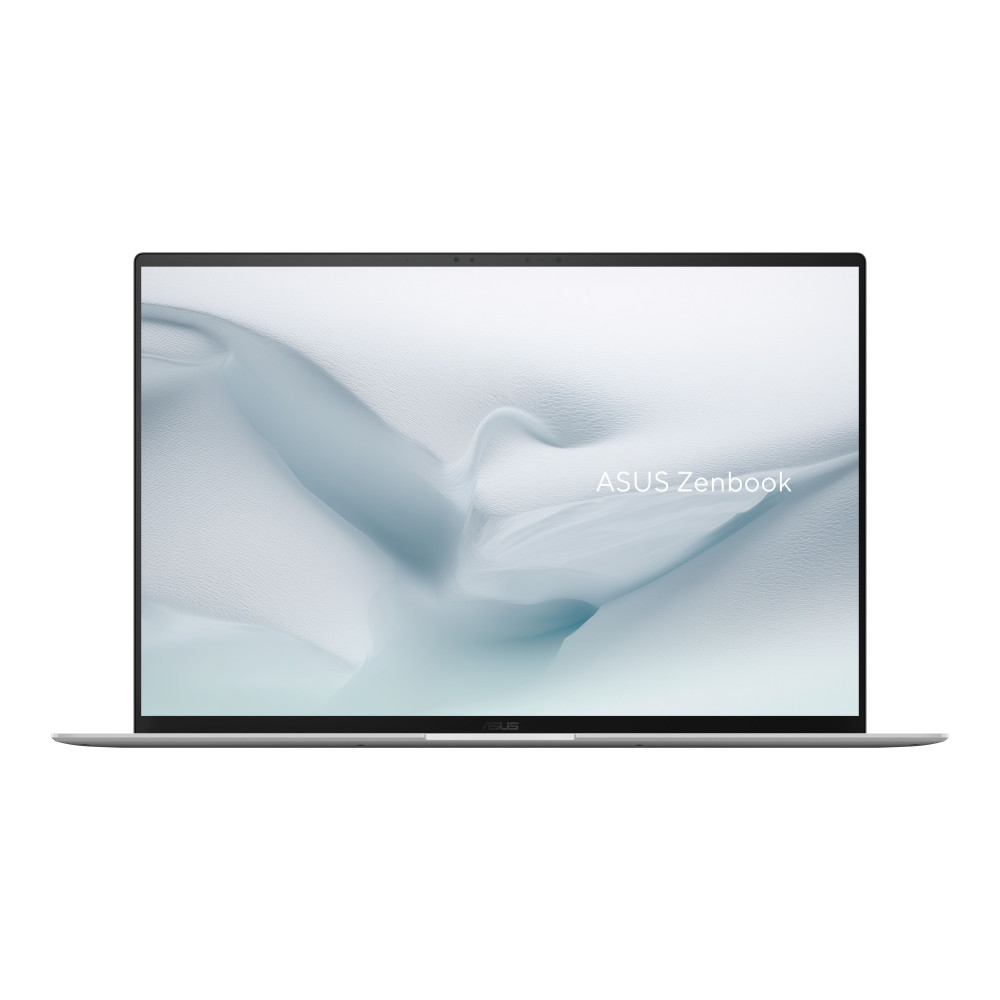
ASUS Zenbook S 16 16-Inch Touchscreen Laptop
Key Features
MPN: UM5606GA-SR237W
- Processor: AMD Ryzen AI 9 465 10-Core
- Display: 16-inch OLED touchscreen, 2880 x 1800, 120Hz
- RAM: 32GB LPDDR5X
- Storage: 2TB SSD
- Graphics: Integrated AMD Radeon 880M
- Operating System: Windows 11 Home
Best for: Creators, multitaskers and home office users who want a premium 16-inch OLED screen, strong memory and generous storage.
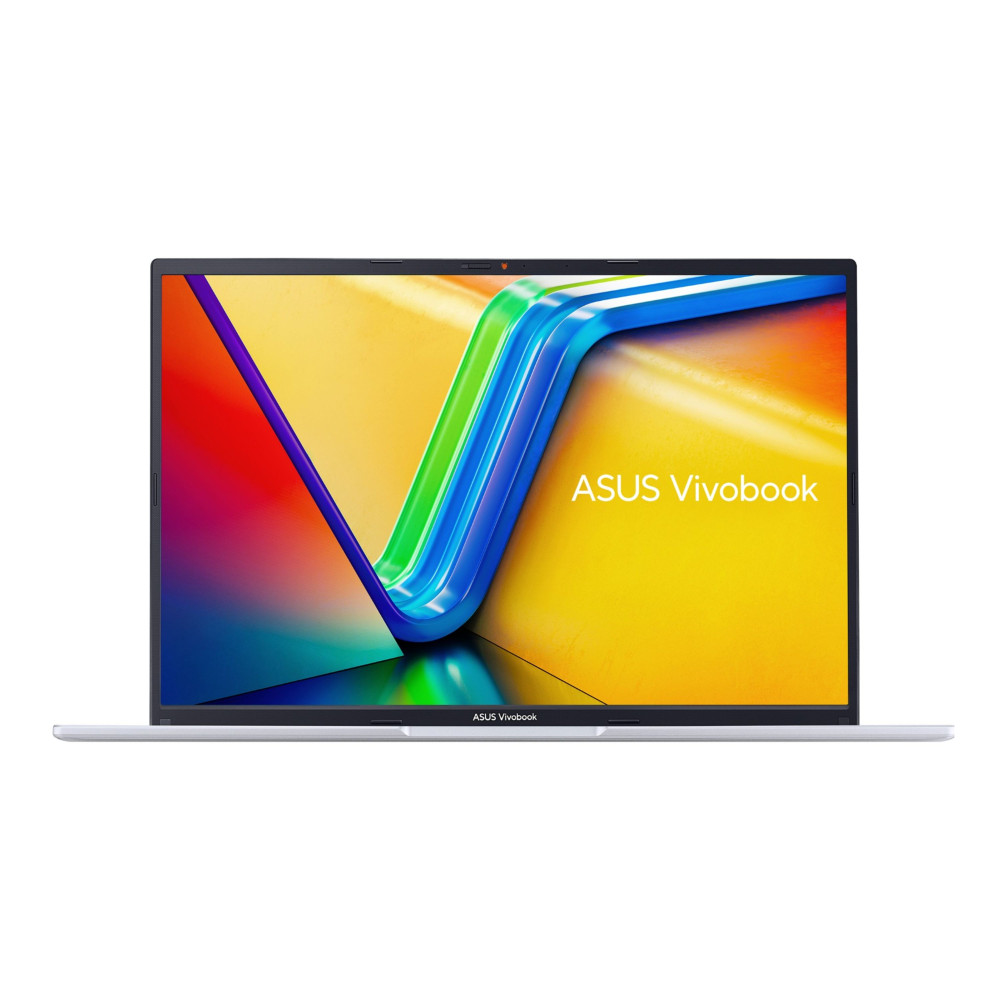
ASUS VivoBook 16 X1605VA 16-Inch Laptop
MPN: X1605VA-MB130W
Key Features
- Processor: Intel Core i5-1335U 10-Core
- Display: 16-inch WUXGA IPS, 1920 x 1200
- RAM: 16GB DDR4
- Storage: 512GB SSD
- Graphics: Integrated Intel Iris Xe
- Operating System: Windows 11 Home
Best for: Students, professionals and everyday users who want a roomy 16-inch laptop for documents, video calls, streaming and regular multitasking.
HP OMEN Gaming 16-ap0300na 16-Inch Gaming Laptop
MPN: CA1F2EA#ABU
- Processor: AMD Ryzen 9 8940HX 16-Core
- Display: 16-inch WUXGA IPS, 1920 x 1200, 144Hz
- RAM: 24GB DDR5
- Storage: 1TB SSD
- Graphics: Dedicated NVIDIA RTX 5060, 8GB GDDR7
- Operating System: Windows 11 Home
Best for: Gamers, streamers and creators who want a 16-inch gaming laptop with dedicated graphics, high-refresh visuals and strong multitasking power.
Which Laptop Size Should You Buy?
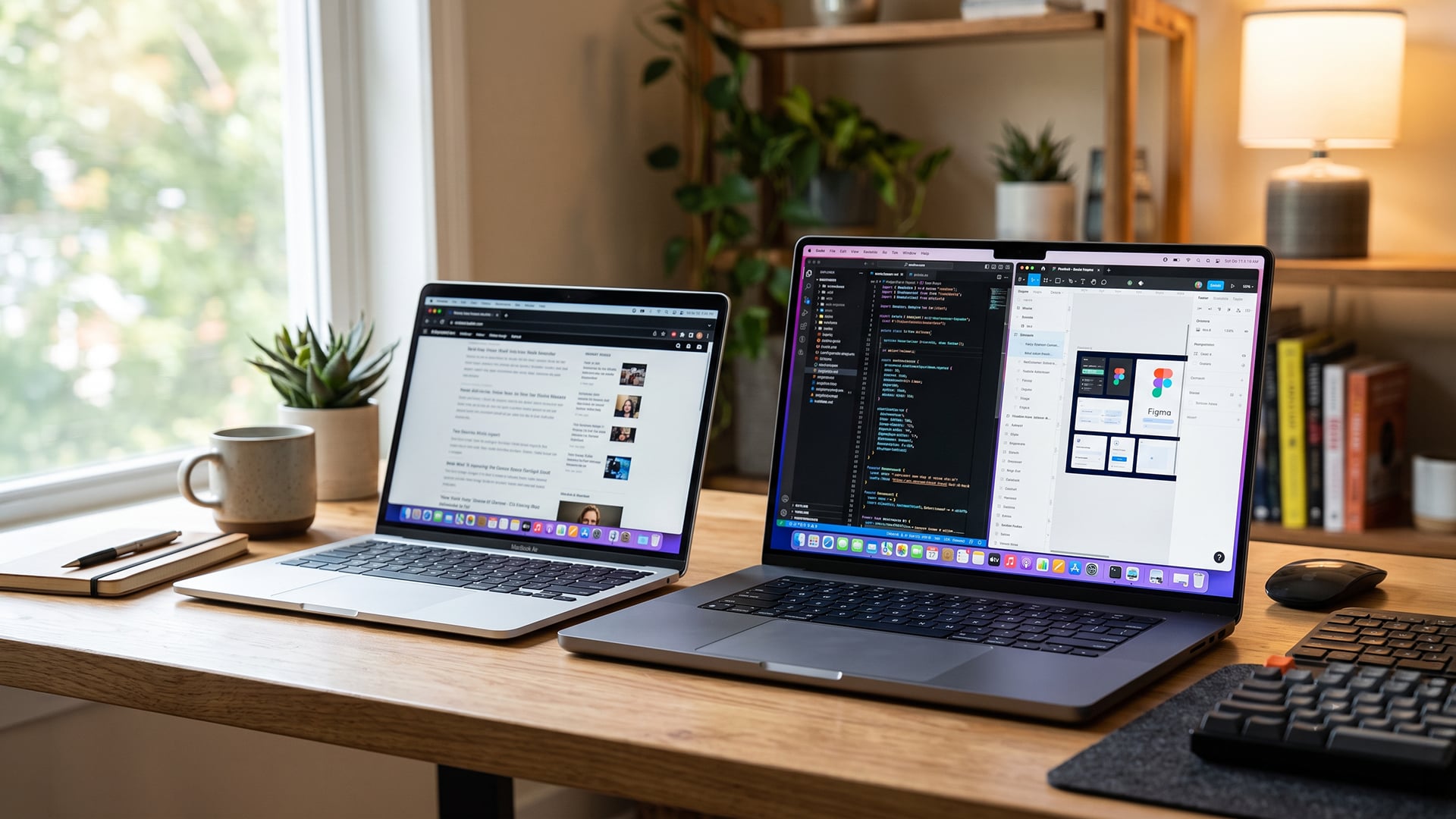
The 14-inch vs 16-inch laptop choice should come down to where you work most, how often you carry your laptop and how much screen space your tasks need.
Choose a 14-Inch Laptop If…
- You carry your laptop every day
- You want a lighter bag for travel or study
- You work in cafés, lecture halls, trains or shared spaces
- You already use a monitor at your main desk
- You care more about portability than having the biggest built-in screen
Choose a 16-Inch Laptop If…
- You want more screen space without using a second display
- You work with spreadsheets, code, creative tools or long documents
- You prefer a larger screen for longer sessions
- You use the laptop as your main work machine
- You game, edit, create or multitask often
- You do not mind carrying a larger device
Frequently Asked Questions
Is 16-inch too big for a laptop?
Not if you mainly work at a desk or want more built-in screen space. A 16-inch laptop can feel too big if you commute every day, use smaller bags or often work in tight spaces.
Is a 14-inch laptop too small?
No, a 14-inch laptop is fine for everyday tasks like browsing, documents, video calls, notes and streaming. It may feel small for long spreadsheets, editing timelines or heavy split-screen work unless you use a monitor.
What is the perfect size for a laptop?
There is no perfect size for everyone. A 14-inch model is a strong all-rounder for portability, while a 16-inch model is better if you want more room for work, gaming or creative tasks.
What are the pros and cons of a 14-inch laptop?
The main pros are lighter weight, easier travel and better bag fit. The main cons are less screen space and a tighter workspace for multitasking.
How common are 16-inch laptops?
16-inch laptops are now common in productivity, creator and gaming categories. Many use taller 16:10 displays, which can give more vertical space for documents, browsing and work apps.
What laptop screen size is best for the eyes?
A larger screen can feel more comfortable because text and windows can be easier to view, but screen quality, brightness, scaling, viewing distance and regular breaks matter too. A 14-inch laptop can still be comfortable if the display is sharp and set up properly.
What size bag do I need for a 14-inch laptop?
Use a bag or sleeve designed for 14-inch laptops, but check the laptop’s exact dimensions before buying. Bezels, thickness and chassis size can vary between models.
You can pay with:
*PayPal Credit Representative Example: Assumed credit limit £1,200, Representative 23.9% APR (variable). Purchase rate 23.9% p.a (variable).Terms & Conditions apply.


PayPal Credit and PayPal Pay in 3 are trading names of PayPal UK Ltd, 5 Fleet Place, London, United Kingdom, EC4M 7RD. Terms and conditions apply. Credit subject to status, UK residents only, Five Tech LTD acts as a broker and offers finance from a restricted range of finance providers. PayPal Pay in 3 is not regulated by the Financial Conduct Authority. Pay in 3 eligibility is subject to status and approval. 18+. UK residents only. Pay in 3 is a form of credit. Check if affordable and how you will repay. May make other borrowing more difficult or expensive. See product terms for more details.
Copyright © 1996-2026 Fivetech LTD | Terms and Conditions
box.co.uk & Box are trading names of Five Tech Limited. Registered office: Box LTD, Unit 10 Woodford Trading Estate, Woodford Green IG8 8HF