


 Menu
MenuMenu


Get Sales Advice from Mon - Fri 9am - 5:00pm:
020 3337 8950LAST UPDATED: July 08, 2026
Top 10 14-Inch Laptops in 2026
The best 14-inch laptops in 2026 include the Apple MacBook Pro M5, ASUS ZenBook 14 OLED, ASUS ROG Zephyrus G14, Lenovo ThinkPad X1 Carbon Gen 13, and Samsung Galaxy Book5 Pro. These models cover the main reasons people choose this size. You get strong performance, easy portability, reliable battery life, and enough screen space for everyday work.
A 14-inch laptop is often the best middle ground. It is easier to carry than most larger models. It also feels more practical than many smaller laptops. That makes it a strong choice for students, remote workers, frequent travellers, professionals, and home users.
In 2026, there are countless options for users. Some lightweight 14-inch laptops focus on portability and integrated graphics. Others offer premium features, such as an OLED display, Apple M-series power, or Intel Core Ultra processors. There are also compact gaming models with dedicated graphics and a higher refresh rate.
In this guide, we have picked the top 14-inch laptops for work, study, gaming, value, battery life, portability, and creative use. The aim is simple: to help you select the right 14-inch laptop as per your needs.
Quick Picks: The Top 14-Inch Laptop for Every Need
Not every laptop suits every user. Some are better for work, while others make more sense for gaming, study, travel, or creative tasks. This list gives you a quick way to find the best 14-inch laptop for your needs.
- Best overall: Apple MacBook Pro M5 14.2"
- Best Windows laptop: ASUS ZenBook 14 OLED AMD Ryzen AI 5
- Best gaming laptop: ASUS ROG Zephyrus G14 Intel Core Ultra 9
- Best for work: Lenovo ThinkPad X1 Carbon Gen 13 Aura Edition
- Best for students: HP Chromebook x360 14b-cd0003na
- Best value: ASUS Vivobook S14 M3407HA Ryzen 9
- Best battery life: ASUS VivoBook 14 Snapdragon X Plus
- Best 2-in-1: HP OmniBook X Flip 14-fk0004na
- Best ultra-portable: Samsung Galaxy Book5 Pro Core Ultra 7
- Best for creators: HP ZBook 8 G1i 14 AI Mobile Workstation
Best 14-Inch Laptops in 2026 – All Top Models Reviewed
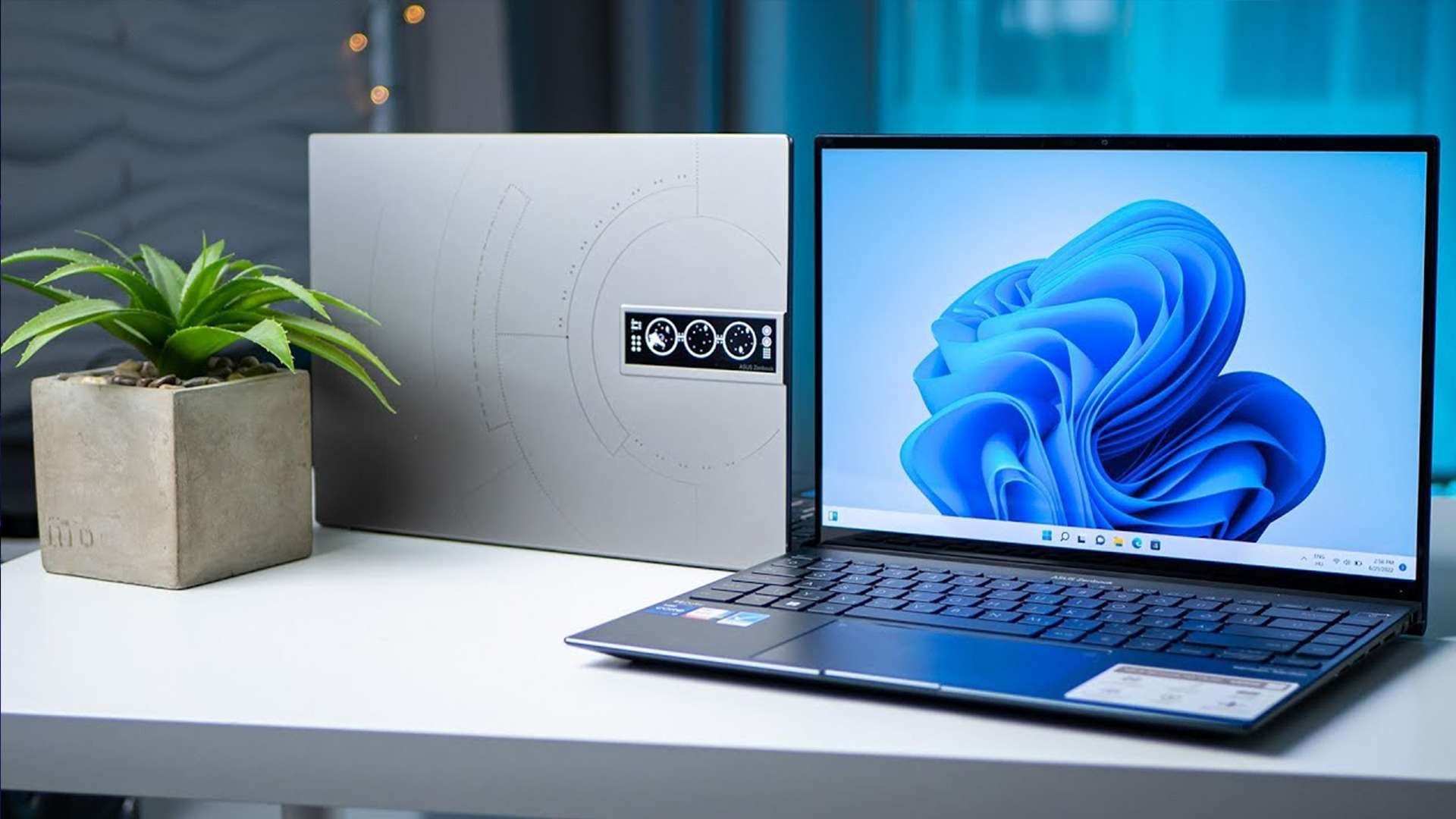
Choosing the right laptop is easier when you start with how you plan to use it. The picks below are matched to real needs, so you can quickly find the option that fits your day-to-day use.
1. Apple MacBook Pro M5 14.2" - Best Overall
MPN: MDE34B/A
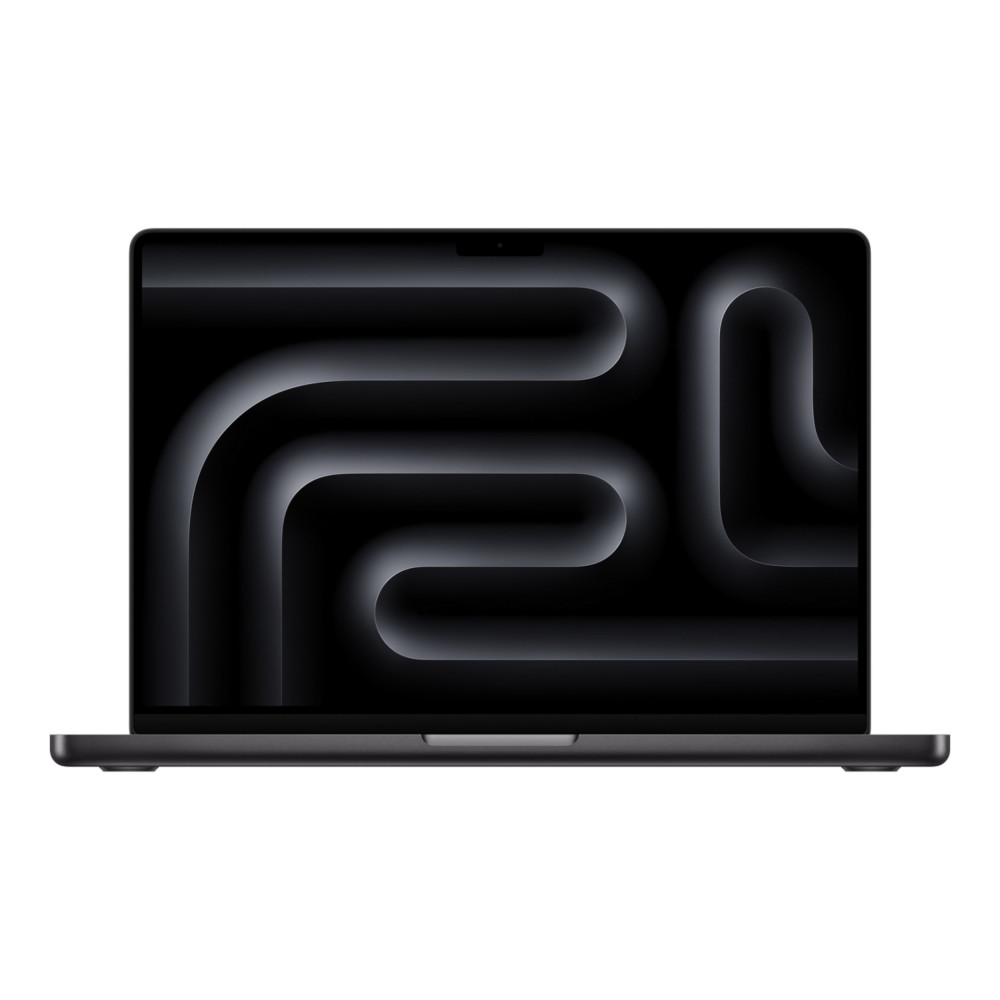
The Apple MacBook Pro M5 is the strongest pick in our list of the best laptops with a 14-inch display. It combines Apple M-series performance with a sharp 14.2-inch display, 24GB RAM, and 1TB SSD storage. It feels like a true premium Apple laptop for users who want speed, polish, and long-term reliability in one machine.
It also sets a high standard for 14-inch laptops, especially if you care about display quality, smooth multitasking, and dependable battery life. The M5 chip gives it the power for demanding work, while the compact size keeps it practical for travel, meetings, and everyday use.
Key strengths:
- Excellent performance for work and creative tasks
- 24GB RAM gives more headroom than many standard models
- 1TB SSD storage is useful for large files and apps
- Strong display quality for editing, streaming, and daily use
- One of the most complete premium laptops in this size range
Limitations: It is not the cheapest option. It also makes less sense if you need Windows-only software or want a laptop mainly for gaming.
Best for: Professionals, creators, and power users who want a compact laptop that can handle serious daily workloads.
2. ASUS ZenBook 14 OLED AMD Ryzen AI 5 - Best Windows Laptop
MPN: UM3406KA-PP013W
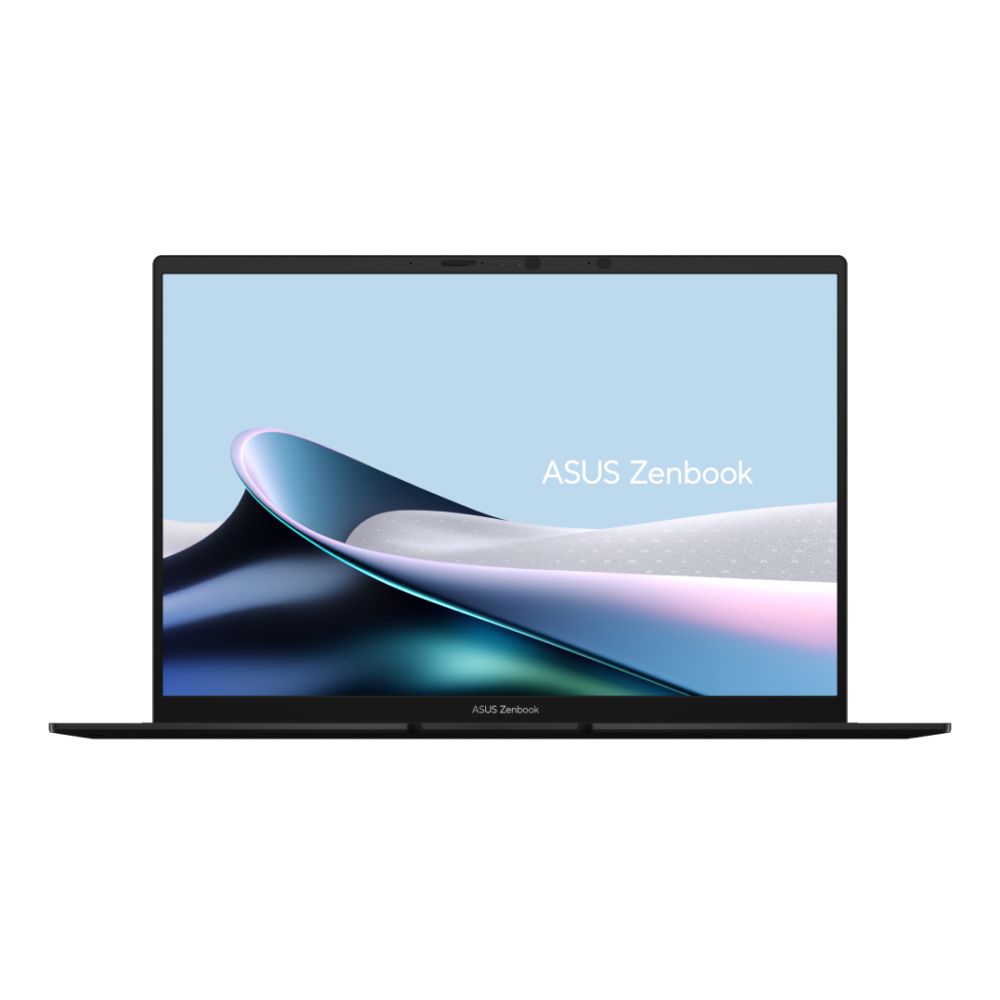
Choose the ASUS ZenBook 14 OLED if you want a Windows laptop that feels modern, portable, and sharp enough for daily work and creative use. Its AMD Ryzen AI 5 340 processor gives you smooth performance for browsing, documents, video calls, streaming, light editing, and everyday multitasking. You also get 16GB LPDDR5x RAM and a 1TB SSD, which gives you enough memory and storage for apps, files, projects, and daily use.
The 14-inch 3K OLED display is the standout feature. With a 2880 x 1800 resolution and 120Hz refresh rate, it gives you crisp text, richer colours, and a smoother viewing experience than many standard laptop screens. It is also a Copilot+ PC, so it is a strong option if you want a compact Windows machine with modern AI-ready features built in. The integrated AMD Radeon 840M graphics are suitable for everyday use, light creative tasks, video calls, and entertainment.
Key strengths:
- AMD Ryzen AI 5 340 processor for smooth daily performance
- 14-inch 3K OLED display with 120Hz refresh rate
- 16GB LPDDR5x RAM for everyday multitasking
- 1TB SSD storage for apps, files, and projects
- Copilot+ PC support for modern Windows AI features
- Good connectivity, including USB Type-C, USB-A, and HDMI
Limitations: It is not built for demanding gaming or heavy GPU-based creative workloads. It also does not include a dedicated numeric keypad, which may matter if you regularly work with spreadsheets or number-heavy tasks.
Best for: Choose this if you want a stylish and portable Windows laptop for work, study, streaming, light creative tasks, and everyday productivity.
3. ASUS ROG Zephyrus G14 2026 - Best Gaming Laptop
MPN: GU405AR-SY005W
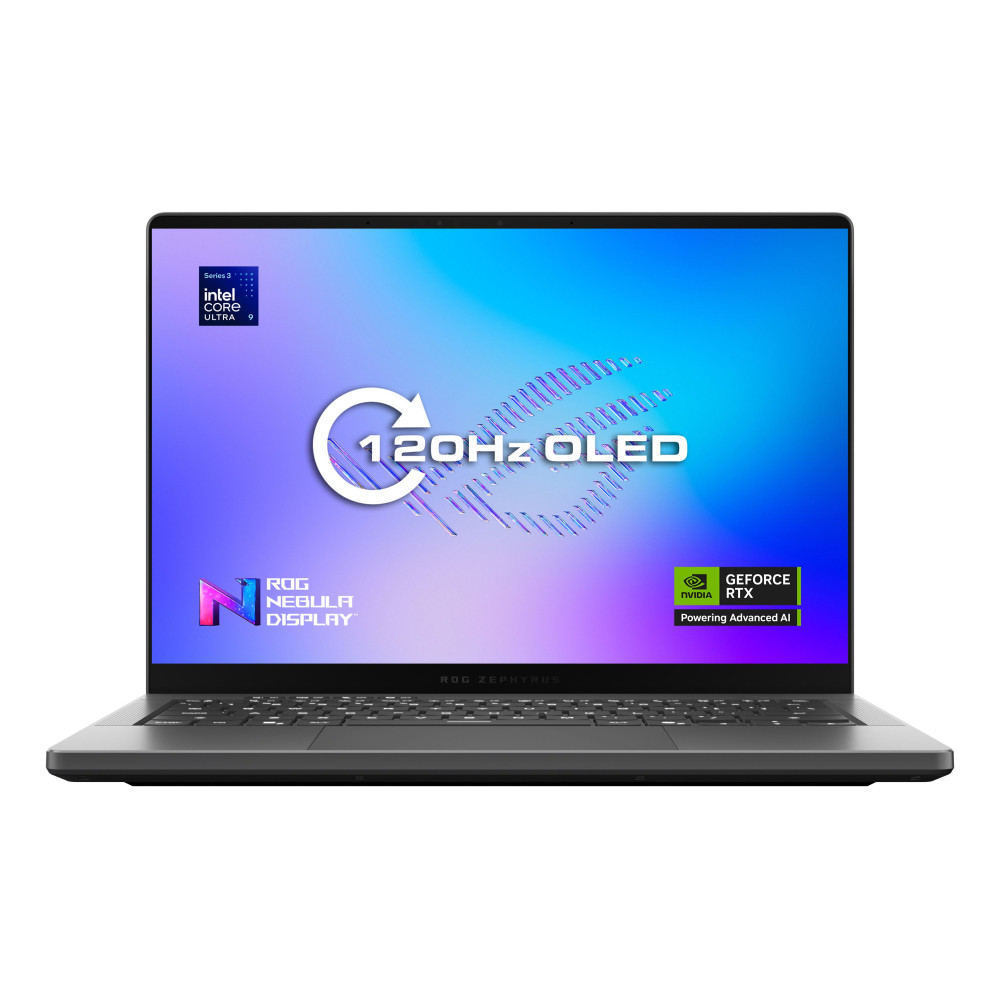
Rated as one of the best 14-inch gaming laptops, the ASUS ROG Zephyrus G14 delivers serious gaming performance in a compact design. Its Intel Core Ultra 9 386H processor, dedicated NVIDIA GeForce RTX 5070 Ti graphics, 32GB LPDDR5X RAM, and 2TB SSD give you the power needed for modern games, streaming, multitasking, and demanding creative workloads. It is also a strong choice if you want a powerful gaming notebook or a small gaming laptop that does not take up as much space as larger 15-inch or 16-inch models.
The 14-inch 3K OLED display also has a 120Hz refresh rate, so games look sharp, colourful, and smooth. It is a strong choice if you want a compact gaming laptop that still gives you high-end graphics, plenty of storage, and modern connectivity, including Thunderbolt 4, HDMI 2.1, Wi-Fi 7, and Bluetooth 6. For buyers comparing the best 14-inch gaming laptops in 2026, this model stands out because it keeps premium gaming hardware in a smaller 14-inch design.
Key strengths:
- Dedicated NVIDIA GeForce RTX 5070 Ti graphics with 12GB GDDR7 memory
- Intel Core Ultra 9 386H 16-core processor
- 32GB LPDDR5X RAM for gaming, streaming, and multitasking
- 2TB SSD storage for large games, apps, and media files
- 14-inch 3K OLED display with 120Hz refresh rate
- Modern connectivity, including Thunderbolt 4, HDMI 2.1, Wi-Fi 7, and Bluetooth 6
Limitations: It is a premium gaming laptop, so it will cost more than everyday 14-inch models. Battery life will also drop quickly during demanding gaming sessions, especially when using the dedicated GPU.
Best for: Choose this if you want a compact but powerful laptop for gaming, streaming, multitasking, and high-quality visuals.
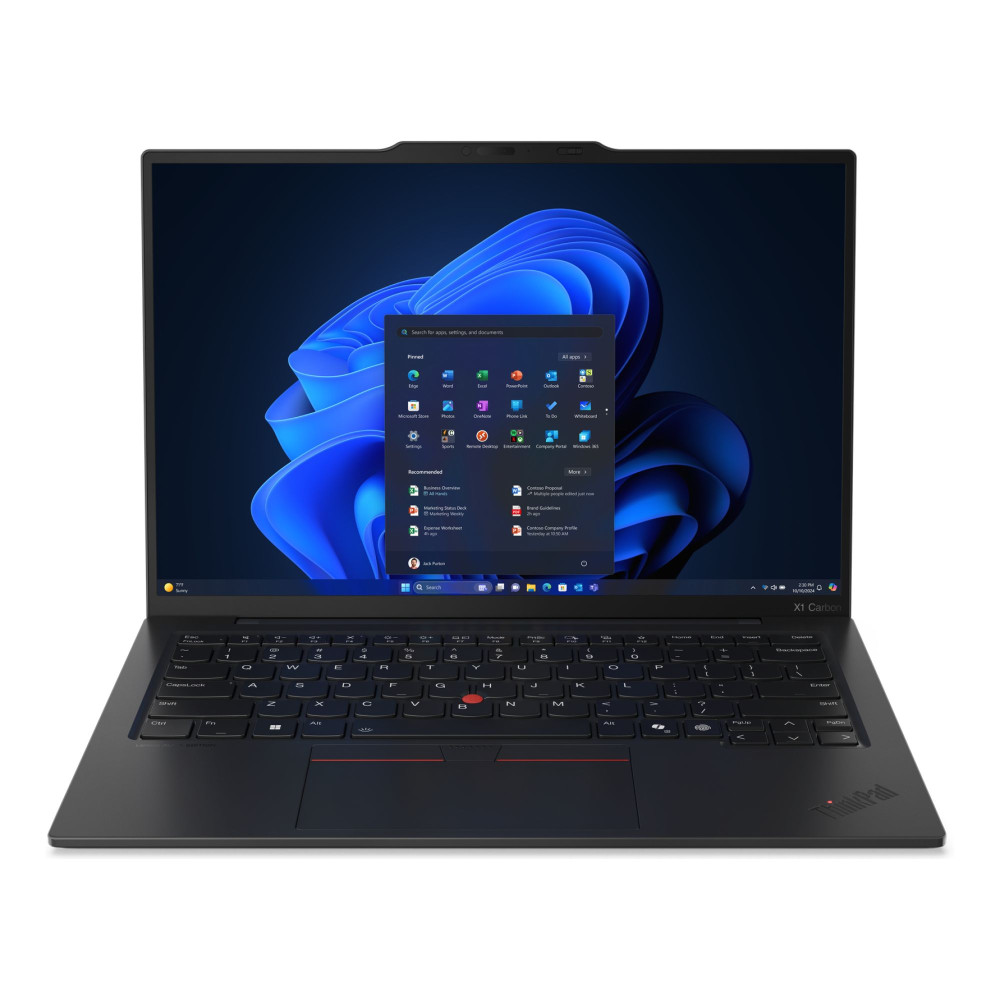
4. Lenovo ThinkPad X1 Carbon Gen 13 Aura Edition - Best for Work
MPN: 21NS00MMUK
For busy workdays, the Lenovo ThinkPad X1 Carbon Gen 13 Aura Edition is one of the best 14-inch laptops for work. It runs on an Intel Core i7 258V processor, with 32GB RAM and 1TB SSD storage. That gives you plenty of room for spreadsheets, browser tabs, documents, calls, and business apps.
This is also where the ThinkPad design matters. You get Windows 11 Pro, a 14-inch 2.8K OLED display, and a portable build that suits meetings, travel, and hybrid work. If you are comparing business laptops, this is the one to look at when reliability and comfort matter as much as performance.
Key strengths:
- Windows 11 Pro for professional use
- 32GB RAM for heavier multitasking
- 1TB SSD storage for work files and apps
- Sharp 2.8K OLED display
- Strong fit for hybrid and office work
Limitations: It is not the laptop to choose for gaming or heavy GPU work. The integrated graphics are better suited to productivity, video calls, presentations, and everyday business tasks.
Best for: Op for it if you need a dependable work laptop for meetings, multitasking, travel, and long office days.
Shop Lenovo ThinkPad X1 Carbon
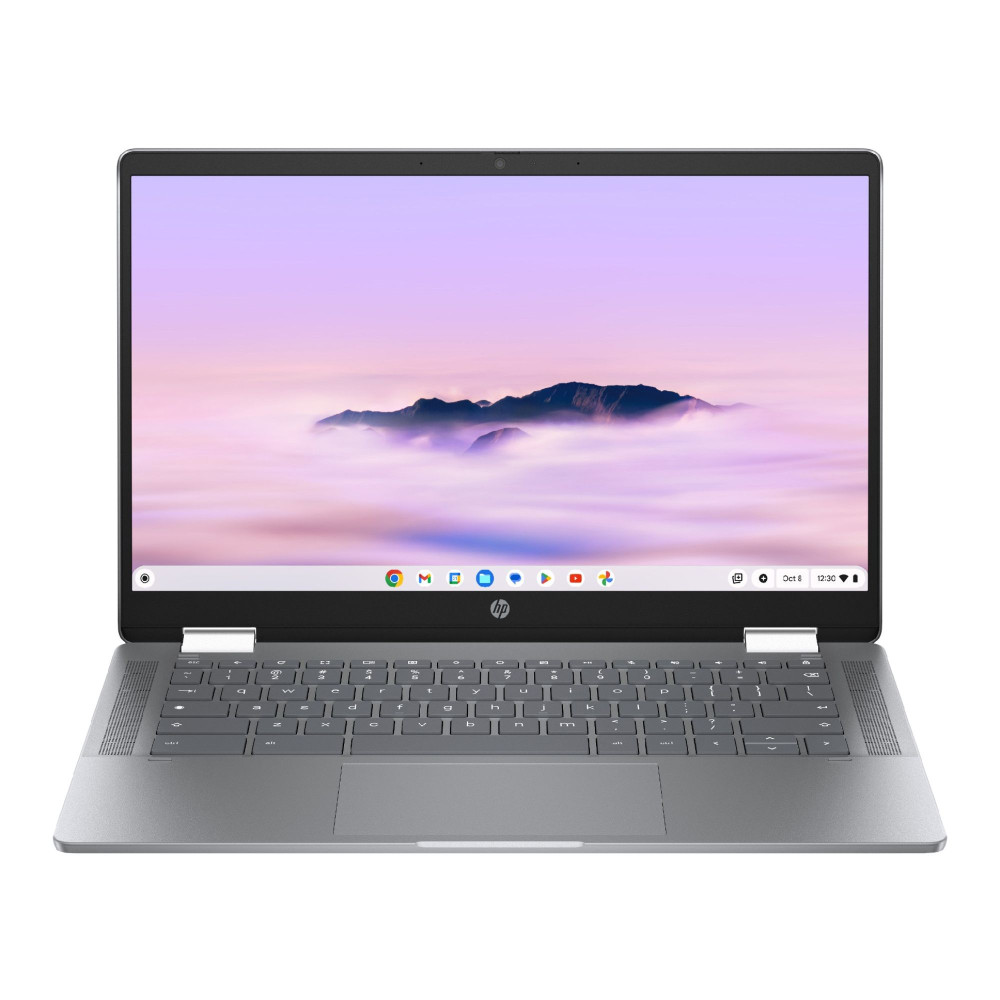
5. HP Chromebook x360 14b-cd0003na - Best for Students
MPN: A9UK9EA#ABU
A student laptop does not need to be overcomplicated. The HP Chromebook x360 keeps things simple, flexible, and easy to use every day. ChromeOS is a good match for online lessons, research, Google Workspace, emails, video calls, and streaming. It is also a strong pick if you want the best budget 14-inch laptop for school, college, or everyday home use.
The Intel Core i3-N305 processor and 8GB LPDDR5 RAM give it enough performance for everyday study tasks, while the 14-inch Full HD IPS touchscreen makes it more versatile than standard Chromebooks. Its 2-in-1 design is useful for note-taking, browsing, presentations, and watching lectures, especially if you want a laptop that can also work in tablet or tent mode.
Key strengths:
- Simple ChromeOS experience for study and everyday use
- Intel Core i3-N305 octa-core processor
- 8GB LPDDR5 RAM for smoother daily performance
- 14-inch Full HD IPS touchscreen
- Flexible 2-in-1 design for notes, browsing, and streaming
- Wi-Fi 6, USB-C, USB-A, and HDMI connectivity
- Practical choice among budget laptops under £ 500
Limitations: The 128GB storage is modest compared with Windows laptops in this list. It also will not suit courses that need Windows-only software or heavier creative applications.
Best for: Choose this if you need a flexible student laptop for coursework, browsing, video calls, online lessons, and everyday study.
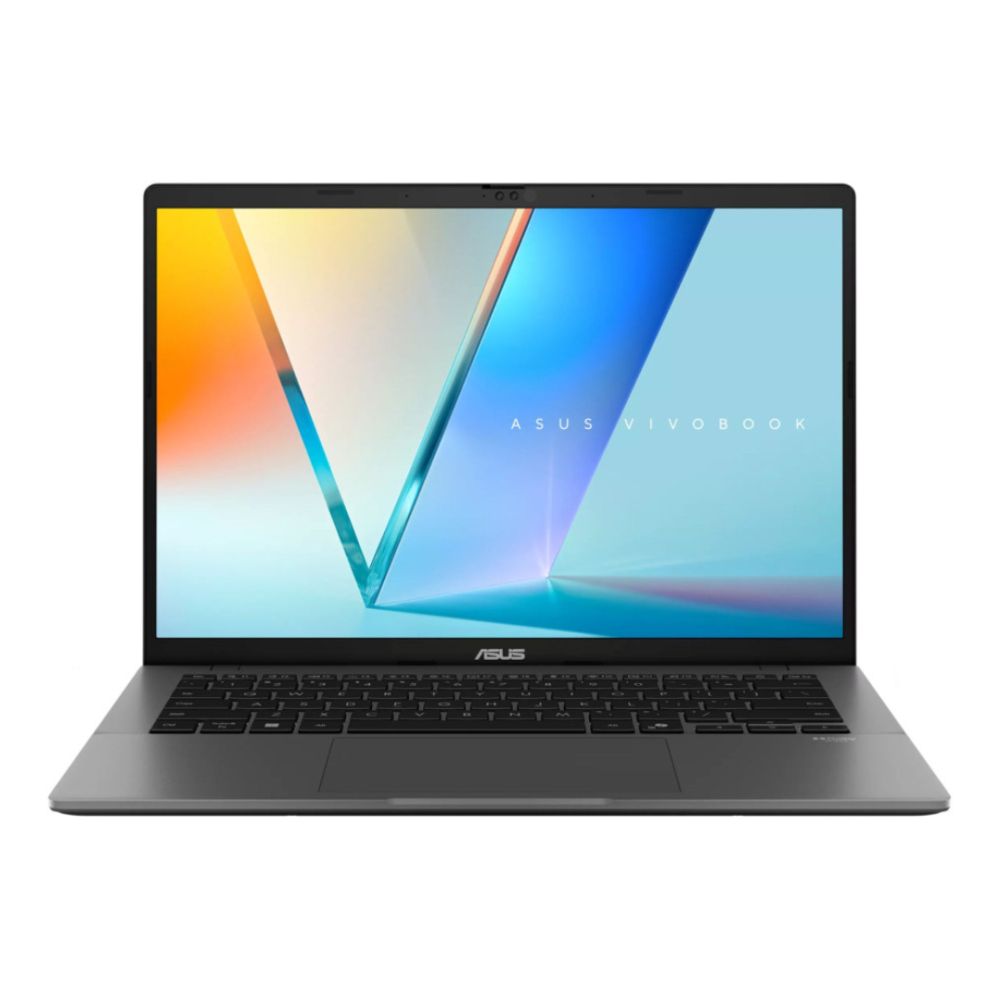
6. ASUS Vivobook S14 M3407HA Ryzen 9 - Best Value
MPN: M3407HA-VIVO-S14-R9
The ASUS Vivobook S14 is the value pick because the core specs are unusually strong. You get an AMD Ryzen 9 270 processor, 32GB RAM, and 1TB SSD storage. That gives it plenty of headroom for multitasking, large files, browser tabs, office apps, and everyday media use. It is one of the strongest options if you want one of the best affordable 14-inch laptops without dropping down to basic specs.
Its 14-inch WUXGA IPS display is practical rather than flashy. It will not look as rich as an OLED display, but it still gives you enough space for work, study, and general home use. The integrated graphics are fine for daily tasks, light editing, and streaming. For buyers comparing the best mid-range 14-inch laptop options, this balance of RAM, storage, and price is the main appeal.
Key strengths:
- AMD Ryzen 9 processor for strong daily speed
- 32GB RAM for heavier multitasking
- 1TB SSD storage for apps and files
- Practical 14-inch WUXGA display
- Excellent performance-per-pound
Limitations: The display is not as premium as OLED. It also uses integrated graphics, so it is not made for gaming or heavy 3D work.
Best for: Buy this if you want strong specs, plenty of memory, and good everyday performance at a sensible price.
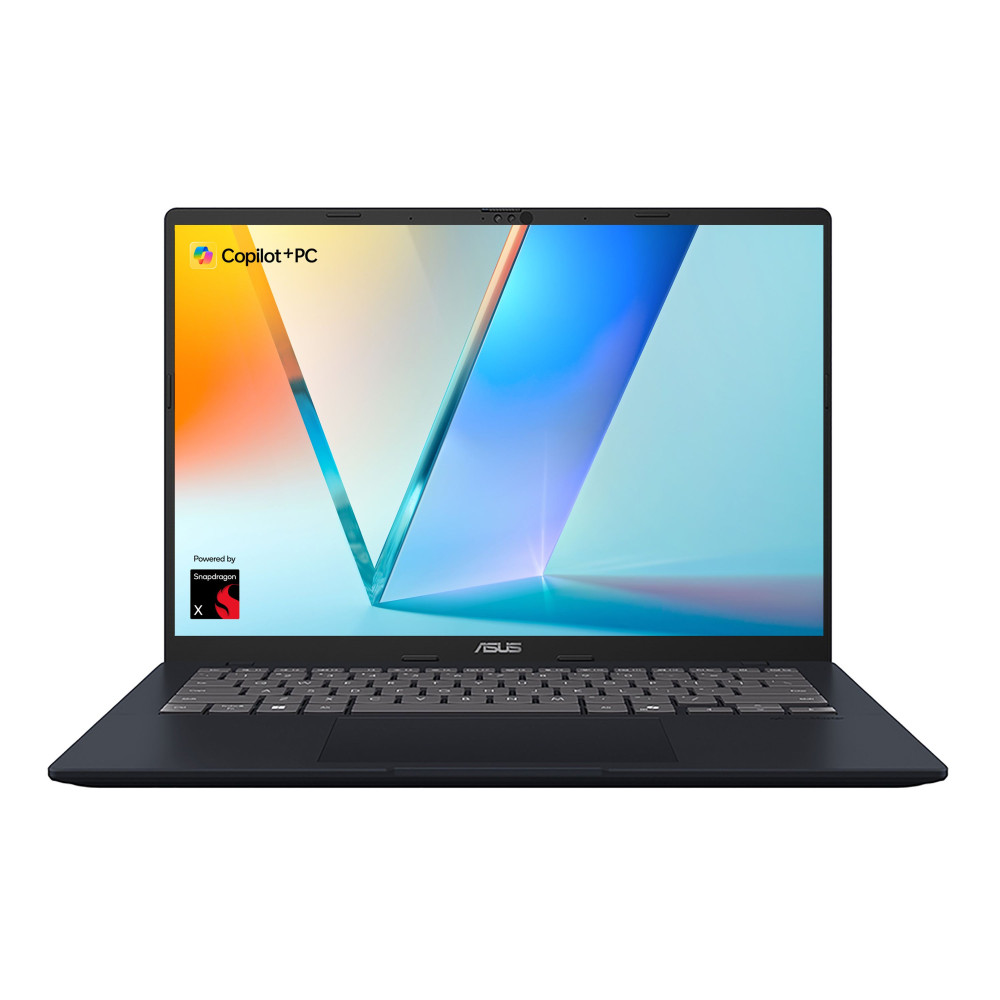
7. ASUS VivoBook 14 Snapdragon X Plus - Best Battery Life
MPN: X1407QA-LY003W
If you spend a lot of time away from a charger, the ASUS VivoBook 14 is a sensible pick. Its Qualcomm Snapdragon X Plus X1P-26-100 processor is built for efficient everyday use, helping with battery life, quiet performance, and smooth work across emails, documents, browsing, calls, and streaming.
The 16GB LPDDR5X RAM keeps daily multitasking running smoothly, while the 512GB SSD gives you enough storage for apps, files, and offline work. The 14-inch WUXGA IPS display is practical for productivity, and because this is a Copilot+ PC, it is a good fit if you want a modern Windows laptop with AI-ready features in a compact form.
Key strengths:
- Efficient Snapdragon X Plus processor for longer unplugged use
- 16GB LPDDR5X RAM for smooth daily multitasking
- 512GB SSD storage for apps, files, and documents
- 14-inch WUXGA IPS display for everyday productivity
- Copilot+ PC support with 45 TOPS AI performance
- Practical USB and USB-C connectivity
Limitations: It is not built for gaming or heavy creative workloads. Some specialist Windows apps may also need checking for compatibility on Snapdragon-based Windows laptops.
Best for: Choose this if you want a portable laptop with strong battery life for business, travel, study, and everyday use.
8. HP OmniBook X Flip 14-fk0004na - Best 2-in-1
MPN: BG3E4EA#ABU
The HP OmniBook X Flip is for users who want more flexibility than a standard laptop shape. Its 2-in-1 design lets you type, browse, stream, present, and use touch controls more naturally. That makes it useful at a desk, on the sofa, in a meeting, or when you want to switch quickly between laptop and tablet-style use.
The AMD Ryzen AI 5 340 processor gives it smooth performance for everyday work, browsing, emails, video calls, and light creative tasks. You also get 16GB LPDDR5 RAM and 512GB SSD storage, which is a practical setup for daily productivity. The 14-inch WUXGA IPS touchscreen is not as sharp as a 3K OLED display, but it still gives you a clear and comfortable screen for notes, web pages, documents, and streaming. As a Copilot+ PC, it also gives you modern AI-ready features in a flexible Windows design.
Key strengths:
- Flexible 2-in-1 touchscreen design
- AMD Ryzen AI 5 340 processor for smooth daily use
- 16GB LPDDR5 RAM for everyday multitasking
- 512GB SSD storage for files, apps, and documents
- Copilot+ PC support with strong AI performance
- Useful connectivity, including USB4, USB-C, USB 3.2, and HDMI
Limitations: The WUXGA IPS display is practical, but not as premium as the higher-resolution OLED screens on some other models. It is also not built for serious gaming or heavy GPU-based workloads.
Best for: Go for it if you want a touchscreen laptop for notes, browsing, streaming, presentations, and everyday work.
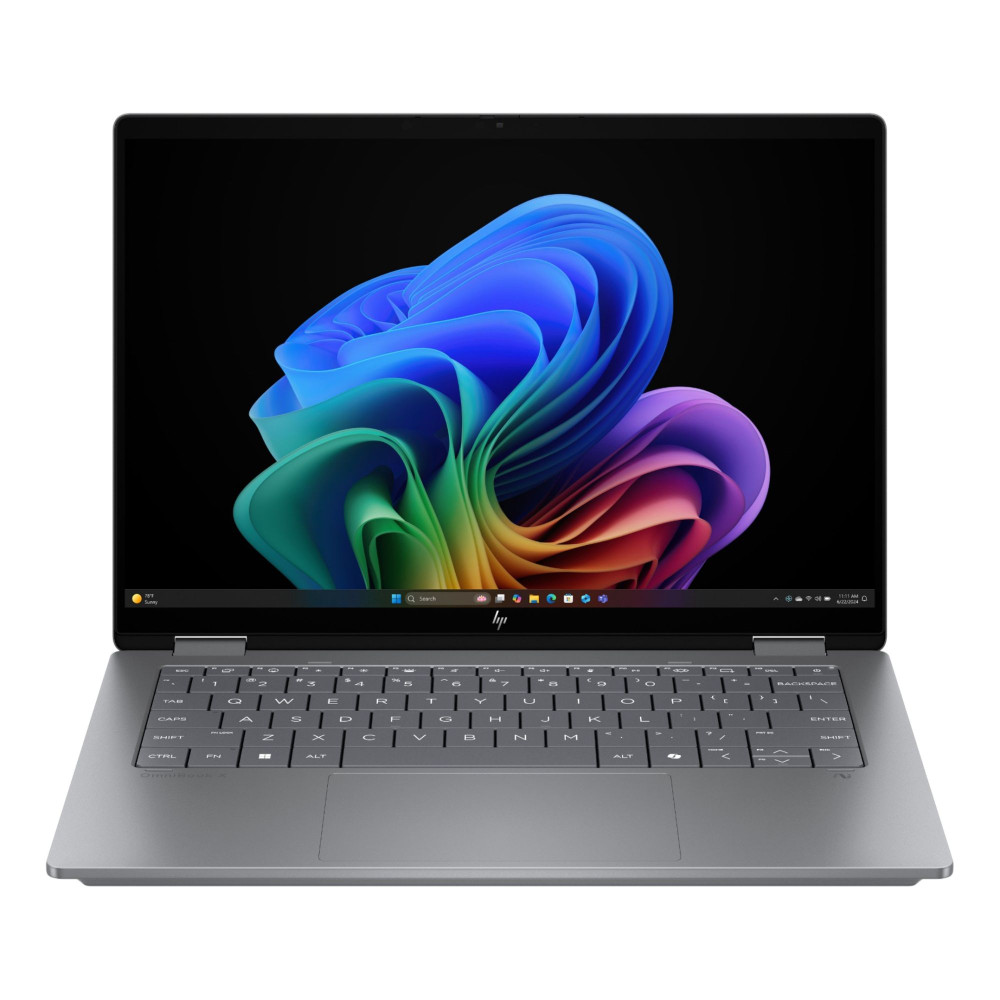
9. Samsung Galaxy Book5 Pro Core Ultra 7 - Best Ultra-Portable
MPN: NP944XHA-KG1UK
Portability is the main reason to choose the Samsung Galaxy Book5 Pro. It suits users who want a slim Windows laptop that still feels premium. You get an Intel Core Ultra 7 258V processor, 32GB RAM, and a 14-inch 3K OLED display.
This is one of the strongest lightweight 14-inch laptops for frequent travel, hybrid work, and daily commuting. The screen is sharp enough for documents, streaming, and creative previews. Windows 11 Pro also makes it more useful for professional setups.
Key strengths:
- Slim and premium portable design
- Intel Core Ultra 7 performance
- 32GB RAM for smooth multitasking
- 3K OLED display for sharp visuals
- Strong fit for travel and mobile work
Limitations: There is one trade-off to consider. The 512GB SSD storage is fine for many users, but smaller than some cheaper models in this list.
Best for: Buy this if you want one of the best lightweight laptops for travel, work, meetings, and everyday use.
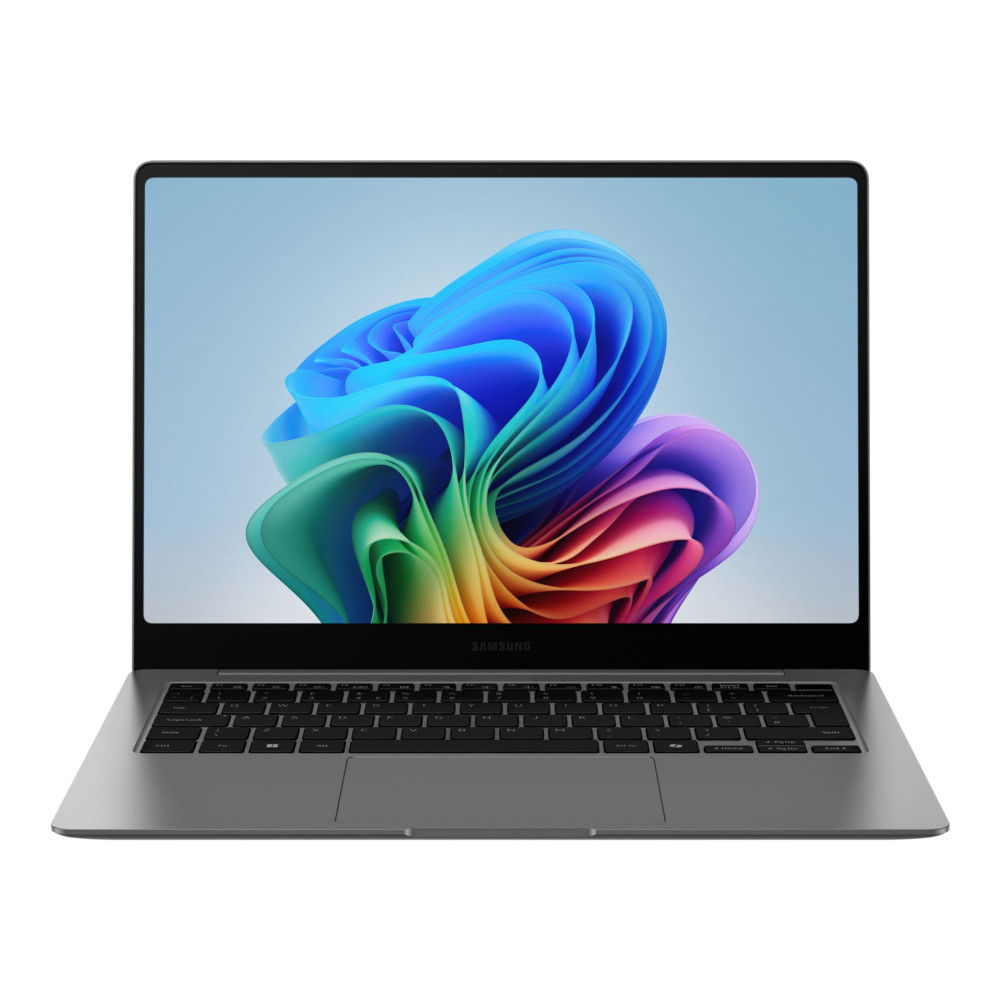
10. HP ZBook 8 G1i 14 AI Mobile Workstation - Best for Creators
MPN: B72U3ET#ABU
Creative work can quickly expose the limits of a standard laptop. The HP ZBook 8 G1i is different because it is a compact mobile workstation. It pairs an Intel Core Ultra 7 255H processor with 32GB RAM, 1TB SSD storage, and dedicated NVIDIA RTX 500 Ada graphics.
That dedicated GPU gives it an edge for design, editing, visual workloads, and technical tasks. It is also a better fit for users who need Windows 11 Pro and workstation-style reliability. The 14-inch display is not as sharp as some 3K OLED display options, but the performance setup is the real reason to choose it.
Key strengths:
- Mobile workstation performance in a 14-inch size
- Intel Core Ultra 7 H-series processor
- 32GB RAM for heavier projects
- 1TB SSD storage for large files
- Dedicated NVIDIA RTX 500 Ada graphics
Limitations: The display is not as premium as higher-resolution OLED options.
Best for: Buy this machine if you need a compact workstation laptop for creative, design, editing, engineering, or technical workloads.

14-Inch Laptop Comparison: Specs, Best Uses and Key Differences
Here is a comparison of all the models reviewed above. The table below compares the best use case, performance, battery life, and portability to help you select the right machine according to your needs.
| Laptop | Best for | Performance | Battery life | Weight/portability | Price tier |
|---|---|---|---|---|---|
| Apple MacBook Pro M5 14.2" | Best overall | Excellent for work, creative tasks, and multitasking | Excellent | Portable premium design | Premium |
| ASUS ZenBook 14 OLED AMD Ryzen AI 5 | Best Windows laptop | Strong everyday performance with AMD Ryzen AI 5 and 16GB RAM | Strong | Slim and portable Windows design | Mid-range |
| ASUS ROG Zephyrus G14 Intel Core Ultra 9 | Best gaming laptop | Very strong with Intel Core Ultra 9 and RTX 5070 Ti graphics | Moderate when gaming | Compact for a gaming laptop | Premium |
| Lenovo ThinkPad X1 Carbon Gen 13 Aura Edition | Best for work | Strong productivity performance with 32GB RAM | Strong | Business-friendly portable design | Premium |
| HP Chromebook x360 14b-cd0003na | Best for students | Good for online study, web apps, and everyday tasks | Good | Flexible 2-in-1 student-friendly design | Budget |
| ASUS Vivobook S14 Ryzen 9 | Best value | Strong multitasking with 32GB RAM and 1TB SSD storage | Good | Practical daily size | Mid-range |
| ASUS VivoBook 14 Snapdragon X Plus | Best battery life | Good for everyday apps, business tasks, and cloud work | Excellent | Travel-friendly | Budget to mid-range |
| HP OmniBook X Flip 14-fk0004na | Best 2-in-1 | Good daily performance with touchscreen flexibility | Good | Flexible convertible design | Mid-range |
| Samsung Galaxy Book5 Pro | Best ultra-portable | Strong premium Windows performance | Strong | One of the stronger portable picks | Premium |
| HP ZBook 8 G1i 14 AI Mobile Workstation | Best for creators | Very strong workstation-style performance | Moderate | Compact for a workstation | Premium |
This 14-inch laptop comparison shows why the right choice depends on the job. For everyday work, focus on comfort, memory, and storage. For travel, prioritise battery life and portability. For gaming or creator workloads, performance matters more than weight.
How to Choose the Right 14-Inch Laptop
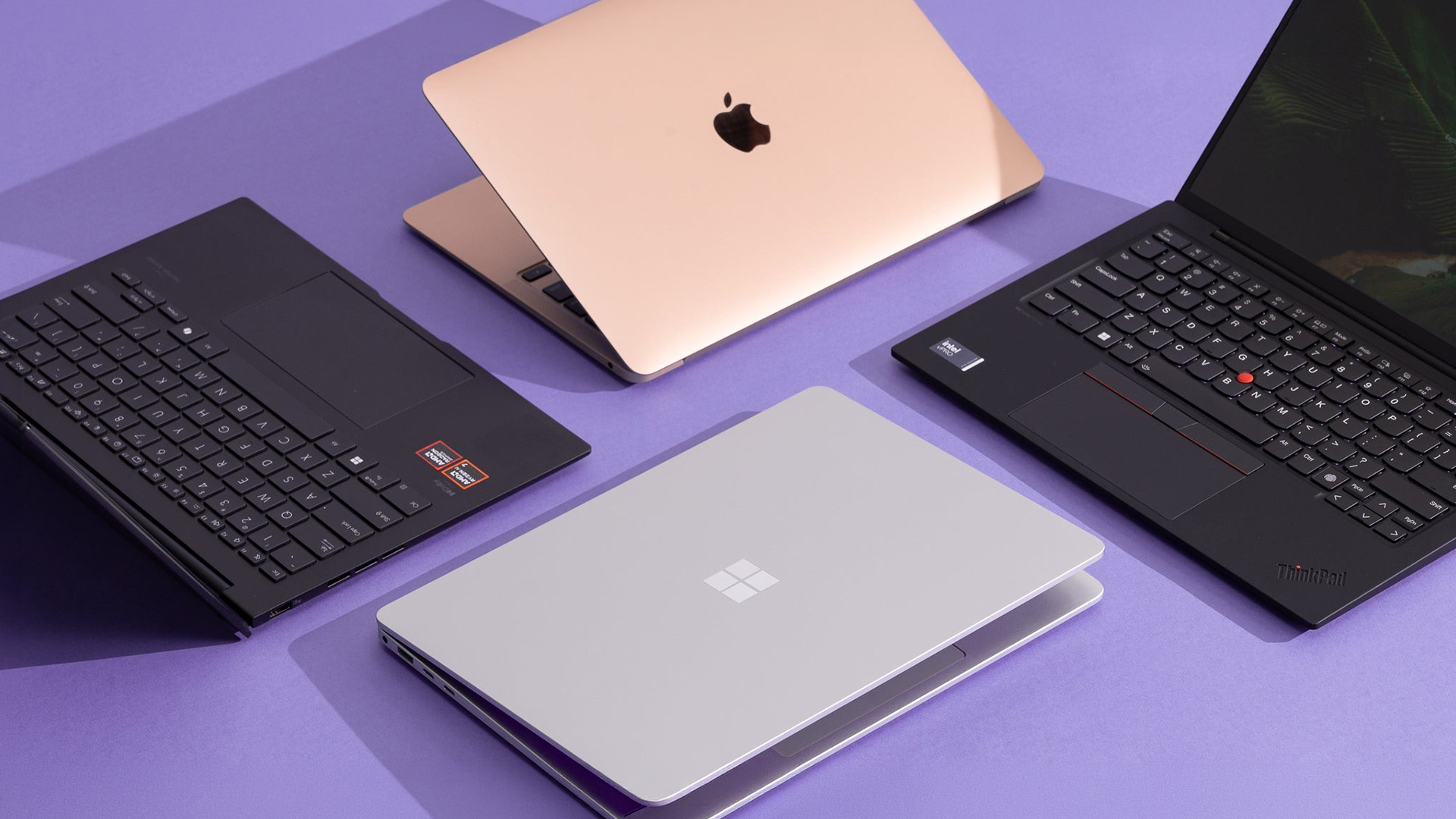
The best 14-inch laptops are not always the most expensive ones. The perfect machine depends on how you plan to use it. Here are some tips to help you select the right machine based on your usage.
For Work and Productivity
For work, comfort matters as much as speed. A laptop should feel easy to use through long meetings, documents, emails, and multitasking.
- Performance: An Intel Core Ultra or the latest Apple processor is a strong option for modern office work, video calls, browser tabs, and business apps.
- Memory and storage: Choose at least 16GB RAM and 512GB SSD storage for smoother multitasking and faster file access.
- Work comfort: A good keyboard, clear webcam, and reliable microphone make a big difference during long workdays.
- Business features: Windows 11 Pro may be useful if your workplace needs extra security, management, or network features.
- Portability: Strong battery life, USB-C, HDMI, and reliable wireless connectivity help if you move between home, office, and meetings.
For Gaming
The best 14-inch gaming laptop needs more than a fast processor. Graphics, cooling, screen quality, memory, and storage all matter.
- Graphics: For smooth modern gaming, choose a 14-inch laptop with a dedicated graphics card rather than basic integrated graphics. A dedicated GPU gives you more headroom for higher settings and creative workloads.
- Screen: A higher refresh rate makes games feel smoother, while an OLED display can make colours and contrast look richer.
- Memory: 16GB RAM is a sensible starting point. 32GB RAM is better for gaming, streaming, and multitasking together.
- Storage: Aim for at least 512GB SSD storage, but 1TB is better if you install several large games.
- Cooling: A gaming laptop with a 14-inch screen needs good thermal design, as the smaller chassis can get warmer under load.
- Battery expectations: Gaming drains battery life quickly, so longer sessions are usually better while plugged in.
- Budget: If you want a budget 14-inch gaming laptop, check the graphics first. Many cheaper compact laptops use integrated graphics, which are fine for light games but not ideal for modern AAA titles.
- Portability: Although gaming laptops are usually on the heavier side, a lightweight gaming laptop is easier to carry than larger models. Still, check cooling, graphics power, and battery expectations before buying.
For Students
The best 14-inch laptop for students should be portable, reliable, and simple to use every day. It does not always need high-end specs.
- Everyday performance: 8GB RAM can work for basic study tasks. 16GB RAM is better for Windows users and heavier coursework.
- Storage: Most of the affordable 14-inch laptops for students come with 128GB, which is enough for cloud-based study, but 512GB SSD storage gives more room for apps, files, and downloads.
- Software needs: ChromeOS can suit online learning and Google Workspace. Windows is better if your course needs desktop apps.
- Screen and comfort: A Full HD display should be the minimum for reading, writing, research, and video calls.
- Value: A budget 14-inch laptop makes sense if you mainly browse, write essays, stream, and attend online classes.
- Portability: Good battery life and a lighter build help during lectures, library sessions, and commuting.
For Portability
If you carry your laptop every day, size and efficiency matter more than raw power. The aim is to get something light without losing usability.
- Size and weight: Thin and light laptops are easier to carry, but a 14-inch screen still gives enough space for proper work.
- Battery: Strong battery life is more useful than maximum performance if you travel often or work away from a charger.
- Processor efficiency: Efficient chips can help with cooler and quieter use.
- Build quality: A sturdy chassis matters if the laptop spends a lot of time in a bag.
- Connectivity: Check ports before buying, especially if you use monitors, projectors, docks, or accessories.
- Daily use: Lightweight 14-inch laptops are a strong fit for commuting, hybrid work, university, and travel.
Are 14-Inch Laptops the Best Choice in 2026?
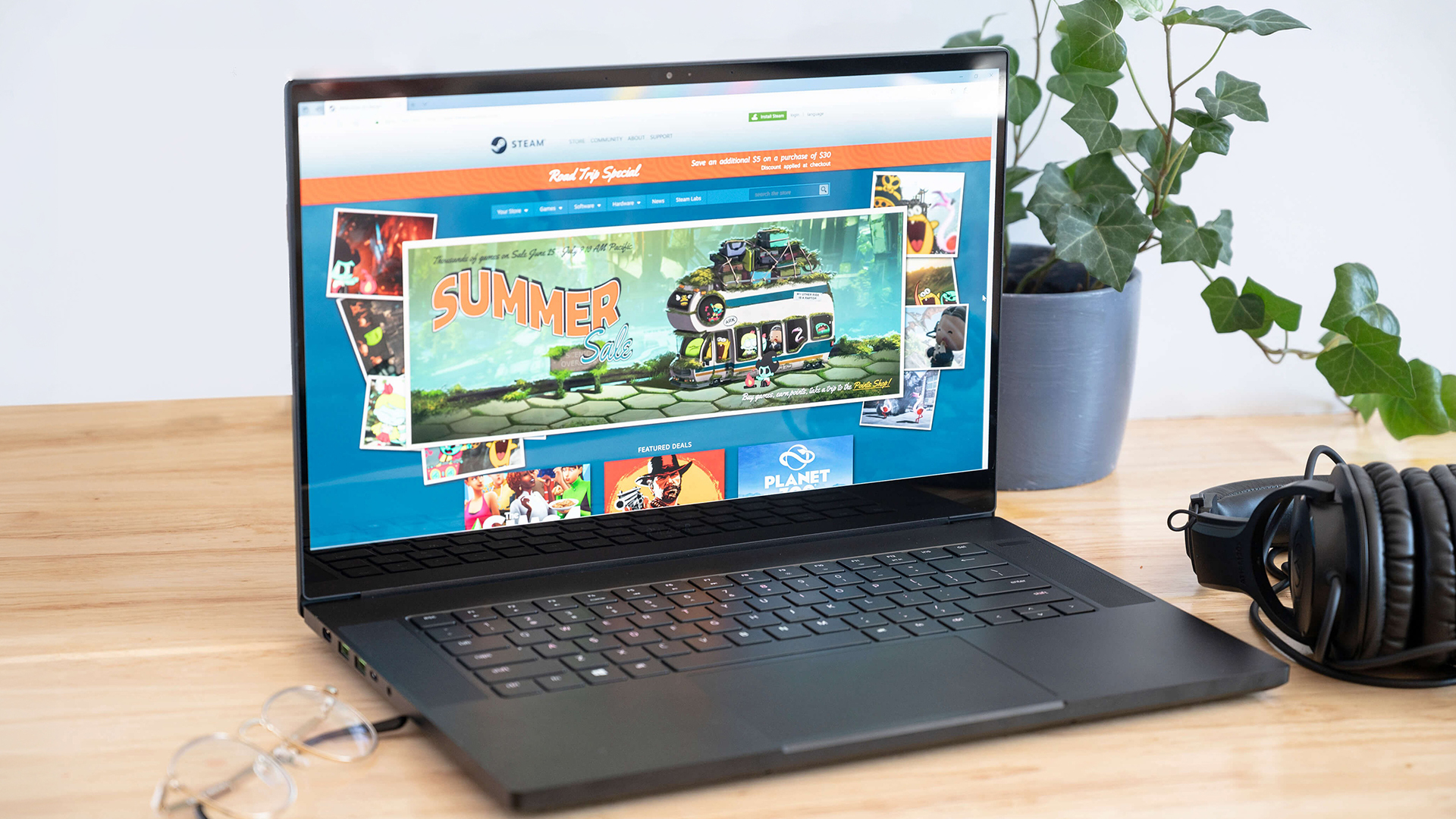
For many users, a laptop with a 14-inch screen is the most practical option in 2026. They are easier to carry than larger models but still give you enough space for proper work. That balance makes them a strong option for study, office tasks, travel, streaming, and everyday browsing.
Why They Suit Most Users
A 14-inch screen gives you more room than many smaller laptops. It also keeps the device light enough to carry every day.
- Portability: They are easier to carry than most 15-inch and 16-inch laptops.
- Usability: The screen feels comfortable for documents, web pages, emails, and video calls.
- Performance: Modern options can handle work, study, streaming, and light creative tasks.
- Choice: You can find budget laptops, mid-range models, and premium laptops in this size.
- Battery: Efficient processors help improve battery life for hybrid work and travel.
- Storage: Many models now offer fast SSD storage, which helps with boot times, apps, and file access.
When to Choose 13-Inch Instead
A 13-inch laptop can make sense if you care more about weight than screen space. It is best for light work and regular travel.
- Choose 13-inch if you want the lightest laptop possible.
- It works well for browsing, emails, writing, and cloud apps.
- It is easier to use in tight spaces, such as trains or small desks.
- It may suit users who already work with an external monitor.
- The trade-off is less room for multitasking.
- Smaller models may also have fewer ports.
When to Choose 15-Inch Instead
A larger laptop is better if you want more screen space or stronger cooling. It can also suit users who spend most of their time at a desk.
- Choose 15-inch or larger if you work with large spreadsheets or creative timelines.
- A bigger screen is useful for side-by-side windows.
- Larger chassis designs can allow stronger cooling.
- Gaming models above 14-inch may offer more GPU headroom.
- A larger OLED display can feel more immersive for media and editing.
- High refresh rate screens are also common on bigger gaming laptops.
- The trade-off is extra weight and reduced portability.
Final Verdict
For most people, the best 14-inch laptop is one that matches their main workload first. If you work across documents, calls, and browser tabs, prioritise comfort, RAM, and SSD storage. If you travel often, look for thin and light laptops with efficient processors. If you game or create content, performance and cooling matter more than the lowest weight.
The top 14-inch laptops in this guide show how wide the category has become. You can now find budget laptops for students, premium laptops for professionals, 2-in-1 models for flexible use, and compact gaming laptops with serious graphics power. The right pick is the one that gives you enough performance today without paying for features you will rarely use.
Frequently Asked Questions
What is the best 14-inch laptop in 2026?
The best 14-inch laptop depends on your use case. For most users, the Apple MacBook Pro M5 is the strongest overall pick. Windows users may prefer the ASUS ZenBook 14 OLED, while gamers should look at the ASUS ROG Zephyrus G14 Intel Core Ultra 9.
Are 14-inch laptops good for gaming?
Yes, some 14-inch laptops are good for gaming. Look for dedicated graphics, enough RAM, good cooling, and a high refresh rate display. Avoid models with only integrated graphics if gaming is a priority.
Is a 14-inch screen enough for work?
Yes, a 14-inch display is enough for most work tasks. It gives you enough screen space for emails, documents, video calls, and browser tabs. You can also connect an external monitor for a bigger desk setup.
Which 14-inch laptop has the best battery life?
The ASUS VivoBook 14 Snapdragon X Plus is the strongest pick for battery life. Its efficient Snapdragon X Plus processor makes it useful for travel, study, business use, hybrid work, and long days away from a charger.
Are 14-inch laptops good for students?
Yes, 14-inch laptops are a strong choice for students. They are portable, comfortable for writing and research, and large enough for online learning. Students should focus on battery life, a clear screen, and enough RAM for daily tasks.
You can pay with:
*PayPal Credit Representative Example: Assumed credit limit £1,200, Representative 23.9% APR (variable). Purchase rate 23.9% p.a (variable).Terms & Conditions apply.


PayPal Credit and PayPal Pay in 3 are trading names of PayPal UK Ltd, 5 Fleet Place, London, United Kingdom, EC4M 7RD. Terms and conditions apply. Credit subject to status, UK residents only, Five Tech LTD acts as a broker and offers finance from a restricted range of finance providers. PayPal Pay in 3 is not regulated by the Financial Conduct Authority. Pay in 3 eligibility is subject to status and approval. 18+. UK residents only. Pay in 3 is a form of credit. Check if affordable and how you will repay. May make other borrowing more difficult or expensive. See product terms for more details.
Copyright © 1996-2026 Fivetech LTD | Terms and Conditions
box.co.uk & Box are trading names of Five Tech Limited. Registered office: Box LTD, Unit 10 Woodford Trading Estate, Woodford Green IG8 8HF