


 Menu
MenuMenu


Get Sales Advice from Mon - Fri 9am - 5:00pm:
020 3337 8950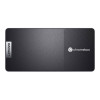
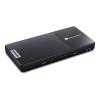
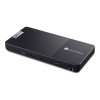
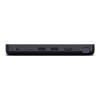

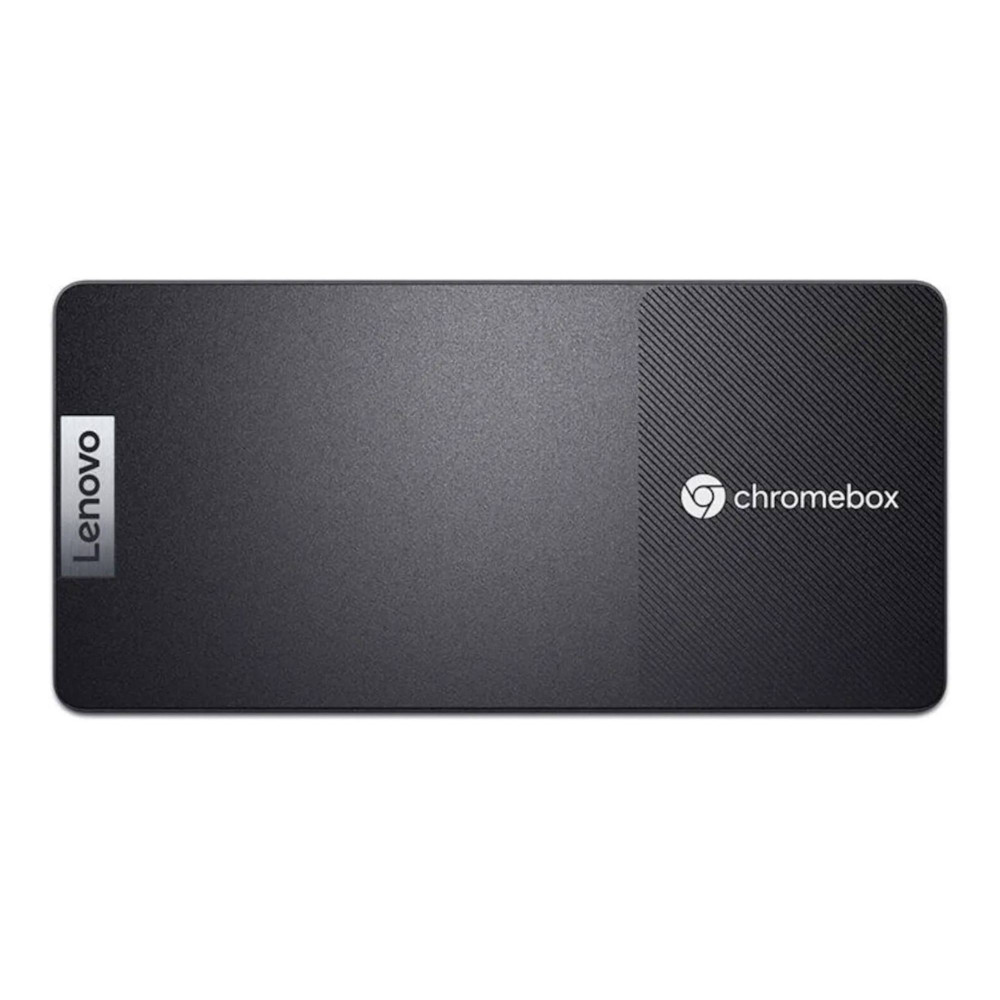
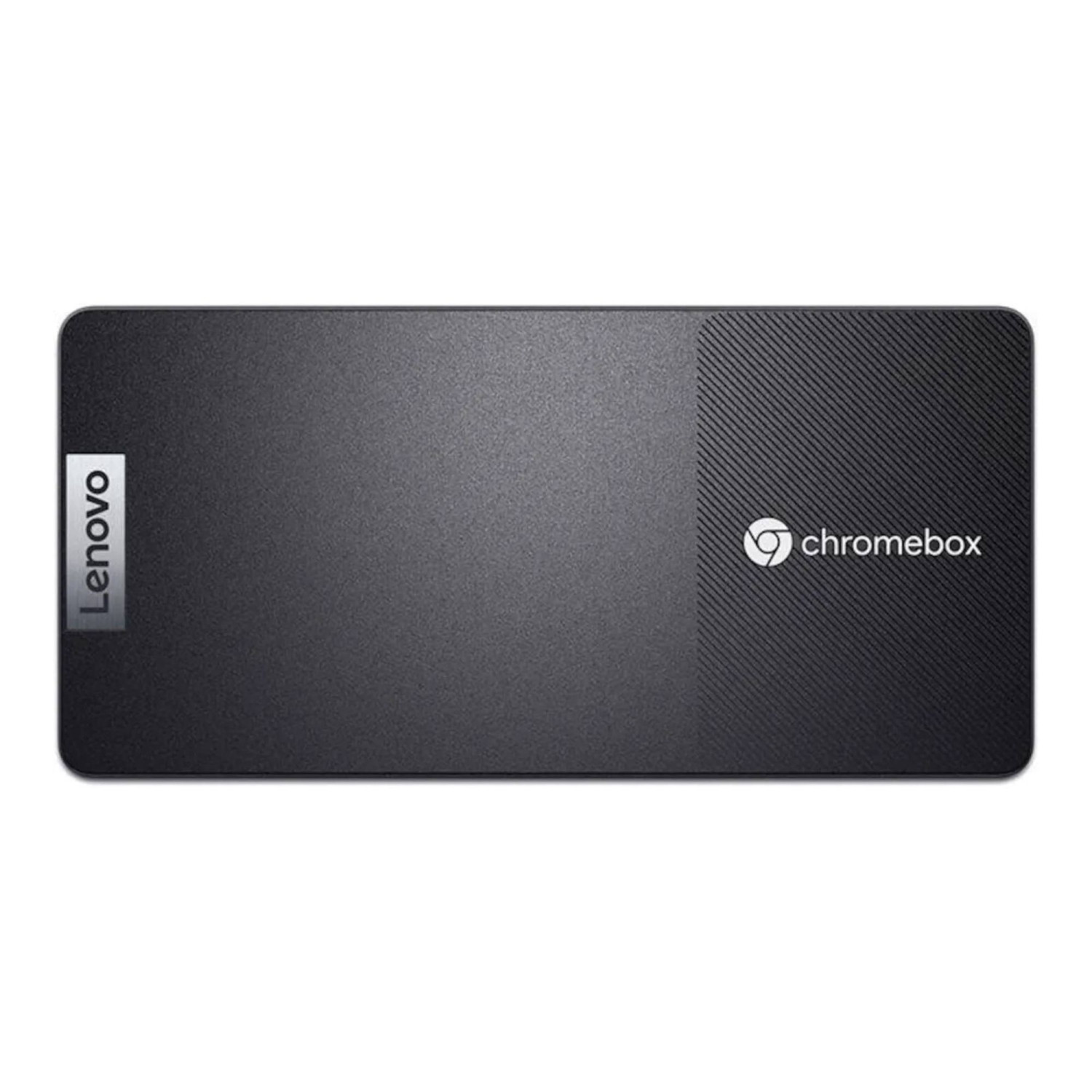
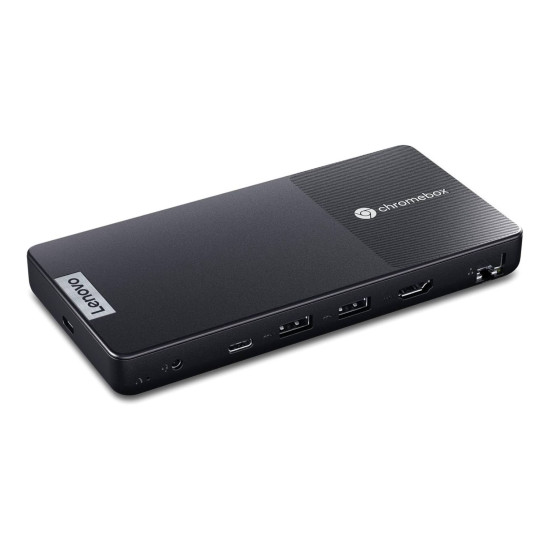
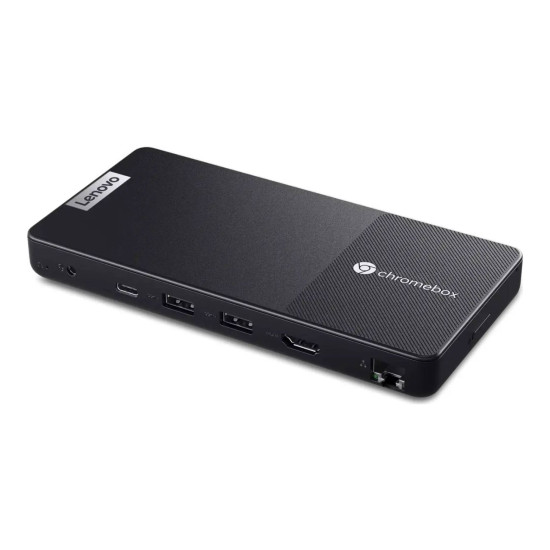
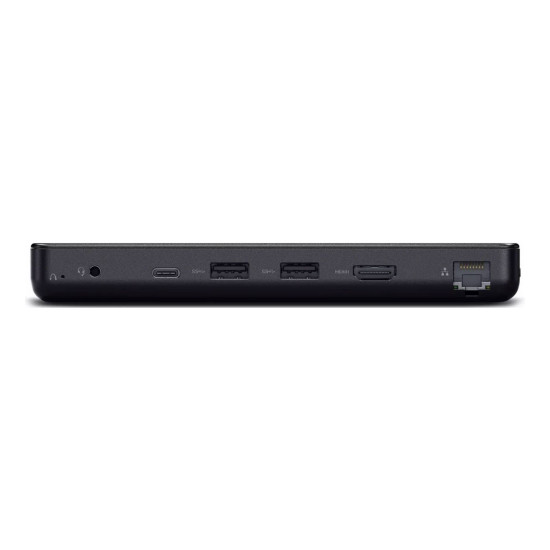
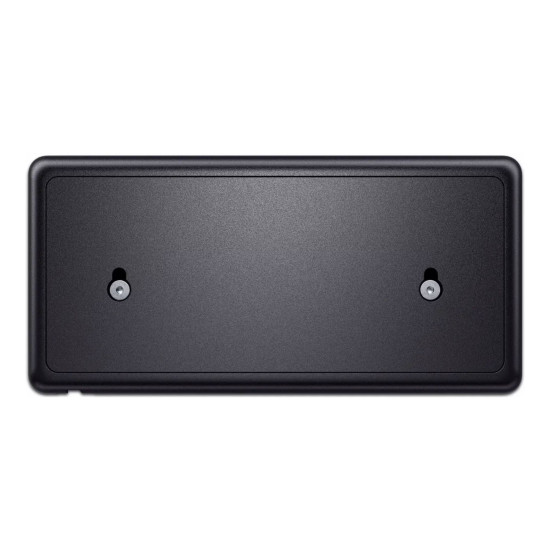


New Open Box - Lenovo Chromebox Intel Celeron N4500 8GB RAM 32GB eMMC ChromeOS Micro Desktop PC


Get it tomorrow Fri, 17th Jul! Order within 13 hrs 6 mins

Get free standard delivery within 3-4 working days

Book your delivery slot from only £6.95
- Great For: Everyday Use
- Intel Celeron N4500 Dual-Core Processor
- 8 GB LPDDR4X RAM | 32 GB SSD
- Integrated Intel UHD Graphics
- Chrome OS
- HDMI | USB-C
- 1 Year Warranty
- Condition: New Open Box
- 83F9000BGE-BD


Specifications
Processor
| Processor | Intel Celeron |
| Processor Family | Intel Celeron |
| Processor Model | N4500 |
| Processor Number | N4500 |
| Processor Core Count | Dual-Core |
| Processor Cache | 4MB Intel Smart Cache |
Graphics
| Graphics | Integrated Intel UHD |
| Graphics Type | Integrated/On-Board Graphics |
Storage
| Solid State Drive | 32 GB |
RAM
| RAM | 8 GB |
| RAM Type | LPDDR4X |
Connectivity
| Bluetooth | Bluetooth 5.1 |
| Wireless LAN | Wi-Fi 6 |
| USB Ports | 4 |
Operating System & Software
| Operating System | Chrome OS |
Sound
| Speakers | No |
| Audio Chipset | High Definition (HD) Audio, Realtek® 5682I-VS codec |
Product Detail
| Weight | 350 g |
| Dimensions | 163 mm x 79 mm x 19.7 mm |
| Recommended For | Everyday Use |
| Colour | Black |
General Information
| Condition | New Open Box |
| Warranty | 1 Year |
| Brand | Lenovo |
| EAN | 0197531551702 |
| MPN | 83F9000BGE-BD |
£279.99 SAVE £70.00
was £349.99
You can pay with:
*PayPal Credit Representative Example: Assumed credit limit £1,200, Representative 23.9% APR (variable). Purchase rate 23.9% p.a (variable).Terms & Conditions apply.


PayPal Credit and PayPal Pay in 3 are trading names of PayPal UK Ltd, 5 Fleet Place, London, United Kingdom, EC4M 7RD. Terms and conditions apply. Credit subject to status, UK residents only, Five Tech LTD acts as a broker and offers finance from a restricted range of finance providers. PayPal Pay in 3 is not regulated by the Financial Conduct Authority. Pay in 3 eligibility is subject to status and approval. 18+. UK residents only. Pay in 3 is a form of credit. Check if affordable and how you will repay. May make other borrowing more difficult or expensive. See product terms for more details.
Copyright © 1996-2026 Fivetech LTD | Terms and Conditions
box.co.uk & Box are trading names of Five Tech Limited. Registered office: Box LTD, Unit 10 Woodford Trading Estate, Woodford Green IG8 8HF