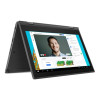
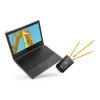
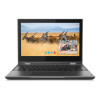
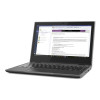
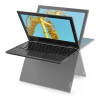
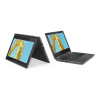
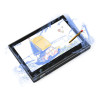
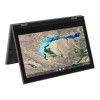
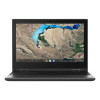
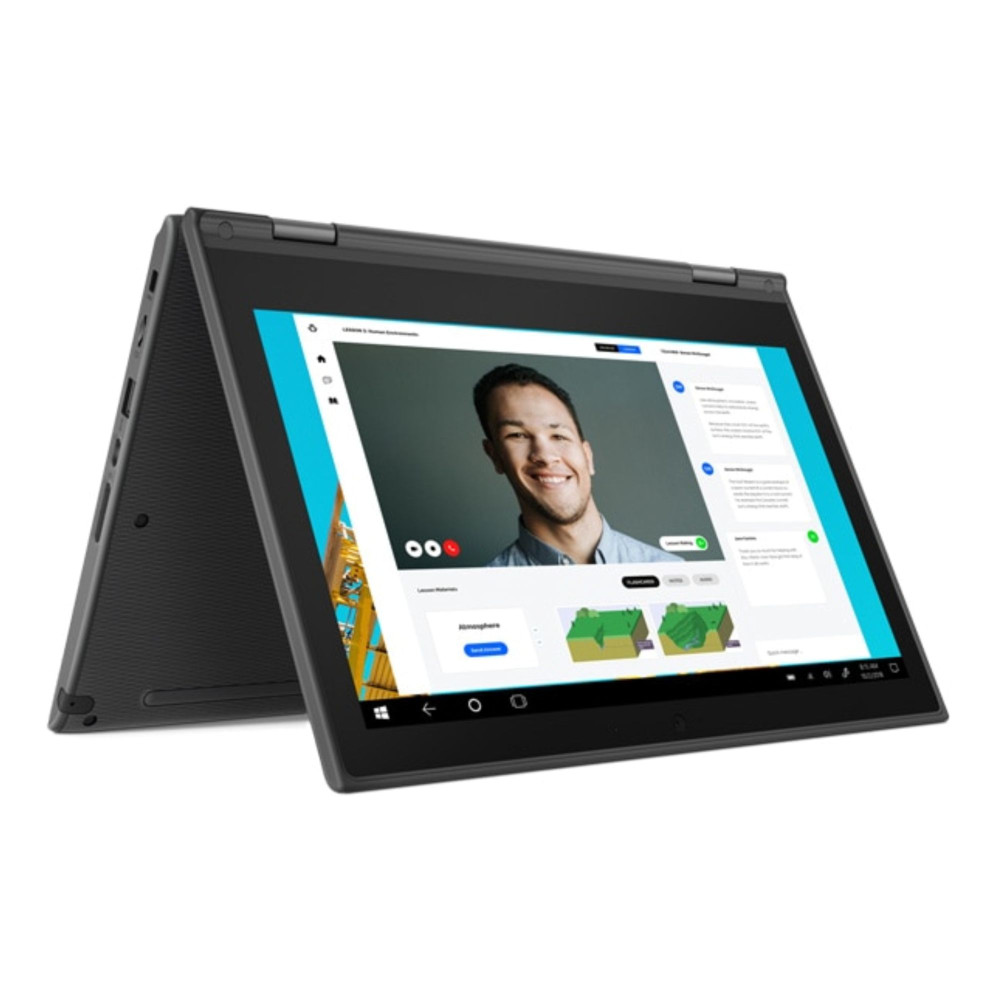
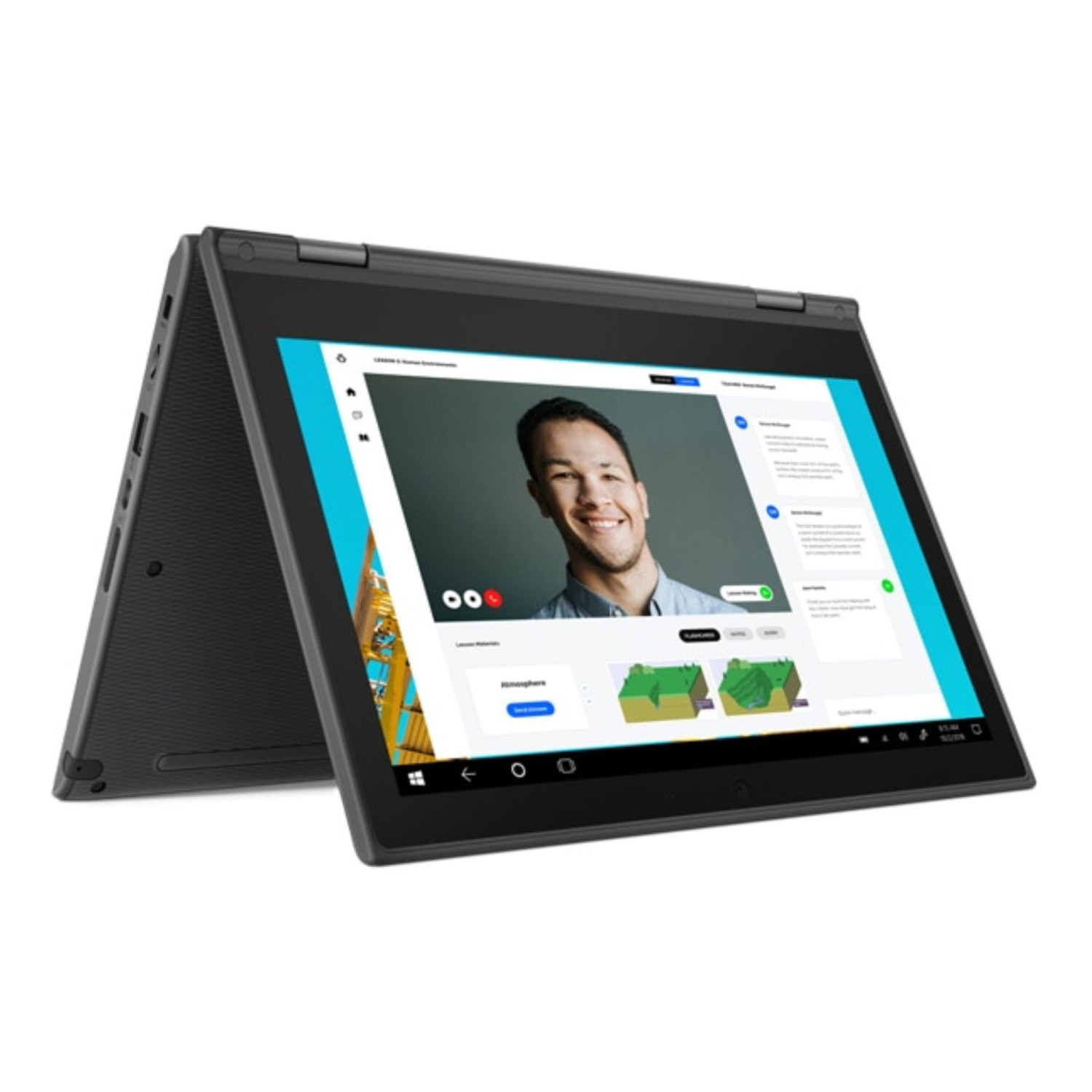
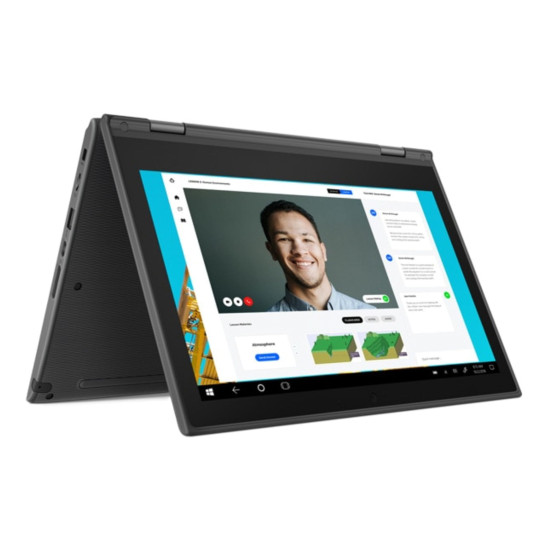
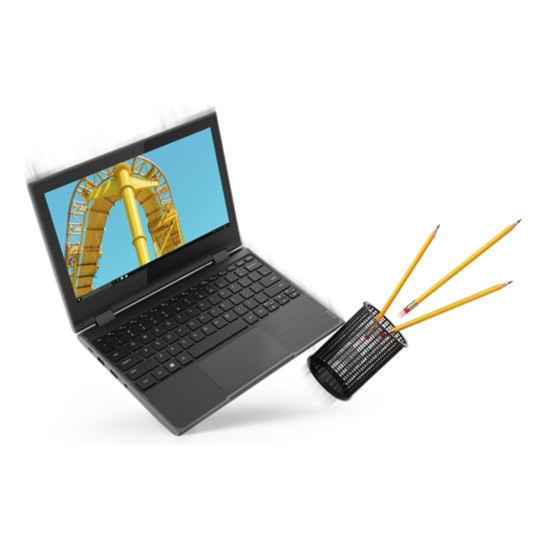
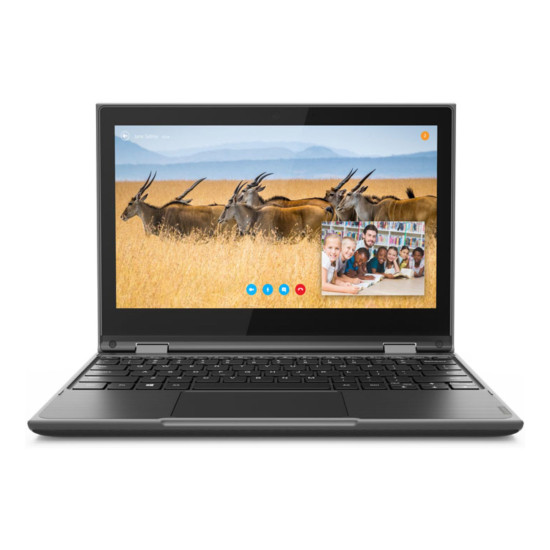
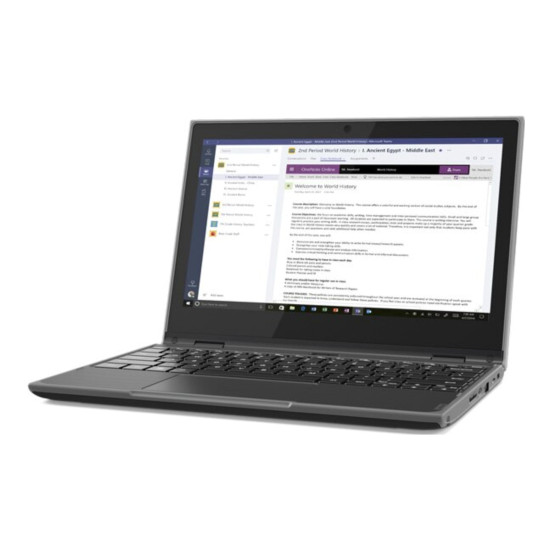
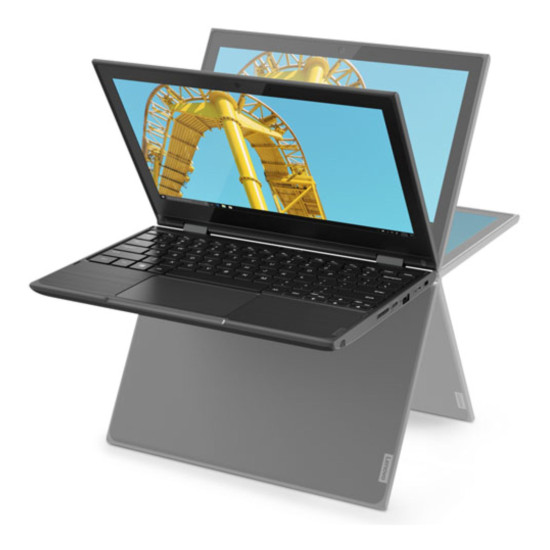
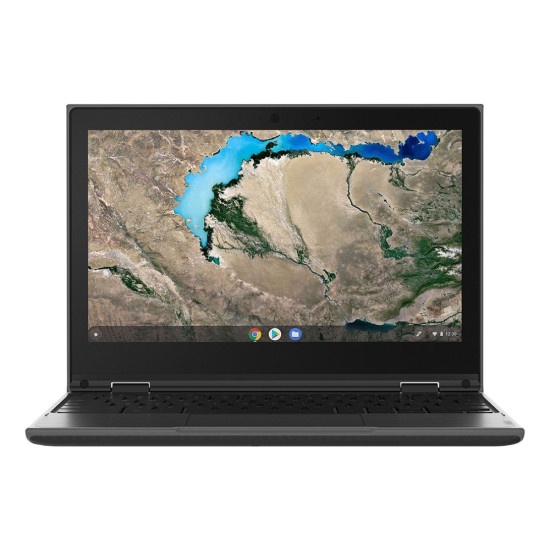
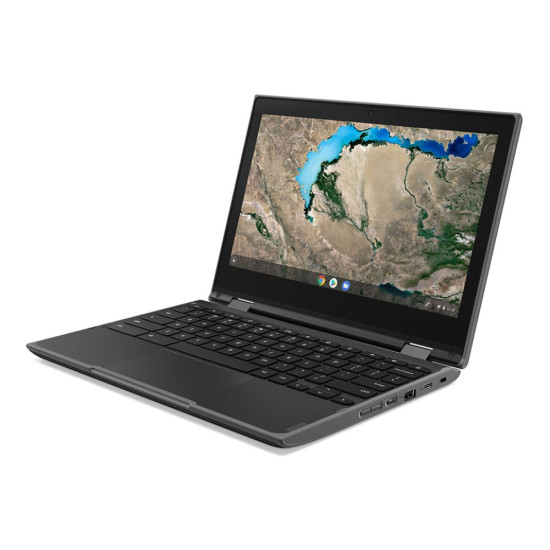
The Lenovo 300e Windows 2nd Gen is a versatile hybrid 2-in-1 laptop, equipped with an Intel Celeron N4120 processor, designed for users seeking a compact and flexible computing solution. Featuring a touchscreen display, this device is particularly suitable for students and casual users who require a reliable machine for everyday tasks. With its lightweight build of just 1.31 kg and an 11.6-inch screen, it strikes a balance between portability and functionality, easily fitting into a backpack or a small carrying case.
What Makes It Different?
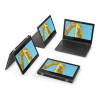
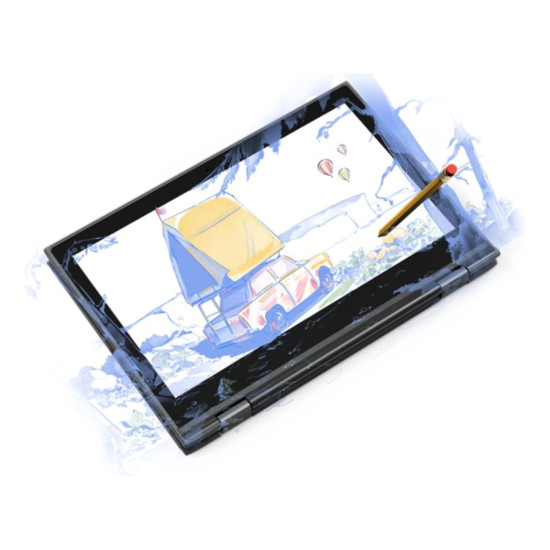
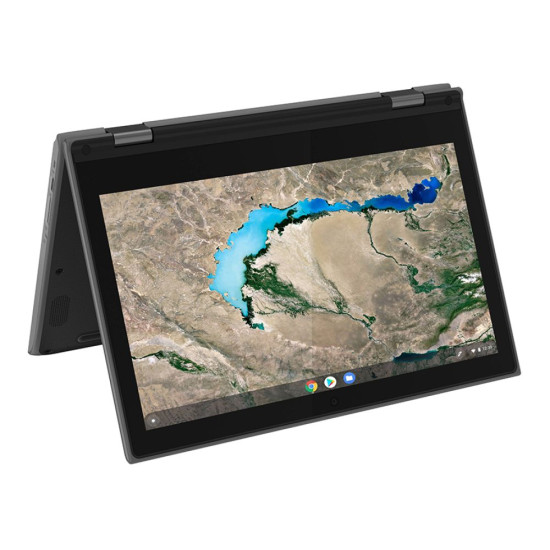
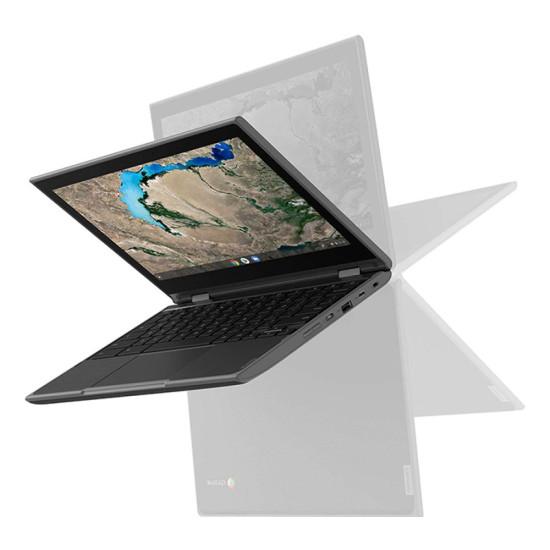
Positioned within the entry-level segment, the Lenovo 300e differentiates itself through its combination of portability and touchscreen capabilities. Unlike standard laptops, this 2-in-1 design allows users to switch seamlessly between laptop and tablet modes, making it ideal for note-taking or content consumption. While it may not match the performance of more powerful alternatives with dedicated graphics or higher RAM options, it offers sufficient capacity for typical educational or light work environments.
This device is well suited for those who prefer an affordable entry-point into the 2-in-1 market, providing essential features without the added complexity or expense of premium models. Its specifications cater to basic computing needs rather than intensive tasks commonly found in higher-tier models, giving it an edge for users who value simplicity and cost-effectiveness in their devices.
Performance & Everyday Use
The Lenovo 300e features an Intel Celeron N4120 processor, which is designed for efficient performance in handling day-to-day tasks such as browsing the web, word processing, and streaming media. With 4GB of LPDDR4 RAM, multitasking for light applications is manageable, though users should be cautious of running multiple demanding programs simultaneously, as this could slow down operations. The 64GB eMMC storage provides quick boot times and app loading, but may require external storage solutions for users with extensive file needs.
The 11.6-inch IPS touchscreen display, with a resolution of 1366 x 768, offers vibrant visuals suitable for media consumption and presentations. Its lightweight design enhances portability, meaning that whether you're using it in a classroom, café, or at home, the 300e can easily keep up with a dynamic lifestyle. Integrated Intel UHD 600 graphics support basic image rendering needs, making it feasible for casual gaming and video playback without intensive graphics requirements.
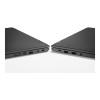
Connectivity options include HDMI, USB-C, and Bluetooth 5.0, allowing users to connect to various peripherals and network easily. The integration of a webcam with a microphone supports video calls proficiently, facilitating remote learning or virtual meetings. Overall, the Lenovo 300e provides a solid foundation for users who prioritise straightforward functionality in an accessible package.
Why Choose This Lenovo 300e Windows 2nd Gen?
Choosing the Lenovo 300e offers a practical solution for anyone needing a portable, adaptable device for general use.
- Lightweight and easy to carry, making it ideal for students or professionals on the go
- 2-in-1 design provides flexibility for both tablet and laptop use
- Touchscreen functionality enhances interactivity for educational or casual applications
- Budget-friendly, appealing to first-time laptop buyers or those with basic computing needs
However, those requiring superior performance or more robust features may find the 300e limiting.
- Users seeking high-performance for gaming, graphic design, or intense multitasking may need a more powerful model
- Professionals requiring extensive storage capacity for larger files or applications might consider upgraded options
- Individuals looking for advanced display features or enhanced audio may prefer higher-tier laptops
Great For
The Lenovo 300e Windows 2nd Gen is tailored for students, casual users, and those who value portability paired with versatility. It's perfect for anyone needing a reliable device for educational tasks, light office work, or personal entertainment in an efficient form factor, enhancing productivity without overwhelming complexity.
- Everyday admin tasks and research
- Note-taking and interactive learning in class settings
- Streaming media and casual content consumption
- Light multimedia work and web browsing