


 Menu
MenuMenu


Get Sales Advice from Mon - Fri 9am - 5:00pm:
020 3337 8950LAST UPDATED: June 03, 2026
Who Should Buy the Acer Extensa? An Honest Breakdown for Students, Office Workers & Startups
Buying the wrong laptop is frustrating. It may look fine online, then feel too slow, too dim, too flimsy, or simply wrong for the job. That is exactly where budget productivity laptops need closer evaluation, because they often promise the basics at a low price but vary a lot by configuration. The Acer Extensa sits in that space: a practical, affordable laptop range aimed at everyday work, study, and business use. So, who should buy Acer Extensa laptops? Students, office workers, and startups can get good value from the Acer Extensa 15 EX215 range, provided they understand its limits. This guide explains where it works, where it struggles, and who should avoid it.
What exactly is the Acer Extensa and What is it Designed for?
The Acer Extensa laptops range is an entry-level productivity laptop range built for practical work: documents, spreadsheets, browsing, emails, video calls, and light multitasking. It is not trying to be flashy. It is aimed at buyers who need a reliable, affordable laptop for work and study.
Where Extensa Sits in Acer's Laptop Lineup
The Extensa sits in Acer’s budget business and productivity tier. It is more work-focused than a typical consumer Aspire, but less premium than TravelMate. Think of it as a light-use laptop for office, study, and small business use.
Acer Aspire is more of a mainstream home laptop range. Acer TravelMate is more business-focused, often with stronger durability and security features. Extensa sits between value and practicality.
Core Specs: Processor, RAM, Display and Storage Options
Acer Extensa 15 specs vary by configuration, but the range is generally built around everyday productivity rather than heavy creative or gaming performance. Current options can include Intel Core i5, Intel Core i7, and AMD Ryzen 5 processors, with 8GB or 16GB RAM, 512GB SSD storage, integrated graphics, and 15.6-inch Full HD displays.
The main difference for buyers is how much multitasking headroom they need. An 8GB RAM model is suitable for light browsing, emails, documents, and basic study use. A 16GB RAM model is the safer choice for students, office workers, and startups that need smoother multitasking across browser tabs, Microsoft 365, video calls, and business tools.
What the Extensa is not built for
The Acer Extensa is not a gaming laptop, creator laptop, or design workstation. It is not ideal for video editing, 3D modelling, CAD, animation, or heavy Adobe workflows. It uses integrated graphics in many configurations, so buyers expecting gaming performance should look elsewhere.
Is the Acer Extensa good for students?
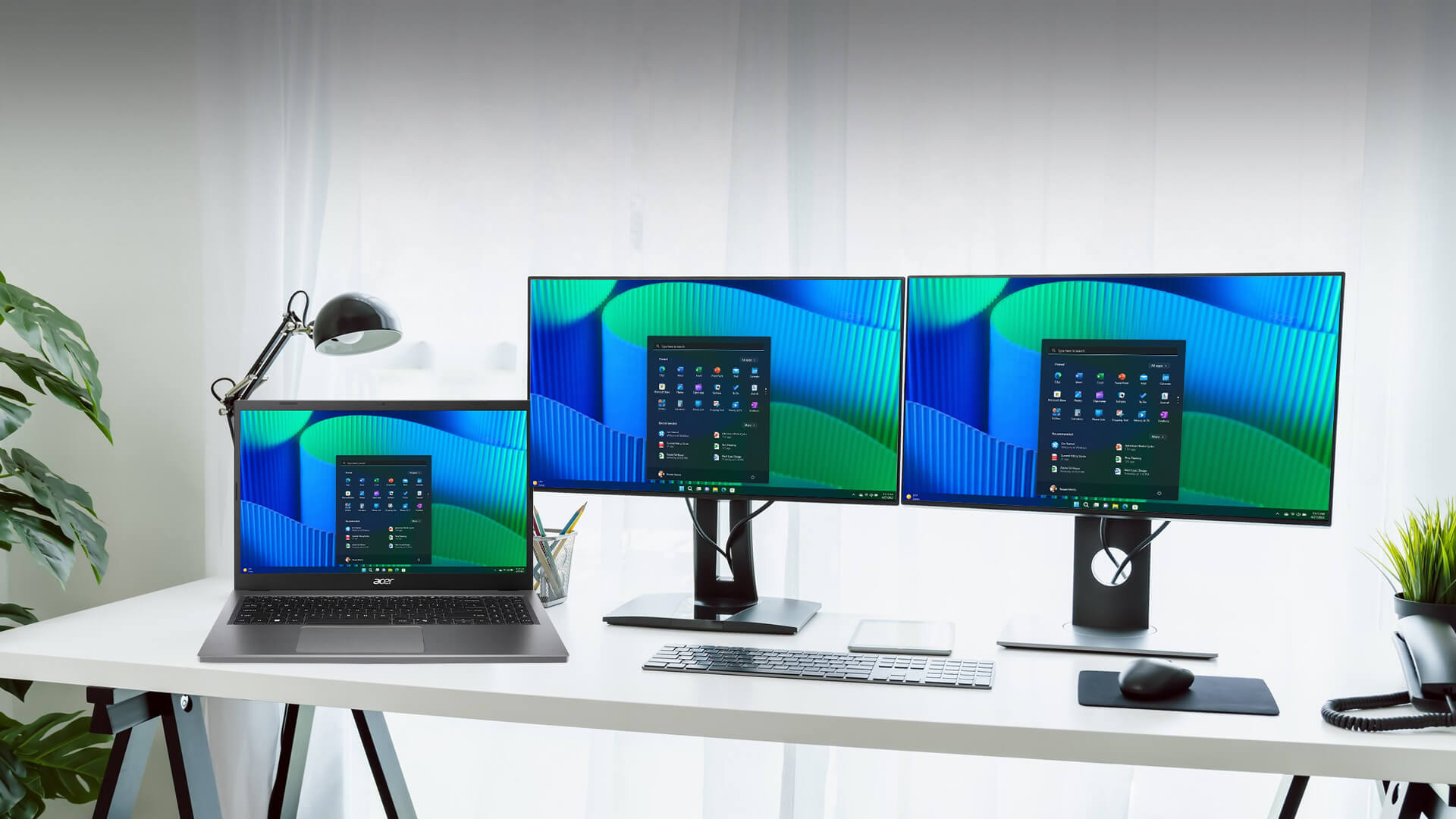
The Acer Extensa can be a good student laptop if the course involves normal academic tasks: notes, research, essays, online learning, and video calls. It is best for budget-conscious students who want an affordable laptop for work and study rather than a premium machine.
For students carrying a 15.6-inch laptop daily, a sleeve or backpack matters, so check laptop bags & cases if portability is part of the purchase plan.
Everyday Academic Tasks: Notes, Docs, Research, and Video Calls
For Microsoft 365, Google Docs, Google Classroom, Zoom, Teams, web research and PDF reading, the Acer Extensa is a sensible fit. The 15.6-inch screen gives enough space for documents and browser tabs, while the keyboard layout is practical for essay work.
Acer Extensa for students works best when you choose at least 8GB RAM for basic use, or 16GB RAM if the student keeps lots of tabs and apps open.
Battery life reality check: will it last a full day on campus?
Under light use, expect around 6 to 7 hours from many Extensa 15 setups. With active work such as video calls, multiple tabs and office apps, expect closer to 4 to 5 hours.
That makes it suitable for half-day campus use without a charger, but not the best choice if you need guaranteed all-day battery life.
Portability and build: backpack-friendly or a liability?
At around 1.7kg to 1.8kg depending on model, the Extensa 15 is portable enough for students, but it is not ultra-light. The EX215-33 is 1.7kg weight, while EX215-57 is around 1.8kg.
The plastic chassis is fine for normal use, but it is not rugged. Treat it as backpack-friendly with care, not a laptop to throw around.
Student verdict: who benefits and who should look elsewhere
Buy it if you are studying business, humanities, social sciences, education or general subjects. It also works for light coding and basic computer science tasks.
Skip it if you study graphic design, video production, animation, architecture, engineering simulation or game development.
Is the Acer Extensa a good office laptop?
Yes, the Acer Extensa is a good office laptop for indoor desk-based roles. It is suitable for admin, reception, finance support, sales teams, HR, email-heavy roles and document-based work.
For teams comparing entry-level workplace devices, Acer laptops for business are great to check out alongside Extensa models.
Daily office performance: Word, Excel, email and conferencing
For Word, Excel, Outlook, browser-based tools, and video conferencing, the Extensa does the job. The EX215-57 with an i5-13420H is especially interesting because it brings stronger CPU performance to a budget machine, although display and build trade-offs still apply. The EX215-57 offers strong core performance in a budget-friendly laptop.
For most office users, the CPU is less important than the full setup: 16GB RAM, SSD storage, and a decent screen.
Keyboard comfort and typing experience
The full-size layout with number pad is useful for spreadsheets, admin work, and data entry. It is not a premium keyboard, but it is practical enough for long typing sessions.
The trackpad is fine for general use, though office users will likely prefer a mouse at a desk.
Display quality caveat: why IPS over TN matters
This is the biggest thing to check. Some Extensa configurations use TN panels, and those are weaker for viewing angles and colour. EX215-33 features a Full HD TN panel, BOE NT156FHM-N61, and the viewing angles are not wide enough.
If possible, choose an IPS configuration. The EX215-57 listing comes with a 15.6-inch Full HD anti-glare display with IPS technology, which is the better option for office use.
Office verdict: the workplace it fits
The Extensa fits indoor, desk-bound office work. It is not the best choice for field workers, frequent travellers, outdoor use, or roles needing colour-accurate screens.
Should startups buy the Acer Extensa for their team?
The Acer Extensa can make sense for startups that need multiple affordable laptops for a lean team. It is especially relevant for seed-stage businesses, admin teams, interns and support roles where the workload is mostly browser-based.
You can also check out other Acer products like monitor and accessory options to go with your Extensa laptops.
Cost-per-unit economics: equipping a 5 to 20 person team
For startups, the question is not just “is this the best laptop?” It is “can we equip the team without burning budget?” The Extensa is useful when you need dependable laptops for email, CRM tools, spreadsheets, project management platforms, and video calls.
It is not glamorous, but it can reduce cost per seat.
Upgradeability: RAM and SSD swap potential
Upgradeability depends on the exact model. Some Extensa configurations use soldered LPDDR5 RAM, while others may allow easier SSD access or higher RAM configurations. The EX215-33 features a RAM up to 16GB and one M.2 slot, while EX215-57 options go up to 32GB with M.2 NVMe storage.
If upgradeability matters, check before buying. Do not assume every Extensa is a RAM upgradeable laptop.
Windows 11 out of the box: ready to deploy
Many Extensa models ship with Windows 11 Home or Pro depending on configuration. For very small teams without dedicated IT, that helps reduce setup friction.
For larger teams, Windows 11 Pro, device management, and security requirements may make TravelMate or a more business-focused laptop a better fit.
Startup verdict: when bulk-buying makes sense
Buy Extensa for lean teams doing sales, admin, support, research and light operations work. Step up to TravelMate or a higher business range if the team needs stronger durability, security features, premium screens or more frequent travel support.
Acer Extensa vs the alternatives: how does it compare at the same price?
The Acer Extensa makes most sense when compared against other affordable 15.6-inch productivity laptops, not premium ultrabooks or gaming machines. A fair comparison should look at similar everyday-use models such as Acer Aspire, Lenovo IdeaPad, Dell Inspiron, Acer TravelMate, and Acer Swift Go. The key specs to compare are processor, RAM, SSD size, display type, battery expectations, build quality, and whether the laptop is aimed at home use, office use, or frequent travel.
If price is your main filter, you can compare current Acer laptop deals at Box before deciding.
Acer Extensa vs Acer Aspire: which is right for your use case?

The Acer Extensa and Acer Aspire can look similar on paper because both are often available with Intel Core i5 or AMD Ryzen processors, 8GB or 16GB RAM, 512GB SSD storage and 15.6-inch Full HD displays. The difference is their purpose.
Acer Extensa is the more practical, work-focused option. It suits students, office workers, admin teams and startups that need a simple productivity laptop for documents, spreadsheets, emails, web apps and video calls. The design is usually more straightforward, and the value comes from getting useful work specs without paying for lifestyle extras.
Acer Aspire is the better general home laptop. It usually suits families, casual users and students who want one laptop for browsing, streaming, light work, homework and everyday entertainment. Depending on the model, Aspire may offer a more consumer-friendly design, more display options or a more rounded media experience.
| Use Case | Better Choice | Why |
| Office admin and spreadsheets | Acer Extensa | More business-like and practical |
| Student essays and research | Acer Extensa | Good value for study basics |
| Family laptop | Acer Aspire | Better all-round home use |
| Streaming and casual use | Acer Aspire | More consumer-focused |
| Startup team purchase | Acer Extensa | Better fit for cost-conscious productivity |
| Light creative tasks | Acer Aspire | Often the more flexible option |
Choose Extensa if the laptop is mainly for work, study or team productivity. Choose Aspire if the laptop needs to feel more like an all-round home and entertainment device.
Acer Extensa vs Lenovo IdeaPad and Dell Inspiron at the same price
Lenovo IdeaPad and Dell Inspiron are the closest cross-brand alternatives to the Acer Extensa. All three ranges often target the same buyer: someone who wants a dependable laptop for everyday work without paying premium prices.
At the same price, do not choose purely by brand name. Compare the exact configuration. A 16GB RAM Extensa can be a better buy than an 8GB IdeaPad or Inspiron if you multitask heavily. Equally, an IdeaPad or Inspiron with a better display, lighter build, or stronger battery may be the better option for travel or home use.
| Comparison Point | Acer Extensa | Lenovo IdeaPad | Dell Inspiron |
| Best fit | Study, office, startups | Students, home users, everyday tasks | Office, home and hybrid users |
| Strength | Practical value | Broad range of configurations | Familiar mainstream choice |
| What to check | Display type and RAM | Build, screen and battery | RAM, screen and warranty |
| Best spec target | 16GB RAM, 512GB SSD, IPS display | 16GB RAM, 512GB SSD, IPS display | 16GB RAM, 512GB SSD, IPS display |
| Avoid | Low-RAM models for heavy multitasking | Weak screens on budget configs | Paying more for similar specs |
For students, all three can work well. For office teams, Acer Extensa is strong if the price is right and the spec includes 16GB RAM. For home users, Lenovo IdeaPad or Dell Inspiron may feel more balanced if media use and portability matter more than workplace value.
When to pay more: stepping up to Acer TravelMate or Swift Go
Acer TravelMate and Acer Swift Go are the step-up options when the Extensa feels too basic. They are not direct budget rivals, but they are worth considering if you need better build quality, portability or business features.
Acer TravelMate is the better choice for business users who travel more often, need stronger durability, want a more professional finish, or require extra security features. It is a smarter fit for managers, field workers, sales teams, and business users who need a tougher daily laptop.
Acer Swift Go is the better choice if portability and screen quality matter more. It suits users who want something lighter, slimmer, and more premium for commuting, meetings, uni, or hybrid work. It is usually the better pick for users who notice display quality, battery life, and design more than basic office value.
| Upgrade Option | Choose It If | Why It May Be Worth Paying More |
| Acer TravelMate | You need a stronger business laptop | Better suited to frequent work use and business travel |
| Acer Swift Go | You want something lighter and more premium | Better for portability, display quality and modern design |
| Acer Extensa | You need affordable productivity | Best for basic work, study and startup team buying |
Stick with Acer Extensa if your priority is price and everyday productivity. Step up to TravelMate if the laptop will be used heavily for business travel. Step up to Swift Go if you want a lighter, sharper, and more premium laptop for daily personal use.
The honest verdict: who should buy the Acer Extensa and who shouldn't?
So, who should buy Acer Extensa laptops? Buy one if you need a low-cost productivity machine for indoor work, study or small business use. Do not buy one expecting a gaming laptop, creator workstation or rugged travel device.
If gaming is a serious requirement, compare Acer gaming laptops instead.
Buy it if: green flags
Buy the Acer Extensa if you want:
- An affordable laptop for work and study
- A budget business laptop for light tasks
- A laptop for Microsoft 365 and browser tools
- A practical 15.6-inch screen
- A device for students or office staff
- A startup-friendly laptop for bulk purchase
- Windows 11-ready productivity
- Decent value over premium design
Skip it if: red flags
Skip the Acer Extensa if you need:
- Gaming performance
- Strong graphics power
- Colour-accurate creative work
- Outdoor brightness
- Premium build quality
- Frequent travel durability
- Heavy multitasking every day
- Engineering, CAD or 4K editing workflows
Which Extensa configuration should you choose?
The best Acer Extensa configuration is the one with an IPS Full HD display, 16GB RAM where possible and at least 512GB SSD storage. If choosing between a cheaper TN model and a slightly more expensive IPS model, the IPS version is usually worth it.
For students and office users, the best value setup is:
- Full HD IPS display
- 16GB RAM if budget allows
- 512GB SSD minimum
- Windows 11
- Intel Core i3-N305 for light tasks
- Intel Core i5 option for heavier multitasking
FAQs
Is the Acer Extensa good for students?
Yes, the Acer Extensa is good for students doing notes, research, video calls and document work. Students doing graphic design, video editing, engineering simulation or gaming should choose something more powerful.
What is the Acer Extensa best used for?
The Acer Extensa is best used for light office productivity: word processing, spreadsheets, email, browsing, video calls and study tasks. It is especially useful when multiple affordable laptops are needed for a team.
How long does the Acer Extensa battery last?
Under light use, expect around 6 to 7 hours. With active work such as video calls, multiple browser tabs and office apps, expect closer to 4 to 5 hours.
Can you upgrade RAM and storage on the Acer Extensa?
It depends on the model. Some Extensa models use soldered LPDDR5 RAM, while others offer different RAM and SSD configurations. Always check the exact model before buying.
How does the Acer Extensa compare to the Acer TravelMate?
TravelMate is Acer’s more premium business range, usually better for durability, security and travel. Extensa is cheaper and better for light-use buyers who need basic productivity without paying for premium features.
Is the Acer Extensa worth buying?
Yes, the Acer Extensa is worth buying if you need an affordable laptop for study, admin, office work or startup teams. It is not worth it for gaming, design, video editing or heavy professional workloads.
Is the Acer Extensa good for office use?
Yes, it is good for indoor office use, especially documents, spreadsheets, emails and video meetings. Choose an IPS display configuration if the laptop will be used for long work sessions.
You can pay with:
*PayPal Credit Representative Example: Assumed credit limit £1,200, Representative 23.9% APR (variable). Purchase rate 23.9% p.a (variable).Terms & Conditions apply.


PayPal Credit and PayPal Pay in 3 are trading names of PayPal UK Ltd, 5 Fleet Place, London, United Kingdom, EC4M 7RD. Terms and conditions apply. Credit subject to status, UK residents only, Five Tech LTD acts as a broker and offers finance from a restricted range of finance providers. PayPal Pay in 3 is not regulated by the Financial Conduct Authority. Pay in 3 eligibility is subject to status and approval. 18+. UK residents only. Pay in 3 is a form of credit. Check if affordable and how you will repay. May make other borrowing more difficult or expensive. See product terms for more details.
Copyright © 1996-2026 Fivetech LTD | Terms and Conditions
box.co.uk & Box are trading names of Five Tech Limited. Registered office: Box LTD, Unit 10 Woodford Trading Estate, Woodford Green IG8 8HF