


 Menu
MenuMenu


Get Sales Advice from Mon - Fri 9am - 5:00pm:
020 3337 8950POSTED: 23 September, 2025
Ultrawide vs Dual Monitor: Which Setup is Better?
For years, PC users have debated the benefits of ultrawide vs dual monitor setups. Whether you’re working on spreadsheets, video editing, or pushing your rig with the latest AAA titles, choosing the right display configuration can dramatically change your experience. Both ultrawide monitors and dual monitor setups have unique advantages, so the “best” option really depends on your workflow, gaming habits, and budget.
In this guide, we’ll break down the pros and cons of each setup, explore their uses for productivity and gaming, and help you decide whether a single ultrawide or a dual monitor setup is right for you.
What is an Ultrawide Monitor?
An ultrawide monitor is defined by its extended aspect ratio, usually 21:9 or 32:9, compared to the traditional 16:9 format. This makes them significantly wider, offering an expanded field of view. Popular resolutions include 3440x1440, 3840x1600, and 5120x1440, with premium options now reaching into 4K ultrawide monitor territory.
The benefits of ultrawide are clear:
- Seamless Screen Space: Instead of juggling windows across two displays, you get one continuous canvas.
- Cleaner Setup: Fewer cables, stands, and bezels in the way.
- Immersive Gaming: Especially when paired with a curved panel, an ultra-wide gaming monitor wraps visuals around your field of view for a more cinematic feel.
- Productivity Boost: The ability to dock multiple apps side by side without screen breaks.
If you want to explore options, check out the range of ultrawide monitors at Box, which includes productivity-focused models, gaming-ready panels, and premium OLED displays.
What is a Dual Monitor Setup?
A dual monitor setup involves connecting two separate screens to your PC. This can be two identical monitors for symmetry or a mix of resolutions and sizes, depending on your needs. The most common choice is two 16:9 displays, but many users opt for one 4K monitor paired with a secondary monitor for apps like Discord, email, or streaming software.
Key benefits include:
- Task Separation: Keep work on one display while referencing information or communication tools on the other.
- Flexibility: You can mix different screen types, like combining a standard PC monitor with a high-refresh gaming monitor.
- Budget-friendly Scaling: Start with one display and add another later, making it easier to spread costs.
- Custom Layouts: Rotate one monitor vertically for coding, writing, or document editing.
Explore monitors at Box to see options that work perfectly for dual setups, from budget-friendly screens to advanced 4K and OLED displays.
Ultrawide vs Dual Monitor for Productivity:
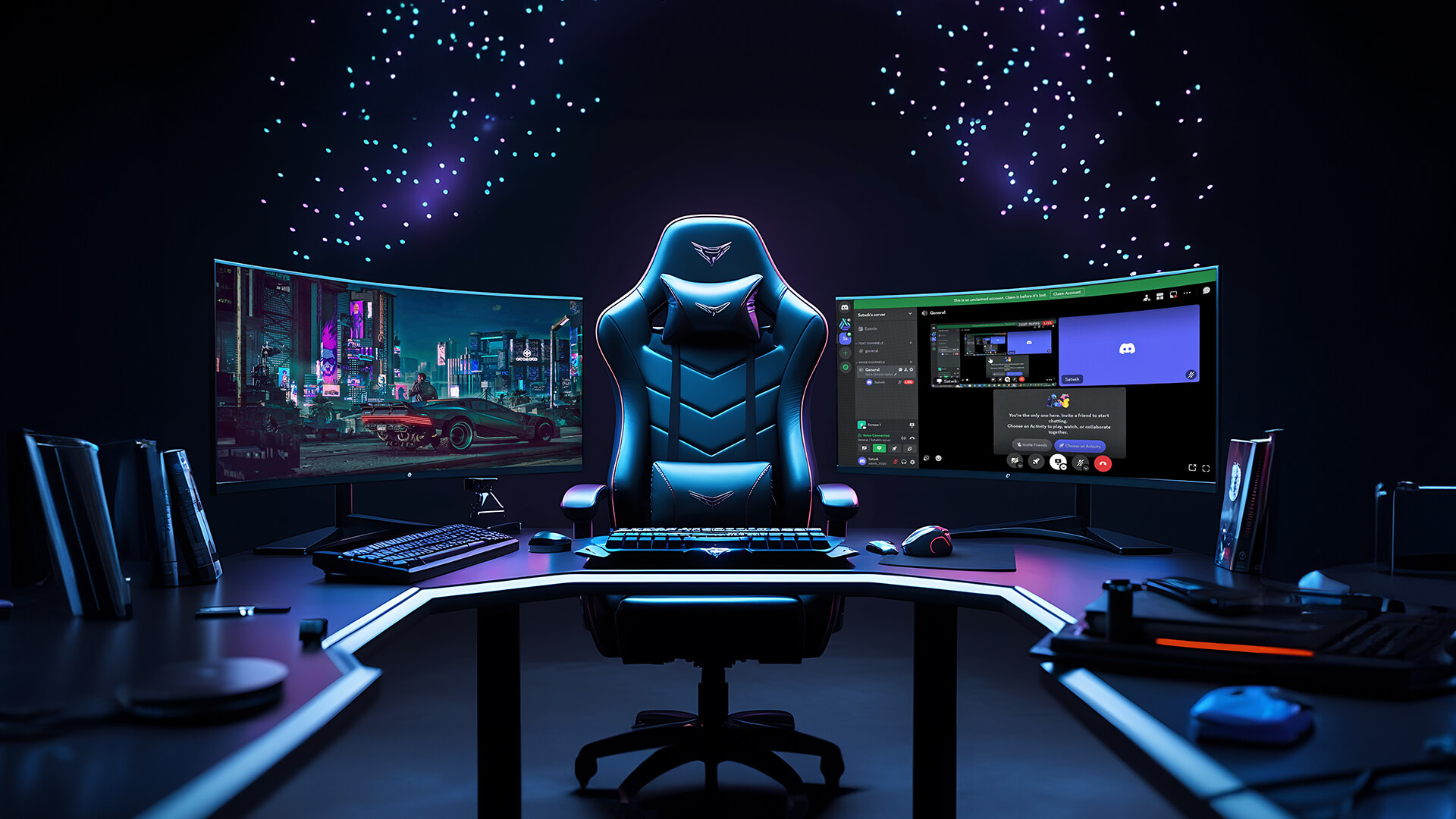
When it comes to ultrawide vs dual monitor setups in a productivity environment, the right choice can make or break your efficiency. Both approaches have clear strengths, and which one suits you depends heavily on your working style.
Ultrawide Advantages for Productivity:
- No Central Bezels: With a single, continuous panel, you’re not distracted by bezels cutting through the middle of your view. This makes it much easier to work on wide spreadsheets, video editing timelines, or complex CAD projects.
- Better Visual Flow: A continuous workspace means you can drag and expand applications without worrying about screen breaks. Designers and editors particularly benefit when working with content that spans horizontally.
- Cleaner Desk Space: One monitor means fewer stands, fewer cables, and generally less clutter on your desk. Paired with a curved panel, it also looks sleek and modern.
- Software Integration: Many best ultrawide monitors for productivity come with built-in split-screen software, allowing you to divide your display into zones. This means you can mimic the organisation of dual screens but without physical borders.
- Immersion for Focused Work: The curved design of many ultrawides naturally keeps your focus centred, reducing the temptation to drift between too many open windows.
Better Peripheral Compatibility: Since there’s just one panel, calibration (e.g., colour correction) is easier to manage compared to two separate monitor
Dual Monitor Advantages for Productivity:
- True Multitasking: Unlike ultrawide, where windows share one large canvas, dual monitors let you assign tasks to specific screens. For instance, you could dedicate one display to editing software and the other to reference materials, Zoom calls, or emails.
- Flexibility with Screen Types: You’re not locked into one resolution or panel type. Many users mix and match, such as pairing a colour-accurate display for editing with a more affordable monitor for general use.
- Custom Orientations: Dual setups allow you to rotate one screen vertically, which is ideal for coders, writers, and anyone who reads or edits long documents.
- Independent Control: Each monitor can run at different refresh rates, brightness levels, or resolutions, making it easier to fine-tune for specific tasks.
- Redundancy and Reliability: If one monitor develops an issue, the other remains functional, reducing downtime.
- Cost Efficiency: You can start with one screen and expand later, which spreads costs out compared to buying a high-end ultrawide upfront.
Task Separation for Mental Clarity: Physically moving your eyes between two monitors creates a mental boundary between tasks, which can improve focus when working across different apps.
In short, the best widescreen monitor gives you a clean, uninterrupted workflow that’s brilliant for visual tasks, while the best dual monitor setup excels when you want flexibility, separation of tasks, and the ability to mix screen types. Want additional information on what monitor setup suits you best? Check out our detailed Monitor Buying Guide for 2025
Ultrawide vs Dual Monitor for Gaming:

Gamers are often split when debating ultrawide vs dual monitor setups. Both deliver strong advantages depending on whether you value immersion, streaming, or multitasking.
Ultrawide Advantages for Gaming:
- Immersive Field of View: A wider aspect ratio (21:9 or 32:9) expands your in-game vision, giving you a more cinematic and enveloping experience. Racing games, flight simulators, and open-world RPGs feel especially lifelike.
- Curved Design Benefits: An ultra wide gaming monitor with a curve pulls the edges of the display into your natural line of sight, enhancing depth perception and reducing eye strain during long sessions.
- Competitive Awareness: In certain titles, such as shooters or MOBAs, having extra peripheral vision can give you an edge, letting you spot enemies or objectives earlier than players on standard 16:9 monitors.
- One Central Display: Unlike dual setups, where the action might be split between two screens, ultrawide keeps your entire game within one uninterrupted panel.
- High Refresh Rates & Low Latency: Many premium ultrawides are built for gaming first, offering 144Hz, 240Hz, or even higher refresh rates with adaptive sync technologies like G-Sync or FreeSync.
- Future-Proof Visuals: With options like 4K ultrawide monitors and even OLED technology, ultrawides can deliver some of the sharpest, most vibrant visuals available for gaming today.
- Desk Aesthetics: A single ultrawide looks cleaner and sleeker on a gaming desk, often pairing well with RGB setups for a modern, minimalist look.
Dual Monitor Advantages for Gaming:
- Perfect for Multitasking: A dual monitor setup allows you to dedicate one display entirely to your game and the other to supporting tasks. Streamers can keep OBS, Twitch chat, and Discord open on one screen while gaming uninterrupted on the other.
- Better for Content Creators: If you’re recording gameplay or editing highlight reels, having a second monitor to manage software, music, or guides is invaluable.
- Game + Entertainment Combo: Some gamers run their game on one display while keeping YouTube, Netflix, or walkthroughs open on the other. It’s ideal for casual sessions or grind-heavy RPGs.
- Different Monitor Types: You can combine a high-refresh best gaming monitor for competitive play with a standard PC monitor for background apps, making it cost-effective.
- Wider Range of Supported Games: Since some games don’t fully support ultrawide resolutions, dual setups avoid the issue entirely, as your main game runs in 16:9 while the second screen handles other apps.
- Upgrade Flexibility: You can start with one display and add another later. Many gamers begin with a single gaming monitor and expand into dual setups as their needs grow.
Portrait Mode Benefits: A second monitor rotated vertically is fantastic for monitoring chats, guides, or social feeds during long gaming sessions.
For gamers who prioritise immersion and visual spectacle, an ultrawide gaming monitor is hard to beat. But for those who stream, multitask, or love having multiple apps open, the best dual monitor setup remains the more practical choice. You can find the best gaming monitors for your setup at Box.
Cost & Space Considerations:
When it comes to cost, the comparison between ultrawide vs dual monitor setups gets interesting.
- Ultrawide monitors tend to cost more upfront, especially if you’re eyeing a 4K OLED monitor. However, they deliver a cleaner, more streamlined setup with fewer cables and accessories needed.
- Dual monitors often work out cheaper initially. You can start with one and add a second later, which makes it a flexible and budget-conscious approach. The trade-off is more clutter, more power draw, and the need for proper cable management.
For shoppers on a budget, monitors at Box include great widescreen and 1440p options. For premium buyers, OLED monitors deliver breathtaking visuals, deep blacks, and cutting-edge refresh rates.
Ergonomics & Setup Flexibility:

Ergonomics can often be overlooked, but it’s key for long-term comfort.
- Ultrawide monitors:
Come on a single stand, making them easier to centre on your desk.
Limited flexibility compared to two displays, but they reduce clutter.
Curved designs reduce neck strain by keeping screen edges within natural eye movement.
- Dual monitors:
Can be placed at different angles or rotated into portrait mode.
More options with monitor arms for flexible positioning.
Might cause more head movement compared to a single ultrawide screen.
For users who want both flexibility and immersion, pairing the best ultrawide monitor with a secondary, smaller display can sometimes be the ultimate hybrid setup.
Which Setup Should You Choose?
So, ultrawide vs dual monitor – which setup is better?
- For Productivity: Choose an ultrawide if you prefer uninterrupted screen space for large projects, or dual monitors if you want task separation.
- For Gaming: Go ultrawide for immersive single-screen experiences, or dual monitors if you stream and multitask.
- For Budget-Conscious Buyers: Dual monitors are easier to upgrade gradually.
- For Premium Enthusiasts: A 4K ultrawide OLED monitor offers stunning visuals and productivity gains in one display.
Ultimately, the choice comes down to your personal workflow, gaming style, and desk space. Both options can be brilliant when matched to the right user.
Conclusion:
Both ultrawide and dual monitor setups have their strengths. Ultrawide delivers a streamlined, immersive experience with fewer cables and bezels, while dual monitors offer flexibility, affordability, and multitasking freedom.
If you’re ready to upgrade, check out Box’s full selection of premium and budget-friendly monitors to find the perfect setup for your needs.
FAQs - Ultrawide vs Dual Monitors:
1. Is ultrawide better than dual monitors?
It depends. Ultrawide offers a seamless experience and is excellent for gaming and editing, while dual monitors give more flexibility and multitasking freedom.
2. Do ultrawide monitors replace dual monitors for work?
For many professionals, yes. They provide a continuous workspace, but some prefer dual monitors for keeping tasks separated.
3. What size ultrawide monitor is best for productivity?
A 34-inch 3440x1440 model is often considered the sweet spot for multitasking and everyday productivity.
4. Are dual monitors better for gaming than ultrawide?
Not for immersion, but they are better if you stream or multitask while gaming, since one screen can run the game and the other apps.
5. Does a dual monitor setup affect PC performance?
Yes, slightly. Running two monitors uses more GPU resources, especially if both are high resolution, but the impact is usually minimal for modern systems.
6. Is a 4K ultrawide monitor worth it?
For premium buyers, absolutely. They combine stunning visuals, productivity advantages, and future-proofing, though they require powerful hardware.
You can pay with:
*PayPal Credit Representative Example: Assumed credit limit £1,200, Representative 23.9% APR (variable). Purchase rate 23.9% p.a (variable).Terms & Conditions apply.


PayPal Credit and PayPal Pay in 3 are trading names of PayPal UK Ltd, 5 Fleet Place, London, United Kingdom, EC4M 7RD. Terms and conditions apply. Credit subject to status, UK residents only, Five Tech LTD acts as a broker and offers finance from a restricted range of finance providers. PayPal Pay in 3 is not regulated by the Financial Conduct Authority. Pay in 3 eligibility is subject to status and approval. 18+. UK residents only. Pay in 3 is a form of credit. Check if affordable and how you will repay. May make other borrowing more difficult or expensive. See product terms for more details.
Copyright © 1996-2026 Fivetech LTD | Terms and Conditions
box.co.uk & Box are trading names of Five Tech Limited. Registered office: Box LTD, Unit 10 Woodford Trading Estate, Woodford Green IG8 8HF