


 Menu
MenuMenu


Get Sales Advice from Mon - Fri 9am - 5:00pm:
020 3337 8950LAST UPDATED: July 16, 2025
Best GPUs for Creators & Streamers: Power, Speed & Value Compared
Whether you're a full-time video editor, Twitch streamer, or part-time content creator, your graphics card is the engine that drives performance. From real-time rendering and colour grading to AI-assisted upscaling and live encoding, the right GPU can transform your workflow. But with so many options available, how do you choose the best GPU for creators & streamers?
In this in-depth guide, we’ll compare top GPUs across performance, streaming features, and value—focusing on the needs of creators in 2025. Whether you're after the best video card for video editing, the ultimate GPU for streaming, or planning to upgrade to a 50 Series GPU, we’ve got you covered.

Why GPUs Matter More Than Ever for Creators & Streamers
A Creative Powerhouse Behind the Scenes
While CPUs handle general tasks, modern creative workloads—such as editing 4K+ footage, using GPU-accelerated effects, or encoding high-bitrate livestreams—rely heavily on your GPU. Applications like Adobe Premiere Pro, DaVinci Resolve, OBS Studio, Blender, and Unreal Engine all benefit from powerful graphics cards.
Live Streaming & Encoding
If you’re a streamer, your GPU does more than just render frames—it’s responsible for live encoding via NVENC (NVIDIA) or AMF (AMD). A strong GPU ensures minimal impact on game performance and crystal-clear output, especially at 1080p or 4K resolutions.
AI, Ray Tracing & Accelerated Performance
New-generation GPUs now offer dedicated AI cores and ray tracing units, making tasks like upscaling, noise reduction, auto-framing, or object tracking smoother and faster. Choosing the right GPU for creators & streamers isn’t just about raw FPS—it’s about unlocking creative potential.
Top Features to Look for in a GPU for Content Creation
· VRAM (Video Memory): 8GB is the baseline, 12–24GB is optimal for 4K timelines and 3D rendering.
· Hardware Encoding Support: Look for NVENC or AMF with AV1 for future-proof livestreaming.
· CUDA Cores / Stream Processors: These cores impact how well your software utilises GPU acceleration.
· AI & Tensor Cores: Essential for real-time effects, upscaling, and background removal.
· Driver Stability & Software Compatibility: Professional creators need reliable performance in Adobe, Blender, and OBS.
Best NVIDIA Graphics Cards for Creators & Streamers (2025)
1. NVIDIA GeForce RTX 5090 – The New Benchmark for Performance
The RTX 5090 takes creative workflows to an entirely new level. Built on NVIDIA’s next-gen Ada-Next architecture, this flagship GPU boasts groundbreaking upgrades in memory bandwidth, AI acceleration, and real-time rendering. Its massive VRAM capacity and ultra-high CUDA core count allow for seamless editing of 8K video, complex visual effects, and advanced 3D simulations. Creators working with large-scale animation projects or visual-heavy streaming setups will benefit from the triple 9th-gen NVENC encoders, which ensure minimal latency and flawless AV1 streaming. From AI-driven effects like auto-reframing to real-time ray tracing, the RTX 5090 is a future-proof investment for high-end professionals who need the absolute best.
2. NVIDIA GeForce RTX 5070 – Pro Features Without the Premium Price
Offering an ideal balance between price and performance, the RTX 5070 is tailor-made for mid-level content creators and streamers. With 12GB of GDDR7 memory, it handles most 1440p editing projects and even moderate 4K workloads with ease. It’s a great option for YouTubers and Twitch streamers who need high-efficiency encoding, thanks to its AV1-compatible NVENC encoder. What makes the RTX 5070 stand out is its next-gen AI capabilities and ray tracing performance—both of which elevate creative workflows by accelerating features like background blur, noise suppression, and smart scene detection. For creators building a new rig or upgrading from the 30 Series, the RTX 5070 delivers serious power without breaking the bank.
Explore our full range of NVIDIA Graphics Cards
3. NVIDIA GeForce RTX 4080 – Balanced Power for Serious Creators
The RTX 4080 is a standout choice for creators and streamers working primarily in 4K. With 16GB of high-speed GDDR6X VRAM, it offers ample capacity for handling dense timelines, high-resolution textures, and complex motion graphics without stuttering. Whether you're colour grading in DaVinci Resolve, animating in Blender, or exporting videos in Adobe Premiere Pro, the RTX 4080 significantly reduces render and export times. It also includes dual 8th-gen NVENC encoders with AV1 support—ideal for professional streamers who want to deliver smooth, high-quality streams with minimal CPU overhead. For full-time content creators who juggle both post-production and live streaming, this GPU delivers a powerful and reliable all-in-one solution.
Best AMD Graphics Cards for Streamers & Editors
4. AMD Radeon RX 7900 XTX – Flagship Choice for AMD-Centric Setups
The RX 7900 XTX is a top-tier GPU designed for professionals who need excellent editing and streaming performance within AMD-based systems. It features 24GB of VRAM, making it well-equipped for high-resolution timelines, 3D animation, and demanding VFX work. Its dual media engines support AV1 encoding and decoding, allowing for crystal-clear streams and efficient post-processing with minimal CPU involvement. Additionally, strong OpenCL performance ensures that software like DaVinci Resolve and Fusion runs exceptionally well. For creators who prefer AMD’s driver ecosystem and cost-to-performance ratio, the RX 7900 XTX serves as a powerful alternative to NVIDIA’s high-end offerings.
5. AMD Radeon RX 7800 XT – Mid-Range Versatility with Creator Perks
The RX 7800 XT provides impressive performance for creators working on 1440p content or light 4K workflows. With 16GB of GDDR6 memory, it can comfortably support medium to complex projects across video editing and livestreaming applications. It supports AV1 hardware encoding, which ensures smooth, high-quality streams on platforms like YouTube and Twitch, even on lower bitrates. The GPU also integrates AMD’s Adrenalin Software Suite, which includes creator-focused features like ReLive for gameplay capture and quick media sharing. For those who want reliable performance and smart software tools at a competitive price, the RX 7800 XT is a dependable choice.
Best Budget GPUs for New Creators & Casual Streamers
6. NVIDIA GeForce RTX 4060 Ti – A Solid Entry Point for New Creators
For beginner content creators, hobbyist streamers, or students, the RTX 4060 Ti is a fantastic place to start. With 8GB of VRAM and NVIDIA’s renowned NVENC encoder with AV1 support, it offers everything you need for 1080p editing and Full HD streaming. It also plays nicely with AI-assisted software like Topaz Video AI or NVIDIA Broadcast, giving your content a professional polish without requiring expensive hardware. The RTX 4060 Ti is efficient, budget-friendly, and powerful enough to let you explore video production, streaming, or AI creativity apps with confidence.
7. AMD Radeon RX 7600 – Budget Brilliance for Creative Starters
If you’re building a content creation PC on a budget, the RX 7600 is an unbeatable value. It comes with 8GB of VRAM, and more importantly, offers full support for AV1 encoding and decoding, ensuring that your 1080p streams and recordings look clean and professional. Its power efficiency makes it perfect for compact or low-wattage builds, and it performs reliably across a wide range of tasks—from basic video editing in Premiere Pro to live streaming via OBS. For students, casual creators, or anyone entering the content world, the RX 7600 brings serious features without a serious price tag.
RTX 50 Series GPU Breakdown: What’s New for Creators in 2025?
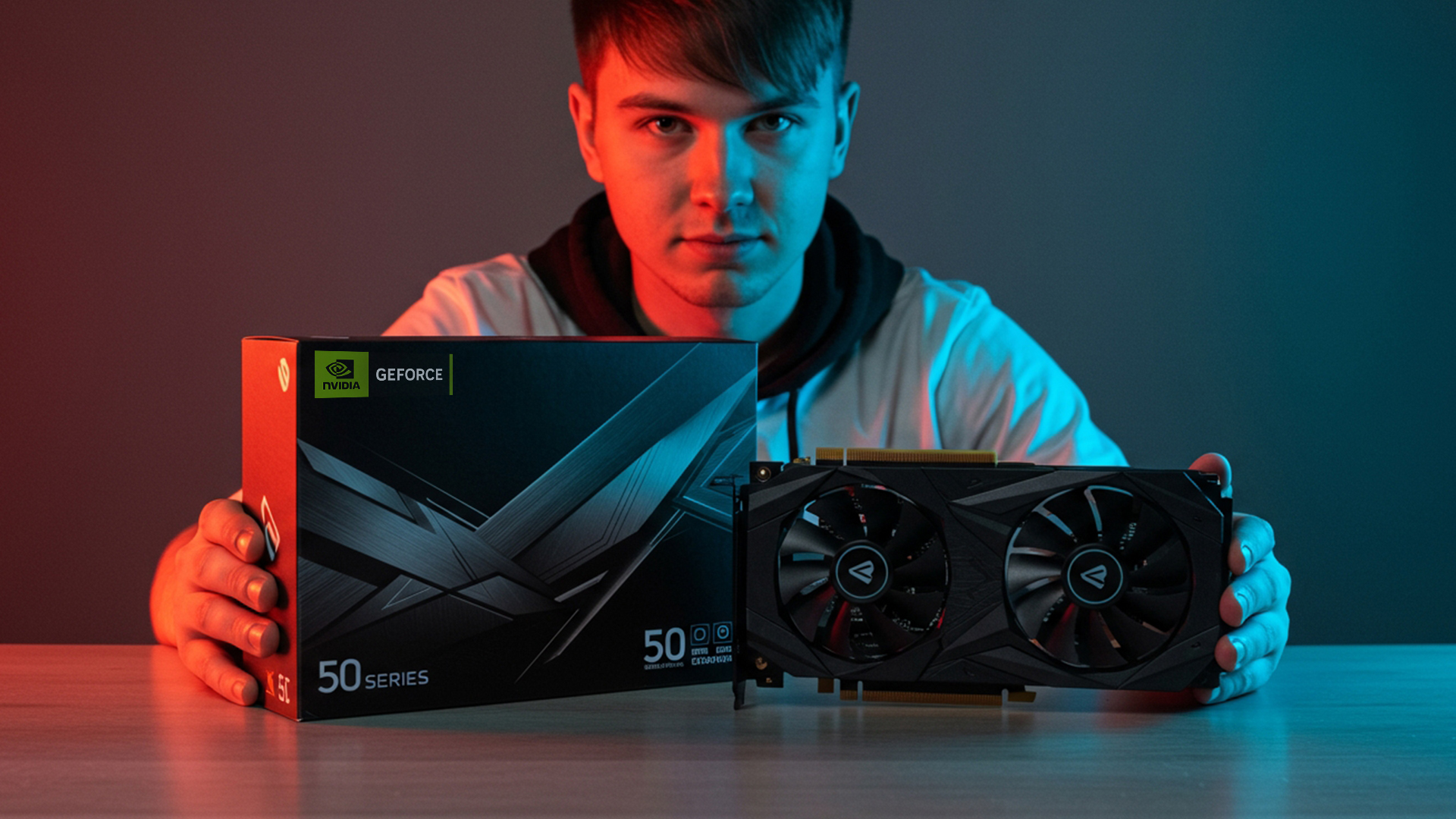
The 50 Series Graphics Cards, powered by the all-new Blackwell architecture, is built to meet the demands of modern creative workflows. From faster memory to smarter AI enhancements, this generation pushes the boundaries of what's possible in video editing, live streaming, 3D rendering, and AI-assisted content creation.
1. Blazing-Fast GDDR7 Memory for Heavy Creative Loads
The leap to GDDR7 memory offers up to 1792 GB/s bandwidth on the RTX 5090, enabling faster video caching, higher-resolution project handling, and quicker asset loading across Adobe Premiere Pro, DaVinci Resolve, Blender, and more. Creators working with 4K and 8K timelines, complex After Effects compositions, or large-scale 3D textures will instantly feel the boost in speed and responsiveness.
2. AI Takes Centre Stage: DLSS 4 & Tensor Cores
RTX 50 Series GPUs are equipped with fifth-gen Tensor Cores that unlock new levels of creative productivity. Central to this is DLSS 4 with Multi Frame Generation, which uses deep learning to increase frame rates, enhance ray tracing accuracy, and generate sharper images—all in real time. This is a game-changer for video creators using AI tools like Topaz Labs or Runway ML, allowing for faster previews, smoother renders, and accelerated effects.
3. Next-Gen Ray Tracing: More Realism, Less Wait Time
The introduction of fourth-generation RT Cores delivers massive improvements in ray-traced rendering. Whether you're lighting a virtual scene in Unreal Engine 5 or using OctaneRender for cinematic-grade VFX, these cores support neural rendering and handle ultra-complex geometry with ease. That means fewer render crashes, faster viewport navigation, and true-to-life reflections and shadows—all in a fraction of the time.
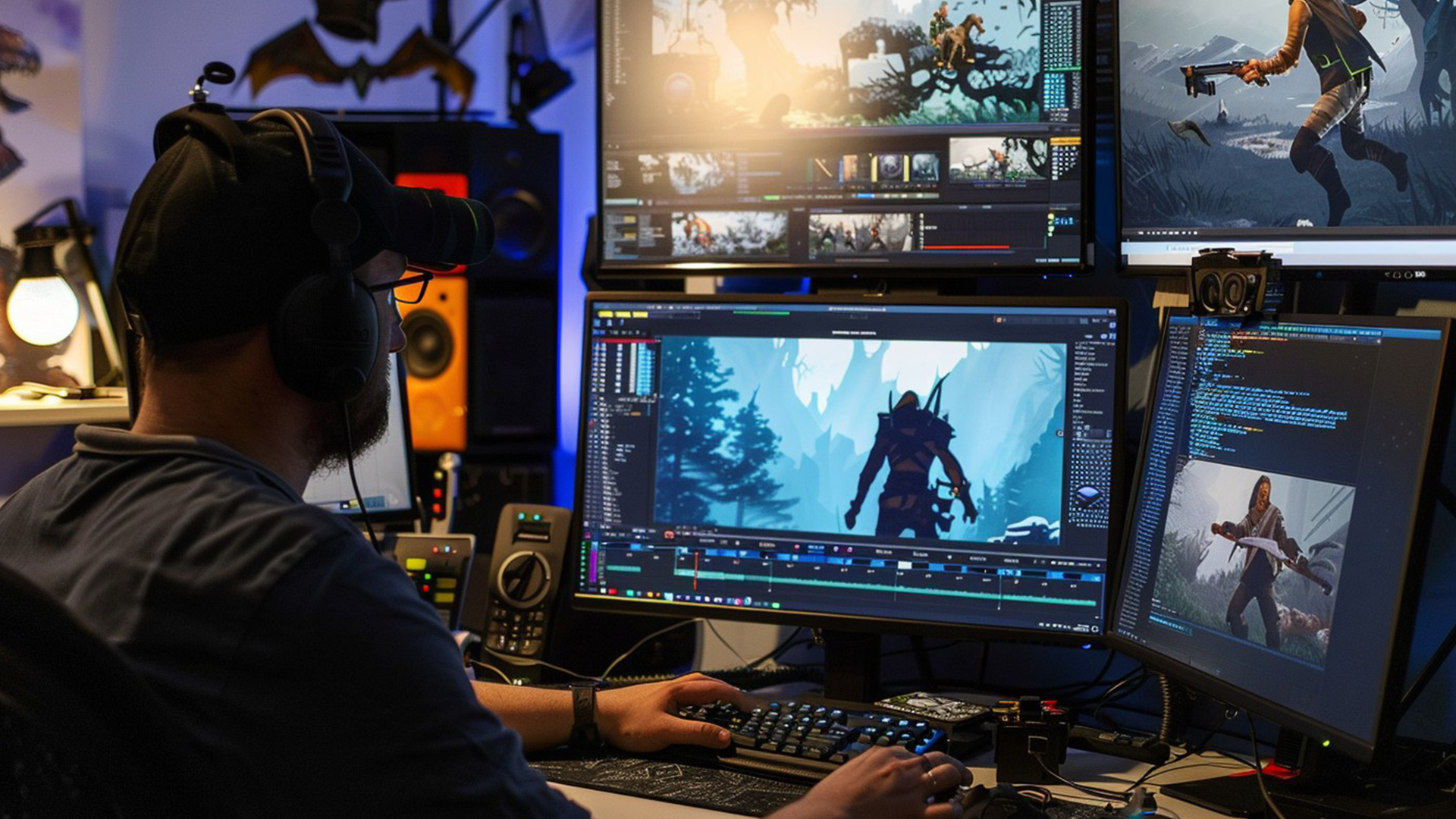
4. Studio-Ready Encoding with AV1 & 9th-Gen NVENC
Live streamers and video editors benefit enormously from the inclusion of ninth-gen NVENC encoders across the 50 Series. With AV1 support now standard, you can stream or record ultra-clear video at lower bitrates, saving bandwidth without sacrificing quality. Top-tier cards like the RTX 5090 even feature triple NVENC encoders, ideal for creators who record, stream, and edit simultaneously. Combined with sixth-gen NVDEC decoders, playback and real-time editing of compressed footage is smoother and more efficient.
5. NVIDIA Studio & Broadcast: AI Tools for Every Creator
The RTX 50 Series is deeply integrated with NVIDIA Studio, a suite of tools and drivers built specifically for content creators. Paired with NVIDIA Broadcast, you gain instant access to features like real-time background removal, echo cancellation, webcam auto-framing, and even AI-enhanced video upscaling with RTX Video Super Resolution. These tools are built into your GPU, meaning you can run them seamlessly while editing or streaming without compromising performance.
6. Energy Efficiency Without Performance Sacrifice
Despite their massive power, RTX 50 Series GPUs are surprisingly efficient. Thanks to Blackwell’s optimised architecture, they deliver more rendering power per watt, allowing for quieter, cooler builds without performance throttling. This is especially beneficial for creators using compact setups, mobile workstations, or those aiming for lower power consumption.
7. Built-In Responsiveness with NVIDIA Reflex 2
For creators working in real-time environments like virtual production, live animation, or VR, NVIDIA Reflex 2 with Frame Warp provides ultra-low latency and frame-time optimization. This ensures your input is reflected on-screen instantly—a vital edge in workflows where real-time feedback matters as much as raw performance.
Why Upgrade? The 50 Series Delivers on Every Front
Whether you're currently on a 30 or 40 Series GPU, or looking to build a new editing or streaming rig from scratch, the RTX 50 Series offers future-proof architecture, next-level AI capabilities, and studio-grade tools in a single, unified platform. With major improvements across memory, encoding, ray tracing, and creator-specific workflows, this generation of GPUs isn’t just better—it’s built for the way creators work in 2025.
How to Choose the Right GPU for Your Creative Workflow
For Video Editors
- Look for 12–24GB VRAM.
- Prioritise CUDA cores or Stream Processors for GPU-accelerated effects.
- Adobe users benefit from NVIDIA Studio drivers for improved stability.
For Streamers
- Ensure the GPU supports AV1 encoding and dual NVENC/AMF encoders.
- Aim for at least 8GB VRAM for smooth game + stream capture.
- NVIDIA Broadcast (for noise removal, background blur) is a game changer.
For 3D Artists & VFX
- CUDA and RT cores matter—NVIDIA has the edge in Blender and Unreal workflows.
- More VRAM = smoother viewport navigation and faster ray tracing.
- Consider the best video card for video editing with rendering in mind.
Upgrade Tips: When to Sell Your GPU & Buy New
Wondering if it’s time to sell your GPU? Here are some signs:
- You struggle with 4K timelines or high-res texture rendering.
- Live streams cause dropped frames or encoding errors.
- Your current GPU lacks AV1 support or AI enhancements.
- Creative apps crash during GPU-intensive tasks.
Now is a great time to sell your GPU while used prices are still holding—especially if upgrading to a 50 Series GPU.
Performance Comparison Table: Creator-Centric Specs
| GPU Model | VRAM | Encoder | Ideal Use Case | AI Tools |
| RTX 5090 | 24GB+ | NVENC x2 (AV1) | 8K editing, full-time streaming | ✔️ |
| RTX 4080 | 16GB | NVENC x2 (AV1) | 4K video, Twitch streaming | ✔️ |
| RX 7900 XTX | 24GB | AMF x2 (AV1) | Colour grading, 3D animation | ✔️ |
| RTX 5070 | 12GB | NVENC (AV1) | Budget 4K editing | ✔️ |
| RX 7800 XT | 16GB | AMF (AV1) | Budget 4K editing | ✔️ |
| RTX 4060 Ti | 8GB | NVENC (AV1) | Starter streamers | ✔️ |
| RX 7600 | 8GB | AMF (AV1) | Budget builds, students | ✔️ |
Final Thoughts: The Best GPU Depends on Your Creative Goals
Whether you're editing videos daily or streaming live to thousands of viewers, the best GPU for creators & streamers isn’t just about raw power—it’s about how well your graphics card supports your workflow, creative tools, and long-term goals.
If you need top-tier performance for 8K timelines, 3D rendering, or ultra-smooth AV1 streaming, the RTX 5090 and RX 7900 XTX are excellent choices. Content creators looking for a powerful middle ground will find great value in the RTX 4080, a creator-favourite available in our wide selection of NVIDIA Graphics Cards.
For streamers and editors on a budget, options like the RTX 5070 or RX 7800 XT deliver serious performance without the premium price tag. If you’re building a new rig or upgrading from an older model, the latest 50 Series graphics cards offer cutting-edge AV1 support, AI enhancements, and future-ready architecture.
Prefer AMD’s ecosystem and pricing structure? Our curated collection of the best AMD graphics cards includes high-performance and budget-friendly models to suit every creator’s needs.
Whatever your budget or workload, upgrading your GPU can unlock faster edits, smoother streams, and more time doing what you love—creating.
You can pay with:
*PayPal Credit Representative Example: Assumed credit limit £1,200, Representative 23.9% APR (variable). Purchase rate 23.9% p.a (variable).Terms & Conditions apply.


PayPal Credit and PayPal Pay in 3 are trading names of PayPal UK Ltd, 5 Fleet Place, London, United Kingdom, EC4M 7RD. Terms and conditions apply. Credit subject to status, UK residents only, Five Tech LTD acts as a broker and offers finance from a restricted range of finance providers. PayPal Pay in 3 is not regulated by the Financial Conduct Authority. Pay in 3 eligibility is subject to status and approval. 18+. UK residents only. Pay in 3 is a form of credit. Check if affordable and how you will repay. May make other borrowing more difficult or expensive. See product terms for more details.
Copyright © 1996-2026 Fivetech LTD | Terms and Conditions
box.co.uk & Box are trading names of Five Tech Limited. Registered office: Box LTD, Unit 10 Woodford Trading Estate, Woodford Green IG8 8HF