


 Menu
MenuMenu


Get Sales Advice from Mon - Fri 9am - 5:00pm:
020 3337 8950POSTED: May 19, 2026
Single Channel vs Dual Channel 32GB RAM Laptop: Which Is Better?
When comparing single vs dual channel RAM in a 32GB laptop, the main difference is memory bandwidth. A single channel setup usually uses one 32GB RAM stick, while a dual channel setup usually uses two 16GB sticks working together. Both give you 32GB total memory, but dual channel RAM can move data more efficiently, which can help gaming, multitasking, creative work and integrated graphics performance.
For most buyers, a 2x16GB setup is better than 1x32GB if the laptop supports it. If you are buying a 32 GB RAM laptop, checking the RAM configuration matters just as much as checking the total capacity. This guide will help you do exactly that. We will help you differentiate between single-channel and dual-channel RAM configurations in laptops, specifically focusing on 32GB RAM configurations. So, let’s get started.
What Is Single Channel vs Dual Channel RAM in Laptops?
Before choosing a 32GB laptop, it helps to understand how RAM channels work. The single vs dual channel difference is not about having more memory, but about how that memory communicates with the processor. More channels usually mean more memory bandwidth, which can improve performance in certain tasks.
-
What Does Single Channel RAM Mean?
Single-channel RAM means the laptop is using one memory channel between the RAM and the CPU. In a 32GB laptop, this is often a 1x32GB setup.
This still gives you 32GB of usable memory, so it can handle lots of browser tabs, office apps, creative software and some gaming. However, single channel RAM has less bandwidth than dual channel RAM, which can limit performance in memory-sensitive tasks.
-
What Is Dual Channel RAM Configuration?
Dual-channel RAM means two memory modules work together across two channels. In a 32GB laptop, this is usually a 2x16GB setup.
This does not double your total RAM, but it can increase available bandwidth. That helps the CPU access memory more efficiently, especially in gaming, editing, rendering, coding, and multitasking.
-
How RAM Channels Work in a 32GB Laptop Setup
A 32GB laptop can be configured in different ways. The most common are 1x32GB and 2x16GB. Both are 32GB, but they do not perform the same.
A 1x32GB laptop may be easier to upgrade later if there is a spare slot. A 2x16GB laptop usually performs better straight away because it runs in dual-channel memory RAM mode.
32GB RAM Configuration Explained: 1x32GB vs 2x16GB
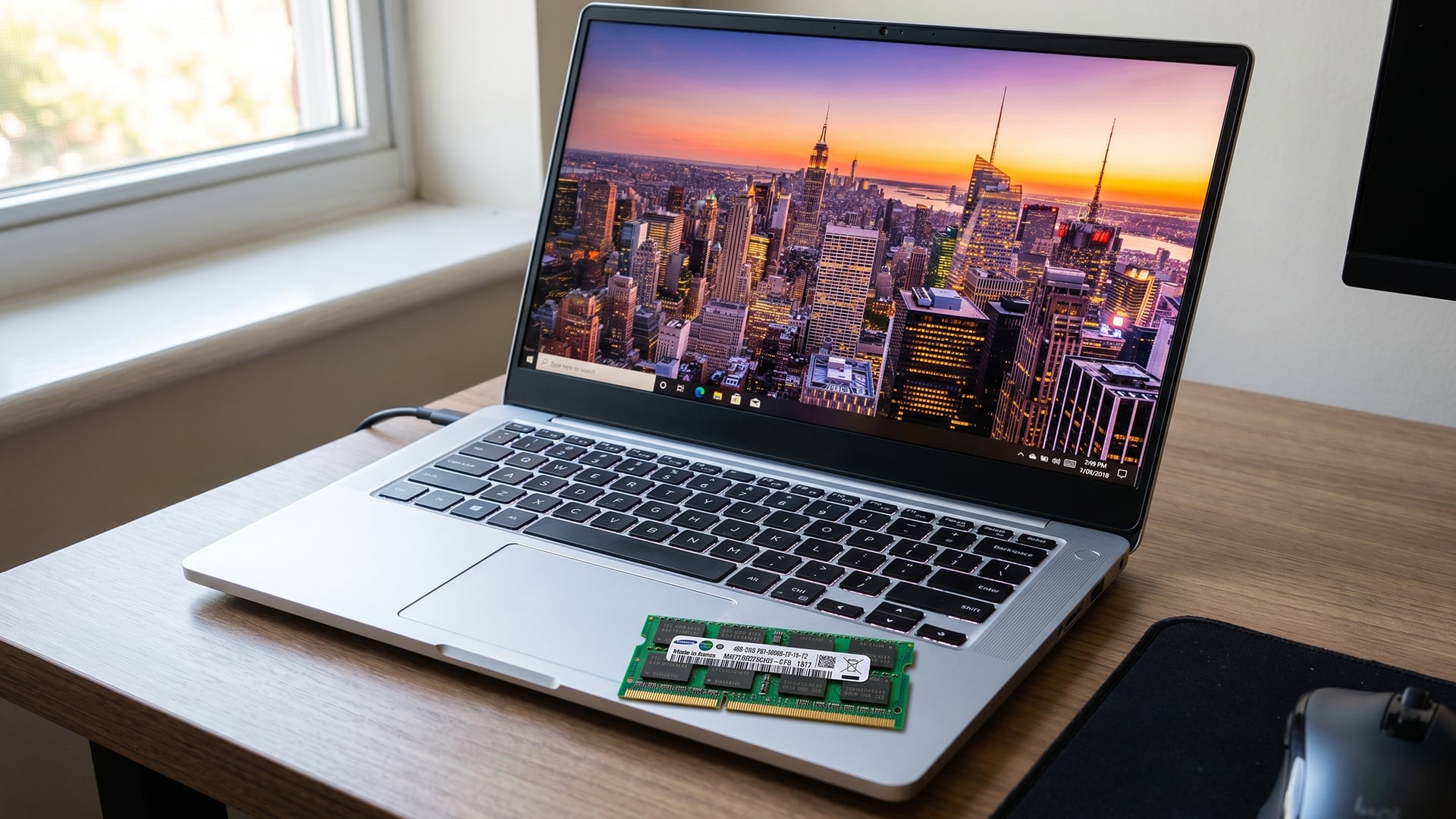
The easiest way to compare single vs dual channel is to look at 1x32GB against 2x16GB. This is where many buyers get caught out, because product pages often highlight “32GB RAM” without always making the channel layout obvious.
-
1x32GB Single Channel Setup Overview
A 1x32GB setup uses one 32GB RAM module. This gives you plenty of capacity for everyday use, heavy browsing, large files, virtual machines, and creative apps.
The downside is bandwidth. Because the laptop is using one channel, performance can be lower in games and workloads that depend heavily on memory speed.
-
2x16GB Dual Channel Setup Overview
A 2x16GB setup uses two 16GB modules. This is usually the better setup for performance because both memory channels can be used at once.
For gaming laptops, workstation laptops and creator laptops, 2x16GB is normally the preferred 32GB RAM configuration. It gives strong capacity and better memory bandwidth.
-
Key Differences in Bandwidth and Performance
The key difference is not storage size. It is how quickly the system can access memory.
- 1x32GB gives you capacity and upgrade flexibility.
- 2x16GB gives you capacity and better bandwidth.
- Dual channel RAM is usually better for gaming FPS performance.
- Single channel RAM can be fine for lighter everyday use.
- Integrated graphics benefit heavily from dual channel memory.
If performance matters more than future upgrades, 2x16GB is the cleaner choice.
Single vs Dual Channel 32GB RAM: Performance Comparison
The single vs dual channel performance gap depends on the task. Some apps barely notice the difference, while others benefit clearly from extra memory bandwidth. The biggest gains usually appear in integrated graphics, CPU-limited games, and heavier multitasking.
-
Multitasking & Productivity Performance
For basic productivity, both setups work well. A 32GB laptop can handle browser tabs, spreadsheets, Teams, email, and office apps without much trouble.
Dual-channel RAM can still help when several apps are open at once. It gives the processor faster access to system memory, which can make the laptop feel smoother under load.
-
Gaming Performance Differences
Gaming is where the difference can become more visible. In some games, dual-channel RAM helps improve average FPS and reduce stutter, especially when the game is CPU or memory limited.
If the laptop has a dedicated GPU, the difference may be smaller than with integrated graphics. If the laptop uses integrated graphics, dual-channel RAM can make a much bigger difference because the graphics chip shares system memory.
-
Creative Workloads: Editing, 3D and Programming
Creative workloads can also benefit from dual channel RAM. Video editing, 3D rendering, large Photoshop files, code compilation, and virtual machines all use system memory heavily.
For creators, 32GB capacity matters, but so does bandwidth. A 2x16GB setup is usually better for smooth editing, rendering previews, and working across multiple apps.
-
Benchmark vs Real-World Performance
Benchmarks often show dual channel RAM performing better, but the real-world difference depends on your laptop and workload.
For normal browsing, the gap may feel small. For gaming, editing, coding, and integrated graphics, it can be noticeable. In short, 32GB RAM single vs dual channel is not just a spec sheet detail. It can affect how responsive the laptop feels.
Does Dual Channel RAM Improve Gaming on a 32GB Laptop?
For gaming laptops, single vs dual channel matters most when the game is sensitive to memory bandwidth. It will not turn a weak GPU into a high-end one, but it can improve consistency, reduce bottlenecks, and help the CPU perform better.
-
FPS Differences in Modern Games
Dual channel RAM can increase FPS in certain modern games, especially at 1080p where the CPU has more influence. It can also help reduce frame dips, which often matters more than peak FPS.
The gain varies by game. Esports titles, simulation games and open-world games may benefit more than GPU-heavy AAA titles running at high settings.
-
Impact on CPU vs GPU Bottlenecks
If your laptop is GPU-limited, dual channel RAM may not change much. The graphics card is already the main limit.
If your laptop is CPU-limited or uses integrated graphics, dual channel RAM can help more. This is why RAM bandwidth laptop comparison is useful before buying.
-
Is 32GB Dual Channel Overkill for Gaming?
For pure gaming, 32GB dual channel is not overkill if you want smooth performance, background apps, and long-term usability. Many games still run well with 16GB, but 32GB gives more headroom for Discord, browsers, launchers, mods, recording tools, and future games.
If you are buying one of the latest laptops, 32GB dual channel is a strong setup for gaming and mixed use.
Advantages and Disadvantages of Each Configuration
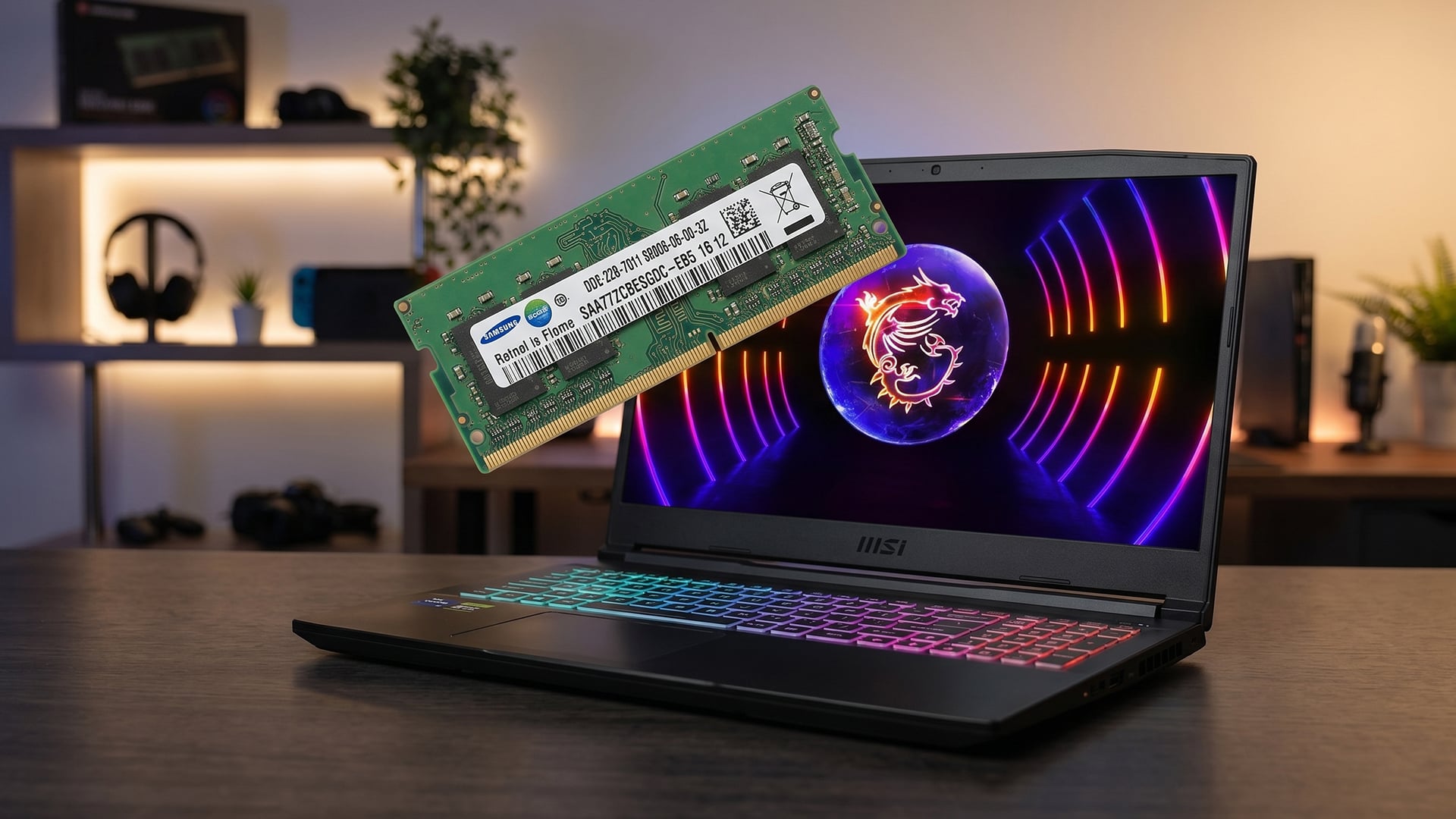
Both 1x32GB and 2x16GB have a place. The right choice depends on whether you care more about performance now or upgrade flexibility later. For most users comparing single vs dual channel, dual channel is the better performance setup.
-
Pros and Cons of Single Channel 32GB RAM
Pros
- Gives 32GB total memory.
- May leave one RAM slot free for future upgrades.
- Fine for everyday tasks.
- Can be cheaper in some laptops.
Cons
- Lower memory bandwidth.
- Weaker gaming performance in some cases.
- Not ideal for integrated graphics.
- Can limit CPU performance in memory-heavy workloads.
- Less suitable for creators and power users.
-
Pros and Cons of Dual Channel 32GB RAM
Pros
- Better memory bandwidth.
- Stronger gaming performance in some titles.
- Better for integrated graphics.
- Smoother multitasking performance.
- Better for editing, coding and creative work.
- Usually the best RAM setup for a 32GB laptop.
Cons
- May use both RAM slots.
- Future upgrades may require replacing both sticks.
- Not all laptops allow RAM upgrades.
- Performance gains vary by workload.
If you want the simplest answer, choose dual channel RAM unless upgrade flexibility is your top priority.
Which 32GB RAM Setup Should You Choose?
The best 32GB RAM setup depends on what you use the laptop for. A student, gamer, creator, and office user will not always need the same configuration. Still, for most people, single vs dual channel ends with the same recommendation: 2x16GB is better if available.
-
Best for Gaming Laptops
For gaming laptops, choose 2x16GB dual-channel RAM. It gives better bandwidth and can help FPS stability, especially in CPU-heavy games.
A gaming laptop with 32GB dual-channel RAM, a strong GPU, and a good cooling system is a much better long-term setup than one that only looks good on paper.
-
Best for Students and Everyday Use
For students and everyday users, either setup can work. If the price is the same, choose dual channel. If a 1x32GB laptop is cheaper and allows future upgrades, it can still be a sensible choice.
For general browsing, essays, streaming, calls and office work, total RAM capacity matters more than channel mode.
-
Best for Professionals and Creators
Professionals and creators should choose dual channel RAM. Editing, rendering, programming, virtual machines, and large projects all benefit from a stronger memory setup.
If you are upgrading an existing laptop, check the best laptop memory options available at Box and confirm the correct RAM type before buying.
-
Future Upgrade Considerations
Upgradeability is important. Some laptops have soldered RAM, some have one upgradeable slot, and some have two RAM slots.
If you buy 1x32GB and there is a spare slot, you may be able to add another 32GB later. If you buy 2x16GB, you may need to replace both sticks to reach 64GB.
Also, check whether your laptop uses DDR4 or DDR5, as they are not interchangeable.
DDR4 vs DDR5 in 32GB Laptops
DDR4 and DDR5 are different RAM generations. A laptop designed for DDR4 cannot use DDR5, and a DDR5 laptop cannot use DDR4. This matters when buying upgrades or comparing laptop specifications.
-
DDR4 32GB Laptop RAM
Dual channel DDR4 RAM is still good for many laptops. A 2x16GB dual channel DDR4 RAM setup can perform well for gaming, study, office work and creative tasks.
If you already have a DDR4 laptop, upgrading to more DDR4 may be more practical than replacing the whole machine.
-
DDR5 32GB Laptop RAM
DDR5 laptop RAM 32GB setups offer newer memory technology, higher bandwidth and better long-term relevance. A DDR5 RAM 32GB laptop is a strong choice for new gaming, creator and productivity laptops.
DDR5 can also use newer memory layouts, but the same basic point remains: configuration still matters. Check whether the laptop is running the memory in the best supported mode.
-
Which One Should You Buy?
Choose DDR5 if you are buying a new performance laptop. Choose DDR4 if you are upgrading an existing compatible laptop.
For upgrades, browse the latest RAM options at Box and confirm your laptop’s supported RAM speed, capacity, and form factor before ordering.
How to Check If Your Laptop Uses Dual Channel RAM
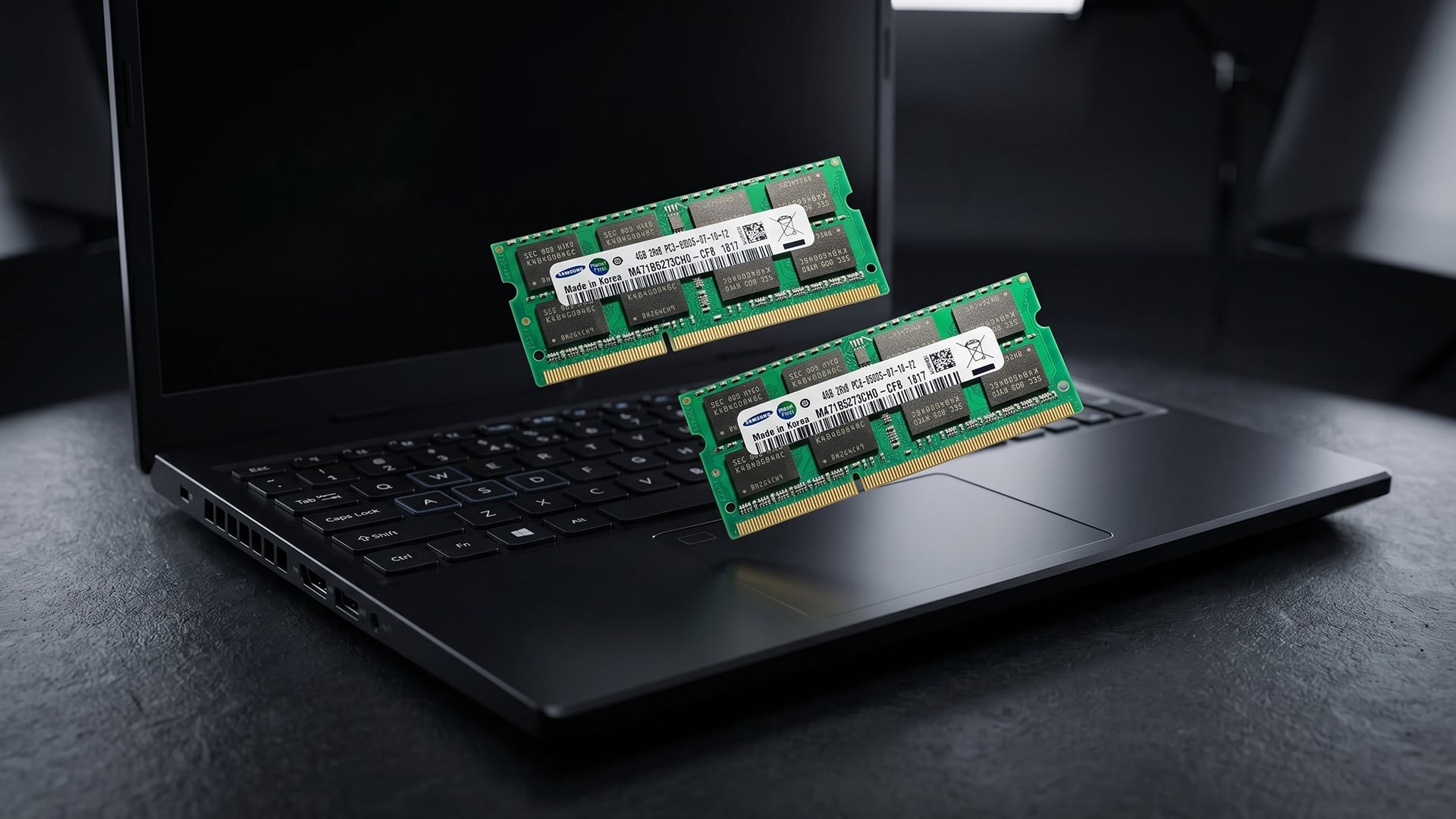
If you already own a laptop, you can check whether it runs single-channel RAM or dual-channel RAM. This is useful before buying an upgrade or comparing 1x32GB vs 2x16GB RAM laptop performance.
-
Using Task Manager or System Tools
Windows Task Manager can show memory speed, total capacity, and slots used, though it may not always clearly show channel mode.
For more detail, many users check system information tools that show memory channel, RAM speed, module size and slot layout.
-
BIOS and Manufacturer Specs
The BIOS or UEFI may show installed RAM modules and slot usage. Your laptop manufacturer’s specification page may also list whether the laptop has soldered memory, one slot or two slots.
Look for terms such as:
- 1x32GB
- 2x16GB
- dual channel
- onboard memory
- SODIMM slots
- maximum supported RAM
-
Can You Upgrade to Dual Channel?
You can upgrade to dual channel only if the laptop supports it and has the right RAM layout. Some laptops have soldered RAM, which cannot be replaced. Others have one spare slot, making upgrades easier.
Before buying, check:
- RAM type: DDR4 or DDR5
- Maximum supported capacity
- RAM speed in MHz
- Number of RAM slots
- Whether existing RAM is soldered
- Manufacturer upgrade guidance
If your laptop supports it, moving from 1x32GB to 2 channel RAM can improve bandwidth and overall performance.
Wrapping Up
For most buyers, single vs dual channel has a clear answer: dual channel 32GB RAM is better for performance. A 2x16GB setup gives more memory bandwidth, better gaming consistency, stronger integrated graphics performance, and smoother creative workloads.
Single channel 32GB RAM is still usable. It can be fine for everyday work, study, and upgrade flexibility. However, if you are choosing between 1x32GB and 2x16GB at a similar price, 2x16GB is the better option.
The best choice is:
- Choose 2x16GB dual channel RAM for gaming, editing, multitasking and long-term performance.
- Choose 1x32GB only if you need upgrade flexibility or the laptop is much cheaper.
- Check DDR4 vs DDR5 compatibility before upgrading.
- Confirm RAM slots and soldered memory before buying.
If you want strong 32GB laptop performance, dual channel RAM is the setup to prioritise.
FAQs
-
Is dual channel 32GB RAM better than single channel?
Yes, dual channel 32GB RAM is usually better than single channel because it offers more memory bandwidth. This can improve gaming, multitasking, editing and integrated graphics performance.
-
Does dual channel RAM increase FPS in games?
Dual channel RAM can increase FPS in some games, especially CPU-heavy titles or laptops using integrated graphics. The difference is smaller when the game is mostly limited by the dedicated GPU.
-
Can I upgrade from single channel to dual channel RAM?
Yes, if your laptop supports dual channel RAM and has an available RAM slot or replaceable memory. Some laptops have soldered RAM, so always check the model specifications first.
-
Do all laptops support dual channel RAM?
No. Many laptops support dual channel RAM, but not all do. Some have soldered memory, one slot, or fixed configurations that limit upgrade options.
-
Is 1x32GB or 2x16GB RAM better for a laptop?
2x16GB is usually better for performance because it enables dual channel RAM. 1x32GB may be useful if you want a spare slot for future upgrades.
-
Does DDR5 still need dual channel RAM?
DDR5 offers higher bandwidth than DDR4, but configuration still matters. A well-configured DDR5 RAM 32GB laptop can deliver strong performance, especially in gaming and productivity workloads.
-
Is 32GB RAM enough for gaming and work?
Yes, 32GB RAM is enough for gaming, multitasking, editing, coding and general professional use. For most users, 32GB is a strong long-term laptop memory setup.
You can pay with:
*PayPal Credit Representative Example: Assumed credit limit £1,200, Representative 23.9% APR (variable). Purchase rate 23.9% p.a (variable).Terms & Conditions apply.


PayPal Credit and PayPal Pay in 3 are trading names of PayPal UK Ltd, 5 Fleet Place, London, United Kingdom, EC4M 7RD. Terms and conditions apply. Credit subject to status, UK residents only, Five Tech LTD acts as a broker and offers finance from a restricted range of finance providers. PayPal Pay in 3 is not regulated by the Financial Conduct Authority. Pay in 3 eligibility is subject to status and approval. 18+. UK residents only. Pay in 3 is a form of credit. Check if affordable and how you will repay. May make other borrowing more difficult or expensive. See product terms for more details.
Copyright © 1996-2026 Fivetech LTD | Terms and Conditions
box.co.uk & Box are trading names of Five Tech Limited. Registered office: Box LTD, Unit 10 Woodford Trading Estate, Woodford Green IG8 8HF