


 Menu
MenuMenu


Get Sales Advice from Mon - Fri 9am - 5:00pm:
020 3337 8950POSTED: May 14, 2026
What is the Difference Between RTX and GTX Laptops?
The main difference in RTX vs GTX laptops is that RTX laptops support newer NVIDIA features such as hardware ray tracing, DLSS, and stronger AI acceleration, while GTX laptops are older and focus mainly on standard gaming performance. In 2026, RTX is the better choice for most gamers, creators, and anyone buying a laptop for long-term use. GTX can still make sense if you need a cheaper laptop for lighter games, older titles, or casual use.
This guide will focus on a detailed comparison between RTX and GTX laptops based on their features, performance, price, and value. We will help you choose the right one for your needs. So let’s get started.
What Are RTX and GTX Laptops?
Before comparing RTX vs GTX performance, it helps to understand what each laptop type is built for. GTX laptops are older gaming machines focused on standard 1080p performance, while RTX laptops add newer NVIDIA features such as ray tracing, DLSS, and AI acceleration. That difference affects gaming visuals, FPS stability, creative workloads and how well the laptop will handle future games.
-
What Is a GTX Laptop?
A GTX laptop is a gaming laptop powered by an older NVIDIA GTX GPU, such as a GTX 1650, GTX 1660 or GTX 1660 Ti. These were popular in budget and mid-range gaming laptops because they offered decent 1080p gaming performance without premium pricing.
In simple terms, a GTX gaming laptop is built for traditional rasterised gaming. It can run many esports games, older AAA titles and lighter modern games, but it lacks the dedicated ray tracing and AI hardware that makes RTX laptops more suitable for newer games.
-
What Is an RTX Laptop?
An RTX laptop uses an NVIDIA RTX GPU. RTX cards include dedicated hardware for ray tracing and AI-based features. NVIDIA describes RTX as a platform for ray tracing and AI technologies, with RTX features used across hundreds of games and creative applications.
That makes an RTX vs GTX laptop comparison fairly clear: RTX is newer, faster in supported workloads and better prepared for modern visuals. If you want to buy RTX laptop options for gaming, editing or content creation, you are on the right track.
-
Evolution from GTX to RTX GPUs
GTX laptops were the go-to choice before ray tracing and AI upscaling became common. RTX started with the RTX 20 Series, which NVIDIA says included dedicated ray tracing and AI cores. Since then, RTX laptops have moved through newer architectures, including Ampere, Ada Lovelace, and Blackwell.
For RTX vs GTX, this means RTX is not just a rebrand. It is a newer GPU category built around modern gaming requirements.
Key Differences Between RTX and GTX Laptops
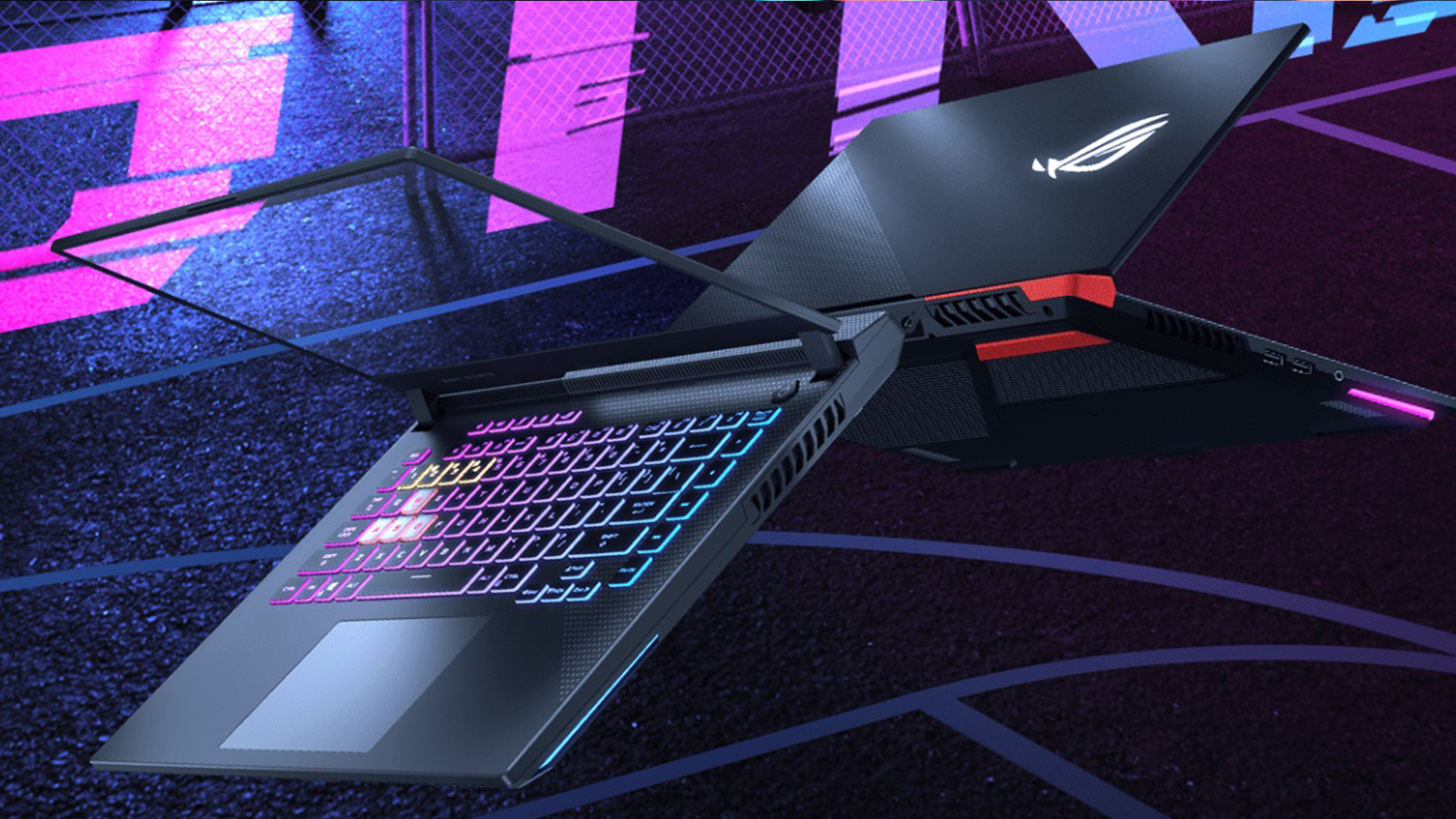
The main RTX vs GTX differences come down to features, not just raw speed. RTX laptops are built for newer gaming and creative demands, with dedicated hardware for ray tracing, AI upscaling, and stronger performance in supported software. GTX laptops can still handle lighter games and older titles, but they miss many of the features that now matter in modern laptop GPU performance. Here’s how they compare on these specific features:
-
Ray Tracing Support
Ray tracing is the biggest visual difference in RTX vs GTX. RTX laptops have dedicated RT cores that help create more realistic lighting, shadows, and reflections in supported games.
GTX laptops do not have the same dedicated ray tracing hardware. Some GTX cards can technically attempt software-based ray tracing in certain cases, but the performance is usually not good enough for smooth gaming.
-
DLSS and AI Capabilities
DLSS, or Deep Learning Super Sampling, is one of the strongest RTX features. It uses AI to improve performance and image quality in supported games. NVIDIA’s newer RTX 50 Series laptop GPUs use Blackwell architecture and support newer DLSS features for stronger gaming and creative performance.
This is a major reason why RTX vs GTX performance has widened. A GTX laptop must rely on raw GPU power, while an RTX laptop can use DLSS to boost FPS in supported titles.
-
Performance in Modern Games
RTX laptops generally perform better in modern games, especially titles with ray tracing, DLSS, or heavier graphics settings. A GTX laptop for AAA games can still work if you lower settings, but it is not ideal for newer demanding releases.
If your goal is smoother gaming in 2026, RTX gaming laptops are the better long-term choice.
-
Architecture Differences
GTX 16 Series laptops used NVIDIA’s Turing architecture and were designed to improve mainstream gaming performance. NVIDIA described GTX 16 Series as Turing-based graphics for laptops and desktops.
RTX laptops also moved through Turing, Ampere, Ada Lovelace and Blackwell, but with RTX-focused hardware such as RT cores and Tensor cores. In practical terms, the GTX vs RTX comparison is about more than raw FPS. RTX has better feature support.
-
Power Efficiency and Thermal Performance
Newer RTX laptops can be more efficient than older GTX laptops, but this depends on the specific GPU, laptop cooling, and power limits. A thin RTX laptop may run differently from a larger gaming laptop with better airflow.
For RTX vs GTX, the key point is simple: RTX gives better performance per feature set, while GTX is usually found in older or cheaper machines.
RTX vs GTX Performance Comparison
Performance is where the RTX vs GTX gap becomes easiest to notice. GTX laptops can still deliver decent results in lighter games and everyday tasks, but RTX laptops are stronger for modern gaming, creative software, and heavier multitasking. The biggest difference is that RTX performance is boosted by newer GPU architecture, DLSS support, and better acceleration in supported apps, while GTX relies more on older raw graphics power.
-
Gaming Benchmarks
In most modern games, RTX laptops win the RTX vs GTX benchmarks conversation. RTX GPUs usually offer higher FPS, better visual quality, and access to DLSS. GTX laptops can still handle games like Minecraft, Fortnite, Valorant, Rocket League, and older AAA titles, but they struggle more with heavy modern games.
If you want high settings, ray tracing or smoother AAA gaming, RTX is the better choice.
-
Creative Workloads
For video editing, 3D rendering, and creative software, RTX is usually stronger. RTX GPUs offer better acceleration in supported apps, more useful AI features, and stronger rendering performance.
This matters if you edit videos, stream gameplay, use Blender, work with 3D models or create content for YouTube or TikTok. For RTX vs GTX for video editing, RTX is the clear winner.
-
Multitasking and Productivity Performance
The GPU is not the only part that affects multitasking, but RTX laptops are often newer overall. That means they usually come with better CPUs, faster RAM, newer SSDs, and improved displays.
A GTX laptop can still be fine for schoolwork, browsing and office tasks. But for gaming while streaming, editing while exporting or running creative software, RTX gives more headroom.
-
Real-World Use Cases Comparison
Here is the clean RTX vs GTX breakdown:
- Choose RTX for modern AAA games, ray tracing, DLSS, editing, streaming, and future-proof laptops.
- Choose GTX for basic 1080p gaming, esports, casual use, and lower budgets.
- Avoid GTX if you expect high settings in newer games for several years.
- Avoid overpaying for old GTX laptops when a newer RTX laptop is close in price.
RTX vs GTX Laptops: Price and Value in the UK
When comparing RTX vs GTX laptop prices, the cheapest option is not always the best value. GTX laptops can look tempting if the price is low, but RTX laptops usually offer better long-term value thanks to DLSS, stronger modern game support, and better future-proofing. For UK buyers, the smarter choice depends on how much cheaper the GTX model is and whether you need the laptop for casual gaming, AAA titles, creative work or several years of use.
-
Entry-Level vs Mid-Range vs High-End Pricing
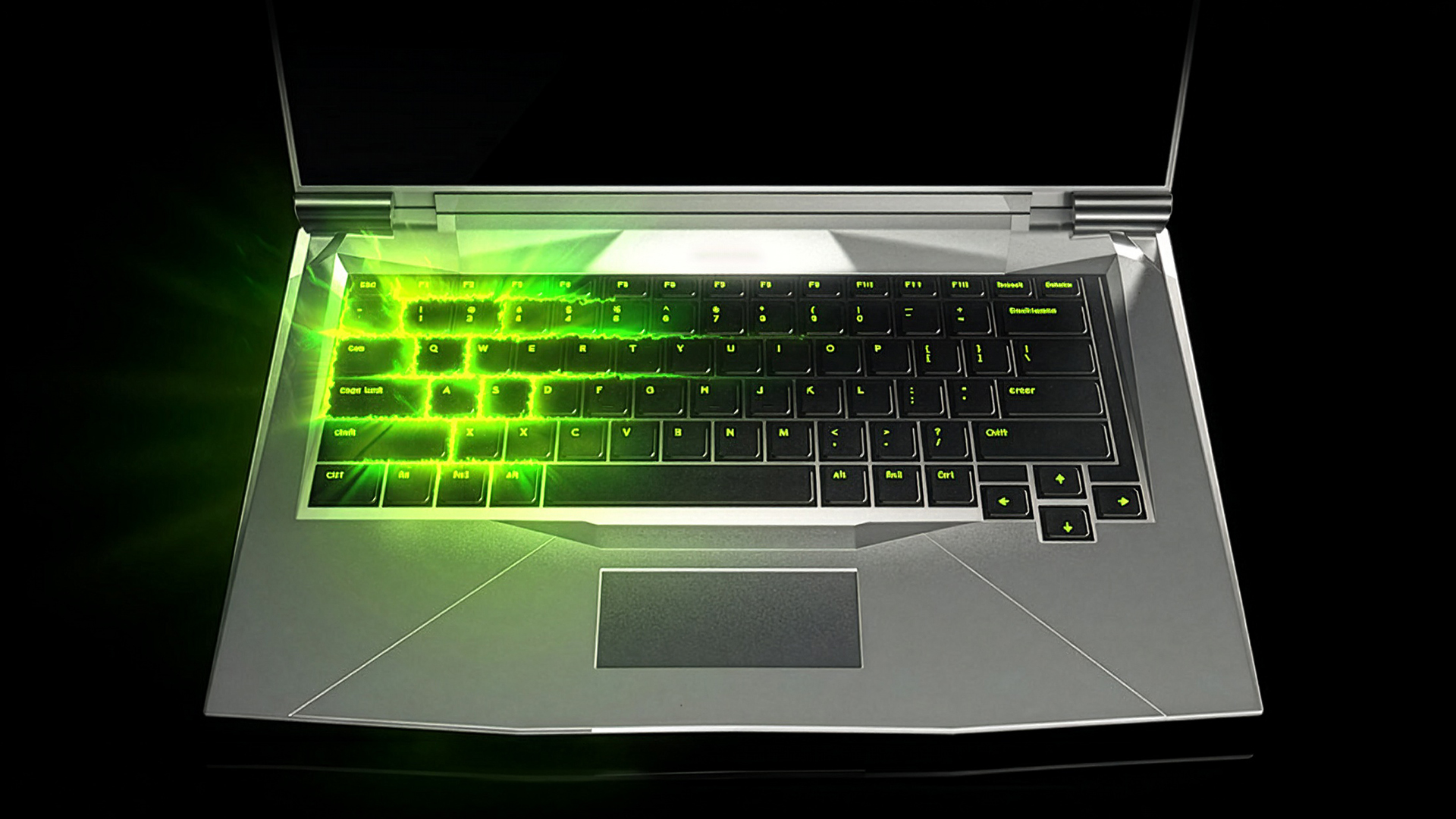
A budget GTX laptop can still be cheap, especially if bought refurbished or discounted. However, many new gaming laptops now use RTX GPUs instead. Entry-level RTX laptops are more common than they used to be, making the jump from GTX to RTX easier to justify.
For buyers comparing budget GTX vs RTX laptops, the price gap matters. If the RTX model costs only slightly more, it is normally worth the upgrade.
-
Price-to-Performance Ratio
A GTX laptop can offer decent value if the price is very low and your expectations are realistic. However, the best value RTX laptop will usually be a better buy for most people because it supports DLSS and newer game features.
RTX does not always mean expensive. Many mid-range RTX laptops offer a strong balance of price, FPS performance and long-term usability.
-
Long-Term Value and Future-Proofing
For future-proof laptops, RTX wins. New games are increasingly built around modern GPU features, and RTX laptops are better prepared for that shift.
So, RTX or GTX laptop, which is better? If you want the laptop to last, choose RTX. If you only need something cheap for lighter gaming, GTX can still work.
Who Should Choose RTX vs GTX Laptops?
The right choice in RTX vs GTX depends on what you play, how long you want the laptop to last and whether you use creative software. RTX laptops are better for modern gaming, streaming, video editing and future-proof performance, while GTX laptops only really make sense for lighter games, casual use or very low budgets. In most cases, RTX is the safer option, but GTX can still work if your needs are basic and the price is genuinely good.
-
When an RTX Laptop Makes More Sense
Choose an RTX laptop if you:
- Play modern AAA games.
- Want ray tracing technology.
- Want DLSS support.
- Edit video or create content.
- Stream gameplay.
- Want better long-term value.
- Want stronger FPS performance.
- Want a laptop that feels current in 2026.
For most users, the best RTX laptop is not always the most expensive one. It is the model with the right balance of GPU, CPU, RAM, SSD and cooling.
-
When a GTX Laptop Is Still Enough
A GTX laptop is still enough if you:
- Play older games.
- Mainly play esports titles.
- Use low or medium settings.
- Need a cheap second laptop.
- Do not care about ray tracing.
- Are buying used or refurbished at a very low price.
A GTX vs RTX gaming laptop decision should always come back to games. If your favourite games are lightweight, GTX may be fine. If you want newer AAA titles, RTX is better.
-
Gamers vs Creators vs Casual Users
Gamers should choose RTX unless budget is very tight. Creators should choose RTX for stronger rendering performance and AI acceleration. Casual users can choose GTX if the price is low and gaming demands are modest.
For shoppers comparing the latest laptops, RTX models are usually the better pick if gaming or creative work is part of the plan.
Are GTX Laptops Still Worth Buying in 2026?
GTX laptops are only worth buying in 2026 if the price is very low and your gaming needs are light. In the RTX vs GTX comparison, GTX still works for esports, older games, and basic 1080p gaming, but it falls behind for ray tracing, DLSS, newer AAA titles, and long-term value. If you want a laptop that feels current for the next few years, RTX is the better choice.
-
Limitations of GTX GPUs Today
The main limits of GTX laptops are:
- No proper hardware ray tracing.
- No DLSS support in the same way RTX offers it.
- Weaker performance in newer AAA games.
- Older laptop designs.
- Shorter useful lifespan.
- Lower resale appeal.
For RTX vs GTX, these limits matter because modern games keep getting heavier.
-
Situations Where GTX Still Performs Well
GTX laptops are still fine for many esports games, older titles, and everyday use. A GTX 1650 or GTX 1660 Ti laptop can still handle less demanding games at 1080p if settings are managed properly.
So, can a GTX laptop for AAA games still work? Sometimes, yes, but expect lower settings and less visual quality in newer titles.
-
Longevity Compared to RTX Laptops
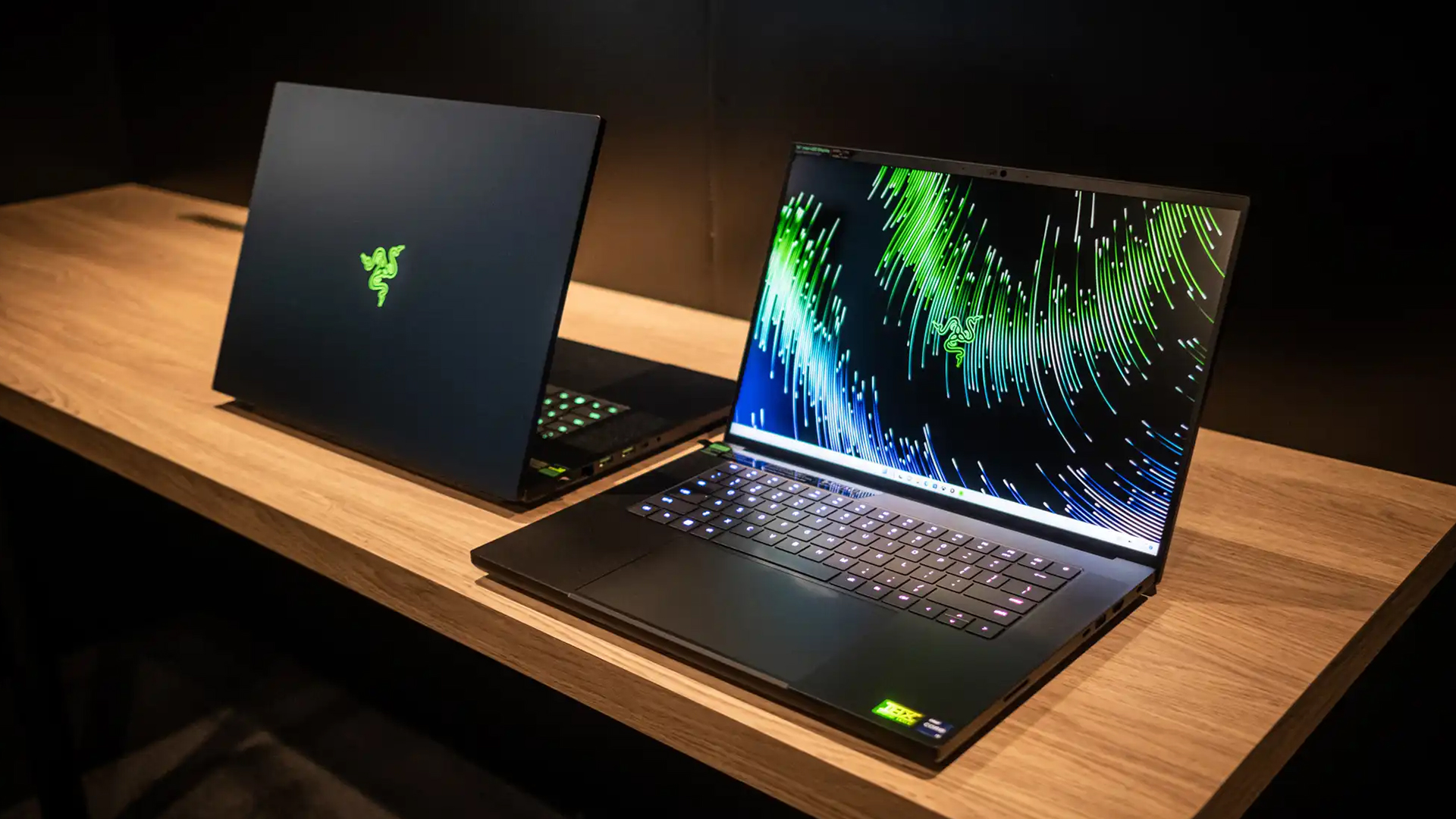
RTX laptops last longer from a gaming point of view because they support newer GPU features. DLSS can help extend usable performance in supported games, while ray tracing support keeps RTX laptops more relevant for modern visuals.
If you are buying in 2026, the RTX laptop vs GTX laptop differences are big enough that RTX is usually the smarter long-term choice.
Wrapping Up: RTX vs GTX Laptops
By this point, the RTX vs GTX choice should be clear: RTX laptops are the better fit for most buyers in 2026, especially if you want stronger gaming performance, DLSS, ray tracing, creative acceleration and longer-term value. GTX laptops still have a place, but mainly for light esports, older games, casual use or very low-budget deals.
A simple way to frame it:
- Choose RTX if you play modern games, want better visuals, edit content, stream, or plan to keep the laptop for several years.
- Choose GTX only if the price is much lower and your gaming needs are basic.
- Avoid paying too much for an older GTX model when a newer RTX laptop is close in price.
For most shoppers, the smarter move is to compare current laptops and pick the model with the best balance of GPU, CPU, RAM, storage, cooling, and price.
FAQs
-
Is RTX better than GTX for gaming?
Yes, RTX is better than GTX for gaming, especially in modern titles. RTX laptops support ray tracing, DLSS, and stronger AI features, which can improve both FPS performance and visual quality.
-
Can GTX laptops run modern games in 2026?
Some GTX laptops can run modern games in 2026, but usually at lower settings. A GTX laptop is better for esports, older AAA games, and lighter titles than demanding new releases.
-
Is RTX worth the extra cost over GTX?
Yes, RTX is usually worth the extra cost if you play modern games, want DLSS, use creative software, or plan to keep the laptop for several years.
-
Do RTX laptops last longer than GTX laptops?
RTX laptops usually last longer for gaming because they support newer technologies such as DLSS and hardware ray tracing. They are also found in newer laptop designs with better overall specs.
-
Which is better for video editing: RTX or GTX?
RTX is better for video editing. RTX GPUs offer stronger acceleration in supported creative apps and are better suited for rendering, editing, and AI-powered workloads.
You can pay with:
*PayPal Credit Representative Example: Assumed credit limit £1,200, Representative 23.9% APR (variable). Purchase rate 23.9% p.a (variable).Terms & Conditions apply.


PayPal Credit and PayPal Pay in 3 are trading names of PayPal UK Ltd, 5 Fleet Place, London, United Kingdom, EC4M 7RD. Terms and conditions apply. Credit subject to status, UK residents only, Five Tech LTD acts as a broker and offers finance from a restricted range of finance providers. PayPal Pay in 3 is not regulated by the Financial Conduct Authority. Pay in 3 eligibility is subject to status and approval. 18+. UK residents only. Pay in 3 is a form of credit. Check if affordable and how you will repay. May make other borrowing more difficult or expensive. See product terms for more details.
Copyright © 1996-2026 Fivetech LTD | Terms and Conditions
box.co.uk & Box are trading names of Five Tech Limited. Registered office: Box LTD, Unit 10 Woodford Trading Estate, Woodford Green IG8 8HF