


 Menu
MenuMenu


Get Sales Advice from Mon - Fri 9am - 5:00pm:
020 3337 8950LAST UPDATED: May 14, 2026
Can RTX Laptops Handle Modern AAA Games?
Modern gaming has changed dramatically over the past few years. Today’s AAA titles are bigger, more detailed, and more demanding than ever before. From realistic lighting to massive open worlds, these games push hardware to its limits.
At the same time, RTX laptop gaming has become increasingly popular. With powerful GPUs packed into portable devices, many gamers are now asking:
Can RTX laptops handle modern AAA games?
The short answer is yes, but it depends on the GPU tier, settings, and expectations. Let’s break it down in simple terms so you can understand what to expect.
What Are AAA Games and Why Are They Demanding?
Before understanding whether RTX laptops can handle modern AAA games, it’s important to first understand what AAA games are and why they place such high demands on your system.
What Defines a Modern AAA Game?
AAA games are the most advanced and high-budget titles in the gaming industry. These are developed by major studios with large teams, long development cycles, and significant investment.
What sets them apart is the level of detail and realism they aim to deliver. Modern AAA games are designed to provide:
- Highly realistic graphics with detailed environments
- Complex gameplay systems and mechanics
- Expansive open worlds filled with interactive elements
For players, this results in a more immersive experience, but it also means your hardware must work much harder to keep everything running smoothly.
Increasing Graphics and Hardware Requirements
Over the years, AAA games have become significantly more demanding. This is largely due to the introduction of advanced technologies that improve realism but require more processing power.
Modern titles now include features such as:
- Ray tracing, which simulates realistic lighting, reflections and shadows
- High-resolution textures that require more VRAM to load and render
- Advanced physics and AI systems that make game worlds feel more dynamic and responsive
While these features enhance visual quality and gameplay depth, they also increase the load on your GPU, CPU, and system memory. This is why older or entry-level hardware often struggles to keep up with newer games.
Examples of Popular AAA Titles (2025–2026)
To put this into context, some of the most demanding AAA games in recent years include:
- Cyberpunk 2077, known for its heavy use of ray tracing and dense environments
- Starfield, with large open worlds and complex systems
- Hogwarts Legacy, which combines detailed environments with modern effects
- Alan Wake 2, a visually intensive title with advanced lighting technology
These games highlight just how far gaming technology has progressed and why RTX laptop performance plays such an important role in delivering a smooth and enjoyable experience.
Can RTX Laptops Handle Modern AAA Games?
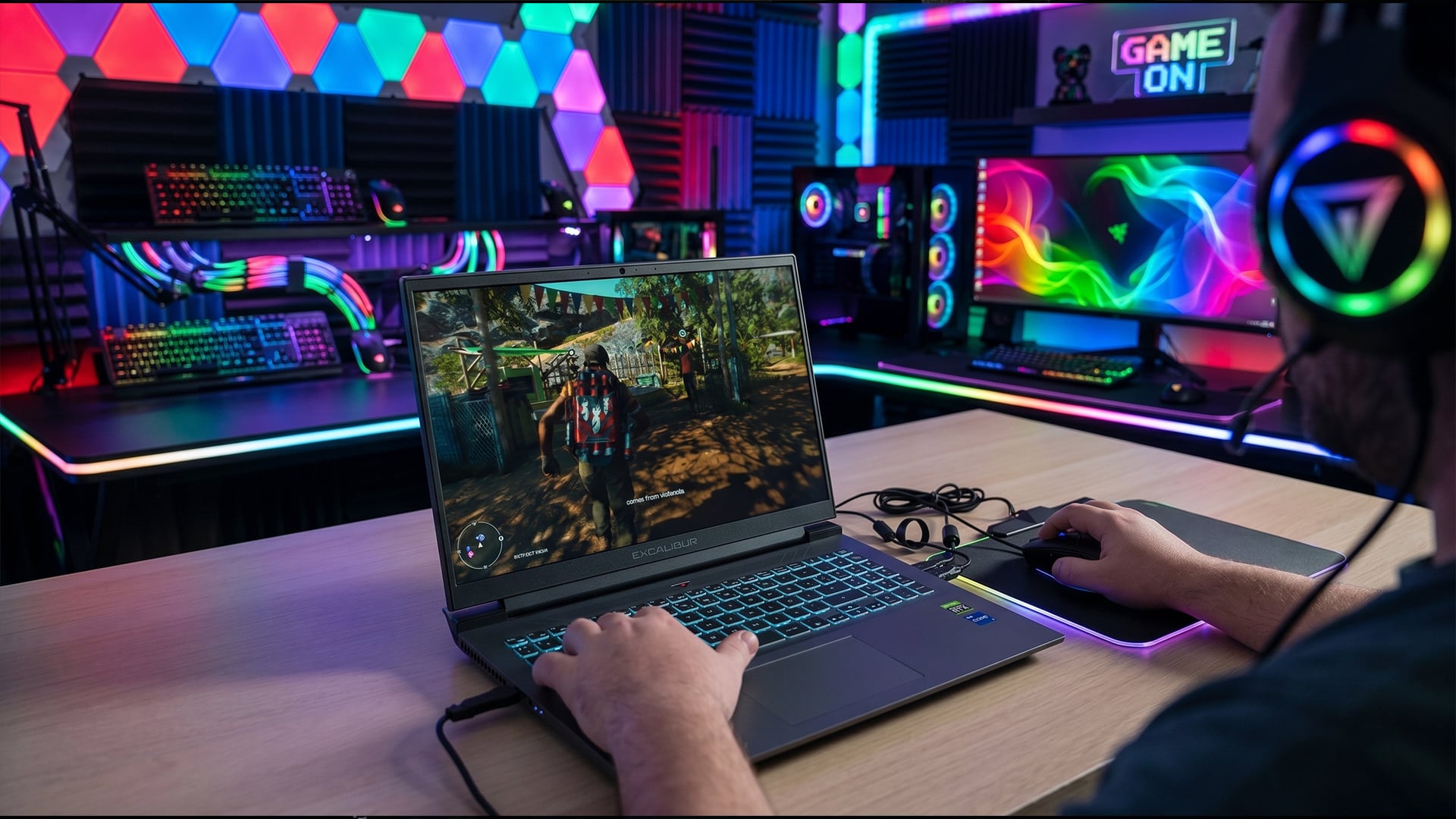
The simple answer is yes, RTX laptops can handle modern AAA games. However, the real answer is a bit more nuanced. Performance doesn’t just depend on whether a laptop has an RTX GPU, but on which RTX GPU it has and how it is configured.
Modern RTX laptop gaming performance has improved significantly in recent years. Thanks to advancements in GPU design, even portable systems are now capable of running visually demanding games that were once limited to desktop setups. This means you can enjoy AAA titles on a laptop; but your experience will vary depending on the level of hardware you choose.
Overall Performance Capabilities of RTX GPUs
RTX laptops are built to handle demanding gaming workloads, but they do so in different ways depending on their performance tier. At a general level, they are capable of delivering smooth gameplay at popular resolutions like 1080p and, in many cases, 1440p as well.
What makes RTX laptops particularly powerful is not just raw performance, but the combination of hardware and software optimisation. NVIDIA’s drivers are constantly updated to improve compatibility and performance in new games, which helps maintain a smooth experience over time.
For most users, this means that modern RTX laptops can comfortably run AAA games, as long as expectations are aligned with the GPU tier. Lower-end models focus on playability, while higher-end systems are capable of delivering high frame rates and more demanding visual settings.
Role of DLSS and Ray Tracing in Gaming
A major reason why RTX laptops can handle modern games so well comes down to two key technologies: DLSS and ray tracing.
DLSS, or Deep Learning Super Sampling, plays a crucial role in improving performance. Instead of rendering every frame at full resolution, it uses AI to upscale the image, which significantly boosts frame rates without heavily compromising visual quality. In real-world use, this means smoother gameplay and more consistent performance, especially in demanding titles.
Ray tracing, on the other hand, focuses on visual realism. It enhances lighting, shadows, and reflections, making games look more lifelike. However, this added realism comes at a cost. Enabling ray tracing increases the load on the GPU, which can reduce frame rates, particularly on lower-tier systems.
This is why DLSS and ray tracing often work together. DLSS helps offset the performance impact of ray tracing, making it more practical to use even on mid-range RTX laptops.
Performance Differences Across RTX GPU Tiers
One of the most important factors to understand is that not all RTX laptops perform the same. The experience you get depends heavily on the GPU tier, which determines how much power is available for gaming.
Entry-level RTX laptops are capable of running modern AAA games, but they typically require compromises. This might mean lowering settings or relying on DLSS to maintain smooth performance. These systems are best suited for 1080p gaming with balanced settings.
Mid-range RTX laptops offer a much more flexible experience. They can handle most modern games at higher settings while maintaining stable frame rates. For many users, this tier provides the best balance between performance and price.
High-end RTX laptops take things further, delivering the kind of performance that allows for ultra settings, higher resolutions and advanced features like ray tracing without major compromises. These systems are designed for users who want the best possible gaming experience in a portable form.
RTX Laptop Gaming Performance by GPU Tier
When exploring RTX laptop gaming performance, one of the most important things to understand is that not all RTX GPUs deliver the same experience. The level of performance you get depends heavily on the GPU tier, and each tier is designed with a different type of user in mind.
Instead of thinking of RTX laptops as one category, it’s more useful to see them as a range from entry-level systems built for accessibility, to high-end machines designed for maximum performance. Understanding these tiers helps you choose the right laptop based on how you actually plan to use it.
Entry-Level RTX (RTX 3050 / 4050) – What to Expect
Entry-level RTX laptops, typically powered by GPUs like the RTX 3050 or RTX 4050, are designed to make modern gaming more accessible. They offer a noticeable step up from integrated graphics and older GPUs, while keeping costs relatively affordable.
In real-world use, these laptops are best suited for 1080p gaming, where they can deliver a smooth and enjoyable experience across a wide range of titles. Esports games run particularly well, often achieving high frame rates and responsive gameplay. This makes them a strong choice for players who focus on competitive gaming.
When it comes to modern AAA titles, these GPUs are still capable, but they require a more balanced approach. Medium to high settings typically provide the best results, allowing you to maintain stable frame rates without overloading the system. Features like DLSS also play an important role here, helping to improve performance in more demanding games.
However, pushing settings to ultra or enabling heavy ray tracing effects can quickly expose the limitations of this tier. Performance may drop, and gameplay can become less consistent. This doesn’t make these laptops unsuitable; it simply means they are designed for playable performance rather than maximum visual quality.
Mid-Range RTX (RTX 3060 / 4060) – Balanced Performance
Mid-range RTX laptops, including those powered by the RTX 3060 and RTX 4060, or RTX 40 series laptops represent the sweet spot for many gamers. This tier strikes a strong balance between performance, features and price, making it one of the most popular choices.
At 1080p, these GPUs can comfortably handle most modern AAA games at high or even ultra settings, delivering smooth frame rates and a visually rich experience. This means you can enjoy newer titles without needing to constantly adjust settings.
They also perform well at 1440p, which is where the difference between entry-level and mid-range becomes more noticeable. Games remain smooth and responsive, and DLSS can further enhance performance when needed.
Another key advantage of this tier is improved ray tracing performance. While still demanding, ray tracing becomes far more usable compared to entry-level GPUs, especially when combined with DLSS.
For many users, mid-range RTX laptops offer the ideal balance. They provide enough power for modern gaming while remaining more affordable than high-end systems.
High-End RTX (RTX 3070 / 4070 / 4080/ 5070) – Ultra Settings Gaming
High-end RTX laptops, featuring GPUs such as the RTX 3070, RTX 4070, RTX 4080 and RTX 4090, RTX 50 laptops are built for users who want the best possible gaming experience in a portable form.
These systems are capable of running modern AAA games at ultra settings, delivering high frame rates and exceptional visual quality. At 1440p, performance is typically smooth and consistent, while some models can even handle 4K gaming, especially with DLSS enabled.
Ray tracing also becomes much more practical at this level. High-end GPUs have the power needed to handle advanced lighting effects without severely impacting performance, allowing you to experience games as they were intended to look.
Beyond raw performance, these laptops are also designed with better cooling systems and higher power limits, which helps maintain consistent performance over longer gaming sessions.
However, this level of performance comes at a higher cost. These systems are best suited for enthusiasts, content creators, or gamers who want a premium experience without compromise.
Expected FPS and Settings in AAA Games
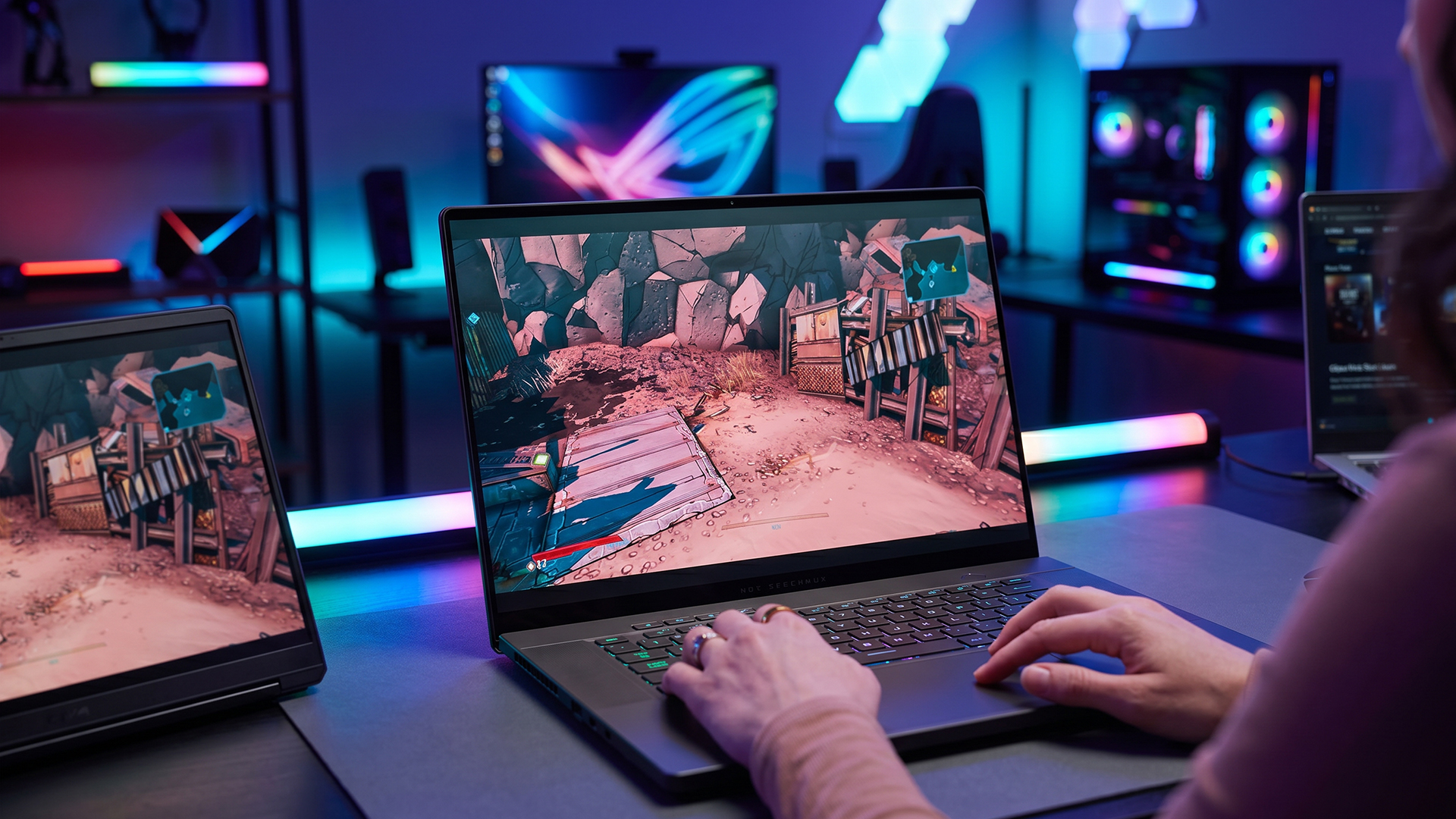
When trying to understand whether RTX laptops can handle modern AAA games, one of the most important things to look at is real-world performance. This isn’t just about raw specs; it’s about how smoothly games run, what settings you can use and how consistent the experience feels during actual gameplay.
Frame rate, often measured in FPS (frames per second), plays a key role here. A higher FPS means smoother motion, better responsiveness and a more enjoyable gaming experience overall. However, the FPS you achieve depends heavily on the GPU tier, resolution and graphical settings you choose.
1080p Gaming Performance (High/Ultra Settings)
For most RTX laptops, 1080p gaming is where performance feels the most balanced and reliable. This resolution allows the GPU to deliver smooth gameplay without being pushed too far beyond its limits.
On entry-level RTX laptops, such as those powered by RTX 3050 or 4050 GPUs, modern AAA games are generally playable at medium to high settings. While ultra settings may not always be practical, you can still achieve a stable and enjoyable experience by making small adjustments.
Mid-range RTX laptops, including those with RTX 4060 GPUs, offer a noticeable step up. At this level, many modern games can run at high or even ultra settings while maintaining strong frame rates. This makes gameplay feel smoother and more visually impressive without constant tweaking.
High-end RTX laptops take things even further. With GPUs like the RTX 4080 or 4090 gaming laptops, 1080p gaming becomes effortless. These systems can handle ultra settings with high FPS, often exceeding what is needed for a smooth experience. This also makes them ideal for high refresh rate displays, where higher frame rates translate into noticeably smoother motion.
1440p Gaming Performance and Limitations
As you move up to 1440p gaming, the demands on the GPU increase significantly, and the differences between RTX tiers become much more noticeable.
Entry-level RTX laptops begin to struggle at this resolution, especially in modern AAA titles. To maintain playable performance, settings often need to be reduced, which can impact visual quality.
Mid-range RTX laptops handle 1440p much more comfortably. They are capable of delivering smooth gameplay at medium to high settings, and with the help of DLSS, performance can be improved further without a major loss in image quality.
High-end RTX laptops excel at 1440p. They are able to run modern AAA games at high or ultra settings while maintaining strong and consistent frame rates. For many users, this resolution offers the ideal balance between visual quality and performance.
4K Gaming on RTX Laptops – Is It Practical?
4K gaming represents the most demanding scenario for any gaming laptop. At this resolution, the GPU must process significantly more data, which places a heavy load on the system.
In most cases, 4K gaming on RTX laptops is only practical on high-end models equipped with GPUs like the RTX 4080, RTX 5060, RTX 5070, or RTX 5070 Ti. Even then, achieving smooth performance often requires the use of DLSS, which helps boost frame rates by reducing the rendering workload.
Lower-tier RTX laptops are generally not suited for 4K gaming in modern AAA titles. Performance drops become noticeable, and maintaining a smooth experience becomes difficult without major compromises in settings.
Impact of Ray Tracing on FPS
Ray tracing is one of the standout features of RTX GPUs, offering more realistic lighting, shadows and reflections. However, it also has a significant impact on performance.
On entry-level RTX laptops, enabling ray tracing in demanding games can reduce FPS to the point where gameplay becomes less smooth. This is why it is often not recommended unless paired with DLSS and lower settings.
Mid-range RTX laptops handle ray tracing more effectively, especially when combined with DLSS. This allows you to enjoy improved visuals while still maintaining playable frame rates.
High-end RTX laptops are best suited for ray tracing. They have the power needed to handle these effects with minimal impact on performance, allowing for a more immersive and visually impressive gaming experience.
Factors That Affect Gaming Performance on RTX Laptops
While GPU performance is a major factor, it’s not the only thing that determines how well your laptop handles games. Several other components and design elements play an important role in shaping your overall experience.
CPU and RAM Bottlenecks
Even with a powerful GPU, a weak CPU or insufficient RAM can limit performance. This is known as a bottleneck, and it can prevent your system from reaching its full potential.
In gaming, this may result in lower frame rates, slower responsiveness, or inconsistent performance, particularly in CPU-heavy titles.
Cooling Systems and Thermal Throttling
Cooling is another critical factor in laptop performance. When a system heats up, it may reduce performance to prevent overheating, a process known as thermal throttling.
Laptops with better cooling systems are able to maintain higher performance for longer periods, resulting in more consistent gameplay. Poor cooling, on the other hand, can lead to noticeable drops in FPS during extended sessions.
Laptop Power Limits vs Desktop GPUs
One important difference between laptops and desktops is power availability. Laptop GPUs operate within stricter power limits, which means they cannot always match the performance of their desktop counterparts.
This doesn’t make them unsuitable for gaming, but it does explain why performance may be slightly lower compared to a similarly named desktop GPU.
Storage Speed and Game Load Times
Storage also plays a role in the overall experience. Faster SSDs reduce loading times, improve system responsiveness and help games run more smoothly.
While storage doesn’t directly affect FPS, it contributes to a more seamless and enjoyable gaming experience.
RTX Laptop vs Gaming Console vs Desktop PC
When deciding whether an RTX laptop is the right choice for AAA gaming, it helps to compare it with other popular gaming options, namely desktop PCs and gaming consoles. Each platform offers its own advantages, and understanding these differences can help you choose what best fits your needs.
Performance Comparison
In terms of raw performance, desktop PCs still lead the way. They have fewer space and power limitations, allowing them to use full-sized GPUs and more advanced cooling systems. This means they can deliver higher frame rates, better graphics, and more consistent performance in demanding AAA games.
RTX laptops, on the other hand, offer a slightly different balance. While they may not match desktop-level power, modern gaming laptop RTX systems are still capable of delivering strong performance, especially at 1080p and 1440p. With features like DLSS and efficient GPU designs, they can handle most modern AAA titles smoothly.
Gaming consoles sit somewhere in between. They are highly optimised for gaming, meaning developers fine-tune games specifically for their hardware. This results in stable performance, but with less flexibility when it comes to settings, upgrades or customisation.
Portability vs Power Trade-Off
One of the biggest advantages of RTX laptops is its portability.
Unlike desktop PCs, which require a fixed setup, RTX laptops allow you to:
- Game from anywhere whether at home, university or while travelling
- Carry your entire setup in a single device
- Switch between gaming, work and entertainment easily
This makes them ideal for users who need flexibility. While you may sacrifice some raw power compared to a desktop, you gain the convenience of a portable gaming setup.
Cost vs Value in the UK Market
When it comes to cost, each option offers a different kind of value.
Desktop PCs often provide the best performance for the price, especially if you build your own system. However, they require additional components like monitors, keyboards, and other accessories.
RTX laptops may seem more expensive upfront, but they combine everything into one device. You’re not just buying a gaming machine; you’re also getting a system for work, study, and everyday use. This makes them a strong option for users who want all-in-one convenience.
Consoles are typically the most affordable option, but they are limited to gaming and media consumption, with fewer capabilities for productivity or multitasking.
Are RTX Laptops Worth It for AAA Gaming in 2026?
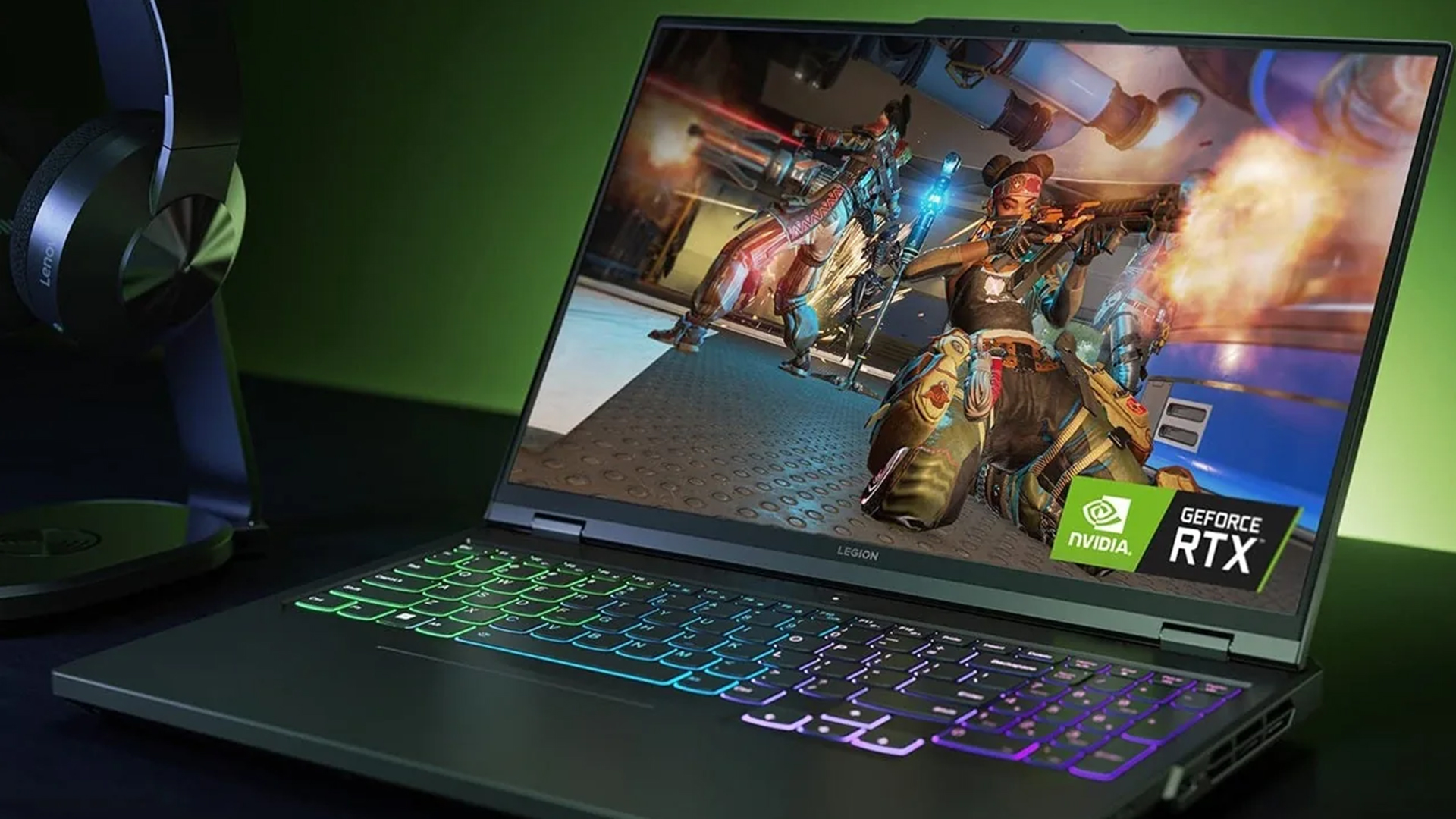
RTX laptops are absolutely capable of handling modern AAA games in 2026, but their value depends on how you plan to use them. They are no longer just a compromise; they now offer a strong balance between gaming performance, portability, and everyday usability.
For most users, RTX laptops work best as an all-in-one solution. They allow you to play demanding games while also supporting work, study, and content creation. This makes them ideal for gamers who want flexibility without being tied to a desktop setup.
However, they do have limitations. If you’re aiming for ultra 4K gaming or maximum performance, a desktop PC will still deliver better results due to higher power and cooling capabilities. RTX laptops prioritise convenience and portability, which means some trade-offs in raw performance.
Ultimately, the right choice comes down to your budget and expectations. Entry-level RTX laptops are suitable for 1080p gaming with balanced settings, mid-range options offer the best mix of performance and value, and high-end models deliver a more premium experience with fewer compromises.
In simple terms, RTX laptops are worth it if you want powerful, portable gaming; but choosing the right tier is key to getting the best experience
If you’re considering an upgrade, exploring options at Box.co.uk like RTX 4060 laptops for balanced performance or stepping up to RTX 4080 gaming laptops can provide a noticeable improvement. For users looking ahead, newer models such as 5080 gaming laptops and 5090 laptops offer even greater performance and future-ready capabilities.
Final Verdict
So, can RTX laptops handle modern AAA games? The answer is yes, with the right GPU and realistic expectations. Whether you choose a powerful high-end system or start with an entry-level option like the RTX 5050, there is a wide range of performance available to suit different gaming needs.
Modern RTX laptops are no longer just about gaming; they are built to deliver a complete experience. With technologies like DLSS improving performance and features such as NVIDIA Studio supporting creative workflows, these devices offer far more than just playable frame rates. They combine gaming, productivity, and content creation into one portable system.
In simple terms, RTX laptops are worth it if you want a flexible, all-in-one solution that can handle modern games while also supporting everyday tasks. The key is choosing the right tier based on your expectations, so you get the best balance between performance, value and long-term usability
FAQs
Can RTX laptops run AAA games at ultra settings?
Yes, but mainly on mid-range and high-end GPUs.
Is RTX 3050 or 4050 enough for modern games?
Yes for 1080p gaming, but not ideal for ultra settings.
Do RTX laptops overheat when gaming?
They can, but good cooling systems minimise this.
Can RTX laptops handle ray tracing in games?
Yes, especially with DLSS enabled.
What FPS can I expect from an RTX 4060 laptop?
Typically 60–100+ FPS at 1080p ultra settings.
You can pay with:
*PayPal Credit Representative Example: Assumed credit limit £1,200, Representative 23.9% APR (variable). Purchase rate 23.9% p.a (variable).Terms & Conditions apply.


PayPal Credit and PayPal Pay in 3 are trading names of PayPal UK Ltd, 5 Fleet Place, London, United Kingdom, EC4M 7RD. Terms and conditions apply. Credit subject to status, UK residents only, Five Tech LTD acts as a broker and offers finance from a restricted range of finance providers. PayPal Pay in 3 is not regulated by the Financial Conduct Authority. Pay in 3 eligibility is subject to status and approval. 18+. UK residents only. Pay in 3 is a form of credit. Check if affordable and how you will repay. May make other borrowing more difficult or expensive. See product terms for more details.
Copyright © 1996-2026 Fivetech LTD | Terms and Conditions
box.co.uk & Box are trading names of Five Tech Limited. Registered office: Box LTD, Unit 10 Woodford Trading Estate, Woodford Green IG8 8HF