


 Menu
MenuMenu


Get Sales Advice from Mon - Fri 9am - 5:00pm:
020 3337 8950LAST UPDATED: June 10, 2026
How Fast Are RTX 50 Laptops? Real Performance Differences by GPU Tier
RTX 50 laptop performance difference is not just about picking the biggest number on the spec sheet. An RTX 5090 laptop sits at the top of the range, but the real gap between RTX 5050, 5060, 5070, 5070 Ti, 5080 and 5090 models depends on more than the GPU name alone. NVIDIA’s RTX 50 laptop range is built on the Blackwell architecture and brings features such as DLSS 4.5, Max-Q optimisation and improved AI performance into gaming laptops.
That means the RTX 50 laptop's real performance depends on the full design, not just the GPU badge. Wattage, cooling, VRAM, CPU pairing and screen resolution all affect how each model performs in real games.
This RTX 50 laptop GPU comparison breaks down the range by tier, gaming resolution, DLSS use and the key GPU performance gaps that matter when choosing a gaming laptop. The aim is simple: to show what each RTX 50 laptop GPU is actually built for, without treating every 50 Series laptop as the same kind of machine.
RTX 50 Laptop GPU Line-Up at a Glance
The current RTX 50 laptop range runs from entry-level RTX 5050 machines up to flagship RTX 5090 models. The main RTX 50 laptop performance difference depends on how each tier changes core count, VRAM, memory bandwidth and intended workload. Here is a quick RTX 50 laptop GPU comparison to help you understand the basic differences between all the tiers.
| GPU TIER | CUDA CORES | VRAM | MEMORY BANDWIDTH | BEST FIT |
| RTX 5090 Laptop | 10,496 | 24GB GDDR7 | 896GB/s | Flagship gaming, 4K, AI and heavy creator work |
| RTX 5080 Laptop | 7,680 | 16GB GDDR7 | 896GB/s | High-end 1440p/1600p gaming and creator work |
| RTX 5070 Ti Laptop | 5,888 | 12GB GDDR7 | 672GB/s | Upper mid-range gaming, editing and strong 1440p use |
| RTX 5070 Laptop | 4,608 | 8GB or 12GB GDDR7, depending on model | 384 GB/s | Mainstream 1080p and some 1440p gaming |
| RTX 5060 Laptop | 3,328 | 8GB GDDR7 | 384GB/s | Value 1080p gaming and esports |
| RTX 5050 Laptop | 2,560 | 8GB GDDR7 | 384GB/s | Entry-level RTX 50 gaming laptops |
Apart from these figures, the RTX 50 tier performance also depends on the overall laptop specs. As a general takeaway, the RTX 5090 and RTX 5080 sit clearly in the premium range; the RTX 5070 Ti is the stronger upper-mid-range option; and the RTX 5070, RTX 5060, and RTX 5050 cover mainstream to entry-level gaming laptops.
The RTX 5070 needs closer checking than most tiers. Standard 8GB models exist, while 12GB RTX 5070 Laptop configurations have also appeared, so buyers should not assume every RTX 5070 laptop has the same memory setup.
What Actually Affects the Speed of an RTX 50 Laptop?
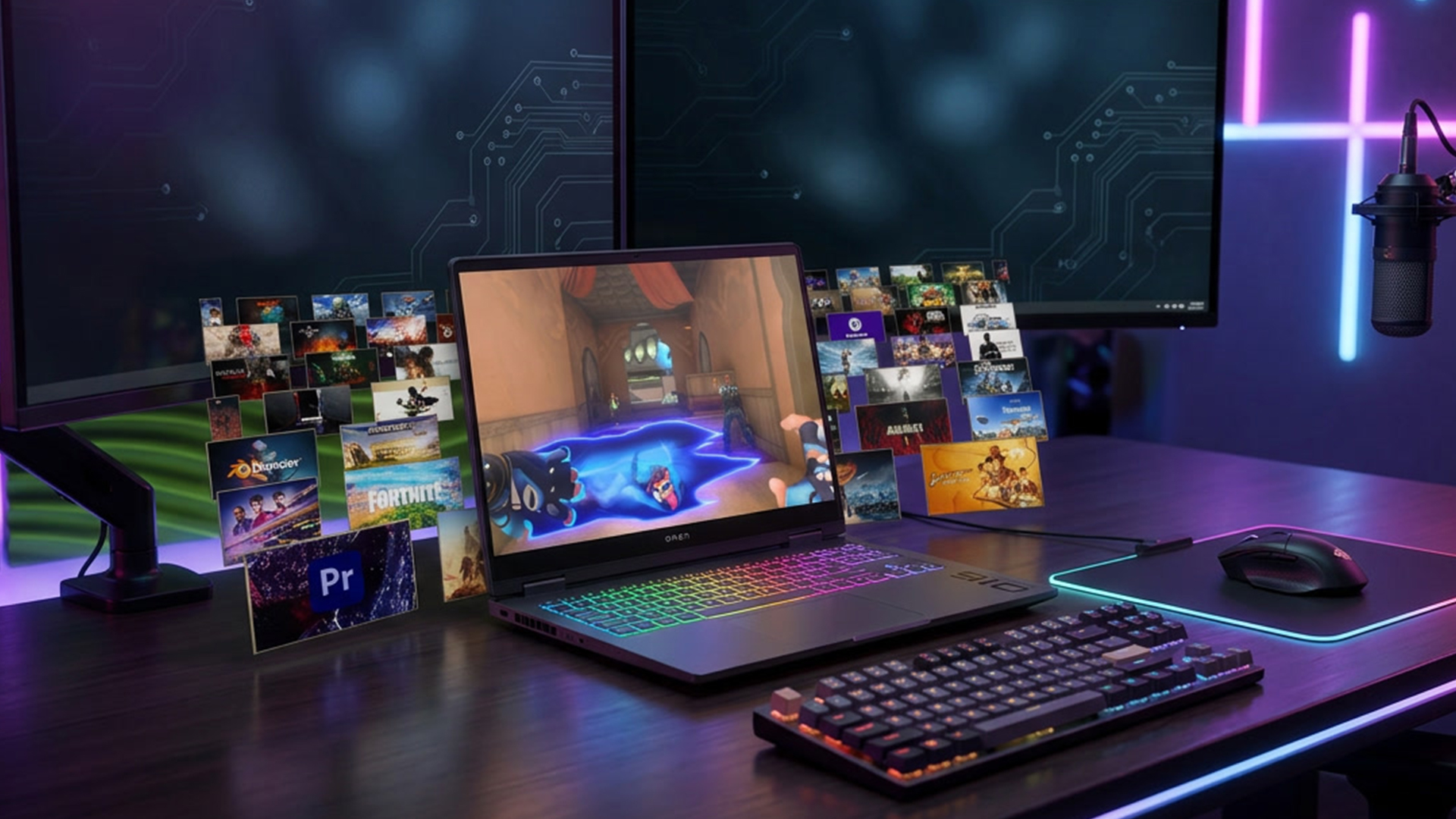
Once you know the GPU tier, the next step is understanding why two laptops with the same RTX 50 GPU can still perform differently. The RTX 50 laptop performance differences are shaped by the whole laptop design, not only the graphics chip.
| FACTOR | WHY IT MATTERS | BIGGEST IMPACT |
| GPU tier | Sets the baseline level of performance | All RTX 50 laptops |
| Power limit | A higher wattage GPU can usually sustain stronger performance | Mid-range and high-end laptops |
| Cooling design | Better cooling helps the GPU hold speed for longer | Thin or compact gaming laptops |
| VRAM | More memory helps with high-resolution textures and heavier creative work | RTX 5070 and below most clearly |
| Memory bandwidth | Affects how quickly the GPU can move data | Higher resolutions and demanding scenes |
| DLSS 4 | Can improve frame rates in supported games | Ray tracing and heavier titles |
| CPU pairing | Can affect high-refresh gaming and 1% lows | Esports and CPU-heavy games |
Power and cooling matter because laptop GPUs operate inside much tighter thermal limits than desktop cards. A thinner laptop may prioritise portability, noise and battery life, while a larger chassis may give the GPU more room to sustain higher clocks. That is why RTX 50 laptops' thermal behaviour should be checked alongside the GPU name.
Before comparing two RTX 50 laptops with the same GPU, check the wattage, cooling system, chassis size, CPU pairing, screen resolution and performance mode options. A higher-power RTX 5060 or RTX 5070 laptop with strong cooling can sometimes feel more consistent than a more expensive laptop that is heavily power-limited.
DLSS can improve smoothness in supported games, but native FPS, upscaled FPS and generated frames should still be judged separately. For buyers, the practical takeaway is simple: compare tiers first, then check power limit, cooling, screen resolution and CPU pairing. Doing this gives a much clearer view of performance per watt, GPU clock differences and overall performance consistency than the GPU name alone.
Which RTX 50 Laptop GPU Tier Is Each Buyer For?
Once the specs are clear, the next question is simple: which tier suits your use case? The RTX 50 laptop performance difference matters most when you match the GPU to the screen resolution, game type and workload rather than buying only by name.
- RTX 5090 Laptop: A 5090 RTX laptop is for buyers who want the fastest option in the range for 4K gaming, demanding creative work, AI-heavy tasks and premium desktop-replacement setups. It makes the most sense when the laptop has the cooling and power design to support it.
- RTX 5080 Laptop: An Nvidia 5080 laptop is the better fit for many high-end gamers who want strong 1440p or 1600p performance without jumping to the absolute flagship tier. It suits premium gaming laptops where smooth, high-resolution play matters more than having the top model.
- RTX 5070 Ti Laptop: 5070 Ti laptops are a good match for players who want a serious step up from mainstream RTX 50 performance. This tier is especially useful for 1440p gaming, heavier modern titles and mixed gaming-plus-creator use.
- RTX 5070 Laptop: These can be used for high-resolution gaming as well if the configuration is right. Before buying RTX 5070 laptops, buyers should check the VRAM setup, power limit and cooling, especially if 1440p is the target.
- RTX 5060 Laptop: RTX 5060 laptops are one of the best value-focused options for 1080p gaming. They suit esports, mainstream games and high settings in many titles, provided the laptop is not heavily power-limited.
- RTX 5050 Laptop: RTX 5050 laptops are best for casual gaming, lighter titles and DLSS-supported play on a tighter budget. They are not aimed at ultra settings or heavy ray tracing, but they offer a lower-cost entry into the RTX 50 laptop range.
Gaming Performance by Resolution and Settings
The RTX 50 laptop performance differences are easiest to understand in terms of resolution. Lower resolutions put more focus on high frame rates, while higher resolutions and ray tracing need stronger GPU tiers, more memory headroom and better upscaling support.
1080p Gaming
RTX 5050 and RTX 5060 laptops are the main 1080p tiers. RTX 5050 suits casual gaming and sensible settings, while RTX 5060 is the stronger choice for high settings, esports and smoother mainstream play. RTX 5070 gives extra headroom if you want higher refresh rates.
1440p and 1600p Gaming
RTX 5070 Ti is the more comfortable starting point for serious 1440p gaming. RTX 5070 can still work well in many games, but the exact laptop configuration matters more at this level. RTX 5080 is the cleaner fit for premium 1440p or 1600p ultra settings.
4K and External Monitor Gaming
For 4K gaming or a demanding external monitor setup, RTX 5090 is the safest laptop option. RTX 5080 can still be capable with tuned settings and DLSS, but RTX 5070 Ti and below are better treated as 1440p or 1080p choices for the most demanding titles.
Ray Tracing and Path Tracing
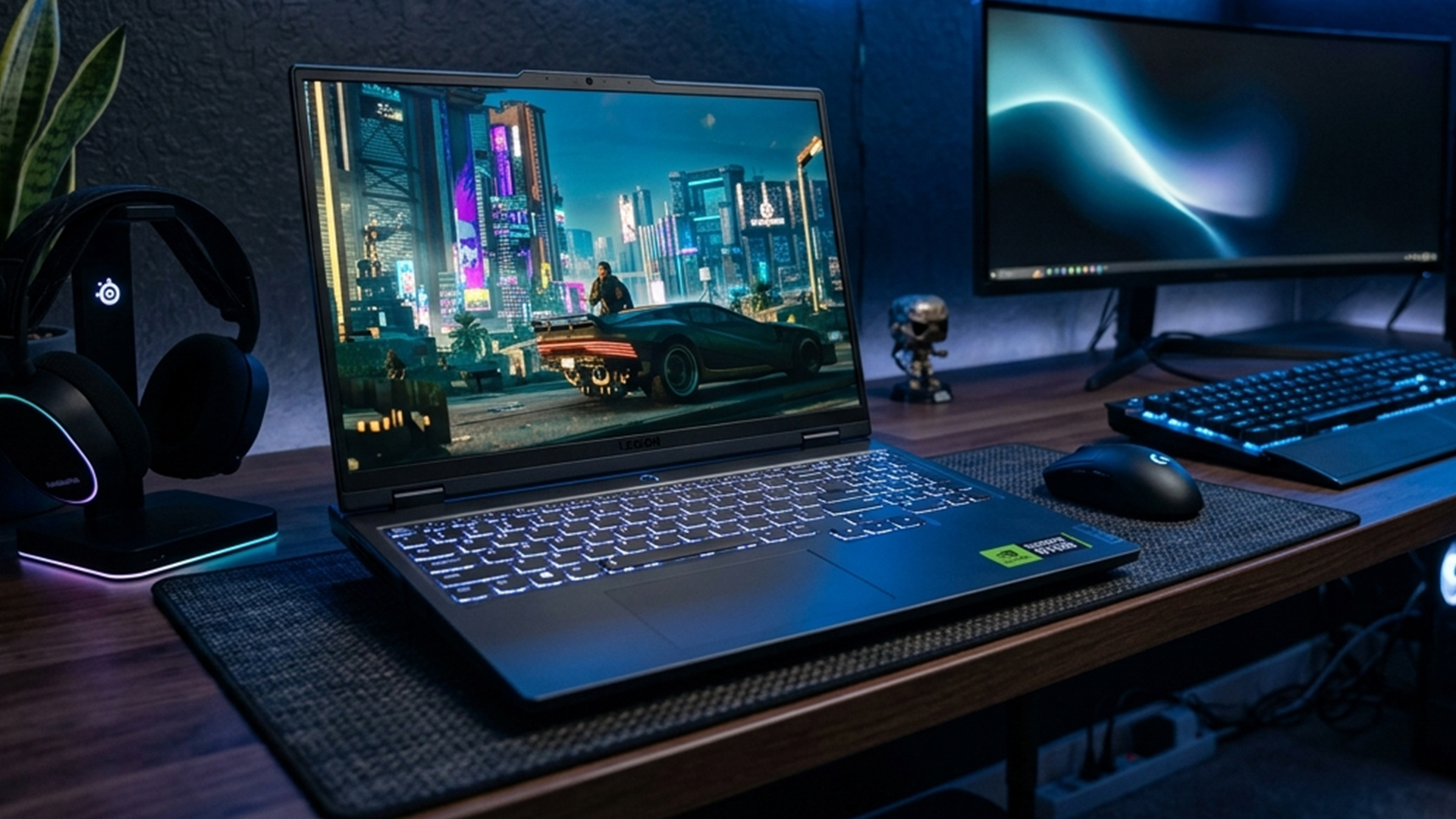
Ray tracing increases the load quickly, so the recommended tier usually moves up. Native FPS matters most for clean real-world gaming performance, while DLSS can add strong frame rate improvement in supported games.
Here is a quick comparison table to help you pick the best RTX 50 laptop GPU tier for each resolution, based on realistic ray tracing expectations.
| GPU TIER | 1080p GAMING | 1440p/1600p GAMING | 4K GAMING | RAY TRACING EXPECTATIONS |
| RTX 5090 Laptop | Overkill for most games | Excellent | Best laptop option | Strongest with DLSS |
| RTX 5080 Laptop | Overkill for most games | Excellent | Possible with tuning | Strong with DLSS |
| RTX 5070 Ti Laptop | Excellent | Strong | Limited | Good with DLSS |
| RTX 5070 Laptop | Strong | Configuration-dependent | Not ideal | Needs tuning |
| RTX 5060 Laptop | Strong | Limited | Not suitable | DLSS needed |
| RTX 5050 Laptop | Good with sensible settings | Not ideal | Not suitable | Light ray tracing only |
Native FPS, DLSS and Frame Generation Explained
Native FPS is the cleanest way to judge raw graphics power. It shows how fast the GPU runs before upscaling or generated frames are added, so it is the best starting point for comparing raster vs ray tracing performance.
DLSS is different. It can improve performance in supported games by using AI upscaling, while DLSS 4 on RTX 50 laptops adds Multi Frame Generation, which can create extra frames between traditionally rendered frames.
DLSS 4 introduced Multi Frame Generation for RTX 50 Series GPUs, generating up to three additional frames per traditionally rendered frame. DLSS 4.5 builds on this with Dynamic Multi Frame Generation and, in supported titles, up to 6X Multi Frame Generation.
That can make gameplay look much smoother, but it should not be read the same way as native performance. For a proper RTX 50 laptop performance comparison, it is best to look at three things separately: native FPS, DLSS-upscaled FPS and frame generation results.
1% lows are also important because they show smoothness rather than headline FPS. A laptop may show a high average frame rate, but weak 1% lows can still make gameplay feel uneven. This is where performance consistency matters more than one big number.
The RTX 50 Tier Gaps That Are Worth Paying For
The RTX 50 laptop performance difference matters most when the next tier gives you better resolution support, more VRAM headroom or stronger long-term performance for newer games. However, the real question is whether a higher GPU is worth the extra cost for your games, screen and workload.
RTX 5090 vs RTX 5080
The 5080 vs 5090 gap matters most for buyers who want maximum headroom. RTX 5090 gives more GPU power and 24GB VRAM, so it makes the most sense for 4K gaming, AI workloads and heavy creator use. For high-end gaming alone, RTX 5080 may be the better value if the laptop has strong cooling.
RTX 5080 vs RTX 5070 Ti
The 5070 Ti vs 5080 comparison is all about going from upper mid-range to high-end. RTX 5080 is the better choice for premium 1600p gaming and heavier creation work, while RTX 5070 Ti is a more sensible option for strong 1440p performance.
RTX 5070 Ti vs RTX 5070
The 5070 vs 5070 Ti gap is one of the most important in the stack. RTX 5070 Ti brings more headroom for high-resolution textures and heavier games, while RTX 5070 depends more on the exact laptop configuration.
RTX 5070 vs RTX 5060
The 5060 vs 5070 difference is about extra breathing room. RTX 5070 is the stronger choice for higher settings and some 1440p gaming, but a well-powered RTX 5060 can still be a smart 1080p option.
RTX 5060 vs RTX 5050
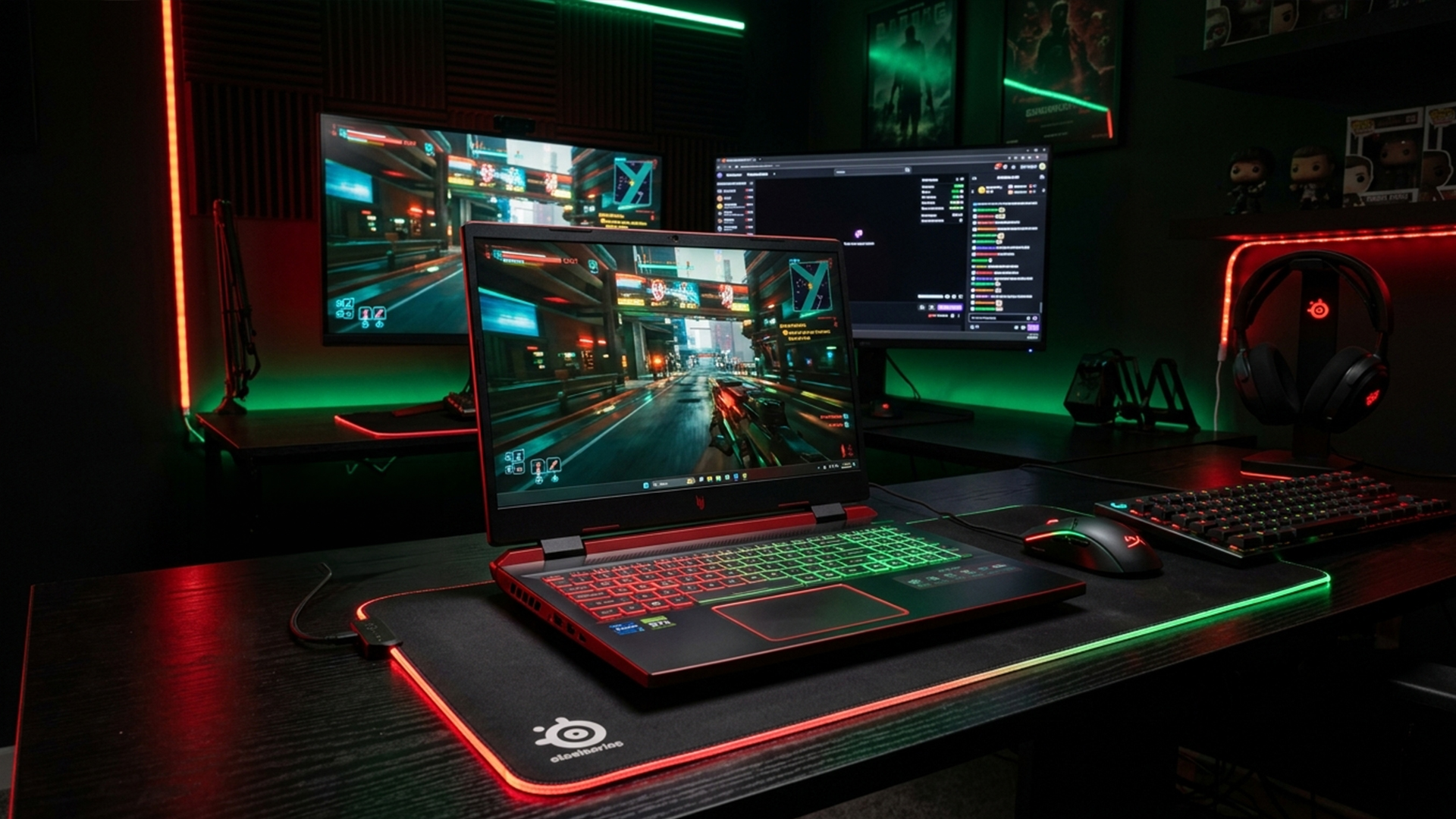
The 5050 vs 5060 gap is more straightforward. RTX 5060 is the better tier for regular 1080p gaming, while RTX 5050 is best treated as the entry point for lighter games and DLSS-supported play.
| COMPARISON | MAIN DIFFERENCE | IS THE HIGHER TIER WORTH IT? |
| RTX 5090 vs RTX 5080 | More flagship headroom and VRAM | Yes, for 4K, AI and heavy creator work |
| RTX 5080 vs RTX 5070 Ti | High-end tier vs upper mid-range | Yes, for premium 1600p and heavier workloads |
| RTX 5070 Ti vs RTX 5070 | Stronger 1440p headroom | Often, if you want better long-term performance |
| RTX 5070 vs RTX 5060 | More gaming headroom | Depends on price, wattage and cooling |
| RTX 5060 vs RTX 5050 | Stronger 1080p performance | Yes, for regular gaming |
Final Words: Best RTX 50 Laptop GPU Tier by User Type
The RTX 50 laptop performance differences matter a lot when it comes to long-term performance. The right way to choose the best RTX 50 series laptop is to select the machine that meets your needs and offers some future headroom. If your budget allows, choosing a slightly stronger tier can make sense for long-term use, but only if the laptop also has suitable wattage, cooling and display specs.
- Fastest overall: RTX 5090 Laptop
- Best high-end balance: RTX 5080 Laptop
- Best upper mid-range choice: RTX 5070 Ti Laptop
- Best mainstream option: RTX 5070 Laptop
- Best value gaming tier: RTX 5060 Laptop
- Best entry RTX 50 option: RTX 5050 Laptop
In simple terms, choose RTX 5060 for value-focused 1080p, RTX 5070 Ti for stronger 1440p, RTX 5080 for premium high-resolution gaming, and RTX 5090 when only the fastest laptop option will do.
Frequently Asked Questions
Which RTX 50 laptop GPU is the fastest?
The RTX 5090 Laptop GPU is the fastest option in the current RTX 50 laptop range. It sits above the RTX 5080, RTX 5070 Ti, RTX 5070, RTX 5060 and RTX 5050 in NVIDIA’s official laptop stack.
Is an RTX 5080 laptop a better value than an RTX 5090 laptop?
For many gamers, yes. RTX 5090 laptops are best for maximum performance, 4K gaming, AI workloads and heavy creative work. RTX 5080 laptops can be a better high-end balance if you mainly want premium 1440p or 1600p gaming.
Is RTX 5070 Ti much faster than RTX 5070 in laptops?
Yes, the RTX 5070 Ti Laptop GPU should be a clear step up. It has more GPU headroom and is better suited to serious 1440p gaming, especially when both laptops have similar wattage and cooling.
Is RTX 5070 enough for 1440p laptop gaming?
Yes, but check the exact laptop configuration. RTX 5070 laptops can handle 1440p in many games, but power limit, cooling and VRAM setup make a big difference.
Is RTX 5060 good for gaming laptops?
Yes. RTX 5060 laptops are a strong fit for 1080p gaming, esports and mainstream titles. They make the most sense when paired with a good cooling design and a suitable high refresh 1080p display.
Does TGP matter on RTX 50 laptops?
Yes. TGP affects how much power the GPU can use, and that can change sustained performance. A higher-power RTX 50 laptop GPU can be faster than a lower-power version of the same GPU if the cooling can support it.
You can pay with:
*PayPal Credit Representative Example: Assumed credit limit £1,200, Representative 23.9% APR (variable). Purchase rate 23.9% p.a (variable).Terms & Conditions apply.


PayPal Credit and PayPal Pay in 3 are trading names of PayPal UK Ltd, 5 Fleet Place, London, United Kingdom, EC4M 7RD. Terms and conditions apply. Credit subject to status, UK residents only, Five Tech LTD acts as a broker and offers finance from a restricted range of finance providers. PayPal Pay in 3 is not regulated by the Financial Conduct Authority. Pay in 3 eligibility is subject to status and approval. 18+. UK residents only. Pay in 3 is a form of credit. Check if affordable and how you will repay. May make other borrowing more difficult or expensive. See product terms for more details.
Copyright © 1996-2026 Fivetech LTD | Terms and Conditions
box.co.uk & Box are trading names of Five Tech Limited. Registered office: Box LTD, Unit 10 Woodford Trading Estate, Woodford Green IG8 8HF