


 Menu
MenuMenu


Get Sales Advice from Mon - Fri 9am - 5:00pm:
020 3337 8950LAST UPDATED: July 21, 2026
PCIe 4.0 vs PCIe 5.0 Graphics Cards: Does It Really Matter for Gaming?
For most gamers, PCIe 4.0 vs PCIe 5.0 Graphics Cards does not change FPS enough to justify a motherboard upgrade on its own. A PCIe 5.0 Graphics Card has more available bandwidth, but games usually depend more on the GPU chip, VRAM, CPU, RAM, drivers, cooling and graphics settings.
PCIe 5.0 matters most for future-proofing, high-end GPUs, workstation workloads, AI tasks and systems where the graphics card uses fewer lanes. For normal gaming, a strong PCIe 4.0 Graphics Card in a PCIe 4.0 x16 slot is still completely fine.
In this guide, we will discuss how PCIe 4.0 differentiates from PCIe 5.0 graphics card and whether the difference matters for gaming or not.
Quick answer: You do not need PCIe 5.0 just to play games well in 2026. If you are building a new high-end PC, PCIe 5.0 is worth having. If you already have a good PCIe 4.0 motherboard, upgrade the graphics card, monitor or CPU before replacing the board only for PCIe 5.0.
What Is PCIe on a Graphics Card?
PCIe stands for PCI Express. It is the high-speed connection between your graphics card and motherboard.
A graphics card usually sits in a PCIe x16 slot. That slot lets the GPU communicate with the CPU, RAM, storage and the rest of the system.
The main difference between PCI Express 4.0 and PCI Express 5.0 is bandwidth:
| PCIe Version | Transfer Rate Per Lane | Typical x16 Bandwidth |
|---|---|---|
| PCIe 4.0 | 16GT/s | Around 32GB/s each direction |
| PCIe 5.0 | 32GT/s | Around 64GB/s each direction |
So, PCIe 5.0 has twice the theoretical bandwidth of PCIe 4.0. That sounds huge, but gaming does not always use all that bandwidth.
If you are comparing GPUs made for gamers, focus on the GPU model first, then VRAM, cooling, power requirements and motherboard compatibility.
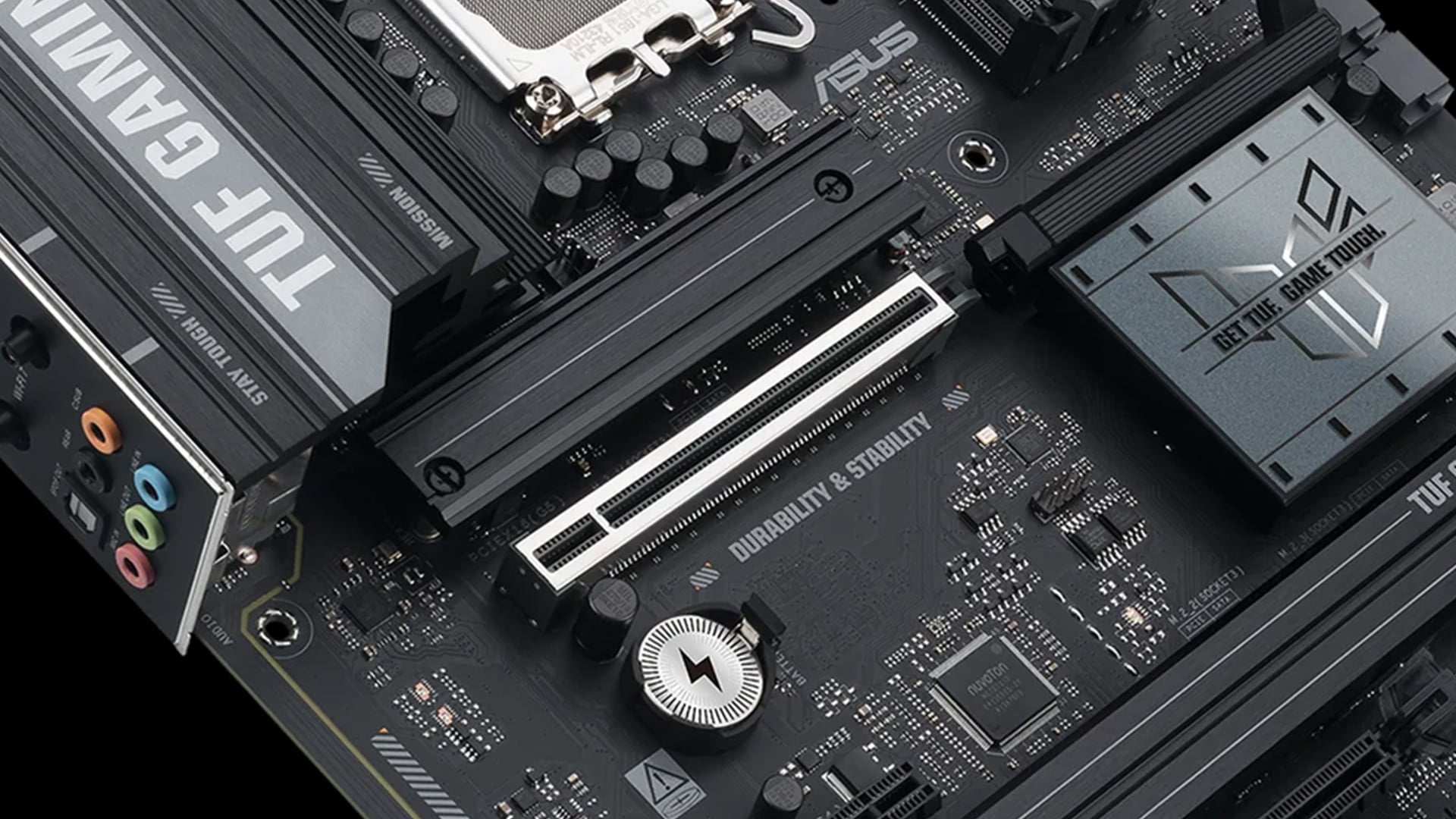
PCIe 4.0 vs PCIe 5.0 Graphics Cards: Main Difference
The main PCIe 4.0 vs PCIe 5.0 Graphics Cards difference is bandwidth headroom, not automatic gaming speed.
A PCIe 5 GPU can move more data between the graphics card and motherboard. That helps in workloads where lots of data has to travel across the PCIe bus. In gaming, most of the heavy lifting happens inside the graphics card itself, using VRAM and GPU compute power.
That is why PCIe 5 GPU Performance does not always translate into higher FPS.
PCIe 4.0 Graphics Card
A PCIe 4.0 Graphics Card is still a strong choice for gaming. Many powerful GPUs run well on PCIe 4.0, especially when using a full x16 slot.
PCIe 4.0 is good for:
- 1080p gaming
- 1440p gaming
- 4K gaming
- eSports
- High-refresh monitors
- Most current GPUs
- Mainstream gaming PCs
- Cost-effective upgrades
For most players, PCIe 4.0 is not the limiting factor.
PCIe 5.0 Graphics Card
A PCIe 5.0 Graphics Card gives more bandwidth and is more future-ready. It is most useful in newer builds with modern CPUs and motherboards.
PCIe 5.0 is useful for:
- Latest NVIDIA and AMD GPUs
- High-end graphics cards
- Future GPU upgrades
- AI and creator workloads
- Large data transfers
- Systems with fewer PCIe lanes
- Long-term platform planning
If you are buying a new high-end graphics card, PCIe 5.0 support is a nice bonus. It should not be the only reason you buy a card.
Does PCIe 5 Improve Gaming Performance?
In most games, PCIe 5 Gaming Performance is not dramatically better than PCIe 4.0. You may see small differences in certain situations, but the upgrade is rarely as noticeable as moving to a faster GPU.
Gaming performance depends more on:
- GPU model
- VRAM capacity
- CPU performance
- Game engine
- Resolution
- Graphics settings
- Driver quality
- Cooling
- RAM speed and capacity
- Monitor refresh rate
A faster PCIe slot cannot turn a mid-range GPU into a flagship card.
When PCIe 5 Can Help
PCIe 5 can matter more when:
- The GPU uses fewer lanes, such as x8 instead of x16
- The game or workload transfers lots of data
- VRAM runs out and data spills more often
- You use AI, rendering or workstation tools
- You buy a top-end GPU and want full platform support
- You want the best long-term motherboard compatibility
When PCIe 4 Is Enough
PCIe 4 is enough when:
- Your GPU uses a full x16 connection
- You mainly play games
- Your current motherboard is modern
- You do not run workstation workloads
- Your bottleneck is CPU, GPU or VRAM, not PCIe bandwidth
- You would rather spend money on a better GPU or monitor
For most gamers, the smart money still goes into the graphics card tier, not a motherboard swap purely for PCIe 5.
PCIe Graphics Card Comparison for Gamers
A useful PCIe Graphics Card Comparison should focus on real gaming priorities, not just the interface version.
What Matters Most
When choosing a gaming GPU, compare:
- Game performance benchmarks
- VRAM capacity
- Cooling design
- Power requirements
- Card size
- Display outputs
- Ray tracing performance
- Upscaling support
- Driver features
- Price
- PCIe compatibility
PCIe version is only one line on the spec sheet.
Simple Buying Rule
Use this rule:
- PCIe 4.0 motherboard + strong GPU: still good for gaming
- PCIe 5.0 motherboard + PCIe 5 GPU: best for a new high-end build
- PCIe 3.0 motherboard + newer GPU: still may work, but check lane count and performance reviews
- Old CPU + new GPU: CPU bottleneck may matter more than PCIe version
If you are shopping by brand, compare a NVIDIA display card or an AMD GPU based on game performance, VRAM and budget first.
Are PCIe 5 Graphics Cards Backwards Compatible?
Yes, PCIe is designed for backward compatibility. A PCIe 5 GPU can usually run in a PCIe 4 motherboard, but it will operate at PCIe 4 speeds.
That means:
- A PCIe 5.0 Graphics Card can fit in a PCIe 4.0 x16 slot
- A PCIe 4.0 Graphics Card can work in a newer PCIe 5.0 slot
- The connection runs at the highest version supported by both GPU and motherboard
- Lane count still matters
- BIOS updates may help with very new cards on older boards
This is important because it means you do not always need a new motherboard when buying a new graphics card.
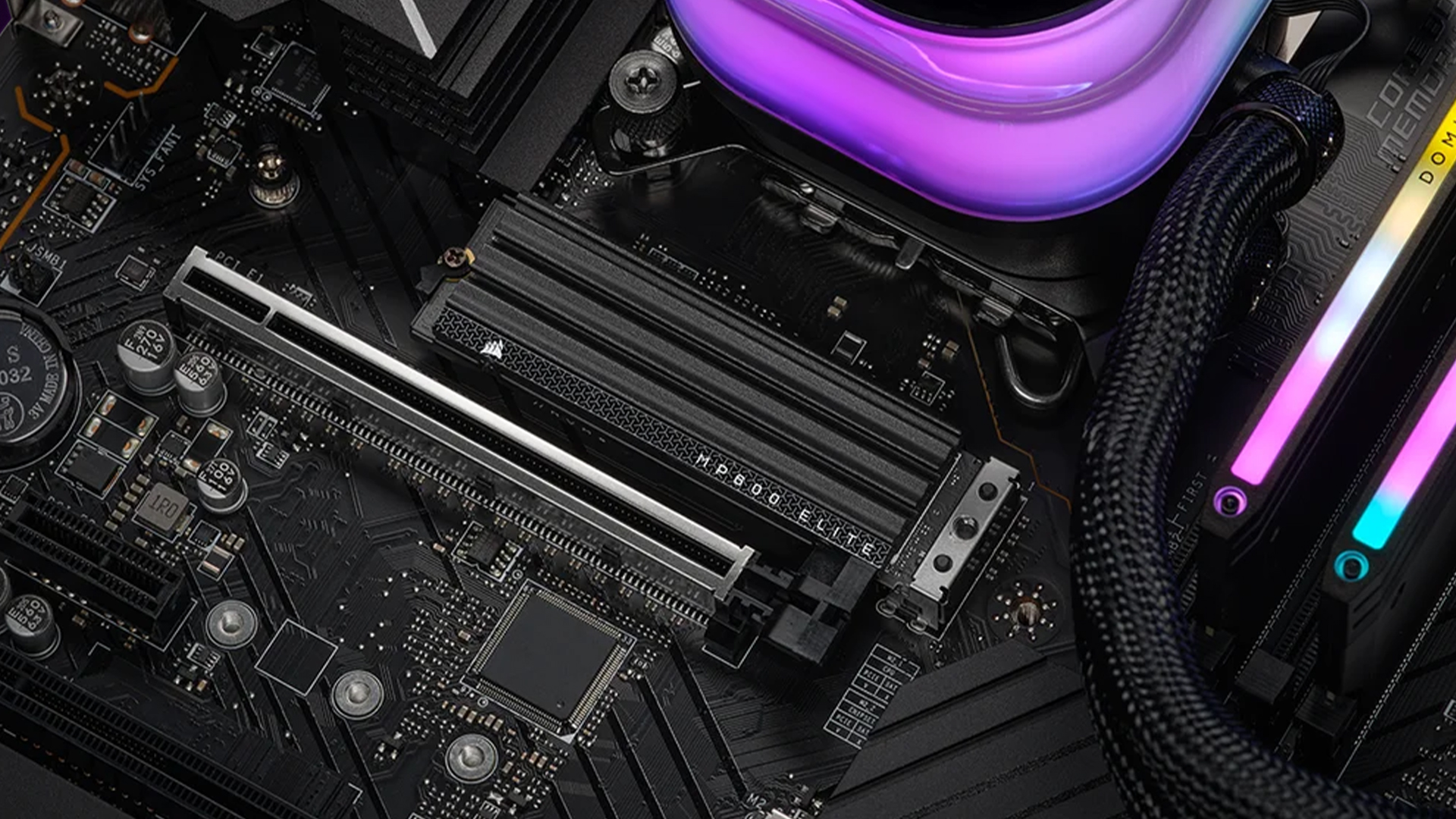
Can a PCIe 5 GPU Run in a PCIe 4 Motherboard?
Yes, a PCIe 5 GPU can run in a PCIe 4 motherboard if the board has a compatible PCIe x16 slot and the rest of the system supports the card.
Before buying, check:
- PCIe x16 slot availability
- Case clearance
- Power supply wattage
- GPU power connector
- CPU bottleneck risk
- BIOS support
- Physical card thickness
- Airflow
The card should work at PCIe 4.0 speed. For gaming, that is usually fine.
Will PCIe 5 Increase FPS?
PCIe 5 can increase FPS in edge cases, but it is not a guaranteed FPS upgrade. In normal gaming, the difference between PCIe 4 vs PCIe 5 Gaming is often small because the graphics card uses its own VRAM for most rendering work.
If you want more FPS, prioritise:
- Better GPU
- Faster CPU if CPU-limited
- More VRAM if games exceed memory
- Correct graphics settings
- Better cooling
- Faster RAM where relevant
- Driver updates
- Higher-refresh monitor
PCIe 5 should be treated as platform headroom, not a magic frame-rate switch.
Do You Need PCIe 5 for RTX 5090?
No, you do not strictly need PCIe 5 for RTX 5090, but it is the best match for a premium build.
The RTX 5090 supports PCI Express Gen 5, so a PCIe 5.0 motherboard lets it use its native interface. However, PCIe backward compatibility means it can run in a suitable PCIe 4.0 x16 slot, provided your system supports the card physically and electrically.
For an RTX 5090-class build, the bigger checks are:
- Power supply capacity
- PCIe Gen 5 power cable or adapter support
- Case clearance
- CPU pairing
- Cooling and airflow
- 4K or ultrawide gaming monitor
- Motherboard BIOS support
If you are buying a flagship card, PCIe 5 is sensible. If you already own a high-quality PCIe 4.0 platform, the performance loss in games may not justify replacing the motherboard immediately.
Is PCIe 4 Enough for Gaming?
Yes, PCIe 4 is enough for gaming in 2026. A PCIe 4.0 x16 slot offers plenty of bandwidth for most current graphics cards and most games.
PCIe 4 is especially fine for:
- RTX 30 Series and RTX 40 Series builds
- Many Radeon RX 6000 and RX 7000 builds
- Mid-range gaming PCs
- 1080p and 1440p gaming
- 4K gaming with a strong GPU
- eSports
- Upgrade builds
A PCIe 4.0 Graphics Card is not outdated just because PCIe 5 exists. The GPU itself matters far more.
Should You Upgrade Your Motherboard for PCIe 5?
Only upgrade your motherboard for PCIe 5 if you are also moving to a newer platform or building a high-end PC from scratch.
Upgrade if:
- You are buying a new CPU anyway
- You want a full modern platform
- You need PCIe 5 SSD support
- You are buying a flagship GPU
- You want better I/O and expansion
- Your current motherboard is old or limited
- Your current CPU bottlenecks your GPU
Do not upgrade if:
- Your current PCIe 4 system works well
- Your GPU is the main limitation
- Your monitor is only 1080p 60Hz
- Your CPU is already strong
- You do not need new platform features
- The cost would stop you buying a better GPU
In many cases, moving from a weak GPU to a better graphics card gives a bigger gaming improvement than moving from PCIe 4 to PCIe 5.
Best PCIe 5 Graphics Card: What Should You Look For?
The Best PCIe 5 Graphics Card is not simply the one with PCIe 5 on the box. It is the card that matches your resolution, refresh rate, games and budget.
For 1080p, you do not need a flagship GPU. A good mid-range card is usually enough.
For 1440p, look for stronger VRAM and ray tracing performance.
For 4K, choose a high-end GPU with enough VRAM and strong upscaling support.
Check:
- Raster performance
- Ray tracing performance
- VRAM
- Cooling
- Power draw
- Display outputs
- Support for DLSS, FSR or other upscaling
- Physical size
- Warranty
- Price
If your GPU is powerful but your monitor is basic, upgrade the display too. Strong graphics cards pair best with Monitors for gamers that match your resolution and refresh-rate target.
PCIe 5 GPU Performance: Where It Matters More Than Gaming
PCIe 5 GPU Performance matters more outside normal gaming when workloads move lots of data between system memory and GPU memory.
It can matter in:
- AI workloads
- Machine learning
- Large data processing
- GPU rendering
- Workstation tasks
- Multi-GPU environments
- Content creation pipelines
- Professional simulation
- Heavy compute workloads
For gaming, the GPU normally keeps the most important data in VRAM. That is why PCIe bandwidth is rarely the first bottleneck.
What About PCIe Lane Speed and x8 Cards?
PCIe lane speed matters because not every graphics card uses x16 lanes. Some cards use x8.
A PCIe 5.0 x8 connection can offer similar theoretical bandwidth to PCIe 4.0 x16. That is one reason newer cards can still perform well with fewer lanes.
However, if a card is limited to x8 and you run it on an older PCIe 3.0 motherboard, bandwidth can become more of a concern. This is where platform age matters.
For a 2026 gaming build, PCIe 4.0 or PCIe 5.0 is the safer target.
Motherboard Compatibility Checklist
Before buying any GPU, check motherboard compatibility carefully.
Check the PCIe Slot
Most modern graphics cards need a PCIe x16 physical slot. The slot may run at x16 or x8 electrically depending on the motherboard and lane sharing.
Check the CPU and Chipset
CPU and chipset decide how many lanes are available and what PCIe version they support. A newer motherboard may have PCIe 5 support, but not every slot or M.2 connector runs at PCIe 5 speed.
Check Case Space
High-end PCIe 5 graphics cards can be large. Check length, width, thickness and cable clearance.
Check PSU Requirements
PCIe generation is separate from power. A PCIe 5 GPU may need a modern power supply, enough wattage and the right connector.
Check BIOS Updates
A BIOS update can improve compatibility with newer CPUs, GPUs and Resizable BAR support. Check the motherboard support page before installing a new high-end card.
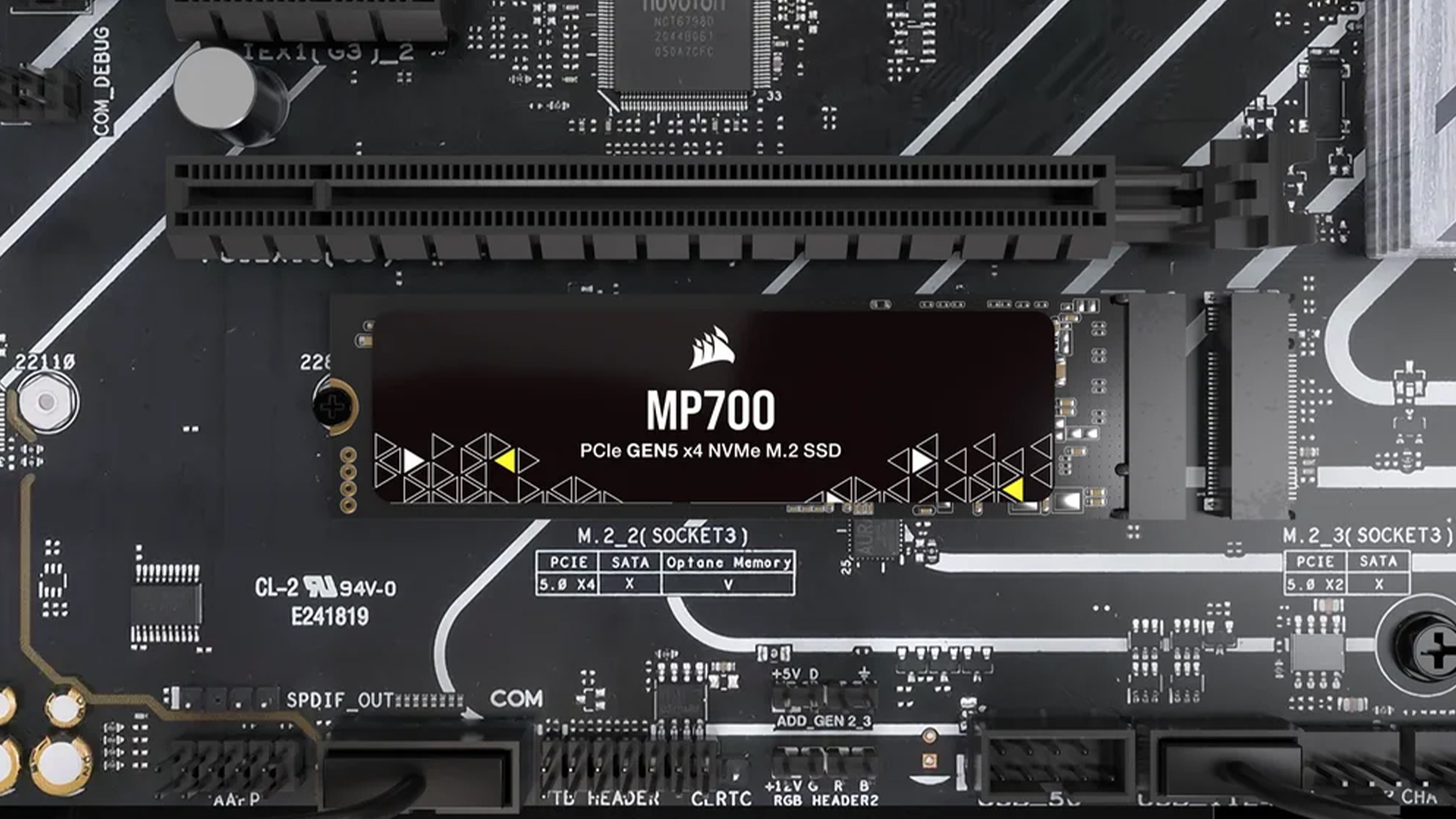
PCIe 4 vs PCIe 5 Gaming: Best Setup by User Type
Budget Gamer
Use PCIe 4.0 if your motherboard already supports it. Spend more on the GPU and monitor.
Best focus:
- Better graphics card
- 16GB or 32GB RAM
- NVMe SSD
- Good 1080p or 1440p monitor
Mainstream Gamer
PCIe 4.0 is still fine. PCIe 5.0 is nice if you are building new, but not essential.
Best focus:
- GPU tier
- VRAM
- CPU balance
- Cooling
- Driver support
High-End Gamer
PCIe 5.0 is worth having in a fresh build. It gives you the cleanest platform for the latest GPUs and future upgrades.
Best focus:
- Flagship or high-end GPU
- Strong CPU
- PCIe 5 motherboard
- Quality PSU
- 4K or ultrawide high-refresh display
Creator or AI User
PCIe 5.0 can matter more here, especially if your work moves large data sets between system memory and GPU memory.
Best focus:
- GPU compute performance
- VRAM
- PCIe bandwidth
- CPU cores
- RAM capacity
- Fast storage
Common PCIe Graphics Card Mistakes
Assuming PCIe 5 Always Means More FPS
PCIe 5 gives more bandwidth, not automatic higher frame rates. In most games, the GPU model matters far more.
Replacing a Good Motherboard Too Soon
A solid PCIe 4 motherboard is still useful. Do not replace it only because a new GPU says PCIe 5.
Ignoring the CPU
A weak CPU can hold back a powerful GPU. That will hurt FPS more than PCIe 4 vs PCIe 5 in many games.
Forgetting About the Monitor
A better GPU is wasted if your monitor cannot show the frames or resolution you are paying for.
Confusing PCIe Version with Power Connectors
PCIe 5.0 as a data interface is not the same as a PCIe Gen 5 power cable. Check both separately when buying a high-end card.
Wrapping Up
PCIe 4.0 vs PCIe 5.0 Graphics Cards matters for bandwidth, future-proofing and high-end platforms, but it usually does not transform gaming FPS.
For most gamers, PCIe 4.0 is still enough. A PCIe 4.0 x16 slot gives plenty of bandwidth for current gaming, especially when paired with a strong GPU, enough VRAM, a good CPU and a fast monitor.
PCIe 5.0 is worth choosing if you are building a new premium PC, buying a flagship GPU, planning long-term upgrades or also using the system for AI, rendering or heavy creator workloads.
Simple recommendation:
- Keep PCIe 4.0 if your current PC is already fast and you only want better gaming FPS.
- Choose PCIe 5.0 if you are building a new high-end system from scratch.
- Do not upgrade only for PCIe 5.0 if your money would be better spent on a stronger GPU, CPU or monitor.
- Check compatibility first before buying any new graphics card.
For gaming in 2026, PCIe 5 is useful headroom. It is not the main reason games run faster.
FAQs
-
Does PCIe 5 improve gaming performance?
PCIe 5 can improve gaming performance in some edge cases, but most games do not see a major FPS jump from PCIe 4 to PCIe 5. The GPU, VRAM, CPU and settings matter more.
-
Is PCIe 5 worth it?
PCIe 5 is worth it for new high-end builds, flagship GPUs, fast storage and future-proofing. It is less worth it if you already have a good PCIe 4 gaming PC.
-
Are PCIe 5 graphics cards backwards compatible?
Yes, PCIe 5 graphics cards are generally backwards compatible with older PCIe slots. A PCIe 5 card can run in a PCIe 4 motherboard at PCIe 4 speeds.
-
Can a PCIe 5 GPU run in a PCIe 4 motherboard?
Yes, a PCIe 5 GPU can run in a PCIe 4 motherboard if the board has a compatible PCIe x16 slot, enough space and the correct power support.
-
Will PCIe 5 increase FPS?
PCIe 5 may increase FPS in rare bandwidth-limited cases, but it is not a guaranteed frame-rate upgrade. A faster GPU or better CPU usually gives a clearer gaming improvement.
-
Do I need PCIe 5 for RTX 5090?
No, you do not strictly need PCIe 5 for RTX 5090, but it is the best match for a premium RTX 5090 build. Also check power supply, case clearance, cooling and CPU pairing.
-
Is PCIe 4 enough for gaming?
Yes, PCIe 4 is enough for gaming in 2026. PCIe 4.0 x16 provides plenty of bandwidth for most current graphics cards and games.
-
Should I upgrade my motherboard for PCIe 5?
Upgrade your motherboard for PCIe 5 only if you are also upgrading CPU/platform or building a new high-end PC. Do not upgrade only for PCIe 5 if your current PCIe 4 system already performs well.
You can pay with:
*PayPal Credit Representative Example: Assumed credit limit £1,200, Representative 23.9% APR (variable). Purchase rate 23.9% p.a (variable).Terms & Conditions apply.


PayPal Credit and PayPal Pay in 3 are trading names of PayPal UK Ltd, 5 Fleet Place, London, United Kingdom, EC4M 7RD. Terms and conditions apply. Credit subject to status, UK residents only, Five Tech LTD acts as a broker and offers finance from a restricted range of finance providers. PayPal Pay in 3 is not regulated by the Financial Conduct Authority. Pay in 3 eligibility is subject to status and approval. 18+. UK residents only. Pay in 3 is a form of credit. Check if affordable and how you will repay. May make other borrowing more difficult or expensive. See product terms for more details.
Copyright © 1996-2026 Fivetech LTD | Terms and Conditions
box.co.uk & Box are trading names of Five Tech Limited. Registered office: Box LTD, Unit 10 Woodford Trading Estate, Woodford Green IG8 8HF