


 Menu
MenuMenu


Get Sales Advice from Mon - Fri 9am - 5:00pm:
020 3337 8950POSTED: 05 May, 2026
How Much VRAM Do You Need? NVIDIA 50 Series Laptop GPU Guide
When buyers compare RTX 50 laptops, the first thing they usually look at is the model name. RTX 5060 sounds stronger than last year’s mid-range part, RTX 5070 Ti sounds like a clear step up, and RTX 5090 sounds like the no-compromise option. But with current NVIDIA 50 Series VRAM tiers, memory has become one of the clearest signals of what each laptop GPU is actually built to do. NVIDIA’s official laptop stack now runs from 8GB to 24GB of GDDR7, with RTX 5060, RTX 5070 and RTX 5050 at 8GB, RTX 5070 Ti at 12GB, RTX 5080 at 16GB, and RTX 5090 at 24GB.
That does not mean more VRAM is always the right answer. It means NVIDIA 50 Series VRAM now gives buyers clearer breakpoints than before. If you mainly play at 1080p, 8GB may still be enough. If you want heavier textures, more ray tracing, and more headroom at 1440p, 12GB to 16GB starts to make more sense. If you are buying for advanced creative work or local AI tasks, then 24GB becomes easier to justify. This guide breaks down what VRAM actually does, how much you need, and which GPU tier in the current 50 Series laptops range makes the most sense for your workload.
What VRAM Actually Does in a Laptop GPU
VRAM is the dedicated memory attached to the GPU. It holds the textures, frame data, geometry, ray tracing data, AI assets, and other graphics-heavy information the GPU needs quickly. In plain terms, more VRAM gives the GPU more room to work without constantly leaning on slower system resources. That is why NVIDIA 50 Series VRAM matters for gaming, video editing, 3D work, and local AI tools in very different ways. NVIDIA positions GeForce RTX 50 Series laptops not just for gaming, but also for creators and local AI workflows, with DLSS 4.5, NVIDIA Studio support, and dedicated AI performance features across the stack.
-
The Difference Between VRAM, System RAM, and Storage
This is one area where buyers still get mixed up. VRAM is not the same as system memory, and it is definitely not the same as storage. Your GPU uses VRAM. Your laptop uses system RAM for the operating system, apps, and background tasks. Your SSD stores files, games, media, and software. So when people talk about “50 series RAM” or “Nvidia 50 series laptop storage”, they are often mixing together three different things. If you are comparing GPU memory with laptop RAM, the simple rule is that VRAM affects the graphics workload, while system RAM affects the wider laptop experience.
-
Why Laptop GPU Memory Limits Can Affect Longevity
VRAM limits matter more in laptops because you cannot upgrade a laptop GPU later in the same way you can in a desktop. If a game or creative workflow grows beyond what the GPU memory can handle comfortably, that limit stays with you for the life of the machine. That is why NVIDIA 50 Series VRAM is a buying decision that also affects longevity. The right amount is not just about today’s frame rates. It is also about how comfortable the laptop will feel a year or two from now.
NVIDIA RTX 50 Series Laptop GPUs at a Glance
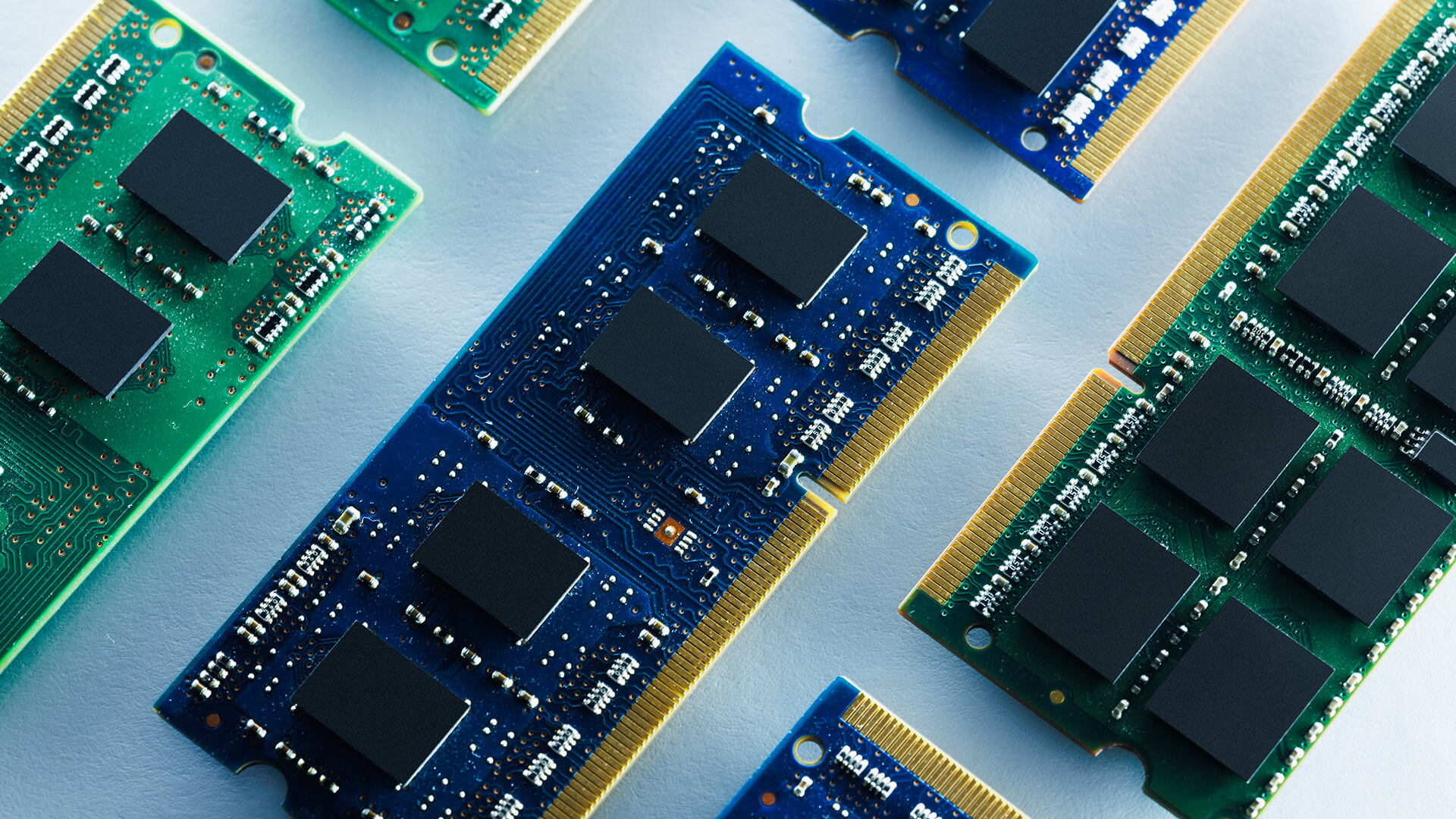
The current GeForce laptop lineup makes the NVIDIA 50 Series VRAM story unusually easy to understand because the stack is split into very clear tiers. According to NVIDIA’s official laptop compare page, RTX 5050, RTX 5060, and RTX 5070 Laptop GPUs all come with 8GB of GDDR7 on a 128-bit bus, RTX 5070 Ti Laptop GPU jumps to 12GB on a 192-bit bus, RTX 5080 Laptop GPU moves to 16GB on a 256-bit bus, and RTX 5090 Laptop GPU tops out at 24GB on a 256-bit bus. Memory bandwidth also climbs sharply, from 384 GB/s on RTX 5060 and RTX 5070 to 672 GB/s on RTX 5070 Ti and 896 GB/s on RTX 5080 and RTX 5090.
-
RTX 5060 and RTX 5070 Laptops: Where 8GB Fits
For most buyers, 8GB is the entry point for current VRAM for gaming laptops in the RTX 50 family. That covers RTX 5060 and RTX 5070 models, and it is also where many value-led Nvidia 50 series laptops will land. In practice, 8GB is the tier for mainstream gaming, especially if you are targeting 1080p or a balanced 1440p setup rather than trying to max everything all the time. It is also the tier where cooling, power limits, and display choice matter a lot, because 8GB can feel fine in one laptop and more restrictive in another.
-
RTX 5070 Ti and RTX 5080 Laptops: Why 12GB to 16GB Changes the Conversation
This is the point where NVIDIA 50 Series VRAM starts to matter much more. RTX 5070 Ti at 12GB and RTX 5080 at 16GB are the breakpoints where heavier textures, higher settings, more ray tracing, and more creator-friendly workloads start to feel easier to justify. The jump is not just about raw GPU power. It is about moving into a memory tier that gives you more breathing room for bigger games, more demanding 1440p use, and more complicated project files.
-
RTX 5090 laptops: when 24GB is genuinely useful
RTX 5090 laptops are the top end of the current GeForce 50 Series stack, and the 24GB memory tier is clearly aimed at buyers who know why they need it. NVIDIA itself frames the RTX 50 laptop family as a platform for gamers and creators, and its higher-end messaging also leans into local AI, 3D rendering, and heavier creative workflows. That is where 24GB becomes genuinely useful. For most ordinary gaming laptops, it is more than necessary. For advanced creator and AI users, it can be the reason the system works smoothly at all.
How Much VRAM Do You Need for Gaming?
Here’s the answer to your most asked question:
-
8GB for Mainstream 1080p and Many 1440p Workloads
For most gamers, 8GB is still the realistic floor for VRAM for gaming laptops in 2026. It fits the sort of machines built around RTX 5060, RTX 5070, and even RTX 5050 laptops. If your target is mainstream 1080p gaming, esports, or sensible settings at 1440p, 8GB can still be enough. The key word is sensible. It works best when the laptop is matched with an appropriate display and you are not trying to force every game into the highest texture setting just because the menu allows it.
-
12GB to 16GB for Heavier Textures, Ray Tracing, and Longer Headroom
12GB to 16GB is where gaming starts to feel more comfortable long term. This is the tier for people who care about heavier textures, more demanding games, more aggressive ray tracing, and having enough headroom that the laptop still feels strong in two or three years. That is why the RTX 5070 Ti laptop 12GB and RTX 5080 laptop 16GB tiers are the most interesting part of the stack for many serious buyers.
-
24GB for Niche High-End Use Rather Than Most Laptop Gamers
A 24GB laptop GPU is impressive, but it is not automatically the best buy for everyone. For gaming alone, 24GB is often more luxury than necessity. The reason to step up to RTX 5090 is not just because it has the most VRAM. It is because you have a use case that can actually exploit it. For many laptop gamers, that money is better spent on a balanced machine with a stronger display, better cooling, or a more sensible overall spec rather than simply the largest memory figure.
How Much VRAM Do You Need for Creative and AI Work?

If you are more into creative work and AI, here’s what to consider for the VRAM.
-
Why Video Editing and 3D Scenes can Benefit from More VRAM
Creators should think about NVIDIA 50 Series VRAM differently from gamers. A game can sometimes survive with lower settings. A large project file or heavy scene often cannot cheat its way around memory pressure as easily. NVIDIA’s Studio messaging for RTX 50 laptops explicitly points to video editing, 3D rendering, and graphic design as areas where these GPUs bring stronger acceleration. That makes 12GB, 16GB, and 24GB much more relevant for creators than they are for casual gamers.
-
When Local AI Tools Push Memory Requirements Higher
The AI angle is where laptop GPU memory gets serious fast. NVIDIA’s RTX 50 laptop page directly highlights local AI use cases, faster local model handling, image and video generation, and tools such as LM Studio and AnythingLLM. That does not mean every buyer needs 24GB. It does mean NVIDIA laptop GPU memory matters much more if you plan to run local AI tools rather than just game. For that audience, 16GB starts to look safer, and 24GB stops looking excessive quite so quickly.
-
Why Creators Should Look Beyond FPS
For creators, NVIDIA 50 Series VRAM should be judged by workload stability more than frames per second. A creator choosing between RTX 5070 Ti, RTX 5080, and RTX 5090 should be thinking about timeline complexity, 3D scene size, model size, and export consistency, not just whether a benchmark chart looks bigger. That is why creator buying advice often lands differently from gaming advice.
Which RTX 50 Series Laptop GPU Tier Matches Your Needs?
Depending on your unique needs, your choice for the right RTX 50 series laptop GPU can vary. Here's what suits who:
-
Best Fit for Casual Gamers and Value Buyers
If you want the practical answer to how much VRAM you need for gaming laptop use, most value buyers should start with 8GB. That means the lower part of the stack, especially RTX 5060 and RTX 5070. This tier suits players who want strong mainstream gaming, good modern features, and a more manageable price. It also makes sense if you are browsing best laptops more broadly and want a 50-series machine without jumping straight to flagship money.
-
Best Fit for Demanding Gamers and Hybrid Gamer-Creators
This is where NVIDIA 50 Series VRAM makes the strongest buying case. RTX 5070 Ti and RTX 5080 are the tiers for buyers who want strong gaming but also need some creator flexibility. If you want the laptop to handle heavier 1440p workloads, more demanding visuals, and more serious media work, 12GB to 16GB is the range that usually feels safest.
-
Best Fit for Professional Creators and Advanced AI Users
For people using laptop GPUs for serious creative work or advanced local AI tasks, RTX 5090 is the obvious high-end answer. That does not make it the right answer for everyone. It makes it the right answer for users whose workloads are large enough that 24GB is not just a luxury but a practical tool. If that is not you, a 16GB RTX 5080 system may be the smarter balance.
VRAM Is Not the Only Thing That Matters
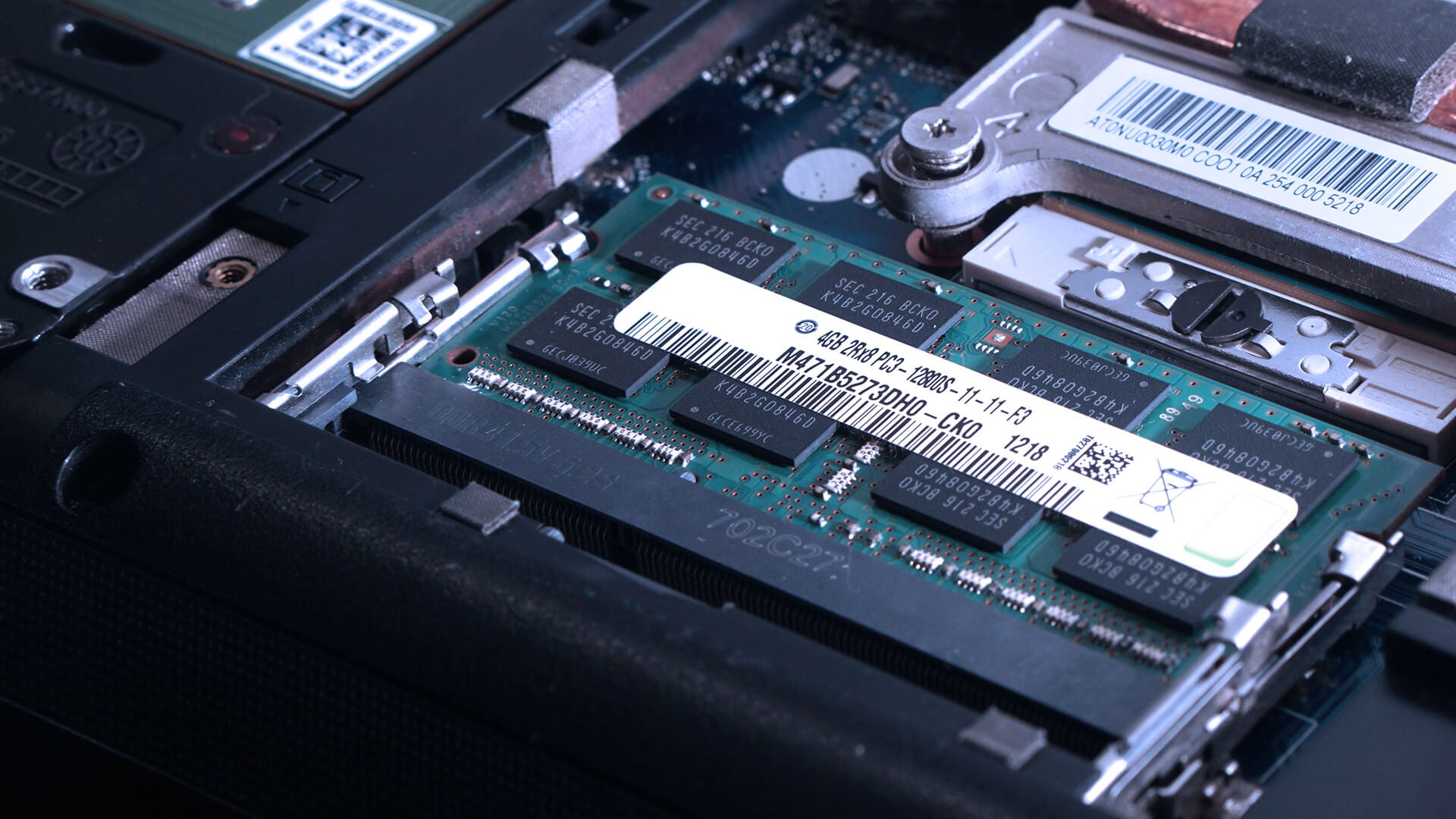
If you are considering performance for gaming and other workloads, VRAM is not the only factor that matters. There are a few more.
-
GPU Power Limits and Cooling Change Real-World Results
One of the biggest mistakes in any NVIDIA 50 Series VRAM discussion is treating VRAM as the only spec that matters. NVIDIA’s official compare page also shows wide GPU subsystem power ranges across the stack, from 35W to 100W on RTX 5050 and up to 95W to 150W on RTX 5090 Laptop GPU. That means two laptops with the same GPU name can still perform differently depending on power limits and cooling.
-
Display Resolution Affects How Much VRAM You Can Use
The display matters too. A laptop built around 1080p or 1600p gaming does not pressure memory in the same way as a machine trying to push much heavier pixel loads and ultra textures all the time. So how much VRAM for 1440p gaming depends partly on what kind of 1440p-like display you are pairing it with, and whether the laptop is balanced around that target in the first place.
-
DLSS, Max-Q, and optimisation still shape the experience
NVIDIA’s RTX 50 laptop stack is not just about raw memory. Even with the best laptop memory, other factors matter as well. The official 50 Series laptops page also leans heavily on DLSS 4.5, Dynamic Multi Frame Generation, Blackwell Max-Q, and Studio support. Those features can significantly shape the experience, especially in laptops where efficiency, acoustics, and battery behaviour matter as much as raw speed. So yes, NVIDIA 50 Series VRAM matters, but it sits inside a much bigger laptop performance picture.
Wrapping Up
The right amount of VRAM depends on what you actually want the laptop to do. For many buyers, 8GB is still enough for mainstream gaming and balanced everyday use, especially if the focus is 1080p and sensible 1440p settings. That is why the lower RTX 50 laptop tiers still make sense for a lot of people.
The point where things start to feel more comfortable is 12GB to 16GB. That is the range where heavier games, more demanding settings, creative workloads, and better long-term headroom come together in a much more practical way. For many buyers, this is the most balanced part of the stack.
Beyond that, 24GB is really for users with more demanding needs rather than for the average laptop gamer. If you are buying for advanced creative work, larger AI workloads, or a genuinely high-end mobile setup, the extra VRAM can be worth paying for. If not, it usually makes more sense to choose the GPU tier that matches your actual workload and put the rest of the budget into the overall laptop rather than the biggest memory figure alone.
Frequently Asked Questions
-
Is 8GB of VRAM enough for an RTX 50 Series laptop in 2026?
Yes, for many buyers. An 8GB RTX 50 laptop is still a sensible choice for mainstream gaming and many balanced 1440p workloads, especially if the laptop is well matched to its screen and cooling.
-
Is 12GB VRAM better than 8GB for gaming laptops?
Yes, if you want more headroom. 12GB gives the GPU more room for heavier textures, more demanding games, and a stronger long-term buffer than 8GB. That is why RTX 5070 Ti laptops change the buying conversation.
-
Do creators need 16GB or more VRAM in a laptop GPU?
Not always, but many creators benefit from it. Video editing, 3D rendering, graphic design, and AI-assisted workflows can all scale better with more GPU memory, which is why 16GB and above is easier to justify for creator-focused buyers.
-
Is the RTX 5090 Laptop GPU overkill for most users?
For most users, yes. It is aimed at the highest-end gaming, creator, and AI use cases rather than everyday laptop buyers. For many people, RTX 5070 Ti or RTX 5080 will be the more sensible tier.
-
Does DLSS reduce how much VRAM you need?
DLSS can help performance and image quality at demanding settings, but it does not make VRAM irrelevant. The overall laptop experience is still shaped by VRAM, power limits, cooling, resolution, and the rest of NVIDIA’s RTX 50 laptop feature stack.
You can pay with:
*PayPal Credit Representative Example: Assumed credit limit £1,200, Representative 23.9% APR (variable). Purchase rate 23.9% p.a (variable).Terms & Conditions apply.


PayPal Credit and PayPal Pay in 3 are trading names of PayPal UK Ltd, 5 Fleet Place, London, United Kingdom, EC4M 7RD. Terms and conditions apply. Credit subject to status, UK residents only, Five Tech LTD acts as a broker and offers finance from a restricted range of finance providers. PayPal Pay in 3 is not regulated by the Financial Conduct Authority. Pay in 3 eligibility is subject to status and approval. 18+. UK residents only. Pay in 3 is a form of credit. Check if affordable and how you will repay. May make other borrowing more difficult or expensive. See product terms for more details.
Copyright © 1996-2026 Fivetech LTD | Terms and Conditions
box.co.uk & Box are trading names of Five Tech Limited. Registered office: Box LTD, Unit 10 Woodford Trading Estate, Woodford Green IG8 8HF