


 Menu
MenuMenu


Get Sales Advice from Mon - Fri 9am - 5:00pm:
020 3337 8950LAST UPDATED: December 02, 2025
Best MSI QD-OLED Monitors 2025: Gaming & Ultrawide Picks
In today’s rapidly evolving monitor market, gamers and creators are spoiled for choice with technologies like TN, VA, IPS, and now OLED panels competing for attention. But in 2025, one display innovation stands clearly ahead of the rest: QD-OLED.
So, what makes QD-OLED so revolutionary? It’s all about how it works. Unlike traditional panels that rely on an always-on backlight, each pixel in a QD-OLED display emits its own light and colour. That means true blacks, vibrant contrast, and incredible depth; every shadow and highlight rendered with precision. By combining Quantum Dot colour enhancement with OLED’s self-emissive design, these panels deliver a level of visual realism that IPS and VA screens simply can’t match.
MSI has taken this breakthrough technology and fine-tuned it for next-generation gaming and content creation, introducing a lineup of QD-OLED monitors that redefine what smooth motion, lifelike colour, and ultra-fast responsiveness can look like. Whether you’re a competitive gamer chasing milliseconds or a designer demanding colour perfection, MSI’s 2025 QD-OLED range brings premium performance and cutting-edge visuals to every setup.
What to Look for in MSI’s 2025 QD-OLED Lineup
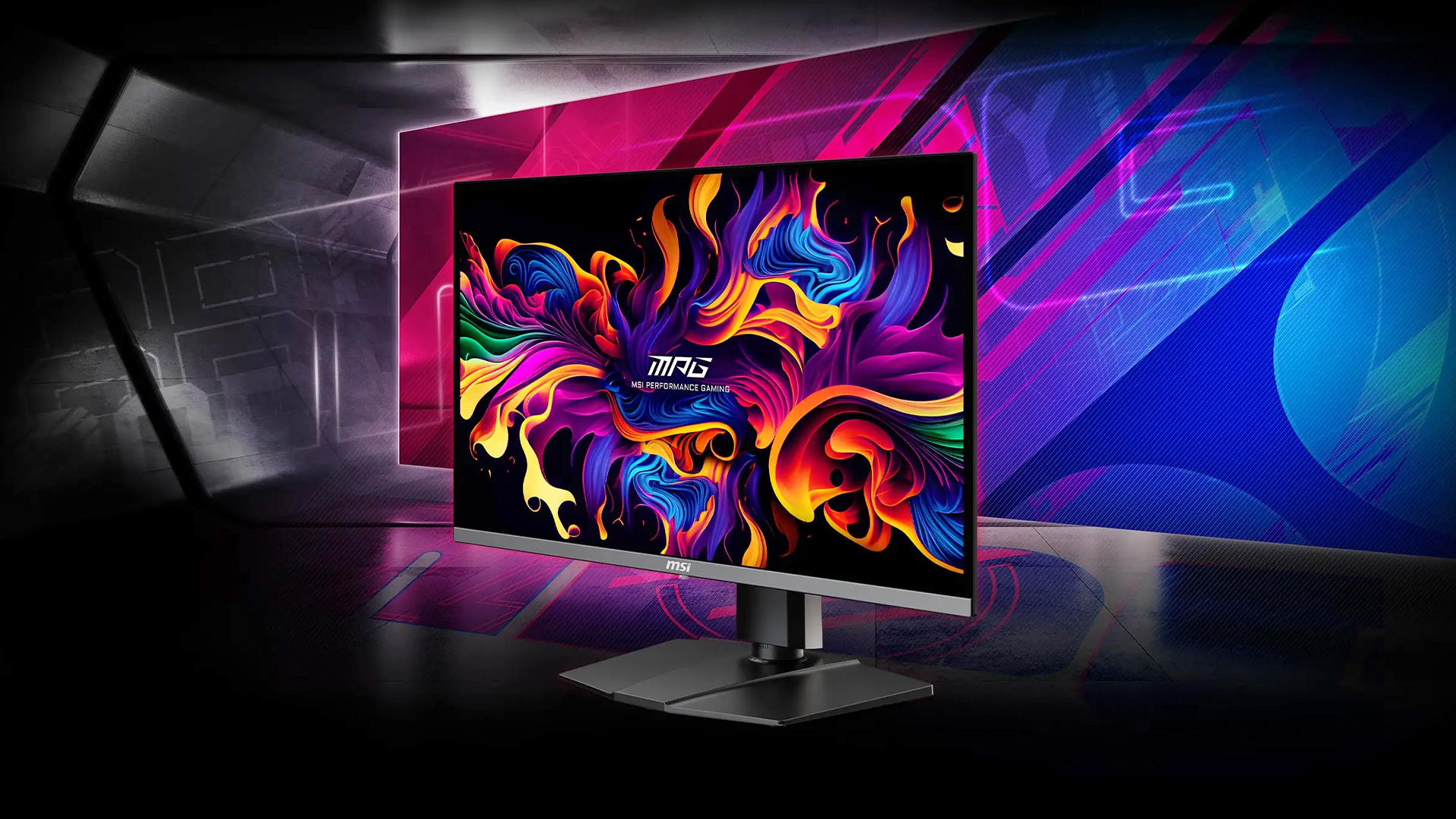
MSI’s 2025 QD-OLED monitors are built to satisfy both hardcore gamers and professional creators, combining cutting-edge performance with exceptional visual quality. But with so many models offering unique specs and advanced features, it’s important to understand what truly matters before you buy.
Here’s a detailed breakdown:
Key Features: Resolution, Refresh Rate, and Colour Accuracy
When comparing MSI’s QD-OLED models, start with the three pillars of display performance; resolution, refresh rate, and colour quality.
- Resolution determines how sharp and detailed your visuals appear. If you’re a creator, streamer, or someone who multitasks across multiple windows, a 4K (3840×2160) display offers crystal-clear detail and extra workspace. For gamers who prioritise smoother frame rates and responsiveness, QHD (2560×1440) strikes a great balance between performance and visual fidelity.
- Refresh rate is the heartbeat of gaming monitors. MSI’s latest lineup offers blazing-fast refresh rates from 240 Hz for ultra-smooth gameplay to a staggering 500 Hz on select models like the MPG 271QRX. Higher refresh rates deliver fluid motion and eliminate motion blur, especially valuable in competitive titles like Valorant or Call of Duty: Warzone.
- Colour accuracy is where QD-OLED technology truly shines. Look for monitors offering 99% DCI-P3 coverage and VESA DisplayHDR 500 True Black certification, ensuring vibrant colours, rich contrast, and impeccable brightness. For content creators, this translates to true-to-life tones and consistent visuals across editing software; a must-have for professional work.
Gaming-Centric Features
MSI’s QD-OLED monitors are built from the ground up for elite-level gaming. Every millisecond count, which is why response time is critical aim for 1 ms or lower to avoid ghosting and maintain crisp motion clarity in fast-paced scenes.
For seamless gameplay, look for VRR (Variable Refresh Rate) support via NVIDIA G-SYNC Compatible and AMD FreeSync Premium. This eliminates screen tearing and stuttering, giving you smooth performance across any frame rate.
Another key advantage of MSI’s 2025 lineup is AI-driven OLED Care 2.0. This system automatically adjusts brightness, refreshes static pixels, and reduces uneven wear; all in the background. It protects your investment from burn-in while maintaining consistent brightness and colour performance, even during marathon gaming sessions or productivity tasks with static UI elements.
Productivity & Ultrawide Features
MSI’s QD-OLED range isn’t just for gamers; it’s also designed for professionals and multitaskers who demand more from their setup. For creators or office users, ultrawide models like the MAG 272QPW deliver panoramic workspaces, allowing you to edit timelines, manage multiple apps, or monitor live data streams side by side, all without the need for a second screen.
Connectivity is another major strength in the 2025 lineup. Expect full support for DisplayPort 2.1, HDMI 2.1, and USB-C with up to 90 W power delivery, allowing you to charge laptops, transfer data, and output video simultaneously through one cable; a must-have for clutter-free, modern setups. These ports ensure full compatibility with next-gen GPUs, consoles, and laptops, so your monitor stays future-proof for years to come.
Ergonomically, MSI includes adjustable stands, anti-glare coatings, and curved ultrawide designs to reduce strain and improve immersion. Whether you’re working long hours or diving into an intense gaming session, the comfort and usability of MSI’s design philosophy stand out.
Finally, features like improved brightness modes, Black Frame Insertion (BFI) for smoother motion, and HDR optimisation make MSI’s QD-OLED monitors a smart, long-term investment for gamers and creators alike.
New HDR Innovation: MSI’s “EOTF Boost” for Brighter, More Dynamic Gameplay
MSI’s latest “EOTF Boost” HDR update is one of the most exciting additions to its new generation of QD-OLED monitors. Designed to fix brightness inconsistencies found in the older “Peak 1000” mode, this smart enhancement dynamically adjusts brightness and contrast in real time; ensuring darker scenes stay detailed while bright highlights truly shine.
For gamers, this means more vivid HDR visuals, better contrast in fast-paced or shadowy environments, and less dimming that can sometimes dull the experience during long sessions. Whether you’re exploring a night-time battlefield or racing through a sunlit track, EOTF Boost ensures the action stays brilliant, balanced, and consistently immersive, bringing HDR gaming closer than ever to what developers intended.
Best MSI QD-OLED Monitors for Gaming Use
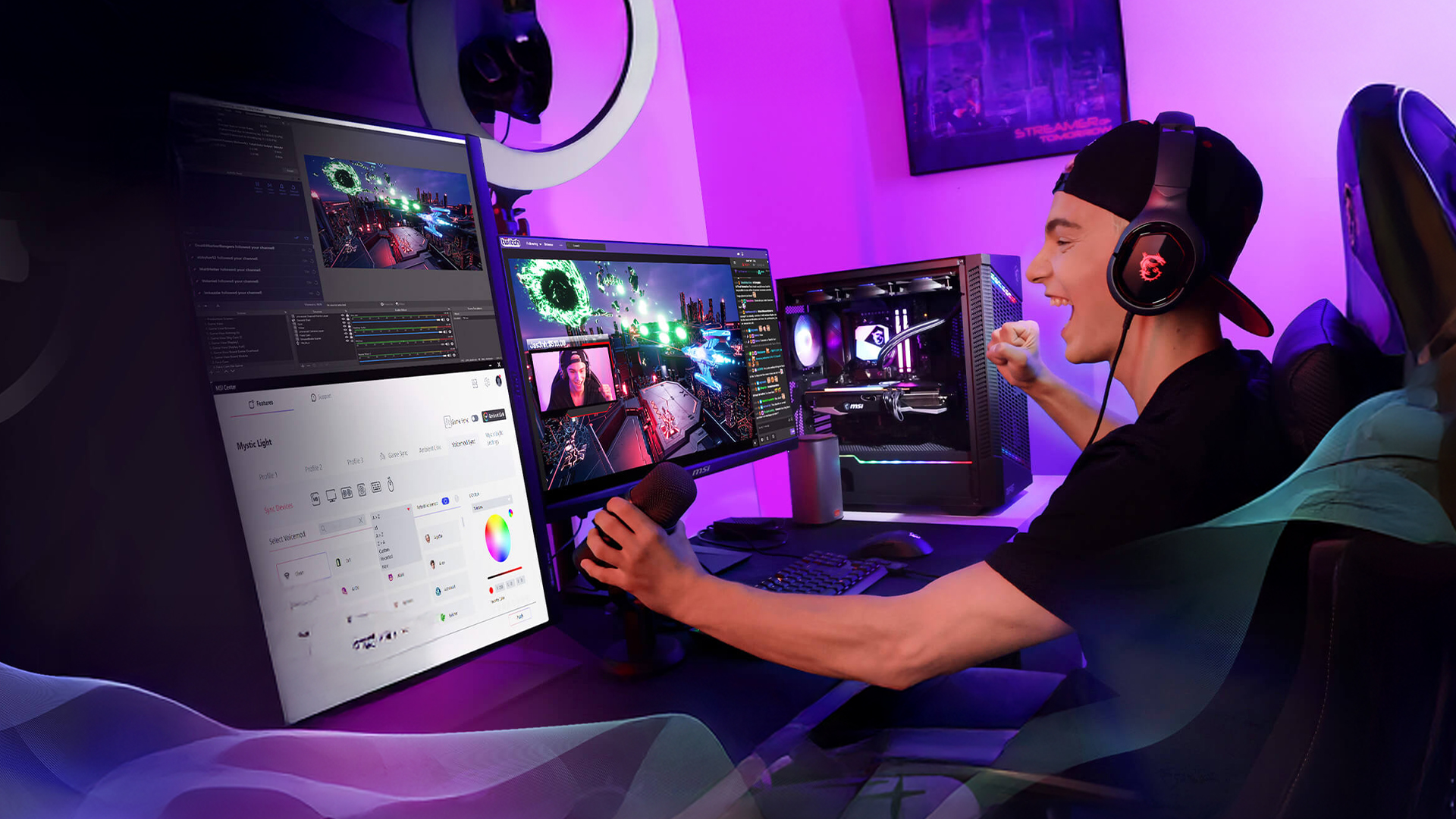
Let’s look at the best MSI QD-OLED monitors for gamers which are built to deliver unbeatable speed, colour accuracy, and immersion in competitive eSports and gaming.
Top Performance Models for Competitive Gamers
If you play fast-paced titles like Valorant, CS2, or Fortnite, speed and responsiveness can make or break your performance. For players who demand top-tier accuracy and fluidity, the MSI MPG 341CQPX QD-OLED 34" Curved Ultrawide Gaming Monitor (MPN: MPG 341CQPX QD-OLED) is a true powerhouse.
This stunning ultrawide display delivers a 3440×1440 QHD resolution with a blazing 240 Hz refresh rate and 0.03 ms response time, ensuring every movement feels instant and precise. The gentle curve enhances immersion, while VESA DisplayHDR True Black 500 brings out incredible contrast and vibrant colours; perfect for competitive shooters and racing sims alike. With HDMI 2.1, DisplayPort 2.1, and USB-C connectivity, it’s ready for both next-gen consoles and high-end GPUs, giving you full-bandwidth gaming without compromise.
Balanced Picks for Everyday and Immersive Gamers
If your gaming style spans everything from open-world RPGs to creative projects, the MSI MAG 321CUP QD-OLED 32" Curved UHD 4K Gaming Monitor (MPN: MAG 321CUP QD-OLED) delivers an ideal mix of power, clarity, and comfort.
With its 32-inch 4K (3840×2160) resolution, 165 Hz refresh rate, and 0.03 ms response time, it provides cinematic visuals without sacrificing performance. The curved QD-OLED panel immerses you in rich colours and deep blacks, while HDR True Black 500 certification ensures exceptional brightness and dynamic contrast. Designed for both gamers and creators, it’s a versatile pick that transitions effortlessly between gaming marathons and editing sessions.
Budget-Friendly OLED Brilliance
For gamers who want next-gen OLED visuals without the premium price tag, the MSI MAG 271QP QD-OLED X28 27" QHD Gaming Monitor (MPN: MAG 271QP QD-OLED X28) proves that performance and affordability can go hand in hand.
This compact powerhouse features a 27-inch QHD panel running at a blistering 280 Hz with a 0.03 ms response time, delivering buttery-smooth gameplay even in high-intensity matches. Its QD-OLED panel ensures perfect blacks, vivid colours, and exceptional clarity, while adaptive-sync technology eliminates tearing and stuttering. Whether you’re upgrading from an older IPS display or looking for competitive value, this monitor brings elite performance into a more accessible range.
How to Choose the Right MSI QD-OLED Monitor for Your Setup
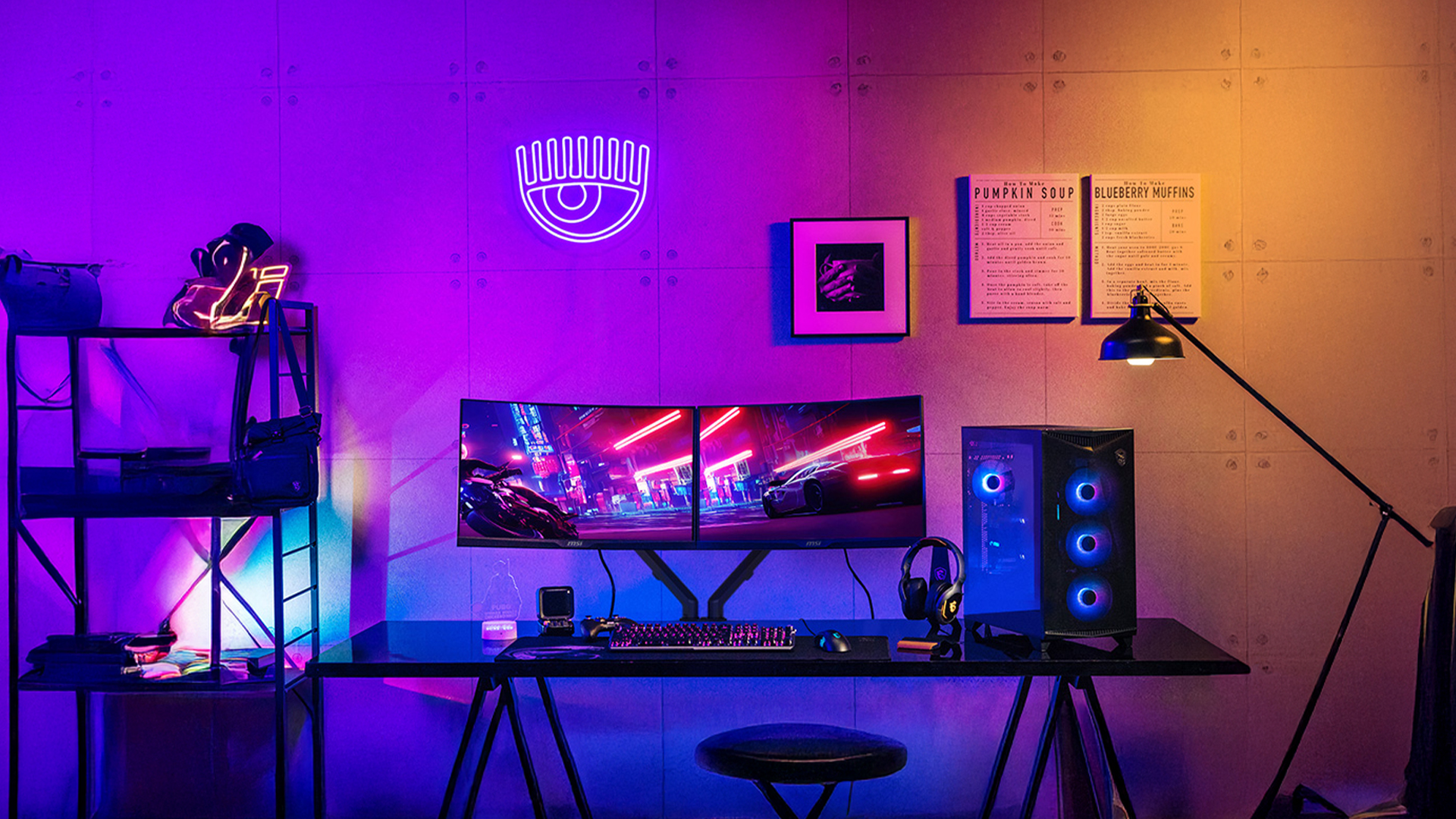
Choosing the perfect MSI QD-OLED monitor depends on how you plan to use it whether you’re chasing frames in competitive games, editing high-end visuals, or doing a bit of both.
Here’s how to make the right choice, step by step.
1-Picking the Right Monitor for Your Needs
For Gamers:
If you live for smooth, lag-free gameplay, focus on models with high refresh rates (240–360 Hz) and adaptive sync like G-SYNC or FreeSync Premium Pro. These features ensure lightning-fast reactions, no screen tearing, and buttery-smooth motion.
You’ll enjoy faster response times and a clear competitive edge in FPS and racing games; every frame counts.
For Creators:
Content creators and designers should look for higher resolution panels (4K or Ultrawide QHD) and factory-calibrated colour accuracy covering at least 99 % DCI-P3. MSI’s QD-OLED monitors offer incredible contrast and lifelike colour depth, ideal for photo editing, 3D work, or video grading.
What you see is what you get; precise colours, sharper details, and true-to-life visuals.
For Hybrid Users (Work + Play):
If you need one display for both productivity and gaming, go for ultrawide or USB-C-enabled models. Ultrawide QD-OLEDs give you space for multitasking, while USB-C with 90 W power delivery lets you charge your laptop and transfer data using a single cable.
A clutter-free, future-proof setup that’s as efficient for work as it is immersive for gaming.
2- Check Your Connectivity and Compatibility
To unlock your monitor’s full potential, ensure your hardware can keep up:
- GPUs: Look for a graphics card that supports DisplayPort 2.1 or HDMI 2.1 for ultra-high-refresh 4K or QHD output.
- Laptops: For USB-C laptops like MacBooks, MSI monitors with KVM switches allow you to control multiple devices with one keyboard and mouse; a perfect setup for hybrid users.
You get the smoothest visuals, minimal input lag, and seamless device switching; ideal for multitasking or dual-device workflows.
3- Plan Your Budget Wisely
QD-OLED monitors sit at the premium end of the spectrum, but they deliver unmatched visual quality and longevity. Expect to spend between £699–£1,499, depending on the screen size, refresh rate, and features.
While you’re paying more upfront, you’re investing in a monitor that offers superior performance, energy efficiency, and long-term durability; reducing the need for frequent upgrades.
MSI QD-OLED vs Other Brands: Is MSI the Best Option?
Here’s a detailed comparison chart that puts the 2025 models from MSI side-by-side with key competitors; helping you assess specs, price, longevity and ecosystem to decide if MSI really is your best option.
| Feature | MSI QD-OLED (2025 Lineup) | Competitor Example (Samsung QD-OLED) |
|---|---|---|
| Panel & Technology | 3rd-/4th-Gen QD-OLED panels (e.g., MAG 271QP QD-OLED & MPG 272URX QD-OLED) with 0.03 ms GtG response. | Samsung offers QD-OLED models (e.g., Odyssey OLED G8) with variations such as matte coatings or different surface treatments. |
| Refresh Rate & Resolution | Options from 240 Hz 4K (272URX) to 500 Hz QHD (271QR X50). | Competitors may match some specs but often with higher prices or trade-offs. |
| Connectivity / Future-proofing | DisplayPort 2.1 (80Gbps), USB-C with 90W PD, HDMI 2.1. | Some competitor models lack full USB-C power delivery or DP 2.1 bandwidth. |
| Colour Accuracy & HDR | 99% DCI-P3, factory-calibrated (Delta E ≤ 2), HDR True Black certifications. | Similar gamut but calibration, coatings, and HDR handling may vary. |
| Burn-in / Longevity | MSI OLED Care 2.0/3.0 and extended burn-in warranties. | Competitors typically offer standard warranties with less focus on burn-in mitigation. |
| Price & Value (UK) | Strong value relative to features at premium price points. | Some competitor models cost more for similar specs or offer fewer extras. |
| Brand Ecosystem & Software | MSI Center for tuning, RGB sync, and firmware updates. | Other ecosystems exist but mixing brands reduces synergy. |
Final Verdict
If you’re planning to upgrade your display setup this year, MSI’s QD-OLED monitors are a clear winner; blending top-tier performance, premium design, and exceptional longevity. Whether you’re into competitive eSports, creative content work, or immersive everyday gaming, MSI offers a tailored experience for every user.
Each of these displays embodies what makes MSI QD-OLED gaming monitors stand out stunning HDR brilliance, near-instant response times, and AI-powered burn-in protection that ensures long-term durability. Designed for the next generation of gaming and productivity, these MSI monitors offer the perfect mix of technology and comfort.
Explore the full range of MSI Monitors and OLED Monitors available now at Box.co.uk; your go-to destination for premium gaming monitors, ultrawide gaming monitors, and dual refresh rate monitors built to redefine your setup in 2025.
Frequently Asked Questions
Are MSI QD-OLED monitors good for gaming?
Absolutely. MSI QD-OLED monitors are built for gamers who demand speed and precision. With refresh rates up to 360 Hz, 0.03 ms response times, and Adaptive Sync support, you’ll enjoy ultra-smooth, tear-free gameplay with vibrant colours and true HDR contrast.
What’s the difference between QD-OLED and regular OLED?
QD-OLED combines Quantum Dot technology with traditional OLED panels to deliver brighter images, richer colours, and higher efficiency. You get the same perfect blacks OLED is known for, but with enhanced brightness and colour accuracy which is ideal for both gaming and creative work.
Is "burn-in" a problem on MSI QD-OLED monitors?
Not really. MSI integrates AI-powered OLED Care features that automatically refresh pixels, adjust brightness, and prevent static image retention. These protections make burn-in highly unlikely, even with long hours of use.
Which MSI QD-OLED monitor is best for content creation?
For creators, the MSI MEG 491C QD-OLED and MAG 321CUP QD-OLED stand out. Both offer true-to-life colour accuracy (99% DCI-P3), deep contrast, and ultrawide or 4K options; perfect for video editing, photography, or design work.
Are ultrawide QD-OLED monitors worth it in 2025?
Definitely. Ultrawide QD-OLED monitors like the MSI MPG 341CQPX offer immersive curved screens, wider workspace for multitasking, and stunning visuals for both work and play. They’re ideal for productivity, creative workflows, and cinematic gaming experiences.
You can pay with:
*PayPal Credit Representative Example: Assumed credit limit £1,200, Representative 23.9% APR (variable). Purchase rate 23.9% p.a (variable).Terms & Conditions apply.


PayPal Credit and PayPal Pay in 3 are trading names of PayPal UK Ltd, 5 Fleet Place, London, United Kingdom, EC4M 7RD. Terms and conditions apply. Credit subject to status, UK residents only, Five Tech LTD acts as a broker and offers finance from a restricted range of finance providers. PayPal Pay in 3 is not regulated by the Financial Conduct Authority. Pay in 3 eligibility is subject to status and approval. 18+. UK residents only. Pay in 3 is a form of credit. Check if affordable and how you will repay. May make other borrowing more difficult or expensive. See product terms for more details.
Copyright © 1996-2026 Fivetech LTD | Terms and Conditions
box.co.uk & Box are trading names of Five Tech Limited. Registered office: Box LTD, Unit 10 Woodford Trading Estate, Woodford Green IG8 8HF