


 Menu
MenuMenu


Get Sales Advice from Mon - Fri 9am - 5:00pm:
020 3337 8950LAST UPDATED: April 21, 2026
Why MacBooks Have Better Battery Life Than Windows Laptops
If you've ever compared laptops, you've probably noticed a common trend; MacBooks often last longer on a single charge than many Windows laptops.
This isn't just marketing. In real-world use, many users report that MacBooks can comfortably last a full working day, while some Windows laptops may need charging much sooner.
But why is this the case? The answer comes down to a combination of factors, including Apple Silicon efficiency, hardware and software integration, and overall system design. At the same time, it's important to note that some modern Windows laptops can still offer strong battery life depending on the model.
In this guide, we'll break down exactly why MacBook battery life is often better and when Windows laptops can still compete.
Do MacBooks Really Have Better Battery Life Than Windows Laptops?
Before comparing the technology, it's important to understand what people actually mean when they say a laptop has "better battery life." It's not just about how many hours are listed on a spec sheet; it's about how the laptop performs during everyday use.
What Users Mean by "Better Battery Life"
For most people, better battery life means a laptop that can get through a full day without needing to be plugged in. This includes handling tasks like browsing, working on documents, attending meetings and streaming content without worrying about the battery running out.
It also means consistent performance on battery. Some laptops slow down significantly when unplugged, but users expect the same smooth experience whether they are charging or not.
Another key factor is efficient power usage during everyday tasks. A good battery laptop should not drain quickly just from having multiple tabs open or a few apps running in the background.
In short, better battery life is about reliability, consistency and real-world usability, not just maximum runtime under ideal conditions.
Real-World Battery Life vs Advertised Battery Life
Laptop manufacturers often advertise battery life based on controlled tests, such as playing a video at a fixed brightness level. While this provides a standard way to measure performance, it doesn't reflect how most people actually use their laptops.
In real-world scenarios, users typically:
- Switch between multiple apps
- Keep several browser tabs open
- Run background processes
- Use Wi-Fi, Bluetooth and streaming services
All of these activities consume more power than controlled test conditions. This is where differences between laptops become more noticeable.
MacBooks tend to perform closer to their advertised battery life in real-world use. This is because their hardware and software are optimised to manage power efficiently across different tasks. On the other hand, some Windows laptops may show a larger gap between advertised and actual battery life depending on their design and configuration.
Why the Comparison Matters to Laptop Buyers
Battery life plays a major role in how convenient and flexible a laptop is to use. For many users, it directly affects daily productivity and overall experience.
A laptop with strong battery performance allows you to:
- Work for longer periods without charging
- Use your device more freely when travelling
- Avoid carrying chargers everywhere
This is especially important for students, remote workers and professionals who rely on their laptops throughout the day.
Apple Silicon Is the Biggest Reason MacBooks Last Longer
When people compare MacBook battery life vs Windows laptops, the biggest difference comes down to the processor. Apple's move to its own chips, known as Apple Silicon, has completely changed how MacBooks handle power and performance.
Instead of relying on traditional laptop processors, Apple designs its chips specifically for efficiency. This allows MacBooks to deliver strong performance while using less power, which directly improves battery life in everyday use.
How Apple Silicon Differs From Traditional Laptop Chips
Apple Silicon chips, such as the M-series, are based on ARM architecture, while most Windows laptops still use x86 processors from Intel or AMD.
The key difference is how these architectures are designed. ARM-based chips focus on efficiency from the ground up, making them ideal for mobile devices like laptops. They are built to handle different types of tasks without using unnecessary power.
In contrast, x86 processors are designed for flexibility and performance across many types of systems, which can sometimes lead to higher power usage.
Why ARM-Based Efficiency Matters for Battery Life
Because ARM chips are designed to use less power, they can perform everyday tasks more efficiently.
This means that simple activities like browsing, writing documents or streaming videos use less energy. Even when handling heavier tasks, the system manages power more carefully, reducing unnecessary drain.
As a result, MacBooks are able to:
- Use less energy during daily use
- Stay cooler under load
- Last longer on a single charge
This efficiency is one of the main reasons why MacBooks consistently perform well in real-world battery tests.
Performance Per Watt and What It Means in Daily Use
A useful way to understand this is through performance per watt, which refers to how much work a processor can do for the energy it uses.
Apple Silicon delivers strong performance without needing as much power. This leads to a better balance between speed and efficiency.
In daily use, this translates to:
- Longer battery life without sacrificing performance
- Less heat generation, which improves efficiency further
- Quieter operation, as the system doesn't need to cool itself as aggressively
This is why MacBooks often feel both fast and efficient at the same time.
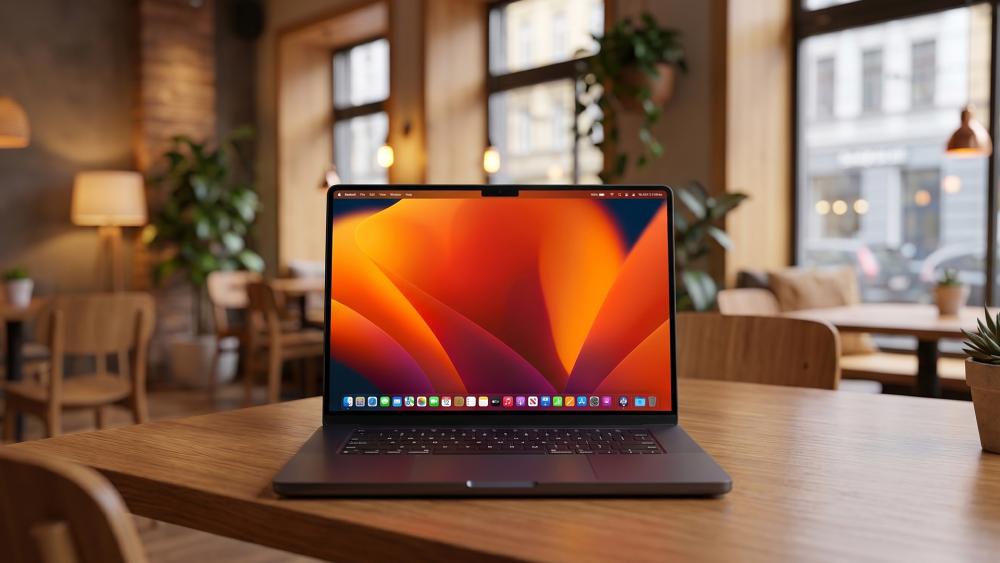
Apple's Hardware and Software Integration Gives MacBooks an Edge
Another major reason behind strong MacBook battery efficiency is Apple's control over both hardware and software.
Unlike most laptop manufacturers, Apple designs the processor, the operating system, and the overall device together. This allows everything to work more efficiently as a single system.
How macOS Is Optimised for MacBook Hardware
macOS is built specifically for Apple hardware. This means it understands exactly how the system components behave and how to manage them efficiently.
The operating system can:
- Allocate resources more effectively
- Reduce unnecessary background activity
- Optimise how apps use power
This level of optimisation helps ensure that energy is used where it's needed, rather than being wasted.
Why Tight Integration Reduces Power Waste
Because Apple controls the entire system, there is less room for inefficiency.
Processes are streamlined, and the system avoids running unnecessary tasks in the background. This reduces power consumption and improves battery consistency throughout the day.
In practical terms, this means:
- More predictable battery life
- Less sudden battery drain
- Better efficiency across different apps
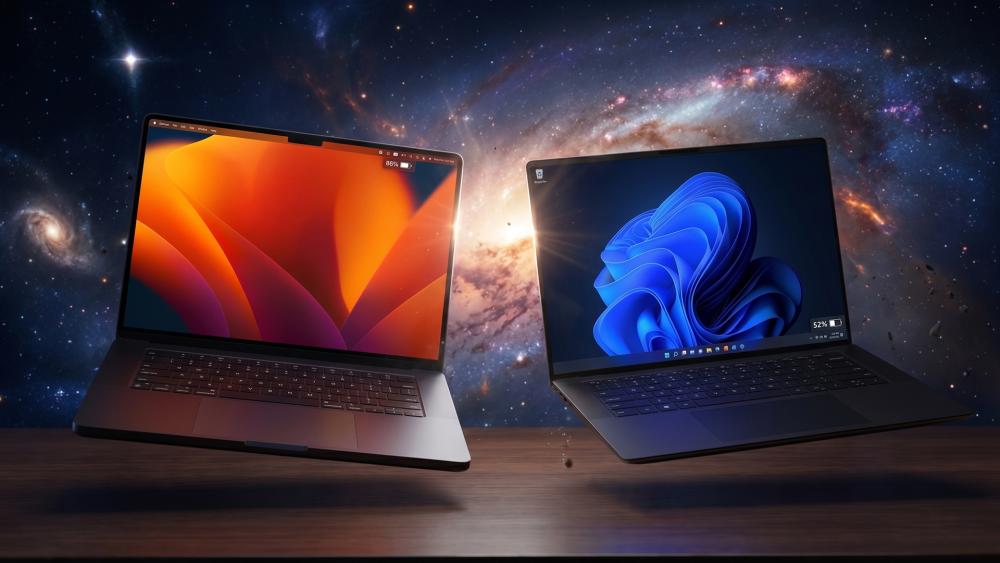
How This Differs from the Windows Laptop Ecosystem
Windows laptops are built by many different manufacturers, each with their own hardware choices and software configurations.
This variety offers flexibility, but it also makes optimisation more difficult. Different drivers, components, and background processes can affect how efficiently the system uses power.
As a result, battery performance can vary significantly between different Windows laptops, even if they use similar processors.
Why Windows Laptops Often Struggle to Match MacBook Battery Life
While some Windows laptops offer strong battery life, many struggle to match the consistency seen in MacBooks.
This is not due to a single issue, but rather a combination of factors related to design, hardware and software.
Different Brands, Designs, and Power Profiles
Windows laptops come in a wide range of designs, from thin ultrabooks to high-performance machines.
Some models prioritise power and performance, while others focus on portability. This variation makes it harder to achieve consistent battery performance across all devices.
x86 Processors and Higher Power Consumption
Most Windows laptops use Intel or AMD processors based on x86 architecture. While these chips are powerful, they often consume more energy, especially under load.
This can lead to:
- Faster battery drain during heavy tasks
- More heat generation
- Greater reliance on cooling systems
These factors can reduce overall battery efficiency compared to Apple Silicon.
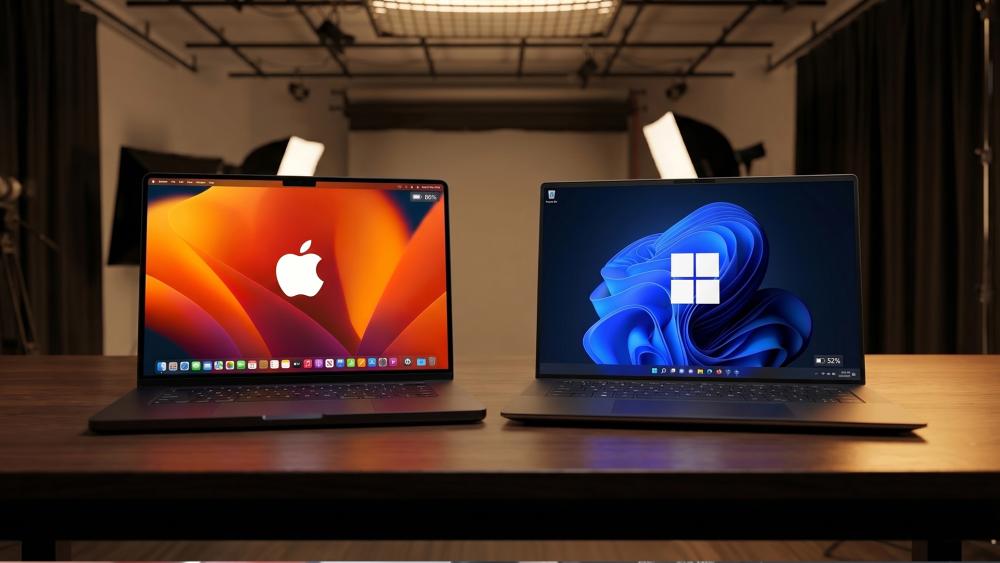
Background Apps, Drivers, and Software Overhead
Windows systems often run more background processes, including system services, drivers and third-party applications.
These processes can:
- Use additional power
- Run even when not needed
- Reduce overall battery life
This extra overhead can make a noticeable difference in real-world usage.
Display, Thermals, and Battery Efficiency Also Play a Role
While the processor is important, other hardware components also affect battery life.
How Screen Resolution and Refresh Rate Affect Battery Life
The display is one of the biggest power consumers in any laptop.
Higher resolution screens and faster refresh rates require more energy to operate. For example:
- 4K displays use more power than standard resolution screens
- High refresh rate panels drain battery faster during use
These factors can impact overall battery performance.
Why Cooler, More Efficient Systems Waste Less Power
Systems that generate less heat are generally more efficient.
When a laptop runs cooler, it uses less energy on cooling and avoids unnecessary power loss. MacBooks are designed to operate efficiently, which helps improve battery life over time.
The Role of Battery Capacity and Internal Design
Battery size and internal layout also play a role.
Apple carefully designs the internal structure of MacBooks to maximise battery capacity while maintaining efficiency. This ensures better use of available power without increasing size unnecessarily.
Are MacBooks Always Better for Battery Life?
While MacBooks are known for strong battery performance, they are not always the best option in every case.
Cases Where Premium Windows Laptops Compete Well
Some high-performance ultrabooks and Windows productivity laptops are designed with efficiency in mind and can offer excellent battery life.
These models can come close to MacBook performance, especially in lighter workloads.
Why Gaming Laptops Are a Different Category
Gaming laptops are built for performance, not efficiency.
They use powerful CPUs and GPUs, which consume more energy. As a result, they typically have shorter battery life compared to MacBooks.
When MacBook Battery Life Advantages Matter Most
MacBook battery life is most noticeable for users who rely on long-lasting performance throughout the day.
This includes people who:
- Work remotely
- Travel frequently
- Need reliable all-day battery life
In these situations, efficiency becomes a major advantage.
Which Users Benefit Most from MacBook Battery Life?
Students and Remote Workers
Students and remote workers often need a laptop that lasts through long sessions without charging. MacBooks provide consistent battery performance for this type of use.
Travellers and On-the-Go Professionals
For users who are frequently on the move, battery life is critical. A longer-lasting battery reduces the need to carry chargers or search for power outlets.
Creators and Everyday Productivity Users
For everyday productivity tasks and light creative work, MacBooks offer a strong balance of performance and efficiency, making them reliable for extended use.
MacBook vs Windows Battery Life: Which Should You Choose?
| Factor | Choose a MacBook | Choose a Windows Laptop |
| Battery Life Priority | MacBooks are a strong choice if long battery life is your main goal. They are designed to last all day in real-world use. | Some Windows laptops offer good battery life, but it varies by model and is less consistent overall. |
| Performance Efficiency | Apple Silicon delivers high performance while using less power, which helps extend battery life. | Windows laptops may offer strong performance, but often at the cost of higher power consumption. |
| Consistency on Battery | MacBooks maintain stable performance even when unplugged, making them reliable for daily tasks. | Some Windows laptops reduce performance on battery, depending on power settings and design. |
| Flexibility and Choice | MacBooks offer a more controlled and streamlined experience with fewer configuration options. | Windows laptops provide a wide range of choices in design, specs and pricing, giving more flexibility. |
| Customisation Options | Limited customisation, as hardware and software are tightly integrated. | Greater customisation in terms of hardware, upgrades, and software compatibility. |
| Use Case Suitability | Ideal for users who need reliable, long-lasting battery for work, study or travel. | Better for users who need specific features, software compatibility or budget flexibility. |
| Overall Balance | Best for users prioritising efficiency, simplicity and long battery life. | Best for users balancing battery life with performance, features and budget options. |
Recommended MacBooks for Long Battery Life
If battery life is your top priority, choosing the right MacBook model can make a noticeable difference. Apple's latest devices are designed to maximise efficiency, especially with Apple Silicon, making them ideal for users who need reliable, all-day performance.
Apple MacBook Air M3 (16GB RAM, 256GB SSD) – MC8K4B/A
The MacBook Air M3 is one of the best examples of how Apple balances performance and efficiency. Powered by the M3 chip, it delivers strong performance while maintaining excellent battery life for everyday tasks.
This model is ideal for:
- Students and remote workers
- Everyday productivity tasks
- Users who need a lightweight laptop with long battery life
Because it uses passive cooling, it consumes less power and runs efficiently throughout the day. Combined with macOS optimisation, it can comfortably handle browsing, office work and media use without frequent charging.
Apple MacBook Neo A18 Pro (8GB RAM, 512GB SSD) – MHFE4B/A
The MacBook Neo A18 Pro is a more affordable option that still benefits from Apple's efficient chip design. It offers a balance of style, portability and battery performance, making it a great entry point into the MacBook range.
This model is well suited for:
- Students and casual users
- Everyday tasks like browsing and streaming
- Users looking for a budget-friendly MacBook with good battery life
Its efficient hardware and optimised macOS experience help deliver solid battery performance, even with regular daily use.
Final Verdict
MacBooks usually deliver better battery life because of Apple Silicon, efficient system design and strong hardware-software integration. This allows them to provide more consistent, all-day performance compared to many Windows laptops.
However, some Windows laptops can still perform well, especially in premium categories where optimisation and efficiency are a focus.
If battery life is your top priority, MacBooks are often the better choice. If flexibility, customisation and a wider range of options matter more, Windows laptops remain a strong alternative.
For those looking for a more budget-friendly option, the newer Neo MacBook is worth considering. It offers a balance of affordability, modern design, and solid battery performance, making it a great choice for students and everyday users.
You can explore the latest MacBook, Mac Air, MacBook Pro laptop, MacBook Neo and other best laptops at Box.co.uk to find the right option for your needs.
FAQs
Why do MacBooks have better battery life than Windows laptops?
Because of Apple Silicon efficiency, better optimisation and lower power consumption.
Does Apple Silicon really improve battery life?
Yes, it offers better performance per watt, which improves battery efficiency.
Can Windows laptops match MacBook battery life?
Some premium models can, but results vary depending on the device.
Are MacBooks better for travel because of battery life?
Yes, they are often more reliable for all-day use without charging.
Do MacBooks still have better battery life under heavy workloads?
They usually perform well, but heavy tasks will still reduce battery life on any laptop.
You can pay with:
*PayPal Credit Representative Example: Assumed credit limit £1,200, Representative 23.9% APR (variable). Purchase rate 23.9% p.a (variable).Terms & Conditions apply.


PayPal Credit and PayPal Pay in 3 are trading names of PayPal UK Ltd, 5 Fleet Place, London, United Kingdom, EC4M 7RD. Terms and conditions apply. Credit subject to status, UK residents only, Five Tech LTD acts as a broker and offers finance from a restricted range of finance providers. PayPal Pay in 3 is not regulated by the Financial Conduct Authority. Pay in 3 eligibility is subject to status and approval. 18+. UK residents only. Pay in 3 is a form of credit. Check if affordable and how you will repay. May make other borrowing more difficult or expensive. See product terms for more details.
Copyright © 1996-2026 Fivetech LTD | Terms and Conditions
box.co.uk & Box are trading names of Five Tech Limited. Registered office: Box LTD, Unit 10 Woodford Trading Estate, Woodford Green IG8 8HF