


 Menu
MenuMenu


Get Sales Advice from Mon - Fri 9am - 5:00pm:
020 3337 8950LAST UPDATED: March 31, 2026
Replacing Older Office Laptops? Why Lenovo V Series Is Worth Considering
Replacing ageing business devices is no longer just about convenience. It directly affects how efficiently teams work every day. Slower boot times, lag during multitasking, and difficulty running modern applications all add up, gradually reducing productivity across the office. If your current setup struggles to keep up with daily workloads, it may be time to consider a more reliable office laptop replacement.
Modern businesses rely heavily on cloud platforms, collaboration tools, and real-time data access. Older systems often fall short in these areas, especially when paired with outdated processors and limited storage. This gap becomes even more noticeable in hybrid environments, where smooth connectivity and consistent performance are essential for maintaining workflow continuity.
A practical way to address these challenges is to consider upgrading to Lenovo V Series office laptops. Designed to balance performance, cost, and reliability, the Lenovo V Series for office work offers a straightforward path for businesses looking to modernise without overspending.
Why Replacing Older Office Laptops Is No Longer Optional
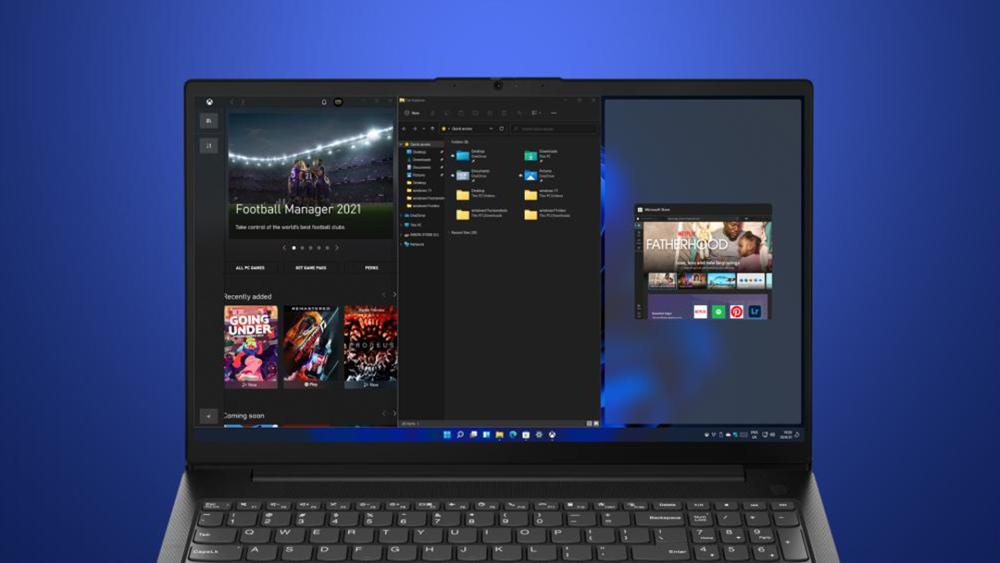
Holding on to older laptops often feels practical, especially if they still turn on and run basic tasks. The problem is that performance rarely drops all at once. Instead, it declines gradually, making everyday work slower without being immediately obvious.
As workloads increase, those small delays start to matter more. Opening large files, switching between applications, or working across multiple tabs can feel noticeably less responsive. Over time, this affects how smoothly teams can work, even if no one system has completely failed.
There is also a shift in how work gets done. Most businesses now rely on cloud-based tools, shared platforms, and constant collaboration. Older hardware was not designed for this level of demand, which makes it harder to maintain consistent performance across the team.
At that point, continuing with the same devices becomes more limiting than cost-saving. Upgrading is less about chasing better specs and more about keeping everyday work reliable and efficient. In such situations, Lenovo V Series for office work offers a practical option for businesses that need reliable performance without unnecessary complexity.
What Problems Do Older Office Laptops Create?
Older devices do not just slow things down. They introduce consistent friction into everyday work, affecting how efficiently teams operate. These issues often go unnoticed at first, but they build over time and make even routine tasks harder than they should be.
Slower Performance and Workflow Delays
One of the most noticeable issues is reduced speed. Older processors and limited memory struggle to handle modern workloads, especially when multiple applications are running at once. Tasks like switching between spreadsheets, browser tabs, and communication tools can feel delayed, which interrupts the natural flow of work.
This directly impacts business workflow performance, particularly in roles that depend on multitasking. What should take seconds can take longer, and those delays add up across the day. In many cases, this becomes a key reason businesses start considering replacing office laptops rather than continuing to work around the limitations.
Security Risks and Outdated Software Support
As systems age, they often stop receiving regular updates or security patches. This leaves devices more exposed to vulnerabilities, especially in environments where sensitive data is handled. Without proper support, even basic protection measures can become outdated.
Modern businesses rely on stronger enterprise security features to protect data and maintain compliance. Older laptops simply are not equipped to meet these expectations, making them a risk rather than a reliable tool.
Poor Compatibility with Modern Tools
Many current workplace tools are designed to run on newer systems with better performance and stability. Older laptops can struggle with these platforms, particularly when it comes to real-time collaboration, cloud-based applications, and video communication.
This becomes a bigger issue in hybrid setups, where consistent access and performance are essential. Limited compatibility with modern tools can hold teams back, making it harder to maintain efficiency across different working environments.
Why Lenovo V Series Works Well for Modern Office Needs
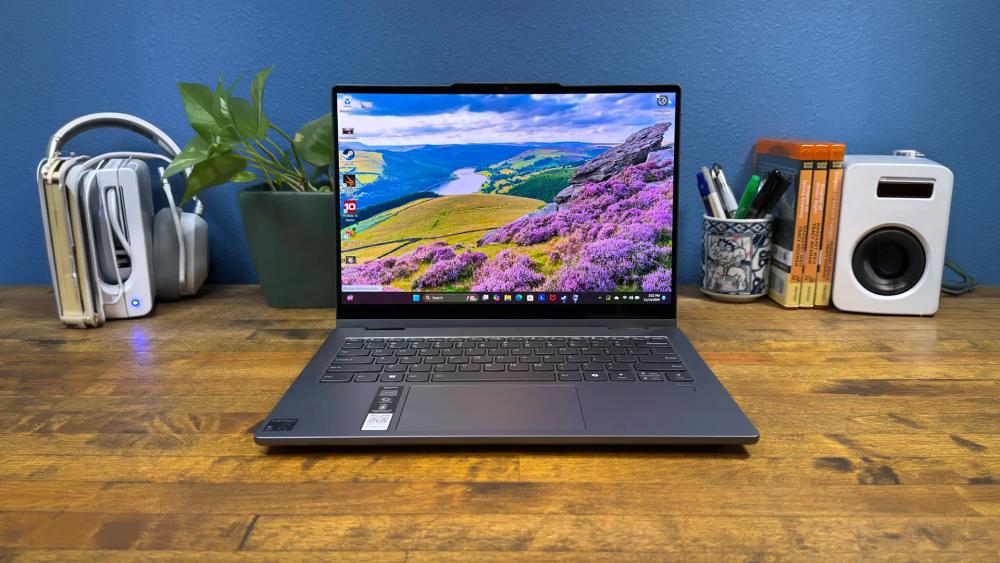
Upgrading to newer devices only makes sense if they solve real workplace challenges. The Lenovo V Series stands out for office work because it focuses on practical performance, not unnecessary extras. It brings together the core features businesses need to keep daily operations running smoothly.
Consistent Performance for Everyday Tasks
Office work depends on reliability more than peak performance. From handling emails and documents to working across multiple tabs and applications, systems need to stay responsive throughout the day.
Lenovo V Series productivity laptops are built to handle these workloads without slowdowns. Lenovo office laptops come with modern processors such as Intel Core 13th Gen processors and AMD Ryzen 7000 mobile series. They offer a clear step up from older machines, improving overall business workflow performance without overcomplicating the setup.
Faster Storage and Smoother Multitasking
One of the most noticeable upgrades comes in the form of fast SSD storage devices for productivity, present in most of the modern Lenovo V laptops for work. Compared to older hard drives, SSDs reduce load times significantly and make everyday actions feel quicker and more responsive.
This allows users to switch between tasks more easily, open large files without delays, and maintain a steady workflow even when juggling multiple applications at once.
Reliable Connectivity and Flexible Setup
Modern work environments depend on stable connections and device compatibility. Support for Wi-Fi 6 connectivity helps maintain faster and more reliable internet performance, especially in busy office networks or hybrid setups.
Alongside this, a range of ports ensures easy connection to monitors, storage devices, and other peripherals, making it easier to build a setup that fits different roles within the business.
Built-In Security and Business-Ready Software
Security is a key part of any upgrade decision. Windows 11 Pro business laptops provide built-in tools that help protect data and support device management.
Combined with essential enterprise security features, this ensures a more secure working environment without relying entirely on additional solutions. This makes Lenovo V Series business laptops a dependable choice for organisations looking to modernise their setup without adding unnecessary complexity.
Lenovo V Series Models to Consider for Office Upgrades
Not every office has the same requirements. Some teams prioritise portability, while others need larger screens for multitasking or data-heavy work. This is where the Lenovo V Series offers flexibility, with a range of models that fit different roles without complicating the buying decision.
Lenovo V14 Series for Compact Workspaces
The Lenovo V14 Gen 4 is a practical choice for teams that need something compact and easy to carry. Its smaller footprint makes it suitable for hot-desking environments or employees who move between locations.
Despite its size, it handles everyday office tasks reliably, making it a good fit for roles focused on documents, emails, and browser-based work without requiring a larger device. V14 machines are the best budget Lenovo V series picks for small offices and startups.
Lenovo V15 Series for Balanced Office Performance
For most office setups, the Lenovo V15 Gen 4 offers a balanced approach. The slightly larger display provides more comfortable viewing for spreadsheets and multitasking, without sacrificing portability.
It fits well into general business use, supporting a wide range of daily tasks while maintaining consistent performance. This makes it a sensible option for teams that need dependable systems across different departments.
Lenovo V17 for Larger Display Needs
The Lenovo V17 business laptop is better suited for users who benefit from extra screen space. Whether working with large datasets, multiple windows, or detailed documents, the bigger display can make a noticeable difference in usability.
It works well in desk-based roles where portability is less of a priority, offering a more comfortable setup for extended periods of work.
Who Should Consider a Lenovo V Series Office Laptop Upgrade?
Not every business needs high-end enterprise devices. In many cases, the priority is reliable performance, manageable costs, and systems that can handle everyday workloads without issues. This is where upgrading to Lenovo V Series office laptops becomes a practical choice, especially for organisations looking to modernise without overcomplicating their setup.
Small Businesses Looking to Scale
For smaller businesses, upgrading multiple devices at once can be a significant investment. Choosing Lenovo V business laptops that offer a good balance between cost and performance makes this process more manageable. Such businesses can upgrade their laptops while keeping the budget under control. It also creates a more consistent working environment as the business grows.
Office Teams Needing Reliable Daily Performance
Many teams do not need specialised hardware, but they do need systems that work consistently throughout the day. Tasks like handling documents, managing emails, and running browser-based tools require stability more than anything else. For all such environments, a Lenovo office productivity laptop is an excellent option. It provides dependable performance without introducing unnecessary complexity or features that go unused.
Hybrid and Remote Workers
Flexible working has become a standard part of many businesses. Employees often switch between home and office setups, which makes portability and connectivity more important than ever. Lenovo V Series machines for office work are lightweight and support this flexibility, offering reliable performance in different environments while helping maintain productivity regardless of location.
How to Choose the Right Lenovo V Series Model for Your Office
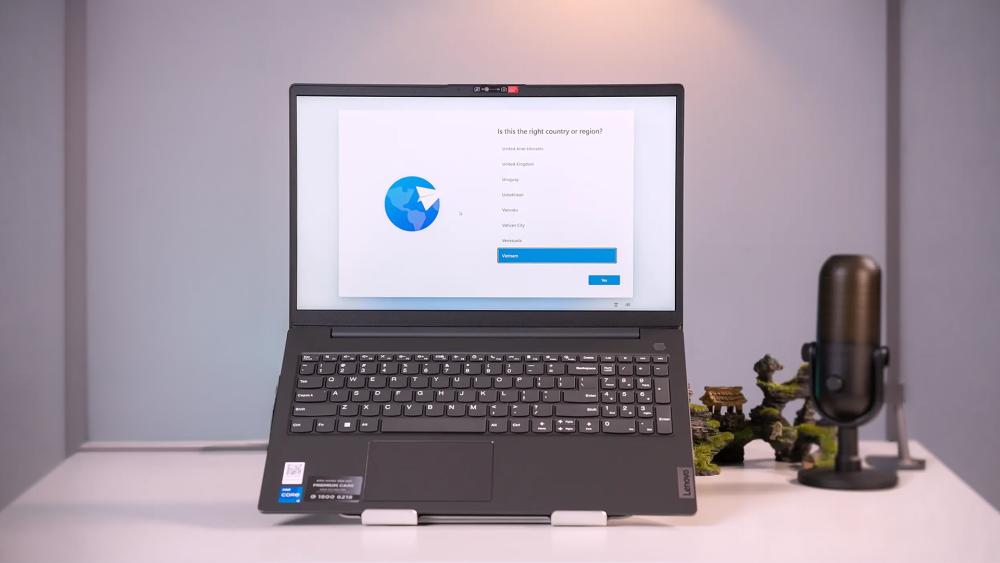
Choosing the right business laptop device is less about picking the most powerful option and more about matching the system to how it will be used. Different teams have different needs, and understanding those requirements helps ensure a smoother office laptop replacement process without unnecessary spending.
Based on Team Size and Usage
Smaller teams or individual users often have lighter requirements, such as document work, email, and web-based tools. In these cases, entry-level Lenovo V office laptops are usually more than sufficient.
Larger teams or departments handling more demanding tasks may benefit from higher-spec Lenovo business laptops to maintain consistency across users. Aligning systems with real usage helps avoid both underperformance and overspending.
Based on Workload Requirements
Not all office work is the same. Some roles involve basic tasks, while others require heavier multitasking, larger files, or constant switching between applications.
Understanding this difference makes it easier to choose the right configuration when browsing enterprise productivity laptops. Lighter workloads can run comfortably on basic Lenovo V Series work laptops, while more demanding roles benefit from faster processors, more memory, and improved storage performance.
Based on Budget Constraints
Budget always plays a role in upgrade decisions, especially when replacing multiple devices. The goal is to find a balance where performance meets business needs without unnecessary extras.
The V Series office laptop range offers this balance well, making it easier to plan upgrades that deliver value over time rather than focusing only on upfront cost.
Supporting Your Upgrade with the Right Tools
Upgrading laptops is only part of improving day-to-day performance. To get the most out of new systems, it helps to support them with the right tools and setup. This ensures teams can work efficiently from the start, without running into avoidable limitations.
A well-rounded setup often includes essential office laptop accessories such as external monitors, docking stations, and keyboards. These additions make it easier to create a comfortable and productive workspace, especially for users who spend long hours at their desks or switch between devices.
Protecting systems is just as important as improving performance. Using reliable device protection software helps safeguard data, reduce security risks, and maintain system stability over time. This becomes particularly important in environments where sensitive information is handled regularly.
Alongside this, having the right office productivity software in place ensures teams can fully utilise their upgraded Lenovo work laptops. Whether it is document management, communication tools, or collaboration platforms, the right software setup helps maintain a smooth and consistent workflow across the business.
Final Thoughts: Is It Time to Upgrade?
Delaying upgrades can often seem like the easier option, but over time, it tends to cost more in lost efficiency than it saves upfront. As workloads evolve and expectations increase, older systems gradually fall behind, making everyday work more difficult than it needs to be.
A Lenovo V Series office laptop upgrade offers a straightforward way to address these challenges without moving into unnecessarily expensive solutions. It brings together the core elements businesses need: reliable performance, modern hardware, and practical features, all in a range that is easy to scale across teams.
For organisations looking to maintain consistent output and support modern workflows, the Lenovo V Series for office work provides a sensible balance. It is not about chasing high-end specifications, but about ensuring systems can handle daily demands smoothly and without interruption.
In most cases, upgrading at the right time is less about replacing what is broken and more about keeping the business running efficiently.
Frequently Asked Questions
When should you replace an office laptop?
Most businesses replace office laptops every 3 to 5 years, or sooner if performance issues start affecting daily work.
Are Lenovo V Series laptops good for business use?
Yes, they offer a reliable balance of performance and affordability, making them suitable for everyday office tasks and team deployments.
What is the difference between the V14, V15, and V17 models?
The main difference is screen size and use case. V14 is compact and portable, V15 offers a balanced setup, and V17 provides a larger display for multitasking.
Is SSD important for office work?
Yes, SSDs improve speed significantly, allowing faster boot times, quicker file access, and smoother multitasking.
Do I need Windows 11 Pro for business laptops?
Windows 11 Pro includes additional security and management features that are useful for business environments, especially for teams and IT control.
How long should an office laptop last?
A well-maintained office laptop typically lasts around 3 to 5 years, depending on usage and performance requirements.
You can pay with:
*PayPal Credit Representative Example: Assumed credit limit £1,200, Representative 23.9% APR (variable). Purchase rate 23.9% p.a (variable).Terms & Conditions apply.


PayPal Credit and PayPal Pay in 3 are trading names of PayPal UK Ltd, 5 Fleet Place, London, United Kingdom, EC4M 7RD. Terms and conditions apply. Credit subject to status, UK residents only, Five Tech LTD acts as a broker and offers finance from a restricted range of finance providers. PayPal Pay in 3 is not regulated by the Financial Conduct Authority. Pay in 3 eligibility is subject to status and approval. 18+. UK residents only. Pay in 3 is a form of credit. Check if affordable and how you will repay. May make other borrowing more difficult or expensive. See product terms for more details.
Copyright © 1996-2026 Fivetech LTD | Terms and Conditions
box.co.uk & Box are trading names of Five Tech Limited. Registered office: Box LTD, Unit 10 Woodford Trading Estate, Woodford Green IG8 8HF