


 Menu
MenuMenu


Get Sales Advice from Mon - Fri 9am - 5:00pm:
020 3337 8950LAST UPDATED: December 24, 2025
Top Features That Make the Latest Samsung Galaxy Phones Stand Out
Samsung’s Galaxy range is stacked in 2025, and it’s not just about raw specs. The latest Samsung Galaxy features are built around stuff you actually feel every day: smoother scrolling, smarter cameras, better battery efficiency, and AI tools that take some of the boring admin out of your phone life. Whether you’re chasing a flagship for mobile gaming sessions, a foldable for multitasking, or a solid-value handset that still feels premium, Samsung’s lineup has a lot going for it.
In this guide, we’re breaking down the latest Samsung Galaxy features that make the newest models stand out, including the most useful Samsung hidden features, the best bits of Samsung UI, and how the A, S, and Z families differ when you’re picking your next Samsung galaxy mobile.
Why Samsung Galaxy Phones Continue to Lead the Android Market

Samsung has stayed near the top of the Android pile because it doesn’t just ship new hardware, it builds a whole ecosystem around it. The latest Samsung Galaxy features combine premium design, strong performance, and software that’s genuinely flexible. And that matters when you’re using Samsung Android phones for everything from work messages to late-night gaming. Here are a few more reasons why Samsung continues to lead the Android market:
Phones to Suit Every Need:
One big reason is range. Samsung doesn’t force everyone into one "ideal" phone. You’ve got affordable galaxy mobile options in the Galaxy A Series, flagship powerhouses in the Samsung Galaxy S Series, and foldable tech in the Z Series. That variety is part of the latest Samsung Galaxy features story because Samsung tends to push new tools down the lineup over time, rather than keeping everything locked to the most expensive model.
Advanced Software Features that Fit Daily Use:
Software is the other huge piece. Samsung UI (One UI) is one of the most feature-rich Android skins going, and Samsung keeps adding cool features that don’t feel like gimmicks. On newer devices, Galaxy AI tools are now a proper selling point, not a "use it once then forget it" checkbox. Samsung even provides official guidance on where to find Galaxy AI settings (it’s in Settings under Galaxy AI, though it can vary by model).
Long-Term Support:
It also helps that Samsung has leaned into longer support windows on newer flagships. The Galaxy S24 line kicked off Samsung’s seven-year update promise, and the policy now covers newer flagships too. That’s a massive win if you want to keep your phone for ages, or pass it on later, without it feeling outdated.
Complete EcoSystem:
If you’re already in Samsung land, the ecosystem pulls you in deeper. Between tablets, wearables, Windows integration, and the Samsung Store, Samsung makes it easy to build a setup where everything syncs nicely, which is absolutely part of the latest Samsung Galaxy features appeal.
Display Technology That Redefines Everyday Viewing
Samsung’s screens are often the reason people buy Samsung in the first place, and the latest Samsung Galaxy features keep that reputation going. Whether you’re watching Netflix, doomscrolling, or running a mobile FPS at 120Hz, the display is where you feel quality instantly.
For gamers, the practical benefits are obvious: high refresh rates make motion look cleaner, and lower input lag just feels better. Even if you’re mainly playing cloud gaming or controller-supported titles, a fast panel makes everything feel more responsive. The best bit is that Samsung doesn’t reserve good displays only for the priciest new Samsung Galaxy phones. Many A Series models now offer bright, colourful AMOLED panels that make everyday use feel premium.
Here’s a bit more about Samsung display technology:
Dynamic AMOLED Displays and High Refresh Rates
On flagship Samsung Galaxy mobile models, Samsung’s AMOLED tech delivers bold colour, deep blacks, and strong brightness. High refresh rate panels (often up to 120Hz) are one of those latest Samsung Galaxy features that you notice immediately: app switching feels smoother, scrolling is less jittery, and games that support higher frame rates look properly slick.
Samsung also leans into adaptive refresh, which helps with Samsung Galaxy battery life because the screen can lower refresh when you’re reading or looking at static content. That’s a key "hidden win" among the latest Samsung Galaxy features, because it boosts smoothness without draining your battery every time you open your phone.
If you’re into tweaking, One UI lets you adjust motion smoothness settings. That ties directly into Samsung customisation, and it’s one of the cool features on Samsung that’s easy to miss if you never open Display settings.
Foldable Screens and Flexible Design Innovation
Foldables are where Samsung really flexes. The Z Series is basically Samsung showing off what’s possible with modern Samsung Android phones, and foldables bring a totally different style of multitasking. The latest Samsung Galaxy features in foldables are less about raw spec bumps and more about how you use the phone: split-screen apps, floating windows, and a bigger canvas for editing, spreadsheets, or even just having Discord up while you browse.
For gaming fans, foldables can be brilliant for strategy titles, emulators, or anything with lots of UI elements. A larger display makes touch controls less cramped, and you can keep guides or chats open beside the game. If you’re the sort of person who likes to try Galaxy tech before everyone else, foldables are the most "new Galaxy" experience Samsung offers.
Camera Features Built for Photography and Video
Phone cameras are a big deal now, and Samsung’s approach is simple: give you great hardware, then use AI to make it easier to get a good shot without messing around. The latest Samsung Galaxy features in camera tech cover everything from multi-lens versatility to smarter processing that saves shots that would have been blurry or noisy on older phones.
This matters even if you’re not trying to be a creator. Most people just want photos that look good in the group chat, and video that doesn’t wobble like it was filmed mid-boss fight. Here’s why the cameras on Samsung phones lead the charge in the Android space:
Advanced Multi-Lens Camera Systems
On the flagship side, the Samsung Galaxy S Series focuses heavily on multi-lens flexibility: wide, ultra-wide, telephoto, and better sensors for detail. That variety is one of the latest Samsung Galaxy features that changes how you shoot day-to-day. You can grab a clean portrait, then instantly switch to an ultra-wide group shot, without needing a separate camera.
A Series models typically aim for a strong main camera experience at better value, which is why the Galaxy A Series is popular for everyday users. You still get modern processing, decent low-light improvements compared to older budget phones, and enough flexibility for most photos people take.
AI Photography and Night Mode Enhancements
AI is doing more and more of the heavy lifting. Features like scene optimisation and improved night shooting are part of what makes the latest Samsung Galaxy features feel "smarter" rather than just "more expensive".
Galaxy AI is also pushing into editing and enhancement tools. Samsung’s own messaging around Galaxy AI highlights a big focus on AI-driven experiences across the S25 line. While availability varies by device and region, tools like Live Translate, Note Assist, and AI-powered enhancements are central to Samsung’s current direction.
If you’ve seen mentions of Samsung Live Translate in trailers, that’s one of the headline Samsung cool features because it can help translate in real time during communication, depending on app and device support.
Video Recording and Stabilisation Features
Video is where stability matters most. Modern Samsung phones focus on keeping footage usable while you’re moving, which is perfect if you’re filming at an event, grabbing clips on holiday, or recording quick content for socials.
Some of the newest Galaxy AI tools also push into audio cleanup. "Audio Eraser" is frequently cited among Galaxy AI features, and it’s exactly the kind of practical tool people actually use: cutting down background noise so your clip is easier to hear.
So, if your "content creation" is mostly filming mates and shouting "clip that" after something ridiculous happens, these latest Samsung Galaxy features are more useful than they sound on paper.
Performance, Speed, and Battery Efficiency
Performance isn’t just about benchmarks. On a Samsung Galaxy mobile, it’s about whether your phone stays snappy months later, whether games hold stable frame rates, and whether the battery makes it through a long day without you hunting for a charger.
The latest Samsung Galaxy features in performance are a mix of chipset improvements, smarter software optimisation, and displays that don’t drain power unnecessarily.
Latest Processors and RAM Configurations
On Samsung flagships, you typically get top-end Snapdragon hardware (and in some regions, Samsung may use different variants depending on model). The important part is the result: faster app launches, better multitasking, and smoother gaming.
If you’re a mobile gamer, performance consistency is the big win. You want stable frame pacing and less thermal throttling. The latest Samsung Galaxy features aim for exactly that: performance that stays reliable when you’re playing longer sessions, streaming, or running multiple apps like voice chat plus a game plus music.
Mid-range A Series devices often prioritise efficiency and real-world smoothness rather than chasing absolute peak numbers. That’s why Samsung Android phones can feel good at different price points.
Battery Life and Fast Charging Capabilities
Battery is where Samsung’s upgrades matter most. Bigger batteries, efficient chipsets, and adaptive refresh rates all feed into better Samsung Galaxy battery life. And with fast charging support, you can top up quickly before you head out.
Samsung’s own support and ecosystem messaging puts a lot of emphasis on practical daily use and connected experiences, and battery life plays into that because your phone is the hub for everything else.
If you’re looking at newer flagships like the S25 line, you might also want to checkout our guide on the S25 Ultra charging and battery life, which signals how much Samsung is pushing this area in 2025.

Smart Software Features Powered by One UI
This is where Samsung really separates itself from other Android brands. One UI is packed with settings, shortcuts, and quality-of-life bits that turn into "how did I live without this?" once you get used to them. For loads of users, the latest Samsung Galaxy features are actually software features, not hardware.
If you like to tinker, One UI is basically a playground for Samsung customisation. If you don’t like to tinker, the defaults are still clean and easy to live with. Either way, Samsung UI is doing a lot of the heavy lifting. Here are some other features of the One UI:
Customisation and Everyday Productivity Tools
One UI includes a bunch of Samsung hidden features that most people never touch, like deeper lock screen tweaks, routines/automation, and one-handed usability options. These are the sort of latest Samsung Galaxy features that gamers and power users appreciate because they let you streamline your phone around how you actually use it.
Galaxy AI also plugs into productivity in a more direct way. Samsung’s official guidance shows Galaxy AI features live under Settings, and availability varies by model and OS version. That’s relevant because tools like Galaxy Note Assist can help tidy up notes, summaries, and organisation if you’re using Samsung Notes for study or work.
There are also browsing tools often discussed under Galaxy AI, like Browsing Assist Samsung Style Features (frequently referenced in Galaxy AI round-ups). Just remember: what you get depends on the device and software version.
Samsung DeX and Cross-Device Integration
Samsung DeX is one of the most underrated latest Samsung Galaxy features, especially if you ever plug into a monitor. It gives you a desktop-style interface from your phone, which is handy for light productivity, presentations, or even just having a more comfortable workspace when you’re travelling.
Cross-device integration is getting stronger too. Samsung has official support content about multi-device experiences, aimed at making it easier to move between Galaxy devices. And on the Windows side, features in Microsoft’s Phone Link ecosystem keep improving, with deeper Android integration often highlighted for Samsung devices.
For gamers, this kind of integration is great for practical stuff: moving clips/screenshots, replying to messages without tabbing out, and keeping your setup tidy.
Connectivity and Future-Ready Technology
Connectivity is one of those things you only notice when it’s bad. Samsung’s newer phones aim for stronger networks, better stability, and features that keep your phone ready for what’s next. The latest Samsung Galaxy features here aren’t flashy, but they matter.
5G, Wi-Fi, and Bluetooth Advancements
Most new Samsung Galaxy phones support modern 5G, and Samsung 5G performance is a key reason people upgrade if they’re on an older handset. Faster mobile data is great for streaming, cloud gaming, uploads, and hotspot use.
Wi-Fi and Bluetooth improvements also help with everyday life: smoother wireless audio, more stable controller connections, and better performance when you’ve got multiple devices connected. If you’re using a controller for mobile gaming or pairing earbuds for comms, this is a quiet but important part of the latest Samsung Galaxy features experience.
Also worth mentioning: Samsung phones often offer dual sim support (either dual physical SIM in some markets or eSIM + physical SIM in others), which is handy if you travel, want a work line, or just like keeping things separate.
Security and Long-Term Software Support
Security is a strong Samsung selling point. Samsung Knox is described as a defence-grade security platform built into Samsung devices, offering real-time protection from the moment you turn the device on. That’s a key part of the latest Samsung Galaxy features pitch, especially if you’re using your phone for payments, banking, work apps, or storing sensitive info.
Long-term updates also matter. Samsung publicly committed to seven years of OS and security updates starting with the Galaxy S24 series. Reporting and analysis since then also notes the expanded scope of that policy across more devices. For the S25 line specifically, coverage commonly cited is seven generations of OS updates and seven years of security updates.
That makes newer Samsung Android phones feel more "buy once, keep for ages", which is a massive win if you’re tired of upgrading every couple of years.
Galaxy A vs S vs Z: Choosing the Right Samsung Galaxy Phone
This is where buying gets easier. If you want the latest Samsung Galaxy features, you can get them across the lineup, but the focus changes by series. Here’s how to think about it without overcomplicating things.
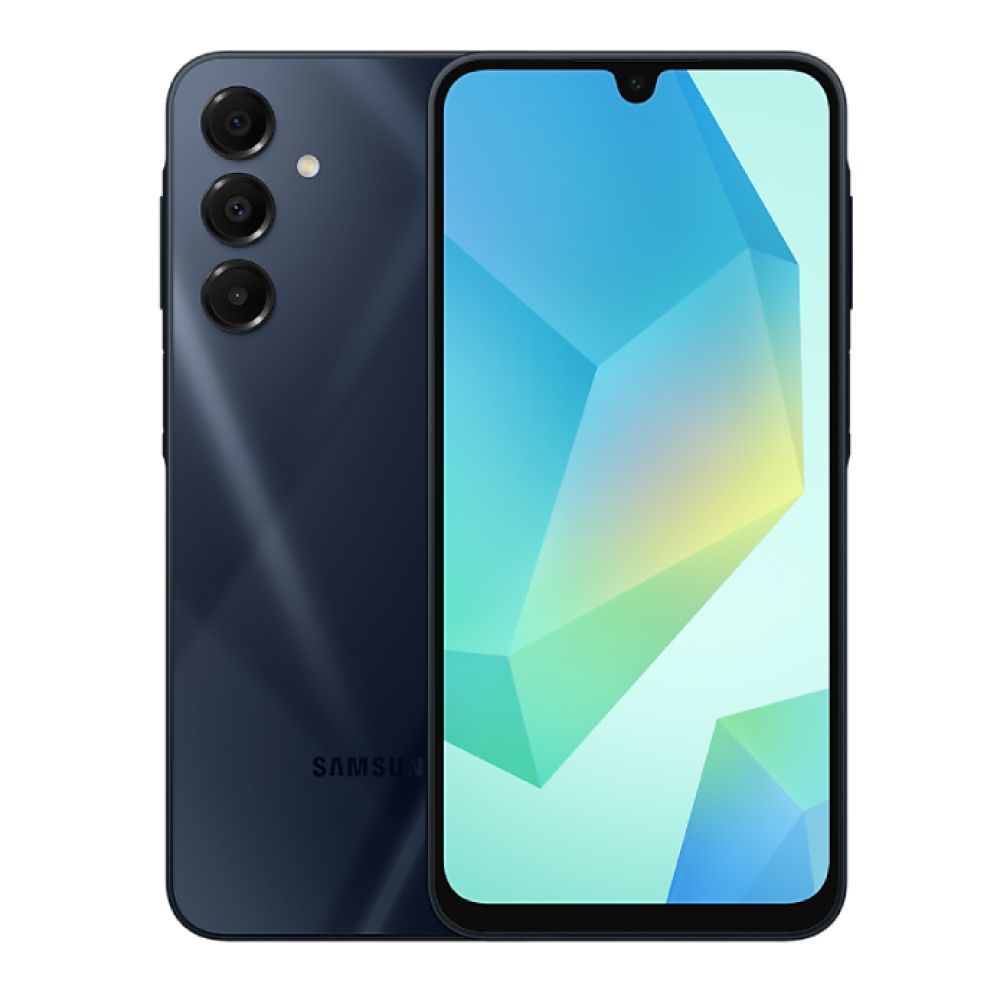
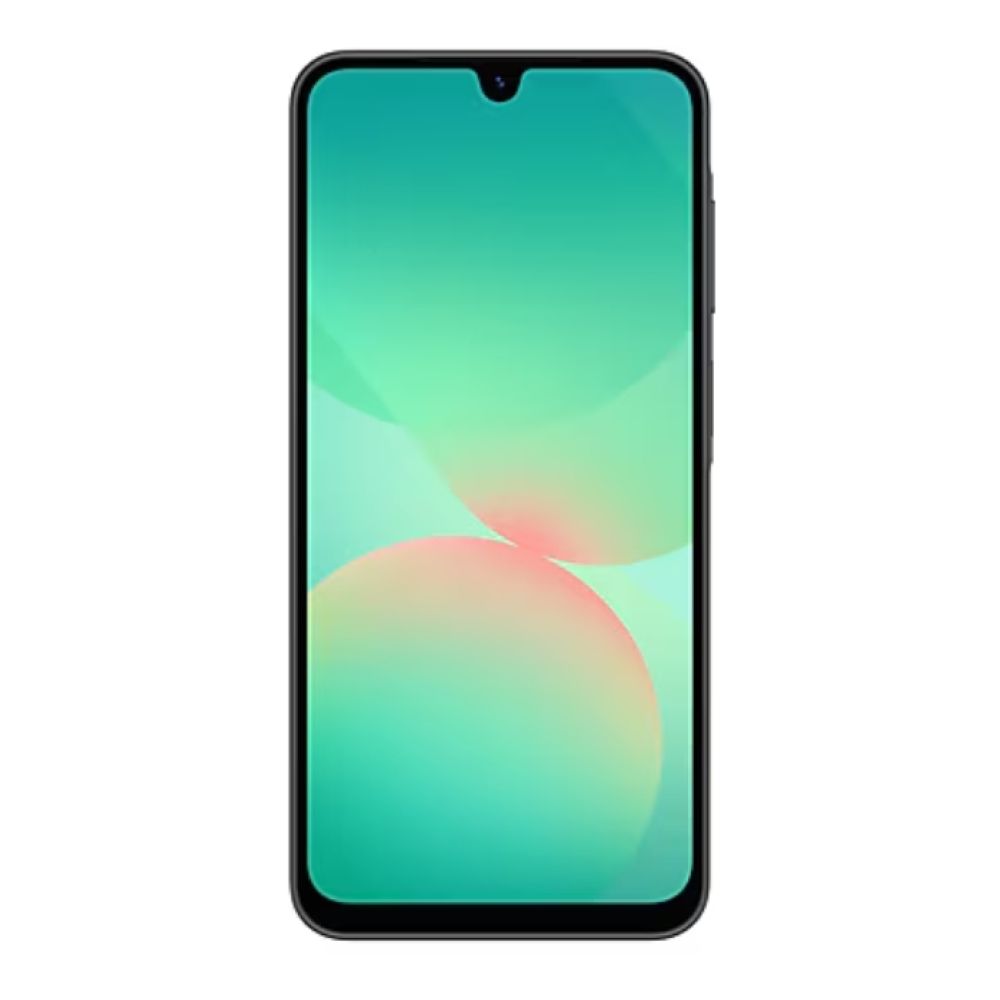
Galaxy A Series – Value and Everyday Features
The Galaxy A Series is the "smart money" pick for a lot of people. You get a modern Samsung Galaxy mobile experience without the flagship price, plus plenty of cool Samsung features like great displays (often AMOLED), solid battery life, and One UI usability.
If you’re mostly doing socials, streaming, messaging, casual games, and day-to-day life, the A Series is where the latest Samsung Galaxy features meet value. You’ll still get loads of customisation options and the familiar One UI experience, even if the very newest Galaxy AI tools aren’t always available on every A model.

Galaxy S Series – Flagship Performance and Cameras
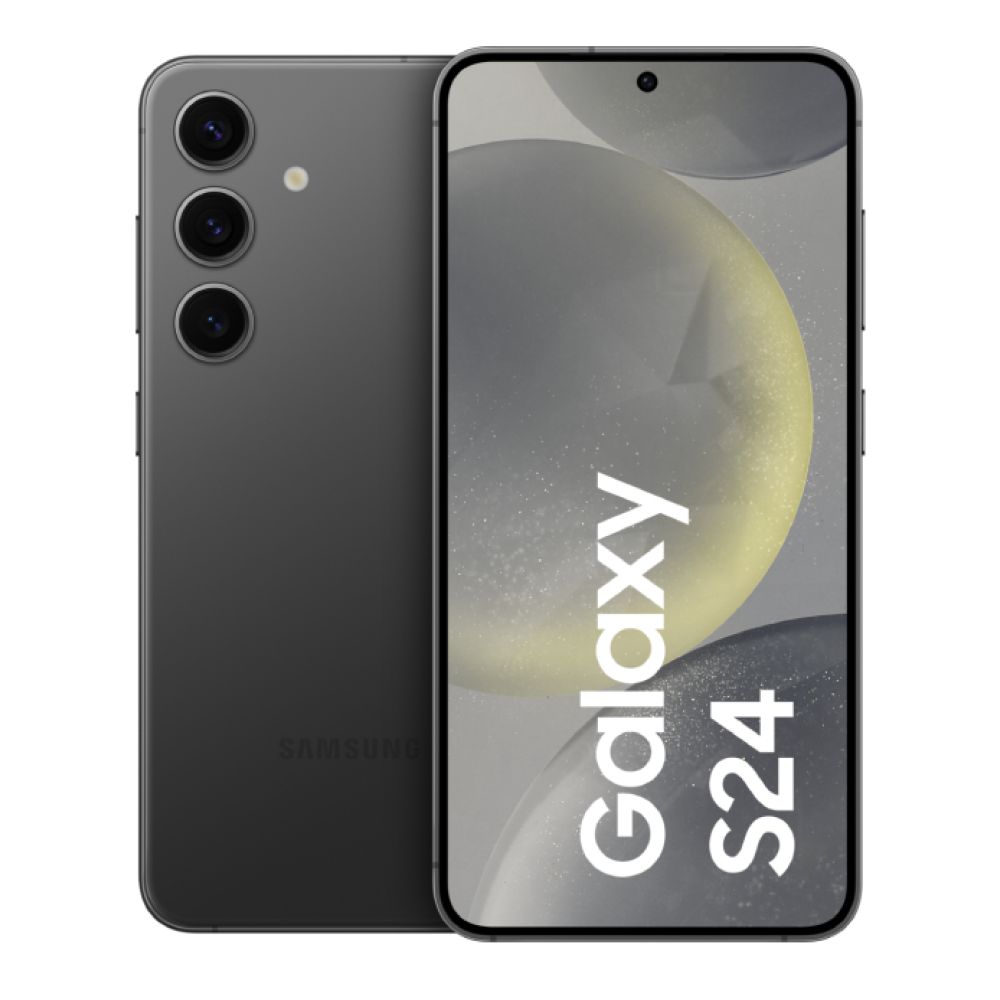
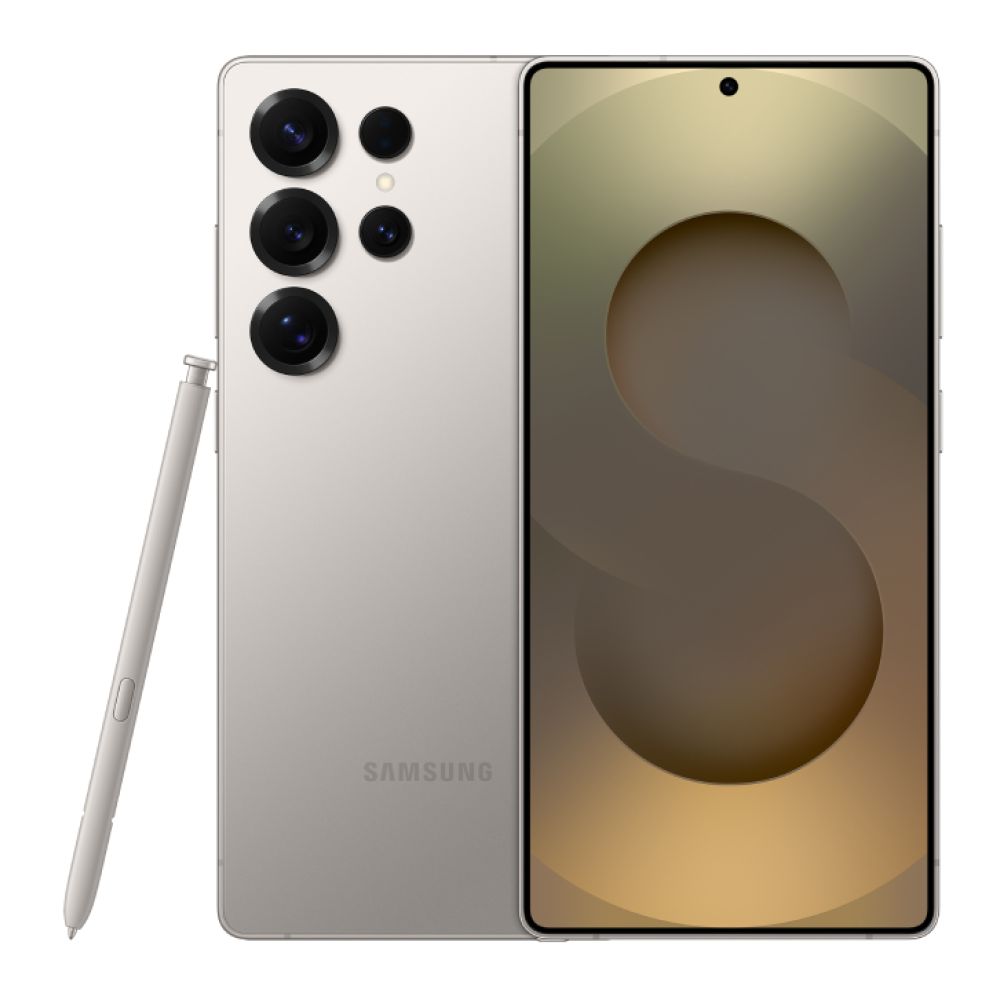
If you want Samsung at full power, the Samsung Galaxy S Series is the move. This is where you’ll see the most advanced cameras, the strongest chipsets, and the earliest access to headline latest Samsung Galaxy features.
The S25 series, for example, is heavily positioned around AI, and Samsung’s own materials highlight Galaxy AI as a core part of the S25 Ultra experience. If you want the best chance of getting the full suite of AI tools, this is typically the safest bet, especially as Samsung notes that availability can vary by device and OS version.
For gamers, the S Series is also the most "plug in and go" option: better sustained performance, smoother high refresh rate gaming, and a camera setup that’s genuinely versatile.

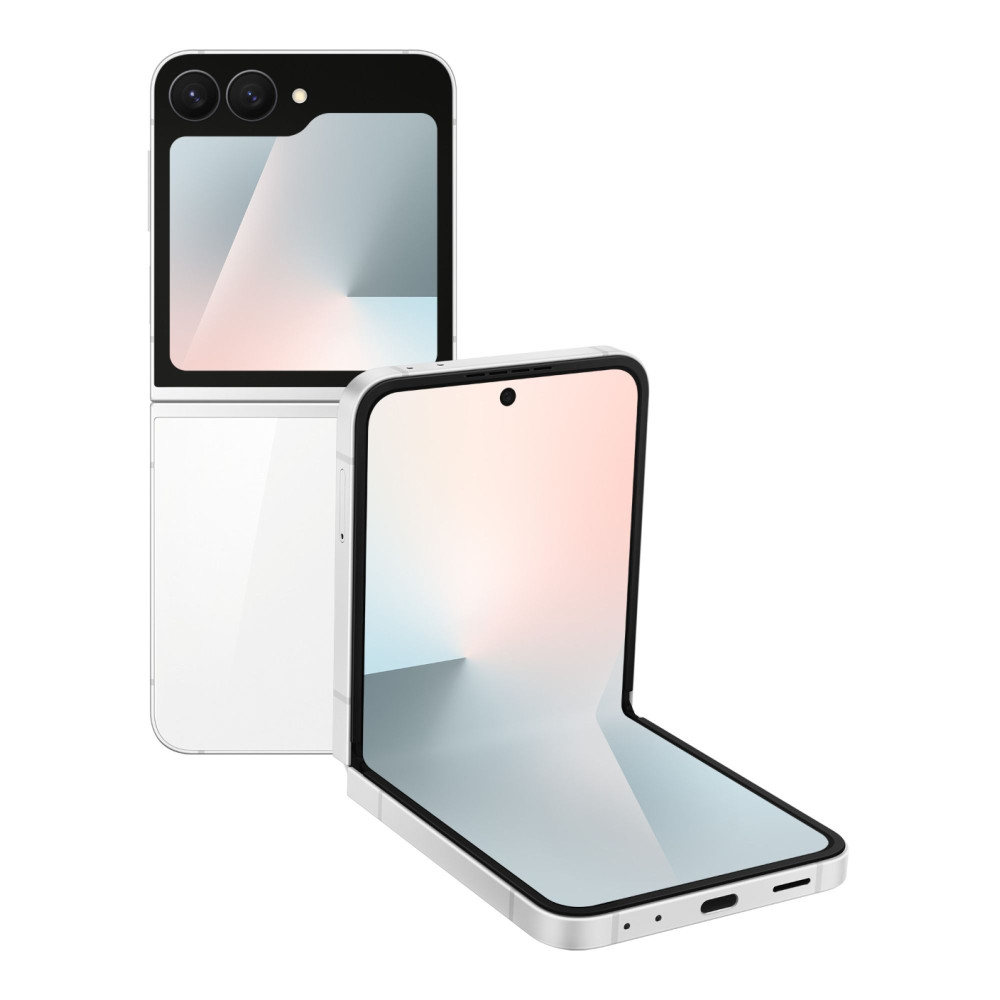
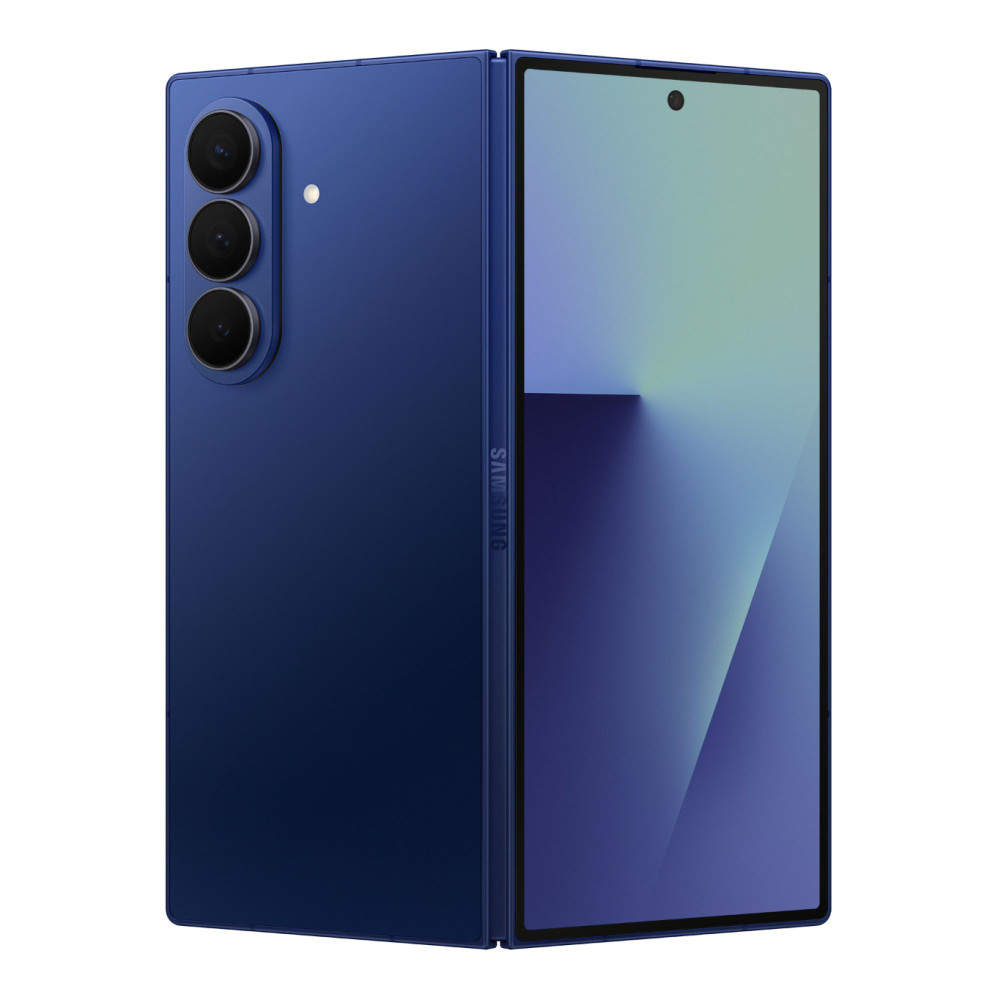
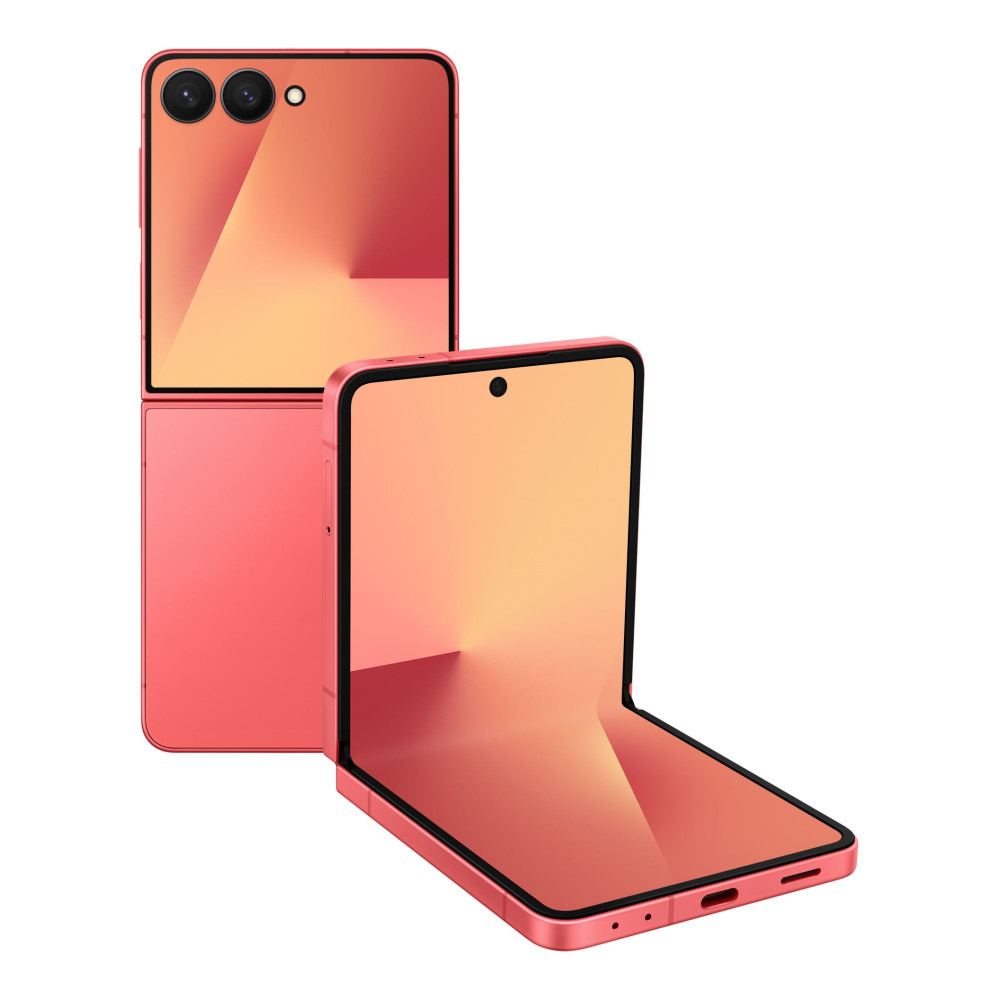
Galaxy Z Series – Foldable Innovation
If you want something different, the Z Series is Samsung’s foldable playground. The latest Samsung Galaxy features here are all about flexible usage: bigger screen when you want it, compact form when you don’t.
Foldables aren’t for everyone, but if you love multitasking, watching content on a bigger panel, or you want a phone that feels like the future, Z is where Samsung is most ambitious. It’s also where "showing off your phone" becomes a real thing again, which is a rare vibe in 2025.
To compare all three families quickly, it’s worth browsing the latest Samsung Galaxy phones so you can see the full spread across A, S, and Z in one place.
How to Get the Most Out of Your Samsung Galaxy Phone
Buying a new phone is only half the story. The latest Samsung Galaxy features really shine when you tweak a few settings and learn the best shortcuts. Here are practical ways to get more out of your galaxy mobile.
- Explore One UI customisation: Lock screen layouts, widgets, Always On Display, themes, and icon grids are all part of Samsung customisation. If you like your setup clean for gaming, you can strip it right back. If you like it busy and functional, you can stack widgets and shortcuts.
- Switch on performance-friendly display settings: High refresh is brilliant, but you can balance smoothness and Samsung Galaxy battery life depending on how you use your phone.
- Check your Galaxy AI menu: Samsung’s own support notes you can find a list of Galaxy AI features in Settings, and availability varies by model and OS version. This is the easiest way to see what Samsung hidden features you actually have.
- Try Live Translate and Note tools: If your phone supports it, Samsung Live Translate can be a game-changer for travel or work calls, and Galaxy note assist is handy for students and meetings.
- Use Audio Eraser for clips: If your model supports Samsung Galaxy Audio Eraser, it can clean up background noise in videos, which is perfect for quick content.
- Set up dual SIM the smart way: If you use dual sim, keep one line for data-heavy use and one for calls, or separate work and personal.
- Lean into cross-device features: If you use Windows, Phone Link-style integrations keep improving and can be genuinely useful day-to-day.
If you’re building a full Samsung setup, the Samsung Store is also worth a look for related devices that pair well with your phone.
Conclusion
Samsung’s 2025 lineup proves why the brand keeps setting the pace for Android. The latest Samsung Galaxy features go beyond flashy spec bumps, focusing on the stuff you’ll actually use every day: smoother AMOLED displays, smarter camera tools, stronger Samsung Galaxy battery life, and feature-packed Samsung UI through One UI. Whether you’re after value from the Galaxy A Series, flagship performance from the Samsung Galaxy S Series, or foldable innovation in the Z Series, there’s a Samsung Galaxy mobile that fits how you game, work, and unwind.
If you’re ready to upgrade, check out the latest Samsung Galaxy phones and compare what matters most to you, from AI-powered Samsung cool features to display quality, camera flexibility, and long-term software support.
FAQs
Is the S25 Ultra worth buying?
If you want the absolute best of the latest Samsung Galaxy features, the S25 Ultra is typically the "no compromises" pick: premium display tech, top-end performance, and the most emphasis on Galaxy AI features in Samsung’s current messaging. It’s most worth it if you’ll actually use the camera, AI tools, and performance headroom, rather than just buying it for the name.
How to activate Galaxy AI?
On supported Samsung Android phones, Samsung Notes you can find Galaxy AI features in Settings under Galaxy AI (or sometimes under Advanced features / Intelligent features, depending on model). If you don’t see it, it can be down to device compatibility, region, or software version.
Can Galaxy AI translate pictures?
Many Galaxy AI translation features depend on the device and apps supported. Samsung’s support guidance stresses that available AI features vary by model and OS version. If your phone supports AI translation, you’ll usually find options in the Galaxy AI section or within the relevant app (for example, certain camera or gallery tools).
Can Galaxy AI translate calls?
Samsung Live Translate is one of the most talked-about Galaxy AI tools for real-time translation, and Samsung’s own support documentation includes guidance on finding Galaxy AI features through Settings. Exact call translation support can vary by model, language pair, and region, so check your Galaxy AI menu.
Can Galaxy AI improve my camera?
Yes, this is one of the strongest areas of the latest Samsung Galaxy features. Galaxy AI is positioned heavily around smarter camera processing and editing on newer flagships, and coverage of Galaxy AI commonly highlights camera-related tools like improved night shooting and editing assistance. Even when you’re not using explicit "AI" buttons, a lot of the improvements happen automatically in the background.
You can pay with:
*PayPal Credit Representative Example: Assumed credit limit £1,200, Representative 23.9% APR (variable). Purchase rate 23.9% p.a (variable).Terms & Conditions apply.


PayPal Credit and PayPal Pay in 3 are trading names of PayPal UK Ltd, 5 Fleet Place, London, United Kingdom, EC4M 7RD. Terms and conditions apply. Credit subject to status, UK residents only, Five Tech LTD acts as a broker and offers finance from a restricted range of finance providers. PayPal Pay in 3 is not regulated by the Financial Conduct Authority. Pay in 3 eligibility is subject to status and approval. 18+. UK residents only. Pay in 3 is a form of credit. Check if affordable and how you will repay. May make other borrowing more difficult or expensive. See product terms for more details.
Copyright © 1996-2026 Fivetech LTD | Terms and Conditions
box.co.uk & Box are trading names of Five Tech Limited. Registered office: Box LTD, Unit 10 Woodford Trading Estate, Woodford Green IG8 8HF