


 Menu
MenuMenu


Get Sales Advice from Mon - Fri 9am - 5:00pm:
020 3337 8950LAST UPDATED: June 30, 2026
Best Student laptops with Free Norton
Choosing a laptop for school, college or university is not only about speed, screen size and battery life. Students also need safe browsing, secure logins and protection for daily use. That is where Norton student laptops can offer extra value.
A laptop used for coursework, banking, video calls, cloud storage and email should be secure from day one. Student laptops with free Norton protection give you a device for studying and an added security layer for online safety.
This guide will walk you through some great student laptops that come with Norton to help you protect your device and data.
Why Security Matters on a Student Laptop

Student laptops are used for far more than typing essays. They hold coursework, saved passwords, email accounts, banking details, cloud files and personal photos. That makes laptop security important from the first day of term.
Students often connect to shared networks, download files, join online classes and use cloud platforms every day. A secure laptop helps reduce the risk of malware, unsafe links and unwanted online tracking.
If you are comparing laptops for students, it is worth looking at security features as well as specs.
Everyday Risks Students Face Online
Students are regularly exposed to:
- Phishing emails
- Fake login pages
- Unsafe downloads
- Suspicious attachments
- Public Wi-Fi risks
- Shared network problems
- Malicious browser pop-ups
- Compromised accounts
- Scam messages
- Infected USB drives
These risks are not limited to IT students or gamers. Anyone using email, Teams, Google Drive, OneDrive, online banking or course portals can be targeted.
Why Built-In Protection Adds Value
A laptop with antivirus included is useful because it removes one extra job from the setup process. You do not need to remember to buy security software later or leave the laptop unprotected for weeks.
Norton laptop protection can help with:
- Device security
- Safer browsing
- Threat detection
- Suspicious download checks
- Online privacy tools
- Password safety
- Dark web monitoring, depending on plan
- Secure VPN access, depending on plan
Norton protected laptops are not immune to every risk, but they give students a stronger starting point.
Balancing Performance and Peace of Mind
A secure laptop still needs to perform well. There is no point choosing protection if the device struggles with everyday academic use.
For most students, the sweet spot is:
- 14-inch or 16-inch screen
- 8GB RAM minimum
- 16GB RAM for better multitasking
- 256GB SSD minimum
- 512GB SSD or 1TB SSD for longer-term use
- Reliable Wi-Fi
- Lightweight build
- Windows 11 or ChromeOS, depending on course needs
- Useful ports for accessories
What to Look for in a Student Laptop
The best student-friendly laptops are simple, reliable and easy to carry. You do not need a monster gaming machine for coursework, but you do need a laptop that can handle a normal study day. Here’s what to look for:
Battery Life and Portability
A student laptop should be easy to carry between classrooms, lectures, libraries and home.
Look for:
- 14-inch size for portability
- 16-inch size if you want more screen space
- Slim design
- Good battery life
- USB-C charging where available
- Wi-Fi and Bluetooth
- A comfortable keyboard
- Solid webcam and microphone
Lightweight study laptops are especially useful for university students who carry their laptop every day.
Performance for Coursework and Browsing
For most courses, a laptop should comfortably handle:
- Web browsing
- Microsoft Office
- Google Docs
- Video calls
- Streaming lectures
- Research tabs
- PDFs
- Note-taking apps
- Light creative work
If you often keep lots of tabs open, choose 16GB RAM if your budget allows. It makes everyday multitasking much smoother.
Storage, RAM and Everyday Usability
Storage and RAM affect how long the laptop stays useful.
Here’s a simple student spec guide:
| Spec | Good Starting Point | Better Long-Term Choice |
|---|---|---|
| RAM | 8GB | 16GB |
| Storage | 256GB SSD | 512GB or 1TB SSD |
| Screen size | 14-inch | 14-inch or 16-inch |
| Operating system | ChromeOS or Windows | Windows 11 for wider app support |
| Security | Built-in basic protection | Norton laptop security included |
If you are looking for term-time value, check students' back to school offers at Box before choosing.
Best Student Laptops with Free Norton

Below are five strong options from our student laptops range that come with Norton.
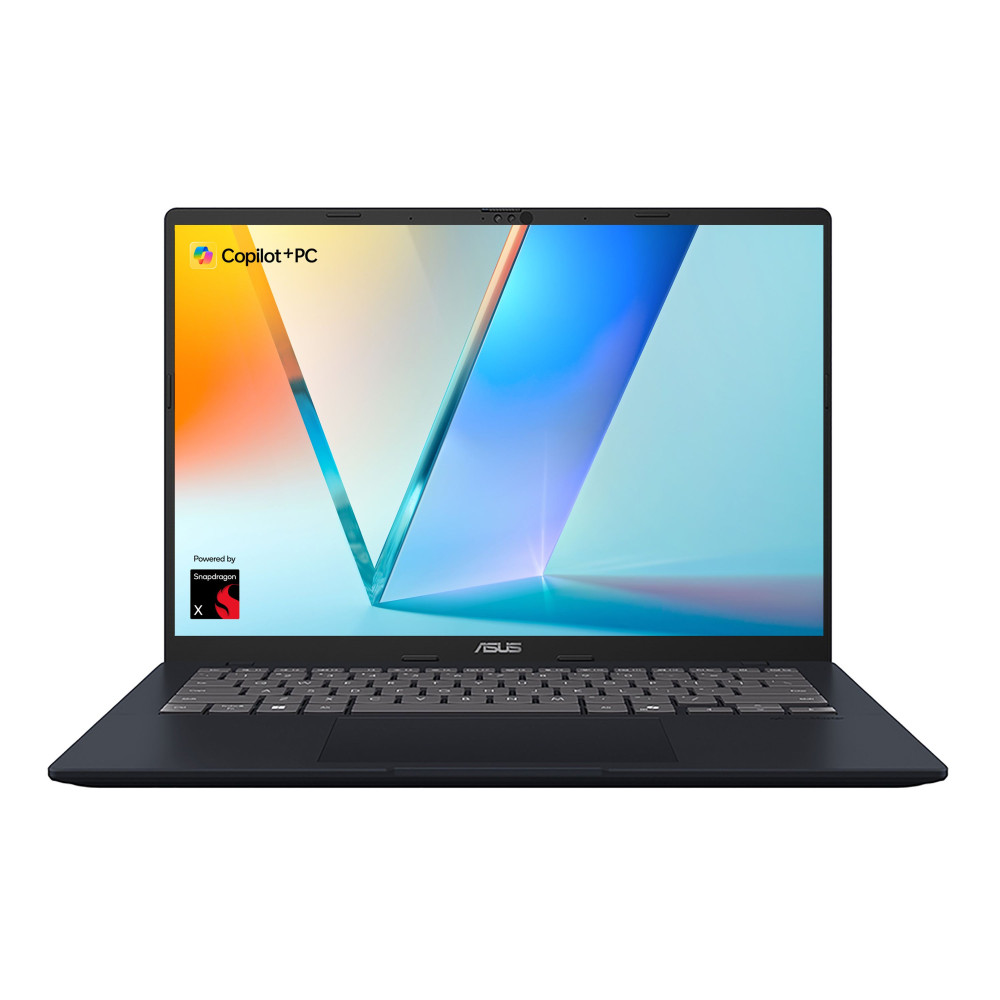
1. Best for Everyday Study: ASUS VivoBook 14 X1407QA-LY003W
MPN: X1407QA-LY003W
The ASUS VivoBook 14 is a strong everyday pick for students who want a compact Windows laptop with modern specs and Norton included.
Key specs:
- Qualcomm Snapdragon X Plus X1P-26-100 processor
- 14-inch WUXGA IPS display
- 16GB RAM
- 512GB SSD
- Windows 11 Home
- Qualcomm Adreno graphics
- Norton Included
Why it works for students:
- Compact 14-inch size
- Enough RAM for browsing and coursework
- SSD storage for fast everyday use
- Windows 11 for broad app support
- Good fit for lectures, notes and online study
This is one of the better student laptops with free Norton if you want a reliable all-rounder without going into premium pricing.
Best for:
- Essays
- Research
- Video calls
- Everyday study
- Secure browsing for students
- Commuting or campus use
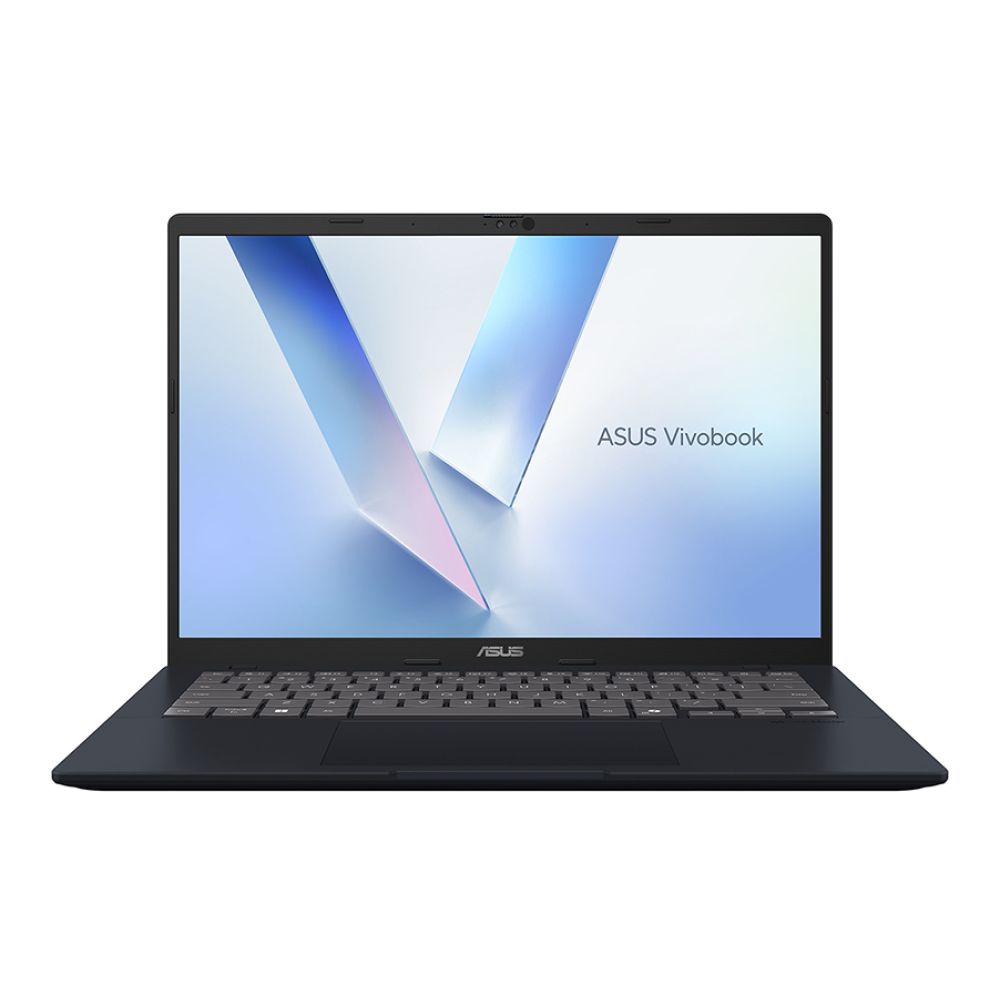
2. Best for College and University Use: ASUS VivoBook M1407KA-LY015W
MPN: M1407KA-LY015W
The ASUS VivoBook M1407KA-LY015W is a strong step-up option for students who want more storage and a faster everyday experience.
Key specs:
- AMD Ryzen AI 7 350 processor
- 14-inch WUXGA IPS display
- 16GB RAM
- 1TB SSD
- Windows 11 Home
- Integrated AMD Radeon 860M graphics
- Norton Included
Why it works for students:
- 1TB SSD gives more room for files
- 16GB RAM is ideal for multitasking
- compact enough for study spaces
- strong choice for mixed coursework and entertainment
- suitable for several years of everyday academic use
This is a good option if you want a secure laptop that can handle more than basic browsing. It is especially useful if your course involves large files, presentations, research folders or creative apps.
Best for:
- University coursework
- Multitasking
- Large file storage
- Online lectures
- Productivity apps
- Study and productivity devices
Shop ASUS VivoBook M1407KA AMD AI 7
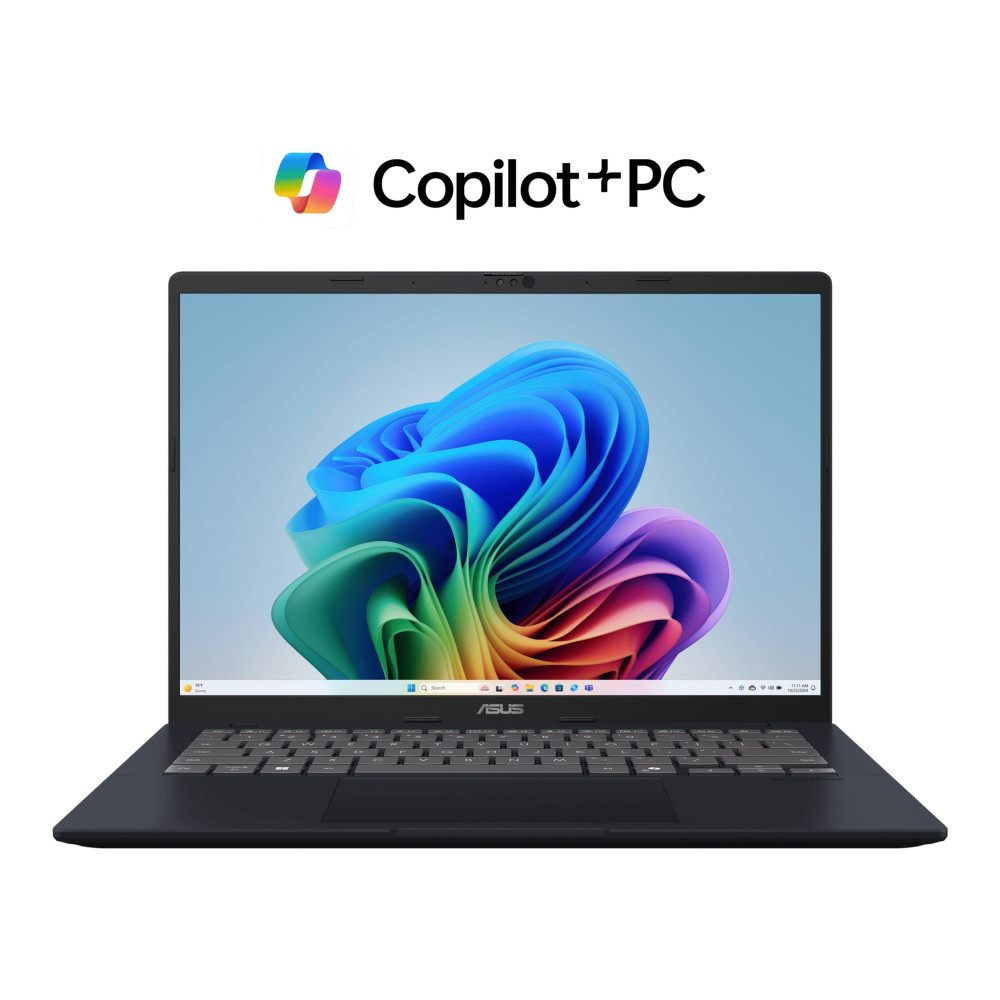
3. Best for Budget-Conscious Students: ASUS VivoBook M1407KA-LY014W
MPN: M1407KA-LY014W
The ASUS VivoBook M1407KA-LY014W is one of the most sensible choices for students who want modern specs at a lower price point.
Key specs:
- AMD Ryzen AI 5 340 processor
- 14-inch WUXGA IPS display
- 16GB RAM
- 512GB SSD
- Windows 11 Home
- Integrated AMD Radeon graphics
- Norton Included
Why it works for students:
- Strong value for the spec
- 16GB RAM for smoother multitasking
- 512GB SSD is enough for most students
- Lightweight 14-inch format
- Suitable for school, college and university use
This is a strong pick if you want laptops with antivirus included but still need a practical price. It is fast enough for coursework, research, email, streaming and everyday productivity.
Best for:
- Budget-conscious students
- Everyday academic use
- Browsing and coursework
- Online classes
- Note-taking
- General student life
For students who want extra protection separately, Box also offers device protection tools across antivirus and security software.
Shop ASUS VivoBook M1407KA AMD AI 5
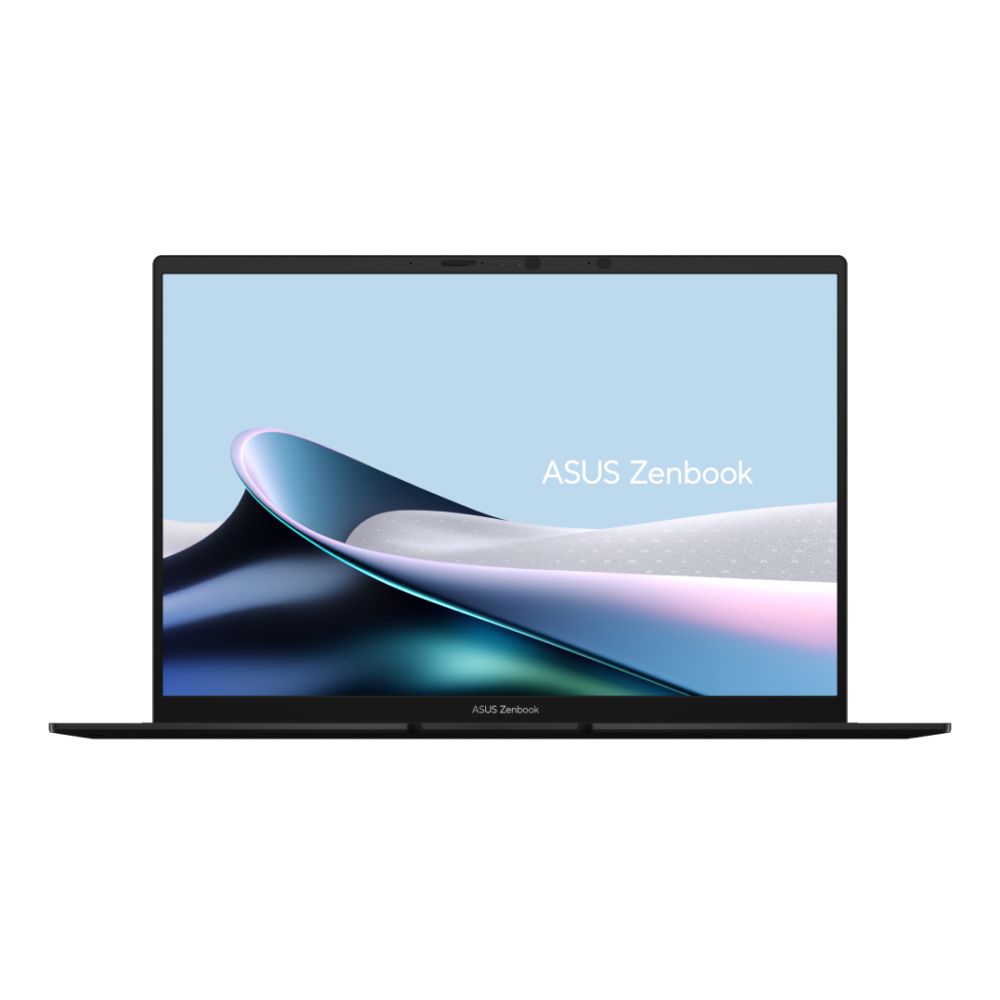
4. Best for Multitasking and Productivity: ASUS ZenBook 14 OLED UM3406KA-PP013W
MPN: UM3406KA-PP013W
The ASUS ZenBook 14 OLED is a premium student option for those who want a sharper screen, stronger storage and a more refined study setup.
Key specs:
- AMD Ryzen AI 5 340 processor
- 14-inch 3K OLED display
- 16GB RAM
- 1TB SSD
- Windows 11 Home
- Integrated AMD Radeon 840M graphics
- Norton Included
Why it works for students:
- 3K OLED display is excellent for reading, streaming and creative work
- 1TB SSD is great for long-term file storage
- 16GB RAM handles multitasking well
- Portable 14-inch design
- Ideal for work, study and media
This is a good choice for students who spend long hours on screen and want a higher-quality display. It is also useful for light creative work, presentations and productivity-heavy courses.
Best for:
- Heavy coursework
- Creative subjects
- Long study sessions
- Multitasking
- Media and streaming
- Premium student setups
If online safety is a priority, you can compare Norton protection options directly and stay safe with Norton against threats.
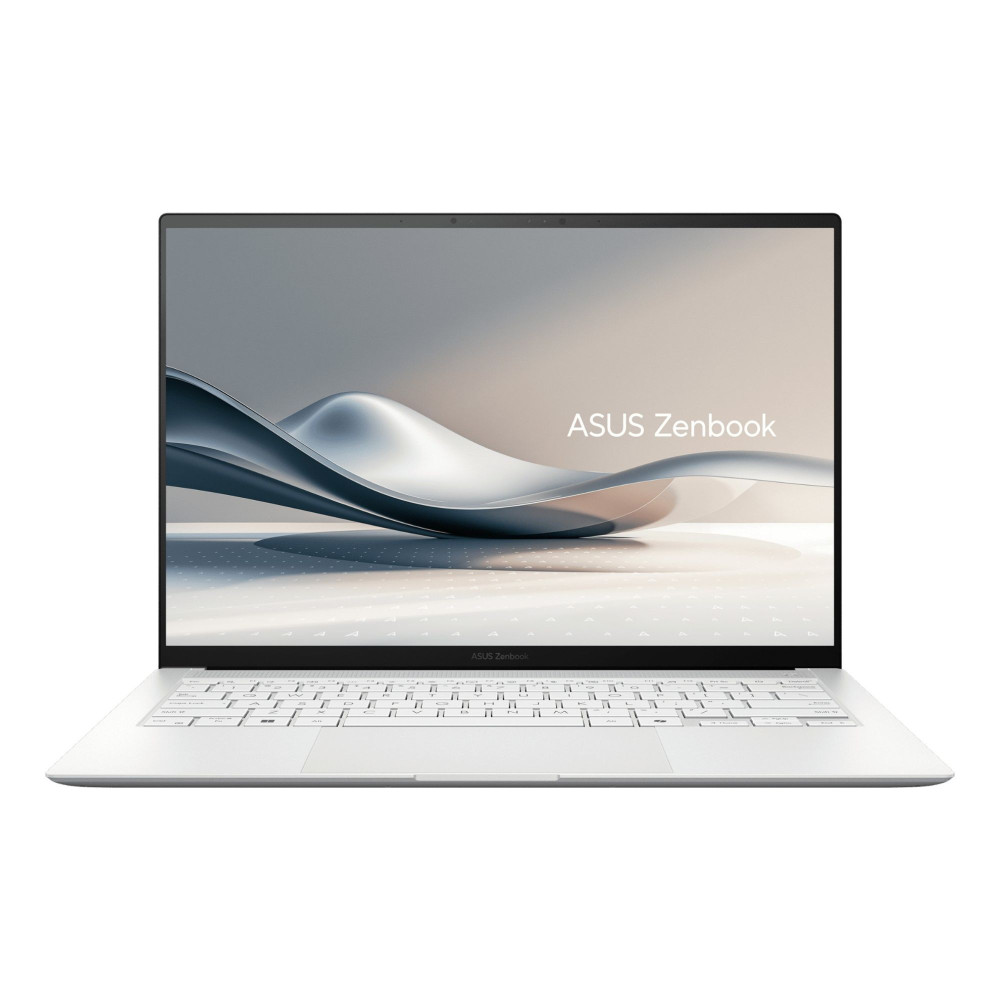
5. Best Premium Option for Long-Term Study: ASUS ZenBook S 14 UX5406SA-PZ228W
MPN: UX5406SA-PZ228W
The ASUS ZenBook S 14 is the premium option here. It is best for students who want a powerful, slim and future-ready laptop for study, work and everyday use.
Key specs:
- Intel Core Ultra 7 256V processor
- 14-inch 3K OLED touchscreen
- 16GB RAM
- 1TB SSD
- Windows 11 Home
- Intel Arc 140V graphics
- Norton Included
Why it works for students:
- Excellent 3K OLED touchscreen
- 1TB SSD for long-term storage
- Strong Intel Core Ultra performance
- Premium portable design
- Great for productivity and daily use
- Useful for students who also work part-time or freelance
This is one of the best Norton protected laptops for students who want something that can last beyond one academic year. It is overkill for basic note-taking, but ideal for students who want premium performance, display quality and long-term usability.
Best for:
- Premium study setups
- Multitasking
- Creative work
- Business and productivity
- Long-term use
- Students who want one laptop for study and future work
Quick Pick Summary
| Student Need | Best Option |
|---|---|
| Everyday study | ASUS VivoBook 14 X1407QA-LY003W |
| College and university | ASUS VivoBook M1407KA-LY015W |
| Budget-conscious students | ASUS VivoBook M1407KA-LY014W |
| Multitasking and productivity | ASUS ZenBook 14 OLED UM3406KA-PP013W |
| Premium long-term use | ASUS ZenBook S 14 UX5406SA-PZ228W |
Why Free Norton Protection Is a Useful Extra
Free Norton protection is useful because students are online constantly. A typical week might include downloading lecture files, logging into university portals, browsing research sites, shopping online, joining public Wi-Fi and sending coursework by email.
Norton for laptop users can add a helpful protection layer for daily use.
Norton Can Help With
- Malware protection
- Safer browsing
- Suspicious download checks
- Identity monitoring features, depending on plan
- Secure VPN features, depending on plan
- Password management features, depending on plan
- Protection against some online threats
- Extra confidence when using shared networks
Why It Matters for Students
Students often use their laptops in different environments including home, lecture halls, classrooms, libraries, cafés, shared accommodation, trains, and with university Wi-Fi networks.
That makes Norton antivirus for laptop protection a useful extra. It helps support safer browsing habits, especially when combined with regular updates, strong passwords and sensible download behaviour.
Norton Is Not a Replacement for Good Habits
Norton laptop antivirus is useful, but students should still:
- Avoid suspicious links
- Use strong passwords
- Enable two-factor authentication
- Update Windows and apps
- Back up coursework
- Avoid unknown USB drives
- Be careful with public Wi-Fi
- Keep browser extensions under control
No security software can prevent every threat, so smart habits still matter.
Laptop Security Tips for Students

Buying a secure laptop is only the start. How you use it matters too.
Essential Student Security Habits
- Keep Windows updated
- Use Norton protection if included
- Turn on browser security warnings
- Use unique passwords
- Enable two-factor authentication
- Back up coursework
- Avoid unknown downloads
- Be careful on public Wi-Fi
- Lock your laptop when away from it
- Keep personal and university accounts separate where possible
Good Backup Habits
Students should back up:
- Assignments
- Lecture notes
- Research files
- Presentation slides
- Dissertation work
- Creative projects
- Personal documents
Use cloud storage, external storage or both. Losing a laptop is bad. Losing the only copy of your coursework is worse.
Wrapping Up
The best student laptops with free Norton protection are the ones that balance performance, portability and online safety. A fast processor, enough RAM, SSD storage and a reliable screen matter first. Norton adds useful protection for browsing, downloads, email and everyday student life.
For most students, the best value options are the ASUS VivoBook M1407KA-LY014W and ASUS VivoBook 14 X1407QA-LY003W. Both offer 16GB RAM, SSD storage and Norton included, making them strong choices for everyday coursework.
If you want more storage, the ASUS VivoBook M1407KA-LY015W is a smart step up. If you want a better screen and premium finish, the ASUS ZenBook 14 OLED is a stronger productivity pick. If you want the most premium long-term study option, the ASUS ZenBook S 14 is the one to consider.
A student laptop should help you work faster, stay organised and browse safely. Choosing one with Norton included gives you a useful security boost from day one.
FAQs
-
Does my laptop need Norton antivirus?
A laptop does not strictly need Norton specifically, but it does need reliable protection. Norton antivirus can help protect against malware, suspicious downloads and online threats. It is especially useful for students who browse daily, download course files and use shared networks.
-
Is Norton useful for students?
Yes, Norton is useful for students because it supports safer browsing, device protection and online safety for daily study. It can help when using public Wi-Fi, downloading files, checking email and managing online accounts.
-
Is a free Norton bundle better than buying antivirus separately?
A free Norton bundle can be better value because it gives you protection from day one without a separate purchase. However, always check what the bundle includes, how long it lasts and whether it covers the number of devices you need.
-
Which type of student benefits most from Norton protection?
Students who use public Wi-Fi, download lots of files, study online, use cloud storage or manage personal accounts on their laptop benefit most. It is also useful for students living in shared accommodation or using university networks.
-
Are student laptops with Norton better value than standard laptops?
They can be better value if the laptop already meets your performance, battery and portability needs. Norton included is a useful extra, but it should not be the only reason to buy. Always choose the laptop specs first, then treat Norton as added protection.
-
What specs should a student laptop have in 2026?
For most students, 8GB RAM and 256GB SSD is the minimum starting point. For smoother multitasking and longer-term use, 16GB RAM and 512GB SSD or 1TB SSD is better.
-
Is 16GB RAM enough for a student laptop?
Yes, 16GB RAM is a strong choice for a student laptop. It helps with multitasking, browser tabs, video calls, Microsoft Office, research and everyday study apps.
You can pay with:
*PayPal Credit Representative Example: Assumed credit limit £1,200, Representative 23.9% APR (variable). Purchase rate 23.9% p.a (variable).Terms & Conditions apply.


PayPal Credit and PayPal Pay in 3 are trading names of PayPal UK Ltd, 5 Fleet Place, London, United Kingdom, EC4M 7RD. Terms and conditions apply. Credit subject to status, UK residents only, Five Tech LTD acts as a broker and offers finance from a restricted range of finance providers. PayPal Pay in 3 is not regulated by the Financial Conduct Authority. Pay in 3 eligibility is subject to status and approval. 18+. UK residents only. Pay in 3 is a form of credit. Check if affordable and how you will repay. May make other borrowing more difficult or expensive. See product terms for more details.
Copyright © 1996-2026 Fivetech LTD | Terms and Conditions
box.co.uk & Box are trading names of Five Tech Limited. Registered office: Box LTD, Unit 10 Woodford Trading Estate, Woodford Green IG8 8HF