


 Menu
MenuMenu


Get Sales Advice from Mon - Fri 9am - 5:00pm:
020 3337 8950LAST UPDATED: March 30, 2026
7 Essential Tips to Safely Pack Your Laptop for Summer Travel
Summer getaways are calling! Whether you’re heading abroad, off to a festival, or enjoying a staycation, your laptop is probably going with you. Travel, though, brings risks of damage, theft, and unexpected accidents. Here’s how to keep your laptop safe and sound wherever your summer takes you:
Summer getaways are calling! Whether you’re heading abroad, off to a festival, or enjoying a staycation, your laptop is probably coming with you. But travel also brings risks like bumps, theft, spills, and accidental damage. If you are wondering how to travel with a laptop, how to protect laptop when travelling, or simply want practical laptop travel safety tips, these simple steps will help keep your device safe wherever summer takes you.
Use a Dedicated, Padded Laptop Bag
A proper laptop bag or case is your first line of defence against knocks, drops, and the occasional summer downpour. It is also the best way to carry a laptop when travelling, especially if the bag is designed specifically for laptops and includes proper padding. If you are unsure how to properly put laptop in a bag, place it in the dedicated laptop sleeve with the base flat and the screen protected from pressure and loose accessories.
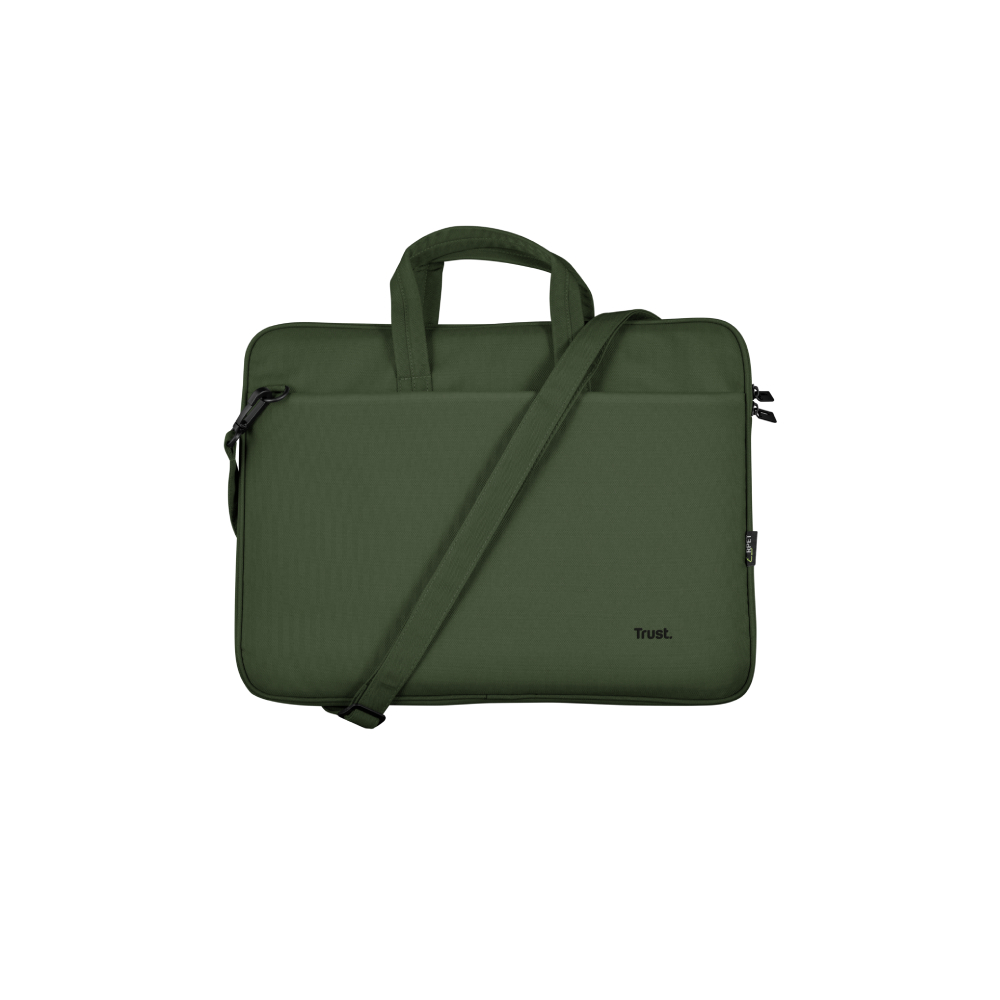
Shop laptop bags and cases for safe travel
Image Suggestion: Display a selection of stylish, padded laptop backpacks and cases.
Power Down, Not Just Sleep
Always fully shut down your laptop before packing it. Summer heat plus a powered-on device in a tight bag is a recipe for trouble. This is one of the easiest but most overlooked steps in how to pack a laptop for travel, especially if you are moving between airports, hotels, trains, or long car journeys.
Consider a compact, portable docking station to make setup quick and easy when you arrive.

Remove Accessories
Detach all USB devices, external drives, Bluetooth mouse & keyboards, and cables. It reduces the risk of port damage or scratching your laptop on the move.These are also some of the most useful laptop accessories for travel, but they should always be packed separately so they do not press against or mark the laptop.
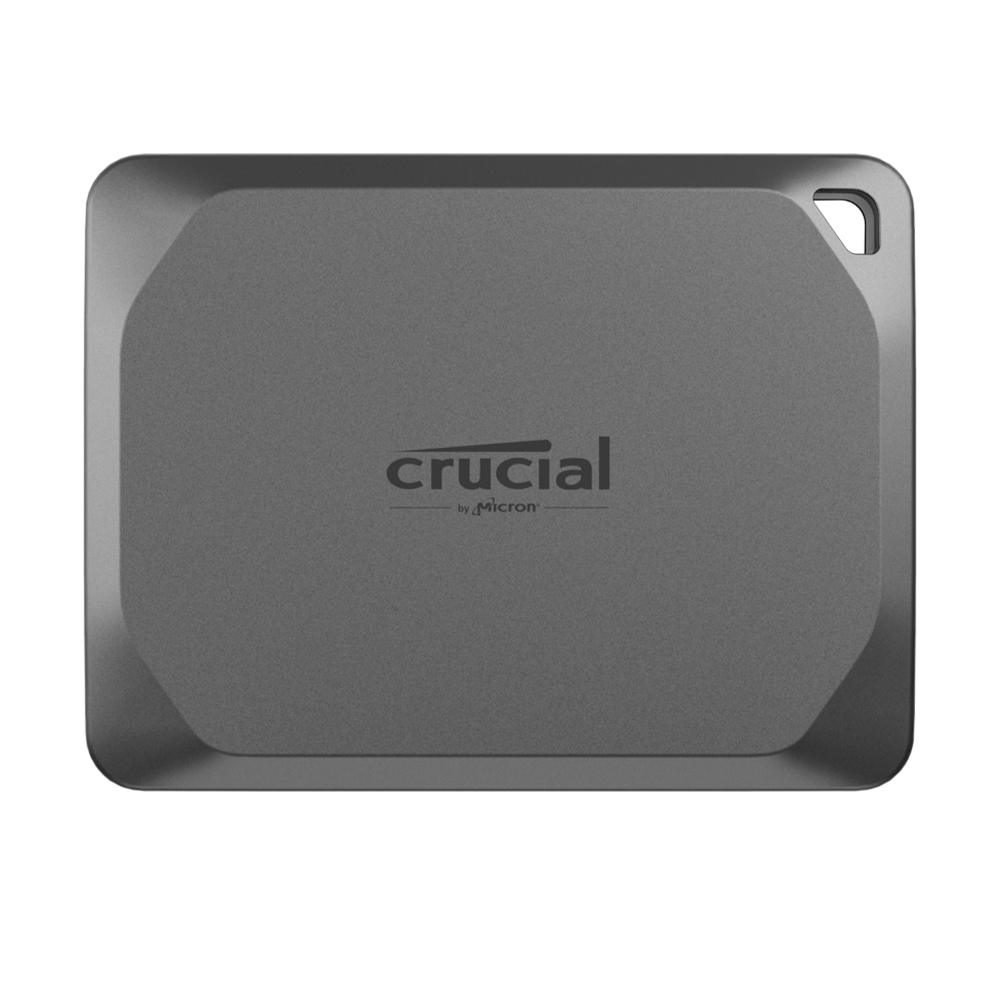
Shop external SSDs for travellers
Protect the Screen
Place a soft microfiber cloth or a dedicated laptop keyboard cover between the keyboard and screen to avoid marks or scratches, especially during bumpy journeys. This is a simple but effective answer to how to protect laptop when travelling, particularly when your bag may be moved around a lot in transit.

Avoid Overpacking
An overloaded bag can put pressure on your device. Keep heavy gear or extras in a separate compartment or bag to maintain laptop safety. If you are learning how to properly put laptop in a bag, the key is to avoid placing chargers, bottles, or bulky accessories directly against the lid or underside of the laptop.
Back Up Your Data
Be ready for the unexpected. A portable external SSD is perfect for travel backups: and is one of the smartest laptop accessories for travel if you want extra peace of mind:
We recommend the Synology BeeDrive 1TB SSD for on-the-go use.
At home, the Synology BeeStation 4TB NAS Desktop Server keeps everything safe and organised.

Keep It With You
We'd advise against packing your laptop as checked luggage. Cabin temperatures are safer, and you’ll avoid rough handling.
For digital nomads or workations, a compact docking station makes life easier: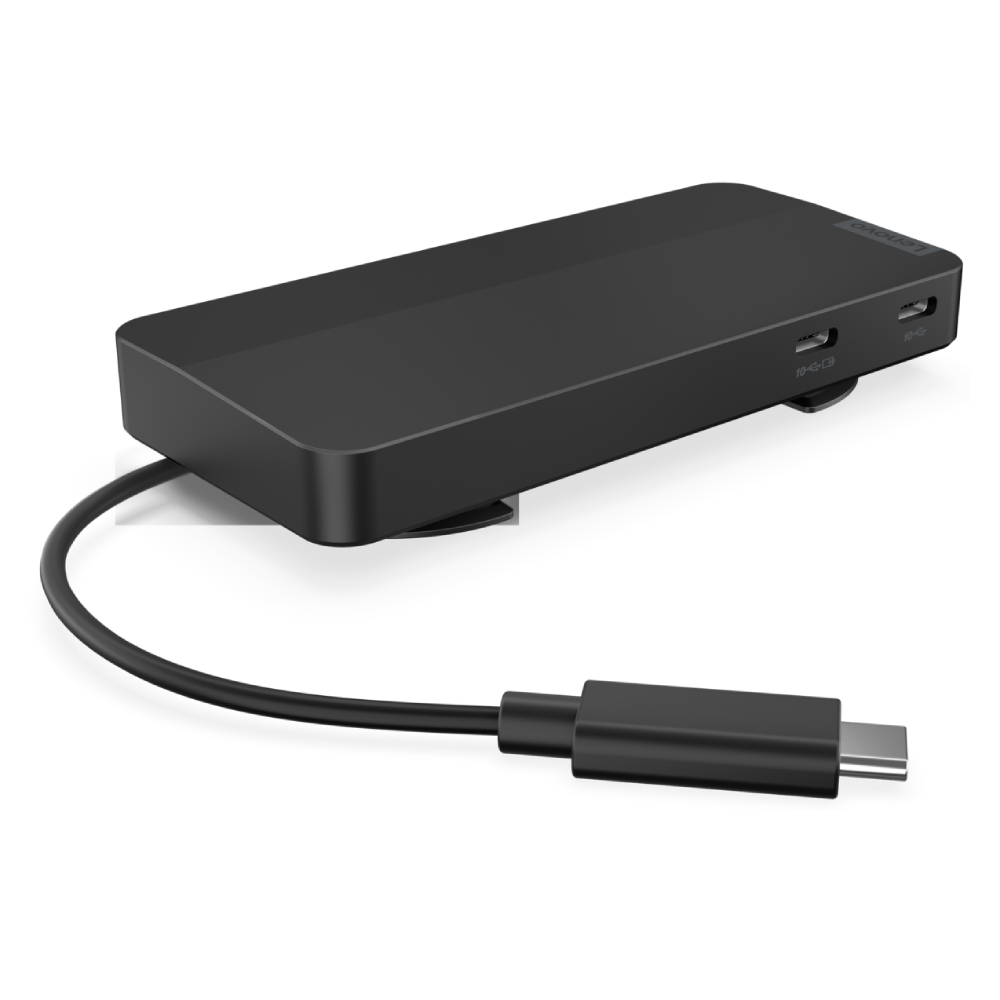
Explore Lenovo USB-C Mobile Hubs
Enjoy Your Summer Adventures!
Whether you’re planning to work poolside, at a festival, or in the sun-soaked countryside, a lighter laptop makes all the difference.
Discover our lightweight laptops perfect for travel

Stay cool, stay safe, and travel smart this summer!
FAQs - 7 Essential Tips to Safely Pack Your Laptop for Summer Travel
-
How do you pack a laptop for travel?
The safest way to pack a laptop for travel is to shut it down fully, place it in a padded sleeve or dedicated laptop compartment, and keep chargers or other hard items separate so they do not press against the device.
-
How do you travel with a laptop safely?
To travel with a laptop safely, keep it in your hand luggage, use a padded bag, avoid overpacking, and back up your files before you leave.
-
How do you protect a laptop when travelling?
You can protect a laptop when travelling by using a padded case, placing a microfibre cloth between the keyboard and screen, and keeping it away from heavy items, liquids, and extreme heat.
-
Can you take a laptop on a plane?
Yes, you can take a laptop on a plane. In most cases, it is best to carry it in your cabin bag so it stays with you and is less likely to be damaged.
-
Can you put a laptop in checked luggage?
You can, but it is not recommended. Checked luggage is more likely to be handled roughly, which increases the risk of damage, pressure, or theft.
-
How do you pack a laptop in a suitcase?
If you have to pack a laptop in a suitcase, place it inside a padded sleeve and surround it with soft clothing, making sure no heavy or hard items can press against it.
-
What is the best way to carry a laptop when travelling?
The best way to carry a laptop when travelling is in a dedicated padded laptop backpack, sleeve, or carry case that keeps it secure and separate from bulkier items.
-
What laptop accessories are useful for travel?
Useful laptop accessories for travel include a padded sleeve, portable SSD, USB-C hub, compact charger, wireless mouse, travel keyboard, and a microfibre cloth for screen protection.
-
How do you properly put a laptop in a bag?
To properly put a laptop in a bag, slide it into the dedicated laptop compartment with the base flat, keep the screen protected, and avoid placing chargers, bottles, or other bulky items directly against it.
You can pay with:
*PayPal Credit Representative Example: Assumed credit limit £1,200, Representative 23.9% APR (variable). Purchase rate 23.9% p.a (variable).Terms & Conditions apply.


PayPal Credit and PayPal Pay in 3 are trading names of PayPal UK Ltd, 5 Fleet Place, London, United Kingdom, EC4M 7RD. Terms and conditions apply. Credit subject to status, UK residents only, Five Tech LTD acts as a broker and offers finance from a restricted range of finance providers. PayPal Pay in 3 is not regulated by the Financial Conduct Authority. Pay in 3 eligibility is subject to status and approval. 18+. UK residents only. Pay in 3 is a form of credit. Check if affordable and how you will repay. May make other borrowing more difficult or expensive. See product terms for more details.
Copyright © 1996-2026 Fivetech LTD | Terms and Conditions
box.co.uk & Box are trading names of Five Tech Limited. Registered office: Box LTD, Unit 10 Woodford Trading Estate, Woodford Green IG8 8HF