


 Menu
MenuMenu


Get Sales Advice from Mon - Fri 9am - 5:00pm:
020 3337 8950LAST UPDATED: June 17, 2026
Top 10 Kioxia SSDs: Which EXCERIA SSD Is Right for You?
The Kioxia EXCERIA SSD range covers everything from affordable SATA upgrades to PCIe 5.0 NVMe drives and portable USB-C storage. The best choice depends on your device, budget, and workload. If you are upgrading an older laptop, a SATA SSD may be enough. If you are building a gaming PC or creator workstation, an NVMe M.2 drive makes more sense. If you move files between devices, a portable SSD is the better fit.
This guide will walk you through the 10 best Kioxia SSD drives available on the market. We will also help you choose the right Exceria option based on your use case. So, let’s get started.
Quick Answer: Which Kioxia EXCERIA SSD Should You Buy?
For most PC gamers and everyday users, the Kioxia EXCERIA PLUS G4 1TB or EXCERIA G3 2TB are the strongest picks. They offer modern PCIe 5.0 performance without going straight to flagship pricing. For creators and power users, the EXCERIA PRO G2 4TB is the performance option. For older systems, the EXCERIA 960GB SATA SSD is the practical upgrade.
| User Type | Best Kioxia Pick |
| Best overall 1TB internal SSD | Kioxia EXCERIA PLUS G4 1TB |
| Best 2TB internal value | Kioxia EXCERIA G3 2TB |
| Best high-end creator SSD | Kioxia EXCERIA PRO G2 4TB |
| Best portable 1TB SSD | Kioxia EXCERIA PLUS G2 Portable 1TB |
| Best older laptop upgrade | Kioxia EXCERIA 960GB SATA |
| Best PCIe 4.0 option | Kioxia EXCERIA PLUS G3 1TB |
What to Know Before Choosing a Kioxia SSD
The Kioxia EXCERIA range includes SATA, PCIe 4.0, PCIe 5.0, and portable SSDs. SATA drives are best for older laptops and desktops. NVMe M.2 drives are much faster and better suited to gaming PCs, modern laptops, and creator systems. Portable SSDs are designed for file transfer, backups, and travel.
If your PC supports it, an internal SSD usually gives the best performance for gaming, boot times, and application loading.
Key things to check:
- Interface: SATA, PCIe 4.0, PCIe 5.0 or USB 3.2.
- Form factor: 2.5-inch SATA, M.2 2280 or portable external.
- Capacity: 1TB is enough for general use; 2TB is better for gaming; 4TB suits creators.
- Warranty: Most internal models listed here include 5 years, while portable models listed include 3 years.
- Motherboard support: PCIe 5.0 drives work best with compatible systems.
Kioxia’s newer EXCERIA PLUS G4 uses PCIe 5.0 and offers up to 10,000MB/s sequential read speeds, with up to 7,900MB/s write on 1TB and up to 8,200MB/s write on 2TB.
Top 10 Kioxia EXCERIA SSDs Compared
| Rank | Product | Best For |
| 1 | Kioxia EXCERIA PLUS G4 1TB PCIe Gen 5.0 | Best overall 1TB SSD |
| 2 | KIOXIA EXCERIA G3 2TB PCIe 5.0 | Best 2TB value |
| 3 | Kioxia EXCERIA PLUS G4 2TB PCIe Gen 5.0 | Best premium 2TB SSD |
| 4 | Kioxia EXCERIA PRO G2 4TB PCIe Gen 5.0 | Best creator SSD |
| 5 | Kioxia EXCERIA PLUS G3 1TB PCIe Gen 4.0 | Best PCIe 4.0 option |
| 6 | Kioxia EXCERIA G3 1TB PCIe Gen 5.0 | Best affordable Gen 5 1TB |
| 7 | Kioxia EXCERIA PLUS G2 Portable 1TB | Best portable 1TB |
| 8 | Kioxia EXCERIA PLUS G2 Portable 2TB | Best portable 2TB |
| 9 | KIOXIA EXCERIA Basic 1TB PCIe 4.0 | Best basic NVMe upgrade |
| 10 | KIOXIA EXCERIA 960GB 2.5-inch SATA | Best SATA upgrade |
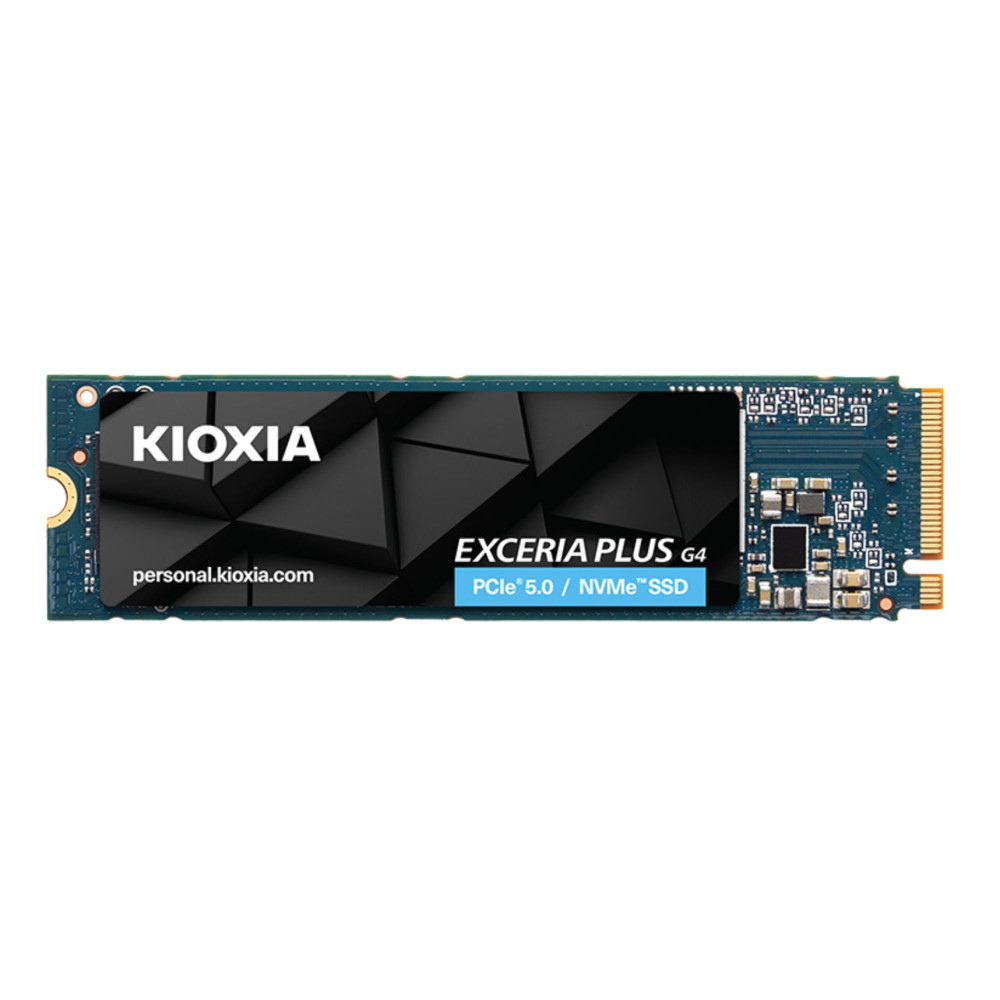
1. Kioxia EXCERIA PLUS G4 1TB M.2 NVMe PCIe Gen 5.0 SSD
Best for: most gamers and performance-focused laptop or desktop users
MPN: LVD10Z001TG8
Warranty: 5 years
The Kioxia EXCERIA PLUS G4 1TB is the strongest all-round recommendation in this list. It gives you PCIe 5.0 performance, a practical 1TB capacity, and a sensible price compared with higher-end models.
Kioxia positions the EXCERIA PLUS G4 for gamers and video editors, with PCIe 5.0 support and strong sequential read and write performance. It is a good fit if you want a fast boot drive, quick game loading and strong everyday responsiveness without jumping to a 4TB flagship SSD.
Shop Kioxia EXCERIA PLUS G4 1TB
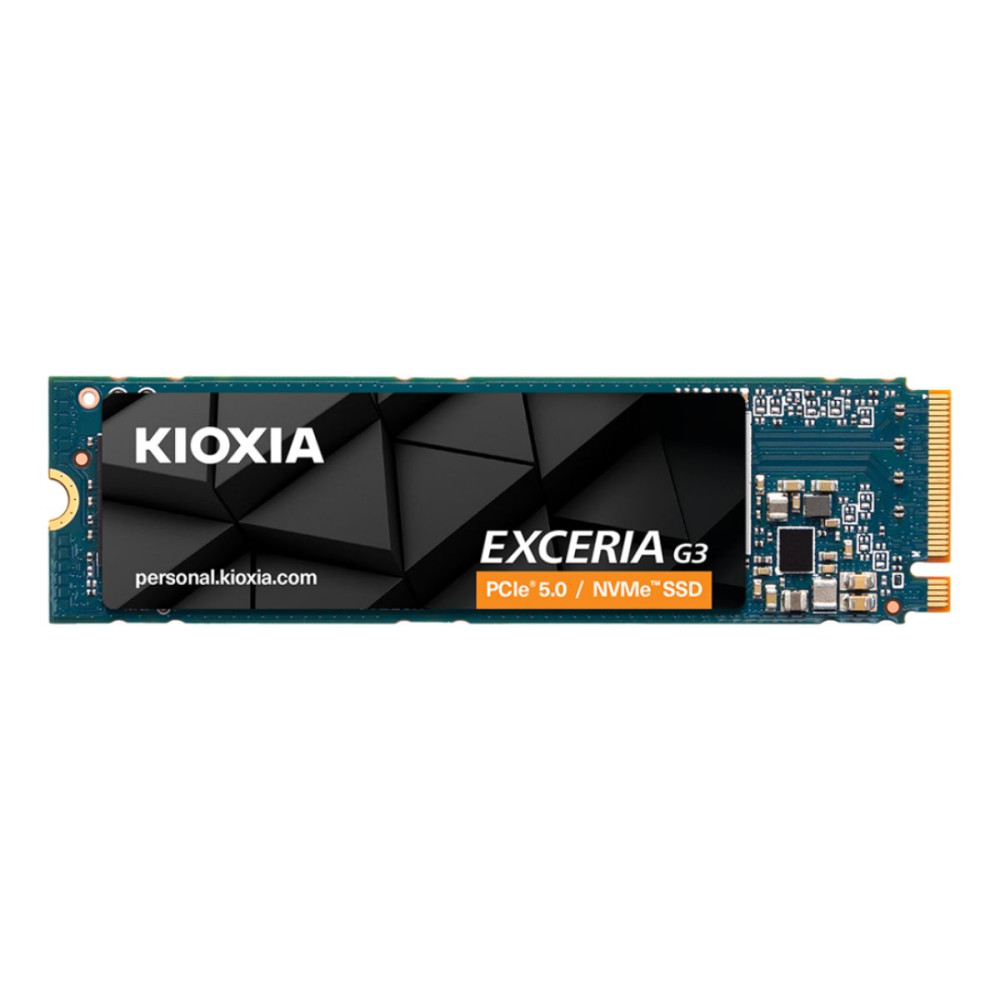
2. KIOXIA EXCERIA G3 2TB M.2 PCIe 5.0 NVMe SSD
Best for: gamers who want 2TB capacity and strong value
MPN: LVC10Z002TG8
Warranty: 5 years
The Kioxia EXCERIA G3 2TB is one of the most attractive options in the list because it gives you 2TB capacity and PCIe 5.0 support at a lower listed price than some PCIe 4.0 options.
Kioxia describes the EXCERIA G3 as an entry-level PCIe 5.0 SSD with up to 10,000MB/s sequential read speed, aimed at everyday PC tasks, AI applications and comfortable gaming environments. For a gaming PC with large installs, 2TB is much easier to live with than 1TB.
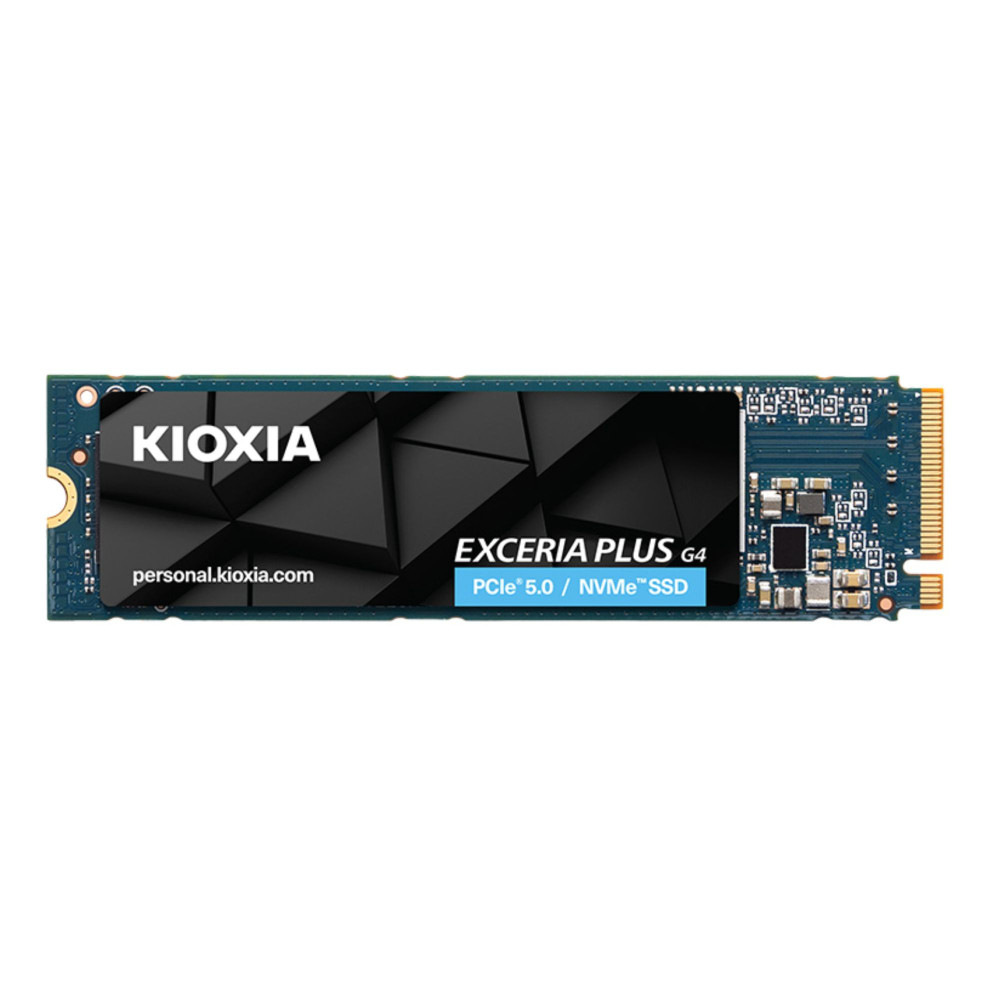
3. Kioxia EXCERIA PLUS G4 2TB M.2 NVMe PCIe Gen 5.0 SSD
Best for: premium gaming PCs and high-speed storage builds
MPN: LVD10Z002TG8
Warranty: 5 years
The Kioxia EXCERIA PLUS G4 2TB is the better pick if you like the PLUS G4 performance profile but want more space. It suits gaming libraries, creator project files and users who do not want to manage storage constantly.
This model is part of the same PCIe 5.0 PLUS G4 series, with the 2TB version rated by Kioxia for up to 10,000MB/s sequential read and up to 8,200MB/s sequential write speeds. Choose it if your system supports fast NVMe storage and you want a stronger long-term drive.
Shop Kioxia EXCERIA PLUS G4 2TB
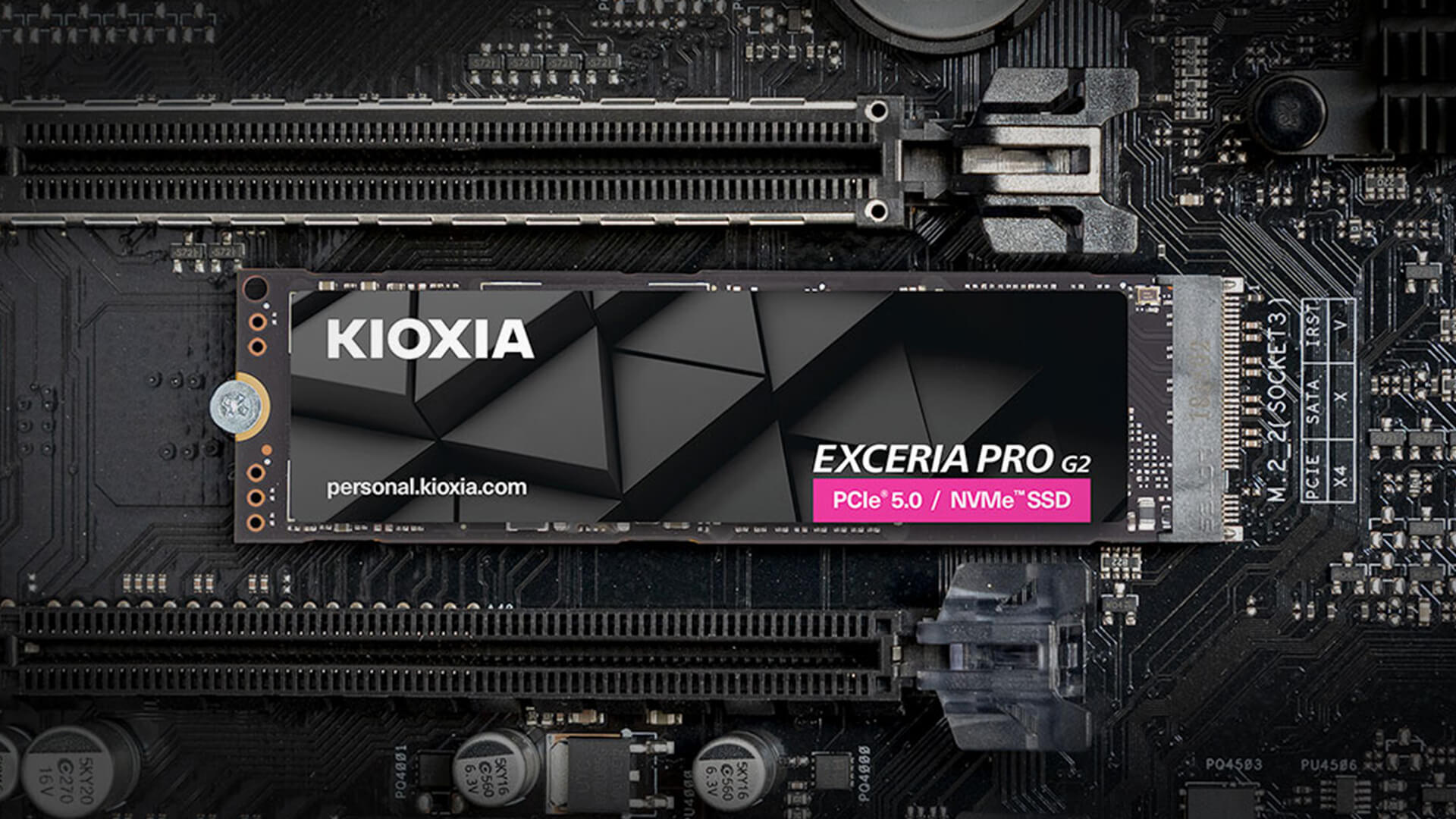
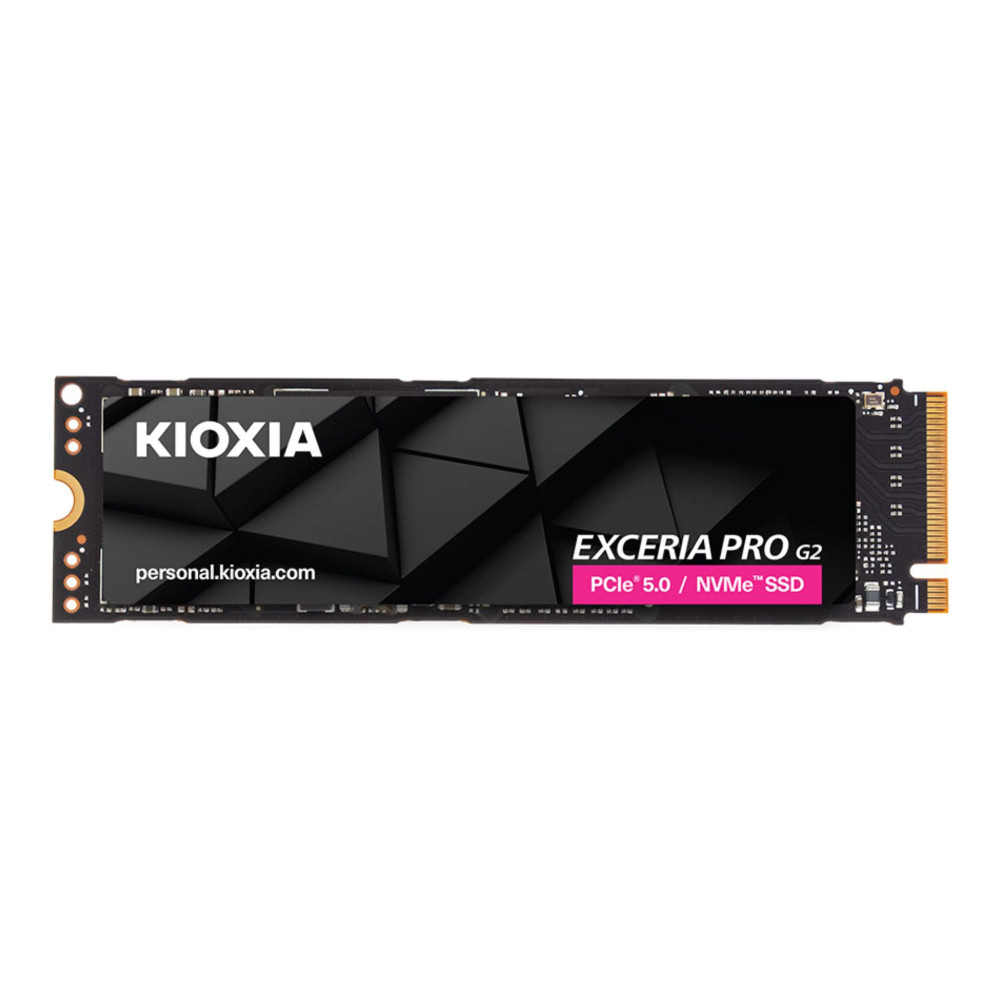
4. Kioxia EXCERIA PRO G2 4TB M.2 NVMe PCIe Gen 5.0 SSD
Best for: creators, workstation users and high-end PC builds
MPN: LVE10Z4T09G8
Warranty: 5 years
The Kioxia EXCERIA PRO G2 4TB is the powerhouse option. It is not the drive most casual users need, but it makes sense for heavy video projects, large game libraries, 3D work, high-resolution media and demanding creator workflows.
Kioxia calls the EXCERIA PRO G2 its fastest personal SSD to date and lists it as a PCIe 5.0 series designed for high-demand gaming and creative environments, with capacities up to 4,096GB. If you want maximum headroom, this is the obvious choice.
Shop Kioxia EXCERIA PRO G2 4TB
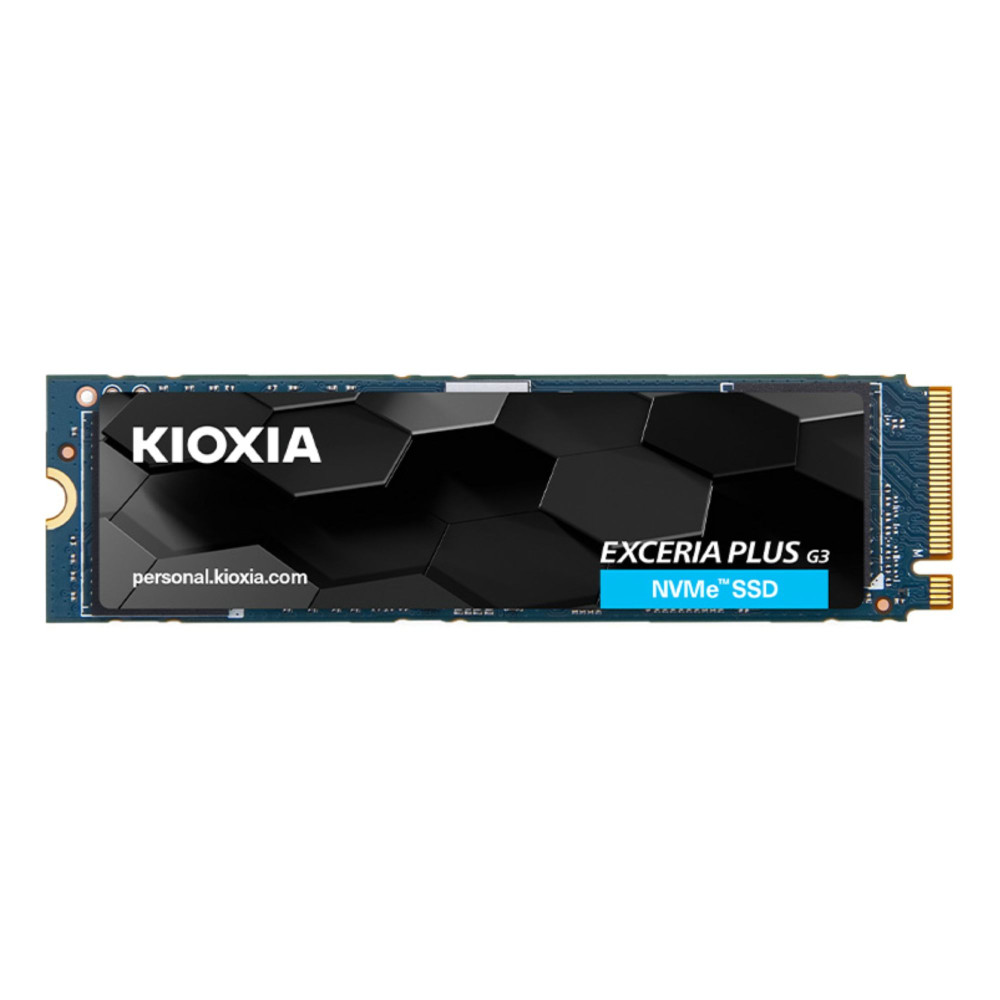
5. Kioxia EXCERIA PLUS G3 1TB M.2 NVMe PCIe Gen 4.0 SSD
Best for: PCIe 4.0 gaming PCs and mainstream performance upgrades
MPN: LSD10Z001TG8
Warranty: 5 years
The Kioxia EXCERIA PLUS G3 1TB is a strong pick for users who do not need PCIe 5.0 or whose motherboard only supports PCIe 4.0. It is fast enough for gaming, Windows, creative apps and daily desktop use.
Kioxia lists the EXCERIA PLUS G3 as a PCIe 4.0 M.2 2280 SSD with up to 5,000MB/s sequential read and up to 3,900MB/s sequential write speeds. It is a sensible option if you want performance without paying extra for Gen 5 support you may not use.
Shop Kioxia EXCERIA PLUS G3 1TB
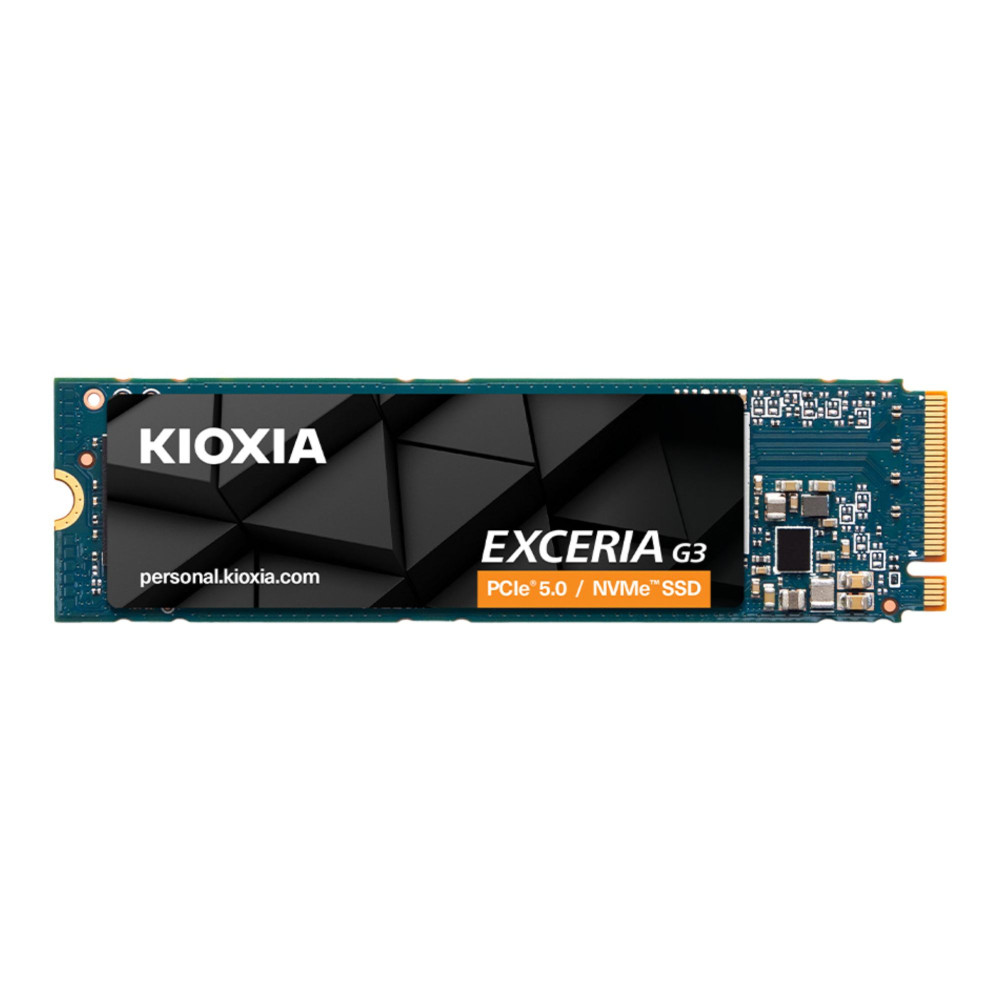
6. Kioxia EXCERIA G3 1TB M.2 NVMe PCIe Gen 5.0 SSD
Best for: affordable PCIe 5.0 entry point
MPN: LVC10Z001TG8
Warranty: 5 years
The Kioxia EXCERIA G3 1TB is the lower-capacity version of the G3 line. It is a good match for a fast system drive if you already use a second drive for games, files or backups.
Because the G3 series is positioned as entry-level PCIe 5.0, it is best for users who want newer interface support without going straight to EXCERIA PLUS G4 or PRO G2 pricing. For a clean Windows and core games drive, 1TB is still practical.
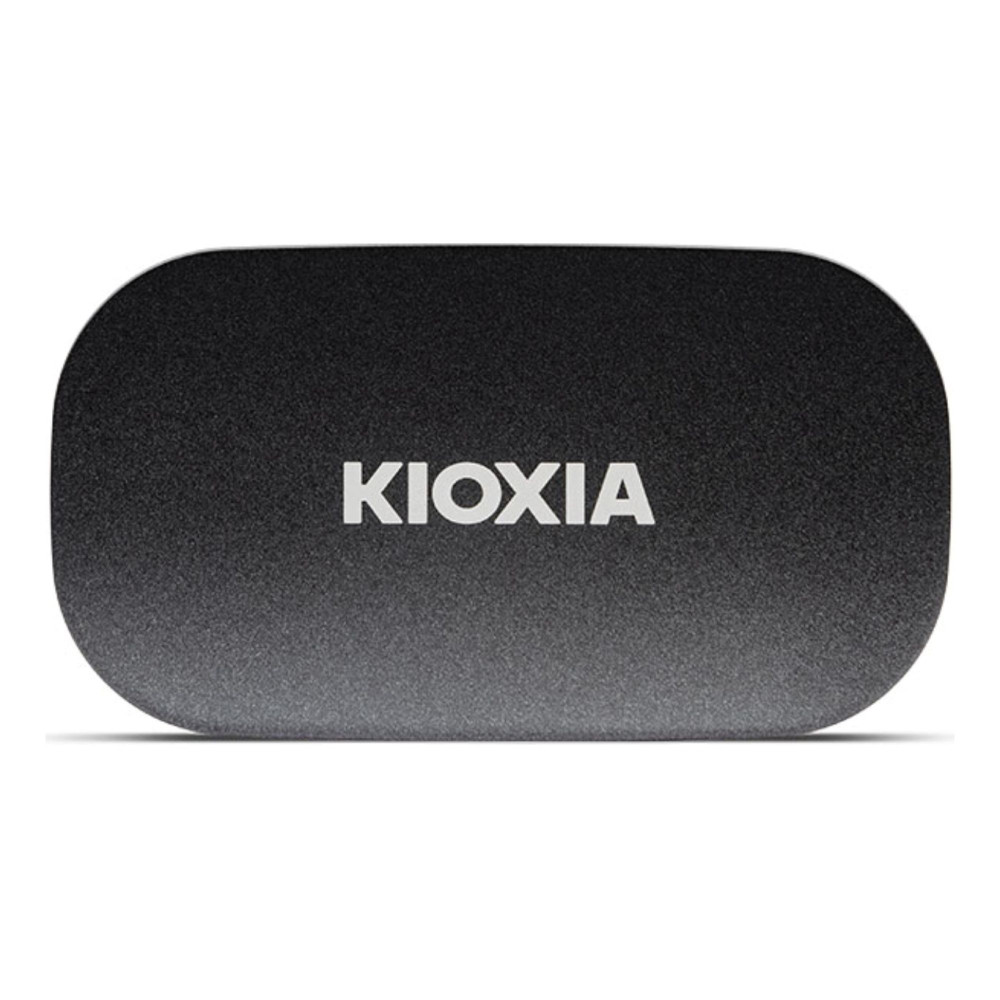
7. Kioxia EXCERIA PLUS G2 1TB USB 3.2 Type-C Portable SSD
Best for: portable storage and fast file transfers
MPN: LXD20K001TG8
Warranty: 3 years
The Kioxia portable SSD option to choose first is the EXCERIA PLUS G2 1TB. It is useful for moving files between laptops, desktops, consoles and work devices.
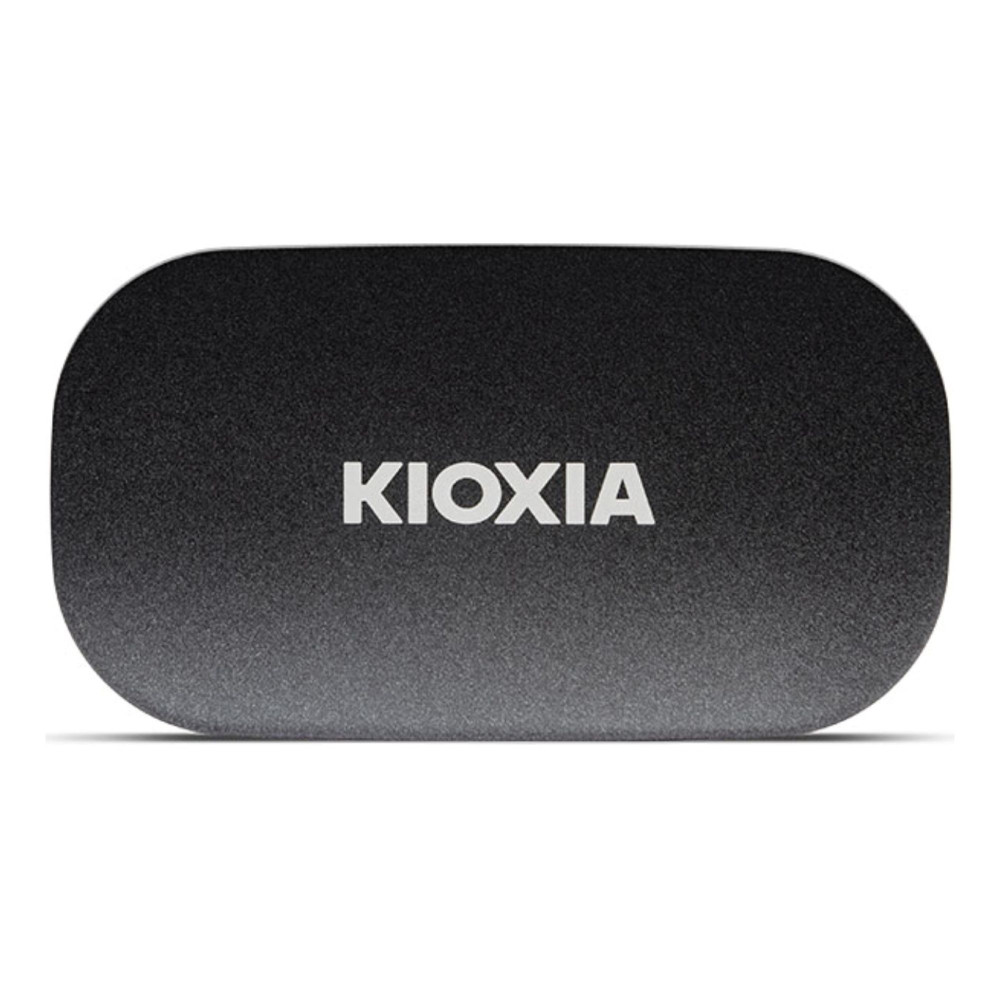
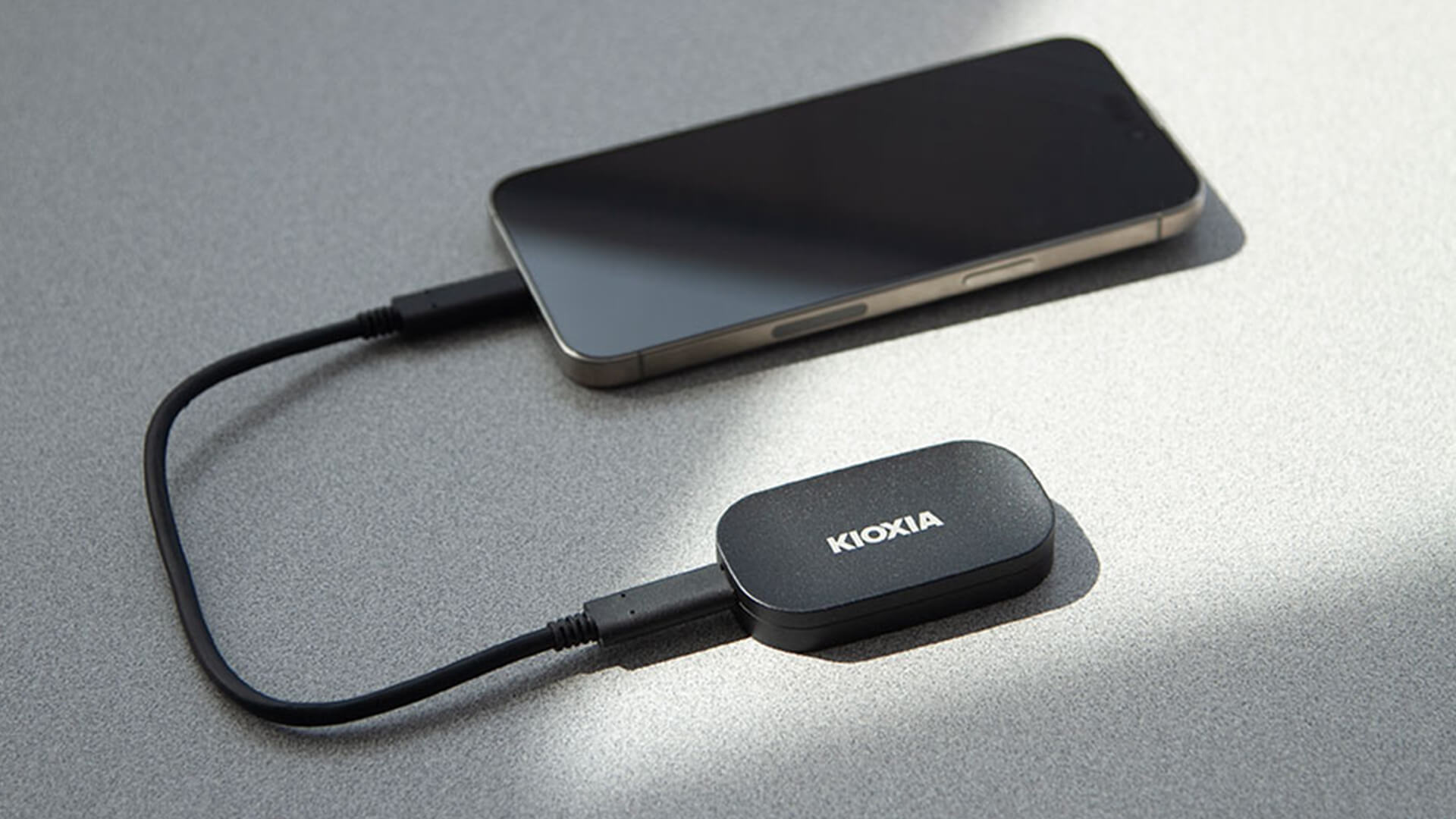
If you need an external SSD, this is the most affordable portable model in this list. The EXCERIA PLUS G2 Portable SSD is a compact and pocket-sized option with a rounded aluminium housing for mobile use. It is better for travel and backups than as a main internal game drive.
Shop Kioxia EXCERIA PLUS G2 1TB
8. Kioxia EXCERIA PLUS G2 2TB USB 3.2 Type-C Portable SSD
Best for: larger portable storage
MPN: LXD20K002TG8
Warranty: 3 years
The best Kioxia portable SSD for capacity is the EXCERIA PLUS G2 2TB. It suits creators, students, photographers, and gamers who need to move larger folders without relying on cloud storage.
The EXCERIA PLUS G2 Portable features up to 1,050MB/s read and 1,000MB/s write speeds, compact 72 x 40 x 11.8mm dimensions, and a 42g weight. Pick the 2TB version if your portable files are large enough to outgrow 1TB quickly.
Shop Kioxia EXCERIA PLUS G2 2TB
9. KIOXIA EXCERIA Basic 1TB M.2 PCIe 4.0 NVMe SSD
Best for: basic NVMe upgrades
MPN: LSF10Z001TG8
Warranty: 5 years
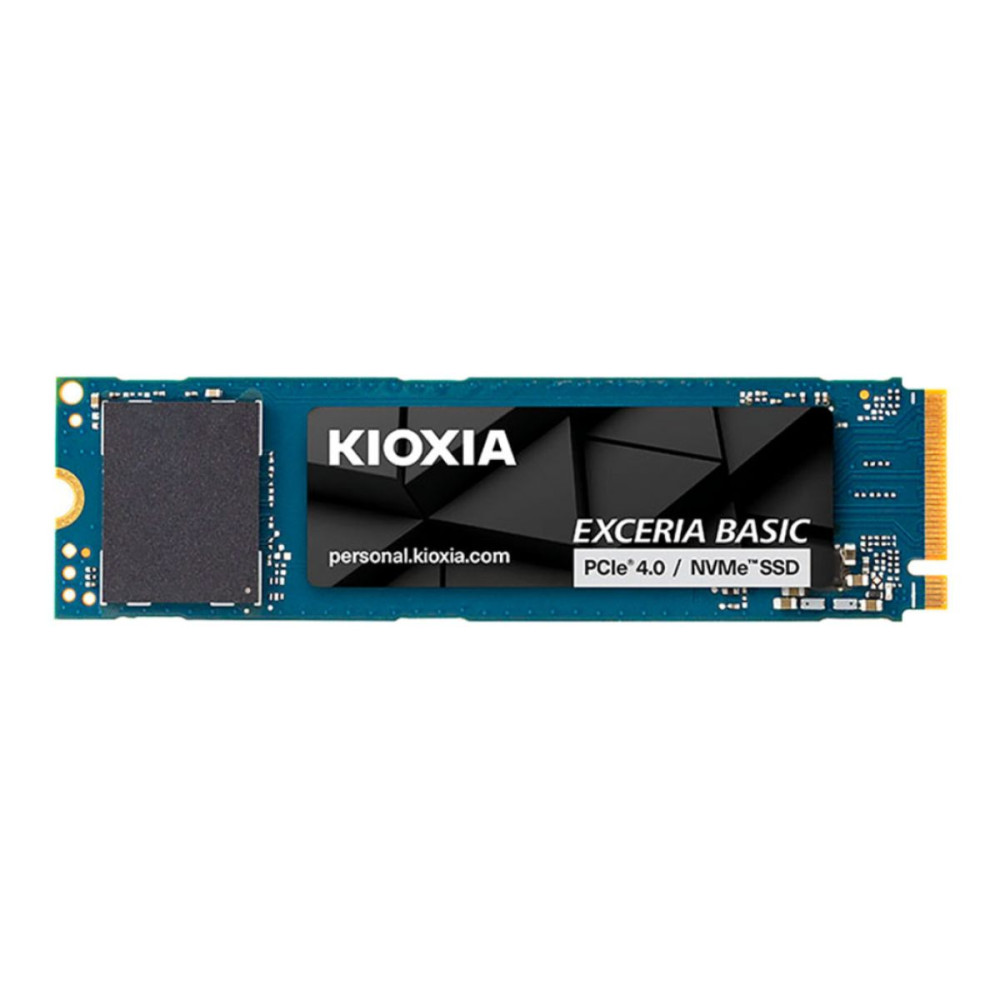
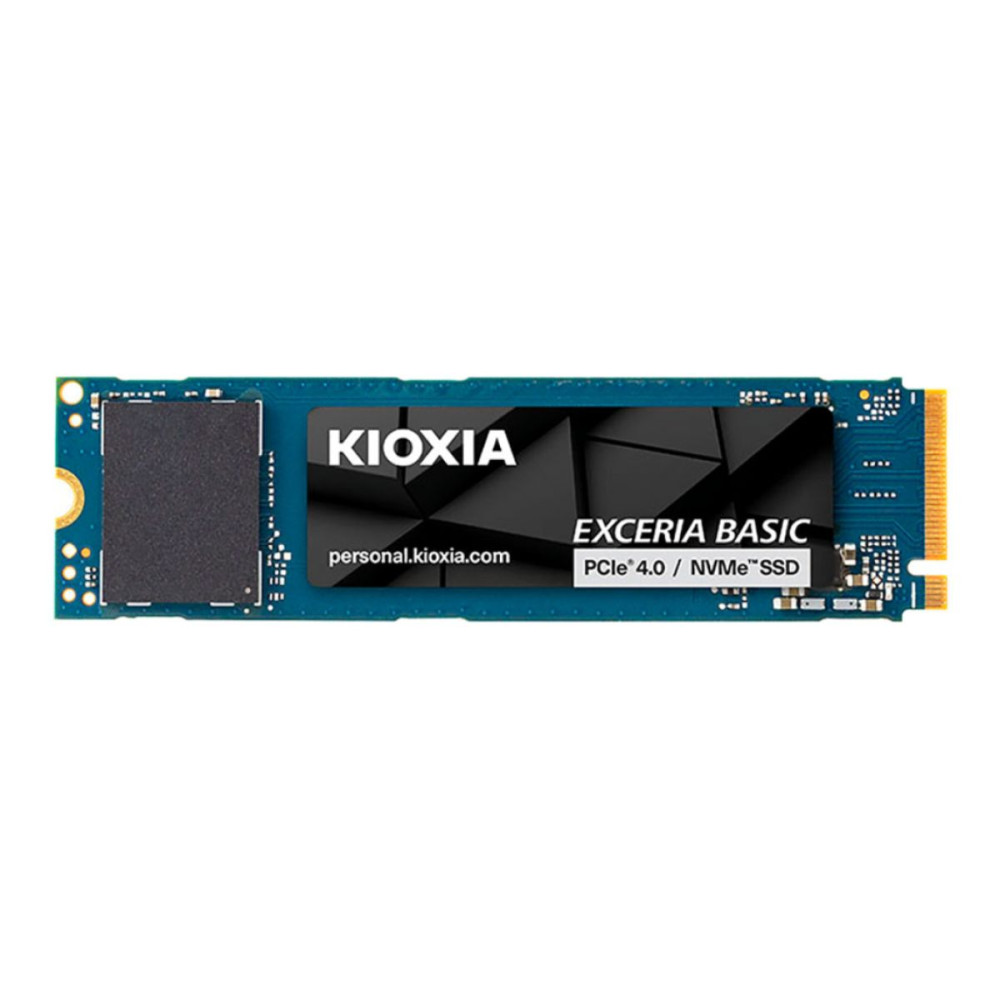
The KIOXIA EXCERIA Basic 1TB is a straightforward NVMe option for users upgrading from older storage. It is not the strongest value in this particular product list, but it still deserves a place because it gives PCIe 4.0 performance and a familiar 1TB capacity.
The EXCERIA BASIC series is an entry-level PCIe 4.0 SSD with up to 7,300MB/s sequential read speed and up to 2TB capacity in M.2 2280 format. It is a fine option if pricing changes or if it fits your exact system requirement. If you want bigger storage in this series, you might check out the Kioxia Exceria Basic 2TB M.2 (LSF10Z002TG8), which comes with the same specs but a bigger storage capacity.
10. KIOXIA EXCERIA 960GB 2.5-inch SATA SSD
Best for: older laptops and desktop HDD replacement
MPN: LTC10Z960GG8
Warranty: 5 years
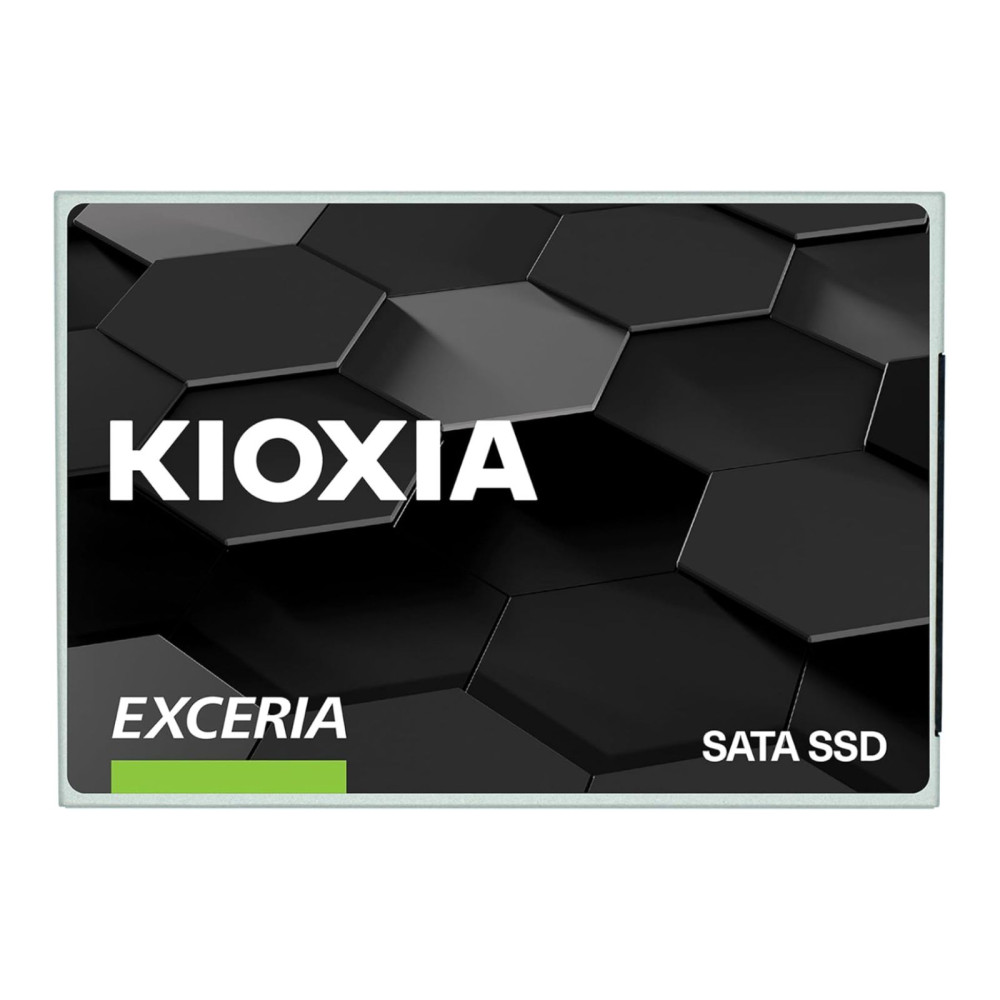
The KIOXIA EXCERIA 960GB SATA SSD is the one to consider if your system does not support M.2 NVMe storage. It is ideal for older laptops or desktops still using a hard drive.
Kioxia positions the EXCERIA SATA SSD series as a 2.5-inch, 7mm-height drive designed to improve boot times, file transfers and system responsiveness compared with conventional hard drives. It will not match NVMe speeds, but for older machines, it can still feel like a major upgrade.
M.2 NVMe vs SATA vs Portable: Which Type Do You Need?
Choose an M.2 SSD if your laptop or motherboard supports it and you want the best internal performance. Choose SATA if you are upgrading an older machine with a 2.5-inch drive bay. Choose portable USB-C storage if you need to move data between devices.
For modern builds, an M.2 SSD is usually the cleanest choice because it avoids extra cables and delivers much higher speeds than SATA.
Simple recommendation:
- Gaming PC: EXCERIA PLUS G4 1TB or EXCERIA G3 2TB.
- Creator PC: EXCERIA PRO G2 4TB or PLUS G4 2TB.
- Older laptop: EXCERIA 960GB SATA.
- Portable storage: EXCERIA PLUS G2 Portable 1TB or 2TB.
- PCIe 4.0 system: EXCERIA PLUS G3 1TB.
Kioxia SSD Software and Maintenance
Kioxia offers SSD Utility software to help maintain and monitor supported Kioxia drives. Kioxia describes SSD Utility as a GUI-based tool designed to help users maintain and monitor their SSD and recommends using the latest version.
After installing a Kioxia EXCERIA SSD, check the drive health, firmware availability and available capacity. Also, keep some free space on the drive, especially if it is your Windows or gaming drive.
Wrapping Up
The best Kioxia EXCERIA SSD for most users is the EXCERIA PLUS G4 1TB because it balances PCIe 5.0 performance, price, and everyday usability. If you want more storage for games, the EXCERIA G3 2TB is the standout value pick from the supplied products. If you need maximum space and speed for creative work, choose the EXCERIA PRO G2 4TB.
Choose based on your system first, then capacity, then budget. PCIe 5.0 is great if your PC supports it, but a good PCIe 4.0 or SATA SSD can still be the right choice for the right machine. You might also want to check out the available Kioxia SSD options at Box if you are still browsing.
FAQs
-
What is the best Kioxia EXCERIA SSD for gaming?
The Kioxia EXCERIA PLUS G4 1TB is the best all-round gaming choice, while the EXCERIA G3 2TB is better if you need more space for a larger game library.
-
Is Kioxia a good SSD brand?
Yes. Kioxia is a well-known storage brand and offers a wide EXCERIA range covering SATA, PCIe 4.0, PCIe 5.0, and portable SSDs.
-
Should I choose Kioxia EXCERIA G3 or EXCERIA PLUS G4?
Choose EXCERIA G3 if you want strong PCIe 5.0 value. Choose EXCERIA PLUS G4 if you want stronger performance and a more premium everyday drive.
-
Is a Kioxia portable SSD good for gaming?
A Kioxia portable SSD is useful for storing and moving games, but an internal NVMe SSD is usually better for a main gaming drive.
-
Is PCIe 5.0 worth it for an SSD?
PCIe 5.0 is worth it if your system supports it and you move large files, edit content, or want a high-performance gaming PC. For older systems, PCIe 4.0 or SATA may be better value.
-
Which Kioxia SSD should I buy for an old laptop?
For an older laptop with a 2.5-inch drive bay, choose the Kioxia EXCERIA 960GB SATA SSD. For a newer laptop with M.2 support, choose an EXCERIA G3, PLUS G3, or PLUS G4 model depending on compatibility.
You can pay with:
*PayPal Credit Representative Example: Assumed credit limit £1,200, Representative 23.9% APR (variable). Purchase rate 23.9% p.a (variable).Terms & Conditions apply.


PayPal Credit and PayPal Pay in 3 are trading names of PayPal UK Ltd, 5 Fleet Place, London, United Kingdom, EC4M 7RD. Terms and conditions apply. Credit subject to status, UK residents only, Five Tech LTD acts as a broker and offers finance from a restricted range of finance providers. PayPal Pay in 3 is not regulated by the Financial Conduct Authority. Pay in 3 eligibility is subject to status and approval. 18+. UK residents only. Pay in 3 is a form of credit. Check if affordable and how you will repay. May make other borrowing more difficult or expensive. See product terms for more details.
Copyright © 1996-2026 Fivetech LTD | Terms and Conditions
box.co.uk & Box are trading names of Five Tech Limited. Registered office: Box LTD, Unit 10 Woodford Trading Estate, Woodford Green IG8 8HF