


 Menu
MenuMenu


Get Sales Advice from Mon - Fri 9am - 5:00pm:
020 3337 8950LAST UPDATED: August 07, 2025
iPhone 15 vs Galaxy S24: Which is better for photography?
When it comes to smartphone photography, the battle lines are always drawn between Apple and Samsung. This year, it’s the iPhone 15 vs Galaxy S24; two flagship devices promising to take your mobile photography game to the next level. But which one actually delivers?
If you’re scrolling through your gallery more than ever, posting regularly on Instagram, or just want crystal-clear memories captured on the go, the camera matters. And in 2025, it’s not just about megapixels anymore. It’s about how your phone handles shadows at night, captures movement in video, and maintains skin tone in selfies without smoothing you into a wax figure.
In this blog, we’ll dive deep into how these two powerhouse phones stack up for photography.. Whether you're considering the latest iPhone or scoping out the best Samsung phones to buy, this guide is your go-to resource before you hit that ‘add to basket’ button.
Camera Specs Breakdown: iPhone 15 vs Galaxy S24
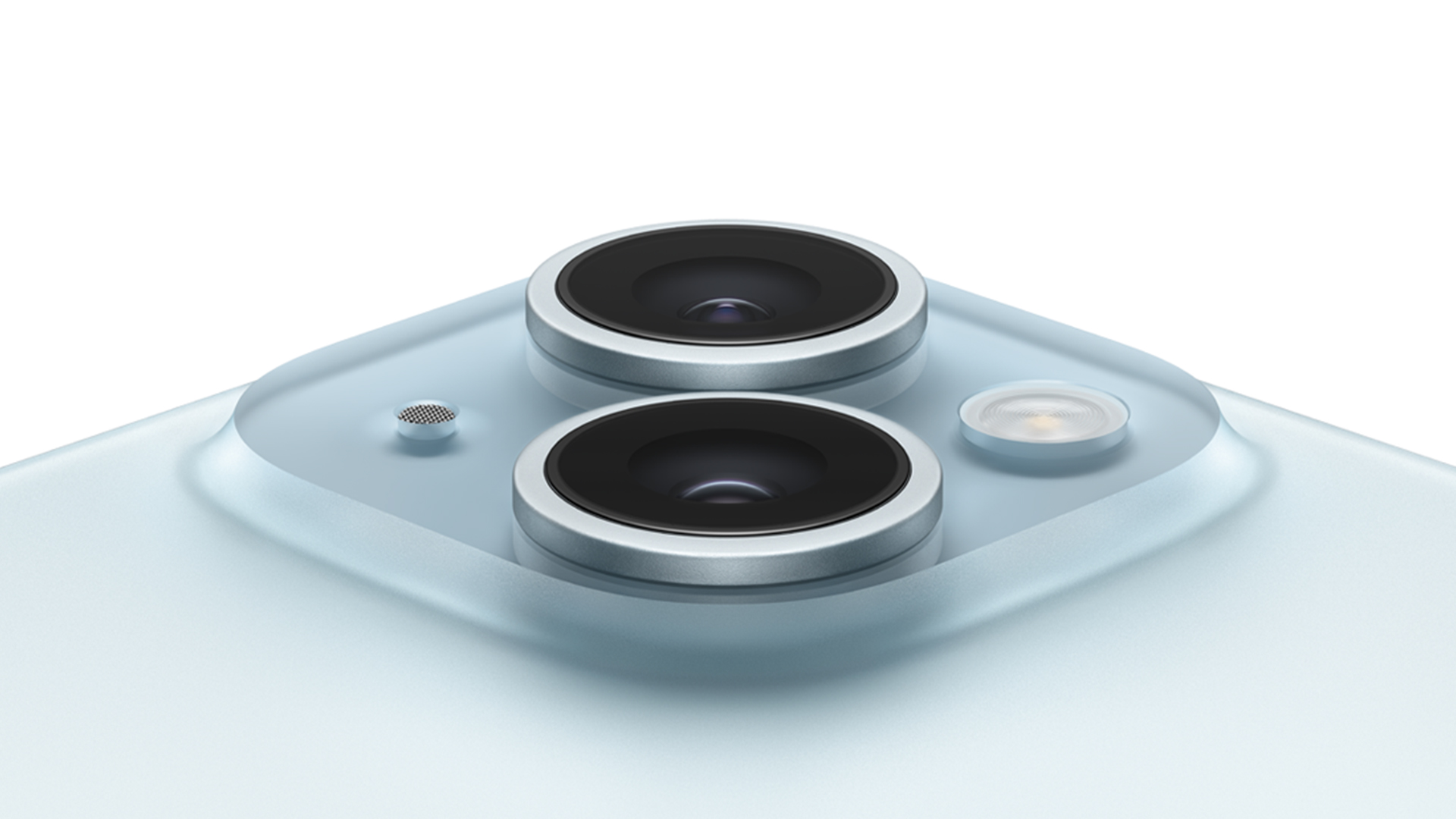
When it comes to choosing a phone that doubles as a reliable camera, it's crucial to look beyond brand loyalty. Apple and Samsung are both front-runners in the photography phone game, but the iPhone 15 vs Galaxy S24 comparison brings some major differences to light especially when we look at the camera specs and how they perform in different scenarios.
General Camera Specifications
iPhone 15 Camera:
- Main Sensor: 48MP (f/1.6), dual-pixel PDAF, sensor-shift OIS
- Ultra-Wide: 12MP (f/2.4), 120˚ field of view
- Front Camera: 12MP TrueDepth with autofocus
- Features: Smart HDR 5, Photonic Engine, Deep Fusion, Portrait mode with Focus and Depth Control
Samsung Galaxy S24 Camera:
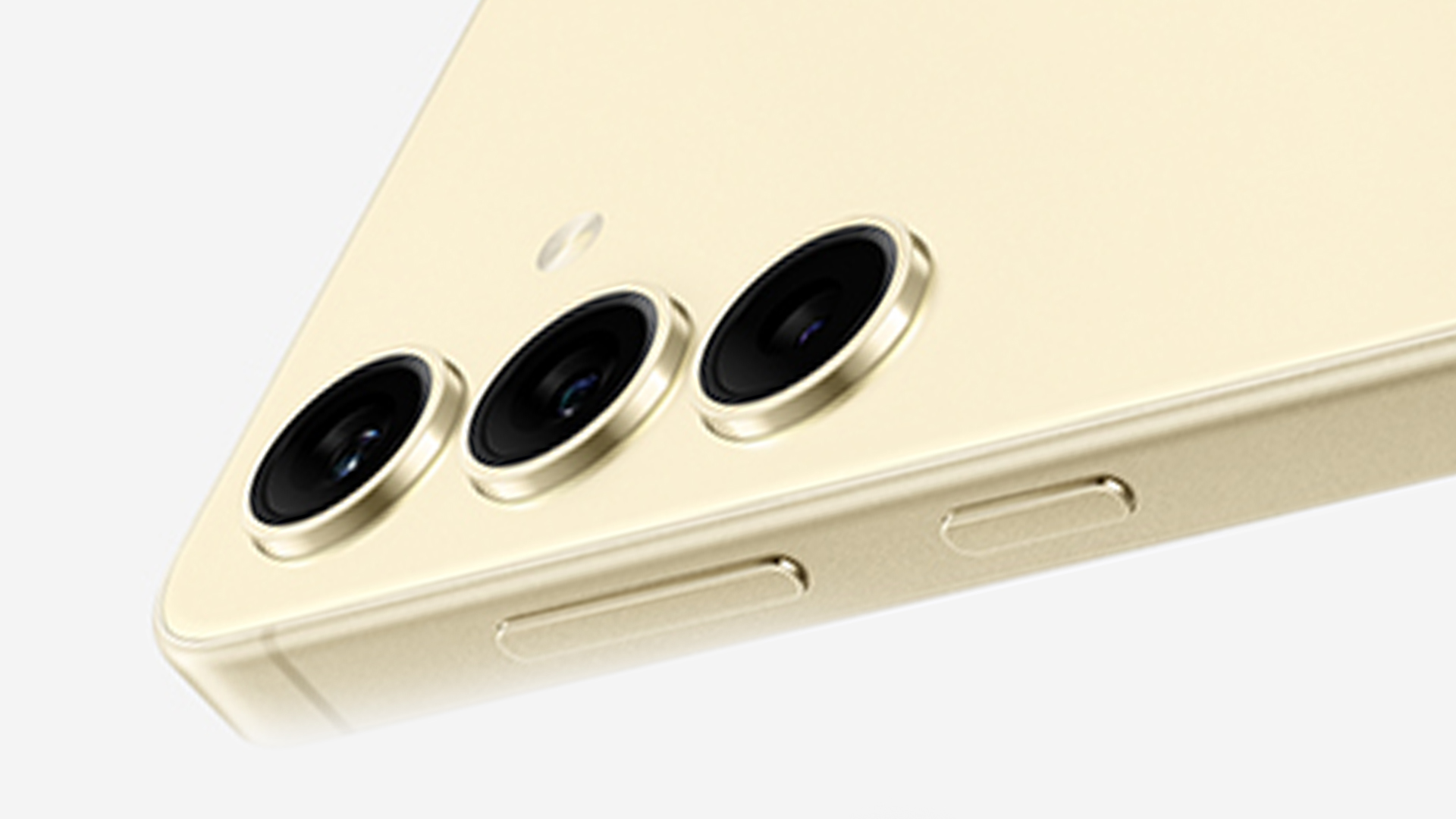
- Main Sensor: 50MP (f/1.8), Dual Pixel PDAF, OIS
- Ultra-Wide: 12MP (f/2.2), 120˚ field of view
- Telephoto: 10MP (f/2.4), 3x optical zoom
- Front Camera: 12MP with Dual Pixel AF
- Features: Super HDR, AI-powered image enhancements, Scene Optimiser, Nightography
Both phones pack impressive camera arrays on paper, with the Galaxy S24 offering a dedicated telephoto lens, while the iPhone 15 leans on computational photography to make up for hardware gaps.
But specs only tell half the story; how do they perform in the real world?
Camera Performance in Different Lighting Conditions
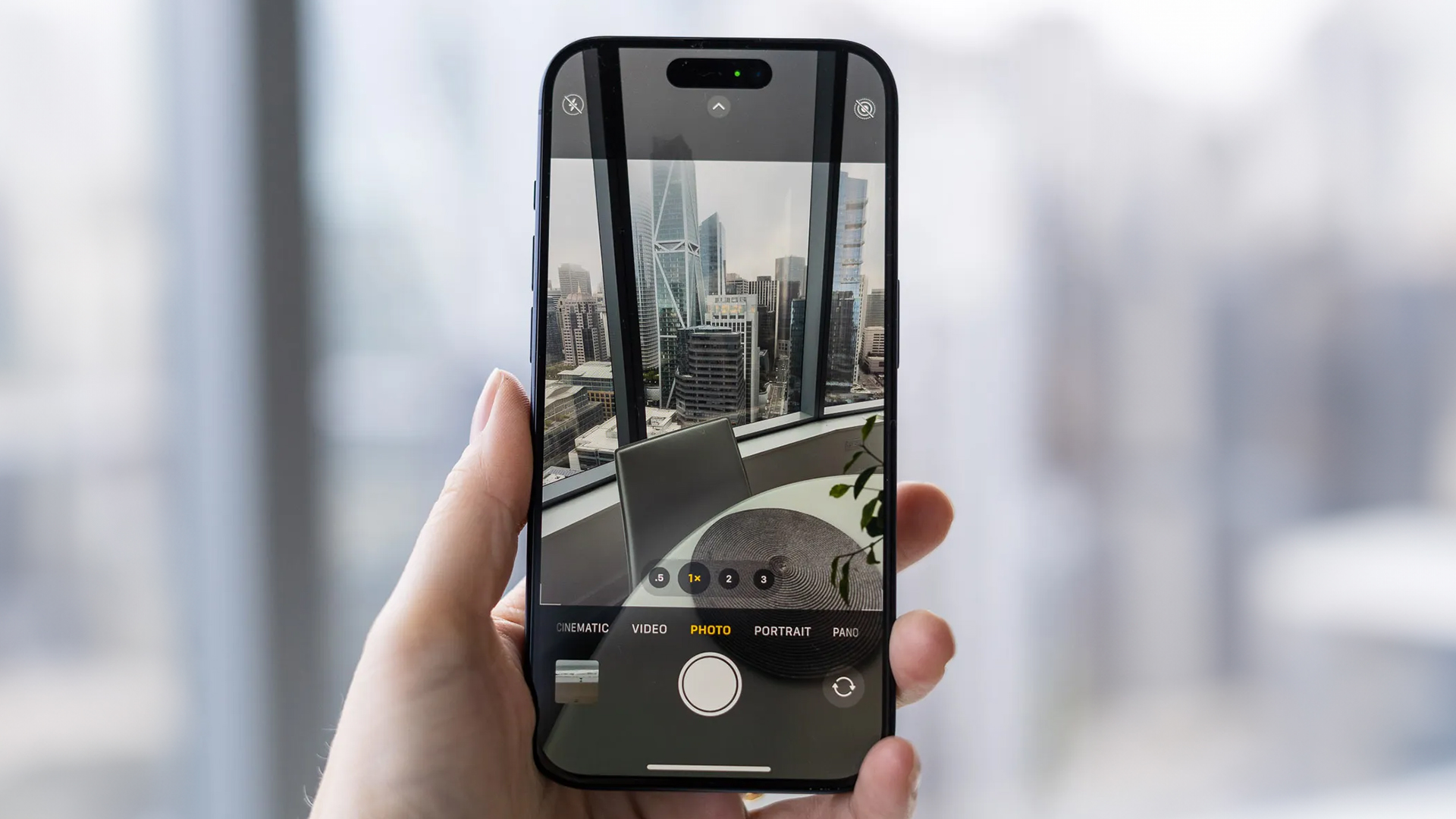
Indoors Performance
Indoor shots are always tricky; harsh artificial lighting, shadows, and reflections can ruin the moment. Here, the Samsung Galaxy S24 camera edges ahead. If we take a photo of a well-lit marketplace, it feels inviting and crisp, while textures (like a carved wooden bull amid kitchenware) are highlighted beautifully thanks to better exposure control.
Samsung’s strength here is clearly its ability to handle complex lighting conditions. While the iPhone 15 camera gives you a more accurate depiction of the scene (especially in its warmer tones), it sometimes ends up making photos look a bit too harsh; especially in dim lighting.
Take, for example, a bar decorated with bobbleheads: the iPhone delivers a photo that’s true to the real-world orange glow, but the S24’s cooler blue hue feels easier on the eyes. Though the S24 stumbles occasionally, such as in a backlit ferry depot sign where it overexposes the background, overall, it handles indoor conditions more gracefully.
Winner: Galaxy S24
Outdoors Performance
Take these phones outside, and the picture changes; literally. Apple has long been known for nailing dynamic range and exposure in bright conditions, and that remains true here.
The iPhone 15 captures water surfaces as bright and reflective, whereas the Galaxy S24 often presents a darker tone. The same theme shows up in shots of outdoor cafés or decorative garden walls: Apple goes for brightness and clarity; Samsung prefers contrast and richness.
However, the S24 has its moments. For instance, a photo of a heart-shaped sculpture painted with hillside homes comes out clearer in the S24 shot due to better glare control. But overall, the iPhone produces cleaner, more balanced outdoor photos.
Winner: iPhone 15
Specialised Modes
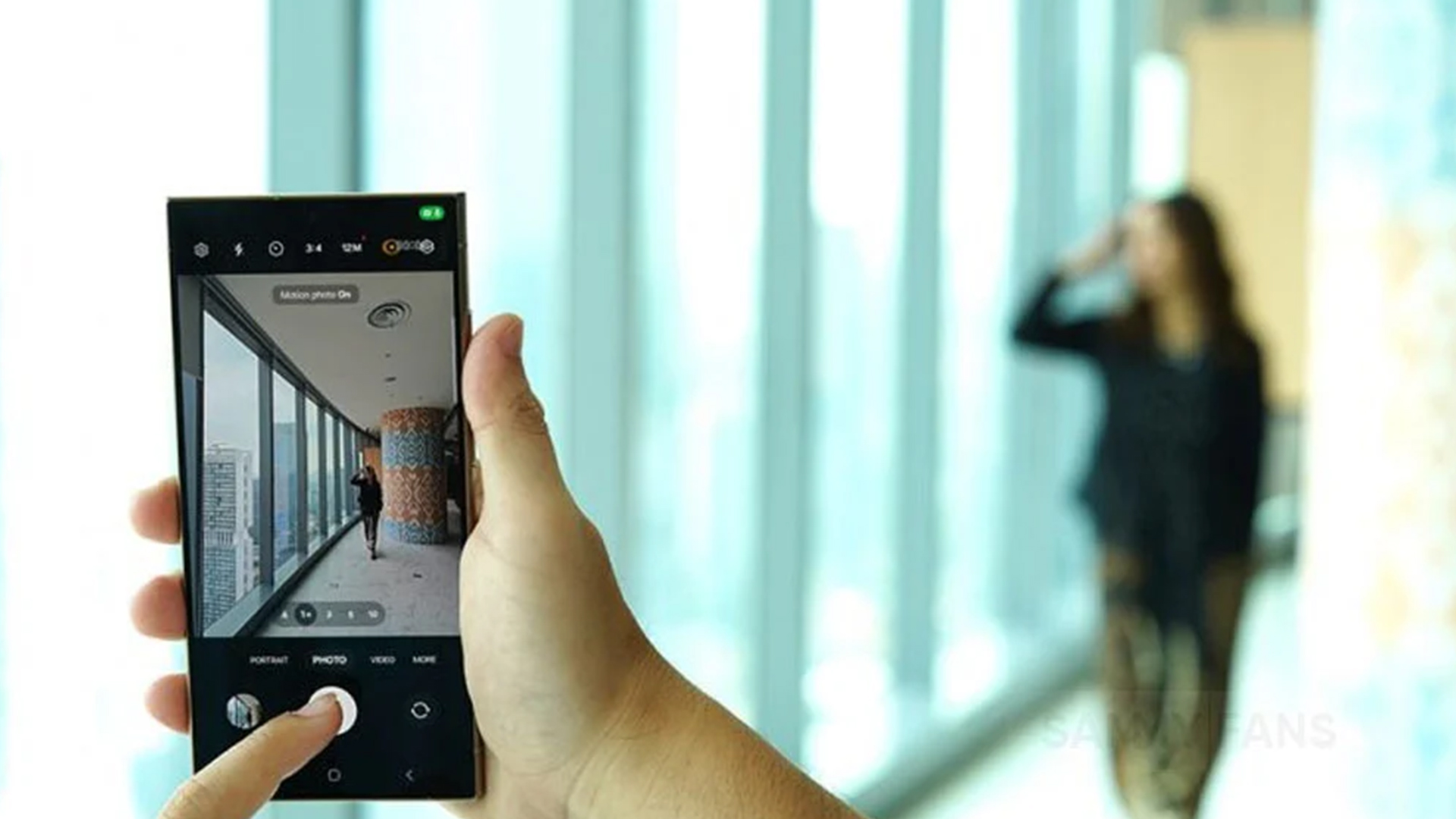
Ultrawide Camera Performance
The ultrawide lenses on both devices boast the same 12MP resolution and 120° field of view, but the end results differ slightly. Whether you’re photographing the open waters or wide-angle shots of architecture, both the iPhone 15 and Galaxy S24 produce crisp, expansive photos with slight edge distortion (as expected in ultrawide mode).
Where Apple gets a slight edge is in colour consistency. The iPhone 15 ultrawide camera sticks to the same vibrant tone profile as the main lens, producing richer colours. Meanwhile, the Galaxy S24 sometimes drifts into cooler, flatter hues, like in a wide-angle photo of a frog fountain that looked less vibrant than Apple’s version.
Winner: iPhone 15
Portraits and Selfies
Portrait mode is where both phones flex their software muscles. In bright conditions, the iPhone 15 delivers stunning depth and contrast. A portrait of a child in front of an orange tree is warm, lifelike, and beautifully balanced. Meanwhile, the Galaxy S24 delivers an acceptable result, but it lacks the subtle refinement in background blur and contrast.
However, in low light, roles reverse. The Galaxy S24 impresses with its night portrait mode, while the iPhone struggles to maintain clarity and focus.
As for selfies, the story continues. The iPhone’s front camera often tries too hard to highlight facial features, which can sometimes look unnatural like it’s adding extra red tones. On the other hand, the Galaxy S24 selfie camera tends to strike a better balance, offering softer tones and less aggressive enhancements, although it sometimes fumbles with shadow detail.
Winner: Galaxy S24
Low Light & Night Mode Performance
Low light photography has become a major benchmark for the best smartphone camera, and rightly so. Whether it’s a candlelit dinner, a live concert, or a city skyline at midnight, we expect our phones to handle these moments like pros. But when it comes to the iPhone 15 camera and the Samsung Galaxy S24 camera, the way they handle the dark is where their personalities really show.
Noise, Clarity & Exposure in Night Mode
Both phones boast smart night mode tech designed to automatically detect low-light environments and adapt the camera settings. On paper, they sound similar. In practice, they differ quite a bit.
With the Samsung Galaxy S24, you get longer exposure times that really pull in more detail from the shadows. Night scenes appear vibrant, and there's minimal noise, especially when capturing street lights, building textures, or shop fronts glowing after dusk. Samsung’s Nightography feature lives up to its name, often producing a punchy, almost dramatic look.
In comparison, the iPhone 15 tends to go for a more natural aesthetic. Its Photonic Engine and Smart HDR 5 tech ensure colours remain close to how your eye sees them, but sometimes that comes at the cost of clarity. In very dark scenes, the iPhone is more prone to slight noise in shadowy areas, and you may notice the detail gets a little softer than Samsung's razor-sharp finish.
Still, many users prefer Apple’s approach, less artificial, more “true to life”.
Artificial Light & Shadow Control
Artificial lighting, like street lamps, pub signs or indoor LEDs, are notoriously tricky to shoot around. This is where the Samsung Galaxy S24 camera shows its AI muscle. It handles mixed light sources incredibly well. Shadows look more balanced, highlights don’t blow out, and there's little to no halo effect around bright objects.
Meanwhile, the iPhone 15 camera often tries to preserve the realism of the scene. That means if a pub has warm, dim lighting, the photo will show exactly that orange tones, soft glows, and deeper shadows. It can be a great look, but sometimes those warm tones can skew just a bit too much, especially if you're trying to capture accurate colours.
If you want editorial-style, moody shots that feel authentic, you’ll love Apple’s approach. But if you prefer polished and dynamic night snaps straight out of the camera, Samsung wins here.
Low-Light Portraits: Detail vs Drama
When it comes to portraits in dim conditions, the iPhone 15 and Galaxy S24 take very different routes.
Apple prioritises realism and background separation. You get fairly sharp subject detail, but in ultra-low light, the iPhone sometimes fails to lock onto the face perfectly. It can leave you with a slightly blurred subject or a less impressive depth effect.
Samsung, on the other hand, leans into its long exposure style. It tends to brighten up the whole scene, giving night portraits a dramatic flair. While some details can be softened in favour of noise reduction, the S24 generally delivers brighter, more eye-catching results in low-light portrait mode.
Overall Night Mode Winner: iPhone 15
Video Capabilities
If you’re someone who captures everyday moments, creates content, or just loves filming stunning scenery, then the video tools on your phone matter as much as the camera itself. And in the iPhone 15 vs Galaxy S24 showdown, both devices seriously deliver on that front but in their own unique ways.
Resolution & Cinematic Modes
The iPhone 15 camera supports up to 4K at 60fps across all lenses, including the front camera. You also get Dolby Vision HDR recording, which gives your videos a rich, high-contrast look perfect for playback on HDR-capable screens. On top of that, Apple’s Cinematic Mode adds a professional-style depth effect to videos, shifting focus smoothly between subjects, great for vloggers or anyone wanting a more dramatic look.
Meanwhile, the Samsung Galaxy S24 camera pushes even further with 8K video recording at 30fps on its main lens. It’s a feature aimed at those who want future-ready footage or plan to crop heavily without losing resolution. It also includes HDR10+ video and a solid Super Steady Mode for action scenes, giving you smoother clips when you're walking, running, or filming on the move.
Stabilisation & Motion Handling
In real-world use, both phones offer impressive video stabilisation. You can confidently shoot handheld or during movement without ending up with a shaky mess. However, Samsung's stabilisation tech does have a slight edge in extreme motion scenarios like cycling, skateboarding, or filming pets darting around.
Apple’s strength, however, lies in consistency. Even handheld shots feel natural and cinematic. The transitions, pans, and tracking shots come out buttery-smooth, especially when paired with Cinematic Mode or Action Mode.
Audio & Editing Features
Good video isn’t just about visuals; it’s also about sound. The iPhone 15 captures crisp stereo audio with spatial awareness, and it seamlessly syncs audio across different clips if you're shooting from multiple angles. It also offers excellent editing options in the native Photos app, including trimming, exposure tweaks, and even adding effects.
The Samsung Galaxy S24 camera comes packed with Pro Video mode, letting you control audio input levels, focus peaking, white balance, and more. It’s ideal for users who like manual control. Samsung also bundles in some smart editing features through its Gallery app, where you can trim, stabilise, and enhance clips before sharing.
It’s a draw, depending on your style.
Editing Tools & Software Experience
Once the photos and videos are captured, the next step for most of us is editing and here’s where software support makes or breaks the experience. Thankfully, both Apple and Samsung have done their homework.
The iPhone 15 offers a sleek, powerful editing experience right in the native Photos app. You can adjust exposure, highlights, contrast, saturation, and even apply subtle filters. It feels effortless, yet powerful like the interface was made for people who don’t want to spend hours tweaking settings but still want stunning results.
Over on the Samsung Galaxy S24, the built-in editor inside the Gallery app is full-featured, too. You can apply filters, crop, remove shadows and reflections using AI, and even add background blur to existing photos. The Smart Suggestions tool also recommends edits like enhancing skies or adjusting backlit subjects, ideal for casual users looking for quick fixes.
Winner: iPhone 15
Battery & Storage: Important for Photographers
When you're out shooting all day, snapping high-res photos or filming in 4K; the last thing you want is a low battery notification or that dreaded "Storage Full" message. Battery life and storage options can make or break your photography experience.
Battery Life During Photo & Video Use
The latest iPhone, the iPhone 15, is powered by Apple’s A16 Bionic chip, known for being battery-efficient even during camera-intensive tasks. You can easily get through a day of moderate shooting and video recording on a single charge, and fast charging gets you back to 50% in around 30 minutes.
The Samsung Galaxy S24 is fitted with a slightly larger battery, and while it also delivers all-day battery life, it tends to drain a bit quicker during 8K video recording or extended use of high-performance modes like Nightography and Pro Video. However, its Super Fast Charging and Wireless PowerShare features are handy when you’re on the go.
If you're the type to take loads of photos in RAW or film in 4K daily, expect more noticeable drain on both phones.
Storage for High-Res Content
With 4K and 8K video, high-resolution stills, and AI-enhanced photos taking up more space than ever, internal storage really matters.
The iPhone 15 comes with 128GB, 256GB,512GB, or 1TB of non-expandable storage. If you shoot a lot of videos, especially in ProRes or 4K, going higher is a wise move.
The Galaxy S24 also starts at 128GB and goes up to 512GB. Like the iPhone, it lacks microSD expansion, which was once a Samsung staple. So, choose your storage wisely up front.
Cloud Storage & Backups
Apple users can back up their images through iCloud, which works seamlessly but may require you to upgrade from the basic free 5GB. Google Photos is also available on iPhone for more flexibility.
Samsung integrates tightly with OneDrive and Google Photos, giving Galaxy users plenty of cloud options for backup and automatic syncing. That means more control and possibly better value; especially if you’re already a Google Workspace or Microsoft 365 user.
User Interface & Camera App Experience
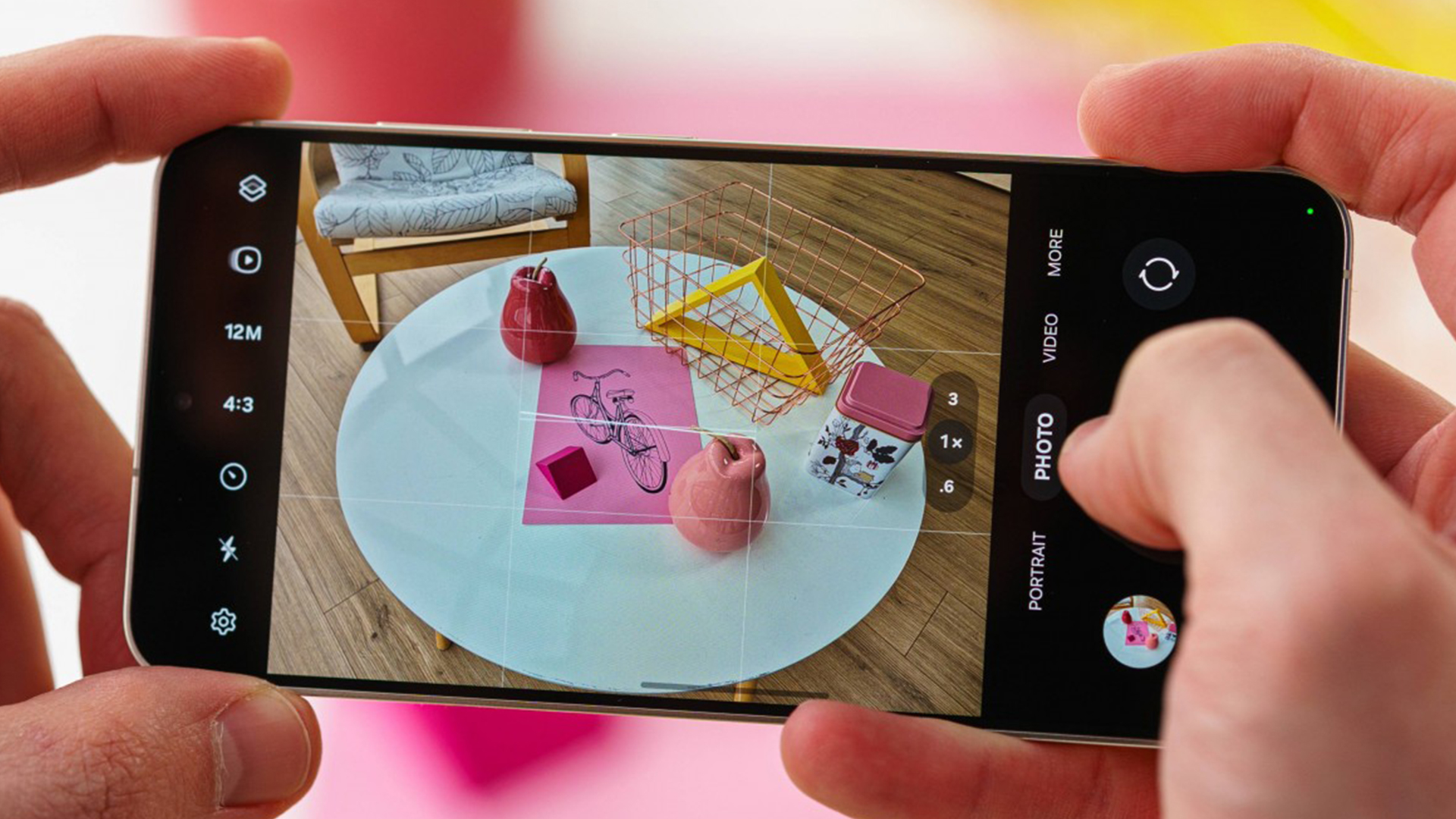
It’s not just about what the camera can do but how easily you can access those features. The layout, responsiveness, and intuitiveness of the camera app can impact how often you use those pro features tucked away in menus.
Ease of Navigation
The iPhone 15’s camera app is simple and clean, designed for quick point-and-shoot users. Swipe left or right to move between Photo, Video, Portrait, and Cinematic modes. While it doesn’t overwhelm you with buttons, it also doesn’t offer many pro-level toggles unless you go digging into third-party apps or deep into Settings.
The Samsung Galaxy S24 camera app is the opposite packed with options. You get access to Pro Mode, Night Mode, Food Mode, Single Take, Super Slow-Mo, and more, all within a few taps. It may feel overwhelming at first, but seasoned users will love the control.
Pro Modes & Custom Presets
Samsung shines in Pro Video and Pro Photo modes, offering full control over ISO, shutter speed, white balance, focus peaking, and more. If you like to treat your phone like a DSLR, this one’s for you.
Apple does allow more creative control in the iPhone 15’s native app when using features like Photographic Styles and Portrait Lighting, but for full manual settings, you'll need third-party apps like Halide.
Winner for Simplicity: iPhone 15
Winner for Pro Control: Galaxy S24
Price vs Value for Photography Enthusiasts
When you’re spending serious money on a flagship phone, you want to know you're getting real value especially if you're buying it for its camera.
Price Breakdown
- iPhone 15: Starting around £799
- Galaxy S24: Starting around £749
Prices can vary based on storage size and carrier deals, but they’re fairly close at launch.
The iPhone offers 128GB base storage and high resale value, especially if you’re sticking within the Apple ecosystem. Meanwhile, Samsung often runs more aggressive promotions, and you can often find the S24 with bonus trade-in deals or bundled accessories.
Photography Value for Money
The iPhone 15 excels at producing photos and videos that look fantastic right out of the camera. You don’t need to do much editing, and the colour science is tuned beautifully for everyday use. It’s perfect for users who want a point-and-shoot phone that nails every shot.
The Galaxy S24, on the other hand, packs in more advanced tools like a telephoto lens, 8K video, Pro modes, and AI-powered editing. It’s a better choice for those who like experimenting, editing, and customising their shots.
Best for Long-Term Reliability: iPhone 15
Best for Creative Control & Deal Value: Galaxy S24
Final Verdict: Which One Should You Choose for Photography?
So, after all the comparisons, where does that leave us in the iPhone 15 vs Galaxy S24 photography debate?
Well, both phones are brilliant in their own ways. If you're after consistently true-to-life colours, smooth video recording, and a simple, no-fuss camera app that just works then the iPhone 15 is a strong choice. It’s reliable, polished, and fits beautifully into the Apple ecosystem. For casual shooters and content creators who value convenience with premium results, it’s hard to go wrong here.
On the other hand, the Samsung Galaxy S24 is built for those who like to take control. With powerful AI editing, more advanced camera tools, and the ability to shoot in 8K, it’s the ultimate playground for photography lovers who like to push creative boundaries. If you love tinkering with manual settings or want more flexibility straight from your phone, the S24 is a proper powerhouse.
At the end of the day, both are good camera phones and choosing the right one depends on how you like to capture the world around you.
Still undecided? Why not explore more options across our full range of phones, or check out the best iPhone deals and the latest Samsung phones to buy to see which one fits your budget and lifestyle.
You can pay with:
*PayPal Credit Representative Example: Assumed credit limit £1,200, Representative 23.9% APR (variable). Purchase rate 23.9% p.a (variable).Terms & Conditions apply.


PayPal Credit and PayPal Pay in 3 are trading names of PayPal UK Ltd, 5 Fleet Place, London, United Kingdom, EC4M 7RD. Terms and conditions apply. Credit subject to status, UK residents only, Five Tech LTD acts as a broker and offers finance from a restricted range of finance providers. PayPal Pay in 3 is not regulated by the Financial Conduct Authority. Pay in 3 eligibility is subject to status and approval. 18+. UK residents only. Pay in 3 is a form of credit. Check if affordable and how you will repay. May make other borrowing more difficult or expensive. See product terms for more details.
Copyright © 1996-2026 Fivetech LTD | Terms and Conditions
box.co.uk & Box are trading names of Five Tech Limited. Registered office: Box LTD, Unit 10 Woodford Trading Estate, Woodford Green IG8 8HF