


 Menu
MenuMenu


Get Sales Advice from Mon - Fri 9am - 5:00pm:
020 3337 8950LAST UPDATED: April 14, 2026
Do Intel Core i7 Laptops Overheat? Thermal Throttling Explained
If you've ever searched for a high-performance laptop, you've probably come across a common concern: "Do Intel Core i7 laptops overheat?"
It's a fair question. Intel Core i7 processors are designed for performance whether that's gaming, multitasking or demanding workloads and with that performance often comes heat. But it's important to understand that heat doesn't always mean there's a problem.
Modern laptops are built to handle high temperatures, and features like thermal throttling are designed to protect your system, not harm it. The real issue isn't whether an i7 laptop gets warm, it's whether it manages that heat effectively.
In this guide, we'll break down what overheating means, how thermal throttling works, and whether it should influence your buying decision. If you're exploring options, you can browse a range of intel i7 laptops and best laptops to compare cooling performance and build quality.
Do Intel Core i7 Laptops Actually Overheat?
Before assuming there's a problem, it's important to separate normal operating temperatures from actual overheating.
What "Overheating" Really Means
Overheating isn't simply when a laptop feels hot; it refers to temperatures reaching levels that negatively impact performance or system stability.
In most cases, modern laptops are designed to operate safely at higher temperatures. What users often perceive as overheating is actually the system working within its normal thermal range.
Normal Temperature Ranges for i7 Laptops
Intel Core i7 laptops can run hotter than lower-powered CPUs because they are built for performance.
Typical temperature ranges include:
- Idle / light tasks: 40°C – 60°C
- Moderate use: 60°C – 80°C
- Heavy workloads (gaming/rendering): 80°C – 95°C
These temperatures may seem high, but they are normal for high-performance CPUs.
Why High-Performance CPUs Run Hotter
The main reason i7 laptops run hotter is simple: more performance requires more power.
Higher clock speeds and more cores mean:
- Increased power consumption (TDP)
- More heat generation under load
- Greater reliance on cooling systems
This is especially true in modern thin laptops, where powerful CPUs are packed into compact designs.
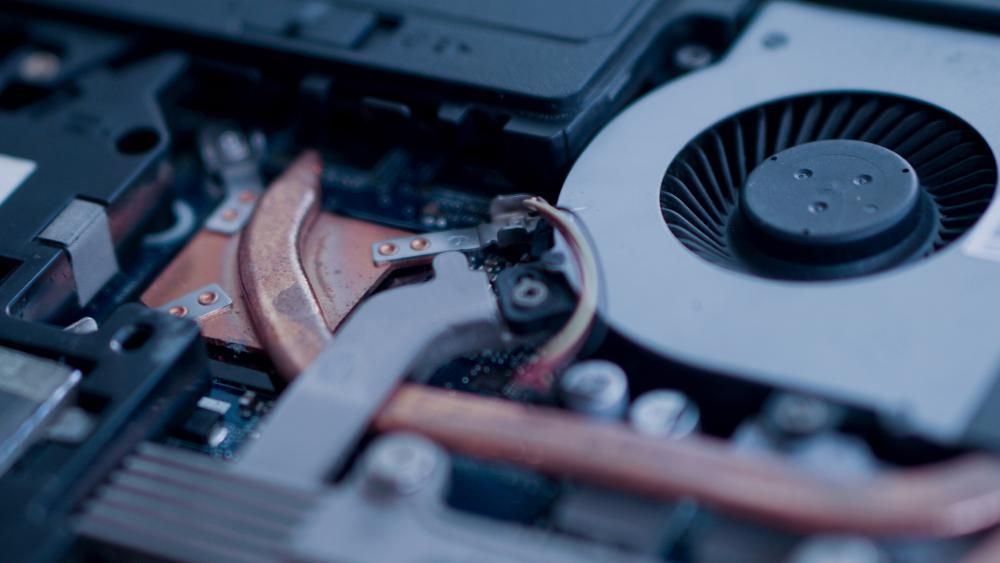
What Is Thermal Throttling?
To understand why Intel Core i7 laptops overheat, it's important to first understand how they manage heat. One of the key mechanisms behind this is thermal throttling, which is built into modern CPUs to protect performance and hardware.
Rather than allowing temperatures to rise uncontrollably, your laptop actively monitors heat levels and adjusts performance in real time. This ensures the system remains stable even during demanding tasks.
Simple Explanation of Thermal Throttling
Thermal throttling occurs when the CPU automatically reduces its speed to lower temperature.
When the system detects that temperatures are getting too high, it temporarily limits performance to prevent overheating.
Why CPUs Reduce Performance Under Heat
This behaviour is not a flaw; it's a designed safety feature.
As CPU temperature rises, continuing at maximum speed would generate even more heat, potentially leading to instability or hardware damage. By lowering performance slightly, the system:
- Reduces heat generation
- Protects internal components
- Maintains stable operation
This is especially important in thin and powerful i7 laptops, where cooling space is limited but performance demands are high.
Is Thermal Throttling a Bad Thing?
In most cases, thermal throttling is completely normal and even beneficial. It allows your laptop to safely handle demanding workloads without risking long-term damage.
For example, brief throttling during intense gaming or rendering is expected and usually not noticeable in everyday use.
However, it can become a concern if it happens too often or too aggressively, especially during light tasks. This may indicate that the cooling system isn't working efficiently, or that airflow is restricted.
Why Intel Core i7 Laptops Get Hot
Understanding why i7 laptops generate heat helps explain when it's normal and when it might be an issue.
High Performance and Power Consumption
Intel Core i7 processors are designed for demanding workloads, which means they consume more power compared to entry-level CPUs.
This higher power usage directly translates into more heat generation, especially under load.
Thin Laptop Designs and Limited Cooling
Modern laptops prioritise portability, which often means thinner designs.
While this looks great, it can limit:
- Airflow
- Cooling system size
- Heat dissipation
This is why some ultrabooks may run warmer than larger laptops.
Heavy Workloads (Gaming, Rendering, Multitasking)
Certain tasks push CPUs to their limits, including:
- Gaming
- Video editing
- 3D rendering
- Running multiple applications
During these workloads, it's completely normal for temperatures to rise significantly.
How Thermal Throttling Affects Performance
Thermal throttling doesn't just control temperature; it also directly impacts how your laptop performs, especially during demanding tasks.
Impact on Gaming FPS
In gaming, thermal throttling can affect frame rates (FPS) and overall smoothness.
When the CPU reduces its speed to manage heat, you may notice:
- Slight drops in FPS
- Less consistent frame pacing
- Occasional stutter in CPU-heavy scenes
This is more noticeable in competitive or fast-paced games where consistent performance matters. However, in well-cooled systems, these effects are usually minimal.
Slower Performance in Long Workloads
For tasks like video editing, rendering or compiling code, performance over time is more important than short bursts of speed.
If your laptop heats up quickly, it may start strong but then slow down as thermal throttling kicks in. This means:
- Longer rendering times
- Slower export speeds
- Reduced efficiency in extended workloads
This is why cooling plays a critical role in sustained performance.
Short Bursts vs Sustained Performance
Most modern i7 laptops are designed to deliver high performance in short bursts—such as opening apps or loading tasks quickly.
However, under continuous load, performance depends on how well the system manages heat. A well-designed cooling system allows the CPU to maintain higher speeds for longer, while weaker cooling leads to earlier throttling.
Common Signs Your i7 Laptop Is Overheating
While heat is normal, certain signs can indicate your laptop is struggling to manage it effectively.
Sudden Performance Drops
If your laptop suddenly becomes slower during tasks, especially after a few minutes of heavy use, it may be due to thermal throttling.
This often happens when temperatures rise quickly and the CPU reduces speed to compensate.
Loud Fans and Heat Build-Up
Cooling fans are designed to ramp up under load, but consistently loud or aggressive fan noise can indicate the system is working hard to manage heat.
You may also notice:
- Warm or hot surfaces around the keyboard
- Heat concentrated near vents
- Increased fan activity even during moderate use
System Lag or Unexpected Shutdowns
In more extreme cases, overheating can cause:
- System lag or freezing
- Applications crashing
- Unexpected shutdowns to prevent damage
If this happens frequently, it may indicate poor cooling, blocked airflow, or a need for maintenance.
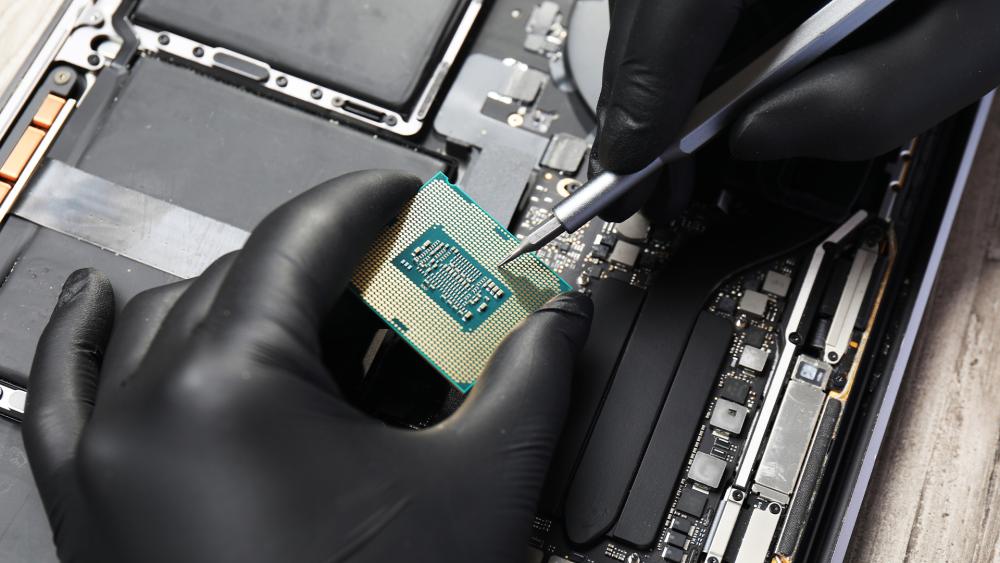
How to Prevent Overheating in Intel Core i7 Laptops
The good news is that most overheating issues can be reduced or avoided with simple adjustments.
Improve Airflow and Cooling Setup
Proper airflow is essential for keeping temperatures under control.
Make sure:
- Vents are not blocked
- The laptop is placed on a flat, hard surface
- There is space around the device for heat to escape
Avoid using laptops on soft surfaces like beds or sofas, as they can restrict airflow.
Use Cooling Pads and Proper Surfaces
Cooling pads can help improve airflow by providing additional fans and elevation.
This is especially useful during:
- Gaming sessions
- Long work tasks
- Warm environments
You can explore external cooling system solutions to improve thermal performance.
Manage Background Processes
Running too many applications at once increases CPU load and heat generation.
To reduce unnecessary strain:
- Close unused apps
- Limit background processes
- Monitor CPU usage through system tools
This helps keep temperatures lower and improves overall responsiveness.
Adjust Power Settings and Undervolting
Tweaking system settings can also reduce heat output.
Lowering power limits or using performance modes more efficiently can help manage temperatures without significantly affecting performance. Advanced users may also explore undervolting (where supported) to reduce power consumption.
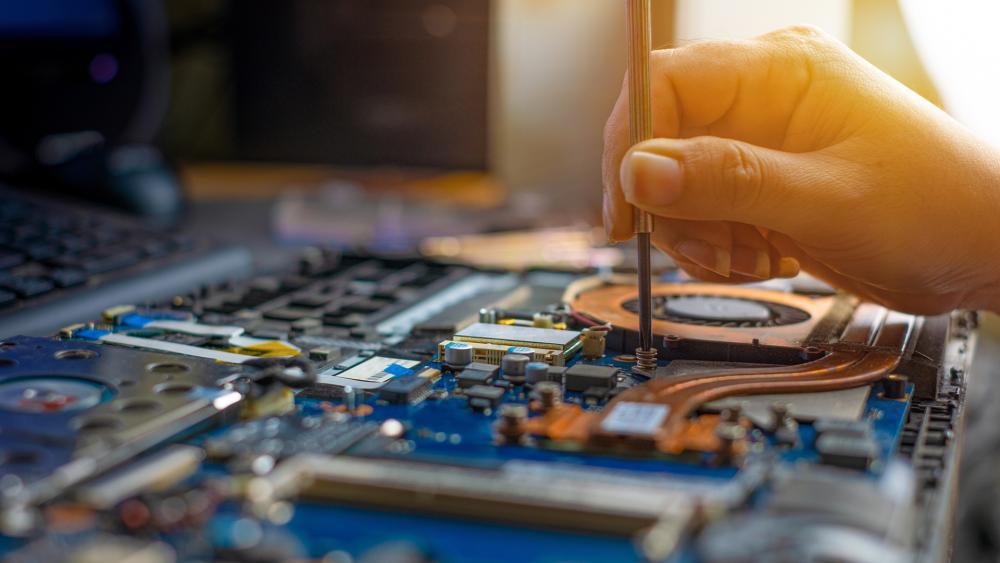
Do All i7 Laptops Overheat or Just Some Models?
Not all Intel i7 laptops handle heat the same way. Thermal performance depends largely on the laptop's design and cooling system, not just the processor.
Differences in Cooling System Design
Laptops with better cooling such as larger fans, heat pipes and improved airflow can manage heat more effectively and maintain performance for longer.
Gaming vs Ultrabook Thermal Performance
Gaming laptops are built with stronger cooling systems, making them better for sustained performance. Ultrabooks, being thinner and more compact, may heat up faster and throttle sooner under heavy workloads.
Importance of Laptop Build Quality
Higher-quality laptops usually offer better thermal design, which helps improve both performance and long-term reliability. Choosing a well-built model is key to better heat management.
Should Overheating Stop You from Buying an i7 Laptop?
The short answer is no; heat is normal in high-performance laptops. Intel Core i7 processors are built for demanding tasks, so they naturally run warmer.
Overheating only becomes a concern if you see constant slowdowns, frequent shutdowns, or poor cooling. In most cases, this is a design issue, not a CPU problem.
For most users, higher temperatures during gaming or heavy workloads are completely normal. Modern i7 laptops are designed to handle this safely, using features like thermal throttling.
As long as the laptop has good cooling, heat should not stop you from choosing an i7 model.
How to Choose a Well-Cooled i7 Laptop
When buying an Intel Core i7 laptop, don't focus only on the processor. The design of the laptop matters just as much.
Start with build quality. Well-built laptops handle heat better and stay stable for longer.
Next, check the cooling system. Look for features like vents, dual fans, or heat pipes. These help keep the laptop cool during heavy use.
Also think about how you will use it. Gaming laptops have stronger cooling for long sessions. Thin laptops are easier to carry but may get hotter under load.
Choosing the right mix of cooling and performance will help your laptop run smoothly.
Final Verdict: Are i7 Laptops Too Hot to Handle?
Many people worry that Intel Core i7 laptops overheat, but most of what user's experience is normal heat from high performance.
In most cases, the heat you feel is normal. Features like thermal throttling help keep the laptop safe and stable.
What matters most is not the heat itself, but how well the laptop handles it. A good cooling system allows the laptop to run smoothly without issues.
If you want better performance, you can improve airflow or use cooling solutions. You can also explore intel i7 laptops with strong cooling systems. For desktop setups, a liquid cooler can also help manage heat better.
FAQs
Is it normal for Intel Core i7 laptops to get hot?
Yes, it's normal for i7 laptops to run warm, especially under heavy workloads.
What temperature is too hot for an i7 laptop?
Temperatures above 95°C for extended periods may be a concern, but short spikes are normal.
Does thermal throttling damage your laptop?
No, thermal throttling protects your laptop by preventing overheating.
How can I stop my i7 laptop from overheating?
Improve airflow, manage background apps and use cooling solutions like cooling pads.
Are gaming laptops better at handling heat than ultrabooks?
Yes, gaming laptops usually have better cooling systems designed for sustained performance.
You can pay with:
*PayPal Credit Representative Example: Assumed credit limit £1,200, Representative 23.9% APR (variable). Purchase rate 23.9% p.a (variable).Terms & Conditions apply.


PayPal Credit and PayPal Pay in 3 are trading names of PayPal UK Ltd, 5 Fleet Place, London, United Kingdom, EC4M 7RD. Terms and conditions apply. Credit subject to status, UK residents only, Five Tech LTD acts as a broker and offers finance from a restricted range of finance providers. PayPal Pay in 3 is not regulated by the Financial Conduct Authority. Pay in 3 eligibility is subject to status and approval. 18+. UK residents only. Pay in 3 is a form of credit. Check if affordable and how you will repay. May make other borrowing more difficult or expensive. See product terms for more details.
Copyright © 1996-2026 Fivetech LTD | Terms and Conditions
box.co.uk & Box are trading names of Five Tech Limited. Registered office: Box LTD, Unit 10 Woodford Trading Estate, Woodford Green IG8 8HF