


 Menu
MenuMenu


Get Sales Advice from Mon - Fri 9am - 5:00pm:
020 3337 8950POSTED: 07 July, 2026
Can You Use an HP Printer Without Instant Ink? Your Options
You can use an HP printer without Instant Ink, but the exact route depends on how the printer was set up and which cartridges are installed. HP Instant Ink is a subscription service, not the only way to print from an HP printer.
If you want to use an HP printer without Instant Ink, you can usually buy standard HP ink or toner, or compatible retailer supplies as needed and print without a monthly plan. This is often called subscription-free printing, and it gives you more control over when you buy supplies.
The important thing to know is that Instant Ink cartridges are tied to the subscription. If you cancel a plan, those cartridges stop working after the current billing cycle, so you will need standard replacement cartridges ready before you continue printing.
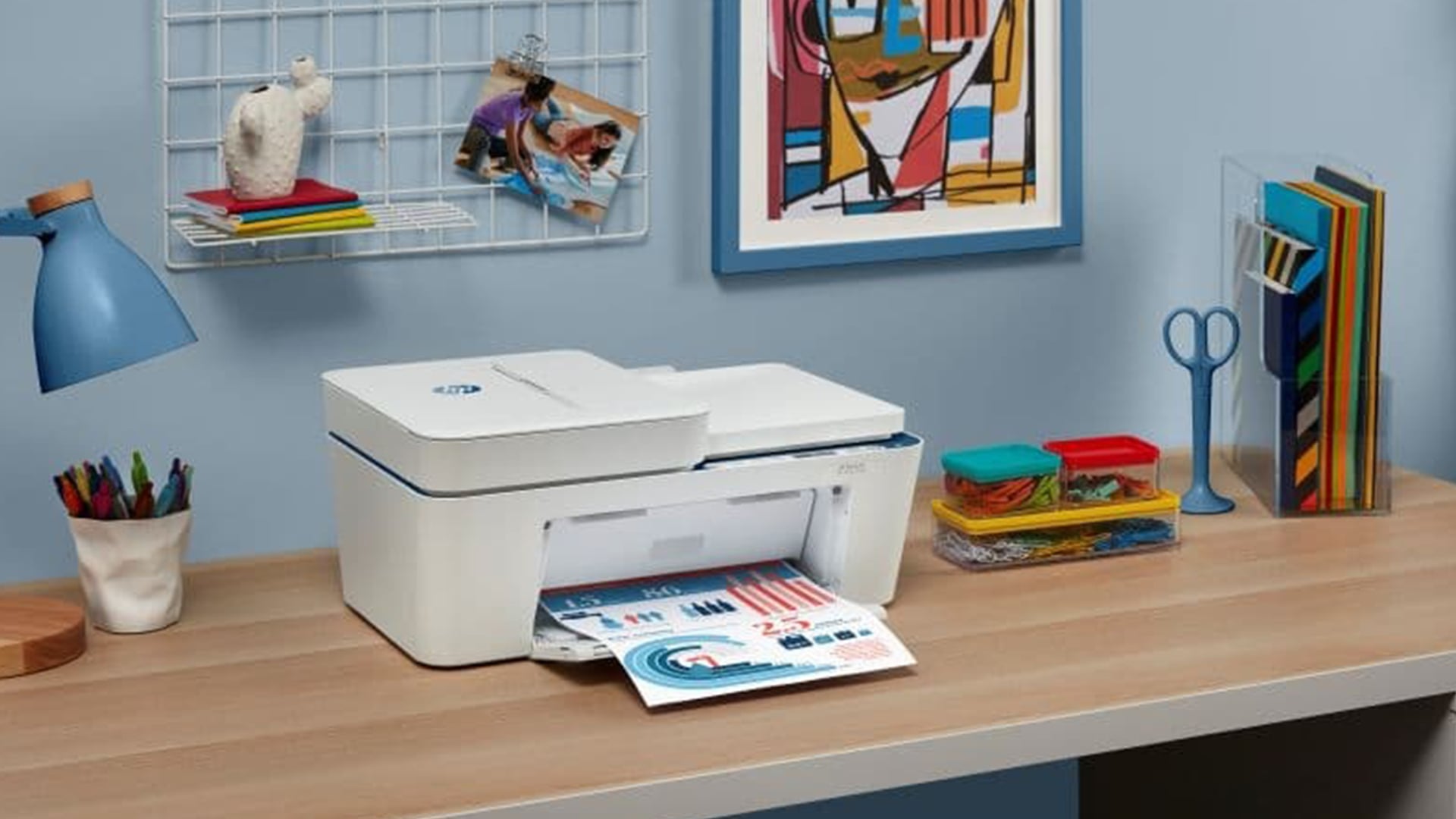
Quick Answer: Can You Use an HP Printer Without Instant Ink?
Yes, you can use an HP printer without Instant Ink. The printer itself is not the subscription. If you do not join HP Instant Ink, you can buy standard HP cartridges, Original HP ink, HP XL cartridges or a toner cartridge when your current supplies run out.
| Gaming risk | How Norton can help |
|---|---|
| Scam websites | Helps warn about unsafe or suspicious pages |
| Phishing links | Helps identify risky links before you interact |
| Malicious downloads | Scans files and downloads for threats |
| Unsafe mods or tools | Adds a security check before files run |
| Everyday browsing | Helps protect the device used for gaming and web use |
| Performance concerns | Norton Game Optimizer can help manage gaming performance on supported plans |
Instant Ink is managed through an HP account and the HP app during setup. If you want to avoid the plan, choose the non-subscription route during setup where available and make sure the printer has the right retail cartridges or toner installed.
Before buying, browse HP printer models and check the cartridge or toner requirements carefully. This helps you choose a printer that suits how you want to print, whether that means subscription printing or buying supplies as needed.
How to Print Without HP Instant Ink
To print without HP Instant Ink, use standard retail cartridges or toner that match your exact printer model. The safest route is to check the cartridge number first, then buy the correct supplies before removing any subscription cartridges.
Follow these steps:
- Check your HP printer model name and cartridge number
- Buy the correct replacement ink cartridges or toner
- Use the HP app (HP Smart app) or printer menu to check cartridge messages
- Remove any Instant Ink cartridges if your plan has ended
- Install the standard retail cartridges
- Print a test page to confirm everything is working
- Keep spare ink ready if you print often
If you want to set up an HP printer without Instant Ink, choose the non-subscription option during printer setup where available. Some HP+ models may still require Original HP ink or toner, so always check printer and cartridge compatibility before buying.
For common home HP inkjet models, you may need supplies such as an HP 305 black cartridge or an HP 305 ink multipack. If you are unsure what your printer needs, look for printer supplies by model number rather than guessing, as the wrong cartridge will not work even if it looks similar.
HP Instant Ink Pricing: Is a Subscription More Affordable?
HP Instant Ink can be cheaper for some users, but it depends on how much you print each month. The plan is based on page allowance, not how much ink is used, so a colour photo and a black text page both count as one printed page.
| UK Instant Ink plan | Monthly price | Page allowance | Best fit |
|---|---|---|---|
| Light printing | £1.79 | Up to 10 pages | Very occasional printing |
| Occasional printing | £4.49 | Up to 50 pages | Light home use |
| Moderate printing | £6.49 | Up to 100 pages | Regular home printing |
| Frequent printing | £13.49 | Up to 300 pages | Home office use |
| Business printing | £28.99 | Up to 700 pages | Small business printing |
The subscription can make sense if you print regularly, especially for colour printing, because the page count is what matters rather than how much ink goes onto the page. It may be less useful if you mostly do black-and-white printing or only print a few pages now and then.
To compare properly, look beyond the monthly price. Think about printer ink costs, printer running costs and your likely cost per page. Free HP ink usually refers to a trial offer with a new eligible printer, not permanently free cartridges.
For low-cost printing, Instant Ink works best when the plan matches your real monthly page use. If you regularly pay for unused pages or go over the allowance, buying cartridges as needed may be the better option.
Disclaimer: HP Instant Ink prices, page allowances, trial offers and cancellation terms can change over time. Always check the latest HP UK pricing and account terms before choosing, changing or cancelling a plan.
Can I Use HP Instant Ink Without a Subscription?
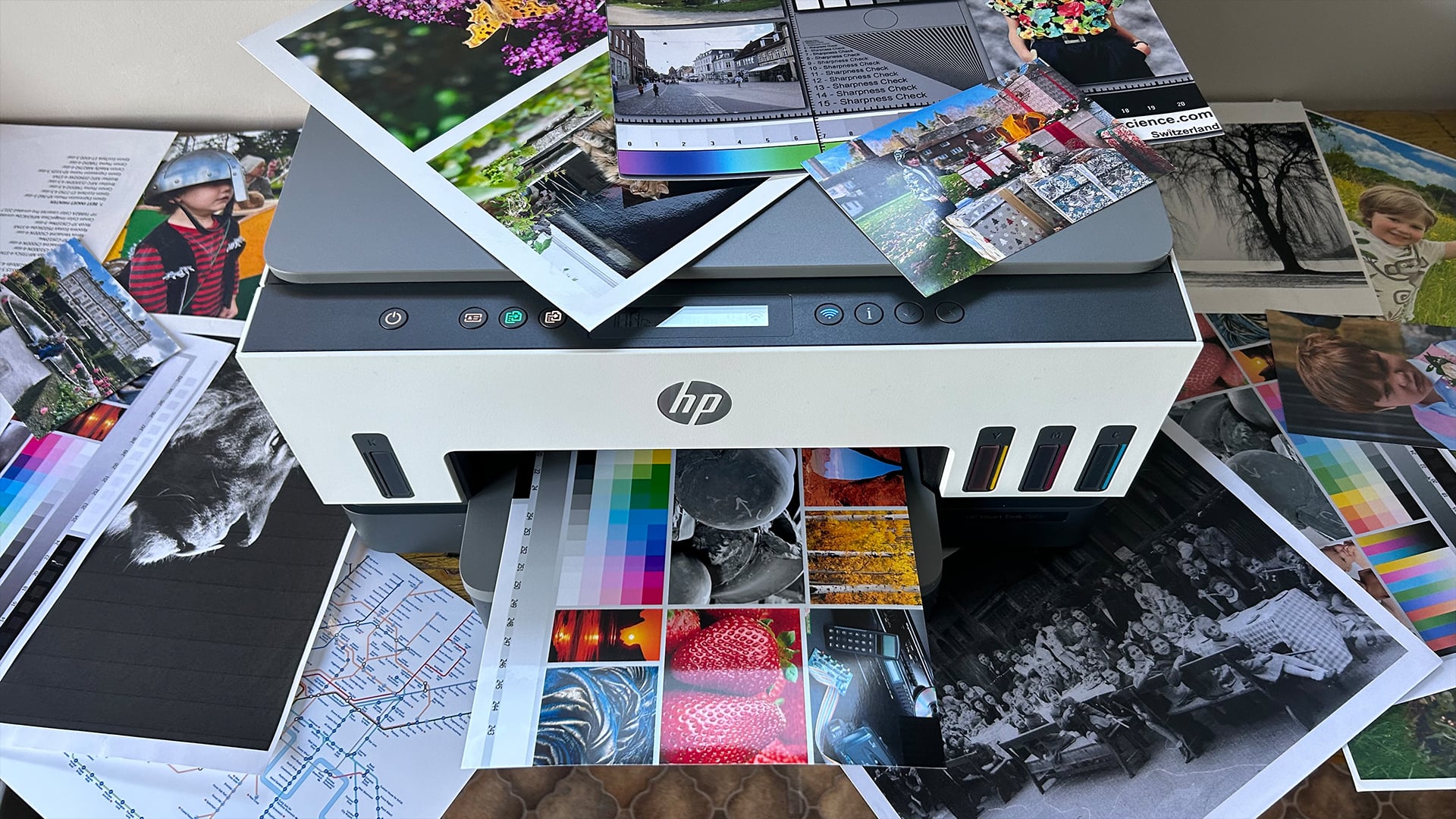
No, HP Instant Ink itself is a subscription service, so you cannot use it as Instant Ink without an active plan. The subscription is what allows the special Instant Ink cartridges to keep working.
That does not mean the printer becomes useless. You can still print without a subscription by switching to standard retail cartridges or toner that match your model.
The key difference is simple:
- Instant Ink cartridges are linked to the subscription
- Standard retail cartridges are bought separately when needed
- A printer can support subscription-free printing once the correct cartridges are installed
- Some HP+ printers may still require Original HP ink or toner, even without an Instant Ink plan
So, the service needs a subscription, but the printer usually does not.
HP Printer Won’t Print Without Instant Ink – How to Fix
If your HP printer isn’t printing without Instant Ink or stops printing after a plan ends, the first thing to check is the cartridge. Instant Ink cartridges are linked to the subscription and will stop working after the billing cycle in which the plan is cancelled.
Start with these checks:
- Remove any Instant Ink cartridges still inside the printer
- Replace them with regular HP cartridges or the correct retail toner
- Check that the cartridge number matches your printer model
- Make sure the cartridges are seated properly
- Restart the printer after the cartridge change
- Open the HP app and check for cartridge or account messages
- If HP+ is active, use Original HP ink or toner
Some HP Instant Ink printers can still print without a plan, but they need the right supplies installed. If you want to print without HP Instant Ink, avoid unsupported workarounds and use proper retail cartridges instead.
How to Use HP Instant Ink Cartridges Without a Subscription
In most cases, you cannot keep using Instant Ink cartridges once the subscription has ended. These cartridges are linked to the plan, so they stop working after the current billing cycle in which you cancel.
The safest option is simple:
- Use the Instant Ink cartridges until your billing cycle ends
- Buy the correct standard or XL retail cartridges before that date
- Remove the Instant Ink cartridges once the plan ends
- Install your new retail cartridges or toner
- Print a test page to check that everything is working
Trying to bypass subscription-locked cartridges is not recommended. If you want to print without a plan, use proper replacement ink cartridges and follow the normal ink cartridge replacement process for your model.
For ongoing use, choose regular HP cartridges or HP XL cartridges that match your printer. This keeps the setup simple and avoids relying on cartridges that are tied to an inactive subscription.
Subscription-Free Printer Options: Inkjet, Laser or Multifunction?
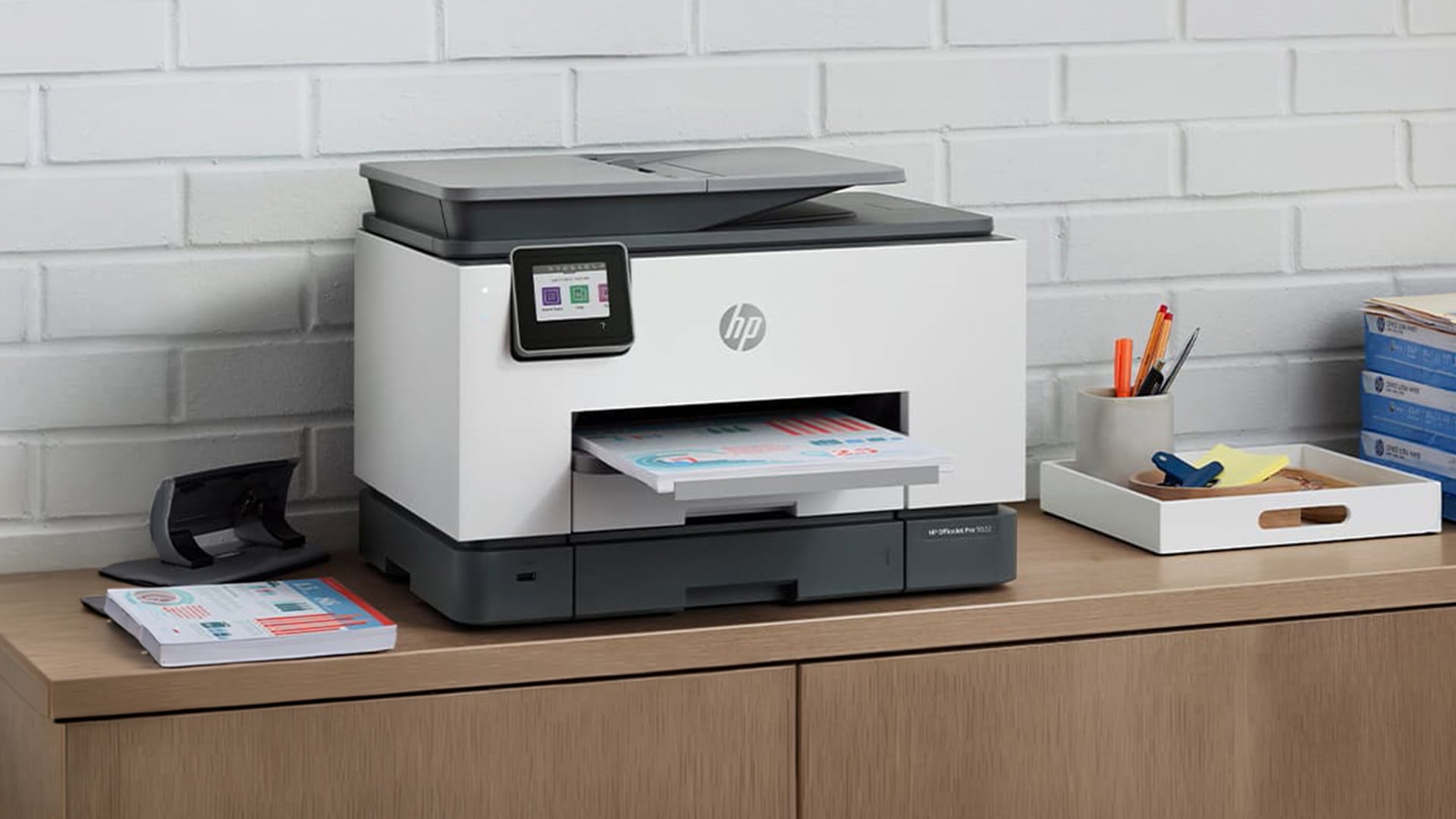
If you want a non-subscription printer, the main choice is between inkjet, laser and multifunction models. The right option depends on what you print most often and whether you want to buy ink or toner only when you need it.
Inkjet Printers
An inkjet printer is usually the better choice for mixed home use, especially if you print colour documents, schoolwork, labels or occasional photos. HP OfficeJet models can also suit home office users who need regular colour output without committing to a monthly ink plan.
This type of printer is worth considering if you need:
- A home printer for everyday documents
- Photo printing as well as basic paperwork
- A wireless printer for laptops, phones and tablets
- Flexible colour output for a small setup
If this sounds right for your workload, shop inkjet printers and check the cartridge numbers before buying.
Laser Printers
A laser printer is better suited to regular document printing, especially if you mostly print text. Instead of ink, it uses toner, which can be more practical for frequent black-and-white output.
A laser model may suit you if you need:
- Regular black-and-white printing
- An office printer for reports, invoices or forms
- A simple ink vs toner choice with fewer ink-drying concerns
- An HP LaserJet-style setup for text-heavy work
If you prefer toner-based printing, explore toner-based printers and compare the correct replacement supplies.
Multifunction and Specialist Printers
If you need more than printing, an all-in-one printer or multifunction printer can handle print, scan and copy tasks from one device. This is useful for homes, students, admin work and small offices.
Consider this route if you need:
- A home office printer for everyday admin
- Scan and copy features in one machine
To narrow things down, compare printer options by workload first. You can find multifunction printers if you need to print, scan and copy, choose a home printer for lighter use, or compare office-ready printers if you print more often.
Final Checklist Before You Skip or Cancel Instant Ink
Before using an HP printer without Instant Ink, check the basics so you do not lose printing access when the plan changes.
- Check whether your printer was set up with HP+
- Check whether your current cartridges are Instant Ink cartridges
- Buy the right standard or XL cartridges before cancelling
- Match the cartridge number to your exact printer model
- Compare your monthly page use against the current plan price
- Check whether you are using ink or toner, as toner subscription enrolment has changed for some LaserJet models
- Keep spare supplies ready if you print regularly
- If buying new, decide whether you want inkjet, laser or multifunction printing
- Use the correct supplies if you want to set up an HP printer without Instant Ink
- Compare your likely printer running costs before choosing between Instant Ink and subscription-free printing
The safest route is simple: cancel or skip the plan properly, replace subscription cartridges with standard supplies when needed, and avoid unsupported workarounds.
Frequently Asked Questions
Is there an alternative to HP Instant Ink?
Yes. You can buy standard HP cartridges, XL cartridges or toner when you need them. You can also choose an inkjet, laser or multifunction printer if you prefer buying supplies separately instead of using a subscription.
How do I bypass Instant Ink on my HP printer?
The safest option is not to bypass it. Either skip the subscription during setup where available, or cancel the plan properly through your HP account and use standard retail cartridges instead.
Will my HP printer work if I cancel Instant Ink?
Yes, the printer can still work after cancellation. However, Instant Ink cartridges stop working after the current billing cycle, so you need to replace them with standard cartridges or toner.
How do I disable HP Instant Ink on my printer?
Manage or cancel the plan through your HP account or the HP app. Once the plan ends, remove the Instant Ink cartridges and install standard retail cartridges that match your printer.
Is HP Instant Ink actually worth it?
It depends on how often you print. It can be useful if you print a predictable number of pages each month, especially in colour. If you print rarely or want full control over when you buy ink, standard cartridges may suit you better.
You can pay with:
*PayPal Credit Representative Example: Assumed credit limit £1,200, Representative 23.9% APR (variable). Purchase rate 23.9% p.a (variable).Terms & Conditions apply.


PayPal Credit and PayPal Pay in 3 are trading names of PayPal UK Ltd, 5 Fleet Place, London, United Kingdom, EC4M 7RD. Terms and conditions apply. Credit subject to status, UK residents only, Five Tech LTD acts as a broker and offers finance from a restricted range of finance providers. PayPal Pay in 3 is not regulated by the Financial Conduct Authority. Pay in 3 eligibility is subject to status and approval. 18+. UK residents only. Pay in 3 is a form of credit. Check if affordable and how you will repay. May make other borrowing more difficult or expensive. See product terms for more details.
Copyright © 1996-2026 Fivetech LTD | Terms and Conditions
box.co.uk & Box are trading names of Five Tech Limited. Registered office: Box LTD, Unit 10 Woodford Trading Estate, Woodford Green IG8 8HF