


 Menu
MenuMenu


Get Sales Advice from Mon - Fri 9am - 5:00pm:
020 3337 8950LAST UPDATED: May 05, 2026
HP Monitors Buying Guide for Work, Gaming, and Home Use
Choosing the right monitor is not just about screen size; it directly affects how comfortable, productive and enjoyable your setup feels every day. Whether you’re working long hours, gaming in your free time or simply browsing, the right display can improve clarity, reduce eye strain, and help you get more done with less effort.
With so many options available, it can be difficult to know which features actually matter. That’s why this HP monitors guide breaks everything down in a simple and practical way, helping you choose the right screen based on how you use your device. From productivity-focused displays to high-performance gaming monitors, HP offers a wide range of options to suit different needs.
If you’re setting up a workspace, you can also explore the best HP monitors for home office at Box.co.uk, where you’ll find reliable options designed to improve comfort, efficiency and everyday performance.
Why Choosing the Right HP Monitor Matters
Choosing the right HP monitor is more important than many people realise. It’s not just about having a screen; it’s about improving how you work, how comfortable you feel and how enjoyable your overall experience is. Since most users spend several hours a day in front of a monitor, even small differences in display quality and features can have a big impact over time.
A well-chosen monitor can help you work more efficiently by giving you more screen space to manage tasks, documents and applications without constantly switching between windows. This is especially useful for productivity-focused setups, where multitasking is part of your daily workflow.
It also plays a key role in comfort. Features like better colour accuracy, reduced blue light and ergonomic adjustments can help minimise eye strain during long sessions. This makes a noticeable difference if you’re working from home or spending extended hours at your desk.
For gaming and entertainment, the right monitor enhances visual quality and smoothness, making everything feel more immersive and responsive. Whether you’re watching content or playing games, display performance directly affects your experience.
HP offers a wide range of monitors designed for different users, from simple everyday screens to advanced displays for work and gaming. That’s why understanding how you plan to use your monitor is the first and most important step in choosing the right one.
HP Monitor Buying Guide by Category
Choosing the right HP monitor becomes much easier when you focus on how you plan to use it, rather than just comparing specs. HP designs its monitors around real-world use cases, so understanding these categories helps you make a more practical and informed decision.
Instead of asking “which is the best HP monitor?”, the better question is: which HP monitor is best for your specific needs?
HP Monitors for Work and Productivity
If you’re setting up a home office or professional workspace, your monitor should prioritise clarity, comfort and efficiency. Since work often involves long hours, the goal is to create a setup that reduces strain while improving productivity.
For most users, the ideal configuration is:
- 24-inch Full HD (1080p): A great starting point for standard office setups. It provides enough space for everyday tasks like emails, documents, and browsing without taking up too much desk space.
- 27-inch QHD (1440p): A better option for multitasking. The higher resolution allows you to fit more content on the screen, making it easier to work with multiple windows side by side.
One of the most important features for work monitors is the panel type. HP commonly uses IPS panels in productivity displays, which offer:
- Accurate and consistent colours (important for documents and visuals)
- Wide viewing angles (useful when sharing screens or adjusting your position)
- A more comfortable viewing experience over long periods
Comfort is equally important. If you spend hours at your desk, features like height, tilt and swivel adjustments can help you position the screen correctly. This reduces neck and eye strain and makes your workspace more ergonomic.
Modern business setups also benefit from USB-C connectivity. This allows you to:
- Connect your laptop with a single cable
- Transfer data
- Charge your device at the same time
This creates a cleaner desk setup and reduces cable clutter; something that’s increasingly important in hybrid and home office environments.
HP’s Series 5 and EliteDisplay monitors are designed specifically for this type of use. They are reliable, comfortable and efficient, making them some of the best HP monitors for home office setups available today.
HP Monitors for Gaming
Gaming monitors are built with a completely different priority: speed and responsiveness. Unlike work monitors, where comfort is key, gaming displays focus on delivering smooth and lag-free visuals.
When choosing an HP monitor for gaming, there are three key factors to consider:
- Refresh Rate (144Hz or higher)
A higher refresh rate makes motion smoother, which is especially important in fast-paced games like shooters or racing titles.
- Response Time (1ms to 4ms)
This determines how quickly pixels change. Lower response times reduce motion blur and ghosting, giving you clearer visuals during gameplay.
- Adaptive Sync (FreeSync or G-Sync)
This helps eliminate screen tearing and stuttering, making gameplay feel more fluid and consistent.
Panel type also plays a role in gaming performance:
- IPS panels: Better colours and image quality (great for immersive games)
- VA panels: Higher contrast and deeper blacks (ideal for darker scenes and cinematic gaming)
HP’s OMEN and Victus series are specifically designed for gamers. These monitors combine high refresh rates, low response times and strong visual performance, making them some of the best HP gaming monitors available.
If gaming is your priority, these features will have a much bigger impact on your experience than resolution alone.
HP Monitors for Home Use and Entertainment
For everyday use, the goal is not maximum performance but a balanced and enjoyable viewing experience. Whether you’re watching content, browsing or doing light work, your monitor should feel comfortable and visually pleasing.
A good home monitor setup typically includes:
- 27-inch to 32-inch screen size: Larger displays make viewing more comfortable and immersive
- QHD (1440p) or 4K resolution: Provides sharper images and better detail, especially for media consumption
- IPS panels with HDR support: Improves colour quality and contrast for a more vibrant experience
One standout feature in HP monitors is HP Eye Ease with Eyesafe® certification. This technology reduces blue light exposure without affecting colour accuracy, which helps:
- Reduce eye strain during long sessions
- Improve comfort when watching or working for extended periods
These monitors are ideal for:
- Streaming movies and shows
- Casual browsing and social media
- Light productivity tasks
They offer a simple, reliable, and comfortable experience without the need for high-end gaming features.
Key Features to Consider When Buying an HP Monitor
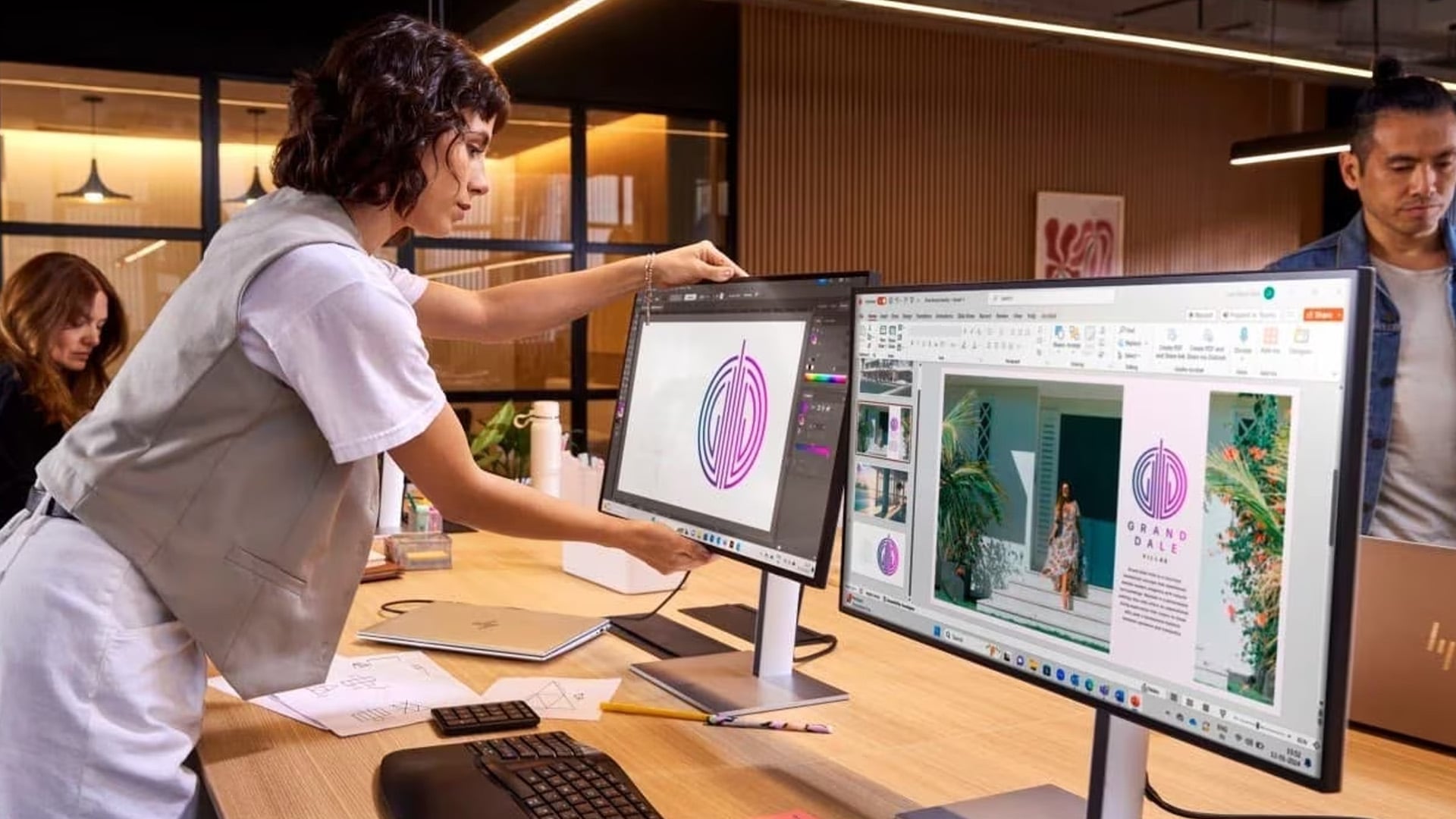
Choosing the right HP monitor is not just about picking a screen that looks good; it’s about understanding the features that directly affect your daily experience. From how sharp the image looks to how comfortable it feels during long sessions, each feature plays a role in how useful your monitor will be.
By understanding these key elements, you can make a more informed decision and choose a monitor that improves your setup rather than complicating it.
Panel Types Explained
One of the most important factors to consider is the panel type, as it determines how colours, contrast and viewing angles appear on your screen.
IPS (In-Plane Switching) panels are the most popular choice for general use and work environments. They provide accurate colours and wide viewing angles, which means the image looks consistent even if you’re not sitting directly in front of the screen. This makes them ideal for office work, content creation and everyday use where clarity and comfort matter.
VA (Vertical Alignment) panels focus more on contrast. They produce deeper blacks and better shadow detail, which makes them a strong option for entertainment and gaming. If you watch a lot of movies or play visually immersive games, VA panels can offer a more engaging experience.
TN (Twisted Nematic) panels are designed for speed. They have very fast response times, which can be useful for competitive gaming. However, they usually have weaker colour accuracy and viewing angles, so they are less suitable for general or professional use.
For most users, an IPS panel provides the best balance between performance, colour quality, and comfort.
Resolution: What Should You Choose?
Resolution determines how sharp and detailed your display looks. A higher resolution means more pixels, which results in clearer text, sharper images and more workspace on your screen.
1080p (Full HD) is the standard resolution and works well for basic tasks like browsing, emails and document editing. It’s a good option for smaller screens or simple setups.
1440p (QHD) offers a noticeable improvement in clarity and is often considered the ideal choice for 27-inch monitors. It provides more screen space, making multitasking easier and more efficient.
4K (UHD) delivers the highest level of detail. This is especially useful for creative work, such as photo editing or video production, where precision matters. It also enhances the viewing experience for high-quality content.
For most users, QHD strikes the best balance between sharpness, performance, and cost.
Aspect Ratio and Screen Format
The aspect ratio defines the shape of your screen and affects how you use your workspace.
The standard 16:9 aspect ratio is the most common and works well for everyday tasks, gaming and general use. It’s a safe and practical choice for most setups.
However, ultrawide monitors (21:9 or 32:9) are becoming more popular, especially for productivity and immersive use. These wider screens provide additional horizontal space, allowing you to:
- Open multiple windows side by side
- Reduce the need for a second monitor
- Create a more seamless and organised workspace
For gaming and entertainment, ultrawide displays also make the experience more immersive by expanding your field of view.
Connectivity Options
Connectivity determines how easily your monitor integrates with your devices. Choosing the right ports ensures your setup is both functional and future-proof.
HDMI is the most common connection and works with most laptops, PCs and consoles. It’s suitable for general use and everyday setups.
DisplayPort is often preferred for high-performance setups, especially for gaming or high refresh rate monitors. It supports better performance at higher resolutions and refresh rates.
USB-C is becoming increasingly important, particularly for modern work setups. It allows you to:
- Connect your laptop with a single cable
- Transfer data
- Charge your device simultaneously
This makes USB-C ideal for creating a clean, clutter-free desk environment, especially in home office or hybrid work setups.
If you’re unsure which ports you need, referring to an HP monitor connectivity guide can help you match your monitor with your devices.
Common HP Monitor Problems and Fixes
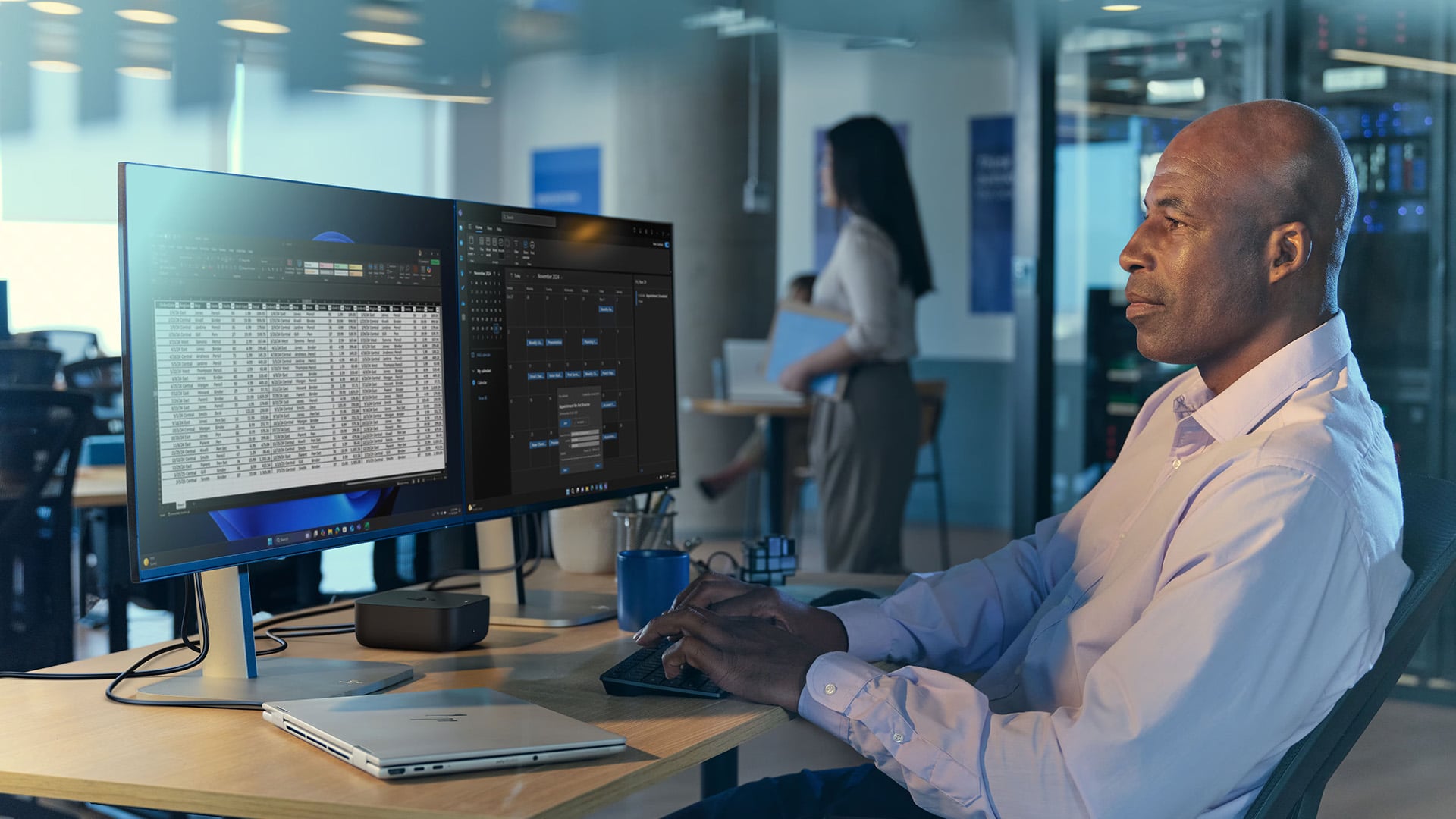
Even the best HP monitors can occasionally run into issues, especially with regular use over time. The good news is that most of these problems are not serious and can often be fixed with simple adjustments or checks.
Understanding these common issues helps you troubleshoot quickly and avoid unnecessary frustration.
Screen Flickering
Screen flickering is one of the most common problems users experience. This usually happens due to:
- Incorrect refresh rate settings
- Loose or faulty cables
- Outdated graphics drivers
To fix this, you can:
- Check and secure all cable connections
- Adjust the refresh rate in your display settings
- Update your graphics drivers
In most cases, these steps resolve the issue quickly and restore a stable display.
Connectivity Issues
Sometimes your monitor may not detect your device or display a signal. This is often related to connection problems rather than hardware failure.
Common causes include:
- Incorrect input source selected on the monitor
- Faulty HDMI or DisplayPort cables
- Compatibility issues with older devices
A simple fix is to:
- Switch the input source manually
- Try a different cable or port
- Restart your device and monitor
If you’re using newer setups, especially laptops, understanding ports through an HP monitor connectivity guide can help avoid these issues.
Display Not Turning On
If your monitor does not turn on, it can seem like a major problem, but it’s often caused by basic setup issues.
Check for:
- Power cable connection
- Power outlet functionality
- Sleep or standby mode
Sometimes, simply reconnecting the power cable or pressing the power button again resolves the issue.
Why Troubleshooting Matters
Knowing how to fix these small problems helps you:
- Save time and avoid unnecessary repairs
- Keep your setup running smoothly
- Extend the lifespan of your monitor
For more detailed guidance, you can explore common HP monitor problems and fixes to troubleshoot specific issues step by step.
HP Monitor vs Other Brands
When choosing a monitor, it’s natural to compare HP with other brands. While many manufacturers offer good displays, HP stands out for its balanced approach across different use cases.
Reliable Build Quality
HP monitors are known for their consistent build quality. They are designed to be durable and suitable for everyday use, especially in professional environments.
This makes them a reliable choice for users who need a monitor that performs well over time without frequent issues.
Balanced Performance Across Categories
Unlike some brands that focus only on gaming or premium displays, HP offers a wide range of monitors that perform well across different categories.
Whether you need:
- A productivity-focused monitor
- A gaming display
- A general-purpose screen
HP provides options that deliver a good balance between performance and value.
Strong Options for Work and Gaming
HP has developed dedicated monitor ranges for different users:
- Business monitors for productivity and office use
- OMEN and Victus series for gaming performance
This ensures that you can find a monitor tailored to your needs without compromising essential features.
Where to Buy HP Monitors
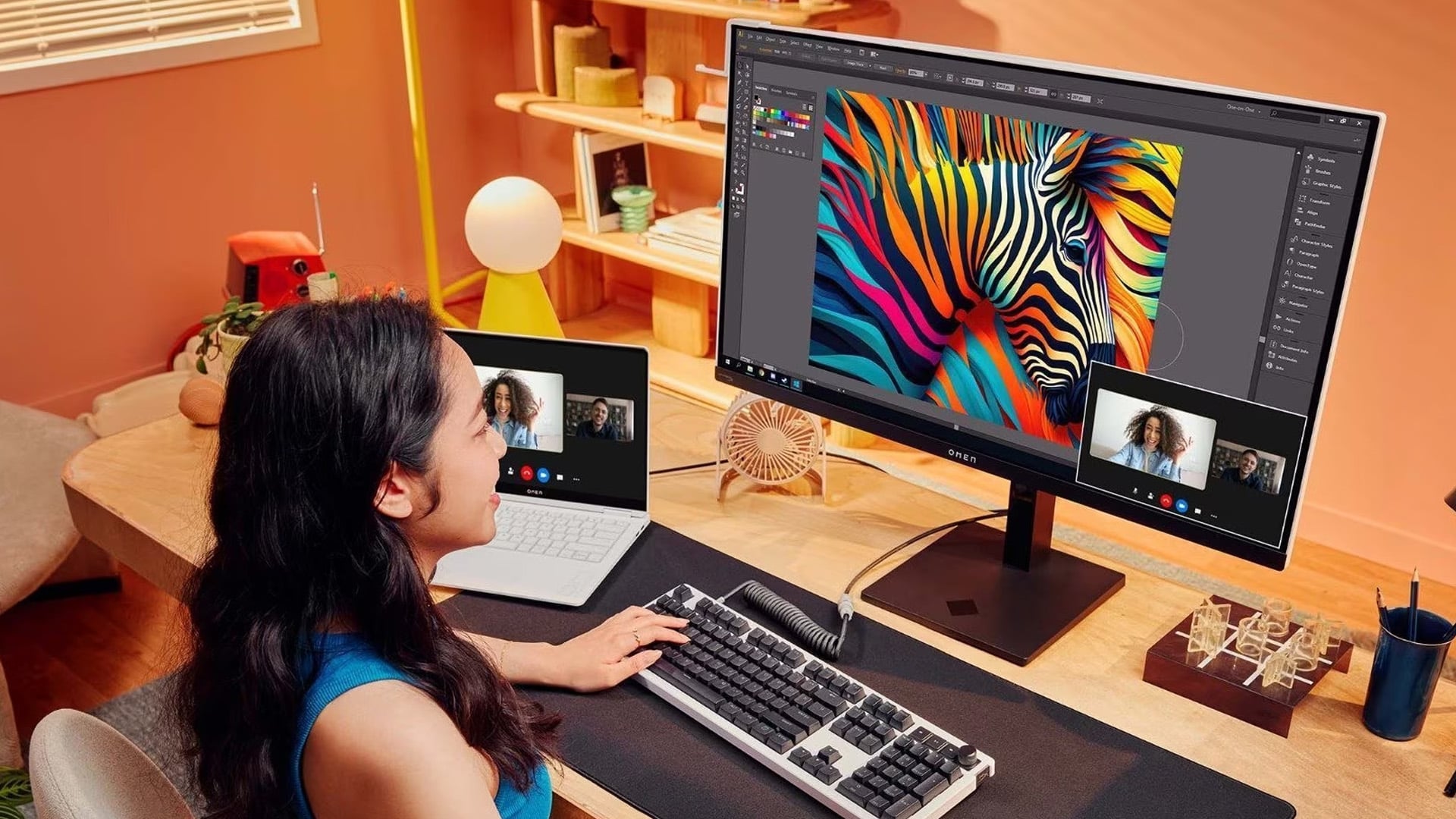
Once you understand what features matter and which type of monitor suits your needs, the next step is finding a reliable place to buy from. Choosing the right retailer is just as important as choosing the right monitor, as it ensures you get access to genuine products, a wide range of options, and proper support.
If you’re ready to upgrade your setup, you can explore a wide selection of Monitors and business monitors at Box.co.uk. The platform offers a variety of HP displays designed for different use cases whether you’re setting up a home office, upgrading your gaming experience or looking for a simple everyday screen.
Find monitors suited for work, gaming or home use, available at Box.co.uk.
This makes it easier to choose a monitor that fits your setup without spending time searching across multiple platforms.
Final Verdict
Choosing the right HP monitor ultimately comes down to understanding how you use your screen and what features will make the biggest difference in your daily experience.
For work and productivity, the focus should be on comfort, clarity, and efficiency. A well-designed monitor with the right size and panel type can help reduce strain and improve how you manage tasks throughout the day.
For gaming, performance becomes the priority. Features like higher refresh rates and faster response times ensure smoother visuals and a more responsive experience, especially in fast-paced scenarios.
For home use, the goal is to find a monitor that offers a balanced and enjoyable experience; something that works well for browsing, streaming, and light tasks without unnecessary complexity.
By understanding key factors like screen size, resolution, panel type and connectivity, you can make a more informed decision and choose the best HP monitor for your needs. The right choice not only improves visual quality but also enhances productivity, comfort and overall usability in the long run.
FAQs
What is the best HP monitor to buy?
The best HP monitor depends on your usage. Work users should choose IPS displays, while gamers should focus on high refresh rates.
Which HP monitor is best for working from home?
A 24–27 inch IPS monitor with ergonomic features is ideal for home office setups.
What is the best HP monitor for gaming?
HP OMEN monitors with 144Hz+ refresh rates and low response times are best for gaming.
Are HP monitors good for everyday use?
Yes, HP monitors offer reliable performance and good visual quality for general use
How do I choose the right HP monitor size?
Choose 24-inch for compact setups, 27-inch for productivity, and 32-inch+ for immersive viewing.
You can pay with:
*PayPal Credit Representative Example: Assumed credit limit £1,200, Representative 23.9% APR (variable). Purchase rate 23.9% p.a (variable).Terms & Conditions apply.


PayPal Credit and PayPal Pay in 3 are trading names of PayPal UK Ltd, 5 Fleet Place, London, United Kingdom, EC4M 7RD. Terms and conditions apply. Credit subject to status, UK residents only, Five Tech LTD acts as a broker and offers finance from a restricted range of finance providers. PayPal Pay in 3 is not regulated by the Financial Conduct Authority. Pay in 3 eligibility is subject to status and approval. 18+. UK residents only. Pay in 3 is a form of credit. Check if affordable and how you will repay. May make other borrowing more difficult or expensive. See product terms for more details.
Copyright © 1996-2026 Fivetech LTD | Terms and Conditions
box.co.uk & Box are trading names of Five Tech Limited. Registered office: Box LTD, Unit 10 Woodford Trading Estate, Woodford Green IG8 8HF