


 Menu
MenuMenu


Get Sales Advice from Mon - Fri 9am - 5:00pm:
020 3337 8950LAST UPDATED: July 13, 2026
HP Monitor Sizes Explained: 22, 24, 27, 32 Inch and Ultrawide
Choosing the right monitor size can feel confusing, especially when there are so many options available. From compact 22-inch screens to large ultrawide displays, each size offers a different experience depending on how you plan to use it.
This HP monitor sizes guide is designed to help you understand what each size means in real terms, not just numbers, but how it affects your comfort, productivity, and overall setup.
Whether you’re working, gaming or setting up a home workstation, choosing the right size can make your screen feel more natural, more efficient and easier to use every day.
Why Monitor Size Matters More Than You Think
When choosing a monitor, size is often the first thing people notice but it’s also one of the most important decisions you’ll make. It doesn’t just affect how big the screen looks; it directly impacts how comfortable your setup feels and how efficiently you can work or relax.
A well-chosen monitor size can completely change your experience. For example, a larger screen gives you more space to organise your work, making it easier to keep multiple windows open without constantly switching between tabs. This can save time and improve productivity, especially if you multitask throughout the day.
At the same time, the right size helps with comfort. If your monitor matches your desk space and viewing distance, you’re less likely to strain your eyes or neck during long sessions. On the other hand, a screen that’s too small can feel limiting, while one that’s too large for your setup can feel overwhelming and harder to use.
That’s why choosing the right HP monitor size is not about going bigger; it’s about finding what fits your space, your work style and your daily needs.
22-Inch HP Monitors: Compact and Practical
A 22-inch HP monitor is a great option if you want something simple, space-efficient, and easy to use. It’s particularly useful for smaller desks or setups where space is limited.
This size works well for basic tasks such as emails, browsing, and document work. It’s also a good choice as a secondary screen alongside a larger monitor.
Because it doesn’t take up much room, it’s easy to position and doesn’t require a deep desk. It’s also one of the more affordable options, making it ideal if you need a functional screen without extra features.
However, due to its smaller size, it may feel restrictive if you try to multitask heavily or work with multiple windows at once.
24-Inch HP Monitors: The Everyday Standard
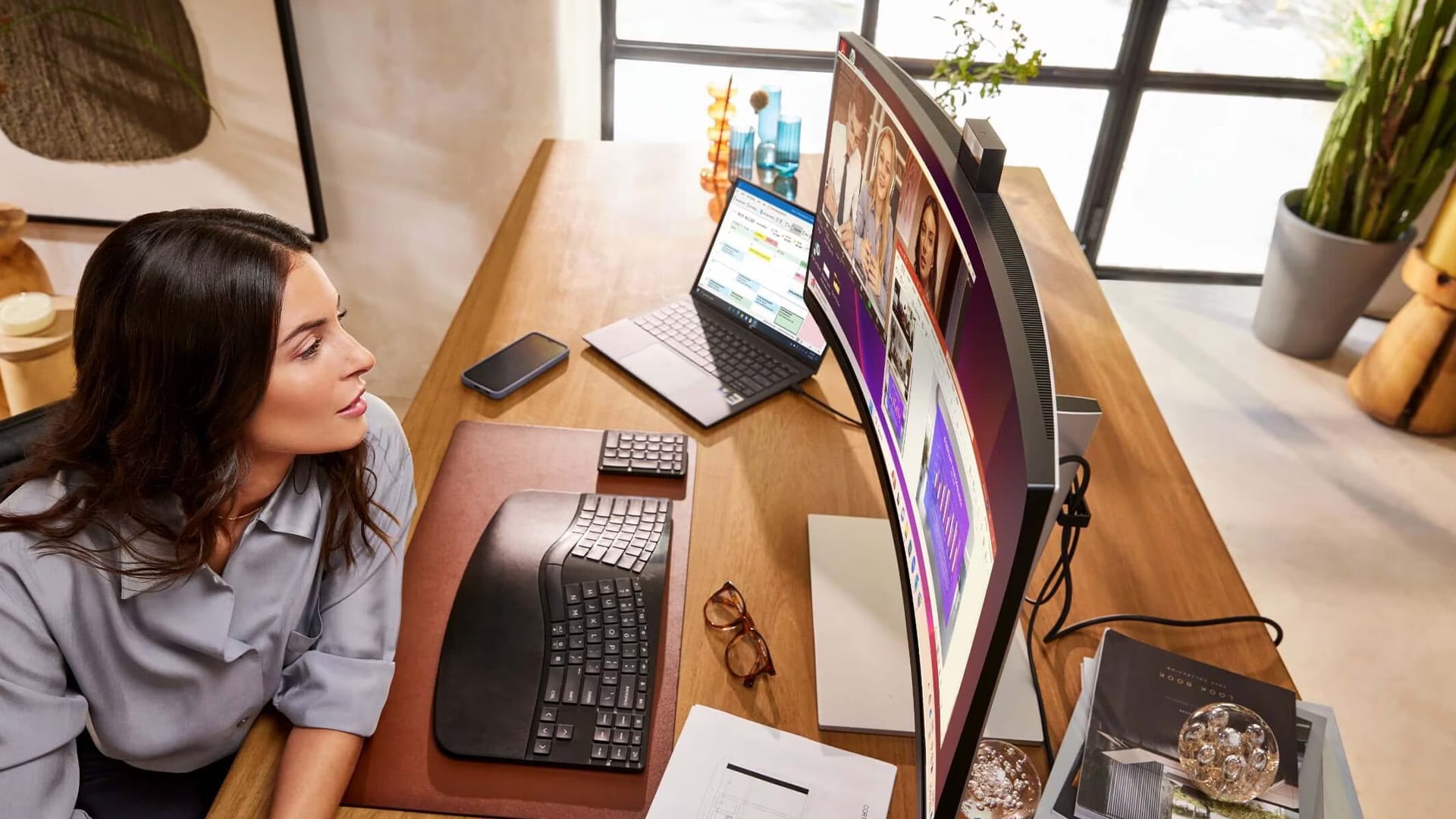
A 24 inch HP monitor is the most common and practical choice for most users. It offers a balanced experience that works well for both work and general use.
This size gives you enough screen space to handle everyday tasks comfortably, whether you’re working on documents, browsing or attending video calls. It’s also easy to fit into most desk setups without feeling too large.
At this size, Full HD (1080p) resolution is usually sufficient, providing clear visuals without putting too much demand on your system.
For many users, this is the “safe” choice; it’s versatile, affordable and suitable for a wide range of uses. If you want something reliable for daily tasks, exploring 24 inch monitors is a great starting point.
27-Inch HP Monitors: Better Multitasking and Clarity
A 27 inch HP monitor is ideal if you want more space and a noticeable upgrade in how you work. This size is especially popular among professionals and users who multitask frequently.
The larger screen allows you to open multiple windows side by side without feeling cramped. This makes it easier to manage emails, spreadsheets, documents and browser tabs all at once.
At 27 inches, upgrading to QHD (1440p) resolution makes a big difference. It provides sharper text and more screen space, which improves both clarity and productivity.
If you’re looking to make your setup more efficient and comfortable, shop the 27 inch monitors can help you find a display that supports your workflow better.
32-Inch HP Monitors: Bigger Screen, More Immersion
A 32 inch monitors are designed for users who want a larger, more immersive experience. It provides a significant increase in screen space, making it ideal for both work and entertainment.
This size is particularly useful for:
- Creative professionals working with detailed visuals
- Users who prefer larger text and clearer layouts
- Entertainment setups for movies and media
Because of the larger screen, 4K resolution is often recommended. This ensures everything remains sharp and easy to read, even at a bigger size.
A 32-inch monitor can transform your setup, but it does require enough desk space and a comfortable viewing distance. If used correctly, it creates a more engaging and spacious experience.
HP Ultrawide Monitors: Maximum Workspace
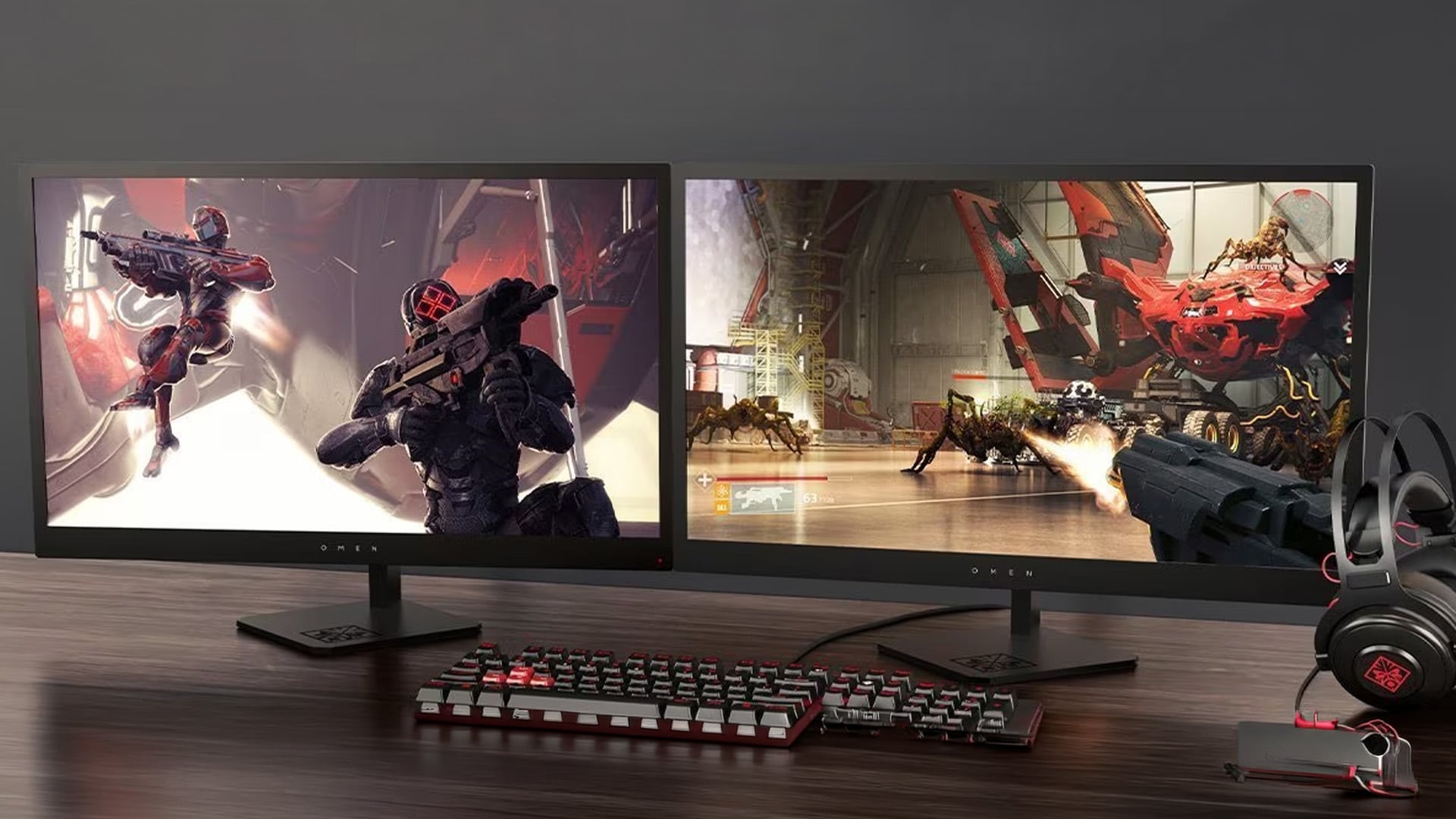
An HP ultrawide monitor offers a completely different experience compared to standard screens. Instead of increasing the height like larger monitors do, ultrawide displays expand horizontally. This gives you significantly more room across your screen, which changes how you organise your work and use your setup.
Most ultrawide monitors use a 21:9 or 32:9 aspect ratio, which is much wider than the standard 16:9 format. While this might sound like a small difference, it has a big impact in real-world use. The extra width allows you to place multiple applications side by side without overlapping or constantly switching between windows.
For example, instead of opening and closing tabs, you can keep your email, browser, and documents visible at the same time. This makes your workflow smoother and helps you stay focused, especially during busy tasks.
One of the biggest advantages of an ultrawide display is that it can replace a dual-monitor setup. Instead of using two separate screens with a visible gap in the middle, you get one continuous display. This not only looks cleaner but also makes it easier to move between tasks without interruption.
Ultrawide monitors are particularly useful for:
- Professionals who work with multiple applications at once
- Users who want a more organised and clutter-free desk setup
- Creators who need extra space for timelines, tools or large files
They are also popular for gaming and entertainment. The wider screen creates a more immersive experience by expanding your field of view, making games and content feel more engaging and cinematic.
However, it’s important to consider your desk space and usage before choosing an ultrawide monitor. These displays are larger and require more room, so they work best in setups where you can sit at a comfortable distance.
Important Considerations Before Choosing a Size
Before finalising your decision, there are a few practical factors that can make a big difference in how comfortable your monitor feels in daily use.
Resolution and Screen Size
As screen size increases, resolution becomes more important. A larger monitor with a low resolution may look less sharp, while a higher resolution keeps text and images clear. For example:
- 24-inch → works well with Full HD (1080p)
- 27-inch → best paired with QHD (1440p)
- 32-inch and above → benefits from 4K for better clarity
Choosing the right combination ensures your display looks sharp and easy to read.
Viewing Distance
How far you sit from your monitor affects both comfort and usability. For example, with a 27-inch monitor, sitting around 2 feet (60 cm) away is generally ideal. This allows you to see everything clearly without needing to move your head too much.
Larger screens may require a slightly greater distance, while smaller screens can be used more comfortably at closer range.
Desk Space and Setup
Your desk size plays a key role in choosing the right monitor. Before buying, it’s important to measure your desk width and depth to ensure there is enough room for:
- The monitor itself
- The stand or mount
- A comfortable viewing distance
A larger monitor on a small desk can feel overwhelming, while a smaller monitor on a large desk may feel underwhelming. The goal is to create a balanced and ergonomic setup.
Connectivity and Setup Considerations
Before making a final decision, it’s important to make sure your monitor works well with your existing devices. A great screen won’t be useful if it doesn’t connect easily to your setup.
Look for common connectivity options such as:
- HDMI, which works with most devices
- DisplayPort, ideal for higher performance setups
- USB-C, which allows you to connect, transfer data and charge your laptop with a single cable
USB-C is especially useful for modern work setups, as it helps reduce cable clutter and keeps your desk organised.
You should also consider whether you have enough space for cables, stands and any additional accessories. If you’re unsure about compatibility, referring to an HP monitor connectivity guide can help you choose the right setup.
Final Verdict: Which HP Monitor Size Is Right for You?
Choosing the right HP monitor sizes ultimately comes down to how you use your screen on a daily basis. While it can be tempting to go for a larger display, the best choice is the one that fits your workflow, your desk space and your comfort level.
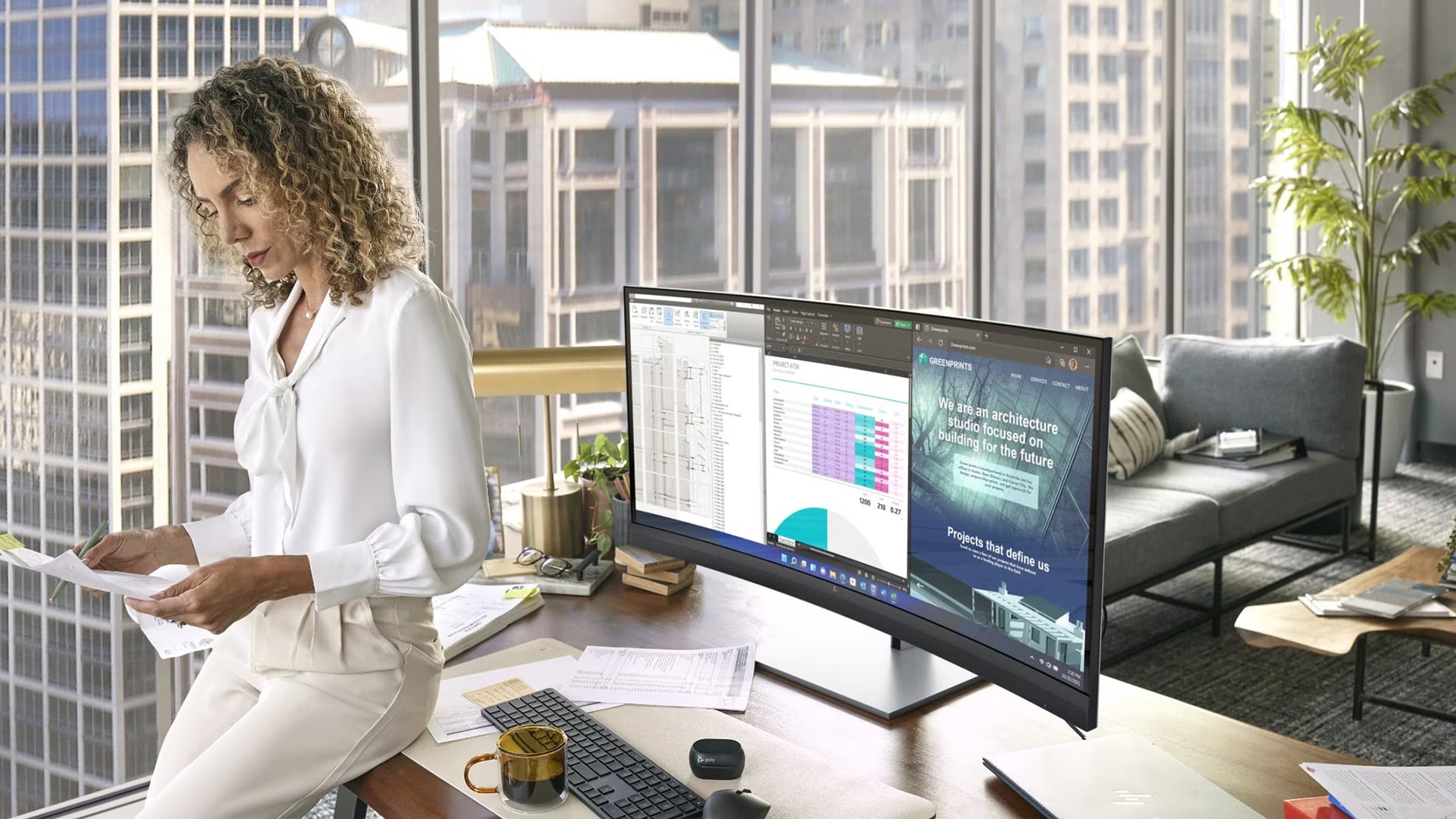
If your goal is to maximise workspace and simplify your setup, an HP ultrawide monitor is one of the most effective options. It allows you to replace dual monitors with a single, seamless display, making multitasking smoother and your workspace more organised. Ultrawide and larger displays are also commonly found in some of the best HP gaming monitors, where immersion and wider viewing angles enhance the overall experience. 27 inch monitors are considered the perfect size among the best HP monitors for home office setups.
The key takeaway is that the “best” monitor size is not the biggest one; it’s the one that improves your comfort, supports your tasks and fits naturally into your setup.
If you’re ready to upgrade, you can explore a wide range of monitors at Box.co.uk. This makes it easier to compare options and choose a monitor that matches your needs, whether you’re working, gaming or building a more efficient home setup.
FAQs
What is the best HP monitor size for work?
A 24-inch or 27-inch monitor is ideal for most office setups.
Is a 27-inch monitor too big?
No, it’s one of the most popular sizes and offers great balance for work and gaming.
Are ultrawide monitors better than dual monitors?
They provide a seamless experience and reduce clutter, making them a great alternative.
What size monitor is best for gaming?
27-inch is the most common choice, while ultrawide offers a more immersive experience.
How far should I sit from my monitor?
It depends on size, but generally 50–80 cm is comfortable for most setups.
You can pay with:
*PayPal Credit Representative Example: Assumed credit limit £1,200, Representative 23.9% APR (variable). Purchase rate 23.9% p.a (variable).Terms & Conditions apply.


PayPal Credit and PayPal Pay in 3 are trading names of PayPal UK Ltd, 5 Fleet Place, London, United Kingdom, EC4M 7RD. Terms and conditions apply. Credit subject to status, UK residents only, Five Tech LTD acts as a broker and offers finance from a restricted range of finance providers. PayPal Pay in 3 is not regulated by the Financial Conduct Authority. Pay in 3 eligibility is subject to status and approval. 18+. UK residents only. Pay in 3 is a form of credit. Check if affordable and how you will repay. May make other borrowing more difficult or expensive. See product terms for more details.
Copyright © 1996-2026 Fivetech LTD | Terms and Conditions
box.co.uk & Box are trading names of Five Tech Limited. Registered office: Box LTD, Unit 10 Woodford Trading Estate, Woodford Green IG8 8HF