


 Menu
MenuMenu


Get Sales Advice from Mon - Fri 9am - 5:00pm:
020 3337 8950POSTED: May 20, 2026
HP 255 G9 in 2026: Should You Still Consider It?
The HP 255 G9 laptop is designed for users who need an affordable device for work, study, and everyday computing tasks. It is not built to be flashy, ultra-premium, or gaming-focused. Instead, it focuses on the essentials: a large screen, useful ports, AMD Ryzen processor options, SSD storage, and a lightweight design that is easy enough to carry between home, office, university or shared workspaces.
In 2026, the HP 255 G9 still makes sense for the right buyer. If you want a budget business laptop for office work, browsing, video calls, coursework, admin tasks or general home use, it can still be a sensible option. The strongest versions, especially models with Ryzen 5 or Ryzen 7 processors, 16GB RAM and SSD storage, offer much better everyday performance than basic entry-level laptops.
However, expectations matter. The HP 255 G9 notebook is not aimed at demanding creative workloads, high-end gaming or users who want premium display quality. It is best understood as an affordable productivity laptop for people who want dependable performance for daily tasks without overspending.
What Is the HP 255 G9 Laptop?
The HP 255 G9 laptop is a practical 15.6-inch notebook designed for everyday users who need a reliable device for work, study, and general home use. It sits in HP’s business-focused laptop range, which means it is built around the features most people need day to day: a comfortable screen size, useful connectivity, dependable performance and a design that is easy to carry when needed.
Rather than focusing on premium extras or high-end gaming features, the HP 255 G9 focuses on value. It gives you a straightforward laptop experience that works well for common tasks such as writing documents, managing emails, browsing the web, joining video calls, working on spreadsheets, and using online learning or business platforms.
For users who want an affordable laptop that can handle daily tasks without feeling overly complicated, the HP 255 G9 is a sensible option. It is especially useful if you want a larger screen than a compact 13-inch or 14-inch laptop, but still need something portable enough for work, study or hybrid use.
Positioning and Target Users
The HP 255 G9 is best understood as a budget business laptop. That does not mean it is only for business users. It simply means the laptop is designed to be practical, dependable, and focused on productivity rather than luxury.
This makes it a good choice for students, office workers, small business users, remote workers and everyday home users. If your main tasks include typing reports, attending online meetings, using Microsoft Office, browsing the internet, or watching videos, the HP 255 G9 is designed to cover those needs comfortably.
The 15.6-inch display is one of its biggest advantages. Compared with smaller laptops, it gives you more room to work. This is helpful when you are viewing documents side by side, working in spreadsheets, reading online resources, or joining video calls. For many users, that extra screen space makes the laptop feel easier and more comfortable to use for longer periods.
If you are comparing similar models, HP 250 series laptops for everyday use may also be worth considering. The HP 250 range is often suited to similar work and study tasks, while the HP 255 range is a strong option for users looking at AMD-powered business laptops.
Key Features Overview
The HP 255 G9 15.6 inch laptop keeps things simple, but that is part of its appeal. It is built to give you the core features needed for everyday productivity without adding unnecessary complexity.
Depending on the configuration, the HP 255 G9 can include AMD Ryzen processor options, DDR4 memory, SSD storage, Wi-Fi, Bluetooth, a webcam, USB ports, HDMI, Ethernet and an SD card reader. These features make it practical for both work and study because you can connect the accessories and devices you are likely to use most often.
For example, HDMI support means you can connect the laptop to a monitor or projector, which is useful for presentations or a larger desk setup. USB-A and USB-C ports make it easier to use common accessories such as a mouse, keyboard, external drive or headset. Ethernet is useful if you need a stable wired internet connection, while the webcam and microphone make the laptop suitable for video meetings, online lessons and remote work.
The SSD storage is another important benefit. Compared with older hard drives, SSDs help the laptop start faster, open files more quickly, and feel more responsive during daily use. For a budget laptop, this can make a noticeable difference to the overall experience.
Where It Fits in the Market
In 2026, the HP 255 G9 laptop fits into the affordable productivity laptop category. It is not trying to compete with premium ultrabooks, gaming laptops, or high-performance creative workstations. Instead, its strength is giving users a reliable everyday laptop at a more accessible price.
This makes it a good fit if you need a laptop for everyday computing tasks rather than specialist workloads. It is well suited to office work, coursework, browsing, emails, video calls, online learning, basic business software and media streaming.
For students, it offers a practical screen size and enough performance for assignments, research, and online classes. For office users, it works well as an affordable work machine for documents, spreadsheets, and communication. For home users, it is a straightforward laptop for shopping, banking, browsing, streaming, and staying connected.
If you need something more powerful for demanding workloads, you may want to compare it with wider HP business laptops or other laptops for work environments. However, if your priority is value, everyday performance and a familiar 15.6-inch design, the HP 255 G9 still has a clear place in the market.
HP 255 G9 Specifications Overview
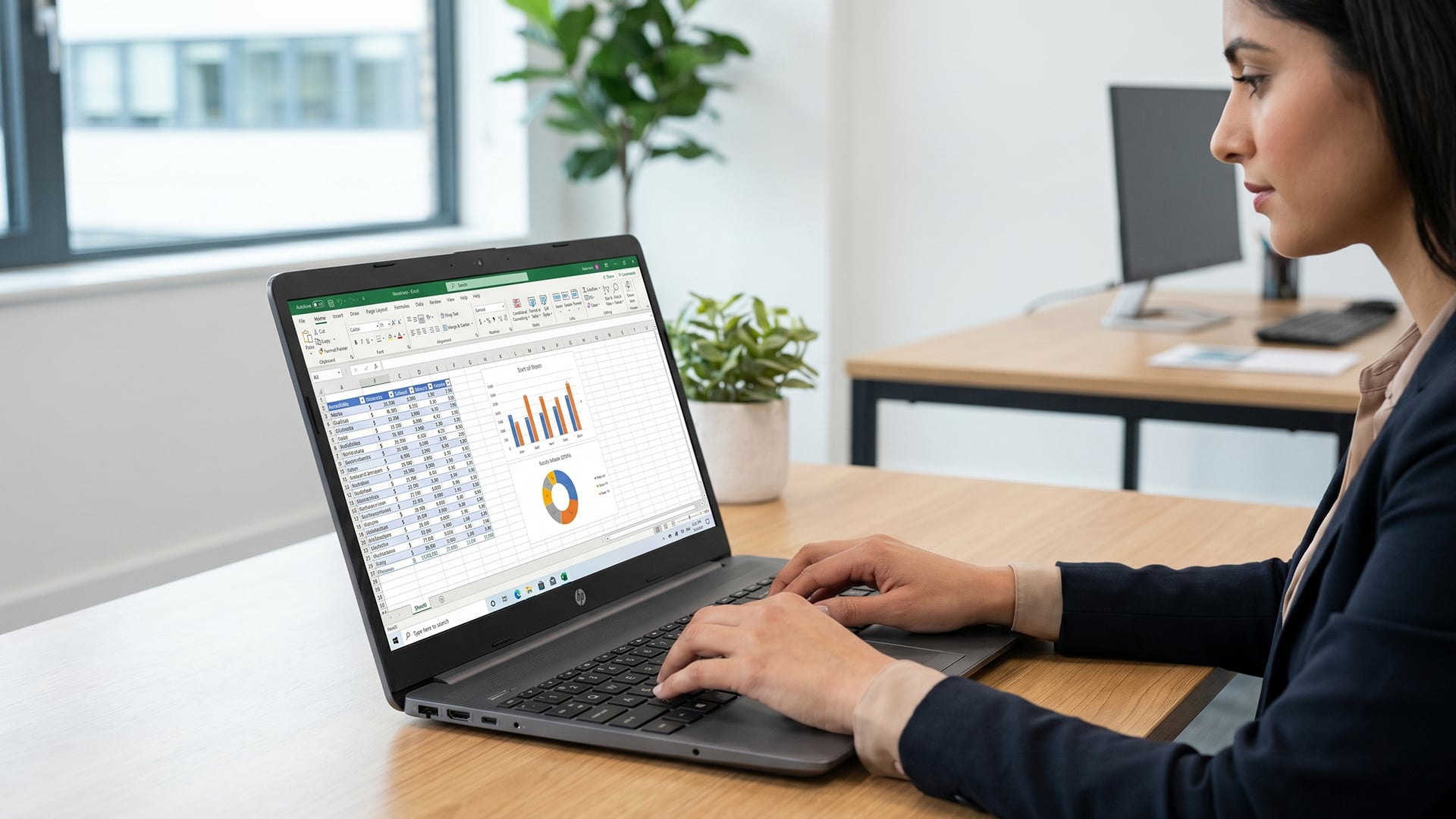
The HP 255 G9 has been sold in several configurations, so exact specifications vary by model. This is important because an entry-level HP 255 G9 will feel very different from a Ryzen 7 HP 255 G9 with 16GB RAM and SSD storage.
Processor Options
The HP 255 G9 is built around AMD processor options. Depending on configuration, models can include AMD Ryzen 3, Ryzen 5 or Ryzen 7 chips. Common stronger configurations include the AMD Ryzen 5 5625U and AMD Ryzen 7 5825U.
The Ryzen 7 HP 255 G9 is the most appealing version if you want stronger long-term performance. It gives the laptop more power for multitasking, larger spreadsheets, browser-heavy work, and smoother performance across several applications.
For everyday buyers, the processor choice makes a real difference:
| Processor Type | Best For |
| AMD Ryzen 3 | Basic browsing, email and light study |
| AMD Ryzen 5 | Everyday work, office use and multitasking |
| AMD Ryzen 7 | Heavier multitasking and better long-term use |
If you want the HP 255 G9 to feel useful for several years, a Ryzen 5 or Ryzen 7 model is the smarter choice.
RAM and Storage
RAM and storage are two of the most important areas to check before buying. A laptop with a capable processor can still feel slow if it only has limited memory or slow storage.
Many HP 255 G9 models come with SSD storage, which is important for fast boot times, quick file access and responsive everyday use. HP’s QuickSpecs list M.2 PCIe NVMe SSD options including 128GB, 256GB, 512GB and 1TB, depending on configuration.
For 2026, the best practical option is an HP 255 G9 16GB RAM model. While 8GB can still handle basic work, 16GB gives you more breathing room for multitasking, browser tabs, Teams calls and office applications.
A good 2026 configuration would be:
| Component | Recommended Choice |
| Processor | Ryzen 5 or Ryzen 7 |
| RAM | 16GB |
| Storage | 512GB SSD or higher |
| Display | Full HD 1920 x 1080 |
| Operating system | Windows 11 |
The HP 255 G9 price will vary depending on the configuration, but it is worth paying more for 16GB RAM and SSD storage if you want smoother daily performance.
Display and Build
The HP 255 G9 15.6 uses a 15.6-inch display, with some models offering Full HD 1920 x 1080 resolution. HP’s display specifications include 15.6-inch Full HD anti-glare panels with 250 nits brightness and 60Hz refresh rate, although panel type and quality can vary by configuration.
The 15.6-inch size is useful for productivity. It gives you more space than smaller laptops, which makes document editing, spreadsheets, and web browsing easier. The anti-glare finish is also helpful in offices, classrooms, and shared spaces with overhead lighting.
Build quality and design are practical rather than premium. The chassis is designed to be thin and light for a business laptop, but it does not have the same feel as a premium metal ultrabook. It weighs around 1.74kg for the 41Wh configuration, varying by specification.
Performance in Everyday Use
Office Work and Browsing
For office work, the HP 255 G9 laptop review is generally positive, especially if you choose a Ryzen 5 or Ryzen 7 model with SSD storage. It is well suited to everyday computing tasks such as writing documents, managing emails, using spreadsheets, browsing the web and joining video meetings.
For Microsoft Word, Excel, PowerPoint, Outlook, Google Docs, and browser-based systems, the HP 255 G9 offers the kind of entry-level laptop performance most users need. It is not overpowered, but it is practical.
For businesses, the appeal is simple: it can handle common productivity tasks without the higher price of more premium laptops.
Multitasking Performance
Multitasking performance depends heavily on RAM. An 8GB version can handle basic multitasking, but it may start to feel limited if you keep many browser tabs open while running Teams, Outlook and office apps.
A 16GB RAM model is much better for modern work-from-home laptop usage. It gives you more room to switch between apps, attend calls, work with shared documents, and keep your browser open without constant slowdowns.
If you plan to keep the laptop for several years, choose the HP 255 G9 16GB RAM version where possible. It is the most sensible choice for long-term usability.
Media and Light Usage
The HP 255 G9 is also fine for media and light home use. You can stream video, browse social media, shop online, manage photos, and handle basic personal tasks comfortably.
The integrated AMD Radeon graphics are suitable for display output, video playback, and light graphical tasks. However, this is not a gaming laptop or a creative workstation. It can run older or simple games, but it is not designed for demanding modern gaming.
For everyday entertainment, study, and office work, it does the job well.
Battery Life and Portability
Daily Usage Expectations
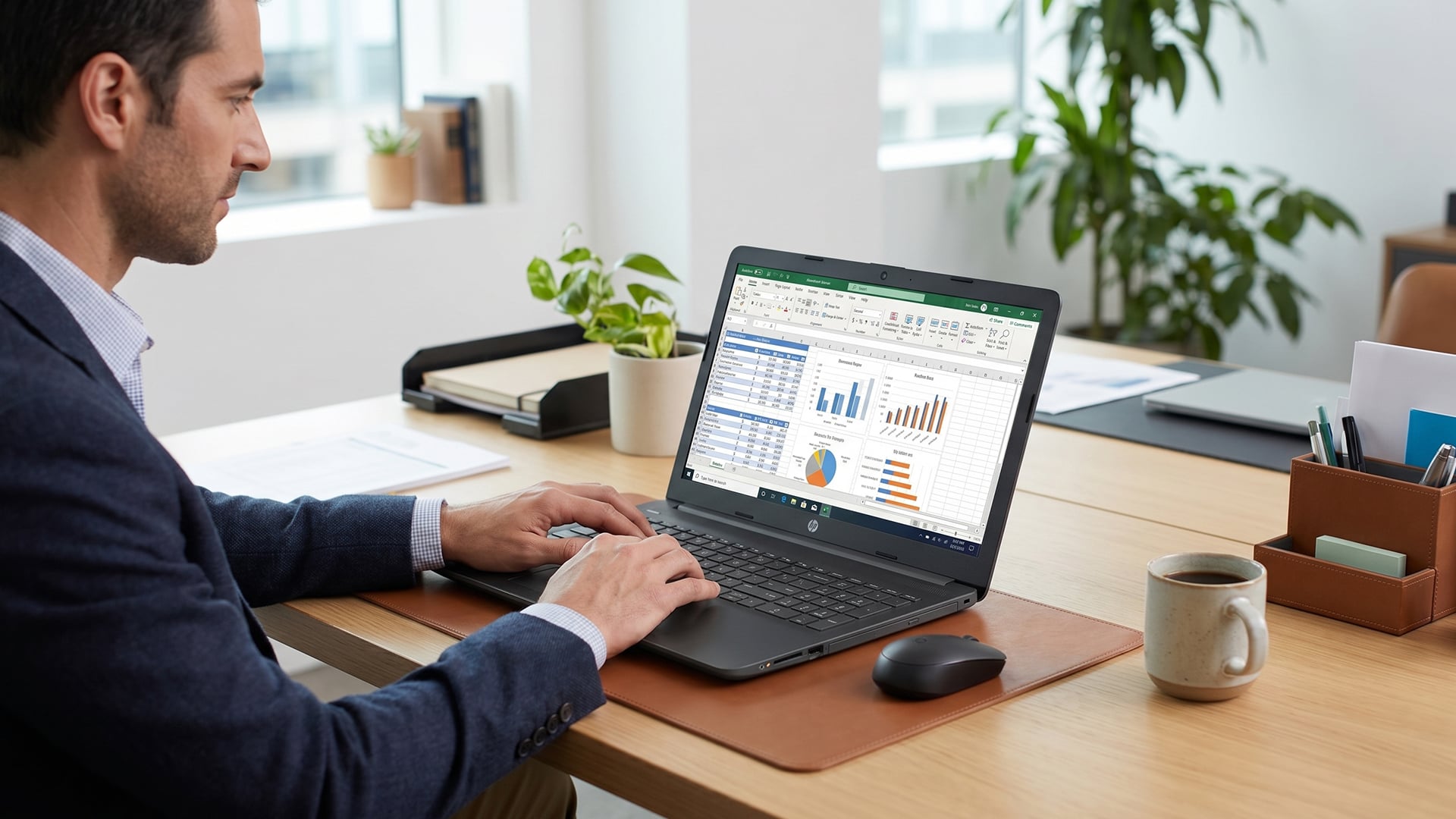
HP lists the HP 255 G9 with a 3-cell 41Wh battery and battery life of up to 10 hours 15 minutes, although actual battery life will vary depending on configuration, brightness, wireless use, loaded applications and power settings.
In real-world use, battery life expectations should be more practical. For browsing, document work, and light tasks, it should last through a reasonable work or study session. For video calls, high brightness, multiple apps, or heavier workloads, battery life will drop more quickly.
The key benefit is that the HP 255 G9 is portable enough for flexible working, but it is still a 15.6-inch laptop. It is easy enough to move around, but not as compact as a 13-inch ultrabook.
Portability and Design
At around 1.74kg starting weight, the HP 255 G9 is manageable for commuting, study and office use. It is not the lightest laptop available, but it is portable for a 15.6-inch device.
The larger screen does mean you will want a suitable bag. If you are carrying it regularly, a protective sleeve or laptop case is a sensible addition. You can browse Bags for 255 G9 to help protect the laptop during daily travel.
Work-from-Anywhere Suitability
The HP 255 G9 works well as a budget work-from-anywhere laptop. It has the key features most users need: webcam, microphone, Wi-Fi, Ethernet, HDMI and USB ports.
HP’s product sheet highlights collaboration features including an integrated camera, dual-array microphones, and AI-based noise reduction, which are useful for video calls and remote working.
This makes it a good fit for hybrid work, online learning, and everyday business communication.
Who Is the HP 255 G9 Best For?
Students
The HP 255 G9 is a strong student laptop if you choose the right configuration. It is affordable, has a large screen and is powerful enough for essays, research, online classes, presentations, and browser-based learning.
Students should aim for a Full HD display, SSD storage, and ideally 16GB RAM. That gives a better experience for multitasking between lecture notes, browser tabs, video calls and coursework.
It is not the best choice for students on creative courses that require video editing, 3D modelling or advanced design software. For general student laptop performance, though, it is a practical option.
Office and Business Users
Office and business users are the natural audience for the HP 255 G9. It is designed for productivity, communication and essential business software.
The port selection is useful for offices because you can connect wired networks, external displays, USB accessories and SD cards. The larger 15.6-inch screen also makes spreadsheets and admin systems easier to use.
For businesses buying several machines, the HP 255 G9 can be a cost-effective way to equip teams without paying for features they do not need.
If you want to compare similar models, browse HP 255 laptops for office and study.
Casual Everyday Users
For casual everyday users, the HP 255 G9 is a sensible laptop for browsing, email, shopping, streaming, banking, video calls and basic home admin.
It is especially useful if you prefer a larger display and full-size typing experience. Smaller laptops may be easier to carry, but the HP 255 G9 gives you more screen space for everyday comfort.
Is the HP 255 G9 Still Worth Buying Today?
Value for Money
The HP 255 G9 laptop can still be worth buying in 2026, but its value depends heavily on the configuration you choose and the price you pay. This is not a laptop designed for premium performance, high-end gaming, or creative production. Instead, it works best as an affordable productivity laptop for people who need reliable performance for everyday computing tasks.
For most users, the best-value models are the ones with a Ryzen 5 or Ryzen 7 processor, 16GB RAM and SSD storage. This type of setup gives the laptop enough power to handle office work, web browsing, video calls, spreadsheets, online learning and light multitasking without feeling slow during normal use.
A lower-spec model may be cheaper upfront, but it can become limiting more quickly. For example, a version with less RAM may struggle if you keep multiple browser tabs open while using Microsoft Office or joining a video meeting. That is why it is worth choosing a stronger configuration if you want the laptop to feel smooth for longer.
The HP 255 G9 offers the most value when you treat it as a practical work and study laptop. It is not trying to be the most powerful laptop on the market. Its main benefit is giving you the essential features you need at a more accessible price.
Practical Use Cases
The HP 255 G9 is best suited to everyday users who need a dependable laptop for simple and moderate tasks. It performs well when used for productivity, communication, studying and general home use. However, it is less suitable for demanding workloads that require strong graphics power or advanced display quality.
| Use Case | Suitability | Why |
| Office work | Yes | Good for documents, emails, spreadsheets, and presentations. |
| Student work | Yes | Suitable for research, essays, online classes, and coursework. |
| Remote working | Yes | Handles video calls, browser tools and productivity apps well. |
| Everyday browsing | Yes | Works well for shopping, banking, research and general web use. |
| Streaming and media | Yes | videoFine for casual video streaming and entertainment. |
| Modern gaming | No | Lacks dedicated gaming graphics. |
| Heavy creative work | No | Not built for video editing, 3D rendering, or professional design. |
| Frequent travel | Limited | Portable for a 15.6-inch laptop, but not as light as smaller ultrabooks. |
This makes the HP 255 G9 a good choice if your needs are practical and realistic. It is best for users who want a laptop for work, study and everyday use, rather than specialist performance.
Long-Term Usability
For long-term use, the specification matters more than the laptop name. A Ryzen 7 HP 255 G9 with 16GB RAM and a 512GB SSD will remain useful for much longer than a lower-end version with limited memory or storage.
The RAM helps with multitasking, the SSD keeps the laptop feeling responsive, and the Ryzen processor gives it enough performance for everyday work. If you want the laptop to last beyond basic use, these are the areas worth prioritising.
The HP 255 G9 also has a practical selection of ports, which helps it stay useful in different environments. HDMI is useful for connecting to a monitor or projector, USB-A and USB-C help with accessories, and Ethernet is useful when you need a stable wired internet connection.
Overall, the HP 255 G9 can still be a sensible buy in 2026 if you choose the right model. For the best experience, look for a Full HD display, SSD storage, 16GB RAM, and a Ryzen 5 or Ryzen 7 processor.
Final Verdict
The HP 255 G9 laptop remains a sensible choice in 2026 for buyers who want an affordable, practical and business-friendly notebook. It is not designed to compete with premium ultrabooks or high-performance laptops, but it does not need to. Its purpose is everyday productivity, and it handles that role well when configured properly.
You should still consider the HP 255 G9 if you want a budget business laptop for productivity, study or general home use. Just make sure you choose a configuration that fits modern expectations, ideally with Full HD display, SSD storage and 16GB RAM. To compate suitable options, explore Box.co.uk and browse wider HP Business laptops.
FAQs
Is the HP 255 G9 good for gaming?
No, the HP 255 G9 is not designed for serious gaming. It uses integrated AMD Radeon graphics, which are suitable for basic visual tasks, streaming and older light games, but not modern demanding titles. It is better understood as an office work laptop or student laptop.
Is the HP 250 G9 a business laptop?
Yes, the HP 250 G9 is also positioned as a business-focused laptop. The main difference is that the HP 250 series typically uses Intel processors, while the HP 255 series uses AMD processors. HP’s HP 250 G9 material describes it as a value-priced laptop for business tasks with Intel Core processor options.
What is the HP 255 G9’s processor?
The HP 255 G9 is available with different AMD processors, depending on configuration. Common options include AMD Ryzen 3, Ryzen 5 and Ryzen 7 processors. Stronger models such as the Ryzen 7 HP 255 G9 are better for multitasking and long-term use.
Does the HP 255 G9 laptop have Wi-Fi?
Yes, the HP 255 G9 supports Wi-Fi, although the exact wireless standard can vary by configuration. Some models include Wi-Fi 5, while stronger configurations may include Wi-Fi 6. Always check the exact model specification before buying.
Does the HP 255 G9 have a webcam?
Yes, the HP 255 G9 includes a webcam. HP’s documentation also references dual-array microphones and collaboration features, making it suitable for video calls, online classes and remote meetings.
You can pay with:
*PayPal Credit Representative Example: Assumed credit limit £1,200, Representative 23.9% APR (variable). Purchase rate 23.9% p.a (variable).Terms & Conditions apply.


PayPal Credit and PayPal Pay in 3 are trading names of PayPal UK Ltd, 5 Fleet Place, London, United Kingdom, EC4M 7RD. Terms and conditions apply. Credit subject to status, UK residents only, Five Tech LTD acts as a broker and offers finance from a restricted range of finance providers. PayPal Pay in 3 is not regulated by the Financial Conduct Authority. Pay in 3 eligibility is subject to status and approval. 18+. UK residents only. Pay in 3 is a form of credit. Check if affordable and how you will repay. May make other borrowing more difficult or expensive. See product terms for more details.
Copyright © 1996-2026 Fivetech LTD | Terms and Conditions
box.co.uk & Box are trading names of Five Tech Limited. Registered office: Box LTD, Unit 10 Woodford Trading Estate, Woodford Green IG8 8HF