


 Menu
MenuMenu


Get Sales Advice from Mon - Fri 9am - 5:00pm:
020 3337 8950LAST UPDATED: April 29, 2026
How Much RAM Do You Really Need on a MacBook in 2026?
Buying a MacBook in 2026 is no longer just about choosing between Air, Pro, and Neo. Memory has become a much bigger part of the decision, especially now that Apple uses unified memory instead of the RAM setup many buyers are used to seeing on other laptops. That is why selecting the right MacBook RAM configuration can feel more confusing than it should.
The short answer is fairly simple. For most people, 16GB is now the sensible starting point. If your workload includes heavier multitasking, creative software, or development tools, 24GB to 32GB is often the safer choice. And if you are looking at demanding professional work, higher tiers (48GB+) may make sense depending on how you use the machine.
This guide is designed as a practical MacBook memory guide, not a spec sheet. We will break down what matters, what the best RAM for a MacBook is for a particular use case, and how much memory is actually worth paying for in real use.
Why RAM Works Differently on a MacBook
On a MacBook, memory is not just there to support the processor in the background. It sits much closer to the heart of the system, which is why MacBook RAM decisions can feel different from what buyers may be used to on other laptops.
What Unified Memory Means on Apple Silicon
With Apple silicon, the CPU, GPU, and Neural Engine all access the same pool of memory instead of pulling from separate areas. Apple describes this as a unified memory architecture, and the main benefit is efficiency: data does not need to be copied back and forth as often, which helps with speed and responsiveness in everyday use. Apple also says this design is a big reason modern Macs can handle larger on-device AI models more effectively.
If you are wondering how much unified memory a MacBook has, the answer depends on the particular configuration. On the latest MacBook Pro laptops, Apple pairs different chips with very different levels of memory bandwidth. The M5 model is listed at 153GB/s, while M5 Pro goes to 307GB/s and M5 Max starts at 460GB/s, with higher-end M5 Max options reaching 614GB/s. That extra bandwidth helps heavier creative and professional workloads move data faster.
How It Differs from Traditional Laptop RAM
In a more typical laptop design, the processor and graphics system do not always share memory in the same tightly integrated way. That is why a simple side-by-side comparison between MAC RAM and standard laptop memory can be misleading. A Mac can often feel more efficient with the same stated capacity because the memory is being used more directly across the chip.
Even so, Mac memory is not magically exempt from workload pressure. If your apps, browser tabs, creative tools, and background processes all demand more than the available pool can comfortably handle, performance pressure still builds in the same way it would on any other machine. The difference is that Apple's design often delays that pressure, not that it removes it entirely.
Why 8GB on Mac Still Has Limits
A lot of people still assume 8GB on a Mac behaves like 16GB on a Windows laptop. That is too simplistic. Apple's efficiency helps, but it does not erase RAM limitations once workloads become more demanding. In 2026, heavier multitasking, larger creative apps, and more AI-assisted features mean low-memory systems hit their ceiling sooner than many buyers expect.
When that happens, macOS starts leaning more on SSD swap memory. Apple's own Activity Monitor explains that "Swap Used" is space on the startup disk being used to move unused files to and from RAM, and it specifically notes that this is one of the signs your Mac may need more memory. That is why a MacBook with 16GB RAM now makes far more sense as a comfortable starting point than 8GB for most buyers who want smooth macOS memory management and do multitasking for extended periods. 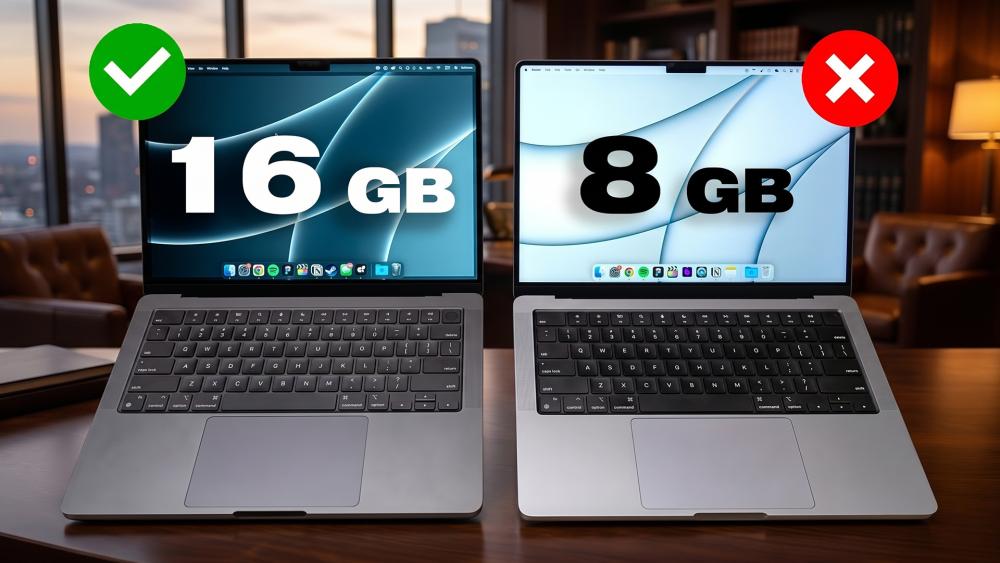
How Much Memory Do You Need on a MacBook?
For most buyers, the answer is no longer "as little as possible". On current Apple silicon machines, 16GB has effectively become the sensible starting point, while heavier users should look more seriously at 24GB, 32GB, or beyond. Apple's own current lineup reflects that shift: recent MacBook Air models start at 16GB, and the latest MacBook Pro range spans from 16GB up to 128GB depending on chip tier. That said, 8GB MacBooks are still popular among students and basic users.
8GB: For Basic Tasks and Educational Purposes
In 2026, 8GB is fine if your usage is genuinely basic: web browsing, email, streaming, and light document work. Apple has recently launched MacBook Neo, which comes with 8GB RAM and an A18 processor chip. This combo makes it an excellent machine for everyday use and study. Its lightweight design makes it an excellent option for those who want productivity on the go.
16GB: The New Baseline
For most people, a 16GB MacBook is now the practical choice. It gives macOS enough breathing room for everyday work, study, communication apps, moderate creative use, and smoother multitasking performance without leaning too quickly on swap. Apple's current MacBook Air testing is also based around 16GB, which says a lot about where the company sees the mainstream starting point today.
24GB to 32GB: Best for Power Users
This is the range where a MacBook starts to feel much more flexible under pressure, and the territory of the best laptops starts. If your day includes heavier browser use, large documents, design apps, code editors, containers, or more demanding video editing workflows, then a 32GB MacBook becomes much easier to justify. This range is also the perfect MacBook RAM for programming.
In a MacBook 16GB vs 32GB comparison, the real difference is not just speed in short tasks, but how much more comfortably the machine handles heavier work without memory pressure building up.
On the latest Pro models, Apple also offers 24GB as a middle step, which makes the 24GB vs 32GB MacBook comparison a practical one for buyers who want extra headroom without jumping straight to high-end pricing.
64GB and Beyond: For Specialist Work
At the top end, a 64GB RAM MacBook or machines with higher memory are aimed at people with clearly demanding workflows, not general buyers. This tier makes sense for larger creative projects, local AI workloads, heavier virtualisation, advanced development, or serious data-heavy work.
Apple's latest M5 Pro and M5 Max MacBook Pro configurations go as high as 64GB and 128GB, but most buyers do not need to be anywhere near that range unless their work already proves it.
MacBook RAM Recommendations by Use Case
- Basic use: 8GB
- Light users: 16GB
- General professionals: 16GB to 24GB
- Creative users: 24GB to 32GB
- Programming or heavier multitasking: 24GB to 32GB
- Specialist workloads: 64GB and above only when clearly needed
The above discussion gives a clear idea of the 2026 MacBook RAM requirements for most of the users.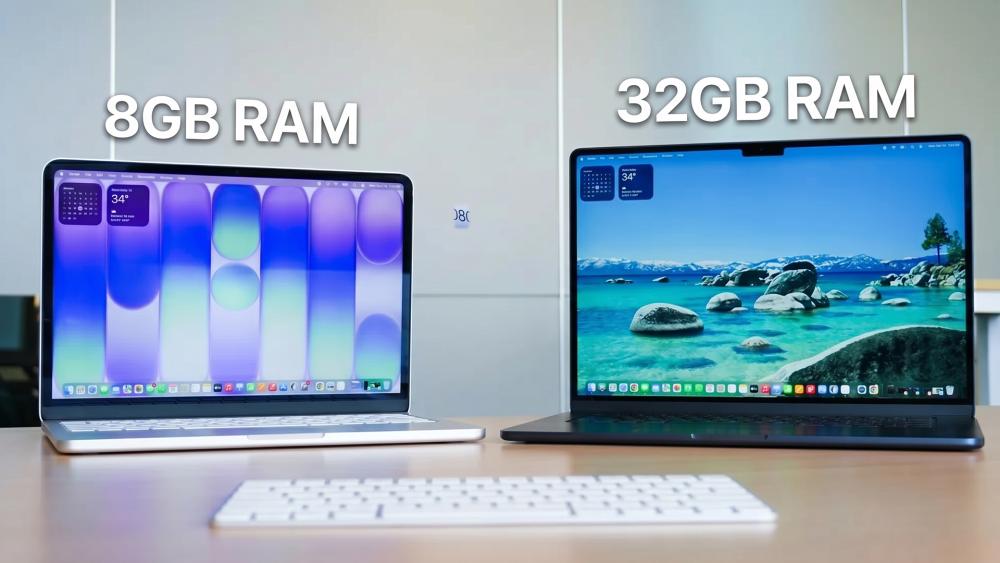
How RAM Affects Real-World MacBook Performance
The amount of MacBook RAM you choose has a direct effect on how smooth the machine feels day to day. It does not just influence benchmark-style speed. It changes how well the Mac handles pressure when several apps, larger files, and heavier workflows all compete for memory at once.
Multitasking and App Switching
When memory is sufficient, app switching feels faster, background tasks stay less intrusive, and the system remains more responsive under load. Apple's own Activity Monitor guidance says macOS is designed to manage memory efficiently, and the Memory Pressure graph is the clearest sign of whether your Mac is coping comfortably or starting to struggle. In practice, this means higher memory capacity usually translates into better multitasking performance, especially when your workflow includes a browser full of tabs, communication apps, creative tools, and background syncing all at once.
SSD Swapping and Slowdowns
When available memory starts to run short, macOS uses SSD swap memory to move less active data to the startup disk. Apple explicitly labels this as "Swap Used" in Activity Monitor and notes that it is one way to tell whether your Mac could benefit from more memory.
This is where MacBook memory choices start to matter more in real life: a machine can still function, but responsiveness may drop once the system leans too heavily on the SSD as temporary RAM storage. That is also why low-memory configurations can feel fine in light use, then suddenly less comfortable once workloads grow.
Performance in Creative and Professional Software
The difference becomes more obvious in heavier work. Apple says the shared memory pool in Apple silicon helps the CPU, GPU, and Neural Engine work from the same resource, which improves efficiency in demanding creative and AI-driven tasks.
On higher-end MacBook Pro models, the jump in memory bandwidth and available unified memory is specifically positioned around larger creative projects and more complex on-device AI workloads.
In practical terms, that means smoother video editing workflows, more headroom for large projects, and more stable system performance when your software stack is genuinely demanding rather than just busy.
Why It Is Risky to Underbuy Memory on a MacBook
Choosing too little memory on a MacBook is usually a bigger mistake than slightly overbuying. Because Apple's memory is built so tightly into the system design, the decision you make at checkout has a long-term effect on comfort, speed, and overall laptop longevity.
You Cannot Add More Memory Later
If you are looking for MacBook RAM upgrade advice, the most important thing to know is that modern Apple silicon laptops do not have replaceable RAM. That means a later MAC memory upgrade is not possible. Once you choose the configuration, that is the memory your machine keeps for life, which makes underbuying MacBook memory far riskier than it would be on many other laptops.
More Memory Helps the Mac Age Better
A MacBook can still feel fast with a modest configuration at first, but heavier software, larger projects, and more background services usually increase memory pressure over time. Apple's Activity Monitor guidance specifically points users to memory pressure and swap activity when assessing whether their Mac needs more memory.
In practical terms, underbuying Mac memory today can mean hitting limits sooner in a few years. Buying extra headroom supports better memory optimisation over the long term, especially if your usage grows from light productivity into heavier multitasking, creative work, or AI-assisted tools.
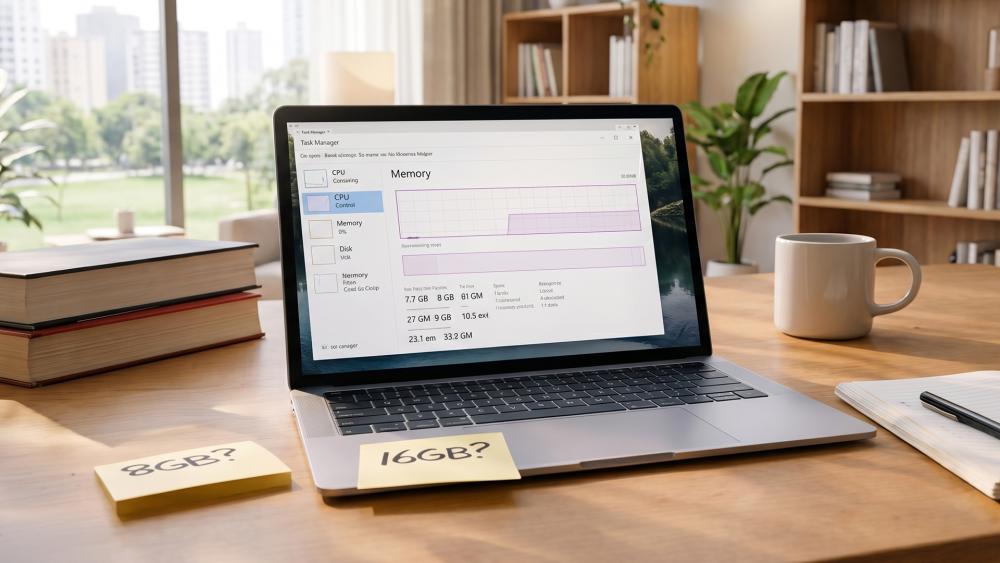
Future-Proofing a MacBook for the Next 3 to 5 Years
Buying for the next few years matters more on a MacBook because memory is fixed from day one. What feels fine now may feel tighter much sooner if your workload grows.
AI Features and On-Device Processing
Apple is already positioning newer Macs around on-device AI. The latest models come with AI image upscaling and running large language models locally, which is a clear sign that machine learning tasks and broader AI workloads are becoming part of mainstream laptop use. That is one reason 16GB now feels like the floor rather than the sweet spot.
Software Demands Are Still Growing
Browsers are heavier, creative apps are larger, and background services are more active than they were a few years ago. For buyers looking at the latest MacBooks, that change is a strong hint about where Apple sees the modern baseline.
The Safest Minimum for Long-Term Use
For long-term comfort, 16GB is the minimum sensible choice. A 32GB MacBook setup is far safer for heavier multitasking, demanding creative work, or anyone who wants more headroom over several years. A 64GB RAM MacBook configuration only makes sense if your workflow is already clearly advanced. If you are choosing a MacBook Pro RAM configuration for longevity rather than just today's tasks, 24GB to 32GB is usually the most balanced place to land.
Final Verdict: What's the Ideal RAM for a MacBook in 2026?
For most buyers, MacBook RAM is no longer something to keep to the bare minimum. In 2026, 16GB is a great starting point, but it is 24GB to 32GB that gives most people the best balance of comfort, longevity, and headroom. However, if you are looking for an everyday laptop for home use or educational purposes, 8GB RAM still does the needful.
If you are choosing between a Mac Air and the Pro range, that matters even more. Current MacBook Air RAM requirements are already pushing buyers towards 16GB as the realistic baseline, while heavier Pro workloads benefit from more memory much sooner.
For creators, developers, and heavier multitaskers, the best RAM for MacBook Pro depends on the nature of their work. For demanding workflows, 24GB is the right starting point.
Frequently Asked Questions
Is 8GB RAM enough for a MacBook in 2026?
Yes. It is great for light use and educational purposes. However, 16GB is a much safer choice and a future-proof option.
Is 16GB RAM enough for a MacBook Pro?
Yes, 16GB works well for general use and moderate workloads, but heavier tasks benefit from 24GB or more.
Do I need 32GB RAM for video editing on a Mac?
For 4K editing, 16GB–24GB can work. For heavier projects, 32GB provides better stability and smoother performance.
Can you upgrade the RAM on a MacBook later?
No, modern MacBooks have fixed unified memory that cannot be upgraded after purchase.
Does unified memory perform better than traditional RAM?
It is more efficient because CPU and GPU share the same pool, but capacity still matters for demanding workloads.
You can pay with:
*PayPal Credit Representative Example: Assumed credit limit £1,200, Representative 23.9% APR (variable). Purchase rate 23.9% p.a (variable).Terms & Conditions apply.


PayPal Credit and PayPal Pay in 3 are trading names of PayPal UK Ltd, 5 Fleet Place, London, United Kingdom, EC4M 7RD. Terms and conditions apply. Credit subject to status, UK residents only, Five Tech LTD acts as a broker and offers finance from a restricted range of finance providers. PayPal Pay in 3 is not regulated by the Financial Conduct Authority. Pay in 3 eligibility is subject to status and approval. 18+. UK residents only. Pay in 3 is a form of credit. Check if affordable and how you will repay. May make other borrowing more difficult or expensive. See product terms for more details.
Copyright © 1996-2026 Fivetech LTD | Terms and Conditions
box.co.uk & Box are trading names of Five Tech Limited. Registered office: Box LTD, Unit 10 Woodford Trading Estate, Woodford Green IG8 8HF