


 Menu
MenuMenu


Get Sales Advice from Mon - Fri 9am - 5:00pm:
020 3337 8950LAST UPDATED: March 18, 2026
Motherboard Chipsets Explained: What They Do and Why They Matter in 2026
When building or upgrading a PC, most people focus on the CPU, GPU or RAM. However, one component quietly determines how all of those parts work together: the motherboard chipset.
Motherboard chipsets control how your processor communicates with storage, graphics cards, USB devices and expansion slots. They also determine whether your system supports features like PCIe 5.0, high-speed memory, overclocking, and additional connectivity.
In this guide, we explain how Intel motherboard chipsets and AMD motherboard chipsets work, how they impact system features and performance, and how to choose the right option for your next PC build. You can also explore the latest gaming motherboards available at Box.co.uk.
What Is a Motherboard Chipset?
A motherboard chipset is a controller that manages communication between the CPU and the rest of your computer’s hardware. It acts as the coordination hub for many essential functions, including storage connections, USB ports, expansion slots, and memory compatibility.
Different chipsets enable different features. Some are designed for high-end gaming systems, while others focus on affordability and basic functionality.
How a Chipset Communicates with the CPU
Modern CPUs handle many tasks internally, but the chipset still plays an important role in managing additional system components.
The chipset connects to the CPU through a high-speed communication link and helps distribute data between devices such as:
- NVMe SSDs
- USB ports
- network controllers
- SATA drives
- additional PCIe expansion cards
This system allows the CPU to focus on processing tasks while the chipset manages communication across the rest of the motherboard.
Why the Chipset Is the "Traffic Controller" of Your PC
A useful way to think about a chipset controller is as a traffic controller inside your PC. It directs how data flows between the processor, graphics card, storage devices, and external connections.
Higher-tier chipsets typically provide:
- more PCIe lanes for GPUs and SSDs
- additional USB ports and connectivity options
- support for faster memory
- overclocking capabilities
Because of this, choosing the right motherboard chipset type directly affects the capabilities of your system.
If you're selecting a motherboard for a new PC build, you can browse a wide range of options at Box.
What Does a Motherboard Chipset Actually Do?
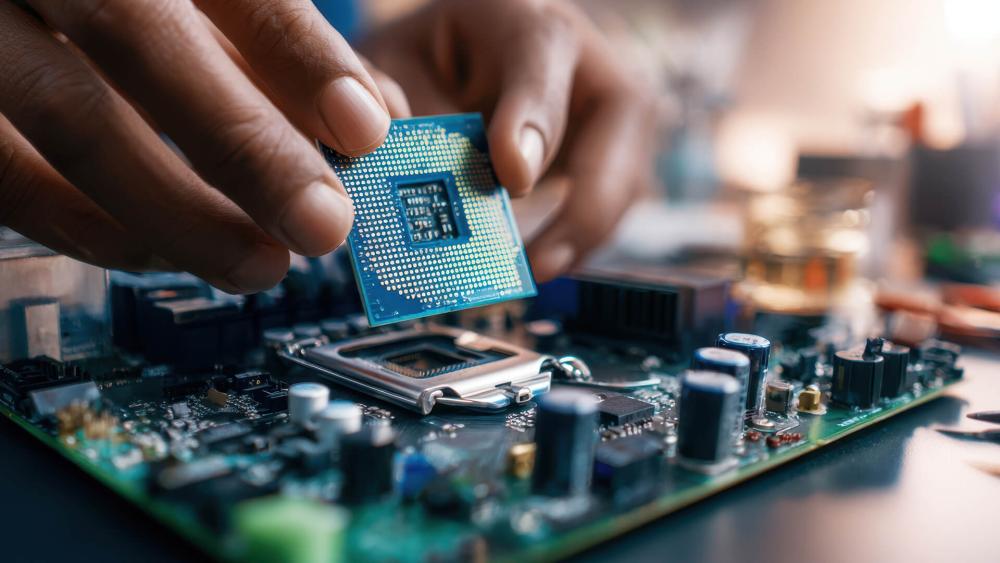
A motherboard chipset acts as the central controller that manages communication between the CPU and other components such as storage drives, graphics cards, memory and external devices. It determines many of the features your motherboard supports, including expansion options, connectivity and overclocking capabilities. In simple terms, the chipset defines what your system can do and what hardware it can support.
Controlling PCIe Lanes and Expansion
One of the chipset’s main roles is managing PCIe lane allocation, which determines how devices like GPUs, NVMe SSDs and expansion cards connect to the system. Higher-end chipsets usually provide more PCIe lanes, allowing users to install multiple high-speed devices without bottlenecks. This is particularly important for gaming systems and workstation builds that rely on fast storage and powerful graphics hardware.
Managing Connectivity and I/O
The chipset also controls a large portion of your motherboard’s connectivity. This includes USB ports, SATA storage connections, networking interfaces and additional expansion controllers. On Intel systems, this functionality is often referred to as the Platform Controller Hub (PCH). The chipset essentially manages how external devices communicate with the CPU.
Memory Support and Platform Compatibility
Chipsets help determine RAM compatibility, including whether a motherboard supports DDR4 or DDR5 memory. While the CPU handles the memory controller itself, the chipset still plays a role in defining supported memory speeds and platform features. This is why certain chipsets are designed specifically for newer processors and memory standards.
Enabling Overclocking Features
Some chipsets allow users to unlock additional performance through CPU and memory overclocking, while others are designed primarily for stability and affordability. Higher-tier chipsets usually provide these tuning features, making them more popular for enthusiast systems and high-performance gaming builds.
Intel vs AMD Chipsets Explained
When choosing a motherboard, one of the most important decisions is whether you are building on an Intel or AMD platform. Both companies use different chipset naming structures and feature tiers, but the core purpose remains the same: enabling connectivity, expansion and performance features for the CPU platform.
Intel Chipset Structure
Intel chipsets typically follow a three-tier structure. Each tier targets a different type of user, ranging from budget builds to enthusiast gaming systems.
| Intel Chipset Tier | Target Users | Key Features |
| Z-Series (Z790, Z890) | Enthusiasts & gamers | CPU overclocking, more PCIe lanes, higher RAM speeds |
| B-Series (B760, B860) | Mid-range gaming & productivity | Good connectivity, no CPU overclocking, balanced pricing |
| H-Series (H610, H710) | Entry-level builds | Basic connectivity, fewer expansion options |
AMD Chipset Structure
AMD uses a similar tier system, although the naming is slightly different. AMD chipsets are commonly grouped into X-series and B-series platforms, particularly for Ryzen processors.
| AMD Chipset Tier | Target Users | Key Features |
| X-Series (X670, X670E) | High-end gaming & workstations | Overclocking support, more PCIe lanes, advanced connectivity |
| B-Series (B650, B650E) | Mainstream gaming builds | Overclocking support, fewer expansion lanes, lower cost |
Key Differences Between Intel and AMD Chipsets
Although Intel and AMD chipsets perform the same core functions, their platform strategies differ slightly. Here is a quick comparison to help readers understand the differences at a glance.
| Feature | Intel Chipsets | AMD Chipsets |
| Overclocking Support | Usually limited to Z-series | Available on most B and X series |
| Platform Longevity | Often changes every 1–2 generations | AMD platforms usually support multiple CPU generations |
| PCIe Lane Allocation | Strong lane control on high-end chipsets | Competitive lane allocation across tiers |
| Target Market Structure | Clear Z (high-end), B (mid), H (budget) tiers | Mostly X (high-end) and B (mainstream) tiers |
Popular Chipset Comparisons in 2026
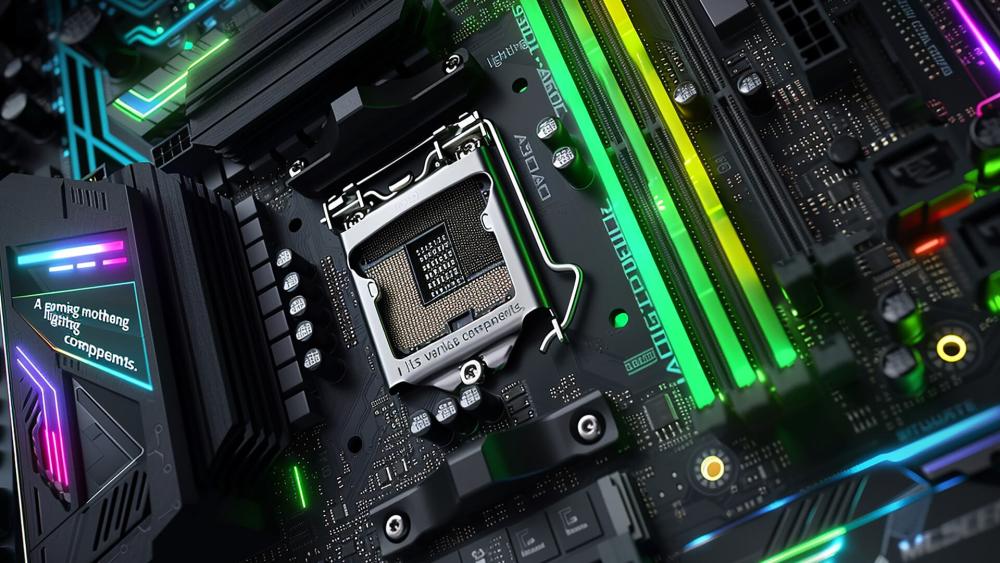
When choosing a motherboard in 2026, the most common decisions involve comparing mainstream and high-end chipsets. These chipsets usually support the same CPUs and memory standards, but differ in expansion features, connectivity and overclocking capabilities.
B650 vs X670: Which Should You Choose?
On AMD platforms, B650 and X670 both support modern Ryzen processors, DDR5 memory and PCIe 5.0 connectivity. The main difference is expansion capacity.
B650 is designed for mainstream gaming systems and offers strong performance, overclocking support and modern connectivity at a lower cost.
X670, however, targets enthusiast builds. It usually includes more PCIe lanes, additional USB connectivity and better support for multiple NVMe drives or expansion cards. For most gaming PCs, B650 provides the best balance of features and value.
Z790 vs B760 – Is Z-Series Worth It?
For Intel systems, B760 and Z790 are the most common chipset choices.
B760 works well for everyday gaming and productivity builds, supporting modern Intel CPUs and DDR5 memory but without CPU overclocking features.
Z790 is designed for enthusiast systems and allows CPU overclocking, additional connectivity, and stronger power delivery. It is typically paired with high-end processors in performance-focused builds.
Budget vs High-End Chipsets for Gaming
For gaming PCs, the chipset mainly affects system features rather than frame rates. Most of the performance differences come from the CPU and GPU.
| Chipset Tier | Best For | Key Advantage |
| Budget | Entry-level builds | Lower cost |
| Mid-range | Most gaming PCs | Balanced features and value |
| High-end | Enthusiast systems | Overclocking and more PCIe lanes |
In most cases, a mid-range chipset delivers the best value, while high-end chipsets are useful for users who need extra expansion or advanced performance tuning.
How Chipsets Affect Gaming and Performance
While the motherboard chipset influences system features, it usually has minimal direct impact on gaming FPS. The graphics card and CPU remain the main factors that determine gaming performance. However, the chipset still affects how efficiently components communicate and how many high-speed devices the system can support.
Do Chipsets Impact FPS?
In most cases, the chipset does not significantly change frame rates. A mid-range motherboard and a high-end motherboard using the same CPU and GPU will generally produce similar gaming performance. The main difference is expansion capability, connectivity and overclocking support rather than raw FPS.
PCIe 4.0 vs PCIe 5.0 for GPUs and SSDs
Modern chipsets support different generations of PCIe connectivity, which affects how fast devices like GPUs and NVMe SSDs can transfer data. PCIe 4.0 already provides more than enough bandwidth for most current graphics cards, while PCIe 5.0 mainly benefits next-generation SSDs that require extremely high data transfer speeds. For most gaming builds today, PCIe 4.0 is still perfectly sufficient.
Power Delivery and VRM Quality
Although the chipset itself does not control power delivery, higher-end chipsets are often paired with better motherboard designs and stronger VRM systems. VRMs (Voltage Regulator Modules) supply stable power to the CPU, which becomes important when running high-performance processors or enabling overclocking features. This is why enthusiast gaming motherboards usually use premium chipsets.
Chipset Compatibility and Upgrade Paths
One of the most important factors when choosing a chipset is platform compatibility and future upgrade potential. The chipset determines which processors the motherboard supports and how easy it will be to upgrade your system later.
CPU Socket and Chipset Compatibility
Every chipset is designed for a specific CPU socket platform. For example, AMD chipsets support Ryzen processors using the AM5 platform, while Intel chipsets work with their corresponding CPU sockets. This means you must choose a motherboard chipset that is compatible with the processor you plan to install.
Future-Proofing Your PC Build
Higher-tier chipsets can sometimes provide better long-term upgrade flexibility because they offer more expansion slots, additional PCIe lanes and faster connectivity standards. Builders planning future upgrades often choose chipsets that support newer technologies such as PCIe 5.0 and DDR5 memory.
When You Need a New Motherboard
A new motherboard is usually required when upgrading to a new CPU generation that uses a different socket or chipset platform. Even if the processor is compatible, older chipsets may not support newer features such as faster memory standards or modern connectivity options.
Choosing the Right Chipset for Your Needs
Selecting the right chipset depends on your performance requirements, budget and intended system usage. Different chipsets are designed for different types of builds, from gaming PCs to professional workstations.
Best Chipset for Gaming Builds
For most gaming PCs, mid-range chipsets provide the best balance of price and functionality. They offer modern connectivity, support for fast storage and compatibility with powerful CPUs without the higher cost of enthusiast platforms.
Best Chipset for Productivity and Workstations
Workstations and productivity systems often benefit from high-end chipsets that provide additional PCIe lanes and expansion capabilities. These platforms are useful for systems that require multiple storage drives, add-in cards or heavy multitasking workloads.
Best Budget Chipset Options
Budget chipsets are ideal for entry-level builds or systems focused on everyday tasks. They provide essential features and compatibility while keeping the overall system cost lower.
Who Should Avoid High-End Chipsets?
High-end chipsets are not always necessary. Users who do not plan to overclock their CPU or install multiple expansion devices may find that a mid-range chipset delivers the same real-world performance at a lower cost. Choosing a balanced chipset often provides better value for most PC builds.
Final Thoughts
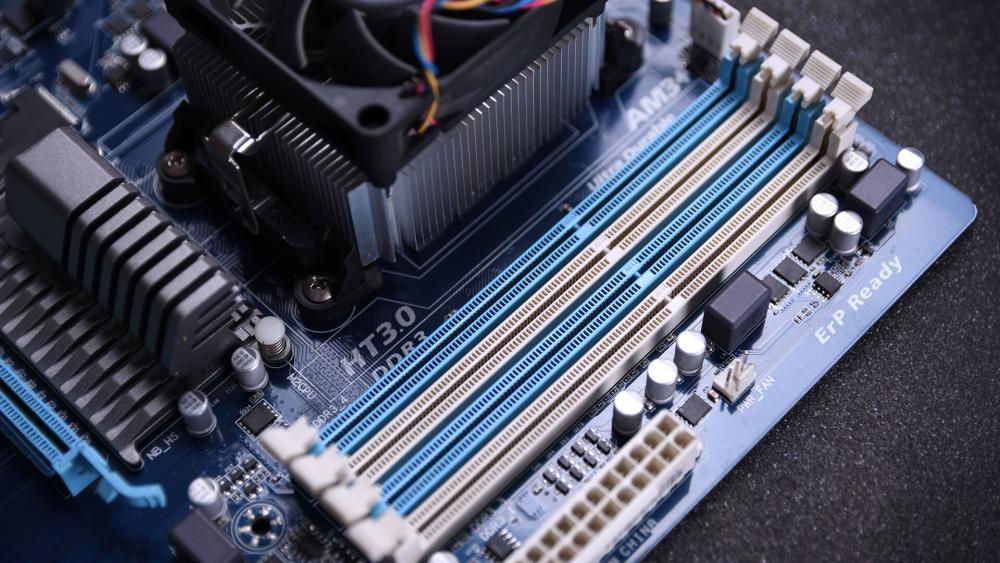
Choosing the right motherboard chipset is an important step in building a balanced and future-ready PC. While the chipset does not directly increase gaming frame rates, it determines the features your system supports, including PCIe expansion, storage connectivity, memory compatibility and overclocking capabilities. Selecting a chipset that matches your CPU and intended workload ensures better long-term flexibility and system stability.
For most gamers and everyday users, a mid-range chipset paired with reliable Ryzen compatible motherboards or Intel platforms offers the best balance of performance and value. Enthusiasts building high-performance systems may benefit from premium boards that provide additional expansion options, stronger VRM designs and support for advanced technologies. Form factor also matters, with full-size ATX boards typically offering more connectivity, PCIe slots and upgrade potential compared to smaller motherboard layouts.
If you’re planning your next PC build, you can explore a wide selection of gaming motherboards, mini-ITX AMD boards, and ATX boards available at Box.co.uk. Browse the latest options here to find the motherboard platform that fits your performance goals and budget.
Frequently Asked Questions
What does a motherboard chipset do?
A motherboard chipset manages communication between the CPU and other components such as storage drives, USB ports, expansion slots and networking devices. It determines the features your motherboard supports, including PCIe lanes, connectivity options and overclocking capabilities.
Does chipset affect gaming performance?
Chipsets generally have little direct impact on gaming FPS. The CPU and GPU determine most gaming performance. However, the chipset affects features such as PCIe lanes, storage support and expansion options that can influence overall system capability.
What is the difference between B and Z chipsets?
B-series chipsets are designed for mainstream systems and typically offer good connectivity at a lower price but limited CPU overclocking support. Z-series chipsets are enthusiast platforms that allow CPU overclocking and usually provide more PCIe lanes and connectivity features.
What is the difference between B650 and X670?
Both B650 and X670 support modern Ryzen processors and DDR5 memory. B650 is a mid-range chipset suited for most gaming PCs, while X670 provides more PCIe lanes, additional connectivity and better expansion options for high-end builds.
Which chipset supports PCIe 5.0?
Many modern chipsets support PCIe 5.0, including AMD’s B650E and X670E platforms and newer Intel enthusiast chipsets. PCIe 5.0 mainly benefits next-generation SSDs and future GPUs that require higher bandwidth.
Can you overclock on B-series chipsets?
On AMD platforms, many B-series chipsets allow CPU and memory overclocking. On Intel platforms, CPU overclocking is usually limited to Z-series chipsets, although memory overclocking may still be supported on some B-series boards.
Do you need a high-end chipset for gaming?
No, most gaming PCs run perfectly well on mid-range chipsets. High-end chipsets are mainly useful if you need advanced features such as CPU overclocking, additional PCIe devices or extensive connectivity.
How do I check my motherboard chipset?
You can check your motherboard chipset by looking at the motherboard model in Windows System Information, using hardware monitoring tools such as CPU-Z, or checking the specifications listed on the manufacturer’s website.
You can pay with:
*PayPal Credit Representative Example: Assumed credit limit £1,200, Representative 23.9% APR (variable). Purchase rate 23.9% p.a (variable).Terms & Conditions apply.


PayPal Credit and PayPal Pay in 3 are trading names of PayPal UK Ltd, 5 Fleet Place, London, United Kingdom, EC4M 7RD. Terms and conditions apply. Credit subject to status, UK residents only, Five Tech LTD acts as a broker and offers finance from a restricted range of finance providers. PayPal Pay in 3 is not regulated by the Financial Conduct Authority. Pay in 3 eligibility is subject to status and approval. 18+. UK residents only. Pay in 3 is a form of credit. Check if affordable and how you will repay. May make other borrowing more difficult or expensive. See product terms for more details.
Copyright © 1996-2026 Fivetech LTD | Terms and Conditions
box.co.uk & Box are trading names of Five Tech Limited. Registered office: Box LTD, Unit 10 Woodford Trading Estate, Woodford Green IG8 8HF