


 Menu
MenuMenu


Get Sales Advice from Mon - Fri 9am - 5:00pm:
020 3337 8950LAST UPDATED: July 07, 2026
Galaxy Book Pro vs Book 360 vs Book Edge: Choose the Right One for Your Workflow
Choosing between the Samsung Galaxy Book Pro, Galaxy Book 360, and Galaxy Book Edge comes down to one core question: How do you actually work?
Each series is designed for a different type of user from traditional productivity and flexible creativity to modern AI-enhanced mobility. If you've struggled to pick the right Samsung Galaxy laptop, this guide breaks it down clearly and practically, so you can match the right device to your workflow.
We'll compare how each model performs in real work scenarios, how they differ in design, display, battery life, AI features, and which one offers the best value for your needs.
Quick Pick: Which Galaxy Book Fits Your Workflow?
Best for everyday productivity and portability → Galaxy Book Pro
If you need a fast, lightweight Windows laptop for office work, multitasking, meetings, remote work or travel, the Galaxy Book Pro is the ideal "performance-per-pound" machine. It's a traditional laptop format with strong Intel processors and stunning AMOLED screens.
Best for flexible work (tablet mode + handwriting) → Galaxy Book 360
If you take notes, sketch, annotate documents, create content, or prefer the flexibility of touch and pen input, choose the 360. The S Pen transforms it into a digital notebook and creative canvas.
Best for modern AI-led workflows → Galaxy Book Edge
If you want long battery life, on-device AI, and a laptop optimised for Copilot+ tasks, the Book Edge is designed for the next generation of AI-powered productivity.
The Core Differences: Galaxy Book Pro vs Book 360 vs Book Edge
Not all Galaxy Books are built with the same goal in mind. While they share Samsung's premium design language and excellent displays, each series is engineered around a distinct type of workflow.
Form Factor
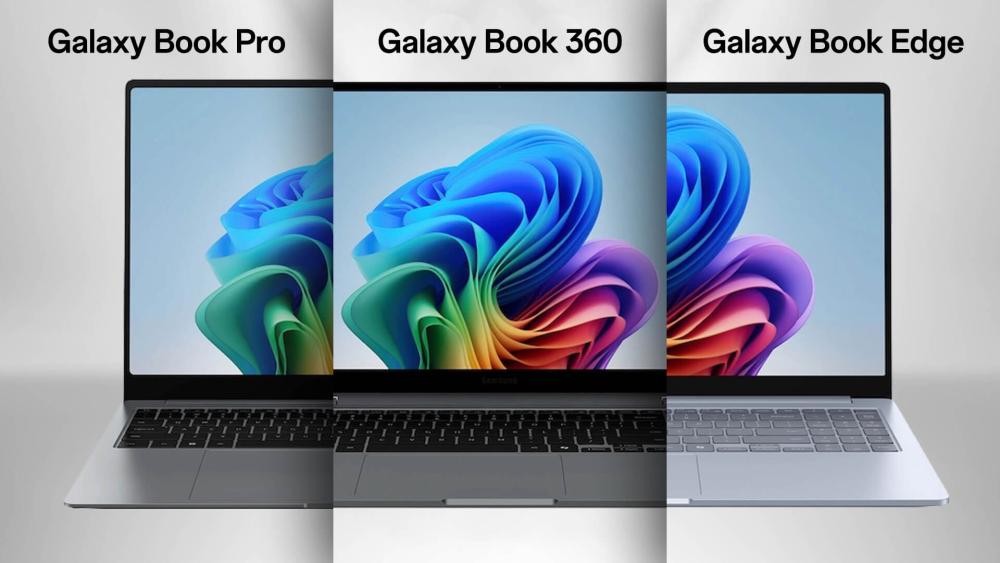
Galaxy Book Pro
The Galaxy Book Pro is designed around a classic laptop layout; thin, rigid and highly portable. This makes it ideal for users who type a lot, jump between multiple apps, and want maximum stability on a desk or lap. Because there's no 360° hinge or touchscreen layer, it stays extremely light while maintaining a firmer typing experience.
Best for:
- Professionals working in spreadsheets, reports, project tools
- Developers who prefer a stable, non-flexing hinge
- Frequent travellers who want the lightest Samsung laptop possible
The Pro's form factor supports traditional productivity without distractions, a straightforward, efficient machine.
Galaxy Book 360
The Galaxy Book 360 transforms from a laptop into a tablet, tent stand, or flat canvas.
This flexibility dramatically changes how you interact with your apps; not just typing, but writing, drawing, annotating and presenting.
Its touchscreen and S Pen support make it ideal for users who switch between different working methods throughout the day.
Best for:
- Students taking handwritten notes
- Designers or artists sketching thumbnails and illustrations
- Teachers and presenters sharing content in tent or stand mode
- Workers who annotate PDFs, sign documents or brainstorm visually
The form factor turns the laptop into a multi-purpose creative tool rather than a traditional productivity machine.
Galaxy Book Edge
The Book Edge keeps the clamshell design but uses the ARM-based Snapdragon X platform, built around efficiency and on-device AI. This gives it a long-lasting, quiet, cool design meant for mobile productivity and AI enhancement.
With no fans or heavy cooling hardware, it remains extremely light yet powerful in new ways: summarising documents, organising tasks, boosting productivity through Copilot+, and running AI models directly on-device without cloud processing.
Best for:
- Remote workers constantly on the go
- Professionals using AI-powered content generation or organisation
- Users who want quiet operation and exceptional battery life
- Students or field workers who may be away from power all day
The Edge form factor helps you work longer, faster, and more intuitively through AI tools; ideal for the modern hybrid worker.
Performance Focus
Galaxy Book Pro
Powered by Intel Core processors, the Pro handles the widest range of traditional Windows applications with full compatibility. It supports development software, office suites, browsing-heavy workflows and multi-monitor setups without needing emulation.
Strengths:
- Full x86 compatibility for older and newer apps
- Fast multitasking and file processing
- Stable thermal performance in a slim chassis
Perfect for users who rely on classic Windows apps and want predictable, strong performance.
Galaxy Book 360
The 360 models offer performance similar to the Pro but with added hardware for touch and stylus functionality. That means slightly different thermals, but the same smooth everyday workflow.
Strengths:
- Smooth editing, browsing and multitasking
- Pen input for drawing and writing
- Touch apps (like whiteboards, drawing tools, digital planners) run naturally
Choose this if your workflow mixes typing + drawing + interacting with your screen.
Galaxy Book Edge
Built around the Snapdragon X Elite chipset, the Edge excels in AI and efficiency-based tasks. Its powerful NPU handles AI processing locally, speeding up tasks like summarisation, voice commands, transcription, search, and image enhancement.
Strengths:
- Exceptional AI performance
- Fast, smooth multitasking for browser-based tools
- Extremely long battery life due to ARM architecture
It's not meant for heavy legacy apps or specialised software unless optimised for ARM, but for modern workflows, it is one of Samsung's most advanced laptops.
Battery Life and "Grab-and-Go" Portability
Galaxy Book Pro
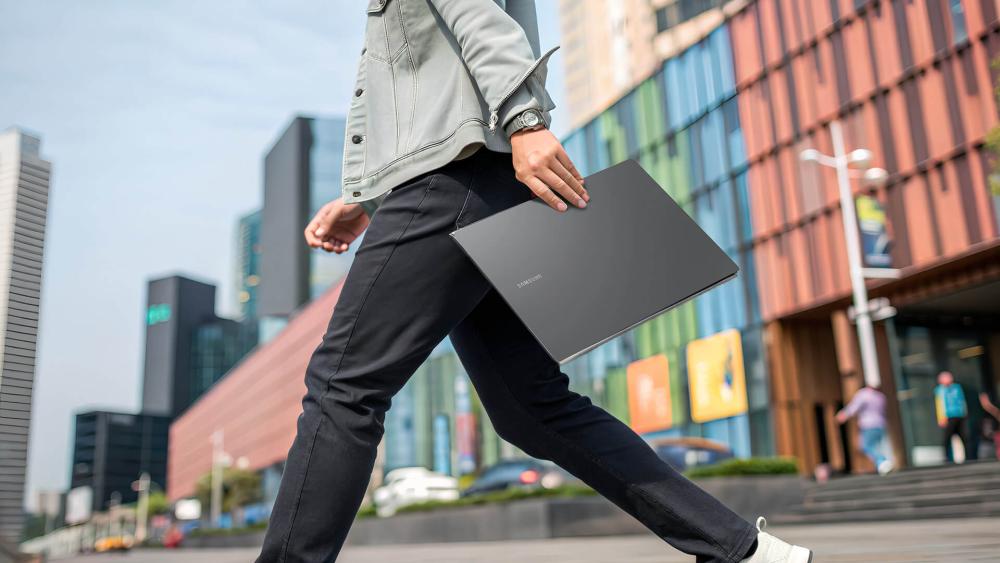
The Pro's Intel chips and AMOLED display give it strong efficiency. Most users can expect a full day of productivity, making it perfect for coffee shop workers, commuters and office users.
Galaxy Book 360
Touch and pen support require more power. The 360 still delivers great endurance but typically falls slightly below the Pro's battery life.
Galaxy Book Edge
The Edge's ARM-based platform is designed for all-day use.
Expect:
- 18+ hours of productivity
- Ultra-fast standby
- Minimal drain when unplugged
If battery life is your top priority, nothing beats the Book Edge.
Features That Matter Day-to-Day
Beyond raw performance numbers, factors such as display comfort, typing quality, port flexibility and wireless connectivity all shape how well a laptop supports your work or study routine. Each Galaxy Book model approaches these day-to-day needs differently, making it easier to choose once you understand how these features influence real usage.
Display Experience: Clarity, Comfort and Brightness
Samsung has built a strong reputation for stunning displays, and this strength carries directly into the Galaxy Book lineup. The Galaxy Book Pro and Galaxy Book 360 stand out with their vibrant AMOLED screens, offering deep blacks and vivid colours that make long reading, editing and content-creation sessions feel easier on the eyes. Whether you work on spreadsheets, browse documents, or watch videos, the crisp clarity makes productivity feel more enjoyable. The Galaxy Book Edge, meanwhile, uses a highly efficient display tuned for all-day battery life. It still delivers excellent brightness and colour accuracy, but with better power optimisation for users who travel frequently, or work unplugged for extended hours. For professionals and creators, the Pro and 360 deliver superior colour depth and contrast, while the Edge balances clarity with energy efficiency.
Keyboard and Trackpad Comfort for Long Typing Sessions
Typing comfort can make or break your daily workflow, especially for professionals, students and developers who spend hours writing or coding. The Galaxy Book Pro provides the most traditional typing experience with a firm, stable keyboard deck that feels solid under the fingers. Its precise key spacing and wide trackpad make long sessions comfortable and responsive. The Galaxy Book 360, because of its convertible hinge and touchscreen layer, has a slightly softer deck, but still remains comfortable for extended use. Its added flexibility allows you to rotate into tablet or tent mode any time handwriting or sketching becomes part of your workflow. The Galaxy Book Edge, thanks to its lightweight ARM-based design, stays cool and quiet during long sessions. It offers a comfortable, modern typing feel without heat buildup, which is particularly beneficial for remote workers and users who spend long hours multitasking.
Ports and Desk Setup Flexibility
Port availability plays a major role in how smoothly you can integrate your laptop into your workspace. The Galaxy Book Pro and Galaxy Book Edge usually include a more generous selection of ports, making them well-suited for desk setups with external monitors, keyboards and storage drives. Their support for USB-C docking ensures seamless connection to productivity tools and multi-screen workflows. The Galaxy Book 360, in contrast, keeps a slimmer port layout due to its convertible design. While this makes the laptop incredibly thin and portable, it may require the use of USB-C adapters for HDMI, USB-A or ethernet connectivity. Users who rely on a minimal setup or primarily use wireless peripherals will still find it convenient, but more port-heavy workflows are better suited to the Pro or Edge.
Connectivity for Everyday Accessories and Productivity
Connectivity consistency is essential for students and professionals who rely on wireless peripherals, video conferencing, or stable office networks. All three Galaxy Book models offer fast Wi-Fi and Bluetooth support, ensuring seamless connectivity to accessories like headphones, mice, keyboards and printers. Samsung's ecosystem integration also allows quick syncing with Galaxy phones and tablets for easy file sharing and communication. Business-focused devices like the Samsung Galaxy Book2 take connectivity a step further, offering strong enterprise-ready Wi-Fi performance and highly stable Bluetooth pairing for conference rooms and office equipment. Regardless of which model you choose, you can expect modern, reliable connectivity across your daily tasks but users in professional IT environments may appreciate the added stability found in business-grade models.
AI & Productivity: Where Each Model Fits Best
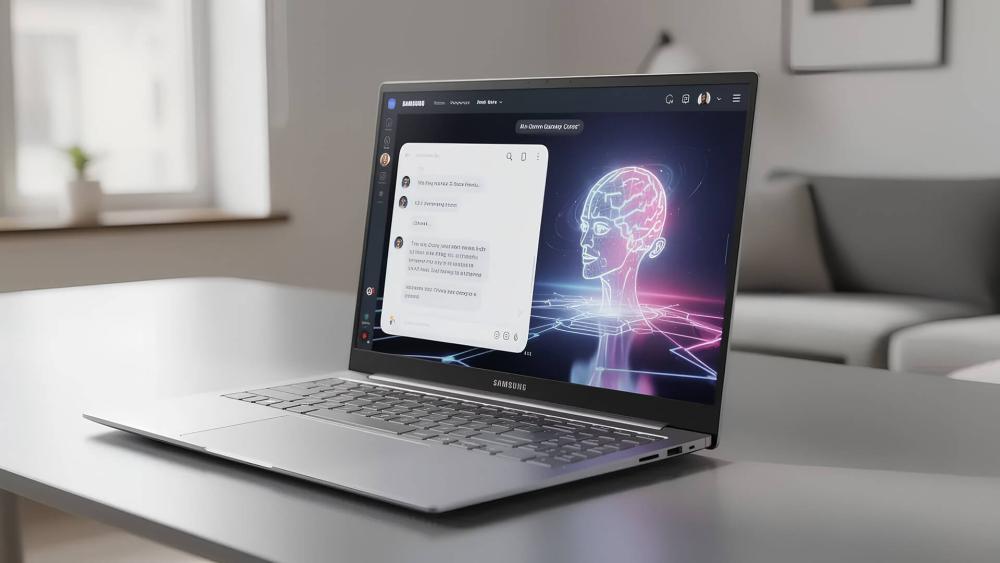
Artificial Intelligence is now at the centre of modern laptop workflows, and Samsung's latest Galaxy Book lineup is designed to support everything from everyday productivity to advanced AI-powered tasks. The Galaxy Book lineup handles productivity and AI in different ways, making each model better suited to specific workflows. The Galaxy Book Pro is the best choice if you prioritise fast, reliable performance for classic productivity tasks like multitasking across office apps, emails and web tools, offering a smooth Intel-powered experience with excellent portability. The Galaxy Book 360 shines for hands-on work thanks to its 360-degree hinge and S Pen support, making it ideal for students, creatives and professionals who sketch, annotate and switch between tablet and laptop modes throughout the day. Meanwhile, the Galaxy Book Edge is built for AI-heavy workflows, powered by the Snapdragon X platform and Copilot+ features that deliver long battery life and fast on-device AI processing, perfect for remote workers, researchers and users who rely on AI tools for summarising, organising and speeding up everyday tasks.
| Galaxy AI & Copilot+ on Galaxy Book: Explore how Samsung's latest laptops use on-device AI, smart productivity tools and Copilot+ features to speed up your workflow. |
Value and Configuration Tips
For most Galaxy Book buyers, the ideal sweet spot is 16GB of RAM and 512GB of SSD storage, offering excellent performance without overspending. This combination ensures smooth multitasking with dozens of browser tabs, Office applications, video calls, and even light creative work.
Users handling heavier workloads such as editing, software development or multi-monitor productivity may benefit from 32GB RAM or 1TB storage, but for general work, students and everyday professionals, the mid-tier configuration delivers the best long-term value while keeping your Galaxy Book fast and responsive for years.
When Upgrades Make Sense?
Upgrading your Galaxy Book configuration can be one of the smartest ways to extend the life of your laptop, improve responsiveness, and get better long-term value for your money. While the base models of the Galaxy Book Pro, 360 and Edge already offer strong performance, stepping up your RAM or storage is worth the price if you work with heavier apps, large documents or need your system to feel fast over several years.
Storage upgrades also offer excellent value; 512GB or 1TB SSDs help avoid constant file-management issues and improve workflow comfort, especially for creators and professionals.
A better display (AMOLED or higher resolution) is worth the investment if you spend long hours reading, designing or reviewing content, while S Pen support on the Galaxy Book 360 is essential for students, digital planners and creative note-takers. In short, upgrades make sense when they directly support your workflow and ensure your device remains fast, reliable and enjoyable to use for years.
Simple Checklist Before You Buy
| Question to Ask Yourself | If Yes, Choose… |
| Do you need a touchscreen or stylus? | Galaxy Book 360 |
| Do you want the longest battery life? | Galaxy Book Edge |
| Do you use pro apps (Adobe, dev tools)? | Galaxy Book Pro |
| Do you rely heavily on AI features? | Galaxy Book Edge |
| Will you use it mainly as a traditional laptop? | Galaxy Book Pro |
| Do you work on the go and need maximum portability? | Galaxy Book Pro or Edge |
| Do you need the best value for everyday tasks? | Galaxy Book2 or lower-spec Pro models |
Recommended Models from Box.co.uk
Samsung Galaxy Book4 Edge (NP750XQB-KA1UK)
The Samsung Galaxy Book4 Edge is one of the most advanced laptops in Samsung's lineup, built as a true Copilot+ PC powered by the cutting-edge Snapdragon X platform. With its powerful on-device NPU, it accelerates Galaxy AI and Windows AI features such as real-time summarisation, Recall, smart search and image enhancement; all without draining battery life. Its ARM-based design makes it incredibly efficient, offering exceptionally long endurance, fast wake times and cool, quiet performance even during heavy multitasking. The 15.6" display provides a comfortable workspace, making this laptop perfect for professionals, students and remote workers who rely heavily on browser-based tools, cloud apps and AI-assisted workflows. If you want a future-ready laptop built for modern productivity, the Book4 Edge is one of the strongest choices available.
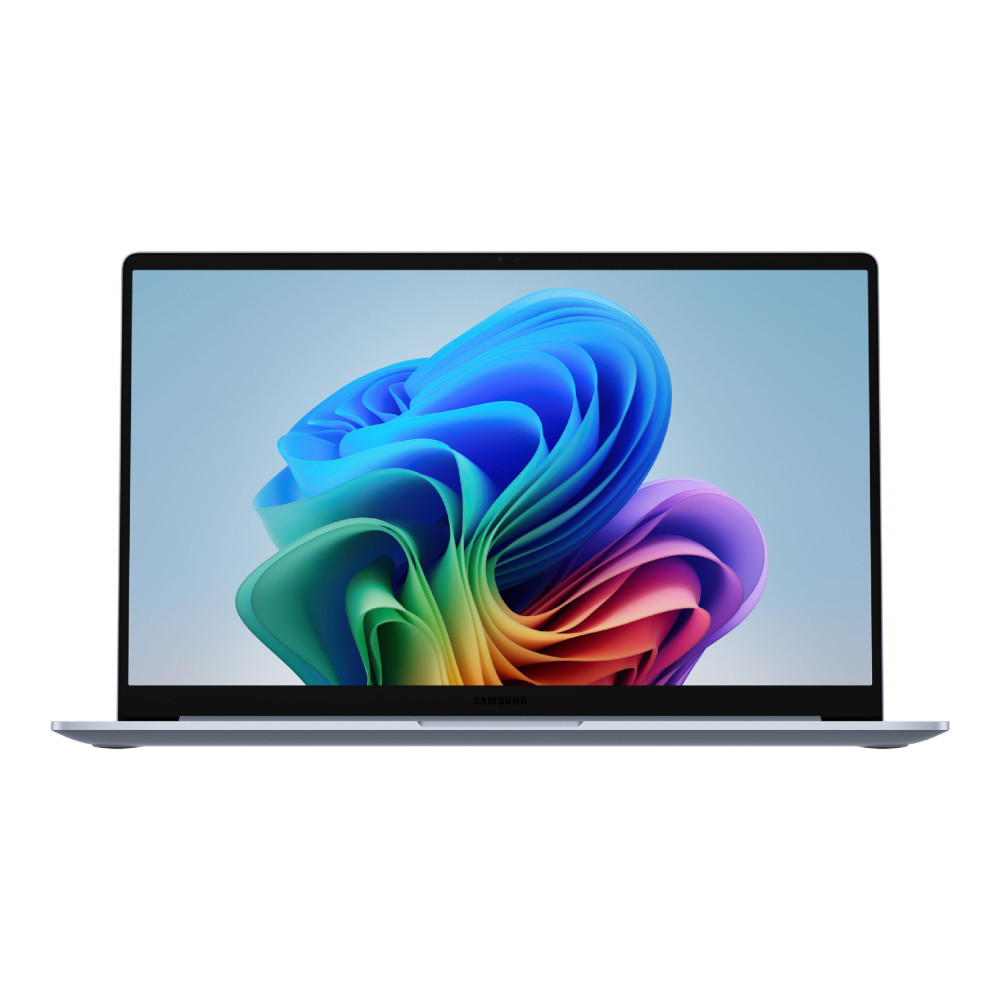
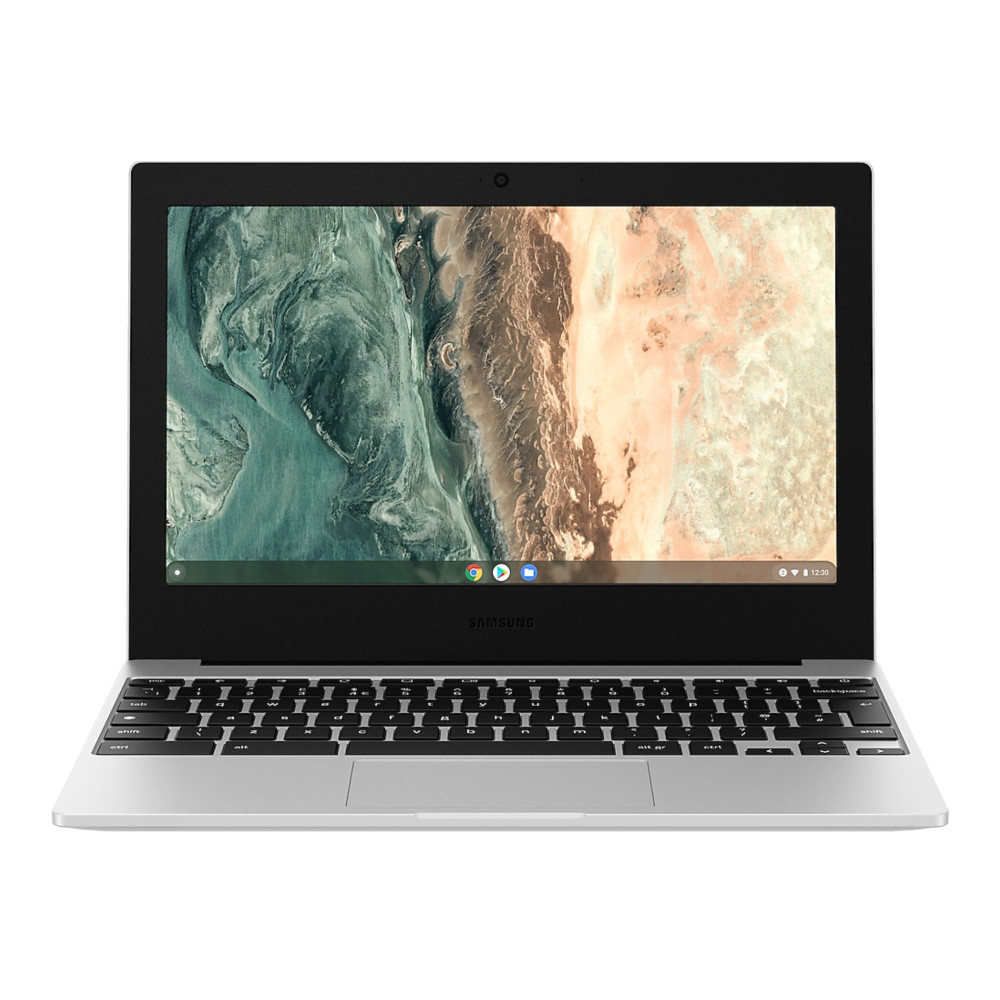
Samsung Galaxy Chromebook Go (XE310XDA-KA1UK)
Designed with portability and simplicity in mind, the Galaxy Chromebook Go is a lightweight ChromeOS device ideal for students, casual users and everyday browsing. With its Intel Celeron processor, durable build and efficient battery life, it's built to handle web-based tasks like Google Workspace, research, streaming, email and classroom tools with ease. The 11" HD display keeps the laptop compact and easy to carry, making it great for school bags, travel and on-the-go study sessions. ChromeOS ensures fast boot times, automatic updates and built-in virus protection, delivering a hassle-free computing experience. For families, students or anyone who needs a reliable, budget-friendly Samsung Galaxy laptop for everyday tasks, the Chromebook Go is an excellent value.
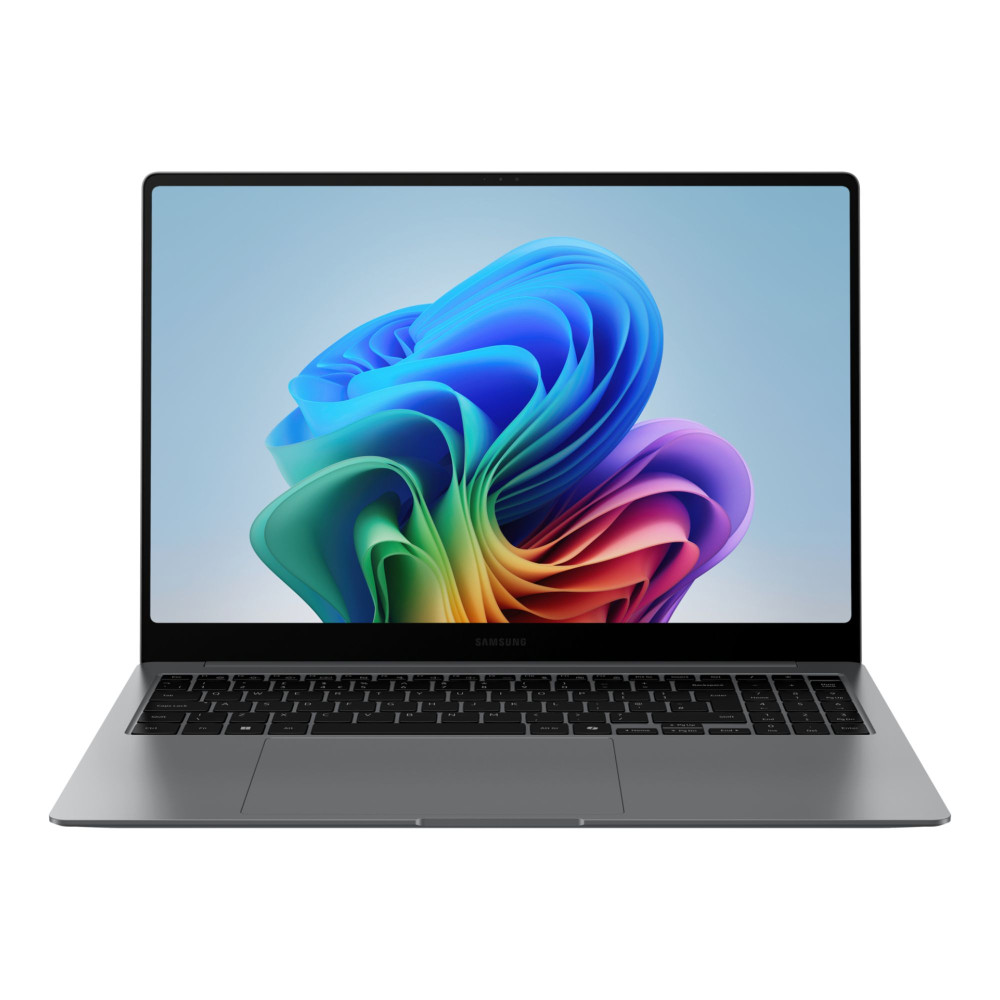
Samsung Galaxy Book5 Pro (NP964XHA-KG1UK)
The Galaxy Book5 Pro combines cutting-edge Intel Core Ultra 7 performance with a professional-grade design that suits business users, home offices and productivity-focused students. Its 16" expansive chassis strikes the perfect balance between portability and screen space, allowing comfortable multitasking without feeling bulky. With 32GB RAM and a responsive 512GB SSD, it handles office apps, web tools, presentations and multitasking smoothly. Windows 11 Pro further enhances its appeal for business environments, offering advanced security features, remote management tools and seamless integration with workplace apps. For professionals who need a reliable daily driver with strong build quality, clean design and dependable performance, the Galaxy Book5 Pro stands out as a practical and long-lasting choice.
| Galaxy Book 6 vs Galaxy Book 5: A full comparison of performance, battery life and AI capabilities to help you decide if upgrading makes sense. |
Final Thoughts: Choosing the Galaxy Book That Fits Your Workflow
If you prefer a classic, powerful Windows laptop, the Galaxy Book Pro remains a top choice. If your day involves creativity, interactive learning or flexible input methods, the Book 360 is unmatched in versatility. And if you're ready to embrace Copilot+ features and the future of AI-powered computing, the Galaxy Book Edge delivers long-lasting performance and ultra-efficient mobility.
To explore these models and find the perfect device for your workflow, you can browse top Samsung laptops, or discover AI-powered laptops and Copilot+ PCs, all available at Box.co.uk. You'll also find protective laptop cases, accessories and everything you need to build the perfect mobile setup. With the right Galaxy Book in your hands, your productivity, creativity and daily computing experience can reach a whole new level.
Frequently Asked Questions
Which Samsung Galaxy Book is best?
The best Galaxy Book depends on your workflow. The Galaxy Book Pro is ideal for high-performance productivity, the Galaxy Book 360 is perfect for versatile touchscreen and stylus use, and the Galaxy Book Edge is the top choice for AI-powered tasks and exceptional battery life.
Is the Samsung Galaxy Book Pro 360 worth it?
Yes, if you need a lightweight laptop that doubles as a tablet. The Galaxy Book Pro 360 offers an AMOLED touchscreen, S Pen support and flexible 2-in-1 functionality, making it excellent for creatives, students and hybrid workers.
Does the Galaxy Book4 come with a pen?
Some Galaxy Book4 models, especially the Book4 360 and Book4 Pro 360 variants, include S Pen support. Standard clamshell models like the Book4 or Book4 Edge typically do not include a pen.
Which model is best for AI features and productivity?
The Galaxy Book4 Edge is currently the best for AI workflows thanks to its Snapdragon X Elite processor and Copilot+ integration. Its built-in NPU enables fast on-device AI tasks, making it ideal for modern productivity, multitasking, and long battery life.
You can pay with:
*PayPal Credit Representative Example: Assumed credit limit £1,200, Representative 23.9% APR (variable). Purchase rate 23.9% p.a (variable).Terms & Conditions apply.


PayPal Credit and PayPal Pay in 3 are trading names of PayPal UK Ltd, 5 Fleet Place, London, United Kingdom, EC4M 7RD. Terms and conditions apply. Credit subject to status, UK residents only, Five Tech LTD acts as a broker and offers finance from a restricted range of finance providers. PayPal Pay in 3 is not regulated by the Financial Conduct Authority. Pay in 3 eligibility is subject to status and approval. 18+. UK residents only. Pay in 3 is a form of credit. Check if affordable and how you will repay. May make other borrowing more difficult or expensive. See product terms for more details.
Copyright © 1996-2026 Fivetech LTD | Terms and Conditions
box.co.uk & Box are trading names of Five Tech Limited. Registered office: Box LTD, Unit 10 Woodford Trading Estate, Woodford Green IG8 8HF