


 Menu
MenuMenu


Get Sales Advice from Mon - Fri 9am - 5:00pm:
020 3337 8950LAST UPDATED: March 25, 2026
Copilot+ Business Laptops vs Traditional Business Laptops: What’s the Difference?
Business laptops are no longer just about speed, storage, or battery life. Over the past year, a new category has started to reshape how work gets done. AI-powered systems, especially those built around Microsoft's Copilot+ platform, are introducing smarter ways to handle everyday tasks, from writing and meetings to automation and data handling.
This shift has made the comparison between Copilot+ vs traditional laptops more relevant than ever. On one side, you have modern AI laptops designed to assist, optimise, and adapt in real time. On the other hand, traditional business machines still rely on conventional processing power and familiar workflows that many professionals are used to.
The key question is not just which one is faster, but which one improves how you work. As businesses move towards more efficient, flexible setups, understanding the difference between these two approaches can help you decide whether it's worth upgrading or sticking with what you already have.
What Are Copilot+ Business Laptops?
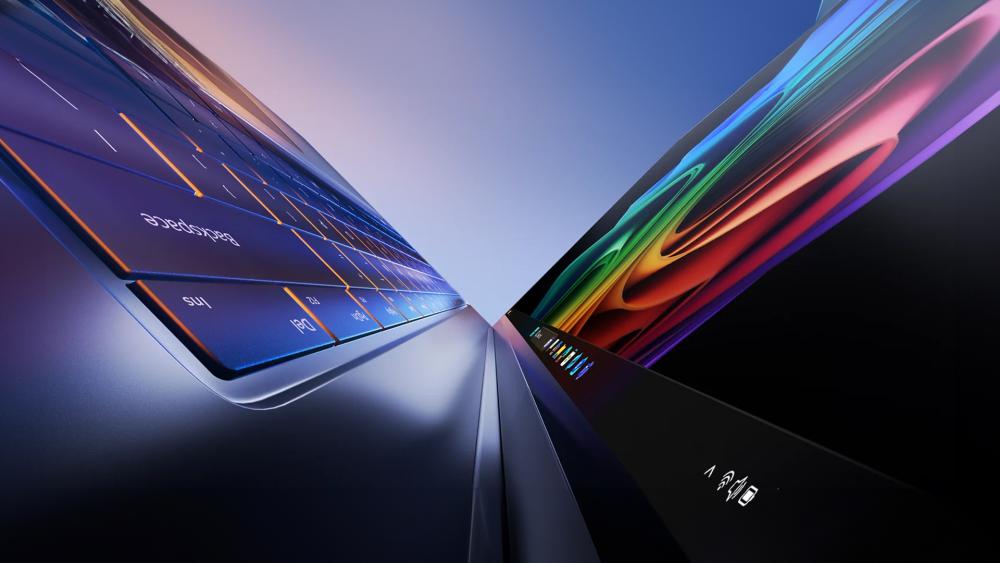
Copilot+ business laptops represent a shift from traditional computing to systems designed from the ground up for AI. Instead of relying only on CPU and GPU performance, these machines are built to handle intelligent tasks directly on the device, making them faster, more efficient, and more responsive in everyday work scenarios.
What Makes a Copilot+ PC Different?
At the core of Microsoft Copilot+ PCs is the idea of integrating AI into daily workflows rather than treating it as an add-on. These Windows AI PC systems come with features like real-time assistance, content generation, and smart automation built directly into the operating system.
This is where the difference in Copilot+ and traditional laptops becomes clear. Instead of manually switching between apps or relying on external tools, users can interact with built-in AI to summarise documents, generate content, or manage tasks more efficiently. These are not just smart laptops, but devices designed to actively support how you work.
Key Technologies Behind Copilot+ Laptops
What enables this shift is a combination of new hardware platforms and dedicated AI processing. Many AI-powered laptops now come with chips like Snapdragon X Elite and Snapdragon X Plus, while others use Intel Core Ultra processors equipped with Intel AI Boost technology.
The most important component is the neural processing unit (NPU). Unlike a traditional processor, the NPU is specifically designed to handle AI workloads such as real-time transcription, image processing, and intelligent automation. This allows for on-device AI processing, reducing reliance on the cloud and improving speed, privacy, and efficiency.
Everyday Use AI PC Features
In practical terms, Copilot+ devices bring a range of AI features that directly impact productivity. Windows AI features like the Recall AI, live captions, and AI-assisted search help users find information faster and stay organised without extra effort.
For businesses, this translates into better use of time. Tasks like summarising meetings, drafting emails, or organising files can be handled instantly, turning these machines into true AI productivity PCs. As a result, they are becoming a strong option among next-generation business laptops designed for modern workflows.
What Are Traditional Business Laptops?
Traditional business laptops are the systems most organisations have relied on for years. They are built around familiar priorities such as dependable performance, solid battery life, and enough power to handle office software, web-based tools, and communication platforms without unnecessary complexity.
How Traditional Laptops Work
A traditional business laptop mainly depends on its CPU and, in some cases, integrated graphics to manage daily tasks. That setup works well for standard office workloads like spreadsheets, presentations, email, and browser-based applications. This is why they remain a sensible option for companies focused on routine productivity rather than AI-led workflows.
In most cases, these machines are not designed as a laptop for AI tasks and workflows. They can still run AI tools through browsers or cloud services, but they do not include dedicated hardware to process those tasks locally in the same way as newer AI systems.
Limitations of Standard Business Laptops
The biggest limitation appears when workloads begin to shift towards smarter automation and AI-assisted tasks. Users evaluating AI PCs vs normal laptops will find that a standard system often relies more heavily on cloud-based services, which can introduce delays and reduce efficiency when handling features like transcription, summarisation, or live enhancements.
This is where the gap in Copilot+ vs traditional laptops starts to show. Traditional machines can still do the job, but they are not built for the kind of real-time assistance, background processing, and smarter workflows that newer systems are starting to offer. For users interested in an AI laptop vs standard laptops comparison, the traditional machines are less prepared for workflows that depend on faster automation, intelligent assistance, and locally processed AI features.
Copilot+ vs Traditional Laptops: Key Differences Explained

Now that the basics are clear, the real difference comes down to how these two types of laptops handle modern workloads. The gap isn't just about performance anymore; it's about how much the device can actively assist you while you work.
AI Performance and Processing Power
The biggest difference in Copilot+ vs a traditional laptop comparison is how tasks are processed. AI laptops include dedicated hardware like an NPU, which is built specifically to handle AI-related tasks in real time. This means things like transcription, image processing, or summarising content can happen instantly on the device.
A traditional system has to rely on the CPU and often the cloud, which adds delays. With newer AI-powered laptops, that work is handled locally, making everything feel faster and more seamless.
Productivity and Workflow Improvements
This is where the difference becomes noticeable in daily use. Traditional laptops require you to switch between apps, copy information, and manage tasks manually. AI systems reduce that effort by assisting in the background.
A Copilot+ PC comparison often highlights how features like summarising documents, drafting content, or organising information can be done in seconds. That's why these systems are being seen as AI productivity PC solutions rather than just standard work machines.
Battery Efficiency and Performance Optimisation
AI-driven systems are also designed to use power more intelligently. Instead of running everything through the main processor, tasks are distributed more efficiently across different components.
This is one of the reasons modern AI laptops can maintain strong performance while managing power better. Traditional laptops, while still reliable, don't optimise workloads in the same way.
Security and Data Handling
Another important difference is how data is handled. With on-device AI processing, sensitive information can stay on the laptop instead of being sent to external servers.
For businesses, this can be a major advantage. Many AI work laptops are designed with this in mind, offering a more controlled environment for handling data compared to traditional systems that rely more on cloud-based processing.
Real-World Use Cases: AI Laptops vs Standard Laptops
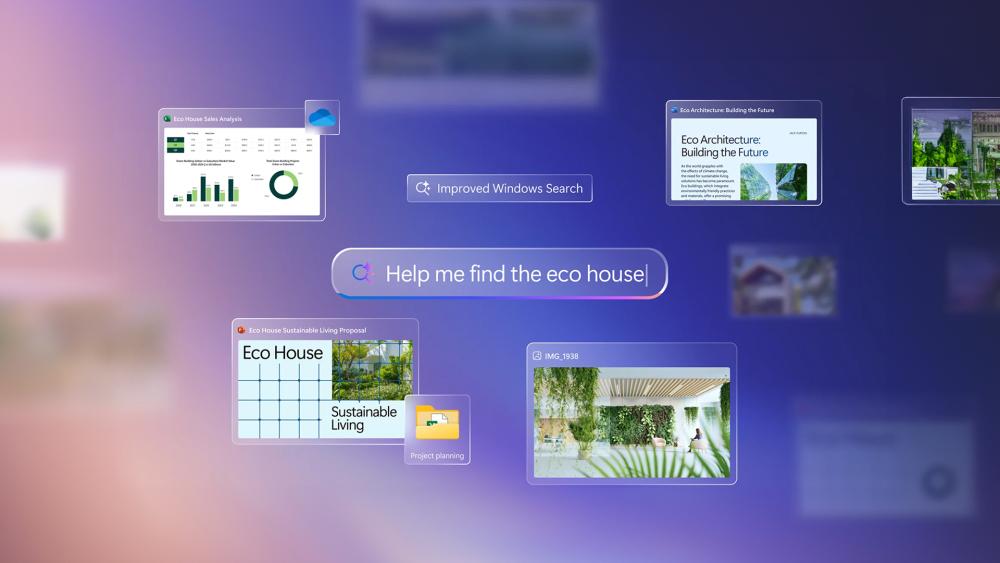
The most useful way to compare these devices is by looking at what happens during a normal working day. Once you move beyond spec sheets, the value of AI features depends on whether they reduce friction in common tasks.
For Business Professionals
A standard business laptop is still perfectly capable of handling emails, reports, presentations, and browser-based tools. For many users, that remains enough for a normal office routine.
An AI-focused device changes the experience by reducing some of the repetitive admin around that work. Instead of manually pulling together notes, rewriting drafts, or searching across multiple apps, the system can assist with those tasks directly. That makes AI laptops more attractive for users who spend much of the day managing information rather than just opening applications.
For Remote and Hybrid Work
Remote and hybrid setups often involve constant switching between calls, chat platforms, shared documents, and task tools. Traditional laptops can support that workflow, but they do not actively improve it.
In hybrid workplace computing, AI features can help smooth out the small interruptions that add up over the course of the day. Live captions, cleaner audio, and faster content summaries can make meetings easier to follow and reduce the amount of follow-up work afterwards.
For Creative and Data Tasks
For lighter content work, research, and data handling, both categories can be useful, but they approach the work differently. A traditional laptop relies more on software and manual input, which means the user does more of the organising and refining.
With AI work laptops for research and creative tasks, some of that load is reduced through built-in assistance. Whether it is sorting information, improving written output, or helping with image-based tasks, the laptop can support the process rather than simply running the application.
Are Copilot+ Laptops Worth It for Business in 2026?
Whether a Copilot+ laptop is worth buying depends on the kind of work you do. For businesses that spend a lot of time in meetings, documents, research, and multitasking, the added AI support can save time in ways that feel genuinely useful rather than gimmicky.
When AI Laptops Make Sense
A Copilot+ system makes more sense when your workflow involves frequent note-taking, content drafting, meeting summaries, or repeated admin tasks. In those cases, a Windows AI PC can do more than a standard machine because it helps reduce manual effort during the day. That is why many of the latest AI-powered laptops are being positioned as practical tools for productivity rather than just premium hardware.
When Traditional Laptops Are Still Enough
Not every user needs that extra layer of assistance. If the workload is mostly limited to email, spreadsheets, web portals, and basic office software, a traditional business laptop can still be the more sensible choice. For organisations evaluating a business laptop comparison, standard systems remain a good fit for teams that want reliability and lower upfront cost without paying extra for features they may not use regularly.
Copilot+ Laptop Options to Consider
If you're planning to get a Copilot+ laptop, it helps to look at different machines that come with Copilot+. The ecosystem is growing quickly, with different hardware platforms offering slightly different strengths depending on how you work.
You'll find a range of Copilot+ laptops built on both ARM and x86 architectures. Devices powered by Snapdragon chips focus on efficiency and always-on responsiveness, while systems using Intel Core Ultra processors bring a more familiar Windows experience with added AI capabilities.
Microsoft's own Surface Copilot+ devices are often the starting point for many users, especially if you want a clean, optimised version of the Copilot+ experience. At the same time, other manufacturers are introducing more options that balance performance, portability, and price.
If you're comparing models, it's worth looking at a curated list of the best Copilot+ business laptops to see how different configurations fit specific use cases. That makes it easier to match the device to your workflow rather than choosing based on specs alone.
Here are some strong options to consider if you're exploring the latest Copilot+ laptops for business use:
Dell Pro 14 Premium PA14250 Copilot+ PC: A high-end 14-inch business laptop powered by the Intel Core Ultra 7 268V with 32GB RAM, built for demanding workloads. Its touchscreen design and strong performance make it a reliable choice for professionals handling complex tasks and multitasking throughout the day.

Shop Dell Pro 14 Premium PA14250
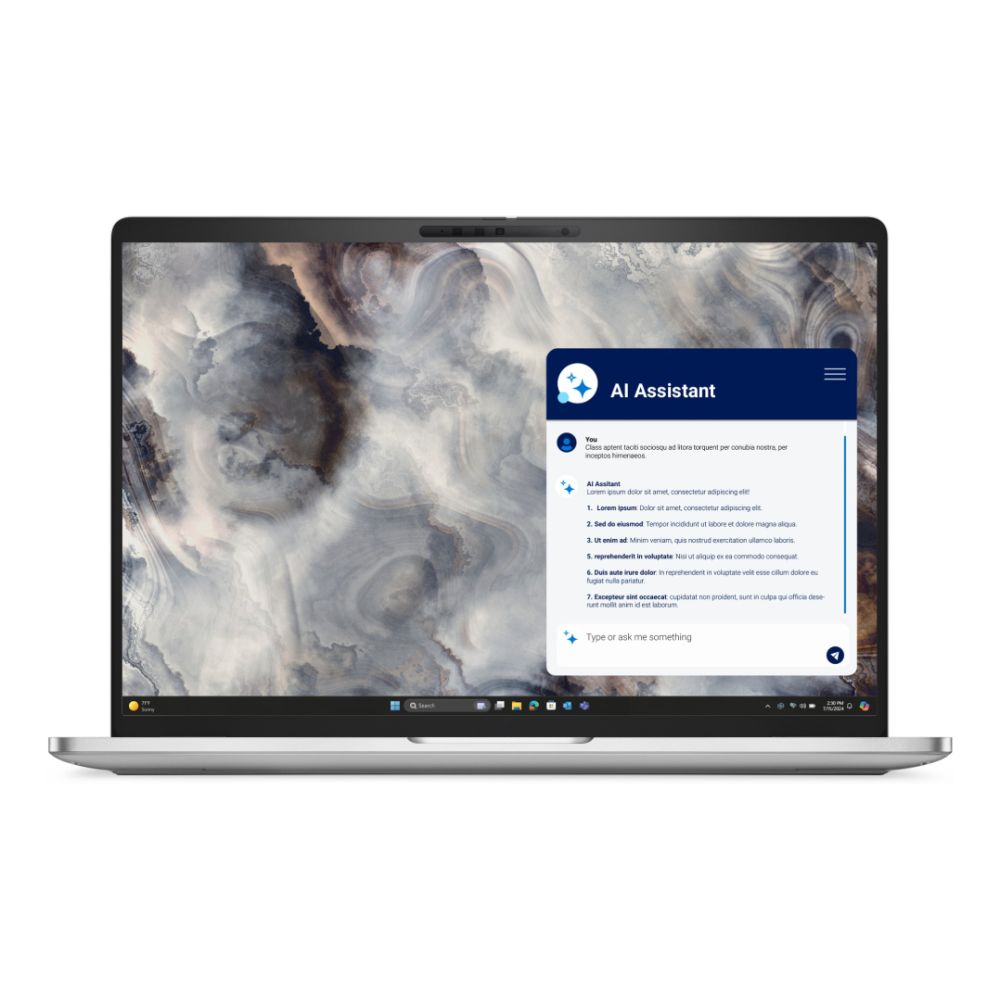
Dell Pro 16 Plus PB16250 Copilot+ Laptop: Designed for users who prefer more screen space, this 16-inch model combines a large display with powerful internals. It's ideal for spreadsheet-heavy work, presentations, and multitasking where visibility and workspace matter.
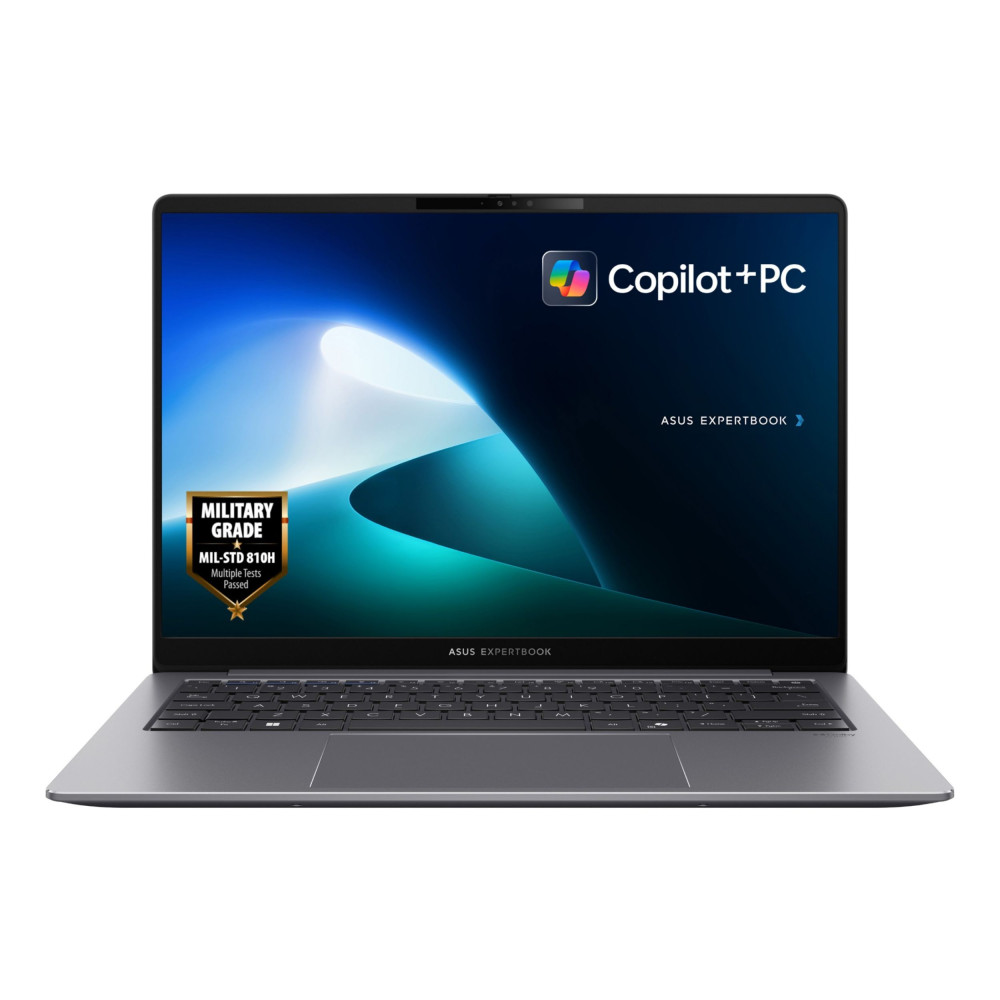
ASUS ExpertBook P5405 Copilot+ Business Laptop: This configuration offers a strong balance between performance and value, featuring 32GB RAM and a 1TB SSD. It's a solid workhorse for professionals who need speed, storage, and long-term reliability without stepping into ultra-premium pricing.
Dell XPS 13 9350 Copilot+ Business Laptop: A compact and premium option focused on portability. With its lightweight 13.4-inch design and high-end specifications, it suits users who travel frequently but still need strong performance for daily business tasks.

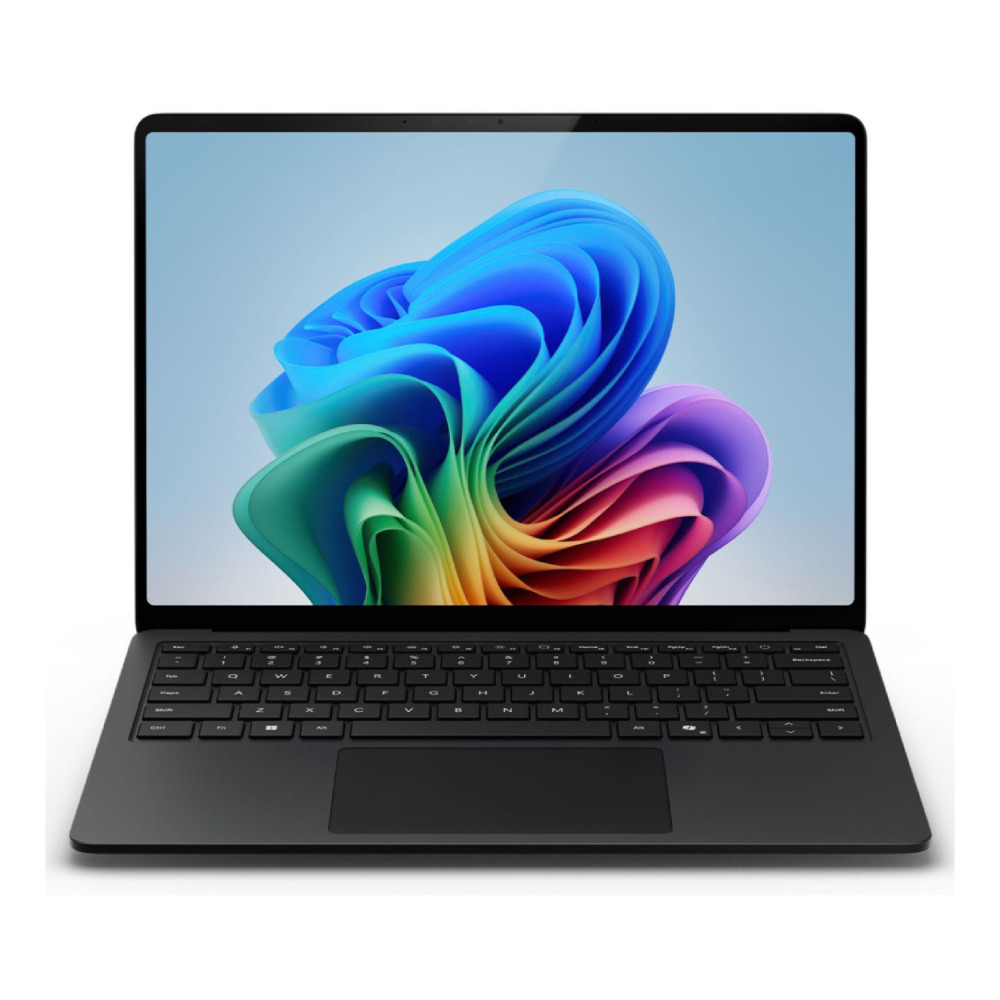
Microsoft Surface 7 Copilot+ Laptop: Built for businesses already aligned with Microsoft's ecosystem, this device stands out as one of the top Microsoft laptops and delivers a clean and optimised Windows experience. It works seamlessly with Microsoft productivity software, making it a practical choice for teams using integrated tools daily.
Lenovo ThinkPad T14S Gen 6 Copilot+ PC: Known for its durability and business-focused design, this ThinkPad combines reliable performance with a robust build. It's well-suited for professionals who need a dependable laptop for long-term, everyday use in demanding environments.
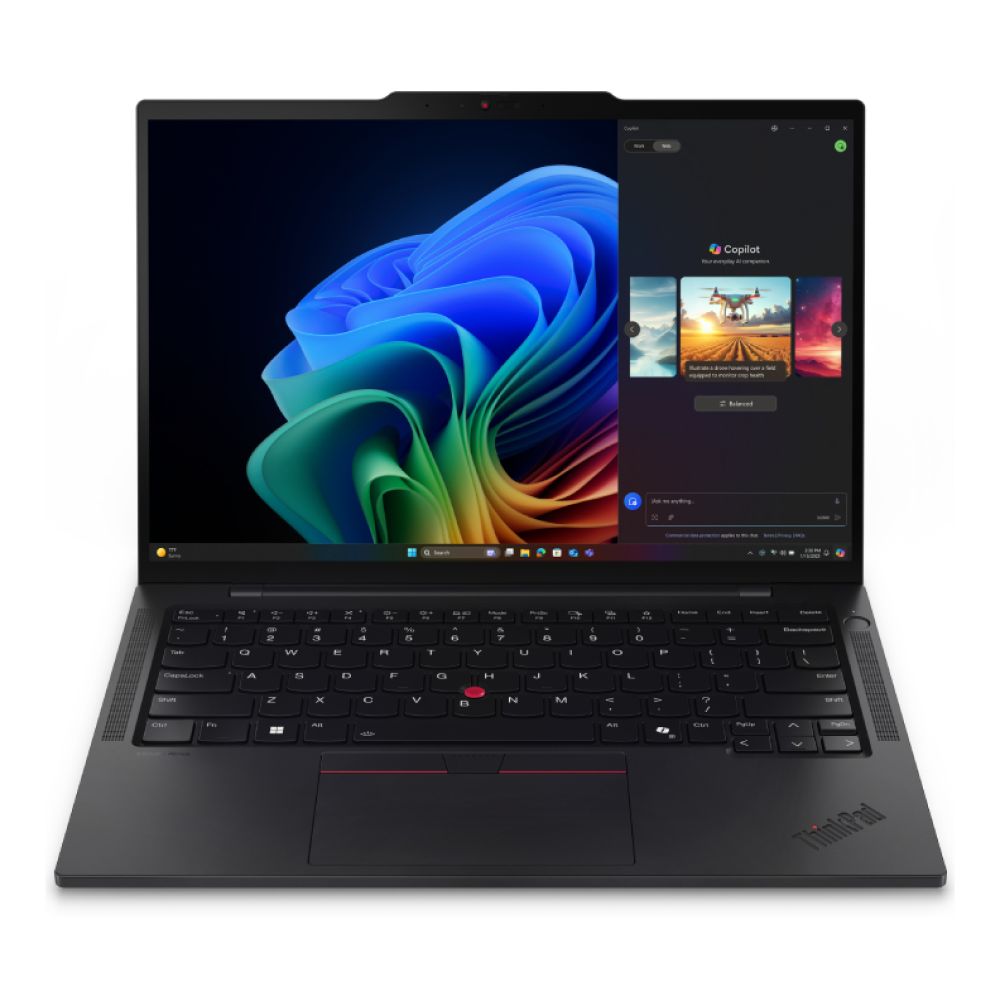
Shop Lenovo ThinkPad T14s Gen 6
Final Thoughts: Should You Upgrade or Stick with Traditional?
The decision between Copilot+ or traditional laptops ultimately comes down to how you work today and how you expect your workflow to evolve.
If your day is filled with repetitive tasks, constant meetings, document creation, and multitasking, moving to an AI-enabled system can make a noticeable difference. Features built into a Windows AI PC are designed to reduce manual effort and help you get through tasks more efficiently without adding extra tools.
On the other hand, traditional laptops still hold their ground for simpler workloads. If your usage is limited to emails, basic office software, and web-based platforms, there is no immediate need to upgrade. In many cases, they remain reliable office productivity laptops that deliver consistent performance without added complexity.
What's clear is that the direction of modern computing is shifting. As next-generation business laptops continue to integrate AI more deeply, the gap between the two categories will only grow. Choosing now depends on whether you want to adopt that shift early or stick with a setup that already works for your needs.
Frequently Asked Questions
What is a Copilot+ laptop?
A Copilot+ laptop is a new type of Windows device designed with built-in AI capabilities. These systems include dedicated hardware like an NPU to handle AI tasks directly on the device, making features like summarisation, automation, and real-time assistance faster and more efficient.
Are AI laptops better than traditional laptops?
AI laptops offer additional capabilities that traditional laptops don't, especially for tasks involving automation, content creation, and multitasking. However, for basic office work, traditional laptops can still perform perfectly well.
What is the difference between an AI PC and a normal laptop?
An AI PC includes specialised hardware for handling AI workloads locally, while a normal laptop relies mostly on CPU and cloud-based processing. This allows AI PCs to perform certain tasks faster and more efficiently.
Do Copilot+ laptops work without an internet connection?
Yes, many AI features on Copilot+ laptops can run offline thanks to on-device AI processing. However, some cloud-based features will still require an internet connection.
What does an NPU do in a laptop?
A neural processing unit (NPU) is designed to handle AI-specific tasks such as voice recognition, image processing, and real-time enhancements. It works alongside the CPU and GPU to improve efficiency and performance.
Are Copilot+ laptops good for business use?
They can be very useful for business environments, especially where tasks involve frequent meetings, document handling, and multitasking. AI features can help save time and improve overall productivity.
Can traditional laptops run AI tools?
Yes, but they usually rely on web-based or cloud tools to do so. Without dedicated AI hardware, performance may not be as fast or seamless compared to AI-focused systems.
Are Copilot+ laptops worth it in 2026?
For users who want faster workflows and built-in assistance, they are becoming increasingly worthwhile. For simpler needs, traditional laptops may still be enough for now.
You can pay with:
*PayPal Credit Representative Example: Assumed credit limit £1,200, Representative 23.9% APR (variable). Purchase rate 23.9% p.a (variable).Terms & Conditions apply.


PayPal Credit and PayPal Pay in 3 are trading names of PayPal UK Ltd, 5 Fleet Place, London, United Kingdom, EC4M 7RD. Terms and conditions apply. Credit subject to status, UK residents only, Five Tech LTD acts as a broker and offers finance from a restricted range of finance providers. PayPal Pay in 3 is not regulated by the Financial Conduct Authority. Pay in 3 eligibility is subject to status and approval. 18+. UK residents only. Pay in 3 is a form of credit. Check if affordable and how you will repay. May make other borrowing more difficult or expensive. See product terms for more details.
Copyright © 1996-2026 Fivetech LTD | Terms and Conditions
box.co.uk & Box are trading names of Five Tech Limited. Registered office: Box LTD, Unit 10 Woodford Trading Estate, Woodford Green IG8 8HF