


 Menu
MenuMenu


Get Sales Advice from Mon - Fri 9am - 5:00pm:
020 3337 8950LAST UPDATED: May 19, 2026
What Is the Difference Between Chromebooks and Laptops?
The debate of Chromebooks vs laptops has become more relevant than ever as users look for devices that balance portability, price, and performance. Although both appear similar on the surface, their functionality and purpose differ significantly, making it important to understand which one suits your daily needs.
Chromebooks run on Google’s ChromeOS and are designed for cloud-based use, offering fast performance, automatic updates, and excellent battery life. In contrast, Windows laptops provide a more traditional computing experience with wider software compatibility, greater power, and full offline functionality.
This guide explores how Chromebooks and laptops compare across performance, personalisation, productivity, gaming, AI capabilities, and lifespan so you can choose the right option for how you work, study, and play.
What is a Chromebook?
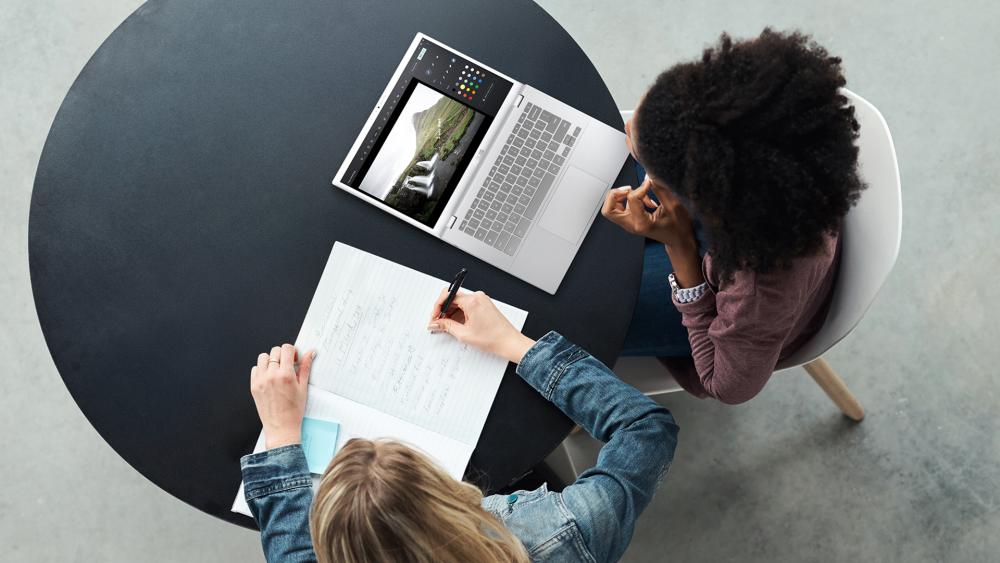
A Chromebook is ideal for users who value simplicity, reliability, and portability over high-end performance. Powered by Google’s ChromeOS, it’s designed to handle cloud-based tasks quickly and efficiently, making it perfect for people who spend most of their time online.
You should consider buying a Chromebook if you:
- Want a lightweight device for everyday use or travel.
- Need long battery life for classes or remote work.
- Prefer automatic updates and built-in protection from security threats.
- Primarily store files in the cloud instead of local drives.
- Appreciate fast boot times and a clutter-free interface.
Pros:
- Lightweight and portable, ideal for students or travel.
- Long battery life thanks to ChromeOS efficiency.
- Fast startup and automatic updates with built-in security.
- Seamless integration with Google Workspace and Android apps.
- Affordable options for users focused on web-based tasks.
Cons:
- Limited offline capability for heavy software or media editing.
- Restricted compatibility with desktop applications.
- Hardware upgrades are rare once purchased.
In the realm of Chromebooks vs laptops, Chromebooks stand out for delivering dependable performance at a lower cost. A perfect answer to the question, "What is a Chromebook?" is that they’re a smart choice for users seeking an affordable, low-maintenance computer that remains fast, secure, and easy to manage over time.
What is a Laptop?
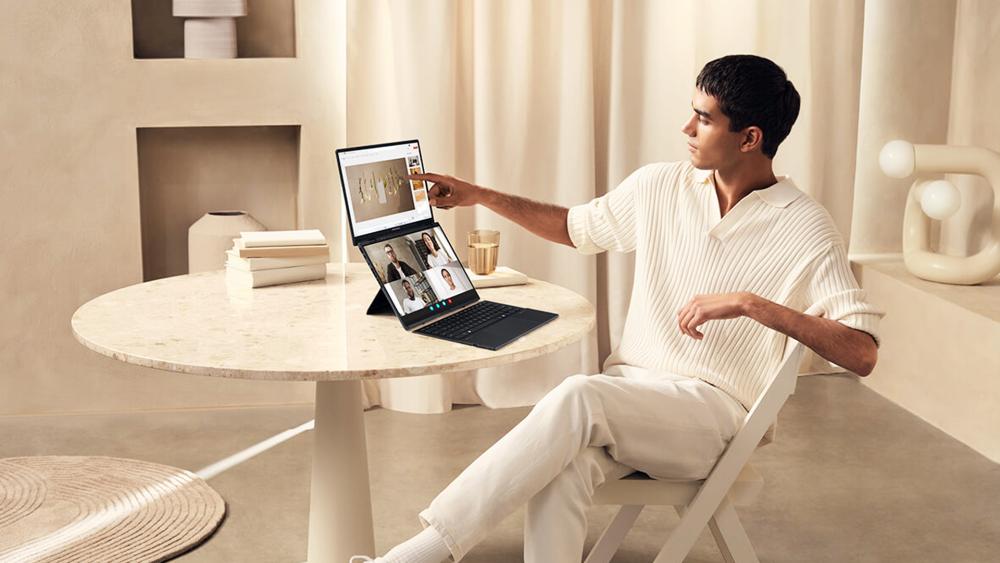
A laptop is the better option for users who need flexibility, performance, and full software compatibility. Unlike ChromeOS devices, laptops running Windows or macOS can handle both online and offline work with ease, making them suitable for professionals, creators, and gamers alike.
You should buy a laptop if you:
- Need to install and use desktop software beyond web apps.
- Work with demanding creative tools or multitask regularly.
- Want more control over storage, upgrades, and customisation.
- Prefer full offline functionality for travel or remote work.
- Value a broader range of screen sizes and performance levels.
Pros:
- Powerful hardware suitable for multitasking and professional workloads.
- Full software compatibility, including creative and productivity tools.
- Can operate entirely offline without reliance on the cloud.
- Wide variety of configurations to suit different budgets and needs.
- Repairable and upgradeable components extend device lifespan.
Cons:
- Shorter battery life on high-performance models.
- Bulkier than Chromebooks and may generate more heat.
- Requires regular updates, antivirus protection, and maintenance.
- Can be more expensive than cloud-focused alternatives.
The traditional laptops remain the stronger choice for users who rely on performance-heavy workloads. A Chromebook vs Windows laptops debate is often won by laptops when it comes to flexibility and versatility.
Chromebooks vs Laptops: All the Major Differences Explained
Both Chromebooks and laptops offer portability and convenience; the way they handle performance, personalisation, and everyday tasks is quite different. Let’s take a closer look at the ongoing debate of Chromebooks vs laptops and help you decide the right pick as per your needs. But before we dive in, here’s a quick comparison table to help you decide whether to buy a Chromebook or a laptop.
| Category | Chromebooks |
Laptops (Windows/macOS) |
| Operating System | Runs on ChromeOS — lightweight, web-based, and secure. | Runs on Windows or macOS — full desktop systems with broad app and software support. |
| Performance & Hardware | Built for efficiency, uses lightweight processors and cloud storage. | Offers more powerful CPUs, GPUs, and upgrade options. |
| Personalisation | Limited customisation; focuses on simplicity and consistency. | Highly customisable — users can change settings, install software, and upgrade components. |
| AI Tasks | Some models support Google’s Gemini AI for online productivity and assistance. | AI laptops can process complex AI workloads locally using NPUs. |
| Office Work | Best for cloud-based productivity through Google Workspace. | Supports the full Microsoft Office suite and professional tools. |
| App & Software Compatibility | Runs web and Android apps from the Play Store. | Compatible with all major desktop applications. |
| Storage & Cloud Access | Relies on cloud storage (Google Drive). | Large SSD/HDD options with easy upgrades. |
| Gaming Experience | Primarily cloud gaming via GeForce Now or Xbox Cloud (only light titles). | Gaming laptops offer dedicated GPUs, higher frame rates, and offline gameplay without streaming. |
| Battery Life | Typically lasts 9–17 hours per charge. | Varies by model — student and lightweight laptops last longer than gaming machines. |
| Security & Updates | Automatic updates, sandboxed browsing, and no need for antivirus. | Requires regular OS updates and antivirus protection. |
| Life Expectancy | 10 years of guaranteed updates for new models but hardware may wear out sooner. | Usually supported for 7–10 years; hardware can last longer through repairs and upgrades. |
Operating System
The biggest difference between a Chromebook and a laptop starts with the operating system. Chromebooks run on ChromeOS, a lightweight system built by Google that focuses on web-based applications and cloud storage. It’s simple, fast, and secure, but it relies heavily on an internet connection for most features.
Traditional laptops or Windows notebooks, run on operating systems like Windows or macOS, giving users access to a full desktop environment. This means you can install software, play games, or use professional tools, something not possible on most Chromebooks.
When comparing Chromebooks vs Windows or macOS devices, the choice often comes down to usage. ChromeOS is excellent for web-first users, while Windows provides the flexibility and depth that professionals and gamers often need.
Performance and Hardware
Performance is one of the biggest deciding factors when comparing Chromebooks and laptops. Chromebooks are built around efficiency as they are equipped with lightweight processors and minimal storage that rely on cloud services to stay responsive. It works great for everyday online use, such as studying, browsing, or streaming, without draining battery life. However, some of the latest models, like the ASUS Chromebook CB34 Flip CB3401FBA-LZ0347, offer up to 256 GB SSD, allowing for more local storage and smoother performance for offline work and larger files.
Laptops, however, deliver broader capability. Whether you’re editing photos, managing data, or running creative software, traditional systems handle heavier workloads with ease. Lightweight laptops go a step further as they combine portability with stronger hardware and give users more flexibility in performance and power. Whether it’s a Chromebook vs notebook or a Chromebook vs computer comparison, Windows and macOS devices typically feature stronger CPUs, more memory, and dedicated graphics options.
For anyone wondering, "Are Chromebooks better than laptops for performance?" The answer depends on your needs. Chromebooks excel in speed and simplicity for basic tasks, but laptops remain the stronger all-around choice for multitasking, gaming, and professional work.
Personalisation
Personalisation is another key area where the experience differs between the two. Chromebooks offer a straightforward setup with limited customisation. You can change wallpapers, themes, and extensions, but system-level control remains minimal. This simplicity helps keep ChromeOS secure and consistent across devices.
On the other hand, Windows 11 laptops provide far more flexibility. Users can install custom software, tweak performance settings, and even upgrade components like storage or memory. This makes them ideal for those who enjoy tailoring their system to fit personal preferences or specific work requirements.
So, if you are wondering which is better, a laptop or a Chromebook in terms of personalisation, laptops are a clear winner.
AI Tasks
Artificial intelligence is reshaping how we use modern devices, and it’s a major factor in the Chromebooks vs laptops discussion. Many Chromebooks come with Google’s Gemini AI, which enhances everyday productivity through features like summarising notes, generating content, and smart suggestions in Google Workspace. However, most of these tasks still depend on cloud processing rather than on-device power.
In contrast, Gemini built-in laptops and other AI laptops use dedicated neural processing units (NPUs) to handle intelligent workloads directly on the device. This allows for faster performance, enhanced privacy, and smoother integration with AI-driven software such as image editing, transcription, and automation tools.

Office Work
Is a Chromebook better than a laptop for everyday office work? The answer depends on how and where you work. Chromebooks are optimised for Google Workspace and come with tools like Docs, Sheets, and Slides running smoothly through the cloud. Whether you buy Acer Chromebooks, Lenovo Chromebooks, or ASUS Chromebooks, these machines are ideal for light workloads, quick communication, and team collaboration, especially in internet-connected environments.
Business laptops provide a more complete experience for professionals who need advanced software such as Microsoft Office, Outlook, or specialised industry tools. They handle multitasking and offline projects better, making them more reliable for users who work remotely or travel frequently. But when it comes to cost, laptops don’t let Chromebooks win too easily. There are many laptops under £500 that you can get for performing basic office tasks.
For heavy office setups that involve extensive data management or creative workflows, desktop PCs still offer unmatched power and flexibility. But for users who prioritise mobility and simplicity, Chromebooks deliver a balanced and cost-effective solution.
Education and Student Use
When it comes to education, the discussion around Chromebooks vs laptops becomes especially important. Students need devices that are reliable, portable, and capable of handling coursework without unnecessary complexity. The right choice often depends on the level of study and the type of tasks involved.
For primary school pupils and secondary school students, Chromebooks are often a practical solution. They are lightweight, quick to start, and designed around cloud-based tools such as Google Classroom and Google Workspace. This makes assignment submission, collaboration, and file sharing straightforward. In the Chromebooks vs laptops comparison for younger learners, Chromebooks stand out for their simplicity, long battery life, and lower cost.
However, for sixth form students, university undergraduates, or those studying technical subjects, laptops typically offer greater flexibility. Courses involving coding, graphic design, engineering software, or advanced data analysis require full desktop applications that ChromeOS cannot always support. In this area of the Chromebooks vs laptops debate, Windows and macOS laptops provide broader software compatibility and stronger performance.
Ultimately, choosing between Chromebooks vs laptops for education depends on academic level and subject requirements. For web-based coursework and note-taking, a Chromebook is more than sufficient. For specialised software and long-term academic flexibility, a laptop remains the safer investment.
App & Software Compatibility
Chromebooks mainly run web-based and Android applications through the Google Play Store, which works well for everyday tasks but limits access to full desktop programs. Tools like Photoshop, Premiere Pro, or advanced CAD software generally require a more powerful operating system.
Laptops clearly win the Chromebook vs laptop argument, as you can install almost any program. This flexibility makes them ideal for designers, engineers, and developers who depend on full-featured applications. In short, Chromebooks suit users who rely on browser-based software, while laptops remain the preferred choice for those needing comprehensive offline or professional app support.
Storage and Cloud Access
Storage is one of the clearer differences between the two. Most Chromebooks ship with modest local capacity because ChromeOS leans on Google Drive for file sync, which keeps devices quick and simple to manage. However, some recent models offer up to 512 GB SSDs for seamless local storage.
Laptops, by contrast, offer larger SSD/HDD options and easier upgrades, making them better for big media libraries, project files, or working fully offline. If your workflow is largely cloud-first and budget-led, refurbished Chromebooks can still fit the bill without adding unnecessary storage you won’t use. The good thing is you can find many refurbished Chromebooks under £300 and get a machine for everyday tasks without breaking the bank.
Gaming Experience
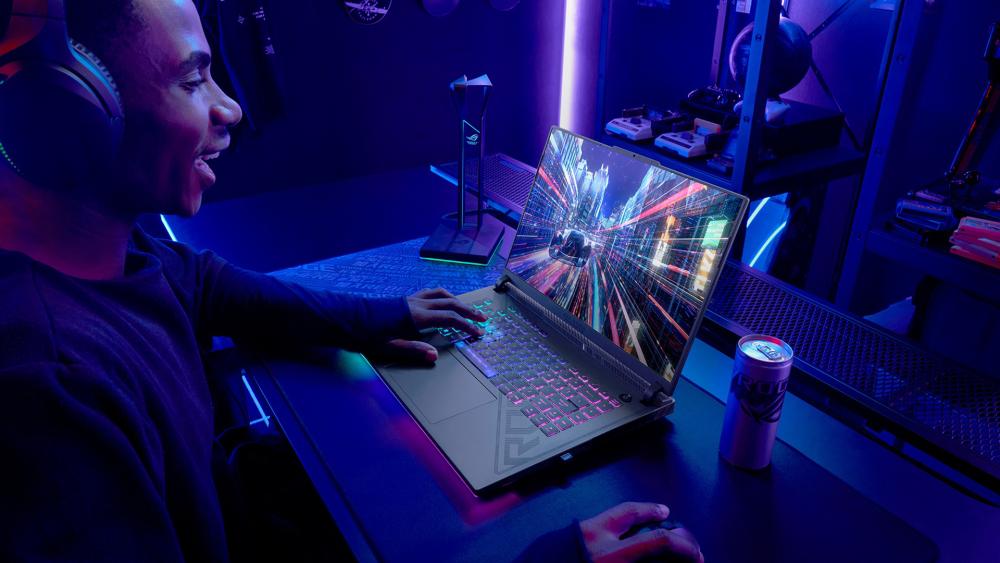
Gaming is an area where laptops clearly outperform Chromebooks. Most Chromebooks rely on cloud-based services such as GeForce Now or Xbox Cloud Gaming, which stream games rather than running them locally. This works fine for light titles but depends heavily on a stable internet connection. However, this is starting to change, as some of the latest Chromebooks, like Acer’s 516 GE, now support GeForce Now streaming at up to 1600p and 120 fps, offering a much smoother cloud gaming experience.
Gaming laptops, on the other hand, come equipped with powerful CPUs and dedicated GPUs capable of running demanding games directly on the device. They offer better graphics, faster frame rates, and a more immersive experience without relying on the cloud.
When considering a Chromebook or laptop for gaming, it’s less about portability and more about performance. Chromebooks are ideal for light or cloud gaming, while laptops remain the go-to choice for serious gamers seeking full control and high-quality visuals.
Battery Life
Battery life is one of the strongest advantages of Chromebooks. Thanks to their lightweight ChromeOS and efficient hardware, most models can last a full day on a single charge. With an average battery life of 9 to 17 hours, Chromebooks are ideal for students, commuters, and anyone who values all-day usability.
Brands like Acer and ASUS offer the best Chromebooks in terms of battery life and other features. Therefore, it is better to read a detailed Acer vs ASUS Chromebooks comparison before investing your money.
Laptops, meanwhile, vary depending on their configuration. Ultraportable and student laptops can deliver solid endurance, but more powerful machines with dedicated graphics tend to consume more energy.
In the Chromebook versus laptop battle, Chromebooks typically win for battery efficiency, while laptops trade some runtime for greater performance and versatility. It ultimately comes down to whether you prioritise mobility or processing power. If you're wondering whether to choose a Chromebook or a laptop for working from home, it depends on your use case and how much time you spend away from a power outlet.
Security and Updates
Security is another area where Chromebooks stand out. ChromeOS is built around automatic updates, sandboxed browsing, and verified boot, all of which make it resistant to most malware. Because of these layers of protection, Chromebooks rarely need separate antivirus software, which simplifies maintenance and reduces long-term costs.
Laptops, on the other hand, give users more control but also more responsibility. Windows and macOS systems are secure but still require regular updates, patches, and dedicated protection tools. Users who install third-party programs or download files frequently will benefit from keeping a reliable antivirus solution in place.
Life Expectancy
Longevity is another point of difference in the Chromebooks vs laptops debate. Chromebooks are dependable during their support cycle, and Google has recently improved this by extending updates to 10 years for models released in 2021 or later. Older devices can also opt in for extended support, depending on the model. Once a Chromebook reaches its Auto Update Expiration (AUE) date, however, feature and security updates are no longer guaranteed. Ten years of guaranteed updates are quite generous for a lightweight device, and it now puts Chromebooks closer to traditional laptops in long-term value.
By comparison, Windows and macOS laptops typically receive operating system and security updates for around 7–10 years on average, with hardware often remaining serviceable beyond that through upgrades and repairs.
Conclusion
The right winner of the Chromebook vs laptop debate depends on what you want your machine to do. If you need a device for browsing, studying, and cloud-based tasks, a Chromebook offers simplicity, speed, and strong security. For creative projects, professional software, or gaming, a laptop provides the power and flexibility to handle it all. Ultimately, it’s not about which is better overall; it’s about which fits your lifestyle and daily routine best.
Frequently Asked Questions – Chromebooks vs Laptops
Do Chromebooks need an internet connection to work?
Not always. While Chromebooks are designed around online access, many apps like Google Docs, Sheets, and Gmail can be used offline once set up. You can continue working without Wi-Fi, and your files will sync automatically once you reconnect.
Are Chromebooks cheaper than Windows laptops?
Generally, yes. Chromebooks are built for efficiency, using lightweight hardware and cloud storage, which keeps costs low. Some budget laptops can also provide solid performance for users who prefer Windows or need offline access.
Can you run Windows apps on Chromebooks?
Not natively. Chromebooks don’t support traditional Windows applications, though you can access web versions of many programs or use remote desktop tools to connect to a Windows device.
Can you use Microsoft Word on a Chromebook?
Yes. You can use Word through Microsoft 365 online or the Android app version, though the full desktop experience remains exclusive to Windows and macOS laptops.
Which lasts longer: Chromebooks or laptops?
Laptops generally have the edge in longevity thanks to repairable components and longer OS support. That said, newer Chromebooks now receive up to 10 years of automatic updates, improving their long-term reliability.
Are Chromebooks good for students?
Absolutely. They’re lightweight, secure, and budget-friendly, making them perfect for study and online collaboration. Many student laptops also provide similar portability for users who prefer the Windows experience.
You can pay with:
*PayPal Credit Representative Example: Assumed credit limit £1,200, Representative 23.9% APR (variable). Purchase rate 23.9% p.a (variable).Terms & Conditions apply.


PayPal Credit and PayPal Pay in 3 are trading names of PayPal UK Ltd, 5 Fleet Place, London, United Kingdom, EC4M 7RD. Terms and conditions apply. Credit subject to status, UK residents only, Five Tech LTD acts as a broker and offers finance from a restricted range of finance providers. PayPal Pay in 3 is not regulated by the Financial Conduct Authority. Pay in 3 eligibility is subject to status and approval. 18+. UK residents only. Pay in 3 is a form of credit. Check if affordable and how you will repay. May make other borrowing more difficult or expensive. See product terms for more details.
Copyright © 1996-2026 Fivetech LTD | Terms and Conditions
box.co.uk & Box are trading names of Five Tech Limited. Registered office: Box LTD, Unit 10 Woodford Trading Estate, Woodford Green IG8 8HF