


 Menu
MenuMenu


Get Sales Advice from Mon - Fri 9am - 5:00pm:
020 3337 8950LAST UPDATED: December 19, 2025
Which Monitor Should You Buy This Christmas? A Complete Buying Guide
Choosing the right screen as a gift can feel surprisingly tricky, especially when you’re faced with hundreds of options, big spec sheets, and prices that seem to jump all over the place. A monitor is no longer just a display for a PC. It’s the centrepiece of a gaming setup, a daily work companion, and often the screen people stare at for longer periods. That’s exactly why it’s become one of the smartest tech upgrades to make at this time of year.
This Christmas monitor buying guide is designed to cut through the noise and make that decision easier. Whether you’re shopping for a competitive gamer chasing smoother gameplay, a home worker upgrading their desk, or someone who simply wants a better screen for everyday use, the right monitor can make a noticeable difference straight away. Unlike many short-term gadgets, a quality display keeps delivering value long after the decorations come down.
Christmas is also when some of the latest monitor deals appear, making it a great time to upgrade without paying full price. From affordable monitors in the UK that suit casual setups to premium gaming monitors built for high refresh rates and stunning visuals, there’s something for every budget and use case. This guide will walk you through what really matters, which features to prioritise, and how to choose a screen that feels like a genuine upgrade rather than an impulse buy.
By the end of this blog, you’ll know exactly what to look for, which types of monitors suit different people, and how to pick a screen that makes an excellent Christmas gift, whether it’s for gaming, work, or the home.
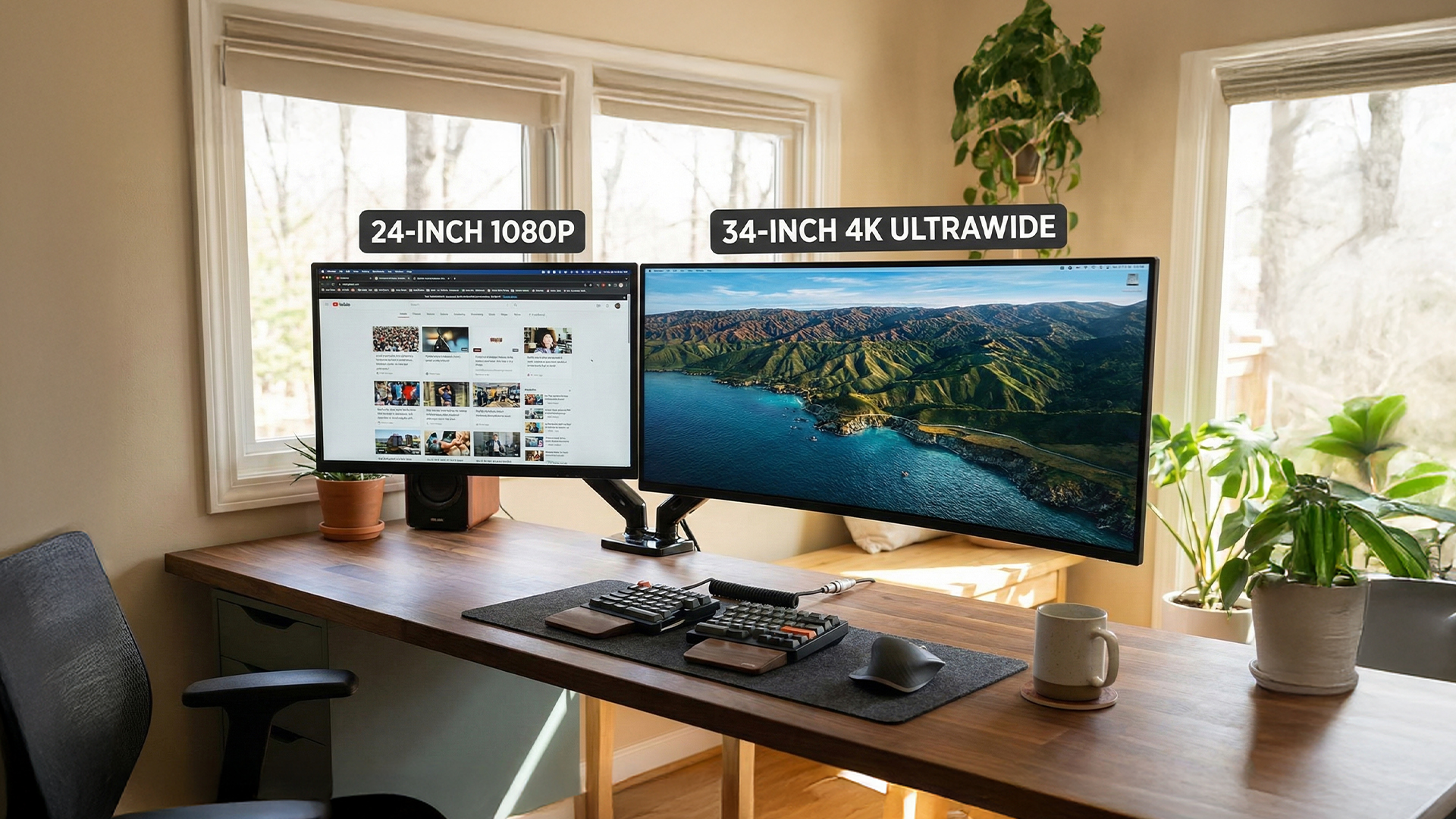
How to Choose the Right Monitor This Christmas
Before jumping into specific models or brands, it’s worth understanding what actually makes a good screen for different users. We start with the basics, because getting these right will save you money and avoid buying a monitor that looks impressive on paper but feels wrong on the desk.
-
Screen Size and Desk Space
Screen size is usually the first thing people notice, but bigger isn’t always better. A 24-inch or 27-inch display is ideal for most desks and works well for gaming, home use, and office tasks. These sizes are also common among affordable monitors in the UK, making them a safe choice if you’re buying a monitor gift for Christmas without knowing someone’s exact setup.
Larger screens like 32-inch monitors or ultrawide displays offer more immersion and workspace, but they need the desk depth to match. Ultrawide screens are especially popular as monitor gifts for Christmas because they feel premium and instantly transform a setup, replacing dual monitors with a single, seamless display. We recommend measuring desk space first, as it’s the easiest mistake to make.
-
Resolution Explained: Full HD, QHD and 4K
Resolution affects how sharp everything looks on screen, from game textures to text. Full HD monitors are still common among cheap Christmas monitors, but QHD has become a sweet spot for gamers and everyday users. It delivers noticeably sharper visuals without demanding expensive hardware.
4K displays push things further and are ideal for creators, professionals, or anyone who values clarity above all else. High resolution monitors are also great for multitasking, as they allow multiple windows to sit comfortably side by side. Resolution should always be balanced with screen size, as higher resolutions shine most on larger panels.
-
Refresh Rate and Response Time
Refresh rate is one of the most important specs for gaming monitors. Standard displays refresh at 60Hz, which is fine for work and casual use, but gamers benefit hugely from higher numbers. 144Hz and above offer smoother motion and faster reactions, which is why high refresh rate monitors are so popular as gifts for gadget lovers.
Response time matters too, especially in fast-paced games. Lower response times reduce motion blur and ghosting, making gameplay feel cleaner and more responsive. Even outside gaming, higher refresh rates can make everyday scrolling and window movement feel noticeably smoother, making them perfect for general use.
-
Panel Types: IPS, VA, OLED and QD-OLED
Panel technology plays a big role in image quality. IPS panels are known for accurate colours and wide viewing angles, making them a solid all-round choice for work, home, and creator monitors. VA panels often offer deeper contrast, which suits movies and immersive games.
OLED and QD-OLED displays sit at the premium end of monitor brands right now. They deliver perfect blacks, instant response times, and striking visuals, which makes them standout monitor gifts for Christmas if budget allows.
Getting these core features right makes the rest of the buying process far easier. Next, we’ll look at the best gaming monitors to buy this Christmas and how different features suit different types of players.
Best Gaming Monitors to Buy This Christmas
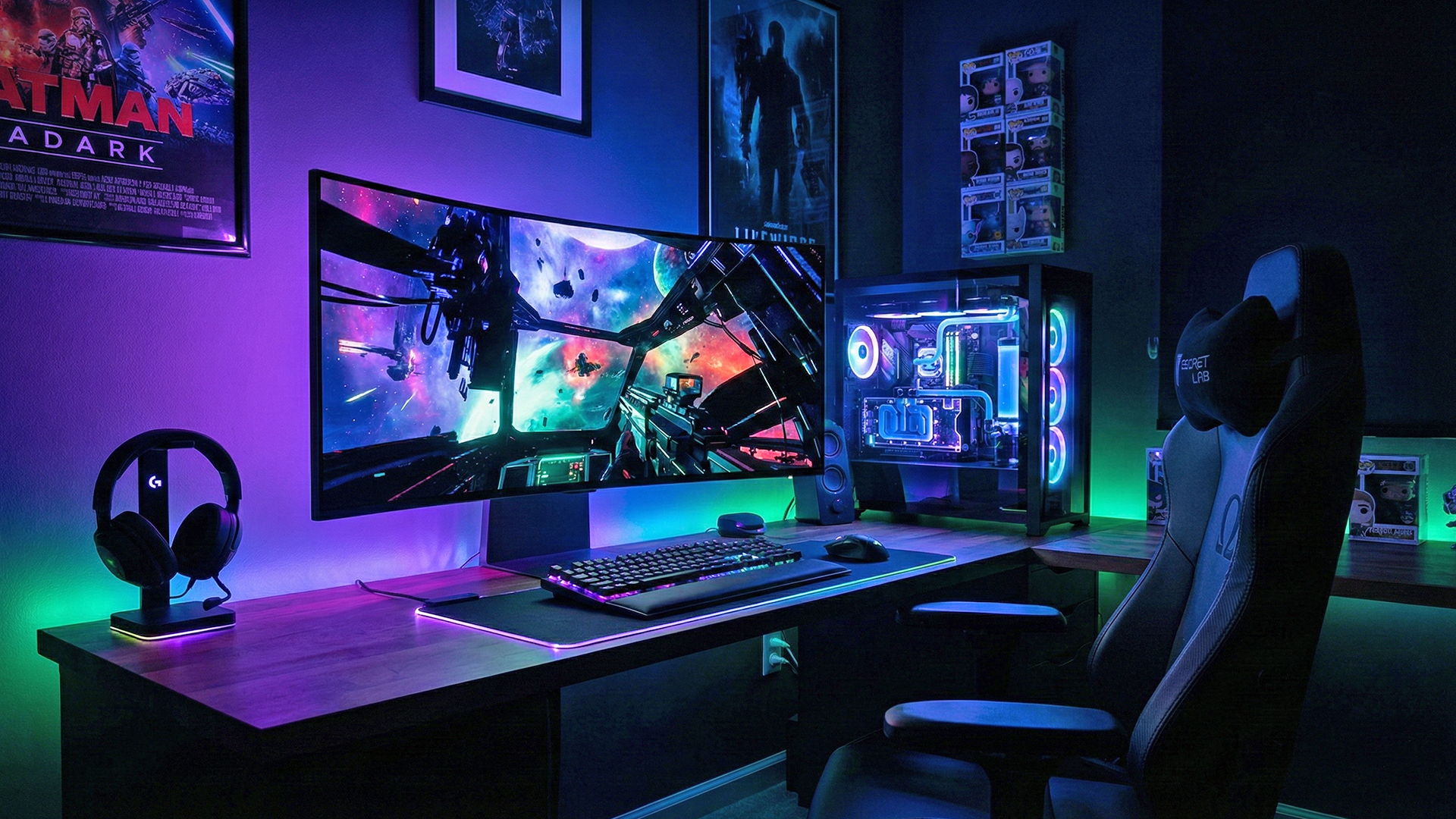
For gamers, a new screen can feel like a full system upgrade. Smoother gameplay, sharper visuals, and faster response times all come together on the right display, which is why gaming monitors are some of the most popular monitor gifts for Christmas. Here are some great options you can choose from:
-
High Refresh Rate Gaming Monitors for Competitive Players
Competitive gaming benefits most from high refresh rates and low response times. Fast shooters, racing games, and esports titles all feel more responsive on displays running at 144Hz and above. These screens reduce motion blur and make tracking fast-moving targets far easier.
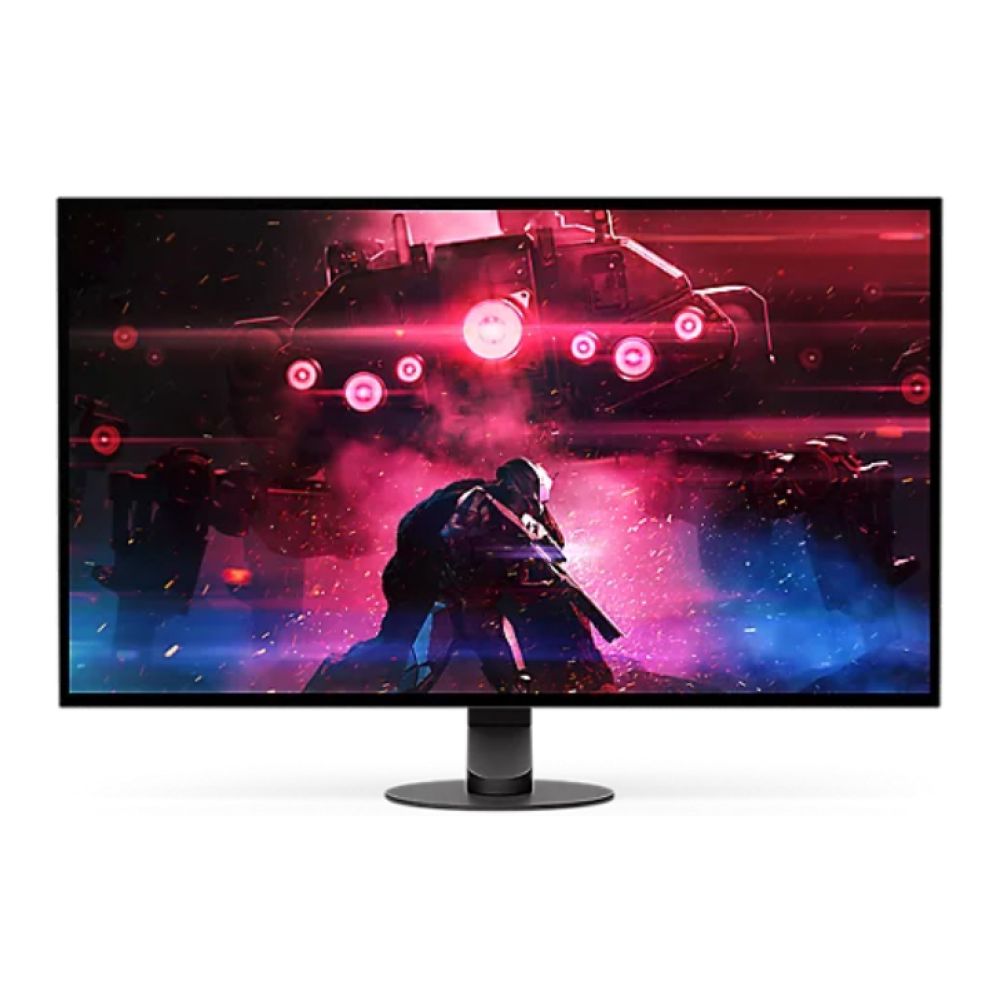
Options like the AOC AGON 27” LED Quad HD 240Hz Gaming Monitor or the Sony InZone M10S 27" OLED QHD 480Hz are strong picks for competitive players. They combine ultra-fast response times with smooth refresh rates that suit serious gaming sessions. For those shopping affordable monitors in the UK, these displays also represent strong value compared to premium esports screens.
Prioritising refresh rate over resolution for competitive gaming is a good idea, especially if the monitor is being paired with a mid-to-high-end gaming PC.

-
OLED and QD-OLED Gaming Monitors for Visual Quality
For gamers who value immersion and visual detail, OLED and QD-OLED displays offer a noticeable step up. Deep blacks, vibrant colours, and instant pixel response make games feel more cinematic, especially in story-driven titles and open-world games.
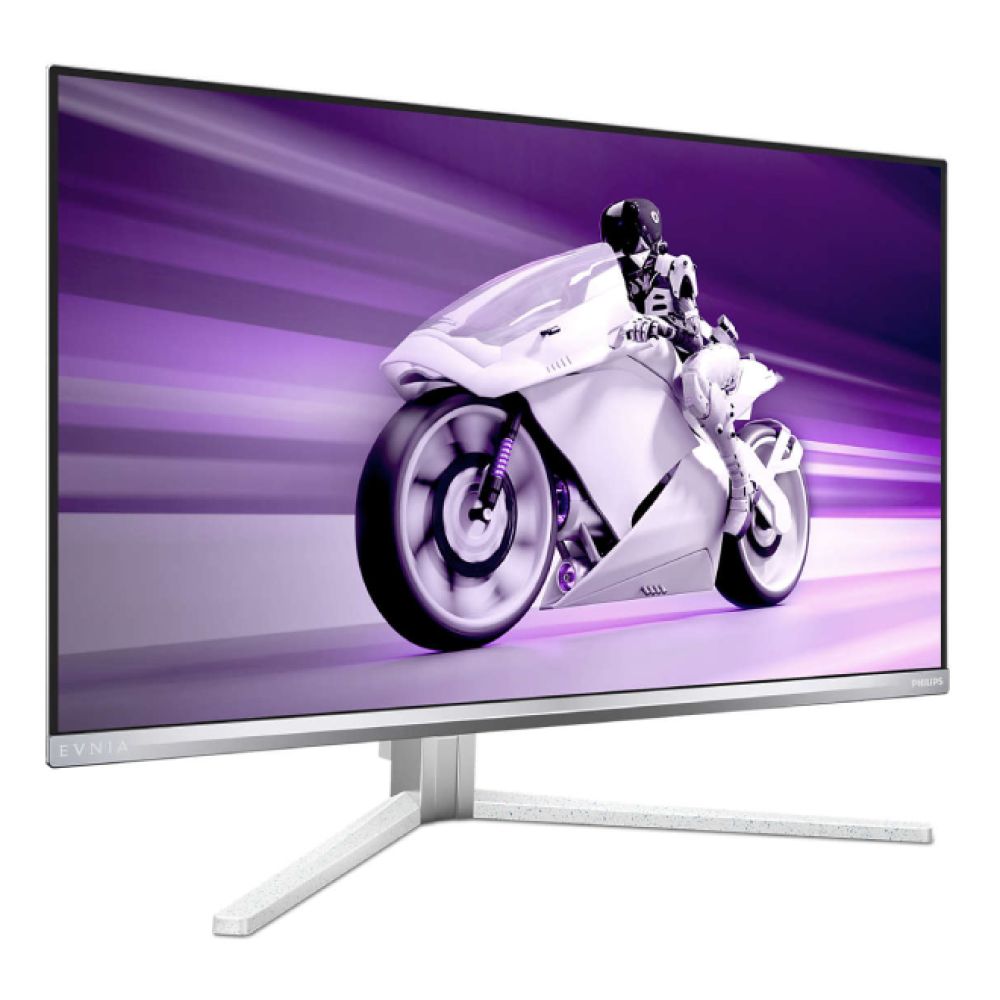
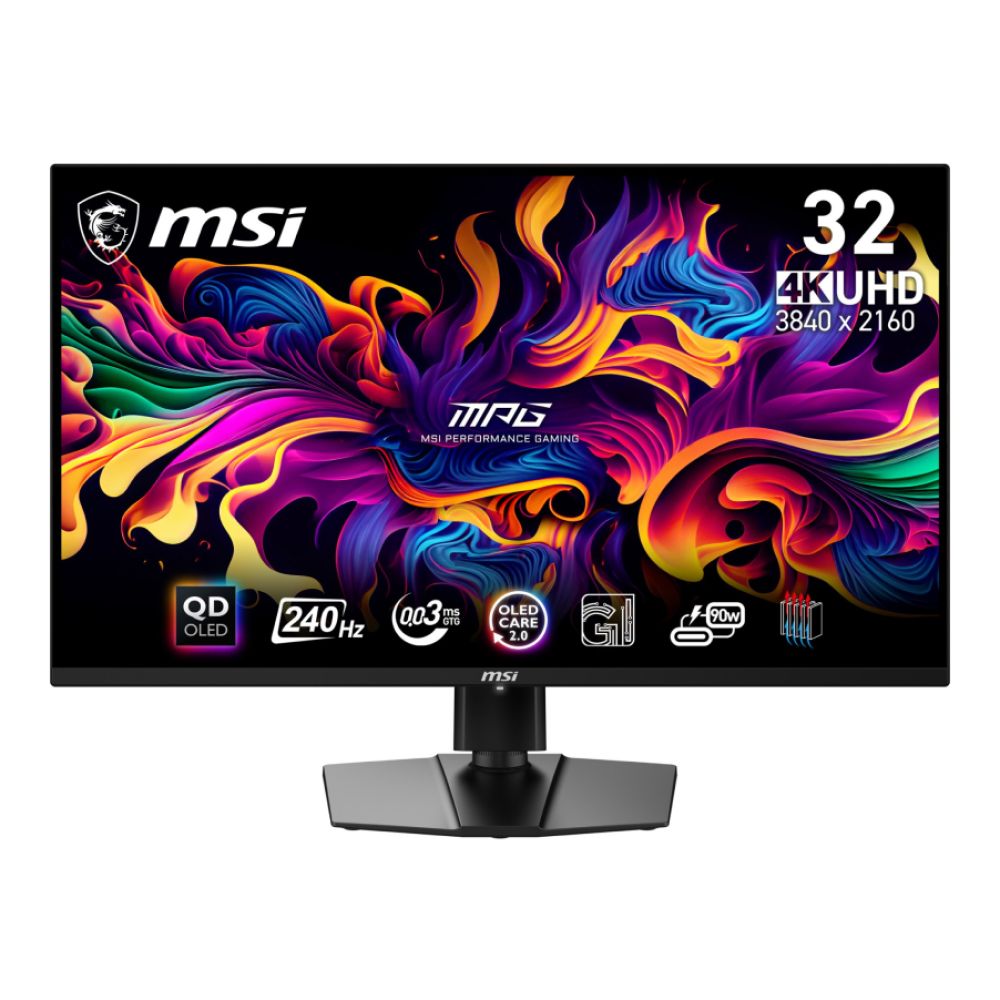
Recommended options here include the Philips Evnia Quad HD OLED 360Hz Gaming Monitor or the MSI MPG 321URX QD-OLED 32" 4K 240Hz, both of which balance high refresh rates with excellent image quality. These monitors work well as premium monitor gifts for Christmas, offering a combination of performance and visual impact that feels special straight out of the box.
OLED gaming screens are best suited to players who want an upgrade they’ll notice immediately in both gameplay and image clarity.
-
Ultrawide and Curved Gaming Monitors for Immersion
Ultrawide and curved gaming monitors focus on immersion rather than raw competitive advantage. The wider aspect ratio fills more of your peripheral vision, making racing games, RPGs, and simulators far more engaging.
Displays such as the MSI MPG 341CQPX QD-OLED 34" Ultrawide 240Hz or the ASUS ROG XG49VQ 49" Ultrawide Gaming Monitor are ideal for gamers with larger desks who want a standout setup. These screens also work well for mixed use, handling both gaming and everyday productivity without needing a second display.
Ultrawide monitors are excellent choices when shopping during latest monitor deals, as they often deliver big visual upgrades at seasonal discounts.
Gaming monitors cover a wide range of styles and budgets, but the best choice always comes down to how the screen will be used. Next, we’ll look at monitors designed for work, home offices, and business setups, where comfort and productivity take priority over pure gaming performance.


Best Monitors for Work, Home Offices and Business Use
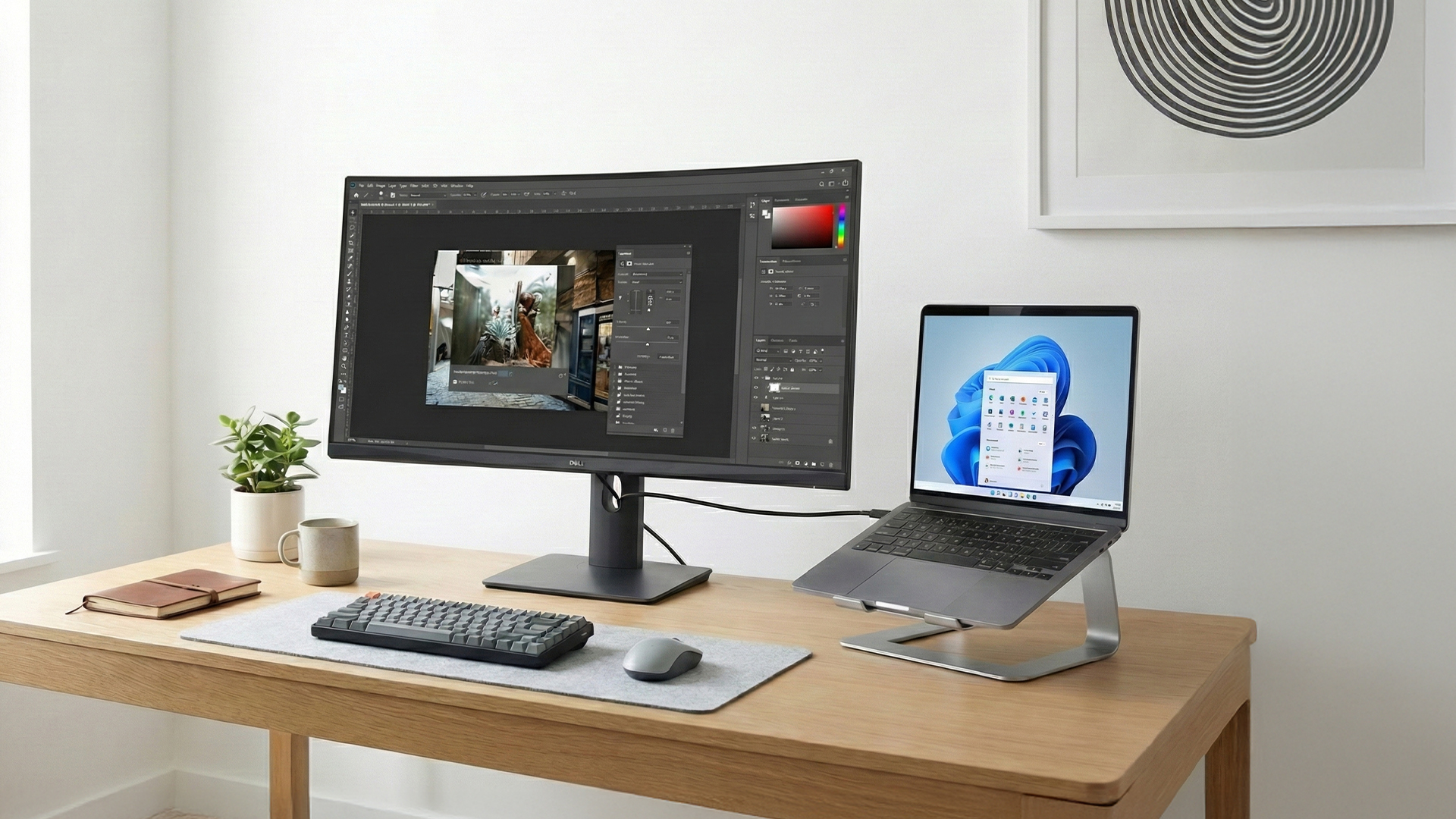
Not every monitor upgrade is about gaming. For many people, Christmas is the perfect time to improve a home office or replace an ageing work screen with something more comfortable and productive. This guide looks at work-focused displays that prioritise clarity, ergonomics, and connectivity, making them ideal gifts for home and professional setups.
-
4K Monitors for Everyday Productivity
Higher resolution screens make a big difference to day-to-day work. Text looks sharper, spreadsheets are easier to manage, and multitasking feels far less cramped. 4K monitors are especially useful for people working long hours, as they reduce eye strain while offering plenty of screen space.
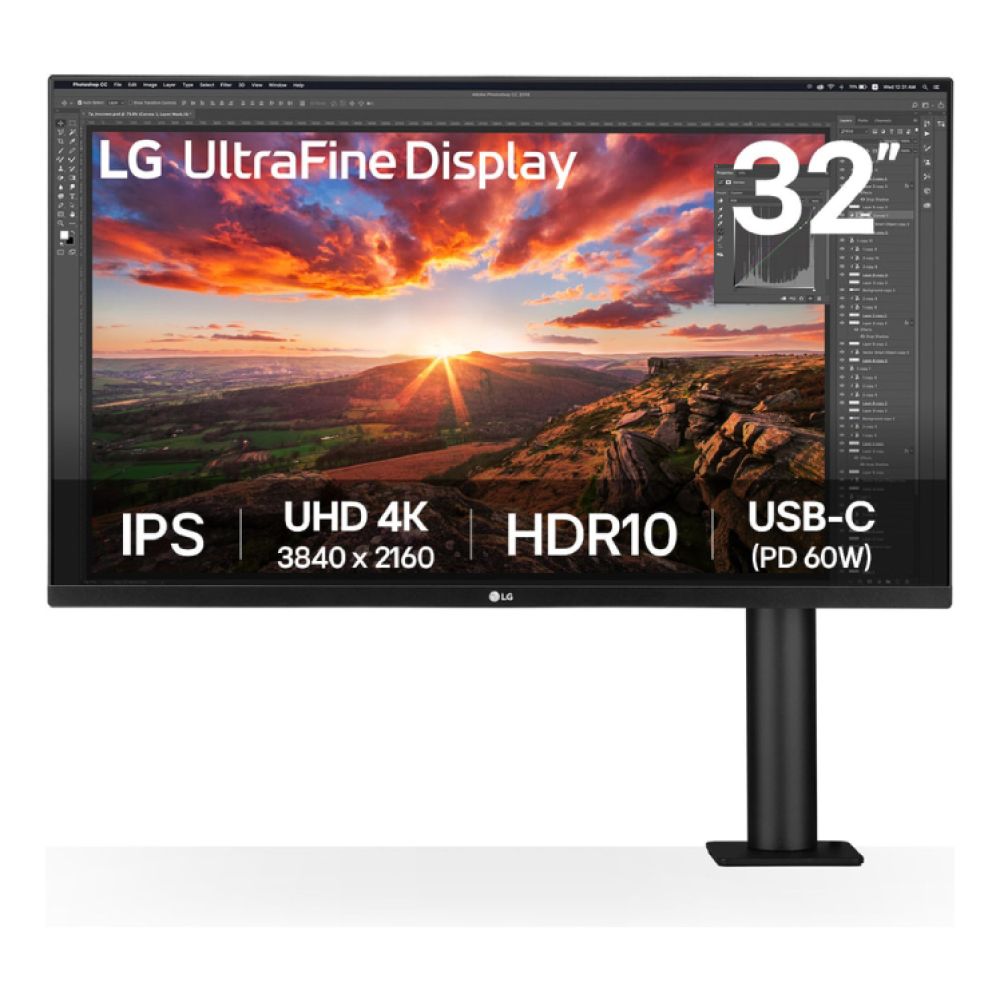
Recommended options include the LG UltraFine Ergo 32UN880K-B 32" IPS 4K for smaller desks and users who want crisp visuals without stepping into premium pricing. These displays suit home offices and business environments where clarity matters more than refresh rate. In this guide, 4K productivity screens are a strong choice for practical, long-term gifting.
-
USB-C and Docking Monitors for Hybrid Working
Hybrid working setups benefit hugely from USB-C monitors. A single cable can handle power delivery, display output, and data transfer, keeping desks clean and setup times short. This is ideal for users switching between work laptops and personal devices.
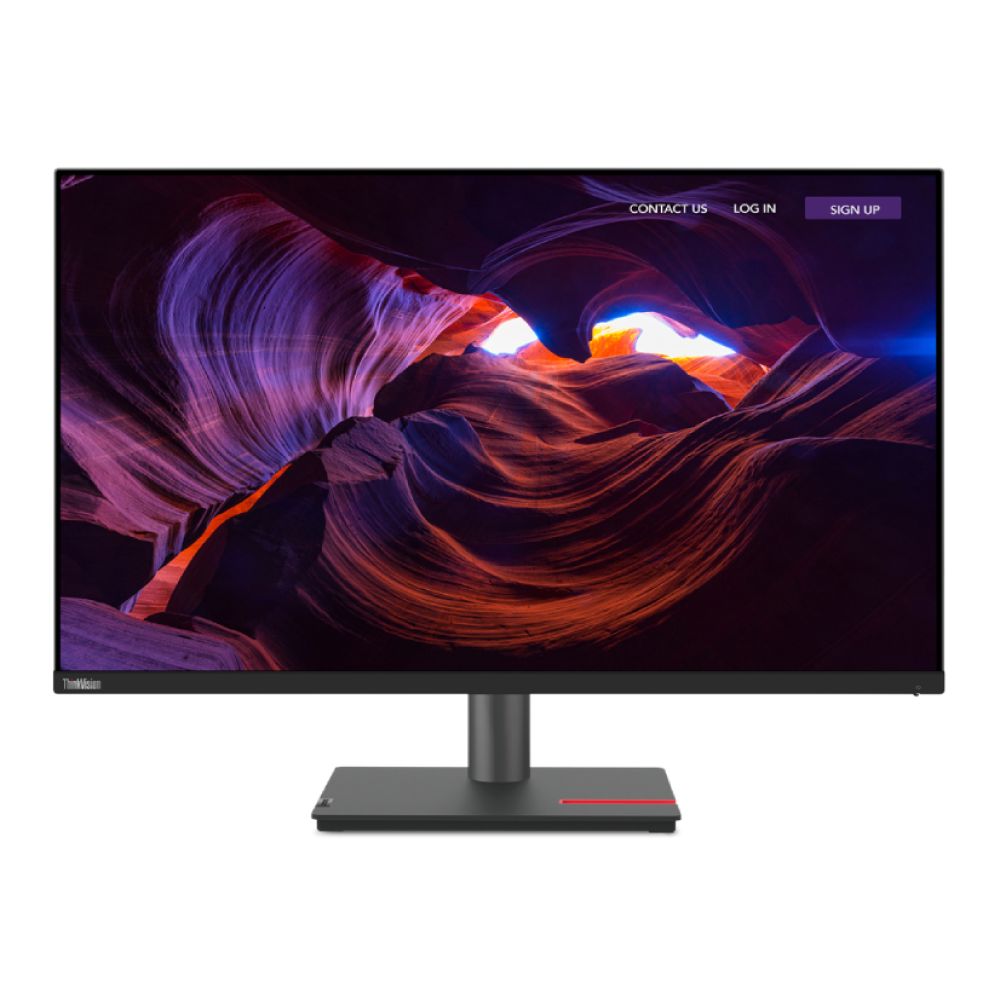
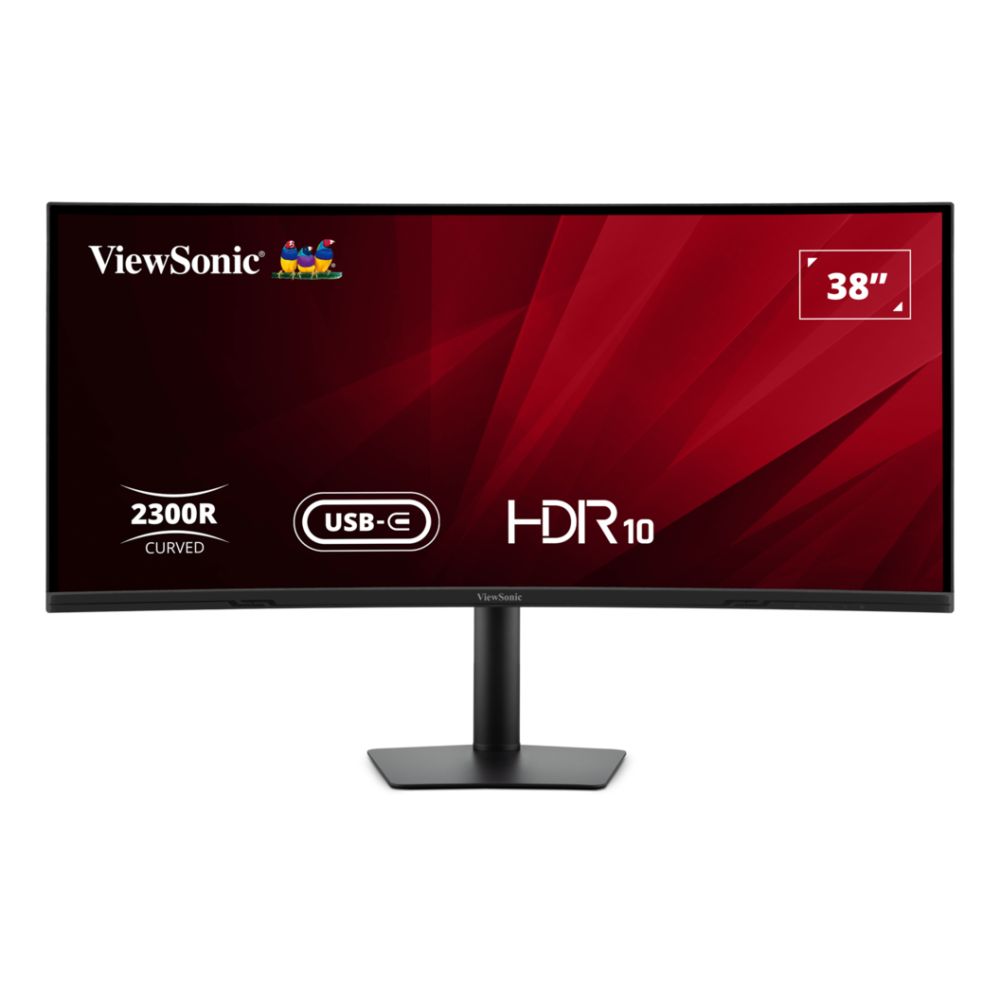
Monitors like the Lenovo ThinkVision P32p-30 31.5" 4K Thunderbolt 4 and the ViewSonic VA3820C 38" Curved UWQHD+ USB-C are well suited to these environments. They support efficient multitasking and simplify daily workflows, making them reliable monitor gifts for Christmas for professionals and remote workers alike.
USB-C monitors are highlighted as one of the most practical upgrades for modern work-from-home setups.
Ultrawide Monitors for Multitasking
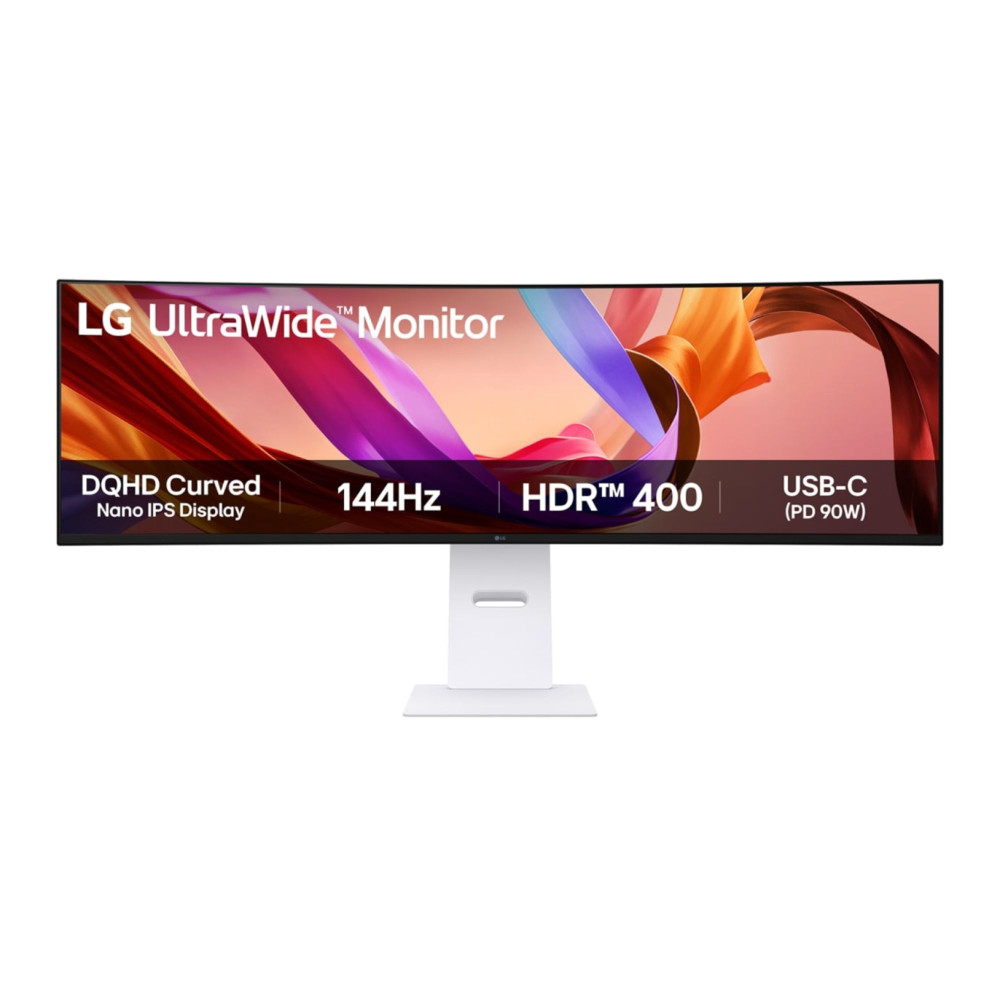
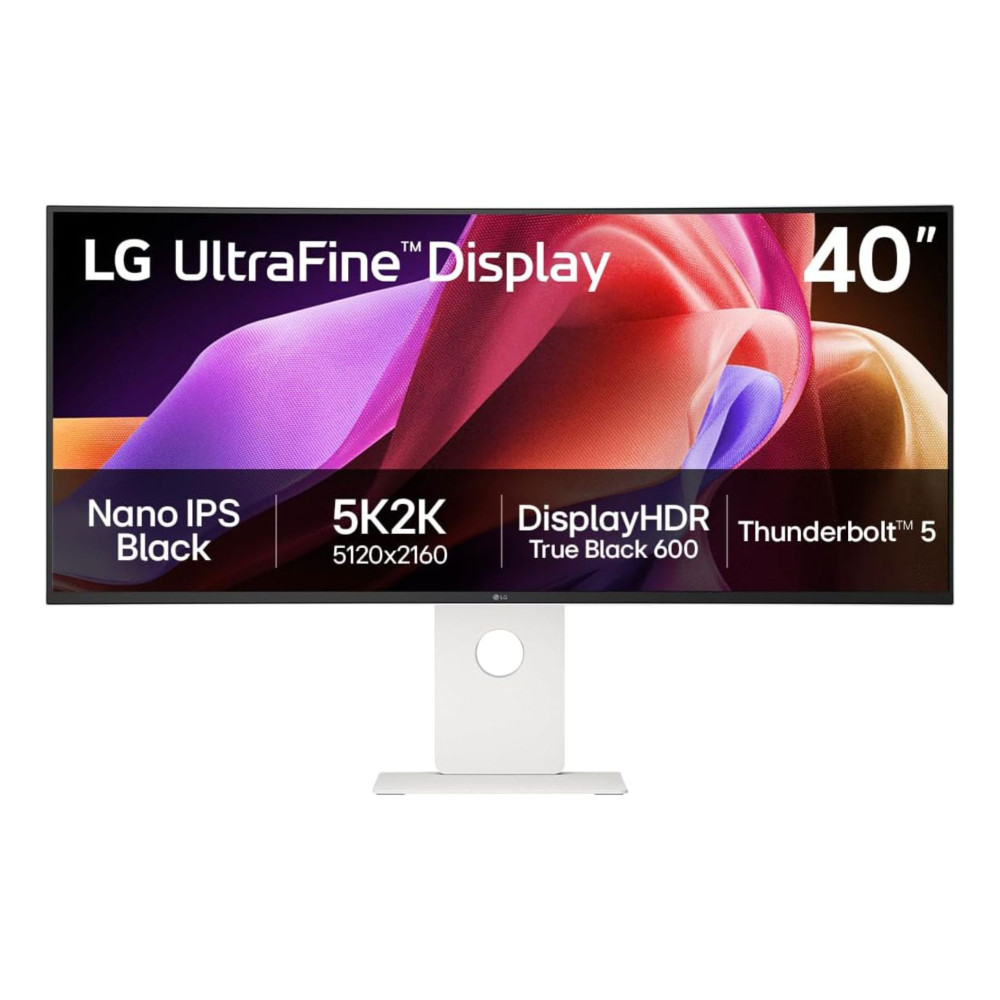
Ultrawide monitors are increasingly popular in business and home office spaces. They replace dual-monitor setups with a single, seamless display, reducing cable clutter and improving focus. For users juggling emails, documents, and video calls, the extra horizontal space is a genuine productivity boost.
Options such as the LG 49U950A-W 49" IPS Dual QHD USB-C and the LG 40U990A-W 40" IPS 5K2K Curved Thunderbolt offer a balanced mix of screen space and comfort. These monitors work well for long workdays and suit desks where efficiency and cleanliness matter.
Ultrawide work monitors for users who want a noticeable productivity upgrade without adding more screens to their setup.
With work and business needs covered, the next section focuses on creator monitors, where colour accuracy, resolution, and precision take centre stage for photography, video, and design work.
Creator Monitors for Photography, Video and Design
Creative work places very different demands on a screen compared to gaming or office tasks. Colour accuracy, resolution, and consistency matter far more than extreme refresh rates. This Christmas monitor buying guide highlights what to look for when choosing a monitor for creators and recommends options that suit editing, design, and content creation workflows.
Colour Accuracy and Calibration
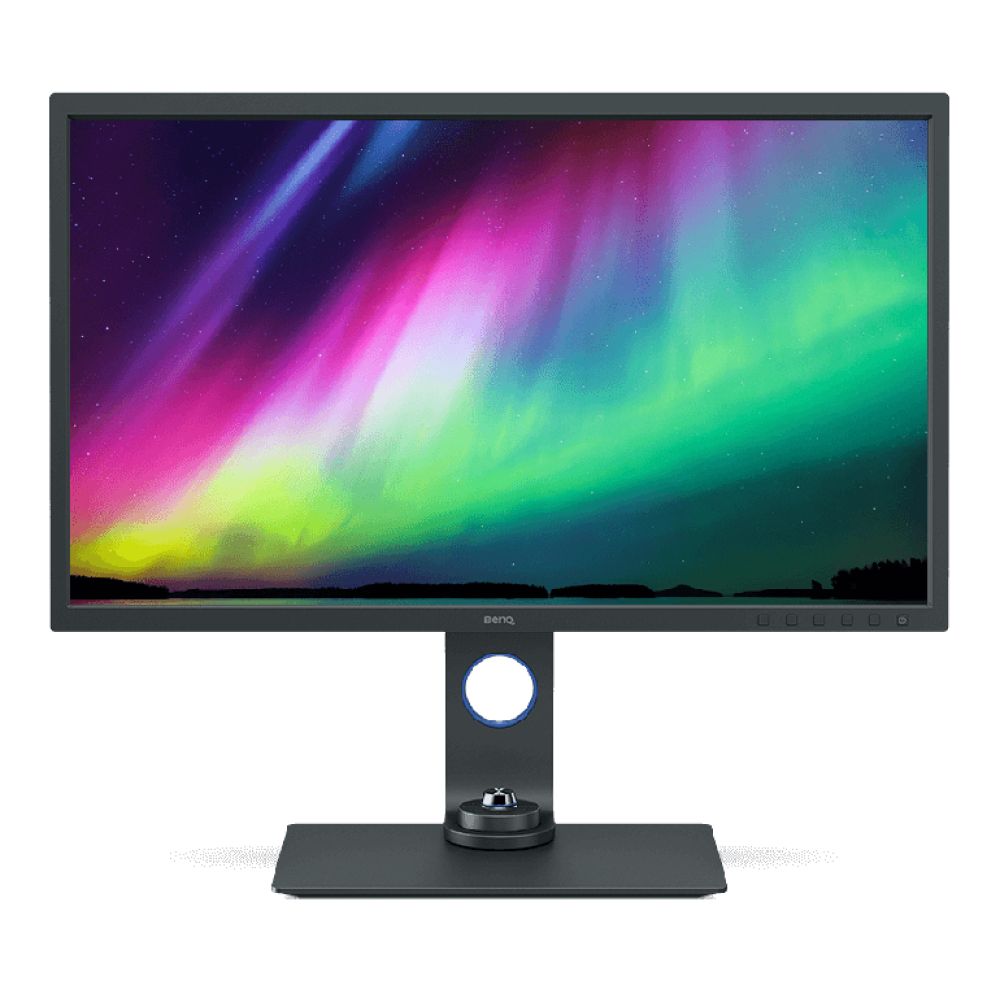
For photographers, designers, and video editors, accurate colour reproduction is essential. Monitors that support wide colour gamuts such as sRGB, AdobeRGB, or DCI-P3 ensure that what you see on screen matches the final output. This is especially important for print work and professional content creation.
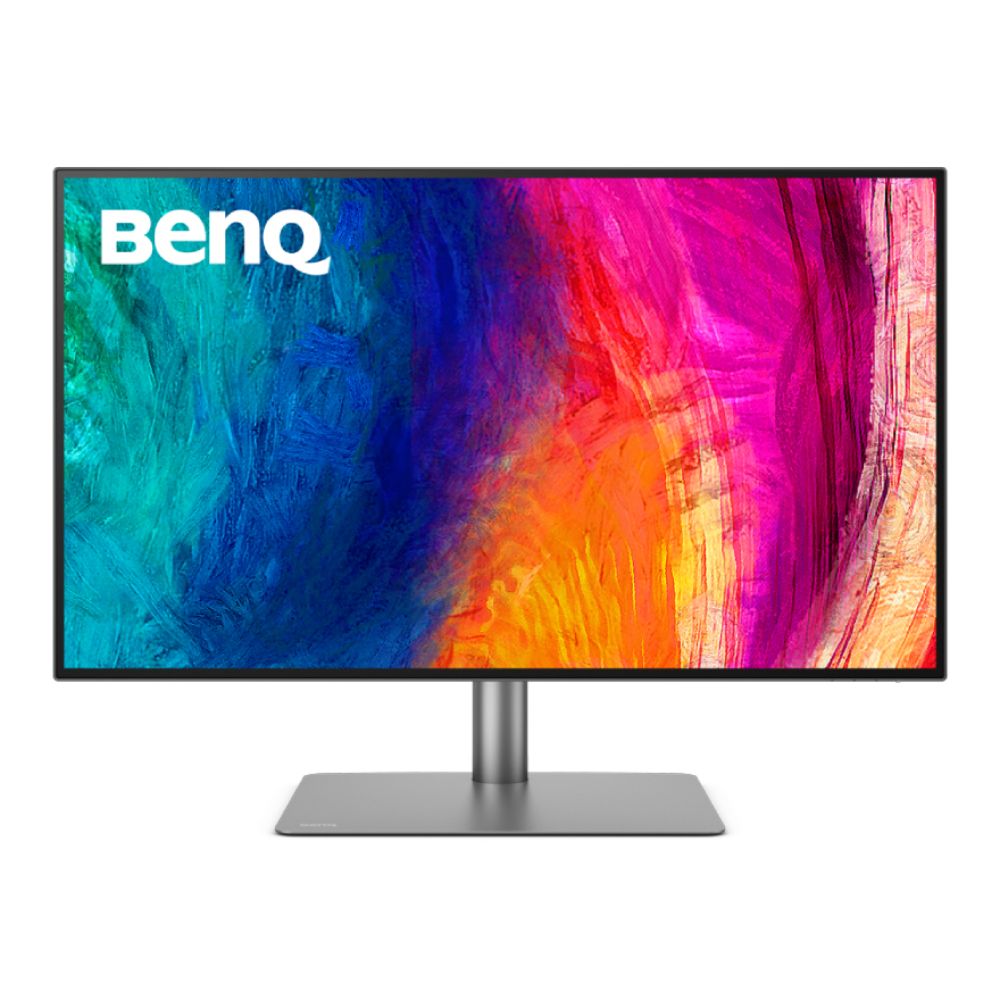
Displays like the BenQ SW321C 32" IPS 4K Photographer Monitor and the BenQ SW272U 27" IPS 4K AdobeRGB Monitor are well suited to this kind of work. They focus on colour consistency and panel quality, making them excellent monitor gifts for Christmas for creatives who need reliable results rather than gaming-focused features. Creator monitors are all about precision over speed.

High-Resolution Displays for Editing and Multitasking
High resolution monitors allow creators to work more efficiently. 4K and higher resolutions make it easier to view timelines, layers, and tool panels without constantly zooming or switching windows. Larger screens also help when working with detailed imagery or high-resolution video footage.
Recommended options include the BenQ DesignVue PD3225U 32" IPS 4K Thunderbolt 3 Height adjustable Designer monitor and the ASUS ProArt PA32UCDM 32" 4K UHD QD-OLED 240Hz 0.1ms Height Adjustable Monitor, both of which offer ample screen space for demanding creative projects. These displays are ideal for users who spend long hours editing and want a setup that feels professional and future-proof.
This buying guide suggests prioritising resolution and colour support over refresh rate when buying for creative work, as these features deliver the biggest day-to-day benefits.

With creators covered, the next section looks at affordable options and cheap Christmas monitor deals, focusing on value-driven displays that still deliver a solid everyday experience.
Affordable Monitors and Cheap Christmas Monitor Deals
Not every Christmas upgrade needs to be premium-priced. Many users simply want a reliable screen for everyday use, studying, or casual gaming, and that’s where value-focused options really shine. This guide highlights monitors that offer strong performance at a lower cost, making them ideal cheap Christmas monitors and practical gifts.
-
Best Budget Monitors Under £300
Budget monitors are perfect for students, home users, and anyone needing a second screen. While they may not offer cutting-edge features, they still provide solid image quality and dependable performance for browsing, streaming, and office tasks.
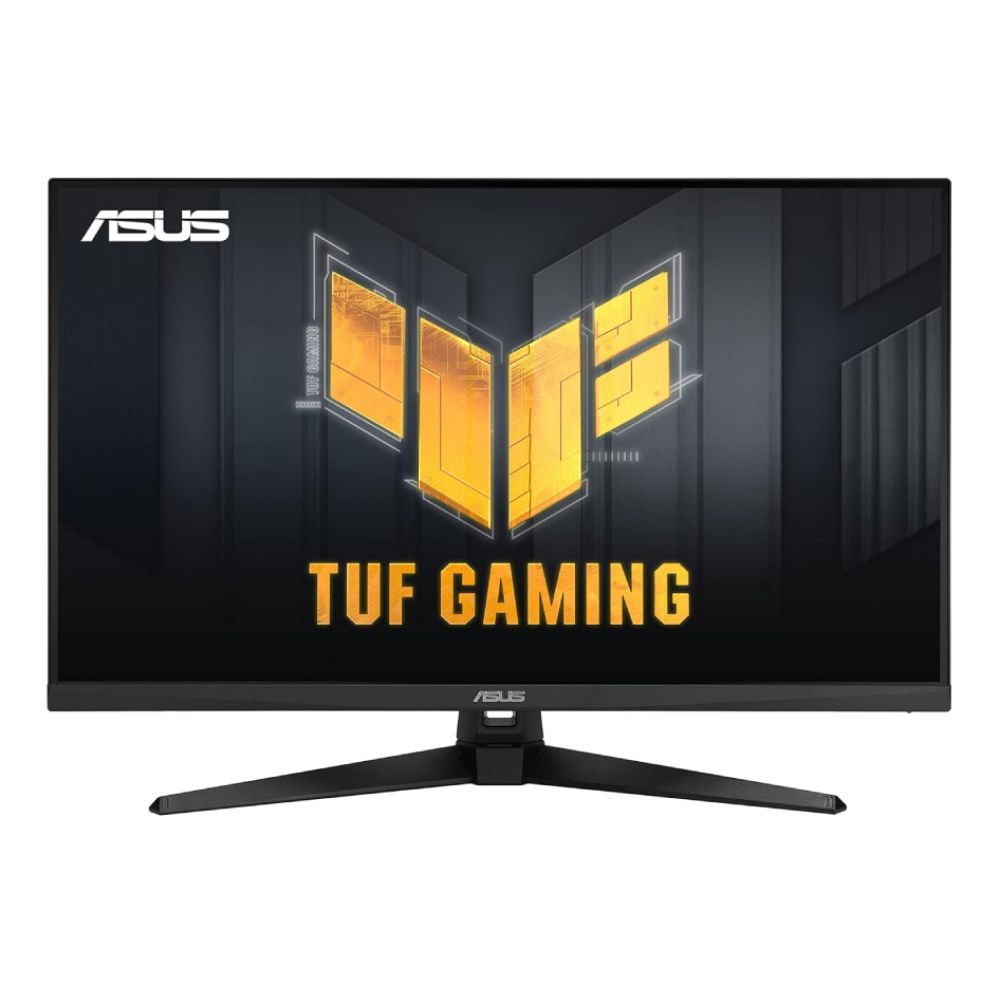
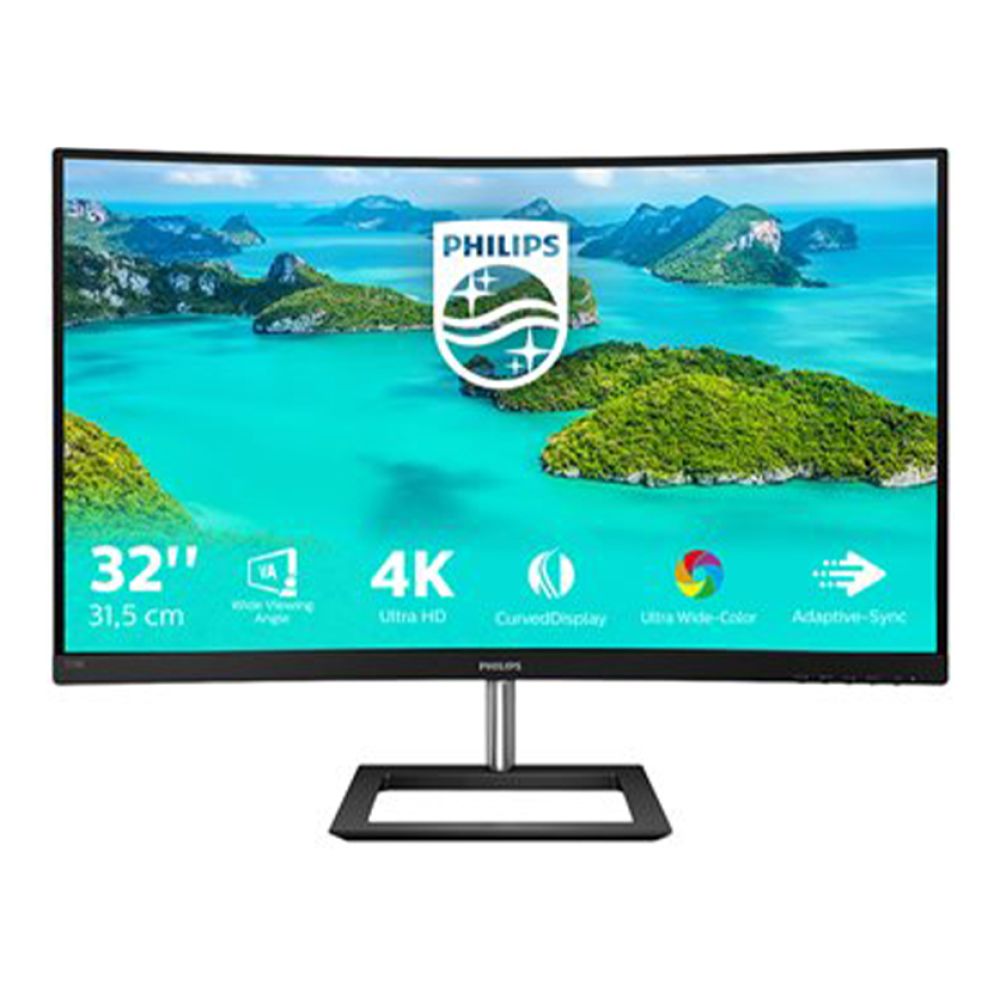
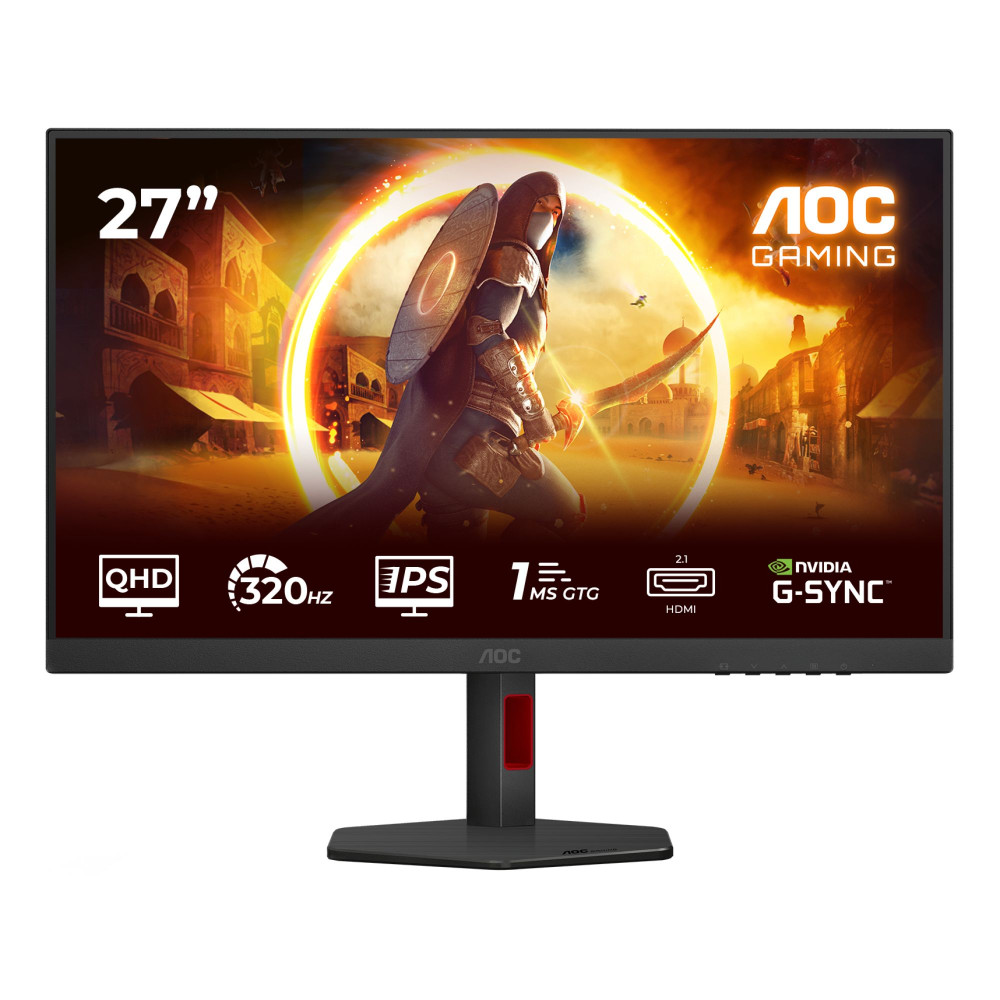
Good examples include the ASUS TUF Gaming VG32AQA1A 32" Quad HD 170Hz 1ms Freesync Premium Gaming Monitor and the Philips E Line 328E1CA/00 31.5" Curved VA LCD 4K Ultra HD 4ms Built in Speakers Monitor, both of which suit everyday setups without taking up too much desk space. For those looking for a slightly sharper image, the AOC G4 Q27G4SRU 27" Fast IPS Quad HD 320Hz 0.3ms G-Sync compatible Height Adjustable Gaming Monitor delivers improved clarity while staying within the affordable monitors UK category.
These displays are ideal for shoppers prioritising value and simplicity over advanced gaming features.
-
Best Value Gaming Monitors on a Budget
Budget gaming monitors focus on delivering smooth performance without premium pricing. Higher refresh rates paired with Full HD or QHD resolutions strike a strong balance for casual gamers who want a better experience than standard office screens.
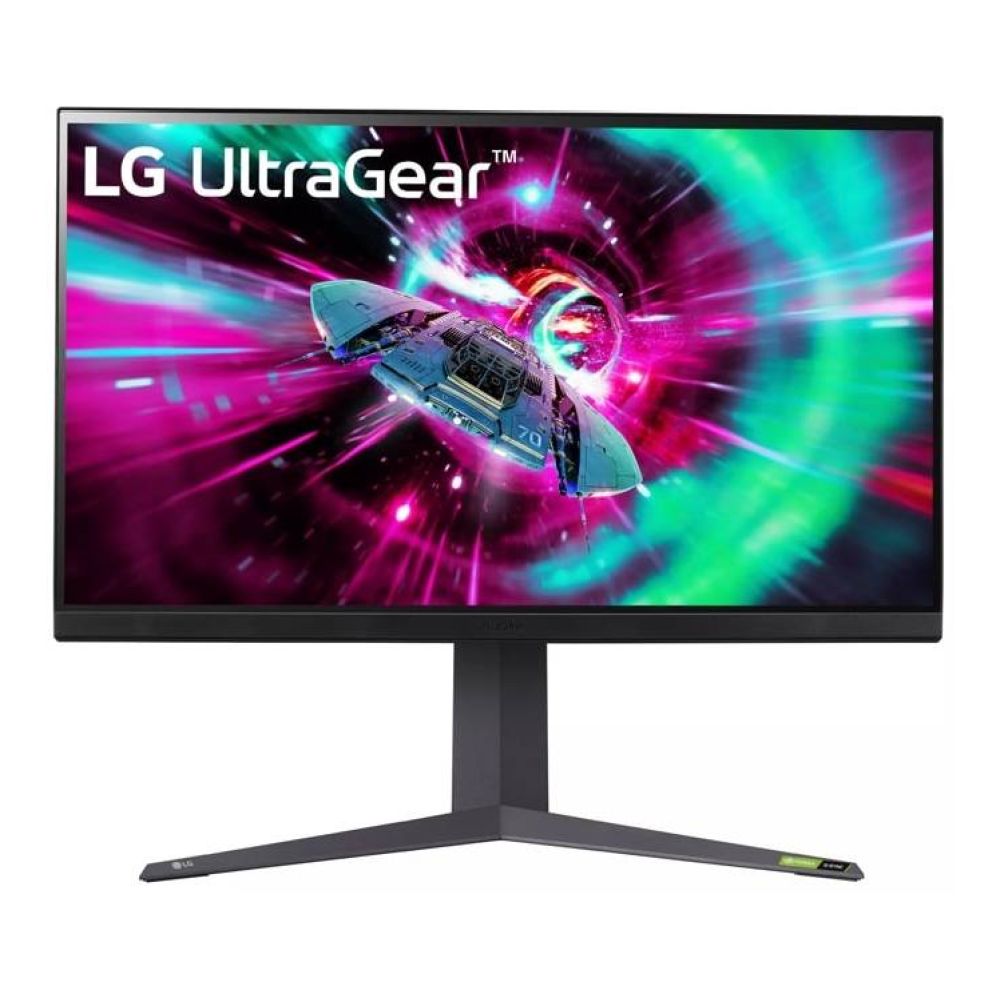
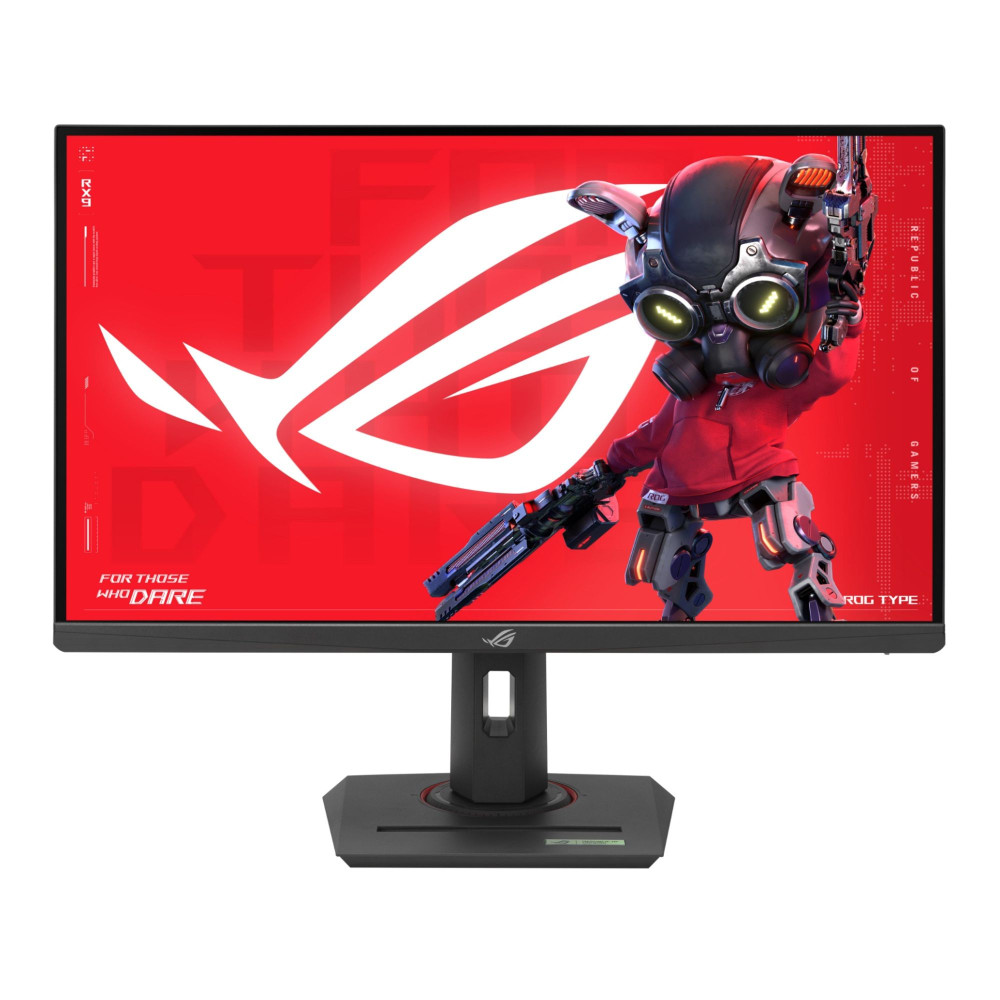
Options such as the LG UltraGear 32GR93U-B 32" IPS 4K 144Hz and the ASUS ROG Strix XG27ACMG 27" QHD 270Hz offer responsive gameplay at a more accessible price point. These monitors work well as monitor gifts for Christmas for gamers who want smoother visuals without jumping into OLED or 4K territory.
This Christmas monitor buying guide recommends these displays for entry-level and mid-range gaming setups, especially when paired with seasonal discounts.
-
Finding the Best Monitor Deals This Christmas
Christmas is one of the best times of year to secure a monitor upgrade. Retailers often reduce prices on popular models, making it easier to step up to better specs for less. Keeping an eye on refresh rate, resolution, and panel type helps separate genuine deals from simple price cuts.
Many of the latest monitor deals focus on clearing popular Full HD and QHD models, which is great news for shoppers hunting for low price monitor options. Checking specifications carefully to ensure discounted monitors still meet your needs is important.
With budget options covered, the next section looks at how different monitor brands fit into Christmas gifting and how to choose based on reliability and long-term value rather than hype.
Conclusion: Choosing the Right Monitor This Christmas
Buying a screen as a gift doesn’t need to be complicated. The best monitor is rarely the one with the longest spec list or the highest price tag. It’s the one that fits the user’s setup, desk space, and daily routine. This Christmas monitor buying guide is designed to help you focus on what actually matters, whether that’s smoother gameplay, sharper visuals for work, or a simple, reliable screen for everyday use.
For gamers, refresh rate and response time make the biggest difference. For home workers and business users, resolution, comfort, and connectivity take priority. Creators benefit most from colour accuracy and screen space, while students and budget buyers are often better served by practical, well-priced displays that still feel like a solid upgrade. Matching the monitor to how it will be used ensures it feels like a thoughtful gift rather than a guess.
Christmas is also one of the best times to buy, with many latest monitor deals making higher-spec screens more accessible. From affordable monitors UK options to premium OLED displays, there’s no shortage of choice. Using this guide as a reference helps narrow that choice down to something that will genuinely improve someone’s setup long after the festive season ends.
A monitor is a gift that gets used every day. Get the choice right, and it’s an upgrade that keeps paying off well into the new year.
Disclosure: Some products mentioned in this article are part of a paid partnership.
Frequently Asked Questions
What size monitor is best to buy as a Christmas gift?
The best size depends on desk space and how the monitor will be used. 24-inch and 27-inch screens are the safest options for most people, offering a good balance between comfort and usability. Larger 32-inch or ultrawide monitors work well for gaming, productivity, and creative setups if there’s enough desk depth.
Are gaming monitors suitable for work and everyday use?
Yes, many gaming monitors work very well for everyday tasks. High refresh rate monitors can make scrolling, browsing, and general use feel smoother, while higher resolutions improve text clarity. Check ergonomics and connectivity to ensure a gaming-focused display also suits work or home use.
Is a 4K monitor worth it for most users?
A 4K monitor is worth it for users who multitask heavily, work with detailed content, or want sharper visuals overall. For casual use or smaller screens, Quad HD often offers better value. Balancing resolution with screen size and budget rather than choosing 4K by default.
What refresh rate should I look for in a gaming monitor?
For casual gaming, 75Hz to 144Hz is a noticeable upgrade over standard 60Hz displays. Competitive players benefit most from 240Hz or higher. Refresh rate is highlighted as one of the most important factors when choosing gaming monitors or monitor gifts for Christmas.
Are cheap Christmas monitors still good quality?
Yes, many cheap Christmas monitors offer excellent value, especially for everyday tasks, studying, or as second screens. While they may lack premium features, modern budget displays still deliver reliable performance. Focusing on resolution, panel type, and size to find a low price monitor that still feels like a solid upgrade.
You can pay with:
*PayPal Credit Representative Example: Assumed credit limit £1,200, Representative 23.9% APR (variable). Purchase rate 23.9% p.a (variable).Terms & Conditions apply.


PayPal Credit and PayPal Pay in 3 are trading names of PayPal UK Ltd, 5 Fleet Place, London, United Kingdom, EC4M 7RD. Terms and conditions apply. Credit subject to status, UK residents only, Five Tech LTD acts as a broker and offers finance from a restricted range of finance providers. PayPal Pay in 3 is not regulated by the Financial Conduct Authority. Pay in 3 eligibility is subject to status and approval. 18+. UK residents only. Pay in 3 is a form of credit. Check if affordable and how you will repay. May make other borrowing more difficult or expensive. See product terms for more details.
Copyright © 1996-2026 Fivetech LTD | Terms and Conditions
box.co.uk & Box are trading names of Five Tech Limited. Registered office: Box LTD, Unit 10 Woodford Trading Estate, Woodford Green IG8 8HF