


 Menu
MenuMenu


Get Sales Advice from Mon - Fri 9am - 5:00pm:
020 3337 8950LAST UPDATED: June 10, 2026
How to Choose the Best AM5 Motherboard for High-End Gaming
Choosing the right AM5 gaming motherboard is one of the most important decisions when building a high-end AMD gaming PC. Your motherboard does not directly increase FPS in the same way a graphics card does, but it controls the platform your whole system depends on. It affects CPU compatibility, memory support, storage speed, expansion options, connectivity, cooling potential and future upgrade paths.
If you are building around a modern AMD Ryzen processor, especially a Ryzen 7000, Ryzen 8000 or Ryzen 9000 series CPU, you need an AM5 motherboard. AMD’s AM5 platform supports DDR5 memory, PCIe 5.0 features on supported boards, and modern connectivity options such as USB4 on X870 models. AMD positions X870 motherboards for Ryzen 9000, 8000 and 7000 series processors, with DDR5, AMD EXPO memory tuning, PCIe 5.0 support for NVMe storage and USB4 onboard.
For a high-end gaming PC, the best AM5 motherboard is not always the most expensive one. The right choice depends on your Ryzen CPU, graphics card, case size, storage needs, cooling setup and whether you plan to upgrade later. This guide explains what to look for in simple terms, so you can choose the best AM5 motherboard for gaming with confidence.
Why the Motherboard Matters in a Gaming PC
A motherboard is the foundation of your PC. Your CPU, RAM, graphics card, SSDs, cooling, power connections and case ports all connect through it. If the motherboard is too basic for your build, you may limit upgrade options or miss useful features.
For high-end gaming, a good AMD motherboard should give you:
- Strong CPU power delivery
- DDR5 memory support
- Fast PCIe storage options
- Enough slots for your GPU and expansion cards
- Good cooling around the VRM and M.2 slots
- Modern networking such as Wi-Fi 6E or Wi-Fi 7
- Enough USB ports for accessories
- A form factor that fits your case
A better motherboard will not turn a mid-range GPU into a flagship card, but it can help your whole system run more reliably and make future upgrades easier.
If you are comparing different PC motherboards, start by checking whether the board supports your chosen Ryzen CPU, memory, and case size. You can browse PC motherboards to compare AMD and other platform options.
AM5 Chipsets Explained
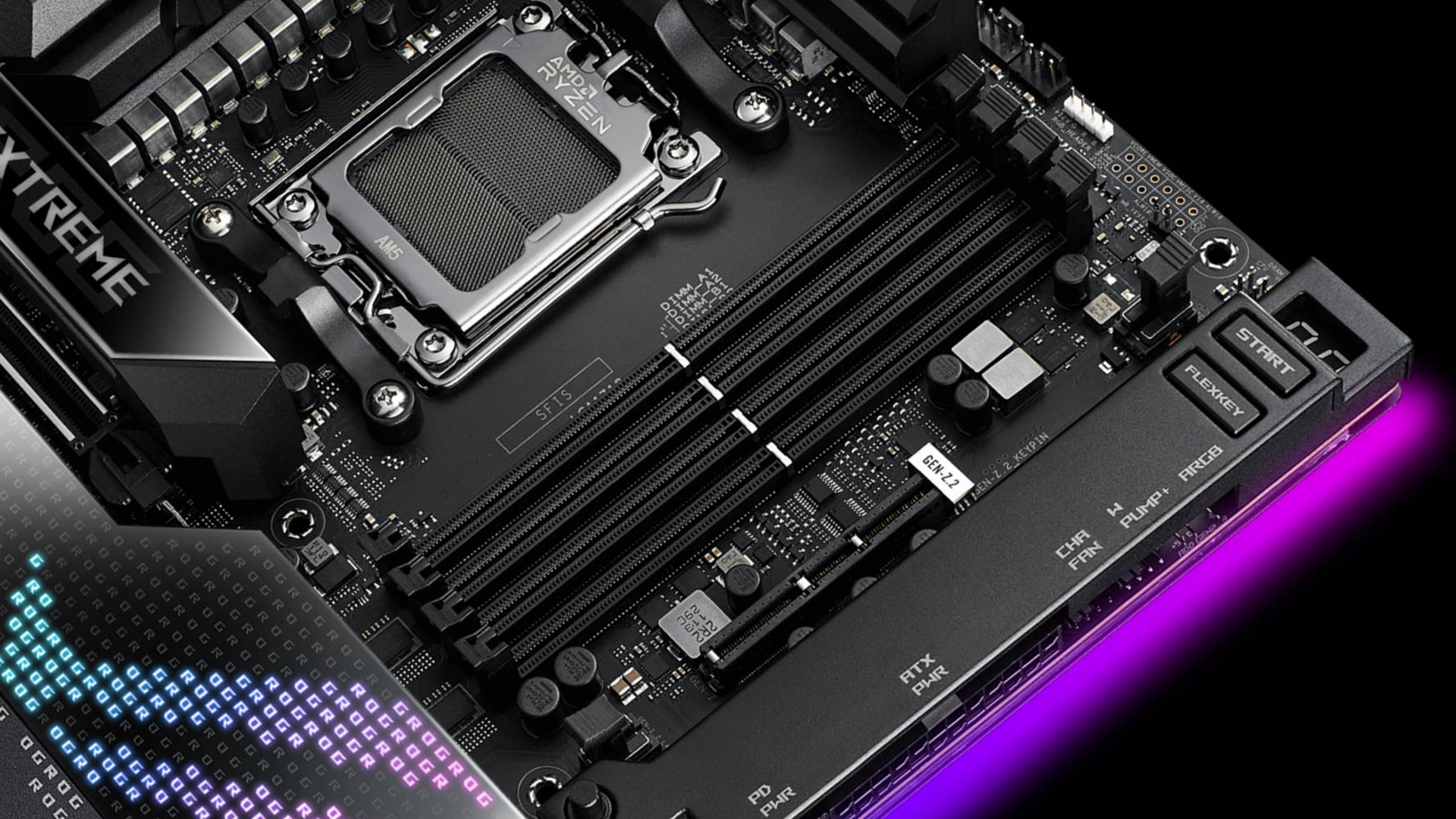
The chipset is one of the first things to check when choosing an AM5 board. It helps define the features your motherboard can offer, including PCIe support, USB connectivity, overclocking features and expansion options.
For high-end AM5 gaming, the main chipsets to consider are:
| Chipset | Best For | Why Choose It |
| X870E | Enthusiast gaming and premium builds | Maximum features, strong PCIe 5.0 support, premium connectivity |
| X870 | High-end gaming and creator builds | Strong modern feature set with USB4 and DDR5 |
| B850 | Upper-mid-range gaming | Good balance of price, features and future-ready storage |
| B650 / B650E | Value-focused AM5 builds | Still useful where available, often cheaper |
| A620 | Budget systems | Not ideal for high-end gaming builds |
For a premium build, X870E and X870 are the strongest choices. AMD describes X870 as a high-performance platform with USB4 onboard, DDR5 support, AMD EXPO support and PCIe 5.0 support for NVMe storage.
For many gamers, B850 can also be a smart choice. It gives you a more affordable route into AM5 while still supporting modern features. However, if you are building a top-tier Ryzen CPU, a powerful graphics card and multiple SSDs, X870 or X870E will usually be the better long-term option.
CPU Compatibility: Match the Board to Your Ryzen Processor
The AM5 platform is designed for modern AMD Ryzen processors. This includes Ryzen 7000, Ryzen 8000 and Ryzen 9000 series desktop CPUs, depending on the board and BIOS version. AMD’s AM5 chipset page lists X870 motherboards for Ryzen 9000, 8000 and 7000 series processors.
When choosing an AM5 motherboard for CPU compatibility, always check three things:
| What to Check | Why It Matters |
| CPU support list | Confirms your exact Ryzen CPU works with the board |
| BIOS version | Some boards may need updates for newer CPUs |
| VRM quality | Higher-end CPUs need stronger power delivery |
If you are buying a Ryzen 5 or Ryzen 7 chip for gaming, a good B650, B850 or X870 board can work well. If you are buying a Ryzen 9 or Ryzen X3D chip for a premium gaming system, look for a stronger board with better VRMs and cooling.
For buyers comparing different AMD motherboards, you can browse AMD motherboards options to find compatible options for Ryzen builds.
VRM Quality: Why Power Delivery Matters
VRM stands for Voltage Regulator Module. In simple terms, it helps deliver clean and stable power to your CPU. This matters more when you use a high-end Ryzen processor, boost clocks, heavy gaming loads or long sessions.
A budget motherboard may work fine with a lower-power Ryzen 5. However, if you pair it with a Ryzen 9 or an X3D gaming CPU, weak power delivery can lead to higher temperatures, reduced stability, or lower sustained performance.
For high-end gaming, look for:
- Large VRM heatsinks
- Strong power phase design
- Good motherboard cooling
- Reviews showing stable CPU performance
- Enough EPS CPU power connectors for higher-end CPUs
You do not need to obsess over VRM numbers, but you should avoid pairing a premium CPU with the cheapest board available. For the best AMD AM5 motherboard, strong VRM design is one of the biggest signs of quality.
DDR5 and AMD EXPO Memory Support
AM5 uses DDR5 memory, which gives the platform better memory bandwidth than older DDR4-based systems. For gaming, memory speed and latency can affect performance, especially with Ryzen CPUs.
AMD EXPO is a memory profile system that helps compatible DDR5 RAM run at its rated speed more easily. Instead of manually tuning memory settings, you can enable an EXPO profile in the BIOS.
For most high-end AM5 gaming builds, look for:
| Memory Feature | Recommended Choice |
| RAM type | DDR5 |
| Capacity | 32GB for high-end gaming |
| Speed | Around DDR5-6000 is a common sweet spot |
| Profile support | AMD EXPO |
| Slots | Four DIMM slots preferred for ATX builds |
If you are building a premium PC for gaming, streaming, and multitasking, 32GB DDR5 is a sensible target. 16GB can still work for many games, but 32GB gives more headroom for newer titles, background apps and future use.
PCIe 5.0: Do You Need It for Gaming?
PCIe 5.0 is one of the headline features of modern AM5 motherboards. It can support faster graphics cards and ultra-fast SSDs, depending on the motherboard design.
For current gaming, PCIe 5.0 is more important for storage than graphics in most cases. Modern GPUs still perform well on PCIe 4.0, but PCIe 5.0 NVMe SSDs can offer very fast storage speeds for users who want the latest hardware.
The benefit for gamers is not always higher FPS. Instead, PCIe 5.0 can help with:
- Faster storage options
- Better future GPU compatibility
- More premium expansion support
- Long-term platform value
If you are building an AM5 motherboard for 4K gaming, focus first on the GPU, CPU, and display. PCIe 5.0 is useful, but it should not be the only reason you choose a motherboard. The overall feature set matters more.
Choosing the Right Form Factor
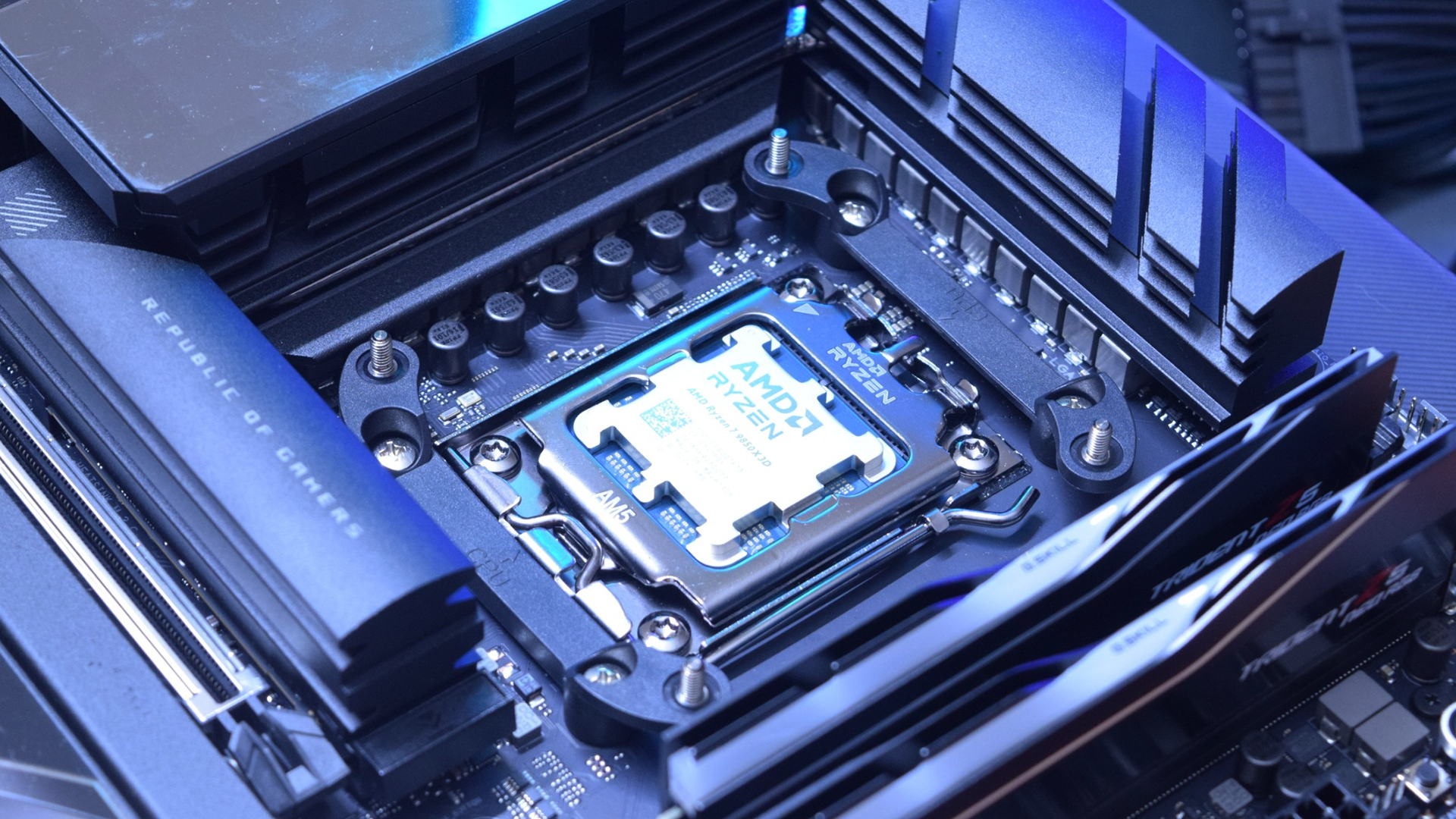
Motherboards come in different sizes. The right form factor depends on your case, cooling needs and how much expansion space you want.
ATX PC Motherboard
An ATX PC motherboard is the most common choice for high-end gaming builds. It gives you a good balance of space, features, and compatibility. You usually get more PCIe slots, more M.2 storage, better cooling space and more rear I/O than smaller boards.
For most high-end gamers, ATX is the safest option. You can compare ATX PC motherboard options if you are building in a mid-tower or full-tower case.
mATX Motherboard
A mATX motherboard is smaller than ATX but still practical for many gaming PCs. It can be a good choice if you want a more compact case without going fully small-form-factor.
The trade-off is that you may get fewer PCIe slots, fewer M.2 slots or slightly less space around components. Still, for many builds, a good mATX motherboard can offer excellent value.
ITX Motherboard
An ITX motherboard is designed for compact gaming PCs. It is ideal if you want a small, portable and clean-looking build. However, ITX boards usually cost more for the features they offer and have less room for expansion.
Choose ITX motherboard options if you are building a compact system and understand the cooling and space limitations.
Extended ATX Motherboard
An extended ATX motherboard is larger than standard ATX and is usually used for enthusiast builds. These boards may offer more power delivery, more connectivity, and more expansion space.
They are best for large cases and premium builds where space is not a concern. You can browse extended ATX motherboard options if you want a showcase-level high-end system.
Still deciding on motherboard size? Read our guide on ATX vs Micro ATX AM5 motherboards to understand how layout, expansion slots, airflow, and case compatibility affect your gaming build.
Storage and Expansion Options
Modern games can be very large, so storage support matters. A good AM5 gaming motherboard should include multiple M.2 slots for NVMe SSDs. This allows you to install Windows, games, and project files on fast storage without relying only on SATA drives.
For a high-end gaming build, look for:
- At least two M.2 slots
- PCIe 4.0 or PCIe 5.0 M.2 support
- M.2 heatsinks
- Enough SATA ports if using older drives
- A reinforced PCIe x16 slot for a heavy GPU
If you play large AAA games, a 1TB SSD is the minimum most gamers should consider. A 2TB SSD is better for high-end builds, especially if you want several games installed at once.
Connectivity: USB, Networking and Audio
A high-end gaming motherboard should make your setup easier to use. That means enough ports for your keyboard, mouse, headset, controller, capture device, external drive and other accessories.
| Features to Look for | Why It Helps |
| USB-C | Useful for modern devices and fast data |
| USB4 | Premium high-speed connectivity on supported boards |
| Wi-Fi 6E or Wi-Fi 7 | Better wireless performance with compatible routers |
| 2.5Gb Ethernet or better | Stable wired gaming connection |
| Good onboard audio | Better headset or speaker experience |
| BIOS Flashback | Easier BIOS updates without a working CPU in some cases |
For online gaming, Ethernet is still ideal where possible. Wi-Fi 7 is useful if your home network supports it, but a wired connection usually gives the most stable latency.
Best AM5 Motherboard for Gaming: What Should You Prioritise?
The best gaming PC motherboard is the one that supports your hardware properly without wasting money on features you will never use.
For high-end gaming, prioritise:
- Ryzen CPU compatibility
- Strong VRM and cooling
- DDR5 and AMD EXPO support
- Enough M.2 SSD slots
- PCIe 5.0 where useful
- Reliable networking
- The right form factor for your case
- Enough USB ports for your setup
- BIOS update features
- Good build quality
If you are building a premium system, browse top gaming motherboards to compare options aimed at gaming performance and modern PC builds.
Common Mistakes to Avoid
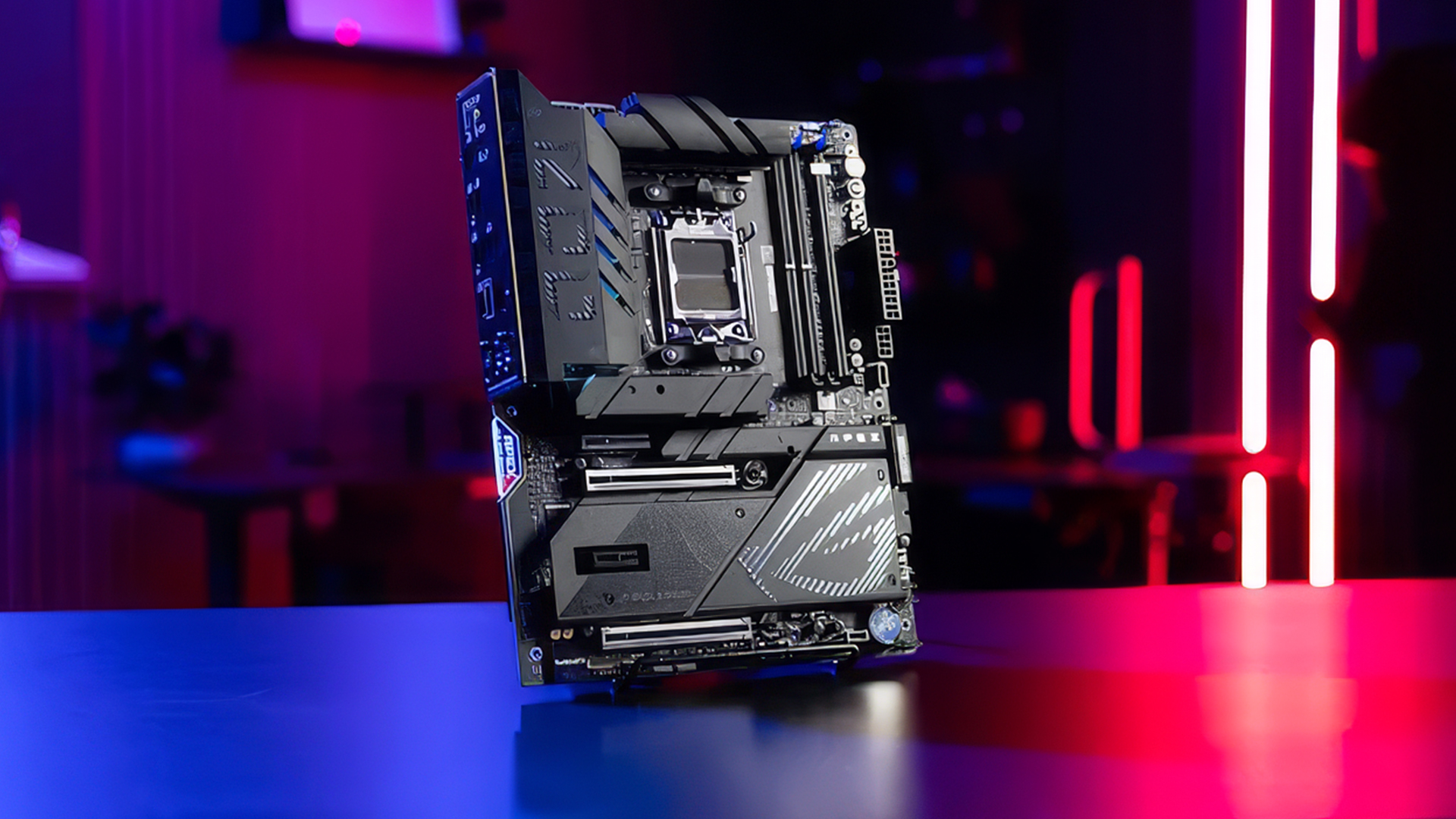
When choosing an AM5 motherboard, avoid these common mistakes:
| Mistake | Why It Matters |
| Buying the cheapest board for a high-end CPU | May limit power delivery and cooling |
| Ignoring BIOS compatibility | Newer CPUs may need an updated BIOS |
| Choosing the wrong form factor | The board may not fit your case |
| Not checking M.2 slots | You may run out of fast storage options |
| Overspending on unused features | Better to spend more on GPU or SSD |
| Forgetting front-panel ports | Your case USB-C may need a matching motherboard header |
The best AM5 motherboard for gaming should match your actual build, not just look impressive on paper.
If you’re weighing up features against cost, our guide to budget vs premium AM5 motherboards explains which upgrades are worth paying for and which ones you may not need.
Final Verdict
Choosing the best AM5 gaming motherboard for high-end gaming is about balance. You need a board that supports your Ryzen CPU properly, handles DDR5 memory well, gives you enough storage and connectivity, and fits your case without limiting airflow or upgrades.
For most high-end gamers, an X870 or X870E ATX board is the strongest option. It gives you modern connectivity, strong expansion support, and a premium platform for Ryzen gaming. B850 can also be a smart choice if you want strong gaming features at a lower price.
If you are building a compact PC, consider mATX or ITX carefully. If you want a showcase build with maximum expansion, extended ATX may be worth considering. The main goal is to choose a Ryzen motherboard that supports your CPU, GPU, RAM and storage needs without overspending on features you will not use.
To build your next gaming PC, browse the latest AMD motherboards at box.co.uk, compare wider PC motherboards, explore compact mATX motherboard options, or find premium top gaming motherboards for high-end Ryzen gaming builds.
You can pay with:
*PayPal Credit Representative Example: Assumed credit limit £1,200, Representative 23.9% APR (variable). Purchase rate 23.9% p.a (variable).Terms & Conditions apply.


PayPal Credit and PayPal Pay in 3 are trading names of PayPal UK Ltd, 5 Fleet Place, London, United Kingdom, EC4M 7RD. Terms and conditions apply. Credit subject to status, UK residents only, Five Tech LTD acts as a broker and offers finance from a restricted range of finance providers. PayPal Pay in 3 is not regulated by the Financial Conduct Authority. Pay in 3 eligibility is subject to status and approval. 18+. UK residents only. Pay in 3 is a form of credit. Check if affordable and how you will repay. May make other borrowing more difficult or expensive. See product terms for more details.
Copyright © 1996-2026 Fivetech LTD | Terms and Conditions
box.co.uk & Box are trading names of Five Tech Limited. Registered office: Box LTD, Unit 10 Woodford Trading Estate, Woodford Green IG8 8HF