


 Menu
MenuMenu


Get Sales Advice from Mon - Fri 9am - 5:00pm:
020 3337 8950LAST UPDATED: March 05, 2026
Celeron vs Ryzen HP Laptops : Which Budget CPU Is Better?
Choosing the right processor for a budget HP laptop can be confusing, especially when you see options with Intel Celeron and AMD Ryzen CPUs on the same parts list. While both aim to keep prices low, they target slightly different users and performance expectations. If you're wondering which is better among the Celeron vs Ryzen HP laptop, the short answer is that Ryzen-equipped HP laptops generally deliver better everyday performance, multitasking ability, and long-term value, but there are scenarios where an Intel Celeron option makes sense too.
This guide breaks down exactly what budget laptop CPUs do, how Celeron and AMD Ryzen processors differ, and when each is a smart choice, whether you're a student, casual user, or someone who wants more power for multitasking and light content creation. We'll look at HP budget laptops with these processors, highlight ideal use cases, and end with clear advice on which is better for you.
Before we dive in, if you're looking to buy HP laptops in general, including Pavilion, Envy, Victus or Omen, check out the full selection at Box.co.uk.
What Is a Budget Laptop CPU?
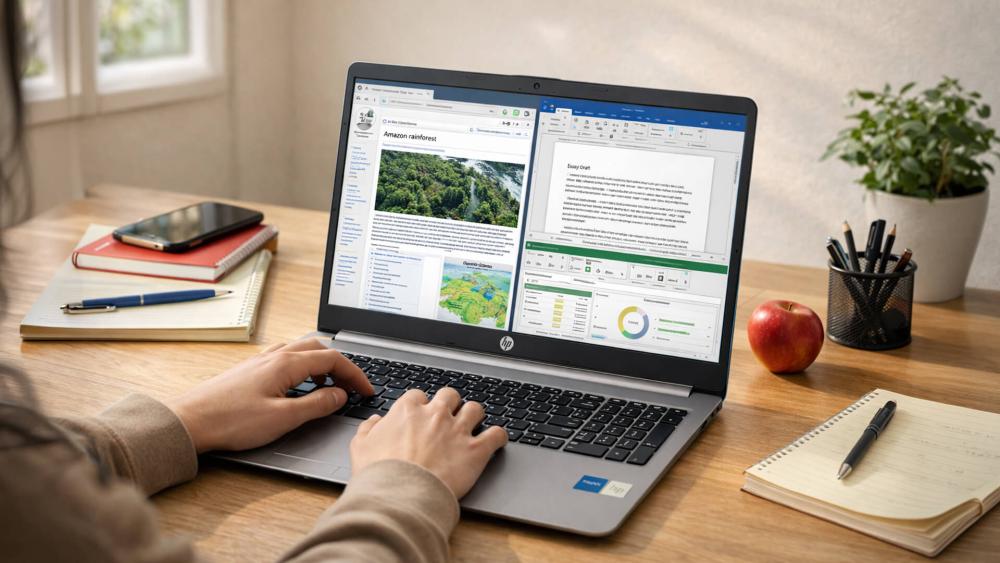
The CPU (central processing unit) is the part of a laptop that does the thinking, running operating systems, applications and the instructions behind everything you do. In a budget laptop, the CPU tends to be less powerful than the ones in premium machines, but it still plays a huge role in everyday experience.
In plain terms:
- CPU handles calculations, app responsiveness and multitasking. A faster CPU keeps your PC feeling snappy when opening apps, switching between tasks, and crunching data.
- In daily use, a more capable CPU reduces lag in web browsing (especially with many tabs open), makes office software more responsive, and helps video streaming run smoothly.
- Processor affects battery life and thermals too. A more efficient chip can give you longer unplugged use and cooler operation.
In the budget space, the two main CPU families you'll see in HP laptops are Intel Celeron and AMD Ryzen (especially Ryzen 3 and others designed for mainstream use).
Software & App Compatibility on Budget CPUs
A big worry for budget buyers is whether a cheaper CPU can run modern software smoothly. The good news is: both Intel Celeron and AMD Ryzen HP laptops running Windows 11 will meet basic compatibility requirements. They run Windows 11 Home or Pro without issue, and most everyday applications are supported.
However, the experience differs once you push beyond simple tasks:
- Office suites, web apps, and collaboration tools like Teams/Zoom will run on both, but Ryzen machines handle them more responsively, especially if you have multiple apps open.
- Creative software (photo editing, video trimming) benefits significantly from Ryzen's extra cores and stronger integrated graphics.
- Celeron laptops can feel slower when running complex spreadsheets or large web sessions with dozens of tabs, not because they can't run the software, but because they have less processing and caching headroom.
So, while a Celeron HP laptop can run most everyday apps smoothly, Ryzen offers a noticeably better experience once usage demands increase.
How CPU Specs Translate to Real-World Performance
When you look at a CPU spec sheet, cores, threads and clock speeds, it's easy to get lost in numbers. What matters to you is how those specs affect everyday responsiveness and performance.
Budget AMD Ryzen chips typically have more cores and threads than Celeron CPUs. For example, many Ryzen 5 models feature 4 cores and 8 threads, while Celeron processors often have just 2 cores and 2 threads, a big difference when running multiple apps at once. Benchmarks show a mid-range Ryzen CPU like the Ryzen 5 can deliver significantly stronger performance in both single- and multi-core tasks than a Celeron chip.
More cores and threads mean Ryzen laptops handle multitasking smoothly, keeping many browser tabs open, streaming video and running office tools without lag, whereas Celeron machines will slow down faster under similar loads. This advantage also extends to integrated graphics, where AMD's Radeon graphics tend to outperform basic Intel graphics in Celeron-equipped machines, so even light photo editing and casual gaming feels more responsive.
In practical terms:
- Everyday tasks (like email, browsing and streaming) feel snappier on Ryzen.
- Heavy workloads (multiple apps and tabs) are handled more gracefully on Ryzen.
- Celeron still works fine for very light use, but it's more likely to feel sluggish with heavier multitasking.
Understanding Intel Celeron in HP Laptops

Intel Celeron CPUs are designed for very affordable laptops that prioritise low cost and basic performance. They are often found in entry-level HP Windows laptops that trade high performance for wallet-friendly pricing.
Typical Specs & Core Counts
- Celeron chips often have 2–4 cores, modest clock speeds and limited instruction capabilities compared with more powerful processors.
- They lack some modern features (like advanced multi-threading) that you get on Ryzen.
- Integrated graphics are basic and suitable for light use only.
For example, Celeron N4500 and N5095 represent typical mobile Celeron options, 2–4 cores with simple cores and basic integrated GPUs. They're fine for web browsing and videos but limited for demanding tasks.
Ideal Use Cases
Intel Celeron laptops work well for:
- Basic web browsing and email
- Office apps and documents
- Video streaming on services like YouTube or Netflix
- School assignments and presentations
They are not built for heavy multitasking, demanding software, or video editing.
Common HP Models Using Celeron
HP frequently uses Celeron chips in its most affordable budget lines, for example, the HP 14 / HP 15 series with Celeron processors represent low-cost options with Windows 11 Home, suitable for basic everyday tasks.
If you need a super-cheap laptop primarily for email, docs, and videos, a Celeron-based HP may be just right.
Understanding AMD Ryzen in HP Budget Laptops
AMD's Ryzen lineup, especially Ryzen 3 and Ryzen 5 mobile CPUs, offers a noticeable step up in performance compared with Celeron and many low-end Intel chips.
Ryzen 3 Overview
Ryzen 3 processors (and similar mainstream Ryzen chips for laptops) typically offer:
- More cores and threads than comparable Celeron parts.
- Better integrated graphics through Radeon graphics units, useful for light gaming and graphic tasks.
- Stronger multitasking and responsiveness in everyday apps.
For example, a Ryzen 3 7320U (4 cores and 8 threads) generally outperforms an Intel Celeron N5095 in both single- and multi-core tasks, meaning better everyday performance and smoother multitasking.
Core Advantage & Integrated Graphics
Compared with Celeron chips, Ryzen parts often:
- Have higher clock speeds and support Simultaneous Multithreading (SMT).
- Offer stronger integrated graphics, helping with things like casual gaming or graphically richer apps.
- Provide smoother performance under load (like multiple browser tabs, Zoom calls, or background apps).
This makes Ryzen-equipped HP laptops a better choice for many users who want more than just basic performance.
Typical HP Ryzen Budget Models
HP uses Ryzen processors across several mainstream lines manufactured for performance on a budget. Examples include HP laptops with Ryzen 3 or Ryzen 5. These laptops are often found in Pavilion laptops and the HP Envy ranges, and offer a compelling performance-to-price balance for everyday use and multitasking.
Celeron vs Ryzen – Side-by-Side Comparison
Here's a simple comparison between Intel Celeron and AMD Ryzen CPUs in the context of budget HP laptops:
| Feature | Celeron | Ryzen |
| Cores / Threads | Fewer cores, basic multitasking | More cores & threads, smoother multitasking |
| Multitasking | Basic apps only | Handles multiple apps well |
| Everyday Use | Adequate | Better and more responsive |
| Graphics | Very basic | Stronger integrated Radeon graphics |
| Battery Efficiency | Often slightly better | Efficient — often competitive |
| Price Range | Lowest | Mid-budget |
The bottom line: Ryzen laptops deliver a more capable everyday experience and can even handle light creative work or casual gaming better than Celeron laptops.
Battery Life & Power Efficiency — Celeron vs Ryzen
Many people assume that cheaper = shorter battery life, but the story isn't that simple. Both Celeron and Ryzen CPUs aim for good battery efficiency, but they take different approaches.
AMD's Ryzen processors are optimised for overall architectural efficiency, meaning they can complete tasks quickly and return to low-power states, which often translates to competitive battery life even under real workloads like web browsing or document editing.
On the other hand, some Celeron-equipped HP laptops use very low-power cores that sip energy during light tasks, which can seem to extend battery life when you're only doing simple browsing or streaming. But as soon as you start juggling multiple tasks, like running a video call and editing a document, Celeron chips hit their limits and are less efficient at handling the extra demand.
In practice:
- Celeron may edge ahead in ultra-light usage (single app or strictly web browsing).
- Ryzen often wins in real-world battery tests because it finishes work faster and then idles efficiently.
- Overall laptop battery results also depend on factors like screen size, brightness and battery capacity, not just the CPU.
Upgradeability & Future-Proofing
Even in the budget space, thinking long-term is smart, especially if you plan to keep your laptop for several years. Ryzen laptops generally stay capable longer as operating systems and applications grow more resource demanding.
Ryzen processors tend to deliver steady performance gains and often handle updates with less lag over time. Meanwhile, Celeron CPUs, designed for basic tasks, can feel outdated sooner as software evolves and uses more cores and threads.
Another point is platform flexibility: many Ryzen laptops benefit from faster memory support and broader graphics capability, which can indirectly improve future responsiveness in creative apps or even casual gaming.
In short:
- Ryzen gives you more longevity for everyday performance.
- Celeron is best when your usage remains simple and lightweight.
Value Comparison — Price vs Performance
Budget buyers want to know: "Is Ryzen worth the extra money?" The answer largely depends on what you need from your laptop.
Ryzen laptops usually cost a bit more than Celeron models, but they deliver significantly more performance per pound, especially in multi-tasking and responsiveness. Ryzen's advantage in core/thread count and integrated graphics means machines with Ryzen CPUs often feel smoother and more capable across everyday use.
With Celeron laptops, the initial cost is lower, but you may feel the limitations sooner, especially if you use demanding applications or keep many tasks open at once.
So, consider your priorities:
- If price-only matters and use is light, Celeron can be okay.
- If you want better long-term value and smoother performance overall, Ryzen usually delivers stronger results.
- If you have the budget and want a machine that is perfect in every way, you might consider buying an HP Omen laptop for impressive gaming and everyday performance.
Which Is Better for Students?

If you're a student, whether for university or college, how these CPUs perform matters for daily tasks:
- Celeron is fine for light workflows such as essay writing, research and presentations, but Ryzen gives you smoother performance with heavier documents and multiple browser tabs.
- Business students using spreadsheets and multitasking between research, writing, and virtual meetings will appreciate the extra responsiveness of Ryzen machines.
- Coding beginners will likely find Ryzen advantageously smoother when running editors and other tools simultaneously.
Given the demands of student workloads today (multiple apps, web tabs, Zoom/Teams), Ryzen is usually the better pick, especially for students who use laptops for more than just word processing. If you want a laptop with higher specs for gaming along with study, go for the HP Victus gaming laptops range to find the perfect option.
Featured HP Laptops — Celeron vs Ryzen Options
Whether you're shopping for a budget-friendly HP laptop for everyday use or a more capable Ryzen-powered machine for multitasking, there's a wide range of options worth considering. Below are some recommended picks from both sides of the comparison.
Best Celeron & Entry-Level HP Laptops
If your priority is the lowest possible price and you mainly use your laptop for web browsing, streaming and simple productivity tasks, these Celeron-powered HP laptops are great starting points:
- HP Chromebook 15a-nb0006na Intel® N N100 4GB RAM 128GB UFS 15.6" ChromeOS Laptop: A very affordable Chromebook-style device with a large 15.6″ screen, ideal for browsing, emails and media on ChromeOS.
- HP Chromebook 14a-nf0002na Intel® Celeron N100 4GB RAM 128GB eUFS 14″ ChromeOS Laptop: A compact Celeron-based Chromebook that balances portability with basic daily use.
- HP 14s-dq3001na Intel® Celeron N4500 4GB RAM 64GB eMMC 14″ Windows 11 Home S Laptop: A Windows-based Celeron laptop for basic productivity apps and everyday tasks.
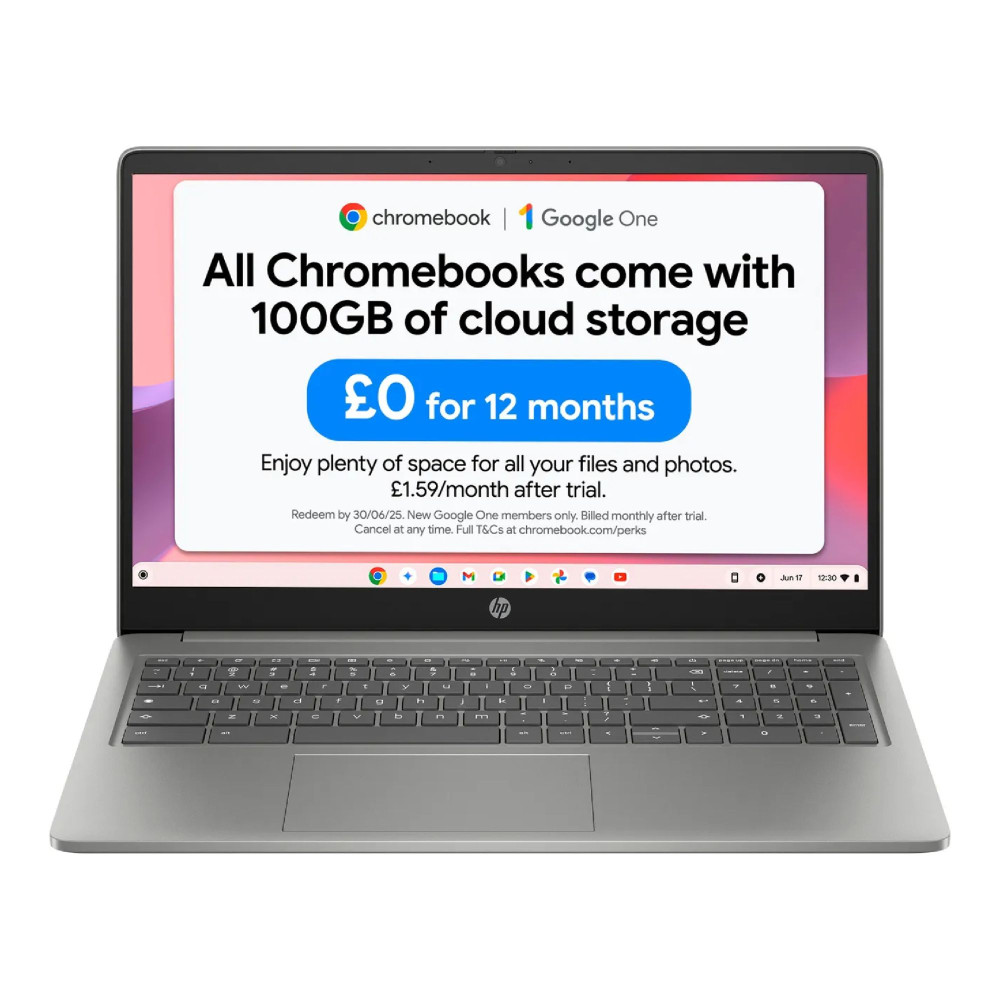
Shop HP Chromebook 15a-nb0006na
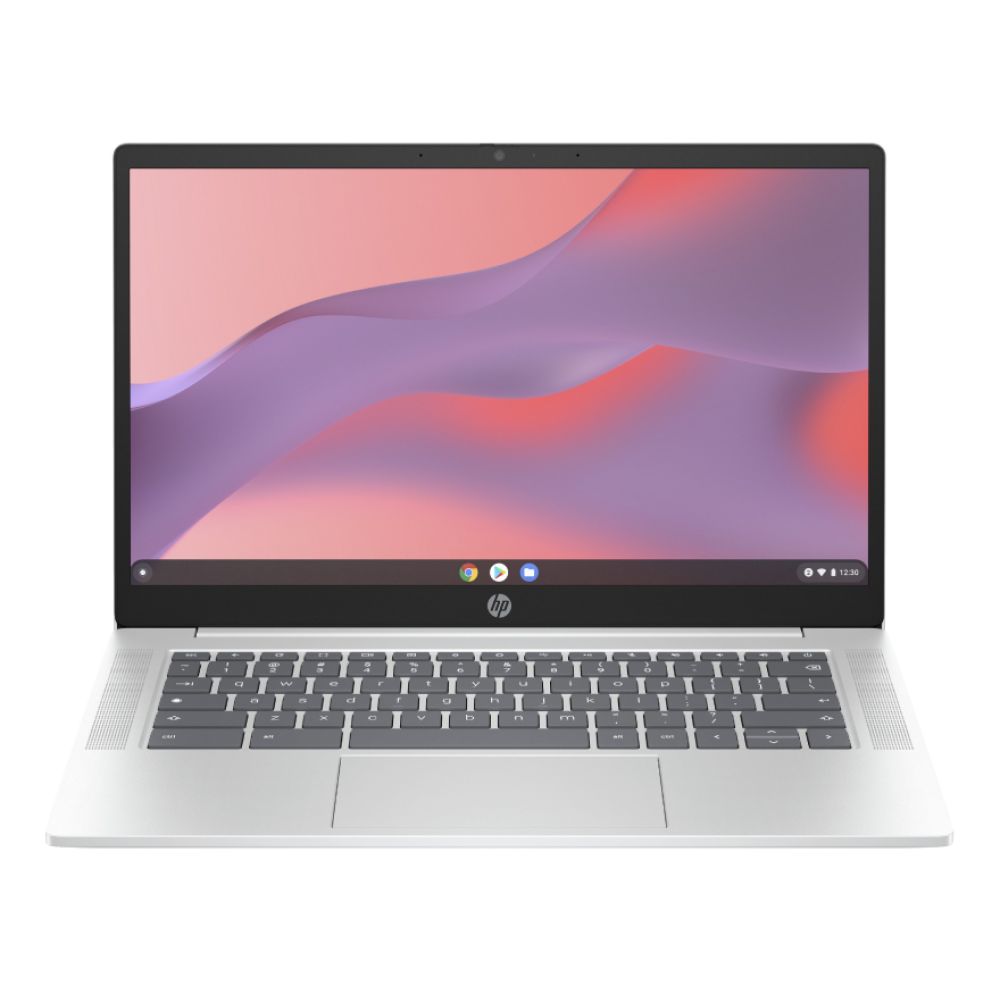
Shop HP ChromeBook 14a-nf0002na
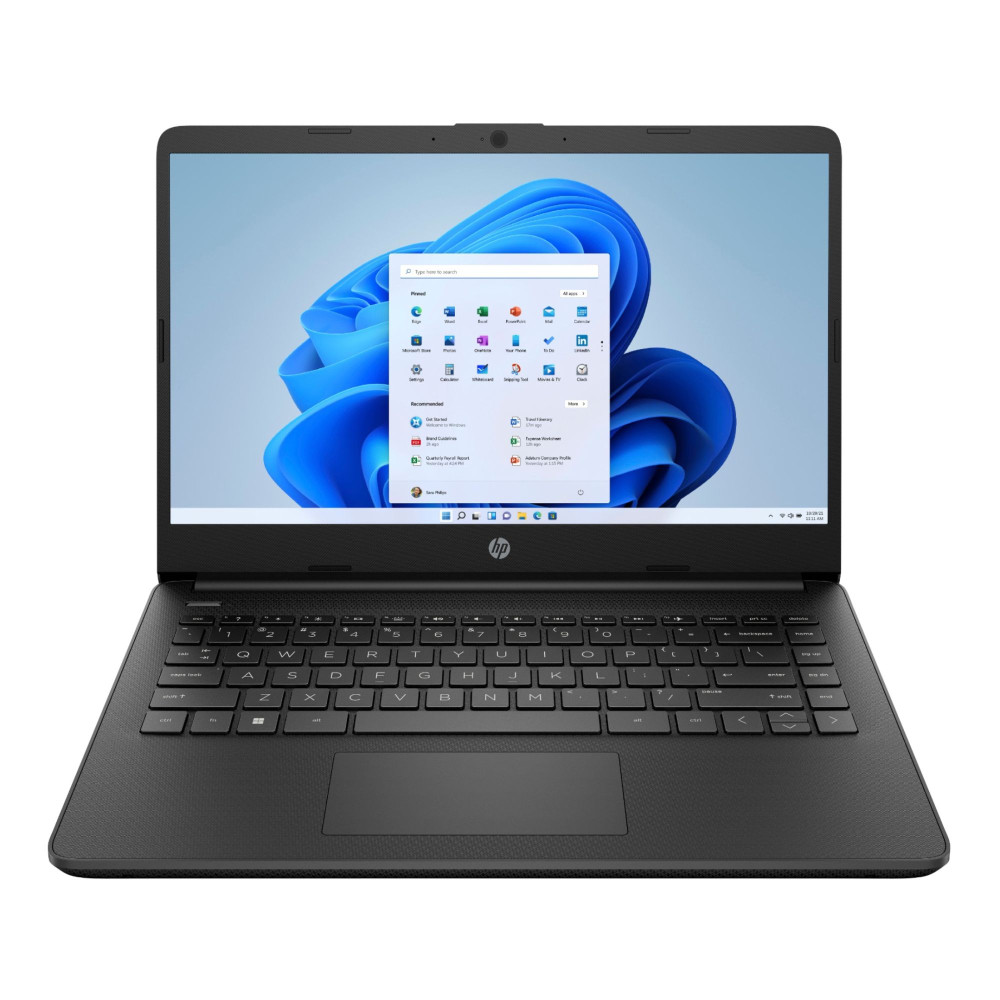
These laptops are perfect if you want simple performance at the lowest price, but they're not designed for heavy multitasking or demanding apps.
Recommended AMD Ryzen HP Laptops — Better Everyday Performance
For stronger real-world performance, smoother multitasking, faster responsiveness and better graphics, an AMD Ryzen-equipped HP laptop delivers notable value. Examples include:
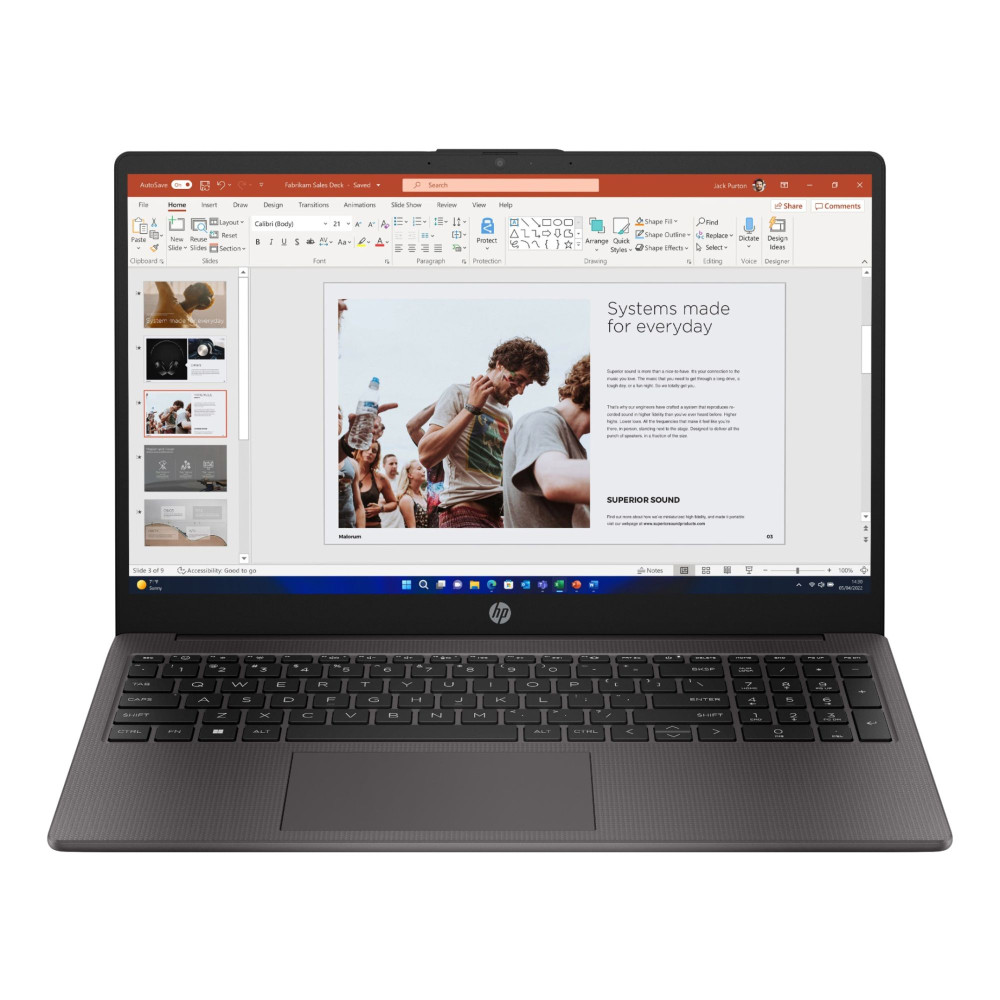
- HP 255 G10 AMD Ryzen 3 7330U 8GB RAM 256GB SSD 15.6″ Windows 11 Home Laptop: A balanced budget pick with a quad-core Ryzen 3 CPU, Full HD screen and decent storage, ideal for students and everyday productivity with crisp visuals.
- HP 15-fc0049na AMD Ryzen™ 5 7520U 16GB RAM 512GB SSD 15.6″ Windows 11 Home Laptop: A mid-range Ryzen 5 option with more RAM and storage, offering noticeably snappier performance for multitasking, video calls and content browsing.
- HP 255 G9 AMD Ryzen 7 5825U 16GB RAM 512GB SSD 15.6″ Windows 11 Pro Laptop: A more capable Ryzen 7 model for heavier workflows and smoother daily use over the long term.
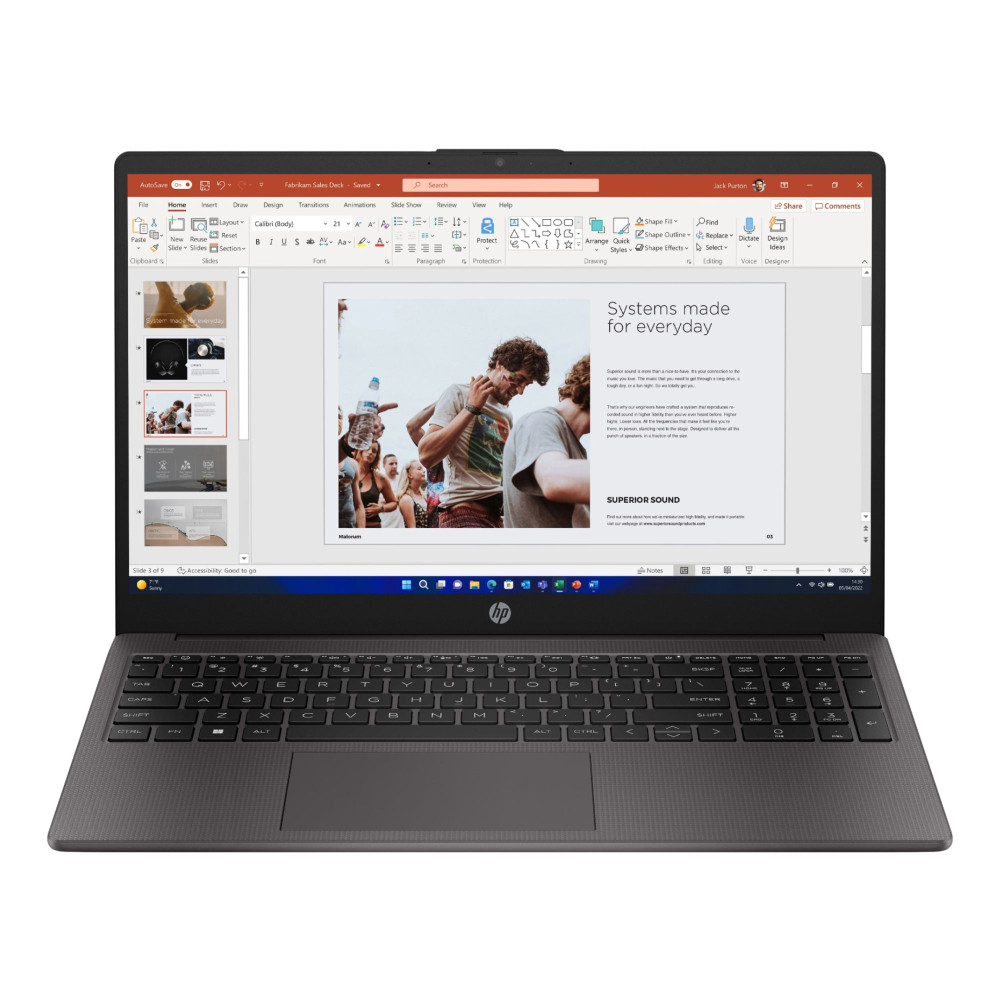
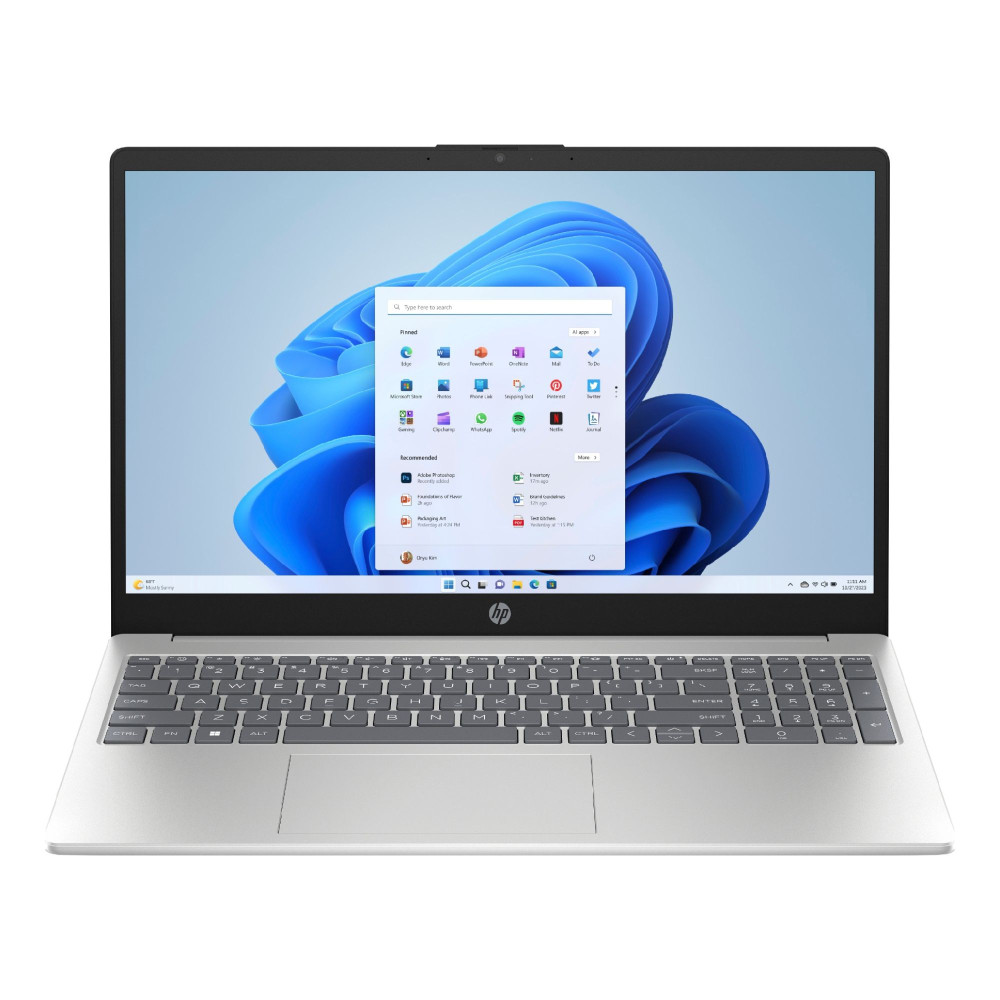
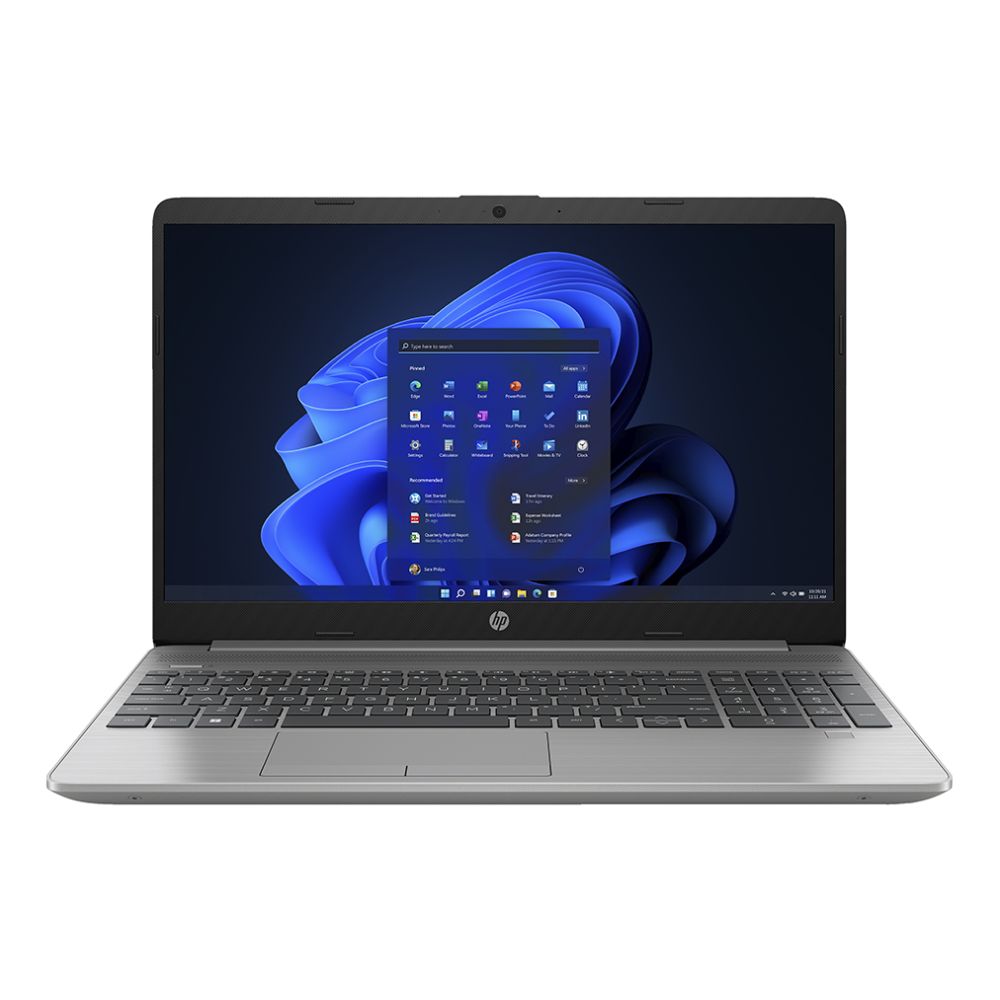
Thanks to their multi-core performance and integrated Radeon graphics, Ryzen models handle browsers with many tabs, productivity apps and even casual creative tasks more confidently than basic Celeron laptops.
Also Worth Considering
If your budget allows a little more performance or you want a device that lasts longer:
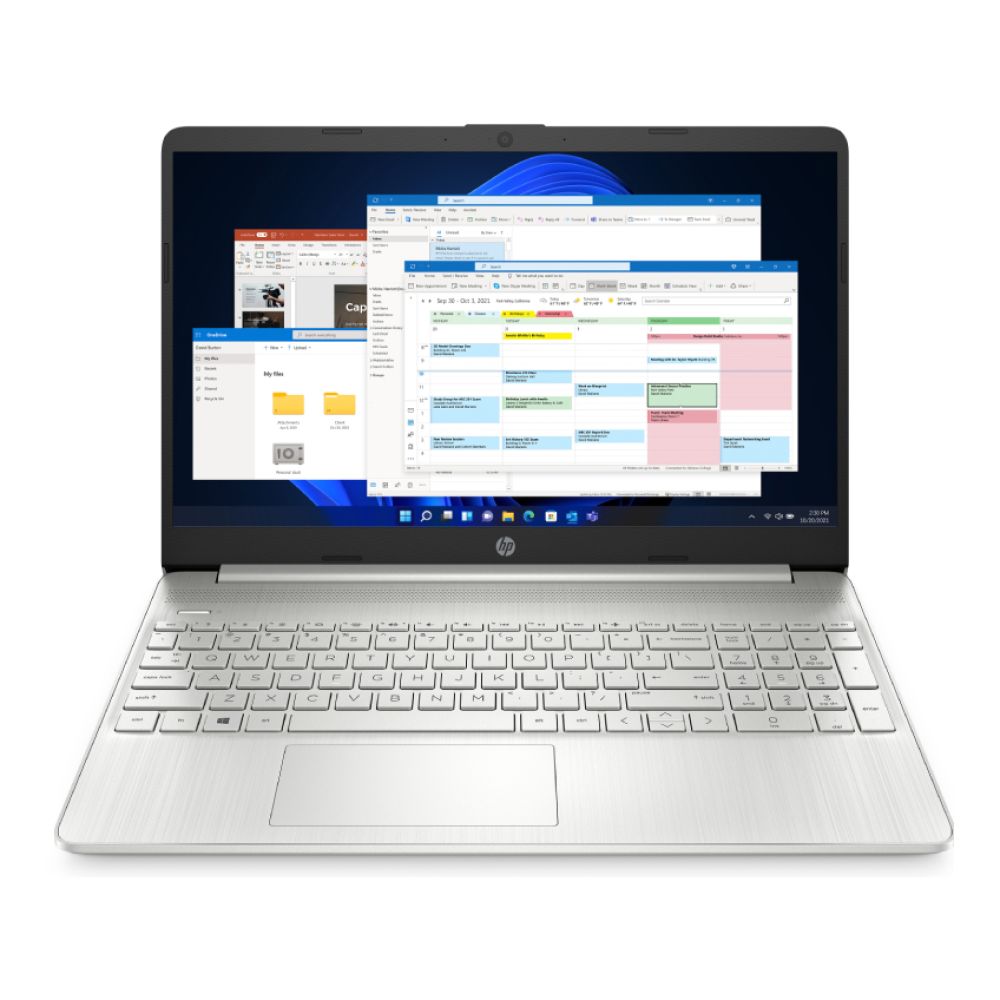
- HP 15s-fq5021na Intel® Core™ i5-1235U 8GB RAM 256GB SSD 15.6″ Windows 11 Home Laptop: A step up CPU performance in the mid-range Intel lineup.
- HP 255 G10 AMD Ryzen 5 7530U 16GB RAM 512GB SSD 15.6″ Windows 11 Home Laptop: Another solid Ryzen-based option blending strong everyday performance with great value.
When Should You Choose Celeron?
There are valid reasons to pick an HP Celeron laptop:
- Your budget is extremely tight as some budget HP Celeron laptops come in at the very lowest price point.
- You want a secondary device for basic tasks at home or work (e.g., web browsing and streaming).
- You mostly use light applications and don't need much multitasking.
Celeron laptops shine as simple, affordable starters or backup devices, but they will struggle as workloads grow.
When Should You Choose Ryzen?
Choose an HP laptop with a Ryzen CPU when you want:
- Better multitasking and responsiveness.
- A system that can handle multiple browser tabs, Zoom calls, office apps, and creative workloads smoothly.
- Longer future usefulness as Ryzen machines tend to stay capable longer as software demands increase.
In most budget laptop buyers' scenarios, Ryzen strikes the best balance between performance, battery life and price, especially if you plan to keep your laptop for several years.
Frequently Asked Questions
Is Ryzen better than Celeron?
Yes, AMD Ryzen processors generally outperform Intel Celeron CPUs in everyday performance tests, multitasking, and integrated graphics capability.
Is Celeron good enough for university?
For basic tasks like writing essays and browsing, yes, but if your coursework involves heavier multitasking, Ryzen is a better long-term pick.
Can Celeron run Windows 11 smoothly?
Yes, most Celeron laptops can run Windows 11, though performance with multiple apps open may feel sluggish compared with Ryzen laptops.
Is Ryzen 3 good for students?
Yes, Ryzen 3 CPUs provide a nice balance of performance for schoolwork, multitasking, and everyday computing.
Which processor lasts longer?
A laptop with a stronger CPU like Ryzen tends to stay capable longer as software demands increase.
Is 8 GB RAM enough with Celeron?
It's adequate for basic use, but 16 GB paired with Ryzen gives noticeably smoother multitasking.
Is Ryzen worth the extra money?
For most users, yes, Ryzen provides better performance and future-proofing than Celeron for just a bit more cost.
Can these laptops handle Zoom and Teams?
Ryzen laptops handle video calls and multitasking more comfortably; Celeron laptops will run them but may feel slower with multiple apps open.
You can pay with:
*PayPal Credit Representative Example: Assumed credit limit £1,200, Representative 23.9% APR (variable). Purchase rate 23.9% p.a (variable).Terms & Conditions apply.


PayPal Credit and PayPal Pay in 3 are trading names of PayPal UK Ltd, 5 Fleet Place, London, United Kingdom, EC4M 7RD. Terms and conditions apply. Credit subject to status, UK residents only, Five Tech LTD acts as a broker and offers finance from a restricted range of finance providers. PayPal Pay in 3 is not regulated by the Financial Conduct Authority. Pay in 3 eligibility is subject to status and approval. 18+. UK residents only. Pay in 3 is a form of credit. Check if affordable and how you will repay. May make other borrowing more difficult or expensive. See product terms for more details.
Copyright © 1996-2026 Fivetech LTD | Terms and Conditions
box.co.uk & Box are trading names of Five Tech Limited. Registered office: Box LTD, Unit 10 Woodford Trading Estate, Woodford Green IG8 8HF