


 Menu
MenuMenu


Get Sales Advice from Mon - Fri 9am - 5:00pm:
020 3337 8950LAST UPDATED: June 11, 2026
How Much RAM and Storage Does a Business Laptop Need in 2026?
Choosing the right business laptop RAM and storage is more important than ever in 2026. Modern work environments rely heavily on multitasking, cloud apps, AI tools, and browser-based workflows. This means your laptop needs to be fast, responsive, and capable of handling multiple tasks at once.
Many users focus on processor speed, but in reality, RAM and storage play a bigger role in everyday performance. The right combination ensures smoother workflows, faster load times, and better long-term usability.
In this guide, we'll break down how much RAM and storage you actually need based on your work style, so you can choose the right configuration from the business laptops range without overspending or under-specifying your device.
Why RAM and Storage Matter for Business Laptops
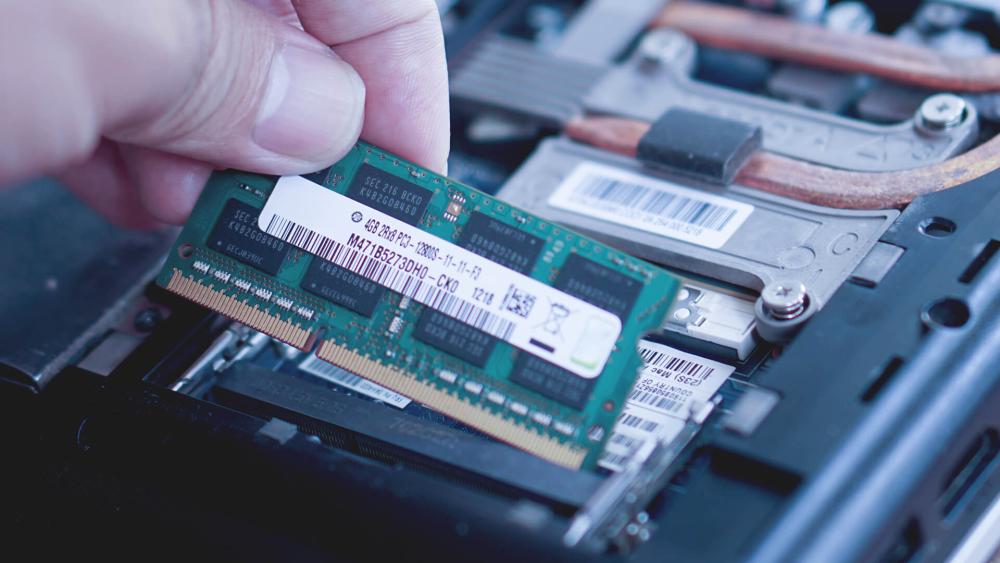
Before choosing the right business laptop RAM and storage, it's important to understand how these two components actually affect your day-to-day performance. While they may seem like technical specs, they directly impact how fast your laptop feels, how smoothly it runs, and how long it stays usable.
In a modern work environment where multitasking, cloud apps, and AI tools are common, having the right balance between RAM and storage can make a significant difference in productivity.
Performance vs Capacity
RAM and storage serve different purposes, but both are essential for a smooth experience.
RAM (Random Access Memory) controls how many tasks your laptop can handle at the same time. Every time you open an application, browser tab or file, it uses RAM. If you don't have enough, your system has to slow down or rely on temporary storage, which reduces performance.
Storage, on the other hand, determines how much data you can keep on your device such as files, software, and operating systems. However, it's not just about capacity. Modern NVMe SSD storage also improves speed, allowing your laptop to boot faster, load apps quickly, and access files almost instantly.
Multitasking and Workloads
Business laptops today are expected to handle multiple tasks at once. A typical work setup might include:
- Dozens of browser tabs open at the same time
- Microsoft 365 applications like Excel, Word and Teams
- Video calls running in the background
- Cloud-based tools and collaboration apps
All of these tasks consume memory continuously. If your work laptop RAM is limited, your system may start to slow down, apps may take longer to respond, and switching between tasks becomes frustrating.
Having enough RAM ensures that your laptop can handle these workloads smoothly without interruptions, which is essential for maintaining productivity throughout the day.
Long-Term Usability
Business laptops are not short-term devices; they are often used for several years. This makes it important to think beyond your current needs and consider how your usage may grow over time.
Software is becoming more demanding, especially with the rise of AI productivity tools, advanced applications, and heavier browser usage. A laptop that feels fast today may struggle in a couple of years if it doesn't have enough RAM or storage.
Another important factor is that many modern laptops use LPDDR5 memory, which is soldered onto the motherboard. This means you cannot upgrade the RAM later. Storage upgrades may be possible in some cases, but not always.
Because of this, choosing the right business laptop configuration from the beginning ensures your device remains reliable, efficient, and capable of handling future workloads without needing an early replacement.
How Much RAM Does a Business Laptop Need in 2026?
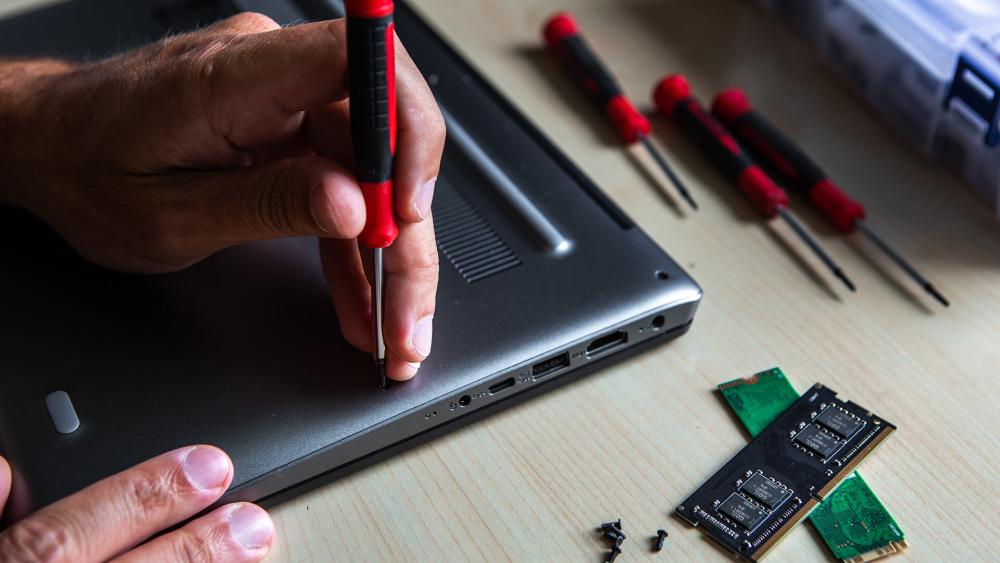
The amount of business laptop RAM you need depends on how you use your laptop throughout the day. RAM directly affects how smoothly your system runs, especially when handling multiple tasks at once. In 2026, workloads have become heavier due to cloud applications, browser-based tools and AI-powered software, so choosing the right amount of RAM is more important than ever.
Instead of choosing the minimum, it's better to think about your daily workflow and how many applications you typically run at the same time.
16GB: Basic Office Work
16GB RAM is suitable for light, everyday tasks and is often found in entry-level business laptops.
It works well for:
- Sending emails and basic communication
- Using Microsoft 365 apps like Word or Excel
- Light web browsing with a limited number of tabs
However, modern work habits often involve multitasking, such as switching between apps, running background processes, or joining video calls. In these situations, 8GB can start to feel limiting. You may notice slower performance when opening multiple tabs or running several apps at once.
In 2026, 16GB should be seen as the minimum requirement, rather than a long-term solution for productivity.
32GB: Standard Business Use (Best Balance)
32GB RAM is considered the ideal choice for most professionals and offers the best balance between performance and cost.
It allows your laptop to handle:
- Multiple browser tabs and applications simultaneously
- Video conferencing tools like Teams or Zoom
- Larger spreadsheets, presentations and documents
At this level, your laptop feels consistently smooth and responsive, even during busy workflows. Tasks like switching between applications, loading files or running background tools become faster and more efficient.
For most users, this is where laptop RAM for productivity truly meets modern expectations. It also aligns well with Windows 11 Pro memory usage, making it a reliable choice for everyday business environments.
64GB: Heavy Workloads and Future-Proofing
If your work involves more advanced tasks, 64GB RAM becomes a valuable upgrade.
This is especially useful for:
- Running virtual machines or development environments
- Working with large datasets or technical software
- Using AI tools, automation platforms or complex workflows
Higher RAM ensures your system can handle demanding workloads without slowing down. It also provides more headroom for future software updates, which often requires more resources over time.
For users who rely heavily on their laptop for professional work, investing in higher RAM helps ensure long-term performance and reliability.
How Much Storage Do You Really Need?
When choosing a business laptop storage setup, it's easy to focus only on how much space you need. However, storage is not just about capacity; it also plays a key role in how fast your laptop feels in everyday use.
From opening files to launching applications, your storage type and size directly affect performance. That's why it's important to understand both how much storage you need and how that storage performs.
256GB vs 512GB vs 1TB+: What's Right for You?
The right amount of storage depends on how you work and where your files are stored.
A 256GB SSD is suitable for light users who rely heavily on cloud-based tools. If most of your work happens in platforms like Microsoft 365 or Google Workspace, and you don't store many large files locally, this can be enough. However, it can fill up quickly over time, especially with software updates and cached data.
A 512GB SSD is the most practical choice for most professionals. It provides enough space for documents, applications, and moderate file storage without constant management. This is why it's often considered the best balance between capacity and usability.
For users working with large files such as videos, design assets or databases; a 1TB or higher SSD is a better option. It gives you the freedom to store everything locally without worrying about running out of space.
SSD Speed vs Capacity: Why It Matters
In 2026, almost all business laptops use NVMe SSDs, particularly PCIe Gen 4 SSDs, which are significantly faster than older storage options.
This speed translates into real benefits, such as:
- Faster startup times when turning on your laptop
- Quicker loading of applications and files
- Smoother overall system performance
Compared to traditional hard drives (HDDs), SSDs are not only faster but also more reliable and energy-efficient. This makes a business laptop SSD essential for maintaining productivity and avoiding slowdowns.
While capacity is important, choosing a fast SSD ensures your laptop stays responsive, even as workloads increase.
Cloud Storage vs Local Storage
Many businesses now rely on cloud storage solutions like OneDrive, Google Drive or Dropbox. These platforms make it easy to access files from anywhere and collaborate with teams in real time.
However, local storage is still important for several reasons.
It allows you to:
- Access files even without an internet connection
- Work with large files more quickly
- Store sensitive data securely without relying entirely on the cloud
For businesses that handle large amounts of shared data, a NAS for business purpose can be a useful addition. It provides centralised storage that multiple users can access, making it ideal for teams.
RAM vs Storage: Where Should You Spend More?
When choosing a business laptop configuration, one of the most common questions is whether to prioritise RAM or storage. Both are important, but they serve different purposes and the right choice depends on how you use your laptop every day.
Instead of simply upgrading both, it's more effective to understand which one will actually improve your workflow the most.
When RAM Matters More
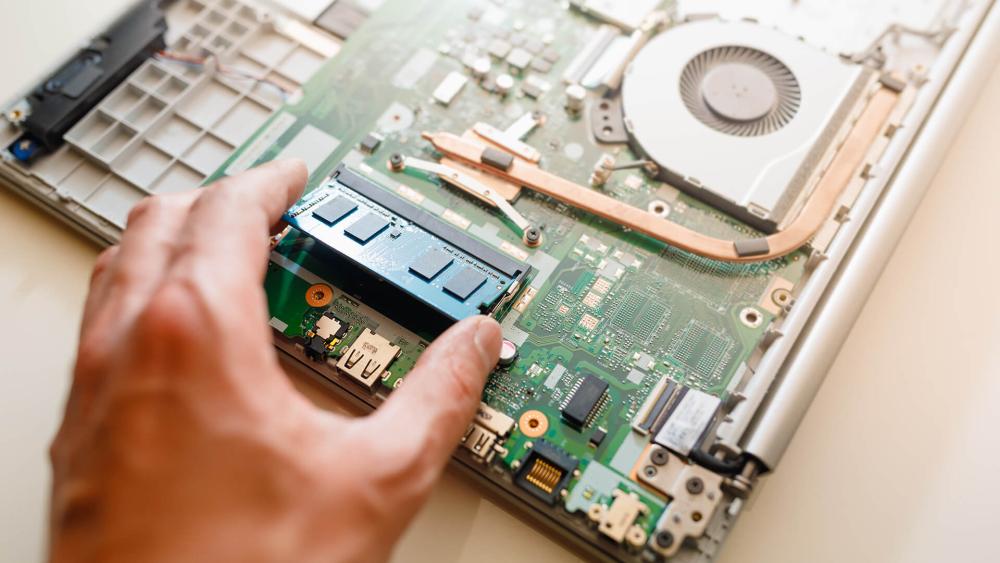
In most cases, upgrading business laptop RAM has the biggest impact on performance. RAM controls how smoothly your laptop can handle multiple tasks at the same time.
If your daily work involves switching between apps, running browser-heavy workflows, or working with large spreadsheets, more RAM can make everything feel faster and more responsive.
For example, if you often have:
- Multiple browser tabs open
- Microsoft 365 apps running together
- Video calls in the background
Then increasing your work laptop RAM will help prevent slowdowns and keep your system running smoothly.
For users who rely on multitasking or tools like virtual machines, development environments or AI productivity apps, higher RAM is not just helpful; it's essential for maintaining performance.
In simple terms, RAM matters most when your workload is active and multitask-heavy.
When Storage Matters More
While RAM affects speed during use, business laptop storage becomes more important when you deal with large amounts of data.
If your work involves storing or accessing large files, such as videos, images, databases or reports, having enough storage ensures you don't run out of space or constantly manage files.
Storage is also important if you:
- Need offline access to files
- Work with large datasets locally
- Prefer keeping business data on your device
In these cases, upgrading to a larger business laptop SSD gives you more flexibility and reduces the need to rely entirely on cloud storage.
In simple terms, storage matters most when your workload involves large files and long-term data use.
Best Balanced Configuration
For most professionals, the best approach is to choose a balanced setup that supports both performance and storage needs.
A configuration of 16GB RAM and 512GB SSD is widely considered the ideal starting point for modern business use. It provides:
- Smooth multitasking performance
- Enough storage for everyday files and applications
- A reliable experience for long-term use
This combination works well for most workflows, from office tasks to moderate multitasking, without overcomplicating your setup.
Recommended Configurations by Work Type
| User Type | Recommended Specs | What It Means for You (Benefits) | Recommended Laptop |
| Basic Office Users | 8GB RAM/16 GB + 256GB SSD | Suitable for light, everyday tasks like emails, documents and cloud-based apps. This setup is cost-effective and works well if you don't multitask heavily or store large files locally. |
Lenovo ThinkBook 16 Gen 7 (21MW0023UK) – AMD Ryzen 5, 8GB RAM, 256GB SSD. A reliable entry-level business laptop for simple workflows and daily office tasks. Lenovo V15 (82YU00HXUK) – AMD Ryzen 5, 16GB RAM, 256GB SSD. A reliable entry-level business laptop that offers better-than-basic performance for everyday office workflows. |
| Business Professionals & Multitaskers | 16GB RAM/32 GB + 512GB SSD | The best balance for most professionals. 16GB handles multitasking smoothly, while 32GB is ideal for heavier workflows like large spreadsheets, multiple apps and AI tools. This setup ensures consistent performance throughout the workday. |
Acer TravelMate P2 TMP215-55 (NX.BGPEK.006) – Intel Core 5, 16GB RAM, 512GB SSD. Designed for business users who need consistent performance throughout the day. Samsung Galaxy Book5 360 (NP754QHA-KG1UK) – Intel Core Ultra 7, 32GB RAM, 512GB SSD. A powerful and flexible business laptop designed for productivity, multitasking, and modern work environments. |
| Power Users & Technical Work | 32GB/64GB RAM + 1TB+ SSD | Built for demanding workloads such as development, data analysis, virtual machines or creative work. Higher RAM ensures smooth performance under heavy load, while larger storage supports big files and long-term usage. Ideal for future-proofing your setup. |
ASUS Vivobook S 15 OLED (S5506MA-MA025W) – Intel Core Ultra 9, 32GB RAM, 1TB SSD. A high-performance laptop for professionals who need speed, power and advanced capabilities. HP ZBook 8 G1a (B72YHET#ABU) – AMD Ryzen AI 9 HX PRO, 64GB RAM, 1TB SSD. A high-end mobile workstation designed for professionals who need maximum power, performance and reliability. |
Final Verdict: What Should You Actually Buy?
In 2026, the best business laptop specs are those that balance performance, storage, and long-term usability. The goal is not just to meet your current needs, but to ensure your laptop stays fast and reliable as workloads grow over time.
For most users, a configuration of 16GB RAM and 512GB SSD offers the best overall experience. It handles multitasking, cloud applications and productivity tools smoothly, making it ideal for everyday business use without unnecessary cost.
If your work involves heavier tasks such as development, data analysis or creative workloads, then upgrading to 32GB RAM and 1TB storage is a smarter investment. This ensures your laptop can handle demanding applications while remaining responsive in the long run.
It's also important to understand the difference between business vs consumer laptops. Business laptops are typically designed for reliability, security and long-term performance, making them better suited for professional environments. In contrast, consumer laptops often prioritise design and general use, which may not always meet the demands of business workflows.
To make the right choice, you can explore a wide business laptops range, upgrade RAM for your laptop, or choose faster internal SSD drives based on your needs. Adding the right accessories for laptop can further improve your productivity, while solutions like NAS for business purpose can help manage storage across teams.
If you're ready to upgrade your setup, browse the latest options at Box.co.uk, where you can compare configurations, find the right business laptop for your needs, and build a system that supports your workflow both now and in the future.
FAQs
How much RAM does a business laptop need?
Most users need at least 16GB RAM for smooth multitasking and productivity.
Is 16 or 32 GB RAM good for business?
16GB is ideal for most users, while 32GB is better for heavy workloads and future-proofing.
How much storage does a business laptop need?
512GB SSD is sufficient for most users, while 1TB is better for large files and professional use.
Is 256GB enough for office work?
Yes, but it may feel limited over time, especially with modern applications.
Is 16GB RAM enough for an accountant?
Yes, 16GB is sufficient for accounting software and multitasking.
How much RAM do I need to run Office 365?
8GB works, but 16GB provides a much smoother experience.
Is SSD better than HDD for business laptops?
Yes, SSDs are faster, more reliable, and essential for modern business laptops.
You can pay with:
*PayPal Credit Representative Example: Assumed credit limit £1,200, Representative 23.9% APR (variable). Purchase rate 23.9% p.a (variable).Terms & Conditions apply.


PayPal Credit and PayPal Pay in 3 are trading names of PayPal UK Ltd, 5 Fleet Place, London, United Kingdom, EC4M 7RD. Terms and conditions apply. Credit subject to status, UK residents only, Five Tech LTD acts as a broker and offers finance from a restricted range of finance providers. PayPal Pay in 3 is not regulated by the Financial Conduct Authority. Pay in 3 eligibility is subject to status and approval. 18+. UK residents only. Pay in 3 is a form of credit. Check if affordable and how you will repay. May make other borrowing more difficult or expensive. See product terms for more details.
Copyright © 1996-2026 Fivetech LTD | Terms and Conditions
box.co.uk & Box are trading names of Five Tech Limited. Registered office: Box LTD, Unit 10 Woodford Trading Estate, Woodford Green IG8 8HF