


 Menu
MenuMenu


Get Sales Advice from Mon - Fri 9am - 5:00pm:
020 3337 8950LAST UPDATED: May 25, 2026
Budget vs Premium AM5 Motherboards: What’s the Difference?
In a budget vs premium AM5 motherboards comparison, the difference is usually not a huge jump in gaming FPS. Both can support modern Ryzen builds, DDR5 memory and current graphics cards. What changes is the hardware around the CPU, including power delivery, cooling, PCIe support, M.2 storage, USB ports, networking and long-term upgrade flexibility.
A budget board can still be the right choice for an entry-level gaming PC, especially if you are using a mid-range Ryzen processor, one graphics card and a simple storage setup. A premium board makes more sense when you need stronger VRMs, more expansion, faster connectivity, better onboard features or support for a more demanding build.
The goal is to choose the best AM5 motherboard for the whole system, not just the most expensive one. AM5 supports Ryzen 7000, 8000 and 9000 Series processors across AMD 600 and 800 Series chipsets, while features such as PCIe 5.0 vary by motherboard and chipset tier.
Budget vs Premium AM5 Motherboards: The Quick Difference
When comparing budget and high-end AM5 boards, the difference is not just the chipset name. A cheaper board can still run a modern Ryzen CPU, but premium boards usually add stronger power delivery, better cooling, more PCIe bandwidth, more storage support and higher-end connectivity.
| Feature | Budget AM5 Boards (A620 / Entry B650) | Premium AM5 Boards (X870 / X870E / High-End B650E) |
| Best for | Value gaming PCs, everyday builds and simple Ryzen setups | High-end gaming, creator builds, Ryzen 9 systems and long-term upgrade plans |
| Typical VRM design | Around 6 to 10 power phases, usually with smaller heatsinks | Often 16 or more phases, with larger heatsinks and stronger cooling |
| CPU overclocking | Not available on A620; limited on some budget B650 boards | Better suited for CPU tuning, PBO and sustained performance |
| Memory support | DDR5 support with AMD EXPO on many boards | DDR5 with stronger layout and better tuning headroom |
| Primary GPU slot | Usually PCIe 4.0 x16 | More likely PCIe 5.0 x16 on higher-end boards |
| M.2 storage | Usually 1–2 slots, mostly PCIe 4.0 | Often 3–5 slots with more PCIe 5.0 and better heatsinks |
| USB connectivity | USB 2.0, USB 3.2 Gen 1 and some faster ports | More high-speed ports, USB4 common |
| Wireless networking | Wi-Fi 6 / 6E or none depending on model | More likely to include Wi-Fi 7 |
| Wired networking | Typically 1Gb or 2.5Gb Ethernet | 2.5Gb, 5Gb or 10Gb Ethernet options |
| Audio | Basic onboard audio | Higher-end codecs and better shielding |
| PCB quality | Usually 4–6 layers | Often 6–8+ layers for better stability |
| Troubleshooting tools | Basic LEDs or minimal tools | POST display, BIOS flashback, onboard buttons |
| Form factor | Mostly mATX, some ATX | Mainly ATX, with ITX and E-ATX options |
When it comes to selecting the best PC motherboards, these specs matter, but opting for a premium AM5 motherboard isn’t always the right call, especially if the features included are of no use to you. In many cases, budget AM5 boards with a modest set of features can do the needful and also save a lot of money.
Chipset Differences: A620, B650, B850, X670 and X870 Explained
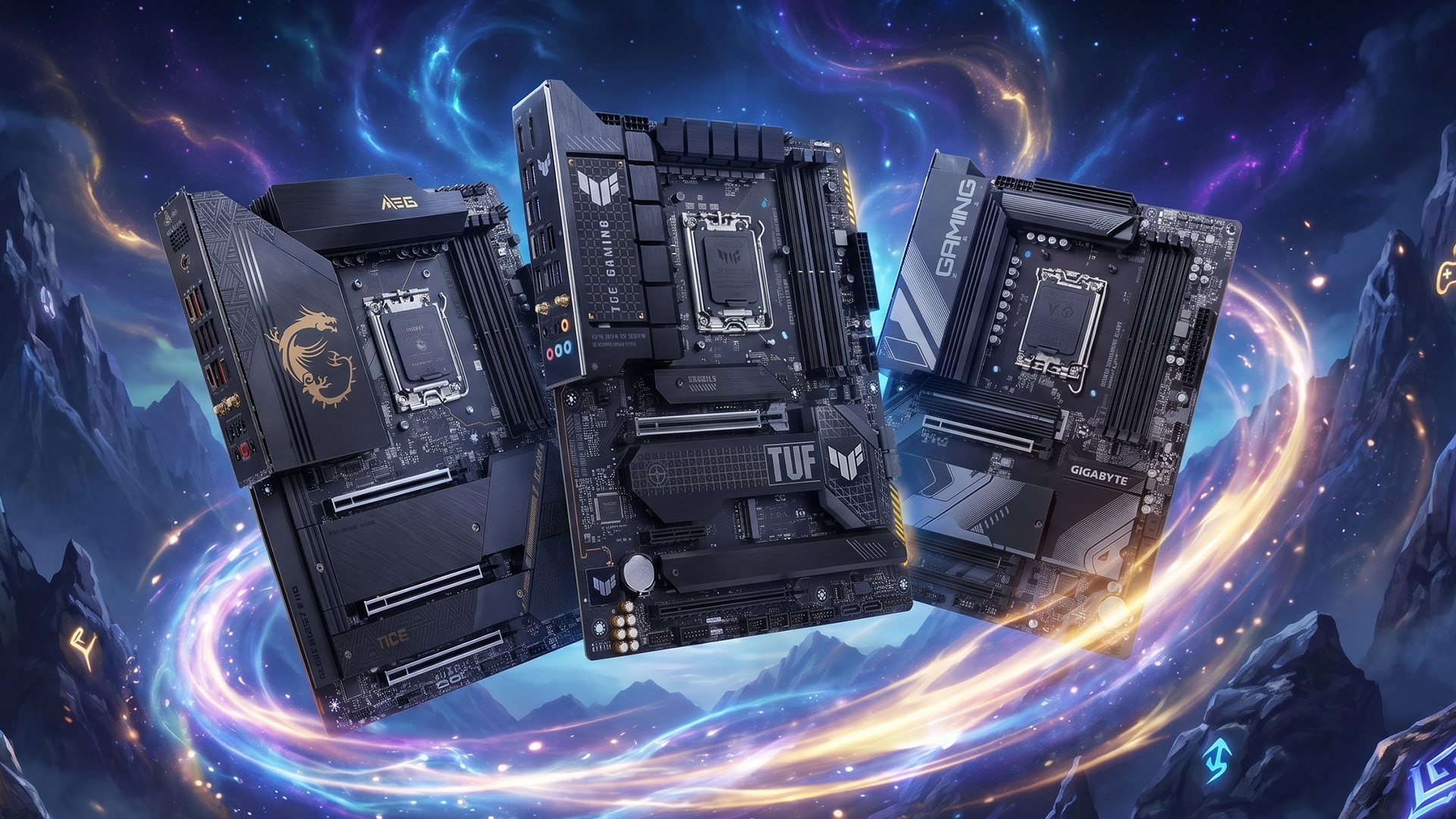
The chipset decides how much expansion, connectivity and tuning support an AM5 motherboard can offer. When comparing budget and premium AM5 boards, this is one of the clearest ways to understand what you are really paying for.
-
A620: basic AM5 builds
A620 is the entry-level route into AM5. It can work well for simple Ryzen builds, but it has fewer expansion features and does not support Ryzen CPU overclocking. If you are looking for an affordable AM5 motherboard for a CPU, the A620 chipset is the one you need to consider. It comes with PCIe 4.0 support rather than PCIe 5.0.
-
B650 and B850: the balanced gaming choice
B650 and B850 sit in the middle. These are the AMD motherboards most buyers should consider first because they offer a better mix of value, CPU support, DDR5, storage and upgrade room. B650 usually focuses on PCIe 4.0 graphics with optional PCIe 5.0 NVMe support, while B850 is the newer mainstream option with stronger baseline storage support.
-
B650E: the value enthusiast option
B650E is useful if you want a stronger Ryzen motherboard without moving all the way to X-series pricing. The “E” matters because it brings PCIe 5.0 support for graphics and NVMe, making it more suitable for buyers who care about future GPU and storage support.
-
X670 and X670E: high-end 600 Series boards
X670 boards are built for more expansion, more I/O and stronger overall board designs. X670E goes further by adding PCIe 5.0 support for both graphics and NVMe, which makes it a better fit for premium gaming or creator systems.
-
X870 and X870E: newer premium AM5 boards
X870 and X870E are aimed at newer high-end AM5 builds. X870E offers PCIe 5.0 support for graphics and NVMe, along with USB4 support. These boards make the most sense when you want a modern platform with stronger connectivity and long-term upgrade room.
The simple rule is this: A620 is for basic value builds, B650 and B850 suit most gaming PCs, while X670/X870 and their E versions are for users who need more expansion, stronger connectivity and better future-proofing.
Budget vs Premium AM5 Motherboards: Power Delivery and CPU Support
Power delivery matters most when the motherboard is paired with a higher-power Ryzen CPU or used for long, sustained workloads. In simple terms, better VRMs and heatsinks help the board feed the processor more consistently under load.
- Premium AM5 Motherboards: A high-end AM5 motherboard is the better match for Ryzen 9 processors, heavy multitasking, rendering, streaming and manual tuning. These boards usually have stronger VRMs, larger heatsinks and better BIOS controls.
- Budget AM5 Motherboards: A budget option can still be a good AM5 motherboard for pairing with CPUs such as Ryzen 5 and many Ryzen 7 chips, especially for normal gaming and everyday use. The main thing is to check the CPU support list and BIOS version before buying, because AM5 supports Ryzen 7000, 8000 and 9000 Series CPUs, but some older boards may need an update.
PCIe, Storage and Connectivity Differences
The difference between budget and premium AM5 motherboards is not just speed, but how many high-bandwidth devices the board can support at the same time.
- Premium AM5 Motherboards: Premium boards are better if you want PCIe 5.0 graphics support, multiple M.2 SSDs, stronger M.2 heatsinks, USB4, faster networking and more rear I/O. They make more sense for users building around high-end GPUs, several NVMe drives, capture cards or a cleaner long-term setup. The examples include top gaming motherboards like X870E and X670E. No doubt, the best AMD AM5 motherboards are costly, but they also come with features that help you put together a gaming PC that many enthusiasts envy.
- Budget AM5 Motherboards: Affordable boards usually give you enough for a normal gaming PC: one graphics card, one or two SSDs, standard USB ports and basic networking. That is fine for many builds, but storage-heavy users may run out of M.2 slots or high-speed ports sooner.
Form Factor: mATX, ATX, ITX and E-ATX
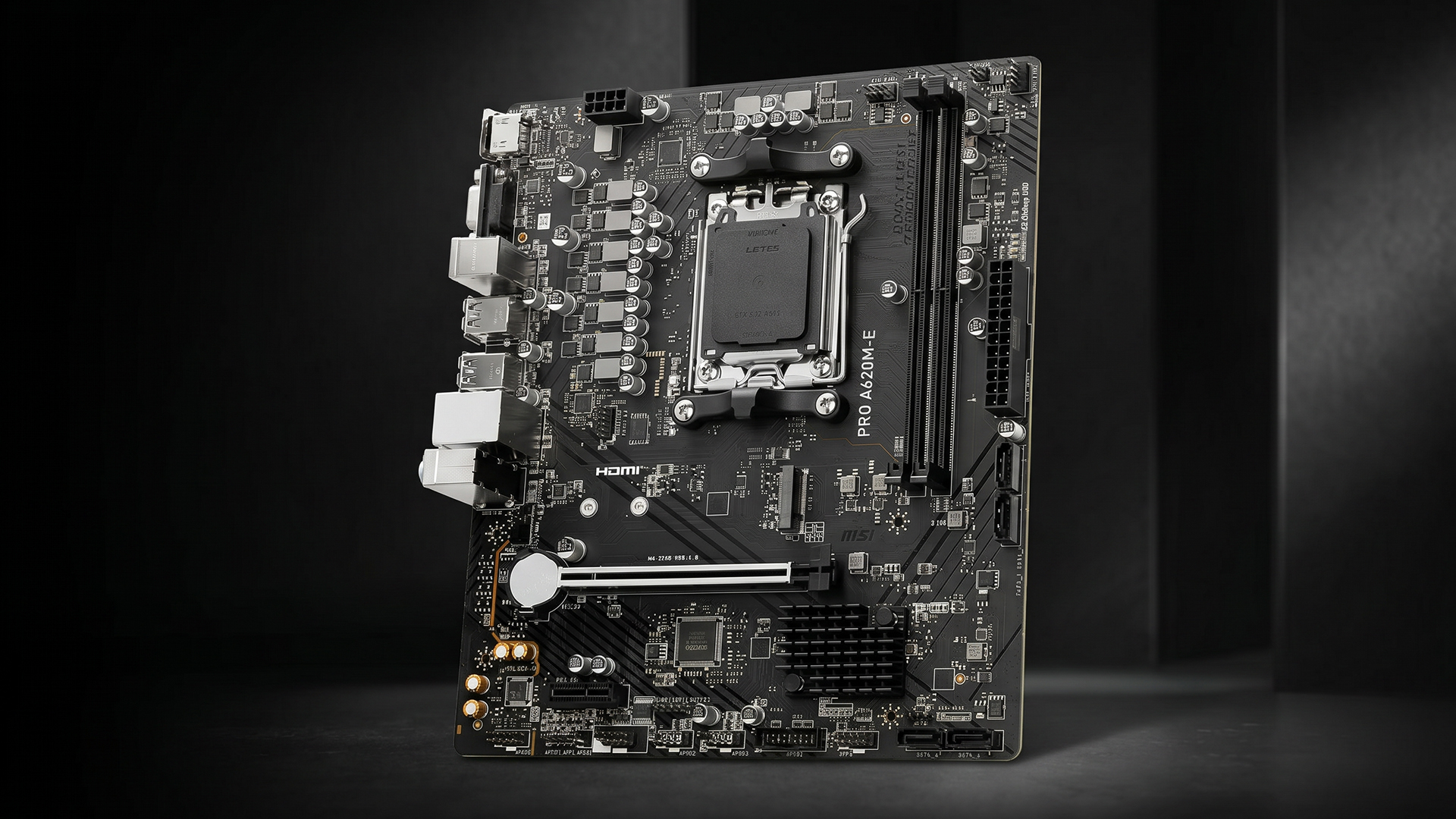
In a budget vs premium AM5 motherboard comparison, form factor plays a vital role. It affects case compatibility, expansion space, cooling room and how easy the PC is to build. It does not decide performance by itself, but it can affect how many slots, drives and headers your AM5 build can support. Motherboard size also influences case support and available expansion options.
- mATX Motherboard: A mATX motherboard is a good choice for compact value builds. It usually costs less than ATX, fits smaller cases and still gives enough room for a standard gaming setup. The trade-off is fewer PCIe slots, fewer M.2 slots and less space around large graphics cards.
- ATX Motherboard: An ATX PC motherboard is the best all-round size for most AM5 gaming PCs. It gives more expansion room than mATX, better spacing for components and wider case compatibility. For buyers comparing ATX vs Micro ATX AM5 motherboards, ATX is the safer choice if they want easier upgrades later.
- ITX Motherboard: An ITX motherboard is for small-form-factor builds. It can work well for a clean compact PC, but it usually has fewer ports, fewer slots and tighter cooling space. It is best for users who care more about size than maximum expansion.
- Extended ATX motherboard: An extended ATX motherboard is mainly for premium builds with larger cases. It gives board makers more room for stronger power delivery, extra M.2 slots, better cooling hardware and more onboard features. It only makes sense if your case clearly supports it.
Does a Premium AM5 Motherboard Improve Gaming Performance?
A premium AM5 motherboard does not usually increase gaming FPS by itself. In most games, the graphics card and CPU do the heavy lifting, so spending more on the board only makes sense if the rest of the build can benefit from it.
Where a premium board helps is stability, power delivery, cooling support, storage speed, connectivity and upgrade room. If you are looking for a specific AM5 motherboard for 4K gaming, please note that it will only matter when it is paired with a strong Ryzen CPU, a powerful GPU, fast NVMe storage and enough connectivity for the full setup.
For a mid-range gaming build, a good budget or mid-range AM5 board can be enough. A high-end AM5 motherboard is more useful for Ryzen 9 systems, multiple SSDs, PCIe 5.0 features, stronger USB support and long-term expansion. AMD’s AM5 chipset specifications also show that premium chipsets such as X870E and X670E offer broader PCIe 5.0 support than entry-level options.
So, if you are wondering how to select the best AM5 motherboard for high-end gaming, focus less on the word “premium” and more on whether the board matches your CPU, GPU, storage, case size and future upgrade plans.
Which AM5 Motherboard Should You Choose?
The most important thing in a budget vs premium AM5 motherboard comparison is the way out. Here are some recommendations depending on different use cases.
Choose Budget AM5 Motherboards
- Go budget if you are building around a Ryzen 5 or mid-range Ryzen 7 CPU.
- Choose this route if you only need one graphics card, one or two SSDs and standard USB connectivity.
- It makes sense for value gaming PCs where the GPU and CPU matter more than premium motherboard extras.
Tip: The best budget AM5 motherboard should still have decent VRM cooling, BIOS support and the right form factor for your case. Avoid cheap boards if they limits storage, memory support or future upgrades too much.
Choose Premium AM5 Motherboards
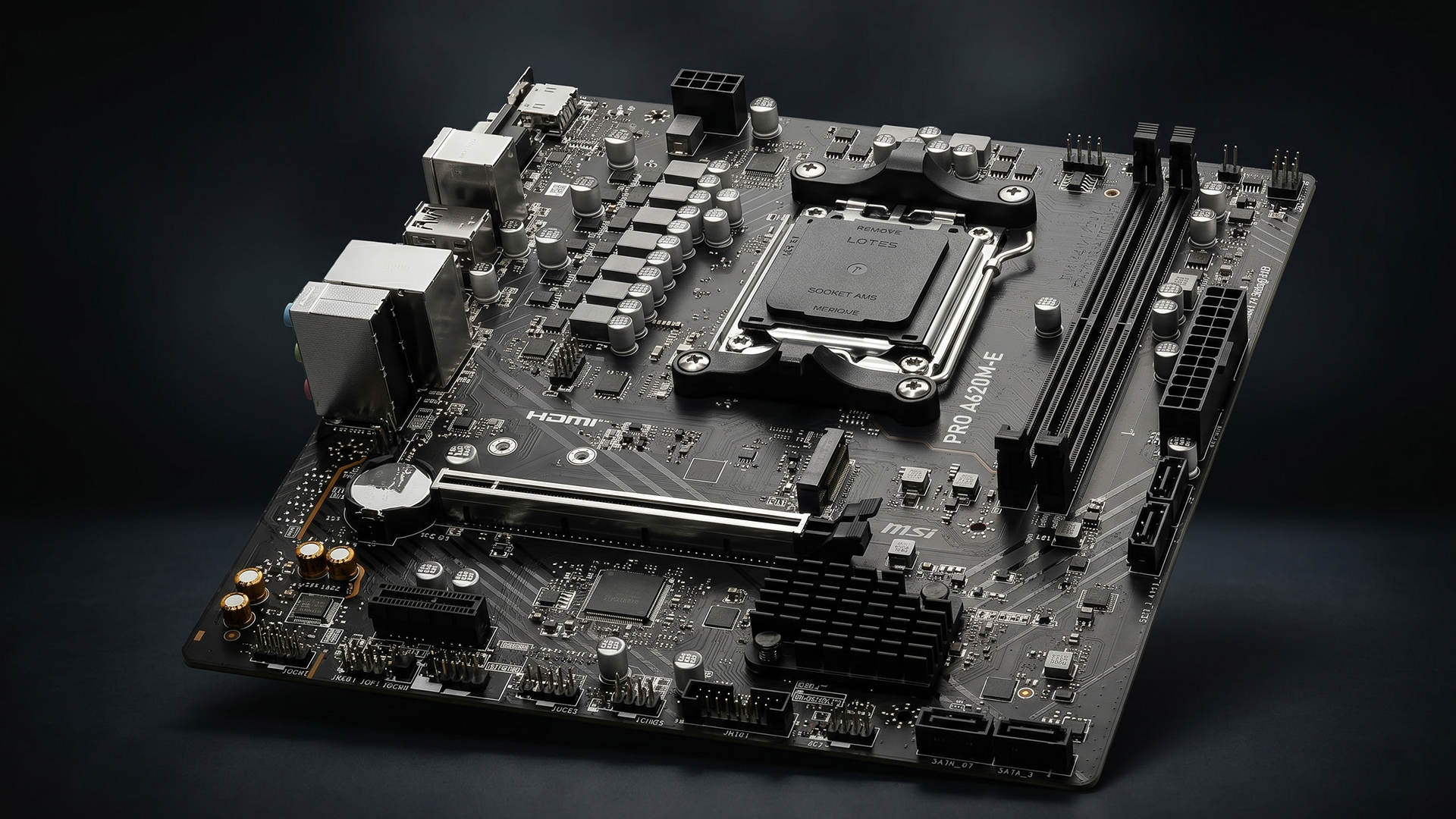
- Go premium if you are using a Ryzen 9 CPU, multiple NVMe drives or a high-end graphics card.
- Choose this route if you want PCIe 5.0 support for graphics and storage, stronger rear I/O, better networking and more onboard tools.
- It makes sense for creator PCs, high-end gaming builds and users who want a longer-lasting platform.
Tip: The best AMD AM5 motherboard for a high-end build is the one that matches your CPU, storage, case size and upgrade plans, not just the most expensive model. AMD’s X870E and X670E chipsets are stronger fits here because they support PCIe 5.0 for both graphics and NVMe.
Frequently Asked Questions
Are budget AM5 motherboards good for gaming?
Yes, budget AM5 motherboards can be good for gaming if they support your CPU, RAM, GPU and storage properly. For most mid-range gaming PCs, a good A620, B650 or B850 board can be enough.
What makes premium AM5 motherboards more expensive?
Premium AM5 motherboards usually cost more because they include stronger VRMs, larger heatsinks, more M.2 slots, better rear I/O, faster networking, improved audio and more advanced troubleshooting tools.
Do I need a premium AM5 motherboard for Ryzen 9?
A premium AM5 motherboard is usually the better choice for Ryzen 9, especially for heavy workloads, rendering, streaming, tuning or long gaming sessions. Stronger power delivery and cooling help the board handle sustained loads more confidently.
Is B650 enough for AM5?
Yes, B650 is enough for many AM5 gaming PCs. It supports DDR5, Ryzen CPU overclocking and solid mainstream features, although BIOS support should be checked when pairing it with newer Ryzen CPUs. AMD notes that AM5 supports Ryzen 7000, 8000 and 9000 Series processors across supported 600 and 800 Series chipsets, but some boards may need updates.
What is the best AM5 motherboard chipset?
There is no single best AM5 chipset for everyone. B650 or B850 is best for many value and mid-range gaming builds, while X870E or X670E is better for premium builds that need stronger PCIe 5.0 support, more expansion and better connectivity.
You can pay with:
*PayPal Credit Representative Example: Assumed credit limit £1,200, Representative 23.9% APR (variable). Purchase rate 23.9% p.a (variable).Terms & Conditions apply.


PayPal Credit and PayPal Pay in 3 are trading names of PayPal UK Ltd, 5 Fleet Place, London, United Kingdom, EC4M 7RD. Terms and conditions apply. Credit subject to status, UK residents only, Five Tech LTD acts as a broker and offers finance from a restricted range of finance providers. PayPal Pay in 3 is not regulated by the Financial Conduct Authority. Pay in 3 eligibility is subject to status and approval. 18+. UK residents only. Pay in 3 is a form of credit. Check if affordable and how you will repay. May make other borrowing more difficult or expensive. See product terms for more details.
Copyright © 1996-2026 Fivetech LTD | Terms and Conditions
box.co.uk & Box are trading names of Five Tech Limited. Registered office: Box LTD, Unit 10 Woodford Trading Estate, Woodford Green IG8 8HF