


 Menu
MenuMenu


Get Sales Advice from Mon - Fri 9am - 5:00pm:
020 3337 8950LAST UPDATED: May 12, 2026
Which AMD Motherboard Offers the Best Value for Money?
Choosing the right budget AMD motherboard can make a big difference to your overall PC build. While high-end boards come packed with features, most users don’t actually need everything they offer. The real goal is finding a motherboard that delivers the features you will use; without overspending on extras you won’t.
In this guide, we’ll break down the best-value AMD motherboards based on real-world use, helping you get the most performance, upgrade potential and reliability for your money.
What Makes an AMD Motherboard Good Value?
Before jumping into recommendations, it’s important to understand what “value” actually means when buying a motherboard.
A good-value motherboard is not the cheapest option; it’s the one that gives you the best balance of features, performance and future-proofing for your budget.
For most users, this includes:
- Support for the latest CPUs (AM5 or AM4 depending on your build)
- Reliable power delivery (VRMs) for stable performance
- Enough connectivity (USB ports, M.2 slots, networking)
- Upgrade flexibility for future components
If you’re exploring options, browsing the latest AMD motherboards can help you compare features across different price ranges.
Best Overall Value Pick: Gigabyte B650 AORUS Elite AX
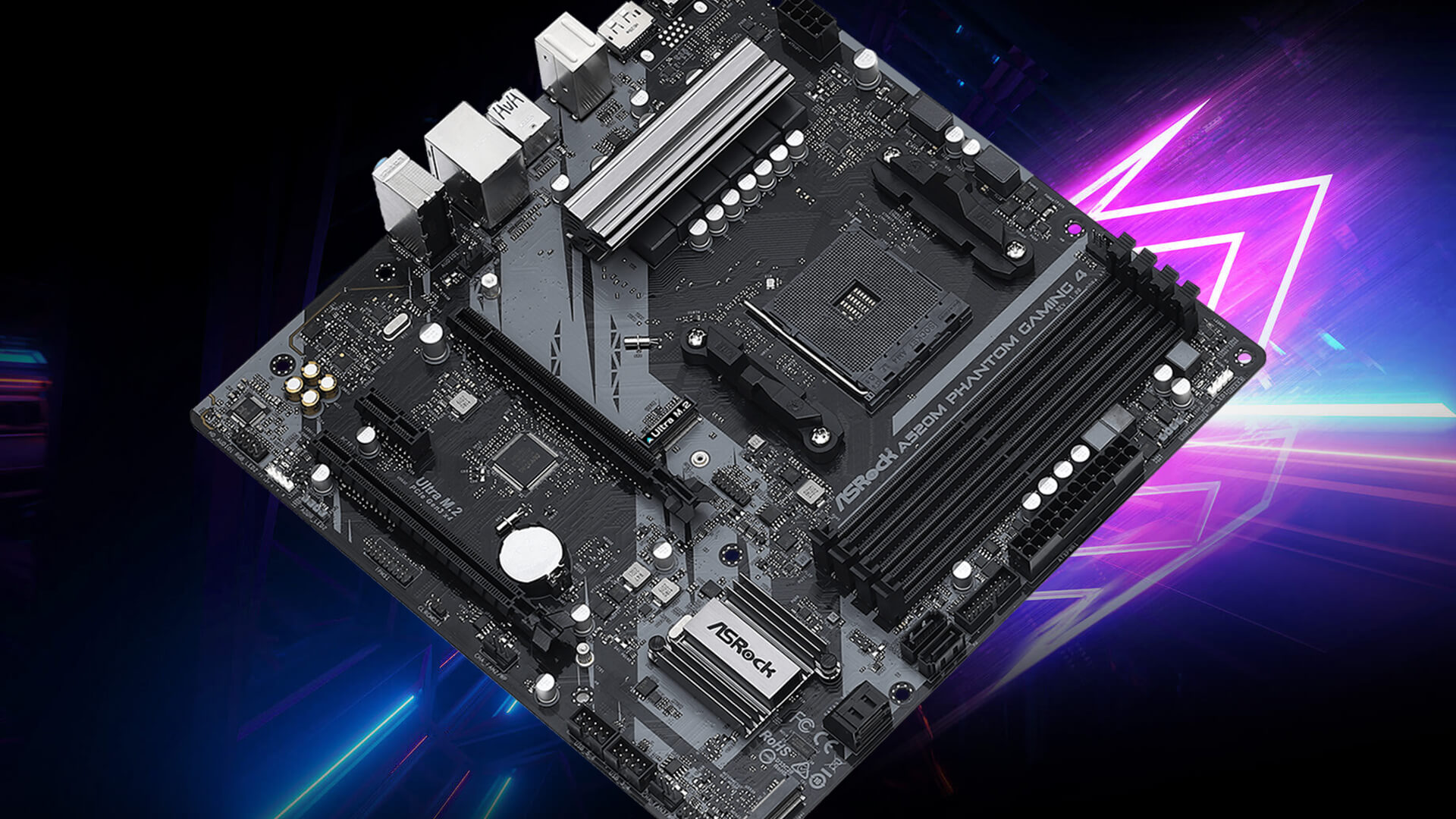
For most users building a modern AMD system, the Gigabyte B650 AORUS Elite AX (or AX V2) stands out as the best-value choice.
This motherboard hits the sweet spot between performance and price, offering everything most users actually need without pushing into premium pricing.
It supports the AM5 motherboard platform, meaning you get compatibility with newer Ryzen processors and DDR5 memory. This alone makes it a strong long-term investment.
What really makes it stand out is how balanced it is. You get strong power delivery for stable CPU performance, multiple M.2 slots for fast storage, 2.5Gb Ethernet for faster networking and built-in Wi-Fi for convenience.
For most users, this means you don’t need to upgrade anytime soon, and you won’t feel limited as your system grows.
In simple terms, this is the value sweet spot for a modern Ryzen build; giving you premium-level features without the premium price.
Best Cheaper Value Pick: ASRock B650M-HDV/M.2
If your goal is to build the most affordable AM5 system possible, the ASRock B650M-HDV/M.2 is one of the best entry-level options.
This motherboard focuses on essentials rather than extras. It supports modern Ryzen CPUs and DDR5 memory, but skips features like Wi-Fi, advanced audio and a full ATX layout to keep costs low.
For users building a budget system with a Ryzen 5 or Ryzen 7 processor, this is often enough. You still get solid performance and upgrade support without paying for features you may never use.
However, it’s important to understand the trade-off. You’ll have fewer connectivity options and less expansion flexibility compared to higher-end boards.
For you, this means it’s a great choice if your priority is saving money—but not ideal if you want a feature-rich system.
Best Newer-Platform Value Pick: B850 Motherboards
If you’re building on the latest platform, B850 motherboards are worth considering; but only if the pricing is right.
B850 is a newer chipset designed to sit between entry-level and high-end boards. In theory, it offers improved features and better long-term support compared to B650.
However, value depends heavily on pricing. Some B850 boards are priced close to higher-end chipsets like X870, which reduces their overall value.
For you, this means B850 is only a good choice when it offers better features at a similar or slightly higher price than B650. If the price gap becomes too large, sticking with B650 often makes more sense.
AM4 vs AM5: Which Platform Offers Better Value?
One of the most important decisions when choosing a budget AMD motherboard is whether to go with the older AM4 platform or the newer AM5 platform.
At first glance, this might seem like a simple choice between old and new; but it comes down to how you plan to use your system, your budget and how long you want your build to last.
Both platforms offer strong value, but in different ways.
AM4 Motherboards (Best for Tight Budgets)
AM4 is AMD’s previous-generation platform, but it remains one of the best options if you’re trying to keep costs low without sacrificing too much performance.
One of the biggest advantages of AM4 is affordability. Not only are AM4 motherboards generally cheaper, but they also use DDR4 memory, which is more budget-friendly compared to newer DDR5. This makes it easier to build a capable system without stretching your budget.
Despite being older, AM4 still supports a wide range of powerful Ryzen processors, which means you can achieve strong gaming and everyday performance at a lower cost. For many users, this level of performance is more than enough.
You’ll also find plenty of variety in this platform, including compact options like mini ITX AM4 boards, which are ideal if you’re building a smaller PC.
For you, this means AM4 is a great choice if your goal is to get the best performance for the lowest cost, especially for budget or entry-level builds.
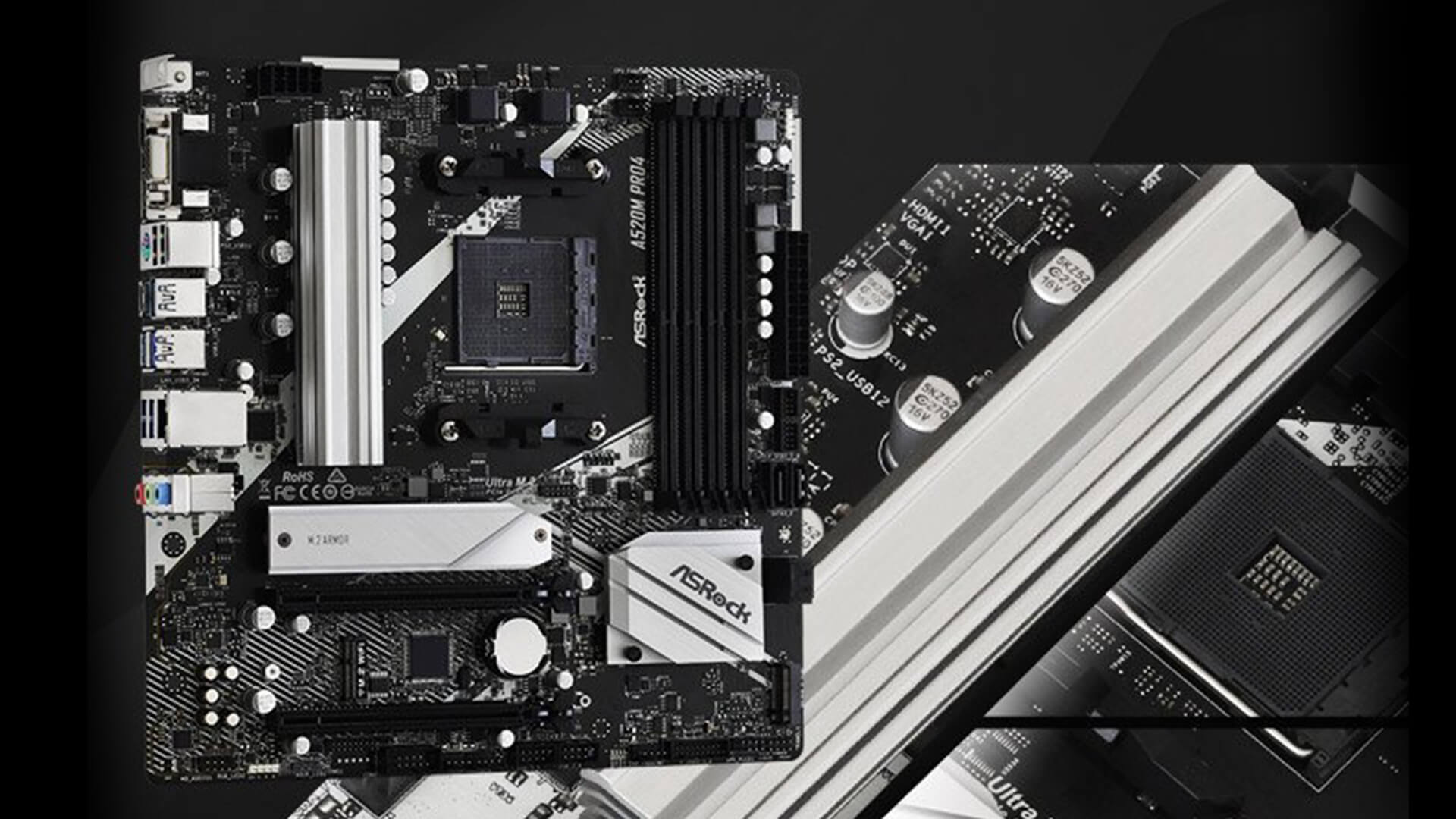
AM5 Motherboards (Best for Future-Proofing)
AM5 is AMD’s latest platform and is designed with future upgrades in mind. It supports newer Ryzen processors and uses DDR5 memory, which offers higher speeds and improved efficiency.
While AM5 motherboards are more expensive upfront, they provide better long-term value. This is because AMD is expected to support the platform for several years, allowing you to upgrade your CPU later without needing to replace your motherboard.
In addition to upgrade potential, AM5 also brings newer features such as improved connectivity, faster storage support, and better overall system performance when paired with modern components.
For you, this means a more future-ready system that can grow with your needs over time.
Which One Should You Choose?
The choice between AM4 and AM5 ultimately comes down to your priorities.
If you’re working with a limited budget and want the most cost-effective setup right now, AM4 is the better option. It delivers solid performance at a lower price and is ideal for users who don’t need the latest features.
On the other hand, if you’re thinking long-term and want a system that can handle future upgrades, AM5 is the smarter investment. Although it costs more initially, it offers better longevity and flexibility.
ATX vs Micro-ATX vs Mini-ITX: Which Size Is Best?
When choosing a budget AMD motherboard, size is something many people overlook; but it has a direct impact on your build, upgrade options and overall flexibility.
Motherboards come in different form factors, and each one is designed for a specific type of user. Understanding these differences helps you avoid buying something that limits your system later on.
ATX Motherboards: Best for Flexibility and Upgrades
ATX motherboards are the most common and widely used option. They are larger in size, which allows them to include more features and expansion slots compared to smaller boards.
This extra space means you get better connectivity, more room for additional components like GPUs or storage drives, and generally easier upgrades in the future.
For most users; especially those building a gaming PC or a long-term system; ATX is the safest and most flexible choice. It gives you room to grow without needing to replace your motherboard later.
In simple terms, if you want fewer limitations and more upgrade options, ATX is usually the best choice.
Micro-ATX: Best Balance Between Price and Functionality
Micro-ATX sits right in the middle. It’s smaller than ATX but still offers a good level of functionality for most users.
These boards are typically more affordable, making them a great option for budget builds. While you get fewer expansion slots compared to ATX, you still have enough for standard gaming or everyday setups.
For you, this means Micro-ATX is a practical choice if you want to save money without sacrificing too much flexibility. It’s ideal for users who don’t plan on adding multiple extra components.
Mini-ITX: Best for Compact Builds
Mini-ITX motherboards are designed for small form factor PCs. They are compact, making them perfect for users who want a clean, minimal setup or need a system that fits into a smaller space.
However, this smaller size comes with trade-offs. You’ll have fewer ports, limited expansion options and often a higher price due to the compact design.
For you, this means Mini-ITX is best suited for specific use cases like portable PCs or aesthetic builds; rather than maximum performance or upgrade flexibility.
BIOS Features and Stability: Why It Matters
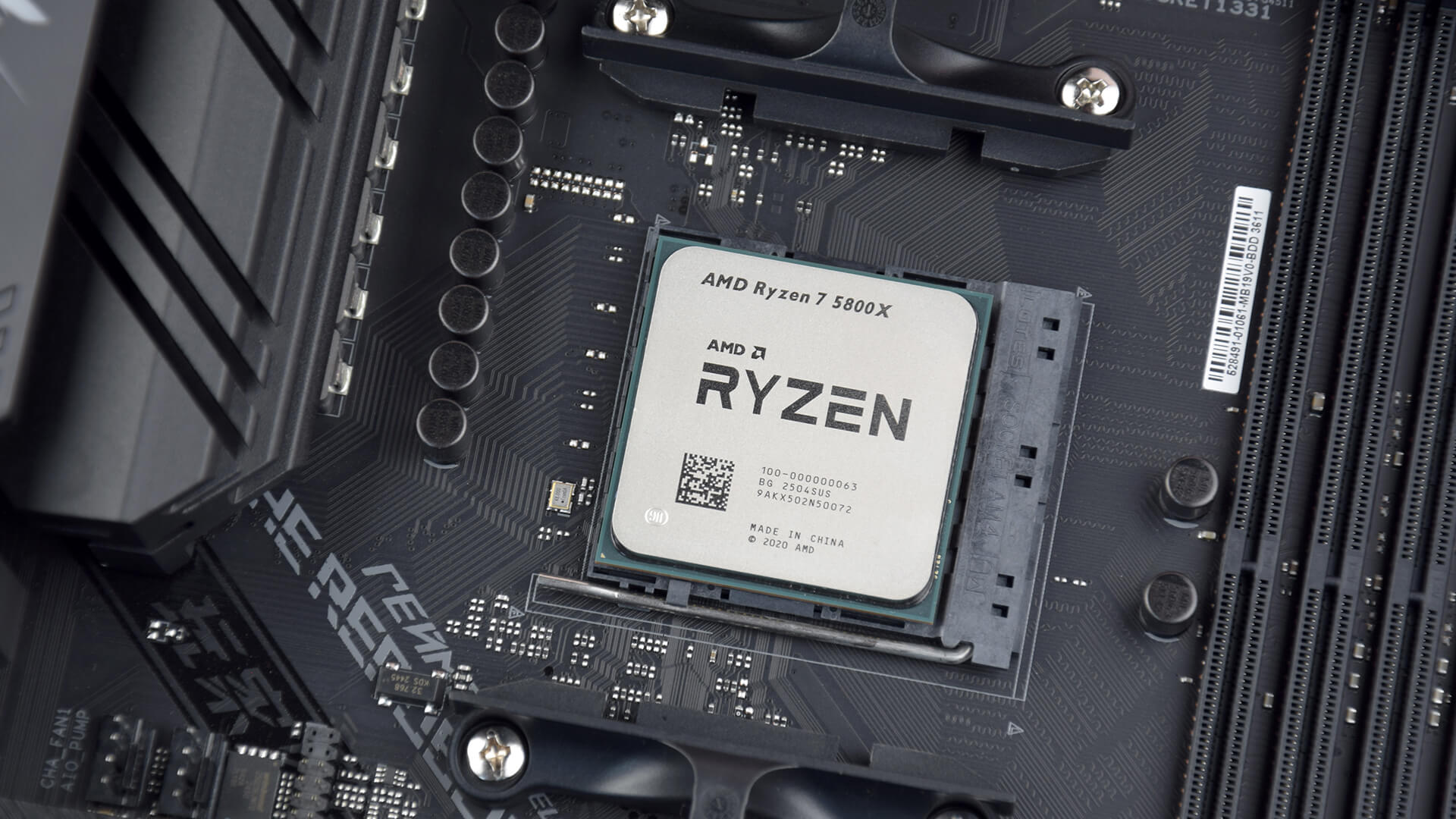
When choosing a motherboard, it’s easy to focus only on hardware specs but software features like the BIOS play a crucial role in how your system performs and how easy it is to manage.
Modern AMD motherboards include useful features such as AMD motherboard BIOS updates and AMD BIOS recovery mode. These allow you to update your system easily and recover from issues if something goes wrong.
For beginners, this adds peace of mind, as it reduces the risk of setup problems. For more experienced users, it provides greater control over system tuning and performance optimisation.
In simple terms, a good BIOS makes your system easier to use, more stable and more reliable over time.
My Recommendation by Use Case
Choosing the best-value motherboard ultimately depends on how you plan to use your system.
If you want a well-balanced build with strong performance and long-term upgrade potential, the Gigabyte B650 AORUS Elite AX is one of the best choices. It offers modern features, solid build quality and excellent overall value.
If you’re working with a tighter budget, the ASRock B650M-HDV/M.2 provides the essentials without unnecessary extras, making it a smart entry-level option.
For users considering newer platforms, B850 motherboards are worth looking at; but only if they are priced competitively. Otherwise, B650 often remains the better value.
Finally, if your focus is on saving money, AM4 still delivers excellent performance for the price, while AM5 is the better option if you want a system that will last longer and support future upgrades.
Final Verdict: Which AMD Motherboard Offers the Best Value?
The best budget AMD motherboard is not about choosing the cheapest option; it’s about finding the right balance between cost, features and long-term usability.
For most users, the Gigabyte B650 AORUS Elite AX stands out as the best-value choice, offering modern features without unnecessary extras. Budget users can still get great performance from entry-level boards, while those looking ahead should consider AM5 for better upgrade potential.
If you’re ready to explore your options, you can browse AMD motherboards, compare ATX motherboards, or look into mini ITX motherboards at Box.co.uk to find the perfect fit for your build.
You can pay with:
*PayPal Credit Representative Example: Assumed credit limit £1,200, Representative 23.9% APR (variable). Purchase rate 23.9% p.a (variable).Terms & Conditions apply.


PayPal Credit and PayPal Pay in 3 are trading names of PayPal UK Ltd, 5 Fleet Place, London, United Kingdom, EC4M 7RD. Terms and conditions apply. Credit subject to status, UK residents only, Five Tech LTD acts as a broker and offers finance from a restricted range of finance providers. PayPal Pay in 3 is not regulated by the Financial Conduct Authority. Pay in 3 eligibility is subject to status and approval. 18+. UK residents only. Pay in 3 is a form of credit. Check if affordable and how you will repay. May make other borrowing more difficult or expensive. See product terms for more details.
Copyright © 1996-2026 Fivetech LTD | Terms and Conditions
box.co.uk & Box are trading names of Five Tech Limited. Registered office: Box LTD, Unit 10 Woodford Trading Estate, Woodford Green IG8 8HF