


 Menu
MenuMenu


Get Sales Advice from Mon - Fri 9am - 5:00pm:
020 3337 8950LAST UPDATED: February 11, 2026
A Student’s Guide to Choosing the Best Tablet for Studying in the UK
Choosing the best tablets for students in the UK has become more complicated than ever. Tablets are no longer just for watching lectures or reading PDFs. Many students now rely on them for note taking, essay writing, research, group work, and even creative coursework. The right tablet can replace a laptop for some students, while the wrong one can feel restrictive within weeks.
Whether you're heading to university, starting college, or upgrading your study setup, the key is matching the tablet to how you actually work. Some students need excellent handwriting support for notes and diagrams. Others need keyboards, multitasking, or Windows compatibility for specialist software. Budget also plays a big role, especially for students balancing accommodation and living costs.
This guide breaks down the best student tablets in the UK by budget, platform, and real study use cases. It also explains what actually matters when choosing a tablet for uni work, so you don't overspend on features you'll never use.
How to Choose a Tablet for Studying (What Actually Matters)

Before looking at brands, it's important to understand which features matter most for studying.
Note-Taking: Stylus Support, Palm Rejection, App Ecosystem
If you plan to write notes by hand, proper stylus support is essential. Look for tablets that support pressure sensitivity and palm rejection, which makes writing feel natural during long lectures. App support also matters, as some platforms have stronger note-taking tools than others.
Typing & Essays: Keyboard Quality, Trackpad, Shortcut Support
For essay-heavy courses, a tablet without a good keyboard quickly becomes frustrating. Detachable keyboards with trackpads make a huge difference for productivity, especially when using document editors and research tools.
Screen & Comfort: Size, Brightness, Refresh Rate, Eye Comfort
Most students are comfortable with screens between 10 and 12 inches. Brighter displays reduce eye strain in lecture halls, while higher refresh rates make scrolling notes and PDFs feel smoother during long sessions.
Battery & Portability: Commuting-Friendly Priorities
Students commuting between home, campus, and libraries benefit from lighter tablets with strong battery life. A device that lasts a full day of lectures without charging is more valuable than one with higher peak performance.
Storage & Cloud: How Much You Really Need
Most students rely heavily on cloud storage. Internal storage matters less than it used to, but having enough space for offline files, PDFs, and apps still helps.
Connectivity: Wi-Fi vs 4G/5G, USB-C, External Displays
Some students benefit from cellular models, especially those studying on the move. USB-C support also matters if you plan to connect external storage or displays.
iPad vs Android vs Windows Tablets for Students

Choosing a platform is often more important than choosing a specific model.
iPad: Best Apps + Accessories
An iPad for students offers the strongest app ecosystem for note taking, PDF annotation, and creative work. iPadOS is smooth, well optimised, and supported for many years, making iPads a safe long-term investment. This is why many students gravitate towards Apple iPads for studying.
Android: Best Value + Media
Android tablets for students offer excellent value, especially for media consumption and casual multitasking. They're ideal if you want flexibility, expandable storage, and a lower upfront cost without sacrificing screen quality.
Windows: Best for "Laptop-Like" Work
Windows tablets for uni work are best for students who rely on full desktop software. They behave more like traditional laptops, which makes them suitable for business, engineering, or computing courses.
The Best Student Tablets in the UK (By Budget)
If you want the short version, these are the best student tablet categories by price and capability.
Best Under £200 (Basic Study & Reading)
At this level, tablets are best suited for:
- Reading lecture slides and ebooks
- Watching recorded lectures
- Light note reviewing rather than heavy writing
These tablets work well as tablets for ebooks and secondary study devices, but they're not ideal for long essays or complex multitasking. Popular options include:
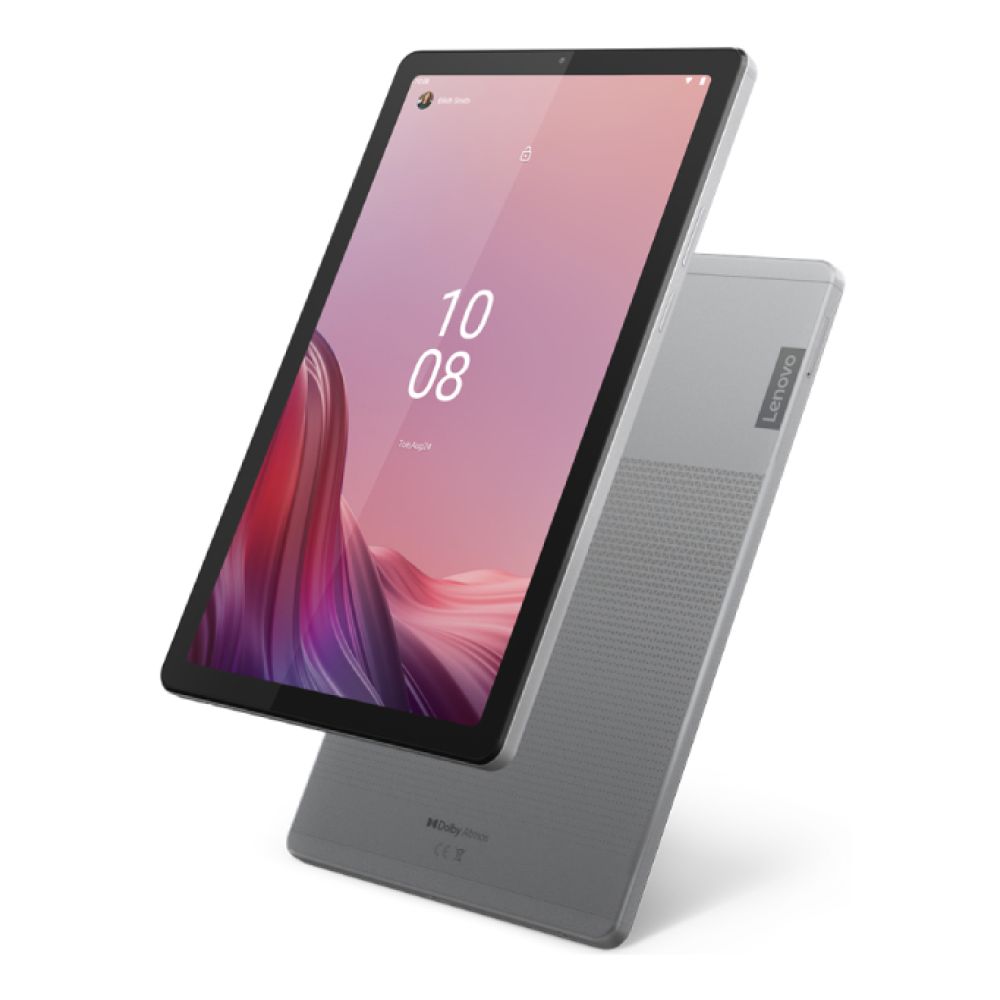
- Lenovo Tab M9 (MPN: ZAC40036GB): Best for ebooks, lecture slides, and light study tasks. Ideal as a secondary device for reading and note review.
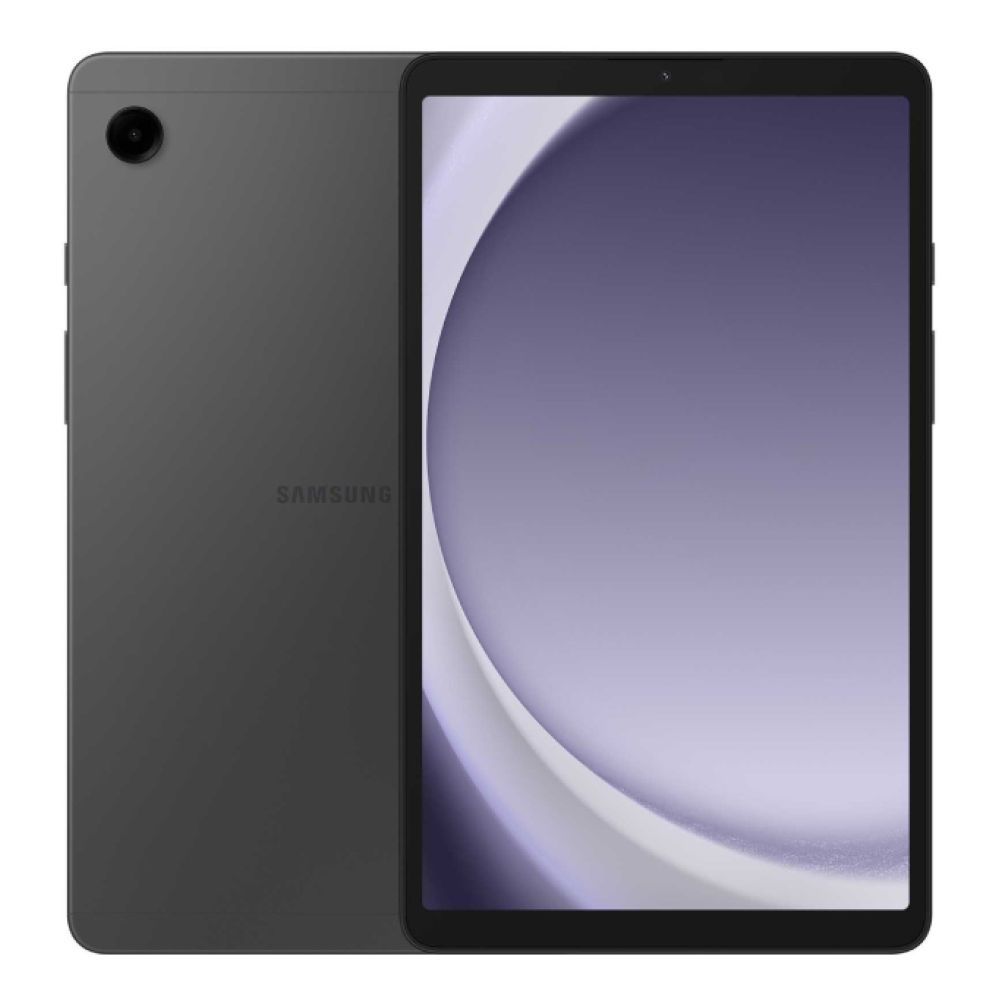
- Samsung Galaxy Tab A9 8.7" (MPN: SM-X110NZAEEUB): Compact, portable, and reliable for commuting students who prioritise reading and quick research.

Best Under £350 (Best Value for Most Students)
This is the sweet spot for most UK students. Tablets in this range can handle:
- Digital note taking with a stylus
- PDF annotation
- Light typing with keyboard accessories
- Multitasking between apps
For most people searching for the best student tablets, this is where value and usability balance out. Here are the popular options in this range:
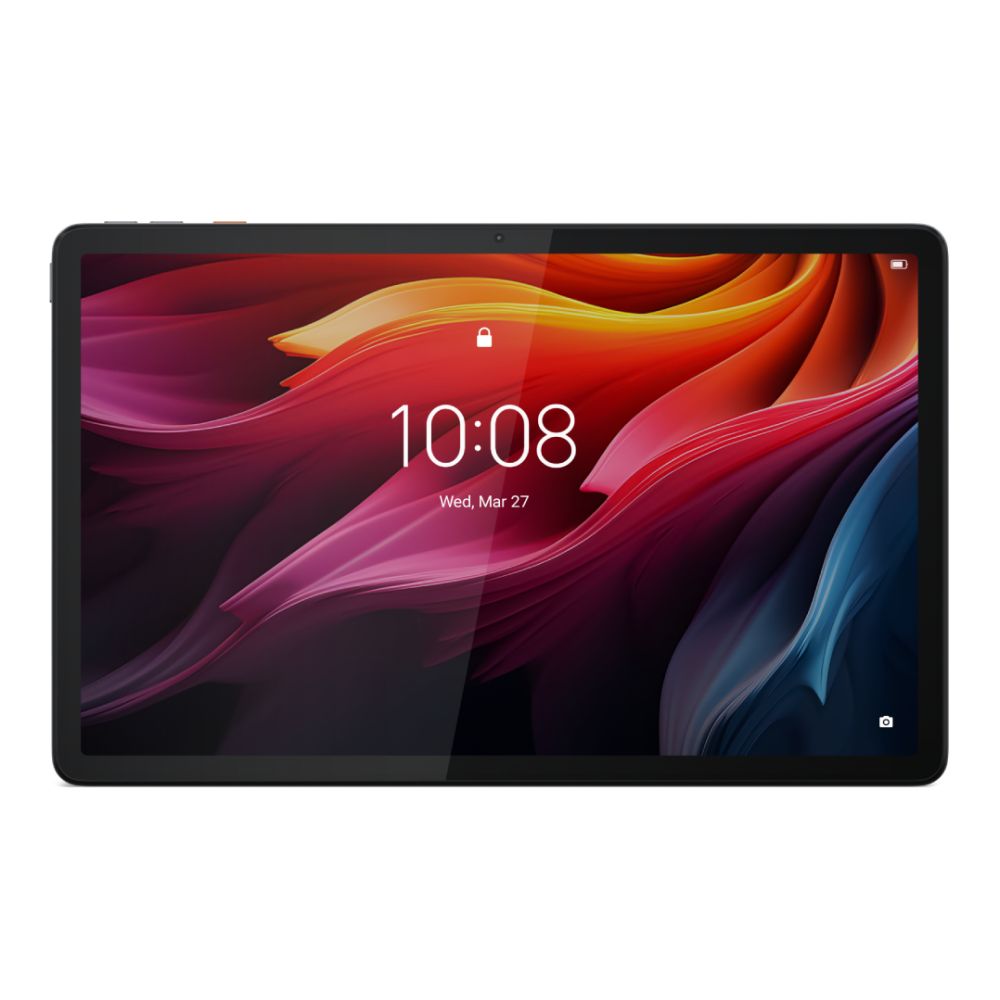
- Lenovo Tab K11 Plus (MPN: ZADS0035GB): A standout value pick with a large 2K display and plenty of memory for note-taking, streaming lectures, and multitasking.
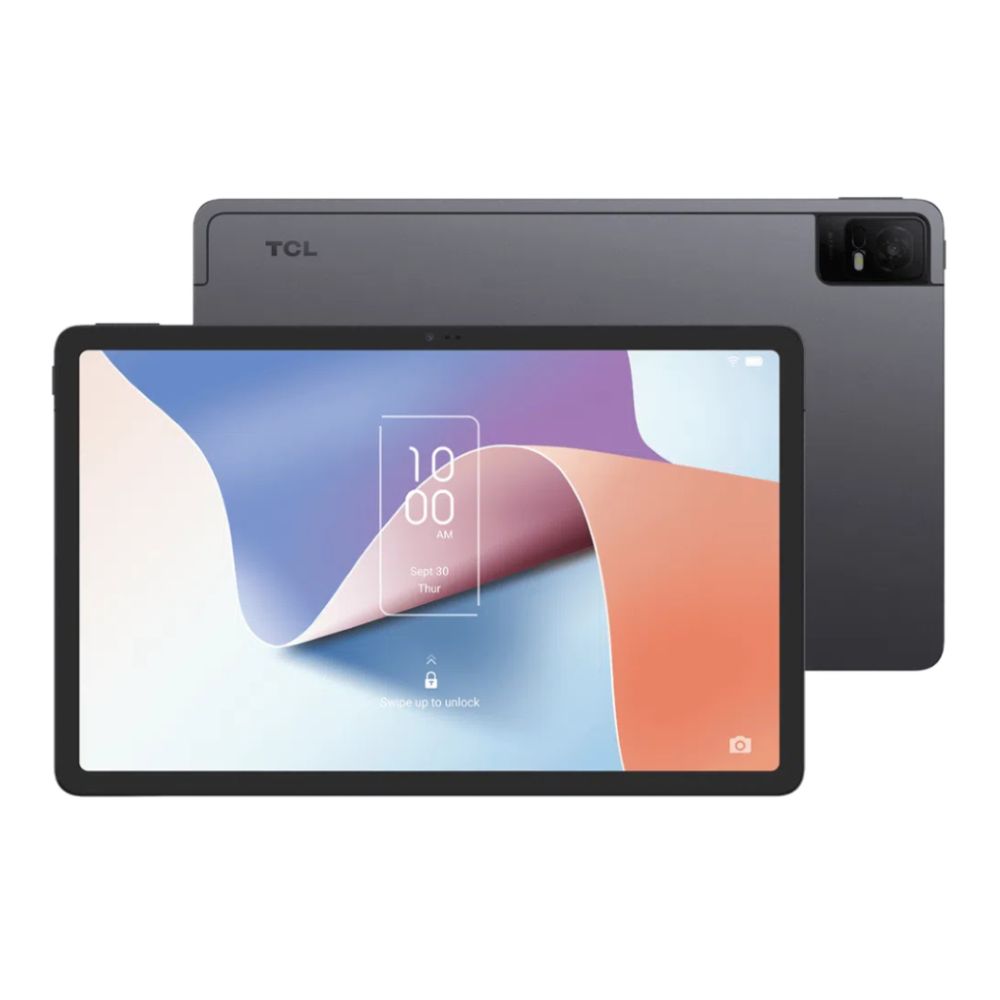
- TCL NXTPAPER 11 (MPN: 9466X4-2CLCGB11): Best for students who read for long hours thanks to its eye-friendly display that reduces glare and fatigue.
Best Under £600 (Power + Longevity)
Tablets in this range are ideal if you want:
- Strong performance over multiple years
- Better displays for long study sessions
- More reliable multitasking for uni work
These are well suited tablets for university students who plan to use one device throughout their course. The popular options in this range include:
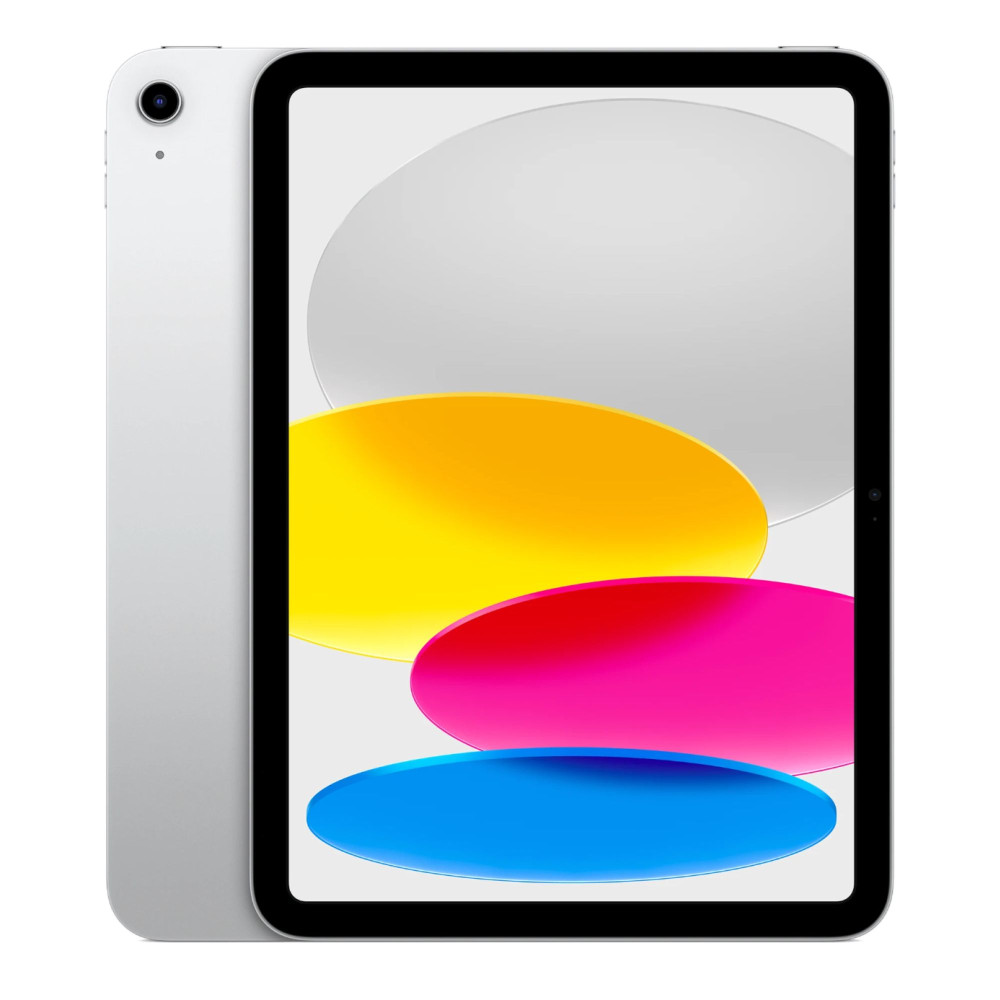
- Apple iPad 11" A16 (MPN: MD3Y4KN/A): The safest all-round iPad for students. Excellent app support, long software lifespan, and smooth performance for essays and notes.
- Lenovo Idea Tab Pro 12.7" (MPN: ZAE50059GB): Large-screen Android tablet ideal for split-screen multitasking, PDFs, and research-heavy courses.
- OPPO Pad 3 Pro (MPN: OPD2402): A premium Android option with flagship performance, suited to demanding students who want speed without going Apple.


Best Premium Pick (Top Performance & Accessories)
Premium tablets suit students who want:
- Laptop-like productivity
- Best-in-class note taking
- Creative apps for design, media, or architecture
They're expensive, but they can replace both a tablet and a laptop for some users. Popular options include:
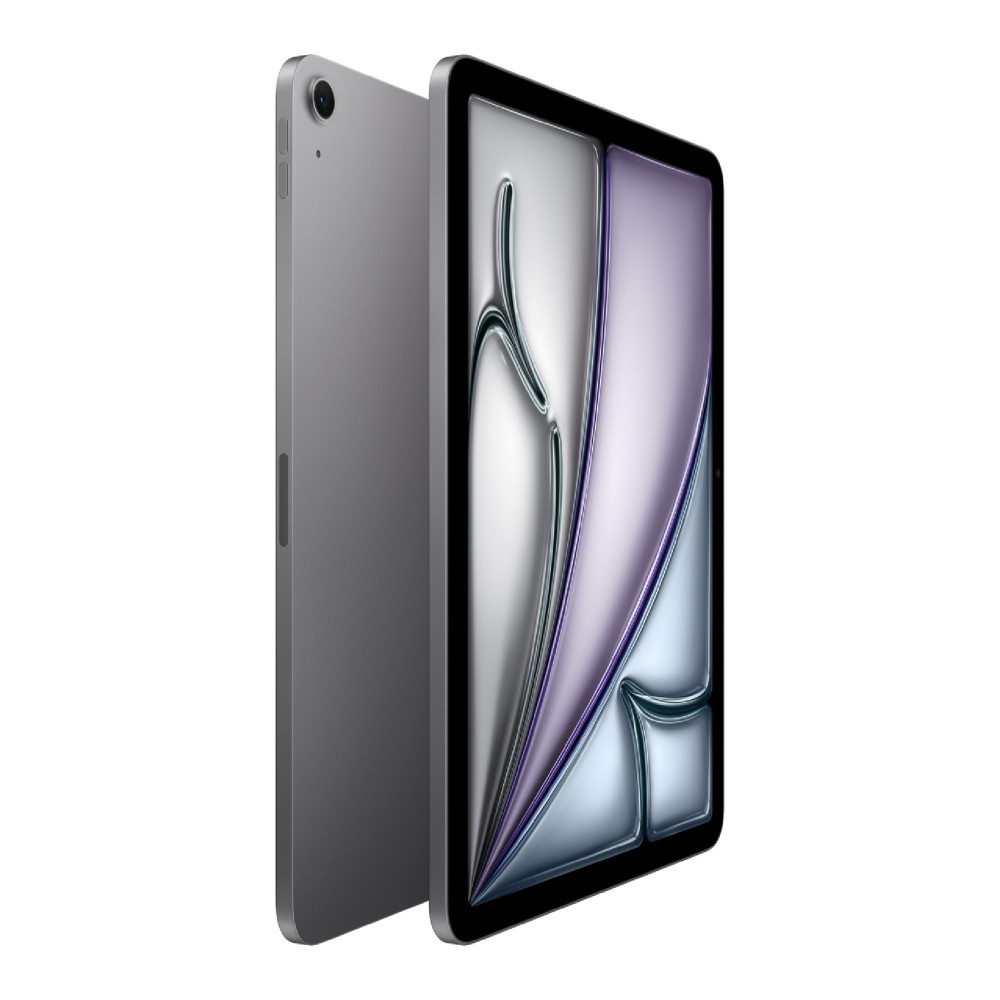
- Apple iPad Air 11" M3 (MPN: MC9W4KN/A): The best all-round premium student tablet. Powerful enough to last an entire degree and excellent with a keyboard and stylus.
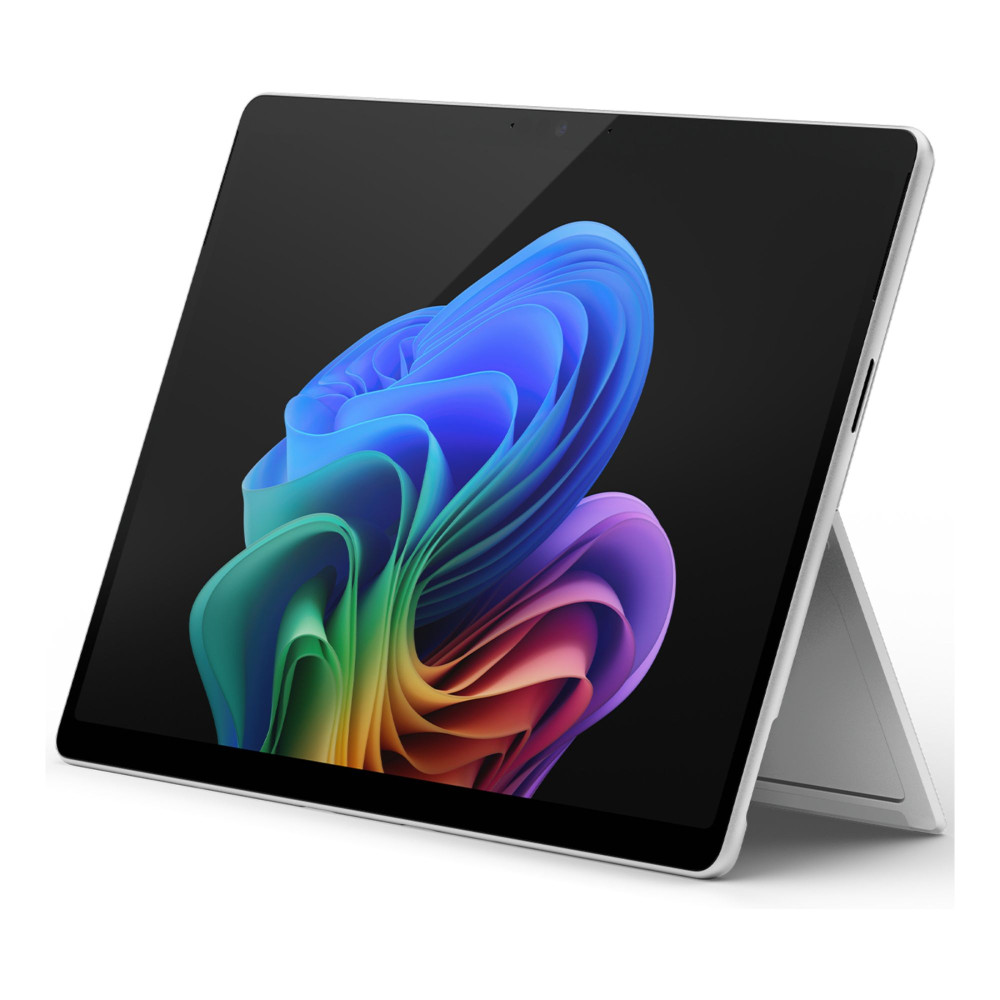
- Microsoft Surface Pro 11 OLED (MPN: ZIK-00003): Best Windows tablet for uni work, ideal for courses requiring full desktop software.
Best Tablets by Student Use Case
Different courses place very different demands on a tablet. While budget is important, choosing based on how you study often leads to a better long-term experience. Below are tablets that suit specific academic needs:
Best for Handwritten Notes & Annotating PDFs
Students who rely heavily on handwritten notes, lecture annotation, and marking up PDFs need responsive touchscreens, good stylus support, and displays that remain comfortable during long sessions.
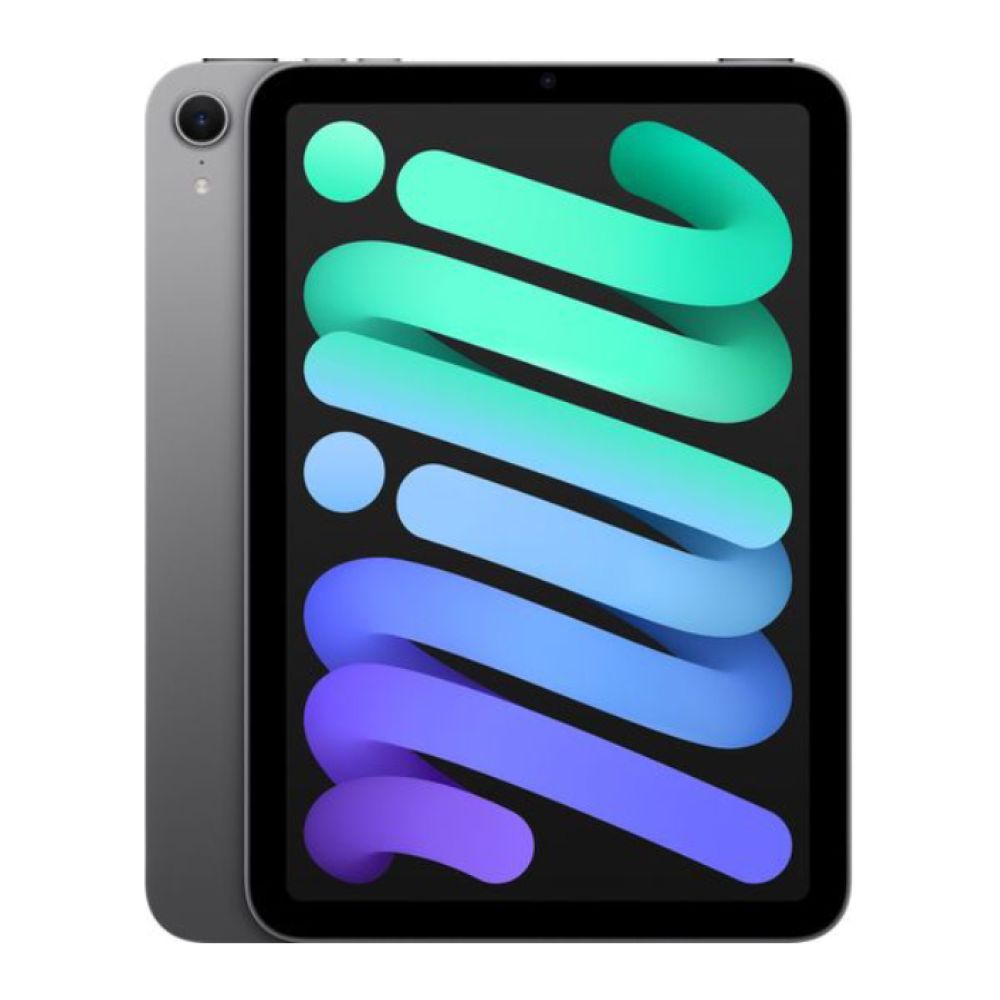
- Apple iPad Mini A17 Pro (MPN: MXN63NF/A): The compact size makes this ideal for quick handwritten notes and reading lecture slides on the move. Despite its size, it supports powerful note-taking apps and offers excellent stylus responsiveness, making it popular with medical and humanities students.
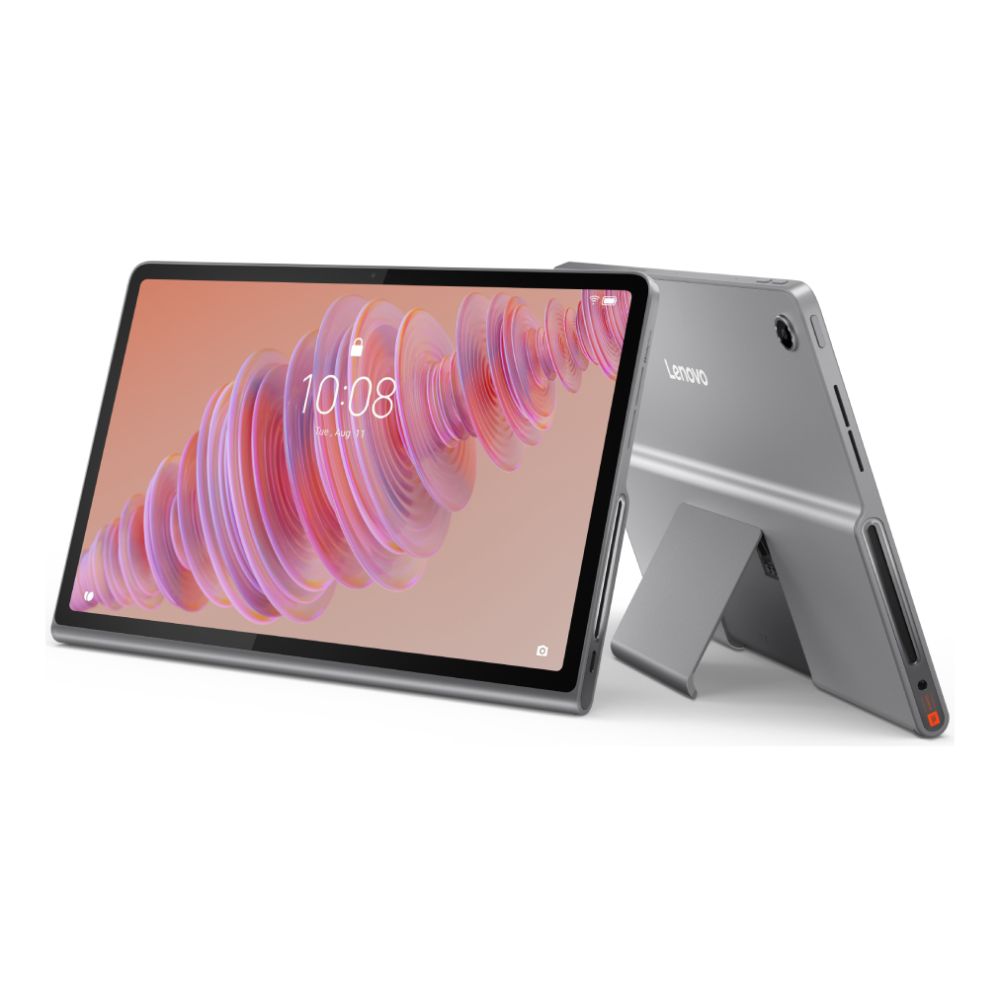
- Lenovo Tab Plus 11.5" (MPN: ZADX0055GB): A strong Android option for note-taking and annotation with a larger 2K display. It suits students who want plenty of screen space for PDFs without stepping into premium pricing.
Best for Essays and Research (Keyboard-First Use)
Essay-heavy subjects demand solid multitasking, reliable typing with keyboard accessories, and smooth handling of documents, browsers, and referencing tools.
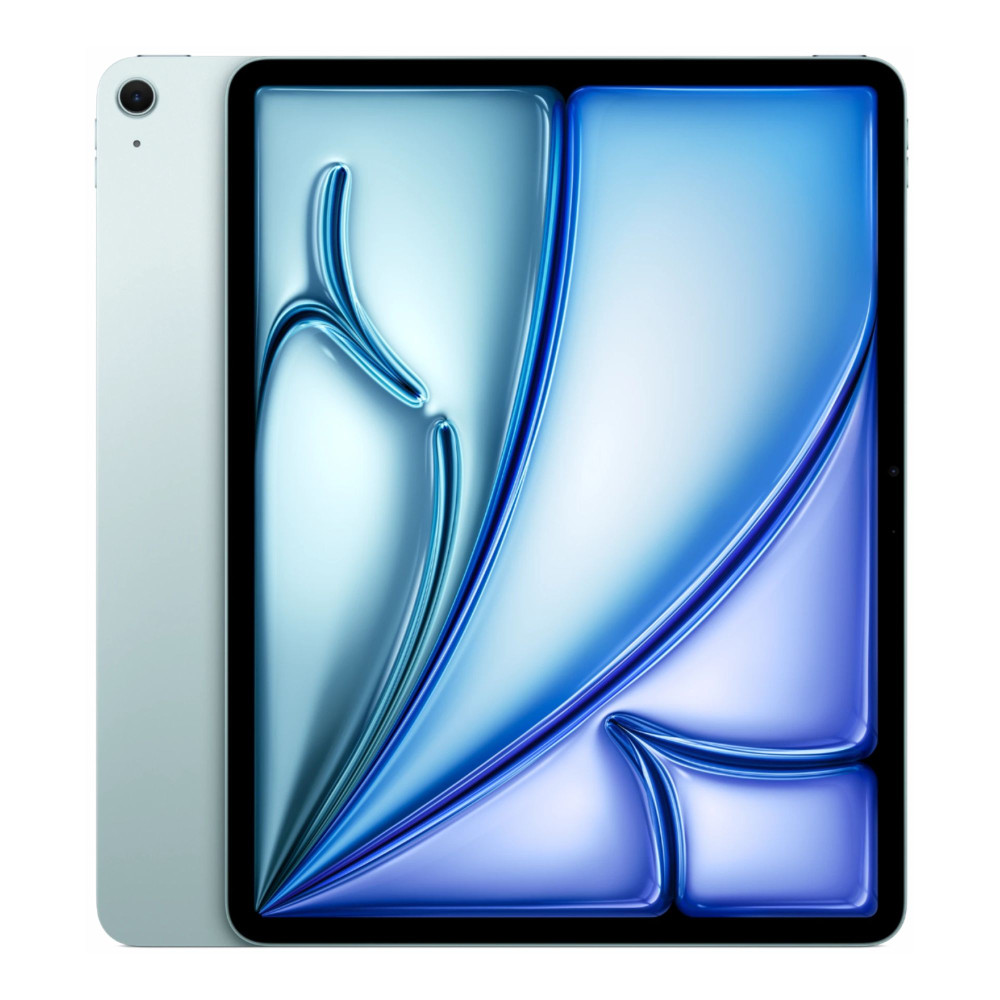
- Apple iPad Air 13" M3 (MPN: MCNJ4KN/A): The larger screen makes research and essay writing more comfortable, especially when working across documents and sources. With a keyboard case, it becomes an excellent productivity-focused tablet for arts and social science students.
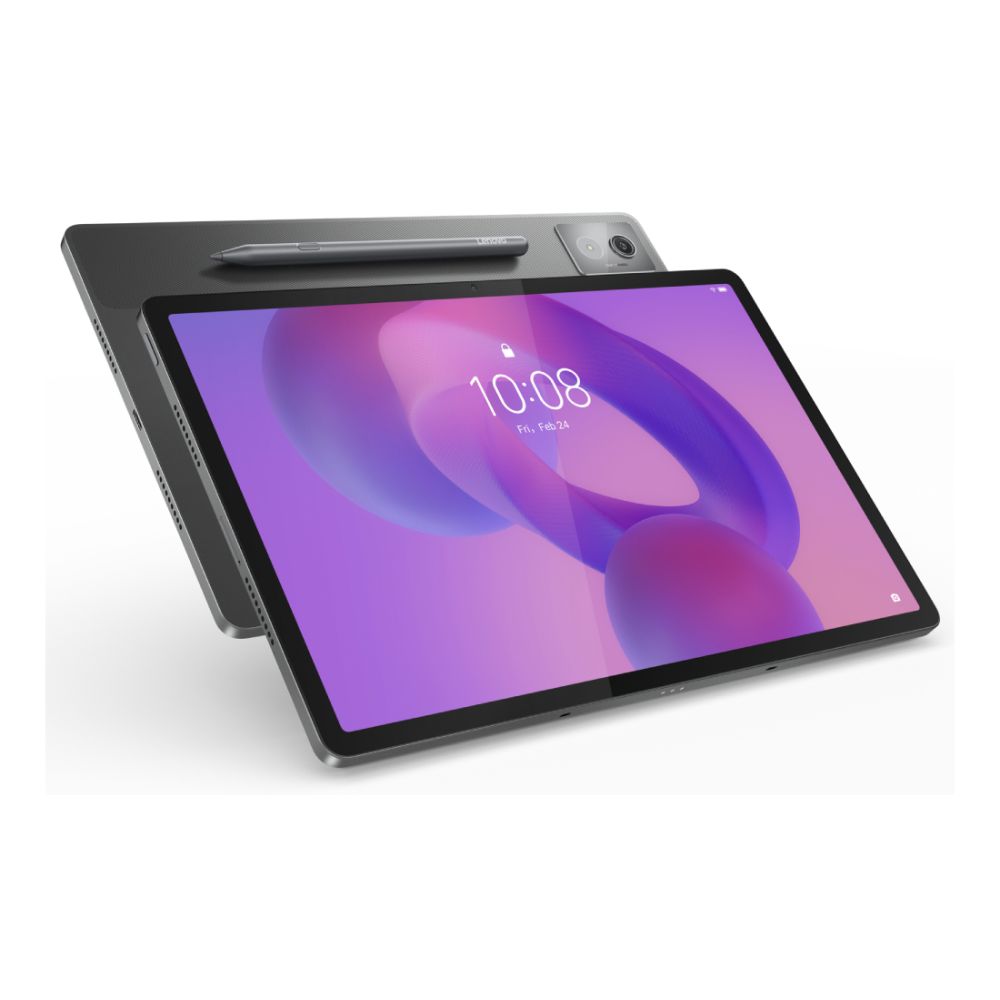
- Lenovo Idea Tab Pro 12.7" (128GB version – MPN: ZAE50075GB): A large Android tablet that handles split-screen writing and research well. It's a practical choice for students who want a big display for documents without moving to laptop-level pricing.
Best for STEM Students (Multitasking + Accessories)
STEM courses often require juggling lecture notes, spreadsheets, coding tools, and external accessories. These students benefit from larger screens, file management flexibility, and accessory compatibility.
- Microsoft Surface Pro 11 Copilot+ (1TB version – MPN: ZIB-00020): For STEM students who need full Windows software, this is the closest tablet-laptop hybrid available. It handles coding, data analysis, and specialist applications far better than mobile operating systems.
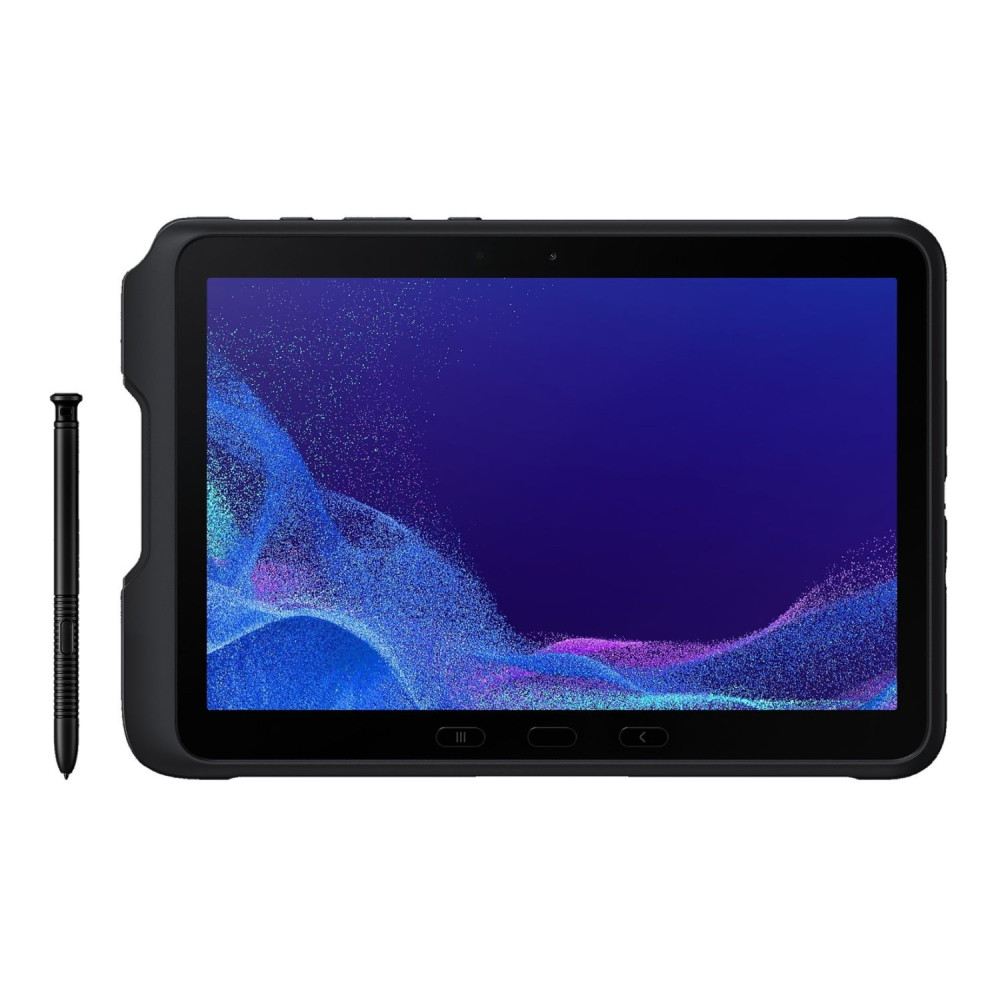
- Samsung Galaxy Tab Active4 Pro (MPN: SM-T636BZKEEEA): A niche but useful option for engineering, fieldwork, or lab-based courses. Its rugged design, USB-C connectivity, and multitasking support make it suitable for more demanding academic environments.

Best for Creatives (Design, Photo, Video)
Creative courses benefit from colour-accurate displays, powerful processors, and smooth stylus performance for drawing, editing, and media work.
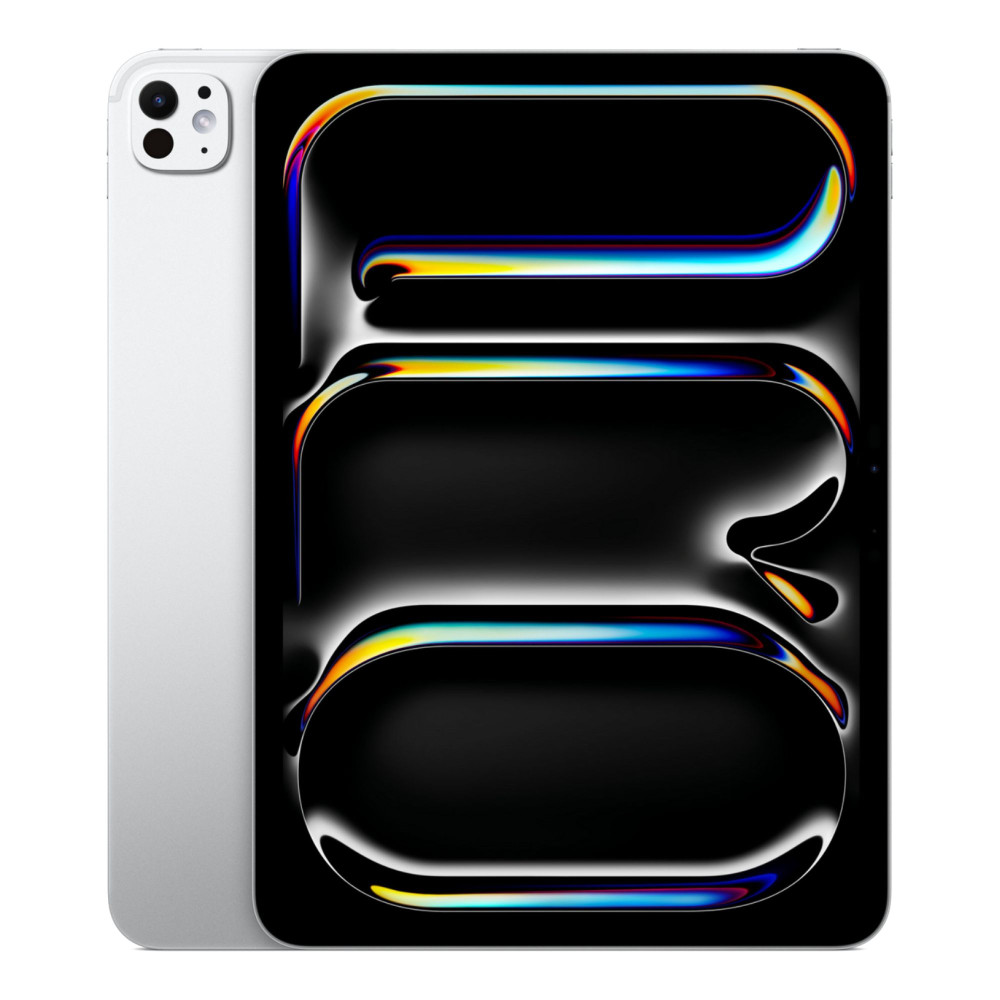
- Apple iPad Pro 11" M5 (MPN: MDWL4KN/A): A compact alternative to the 13-inch model, offering flagship performance in a more portable size. Ideal for design, illustration, and video students who need power without carrying a large device.
- OPPO Pad 3 Pro (MPN: OPD2402): For Android-based creative workflows, this tablet delivers excellent performance and a high-resolution display suitable for photo editing, sketching, and media work at a lower cost than Apple's Pro models.
Best for Commuters (Lightweight + Battery)
Students who commute daily should prioritise portability, fast wake-up times, and battery life that comfortably lasts a full day of lectures.
- Samsung Galaxy Tab A9+ 11" (MPN: SM-X210NZAEEUB): Lightweight with a larger screen than compact tablets, making it a good balance between portability and usability for note review, browsing, and light coursework on the move.
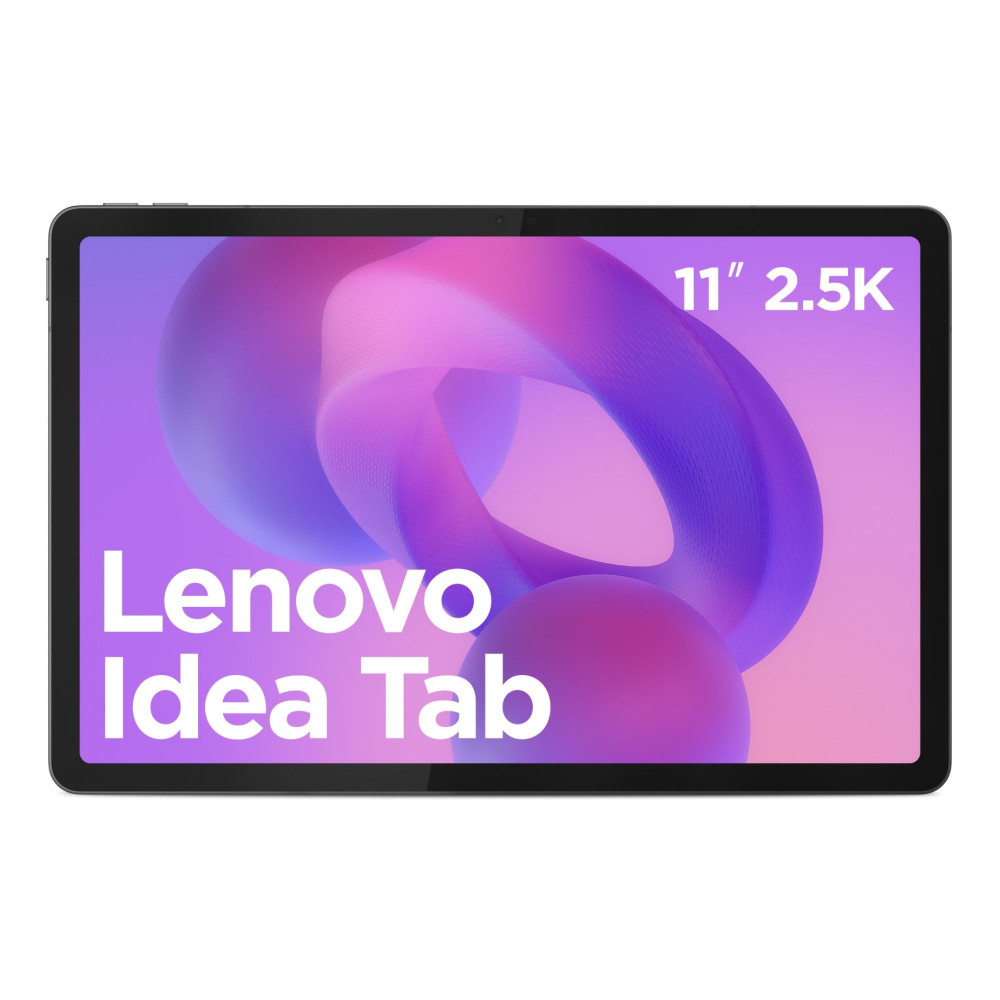
- Lenovo Idea Tab MediaTek Dimensity 6300 (MPN: ZAFR0384GB): A well-balanced Android tablet that offers strong battery life and a sharp display at a sensible weight, making it easy to carry between lectures without constantly charging.
What Accessories Students Should Budget For
Accessories can make your every day work and study experience even better with tablets. There are some must have accessories you should check out depending on your specific use-case and routine.
- Stylus: When it's Worth it (and When it isn't): A stylus is essential for handwritten notes but unnecessary if you only type.
- Keyboard Cases: Folio vs Detachable: Detachable keyboards offer better flexibility for switching between typing and reading.
- USB-C Hub & Storage: Simple Setup for Uni: USB-C hubs allow students to connect storage drives and displays easily.
- Protection: Cases, Screen Protectors, Backpacks: A protective case is a must for daily campus use.
Buying in the UK: Deals, Student Discounts, and Refurbished Options
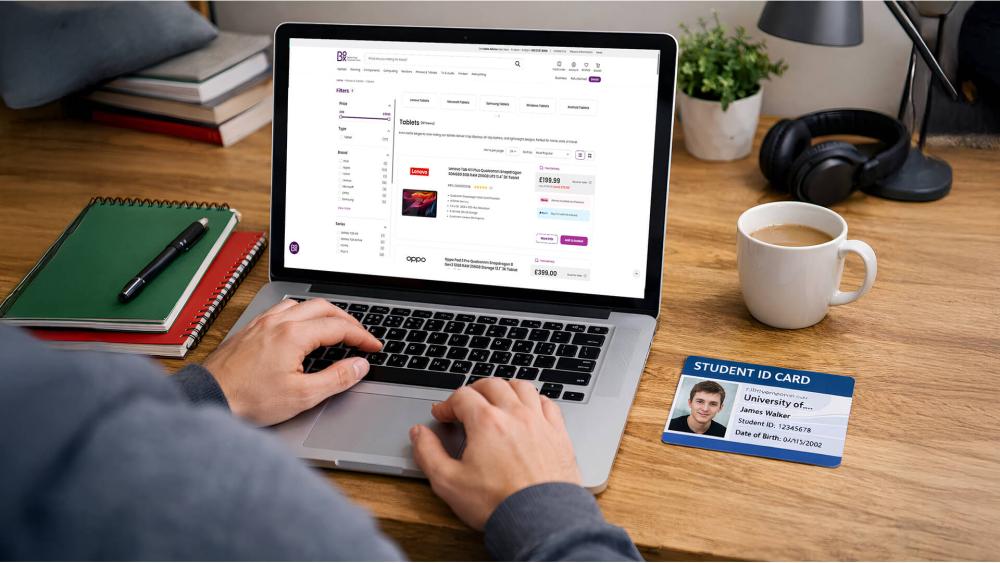
Buying smart can save a significant amount over the lengths of a degree, especially if you time your purchase and know what to prioritise.
When Tablets are Cheapest
The best prices typically appear during back-to-school periods (August–September), Black Friday, and January sales. Retailers often bundle tablets with accessories or offer short-term discounts that make higher-end models more affordable for students.
Refurbished vs New: What to Check
Refurbished tablets can offer excellent value, but students should always check battery health, device condition grade, and included warranty. Avoid refurbished models without a clear returns policy, especially if you plan to rely on the tablet daily for coursework.
Warranty & returns
A solid UK warranty matters more for students than one-off savings. Look for at least a one-year warranty, straightforward returns, and the option to extend cover if the tablet will be used throughout a full degree.
Recommended "Best Value" Checklist Before You Buy
Before committing, make sure your tablet offers:
- All-day battery life for lectures and study sessions
- Reliable keyboard and stylus accessory support
- Guaranteed software updates for at least the next two academic years
This ensures your tablet remains useful, supported, and cost-effective throughout your studies rather than needing an early replacement.
Final Thoughts:
The best tablet for studying isn't about buying the most expensive model or following brand trends. It's about choosing a device that fits how you actually work, study, and move through your day. Some students will benefit most from a lightweight tablet for reading and note review, while others need a powerful device that can handle essays, multitasking, or creative workloads across several years of university life.
If you rely heavily on handwritten notes and PDF annotation, prioritise stylus support and a comfortable screen. Essay-heavy courses benefit more from strong keyboard accessories and smooth multitasking, while STEM and creative students should focus on performance headroom, display quality, and long-term software support. Commuters, on the other hand, will get the most value from lighter tablets with dependable all-day battery life.
By matching your tablet choice to your course requirements, study habits, and budget, you'll end up with a device that supports your learning rather than complicates it. A well-chosen tablet can become one of the most useful tools throughout your degree, helping you stay organised, productive, and focused from the first lecture to your final submission. If you want to compare options, check out all tablets available at Box.co.uk and choose one that suits your needs. Whether you want Samsung tablets for note taking or iPads for creative workloads, Box has got you covered. So be sure to check out our collection to find a tablet that matches your style.
FAQs
Do I need a keyboard and stylus for studying?
Not always, but most students benefit from at least one of them.
What is a good inexpensive tablet?
Budget tablets work well for reading and light study tasks.
Is an Android or iPad better for students?
iPads excel at apps and longevity, while Android offers better upfront value.
Which tablet is best under budget?
Mid-range tablets usually offer the best balance for students.
What should students consider when buying a tablet?
Study style, battery life, accessory support, and long-term value.
You can pay with:
*PayPal Credit Representative Example: Assumed credit limit £1,200, Representative 23.9% APR (variable). Purchase rate 23.9% p.a (variable).Terms & Conditions apply.


PayPal Credit and PayPal Pay in 3 are trading names of PayPal UK Ltd, 5 Fleet Place, London, United Kingdom, EC4M 7RD. Terms and conditions apply. Credit subject to status, UK residents only, Five Tech LTD acts as a broker and offers finance from a restricted range of finance providers. PayPal Pay in 3 is not regulated by the Financial Conduct Authority. Pay in 3 eligibility is subject to status and approval. 18+. UK residents only. Pay in 3 is a form of credit. Check if affordable and how you will repay. May make other borrowing more difficult or expensive. See product terms for more details.
Copyright © 1996-2026 Fivetech LTD | Terms and Conditions
box.co.uk & Box are trading names of Five Tech Limited. Registered office: Box LTD, Unit 10 Woodford Trading Estate, Woodford Green IG8 8HF