


 Menu
MenuMenu


Get Sales Advice from Mon - Fri 9am - 5:00pm:
020 3337 8950LAST UPDATED: May 12, 2026
Best Laptops for Streaming Movies and Netflix: What to Look for in Display, Sound and Battery
Watching movies and streaming shows on a laptop has become more popular than ever. Whether you're binge-watching Netflix, catching up on YouTube or enjoying films on the go, having the best laptop for streaming movies can make a huge difference to your experience.
But not every laptop is built the same. Some offer stunning visuals and immersive sound, while others may fall short; even if they look good on paper.
This guide breaks down exactly what to look for in a streaming laptop, so you can enjoy better picture quality, clearer sound and longer viewing sessions without interruptions.
What Makes a Laptop Good for Streaming Movies?
When choosing the best laptops for streaming movies, it’s important to focus on the features that actually improve your viewing experience; not just raw performance. Unlike gaming or heavy workloads, streaming is all about how content looks, sounds, and how long you can enjoy it without interruption.
In simple terms, three things matter most: display quality, audio experience, and battery life. These are the elements that turn a basic laptop into a great streaming laptop.
Display Quality
The display is the single most important feature in any laptop for watching films. It directly affects how clear, colourful and immersive your content looks.
A high-quality screen allows you to see sharper details, richer colours and better contrast, which is especially noticeable when watching high-resolution content on platforms like Netflix or Disney+. Without a good display, even the best movies can look dull or flat.
For you, this means investing in a laptop with a strong display ensures you’re getting the full visual experience; just as the content was meant to be seen.
Audio Experience
While visuals grab your attention, sound is what completes the experience. Clear dialogue, balanced audio and immersive effects all play a huge role in how engaging a film or series feels.
A good laptop for movies should offer decent built-in speakers or audio enhancements that improve clarity and depth. Without this, even high-quality visuals can feel underwhelming.
If you want a more cinematic experience, pairing your laptop with headphones can take things even further; but strong built-in audio is always a great starting point.
Battery Life
Battery life is often overlooked, but it becomes essential when you’re streaming for long periods especially away from a charger.
A laptop with good battery life allows you to watch multiple episodes or even full movies without interruption. This is particularly useful for travel, commuting, or simply relaxing without being tied to a power outlet.
For you, this means more flexibility and a more enjoyable viewing experience without constantly worrying about charging.
Display Matters Most for Streaming
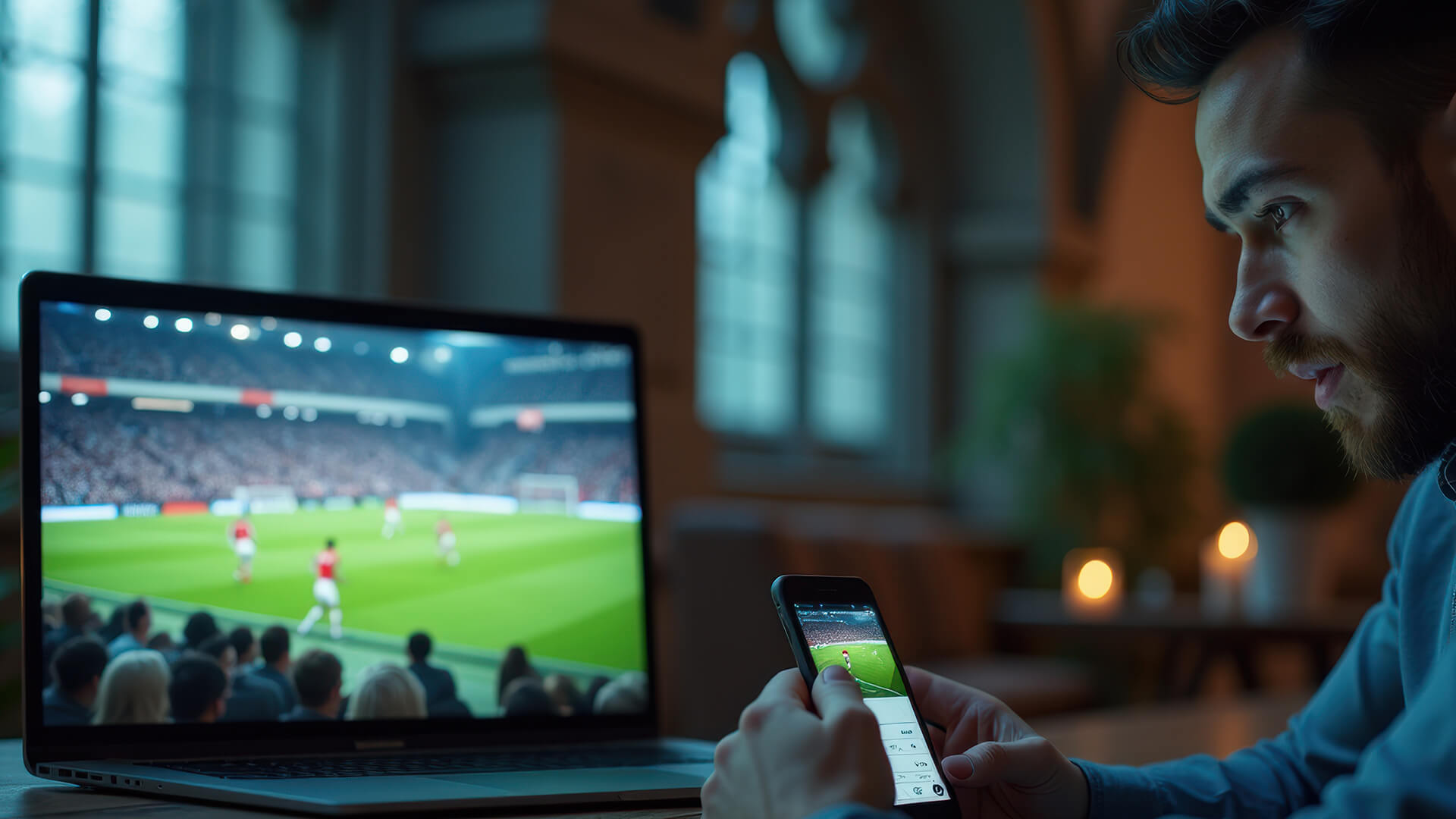
When it comes to streaming, the display is the feature you’ll notice immediately. It shapes how every scene looks, from colour accuracy to overall sharpness, making it the most impactful upgrade for better viewing.
Full HD vs 4K Screens
A Full HD display (1080p) is still a great choice for everyday streaming. It provides clear visuals and works well for most users, especially on smaller screens.
However, if you want a more premium experience, a 4K display offers significantly sharper detail and improved clarity. This becomes especially noticeable when watching high-quality content or larger screen sizes.
If you’re serious about getting the best visuals, exploring laptops with high quality displays can help you find options that fully support high-resolution streaming.
OLED vs IPS Panels
The type of display panel also plays a big role in how content looks. OLED displays deliver deeper blacks, higher contrast and more vibrant colours, making them ideal for movies and Netflix. This creates a more cinematic and immersive feel.
IPS panels, while more common, still offer good colour accuracy and consistent viewing angles. They are a reliable option for everyday streaming, even if they don’t match the depth and richness of OLED.
For you, this means choosing between OLED for the best visual experience or IPS for a more budget-friendly but still solid option.
Brightness and HDR Support
Brightness levels affect how well you can watch content in different lighting conditions. A brighter screen ensures better visibility, whether you’re indoors or near natural light.
HDR support takes things further by improving contrast and expanding colour range. This makes scenes look more realistic, with brighter highlights and deeper shadows.
If you regularly watch HDR content, especially on Netflix; this feature can make a noticeable difference in how immersive your viewing experience feels.
Sound Quality for an Immersive Experience
When it comes to streaming movies or watching Netflix, visuals may grab your attention first but sound is what truly completes the experience. Good audio makes dialogue clearer, enhances background music, and brings scenes to life in a way that feels more immersive and engaging.
A best laptop for streaming should not only look good but also sound good, ensuring you don’t miss subtle details that add depth to your favourite films and shows.
Built-in Speaker Quality
Laptop speakers can vary significantly depending on the model. Some offer clear and balanced sound, while others may feel weak or lack depth, especially at higher volumes.
A laptop with well-tuned built-in speakers allows you to enjoy content without immediately needing external audio devices. This is particularly useful for casual viewing, whether you're watching on your bed, sofa, or while travelling.
For you, this means more convenience simply open your laptop and enjoy your content without extra setup.
Dolby Audio and Enhancements
Many modern laptops include audio technologies such as Dolby Audio or Dolby Atmos, which are designed to improve sound clarity and spatial depth.
These enhancements make a noticeable difference when streaming films or series. Dialogue becomes easier to hear, sound effects feel more detailed, and overall audio feels more immersive; almost like a mini home theatre experience.
If you watch a lot of movies, this feature adds real value to your setup without needing additional equipment.
Headphones vs Laptop Speakers
While built-in speakers are convenient, headphones can take your audio experience to another level. They provide better sound isolation, improved clarity, and a more immersive feel, especially in noisy environments.
Using headphones is also ideal if you want to enjoy late-night viewing without disturbing others.
In simple terms, built-in speakers are great for everyday use, while headphones are the best choice for a more cinematic and personal experience.
Battery Life for Long Streaming Sessions
Battery life plays a crucial role in how enjoyable your streaming experience is; especially if you’re watching multiple episodes or long movies without access to a charger.
Real Streaming Battery Expectations
Streaming video uses a steady amount of power, particularly when watching in high resolution. A laptop that offers around 8 to 12 hours of battery life is generally ideal for uninterrupted viewing.
This allows you to watch multiple episodes or even a full day’s content without constantly worrying about charging.
Power Efficiency
Efficient hardware, such as modern processors and optimised displays, helps reduce battery consumption during streaming.
This means your laptop can run longer on a single charge while still delivering smooth playback and good performance.
For you, this translates to fewer interruptions and a more relaxed viewing experience.
Portability and Usage
If you plan to stream content on the go, portability becomes just as important as battery life. Lightweight laptops are easier to carry and more convenient to use in different settings, whether you’re travelling, commuting or moving around your home.
A portable laptop with strong battery life effectively becomes a complete entertainment device you can use anywhere.
Best Types of Laptops for Streaming
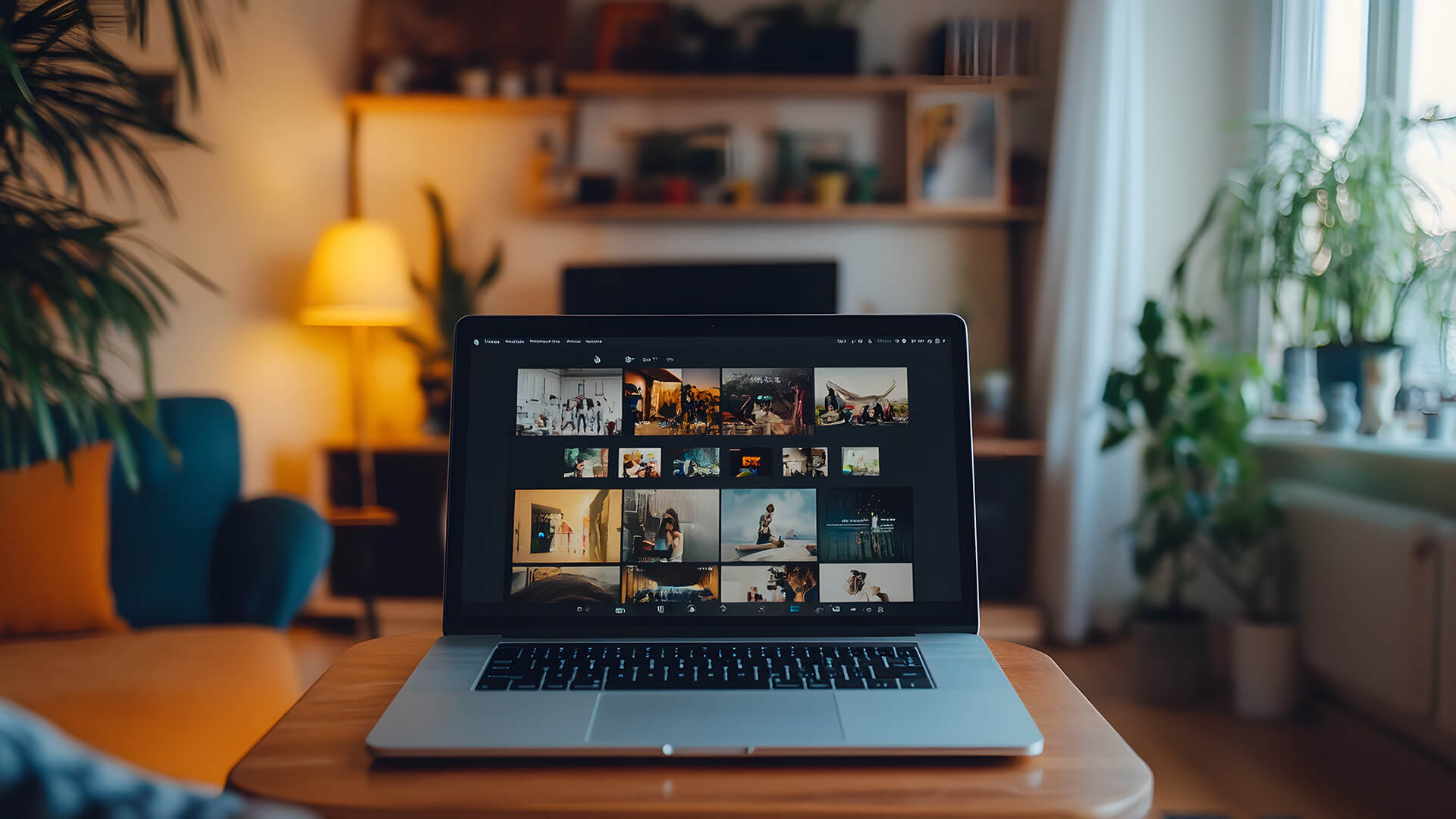
Not all laptops are designed with streaming in mind. Some types are better suited to delivering a comfortable and enjoyable viewing experience.
Thin and light laptops are ideal for streaming because they are easy to carry and typically offer excellent battery life.
They are perfect for users who want a simple, portable device for watching movies, browsing and everyday use without extra bulk.
2-in-1 laptops add flexibility by allowing you to switch between laptop and tablet modes.
This makes them especially useful for streaming, as you can adjust the screen to different angles or positions depending on where you’re watching. Whether you’re sitting at a desk or lying on a sofa, they offer a more comfortable viewing setup.
If you want the best possible experience, high-end multimedia laptops are the top choice.
These devices often include premium displays, enhanced speakers, and better overall build quality. The result is sharper visuals, richer sound and a more immersive viewing experience; closer to what you’d expect from a home entertainment system.
Do You Need a High-Performance Laptop for Streaming?
A common misconception is that you need a powerful laptop to stream movies or videos. In reality, streaming is not very demanding compared to gaming or creative workloads.
CPU and GPU Requirements
Most modern laptops, even at the entry level, can handle video streaming without any issues. You don’t need a high-end GPU or processor just to watch Netflix or YouTube.
What matters more is display quality, audio and battery life; not raw performance.
Internet vs Hardware Limitations
In many cases, your internet connection has a bigger impact on streaming quality than your laptop itself.
A fast and stable connection ensures smoother playback, higher resolutions, and fewer interruptions. Even the best laptop for streaming video cannot compensate for a slow or unstable internet connection.
Streaming Platforms and Compatibility
When choosing the best laptop for streaming movies, it’s not just about the hardware; you also need to consider how well your laptop works with different streaming platforms. Even a high-quality display won’t deliver its full potential if the platform or setup limits resolution or features.
Understanding compatibility helps ensure you actually get the viewing quality you’re expecting.
Netflix, Prime Video, Disney+
Most modern laptops can run popular platforms like Netflix, Prime Video, and Disney+ without any issues. However, not all laptops or setups support the highest streaming quality available, especially when it comes to 4K and HDR content.
Streaming services often have specific requirements for full-resolution playback. These can include certain browsers, supported operating systems, or even display capabilities. If your laptop doesn’t meet these requirements, the platform may automatically limit playback quality; even if your internet connection is fast enough.
For you, this means it’s important to choose a laptop that aligns with these requirements if you want the best possible viewing experience.
Browser vs App Streaming
One detail many users overlook is the difference between streaming through a browser and using a dedicated app.
In some cases, streaming platforms offer better quality through their official apps compared to web browsers. This can affect things like resolution, HDR support, and overall playback quality.
For example, certain browsers may limit streaming resolution due to compatibility or licensing restrictions. This means you could be watching in lower quality without realising it.
Using the correct app or supported browser ensures you’re getting the highest available quality from your laptop for Netflix or streaming video.
Resolution Limitations
Even if you choose a laptop with a 4K display, that doesn’t automatically guarantee 4K streaming. Several factors can affect this, including the display panel, browser support, and DRM (Digital Rights Management) compatibility.
Some laptops may only stream in Full HD due to software or hardware limitations, even if the screen itself supports higher resolution.
Checking these details before buying helps avoid disappointment and ensures your laptop can fully support high-resolution content.
If you want to fully enjoy sharp visuals and detailed content, explore high res displays for Netflix that support better clarity and a more immersive viewing experience.
Final Verdict!
When choosing the best laptops for streaming movies, the most important factors are display quality, sound, and battery life. A good screen ensures sharp visuals, strong audio improves immersion, and long battery life allows uninterrupted viewing.
You don’t need a high-performance gaming machine; what matters is a well-balanced laptop designed for media consumption.
If you want to enhance your setup further, you can explore monitors for 4K streaming or even store them in your drives using reliable computer storage solutions for offline viewing.
If you’re ready to upgrade, you can browse the latest laptops and accessories on Box.co.uk to find the perfect streaming setup for your needs.
Frequently Asked Questions
Do you need a good laptop to stream?
No, most modern laptops can stream content, but better displays and audio improve the experience.
How much RAM is enough for streaming?
8GB RAM is usually enough for streaming, though 16GB offers smoother multitasking.
How much battery life do you need for streaming?
Around 8–12 hours is ideal for uninterrupted viewing.
What is the best laptop for watching Netflix?
A laptop with a high-quality display, good speakers, and strong battery life is best.
Are OLED laptops better for streaming?
Yes, OLED displays offer better contrast and colours, making them ideal for movies and streaming.
You can pay with:
*PayPal Credit Representative Example: Assumed credit limit £1,200, Representative 23.9% APR (variable). Purchase rate 23.9% p.a (variable).Terms & Conditions apply.


PayPal Credit and PayPal Pay in 3 are trading names of PayPal UK Ltd, 5 Fleet Place, London, United Kingdom, EC4M 7RD. Terms and conditions apply. Credit subject to status, UK residents only, Five Tech LTD acts as a broker and offers finance from a restricted range of finance providers. PayPal Pay in 3 is not regulated by the Financial Conduct Authority. Pay in 3 eligibility is subject to status and approval. 18+. UK residents only. Pay in 3 is a form of credit. Check if affordable and how you will repay. May make other borrowing more difficult or expensive. See product terms for more details.
Copyright © 1996-2026 Fivetech LTD | Terms and Conditions
box.co.uk & Box are trading names of Five Tech Limited. Registered office: Box LTD, Unit 10 Woodford Trading Estate, Woodford Green IG8 8HF