


 Menu
MenuMenu


Get Sales Advice from Mon - Fri 9am - 5:00pm:
020 3337 8950LAST UPDATED: February 19, 2026
Best Chromebook Under £300 – Top Budget Picks for 2026
Looking for a fast, reliable laptop that doesn’t drain your budget? The best Chromebook under £300 proves you don’t need to spend big to get solid everyday performance. From browsing and streaming to working on docs or jumping into cloud apps, today’s Chromebooks handle it all without slowing you down.
The UK market is packed with options, but not every model delivers the right balance of speed, build quality and battery life. That’s where we come in. We’ve rounded up the standout picks that actually deserve your money, including sleek ASUS models, dependable Acer Chromebooks and great-value Lenovo options, along with options from HP that punch above their price point.
If you’re hunting for the best Chromebook to buy or browsing the latest Chromebook laptop deals, this guide breaks down the top choices worth considering right now. Let’s find the budget Chromebook that fits your setup.
Top 11 Picks for the Best Chromebooks Under £300 in 2026
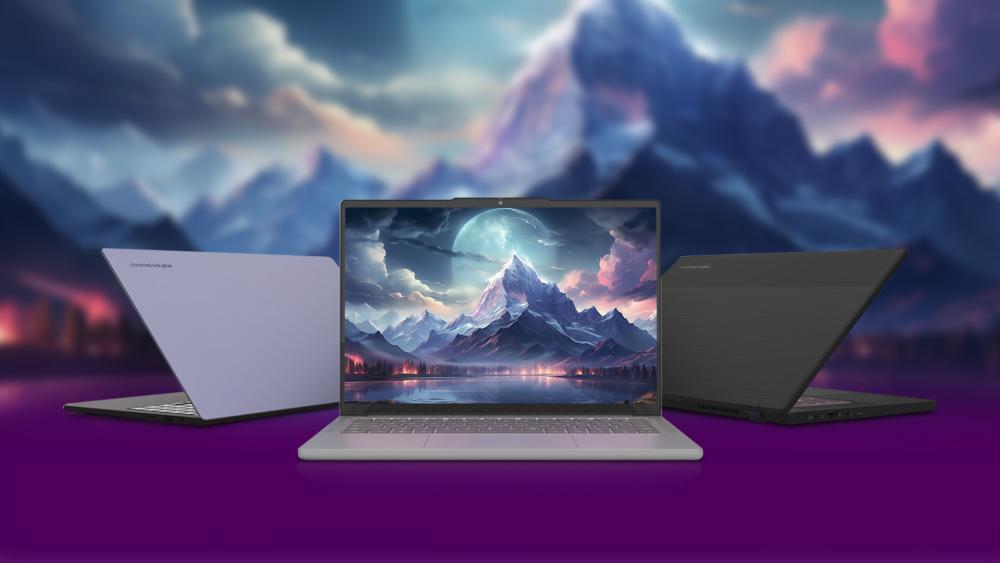
Want a Chromebook under £300 but not sure which one to choose? Here are the top eleven options to consider in 2026.
1. Acer Chromebook Spin 314 Convertible
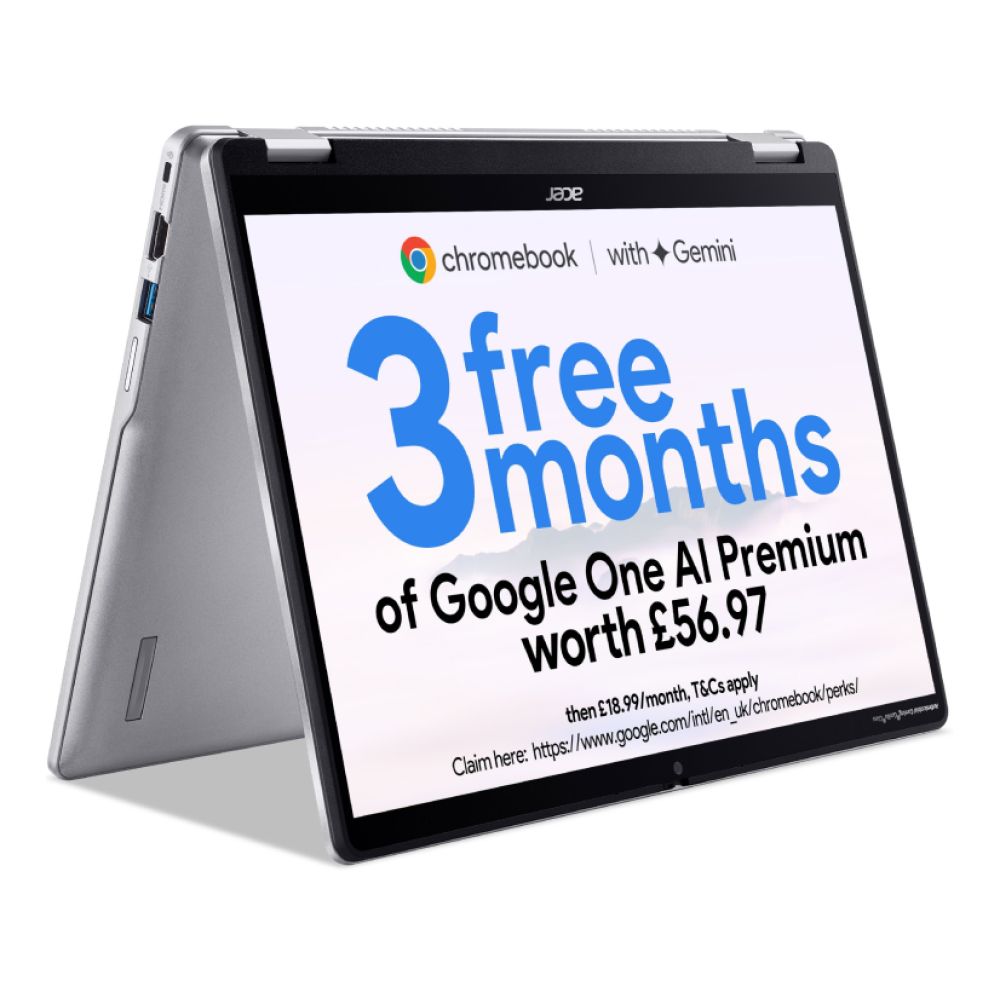
The Acer Chromebook Spin 314 Convertible is a brilliant all-rounder for UK users who want flexibility without overspending. Powered by the efficient Intel N100 Quad-Core processor and 4GB RAM, it handles browsing, coursework, streaming and light multitasking smoothly. The 14" WUXGA touchscreen with a 360° hinge lets you switch between laptop, tent and tablet modes in seconds, making it ideal for students or hybrid workers.
With 128GB SSD storage, you’ve got room for files and offline apps, while HDMI and USB-C connectivity keep your setup versatile. Lightweight and portable, this option from our collection of Acer Chromebooks is a strong contender for the best Chromebook under £300, especially at £299.99 with savings available.
2. Acer Chromebook 311
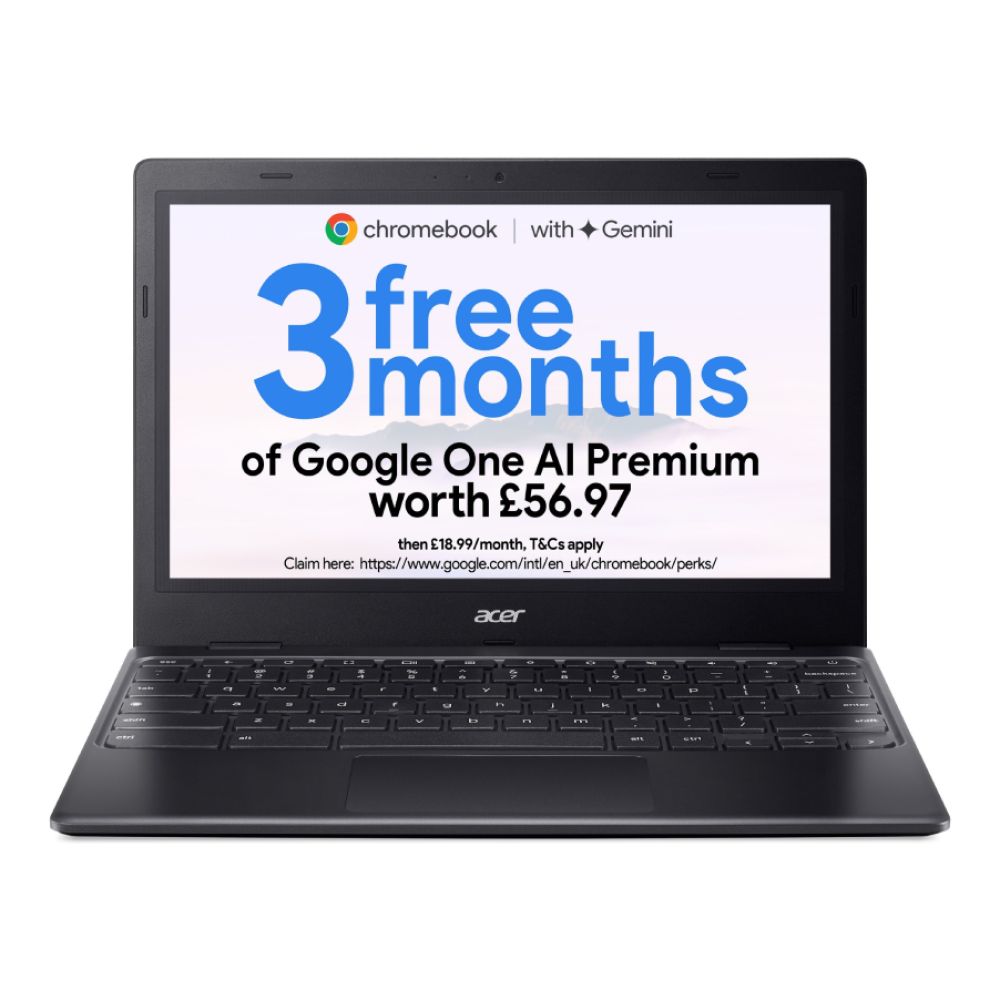
Compact, affordable and ready for everyday tasks, the Acer Chromebook 311 is perfect for students or casual users. Running on an Intel Celeron N4500 processor with 4GB RAM, it handles web browsing, Google apps and streaming without fuss.
The 11.6" HD display keeps things portable, while USB-C support ensures simple charging and connectivity. At just £169.99, this is one of the strongest budget Chromebook options available, delivering reliable performance without stretching your budget.
3. ASUS Chromebook CZ11
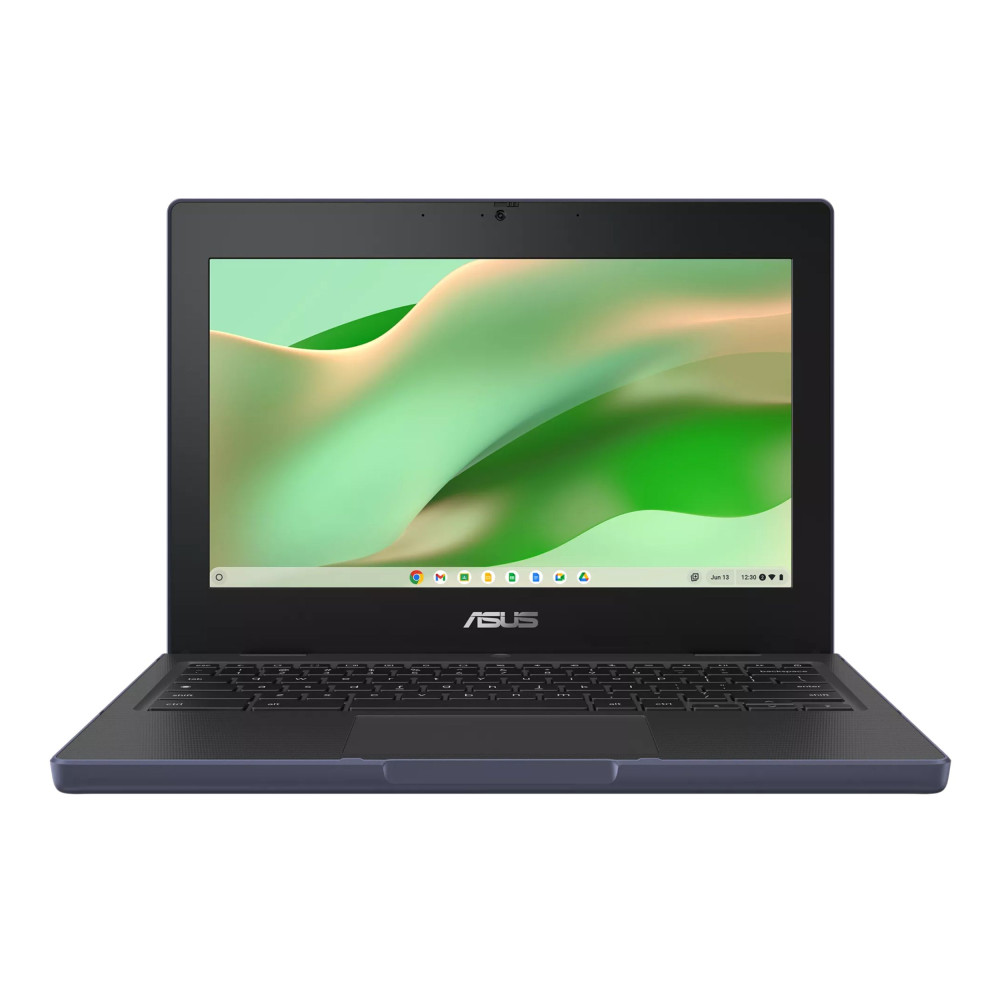
If portability is your priority, the ASUS Chromebook CZ11 is a lightweight 11.6" option that punches above its price. Powered by a MediaTek Kompanio 520 octa-core processor and paired with 8GB RAM, it offers smooth multitasking for web apps, emails and streaming.
With 64GB eMMC storage and USB-C connectivity, it’s a practical everyday device for students or remote workers who need something compact and dependable. At £239.99, it sits comfortably among the best Chromebook deals in the UK right now. If you want to explore more, we have some great options from ASUS touchscreen Chromebooks as well. So be sure to check them out.
4. HP Chromebook 14a-ne1000na
The HP Chromebook 14a-ne1000na is a superb everyday choice under £300. Powered by an Intel Celeron N4500 processor and 4GB RAM, it delivers dependable performance for browsing, video calls and productivity tasks.
The 14" Full HD display gives you crisp visuals, while 64GB storage supports your essential apps and files. With Wi-Fi, USB-C and HDMI connectivity, it’s built for modern use at home or on campus. At £169.99 with savings included, it’s a standout Chromebook laptop deal.
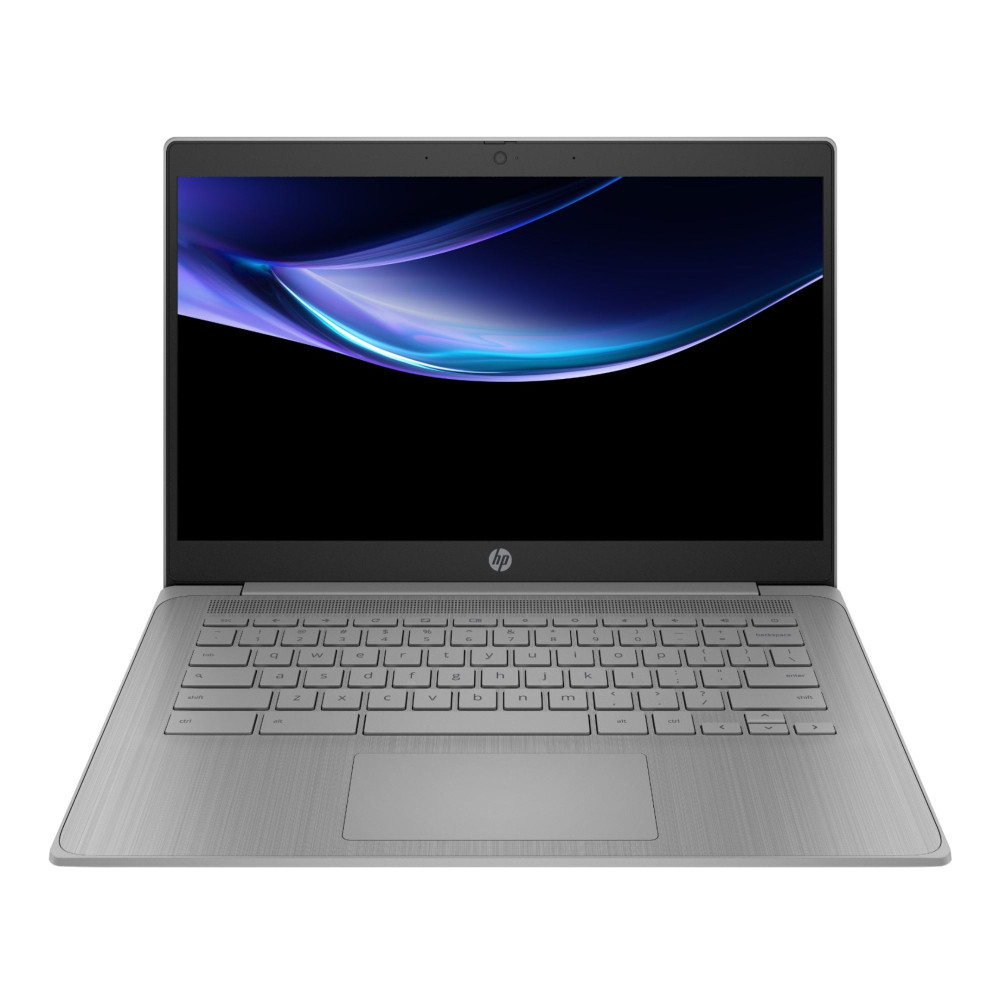
5. Acer Chromebook 314 (CBOA314-1H)
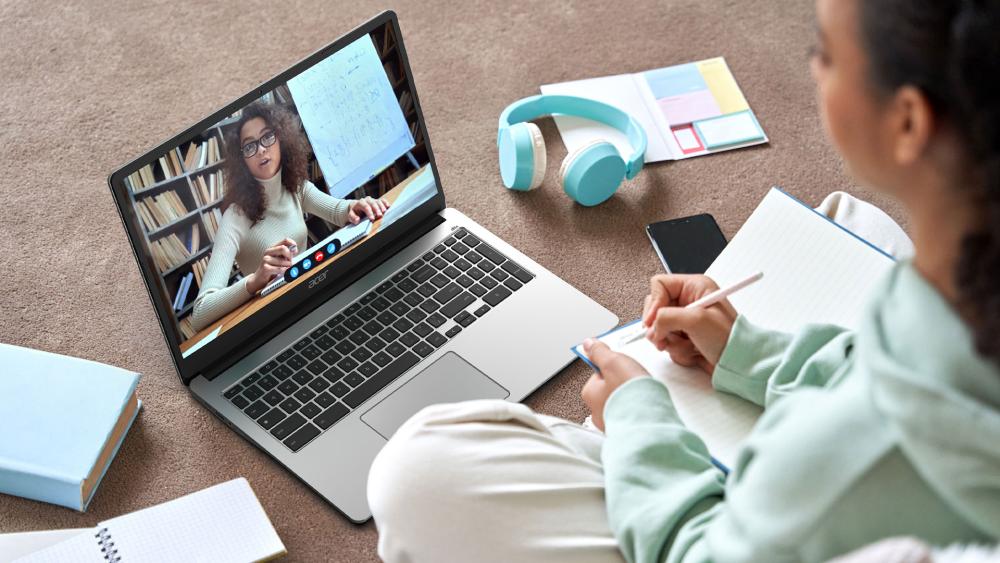
Want the best Chromebook under £300 with strong everyday performance? The Acer Chromebook 314 (CBOA314-1H) is built to impress — whether you’re working, learning, or streaming. It features a 14" Full HD TFT display with anti-glare tech, making it ideal for long hours in any lighting. Under the hood, a dual-core Intel Celeron N4500 processor and 4GB LPDDR4x RAM power through web apps, emails, and video calls with ease. The 64GB SSD offers quick boot-ups and smooth file access.
Despite its robust spec, it weighs just 1.5kg, making it great for commuting or switching between home and office. With up to 10.5 hours of battery life, it’s built for all-day use. You also get USB-C, Bluetooth 5.0, and an HD webcam with noise cancellation, making remote work seamless. Add in ChromeOS with automatic updates and Norton 360 Deluxe included, and at £249.99, this is one of the smartest Chromebook laptop deals around.
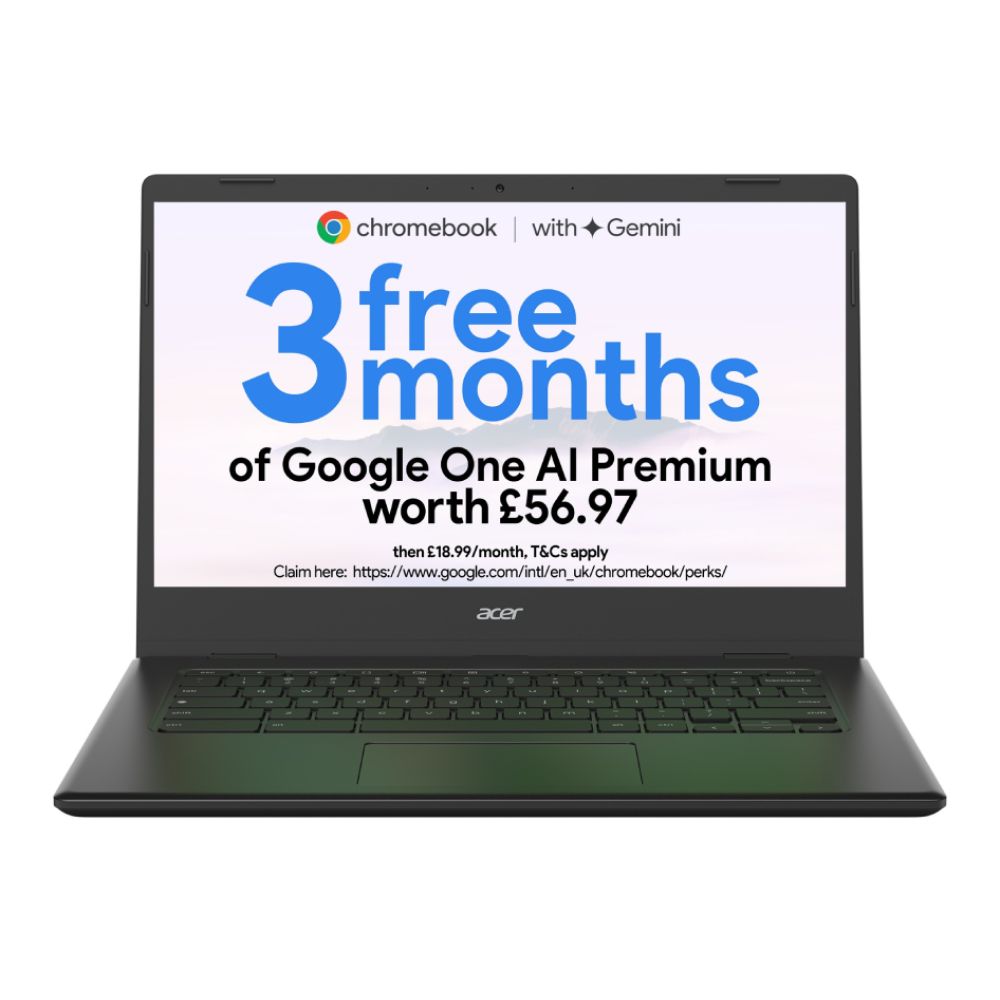
6. HP Chromebook 14a-nf0002na
Enjoy practical performance without the premium price tag with the HP Chromebook 14a-nf0002na. Featuring an Intel N100 processor and 4GB RAM, it’s built for smooth everyday browsing, streaming and document work.
With 128GB storage and Wi-Fi 6E support, it delivers strong connectivity and reliable performance. The 14" HD display keeps things clear and comfortable for longer sessions. At £199.99, this model offers excellent value for anyone hunting for the best Chromebook under £300.
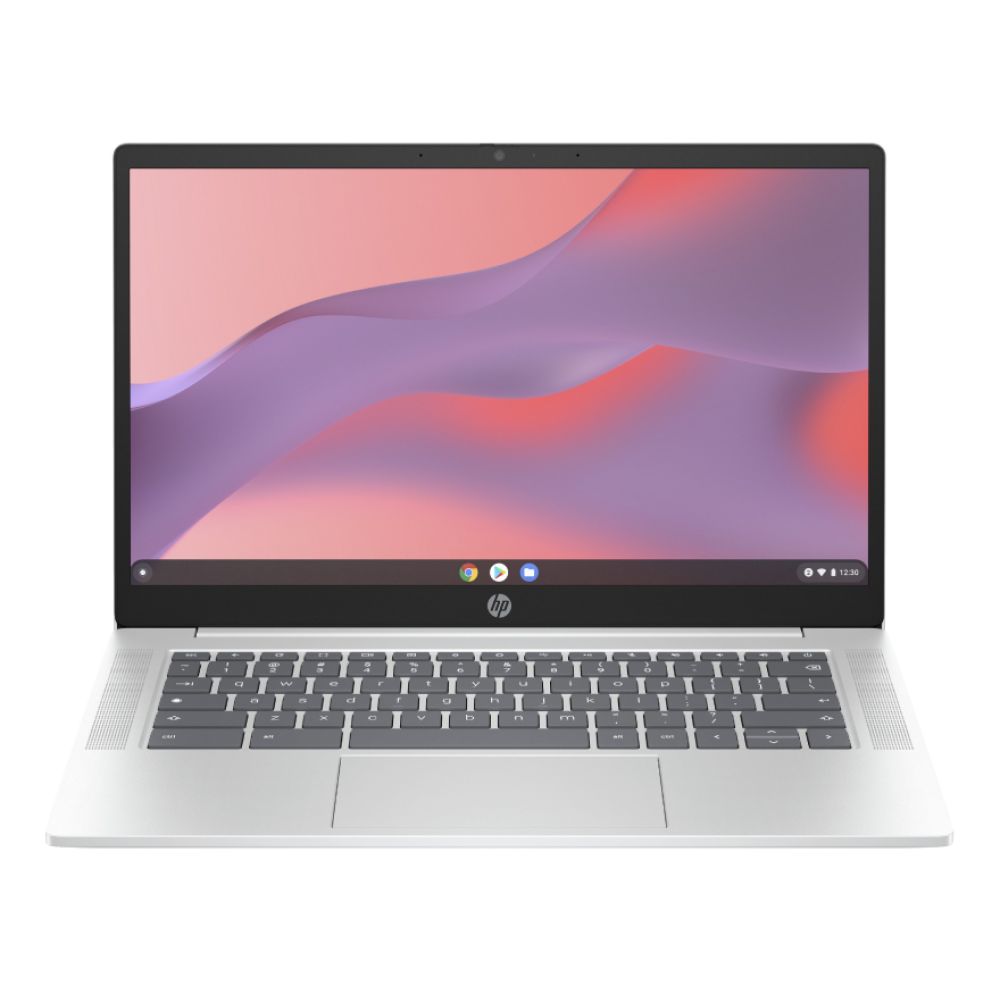
7. HP Chromebook 14a-nf0000sa
Step things up with the HP Chromebook 14a-nf0000sa, powered by an Intel Core i3-N305 processor and 8GB RAM. This configuration delivers noticeably smoother multitasking, making it ideal for remote work, study or heavier browser use.
The 14" Full HD IPS display offers crisp visuals, while 256GB UFS storage gives you plenty of room for apps and files. With Wi-Fi 6E and modern USB connectivity, it’s a performance-focused Chromebook at £299.99 and a serious upgrade without crossing the £300 mark.

8. Lenovo IdeaPad Slim 3 Chromebook 14M868
The Lenovo IdeaPad Slim 3 Chromebook 14M868 blends portability with solid everyday power. Equipped with a MediaTek 520 octa-core processor and 8GB RAM, it handles multiple tabs and productivity apps with ease.
Its 14" Full HD display provides sharp visuals, while 128GB storage ensures plenty of room for offline work. With USB-C, HDMI and reliable wireless connectivity, it’s a dependable everyday Chromebook for £286.49, well within the best Chromebook under £300 bracket.
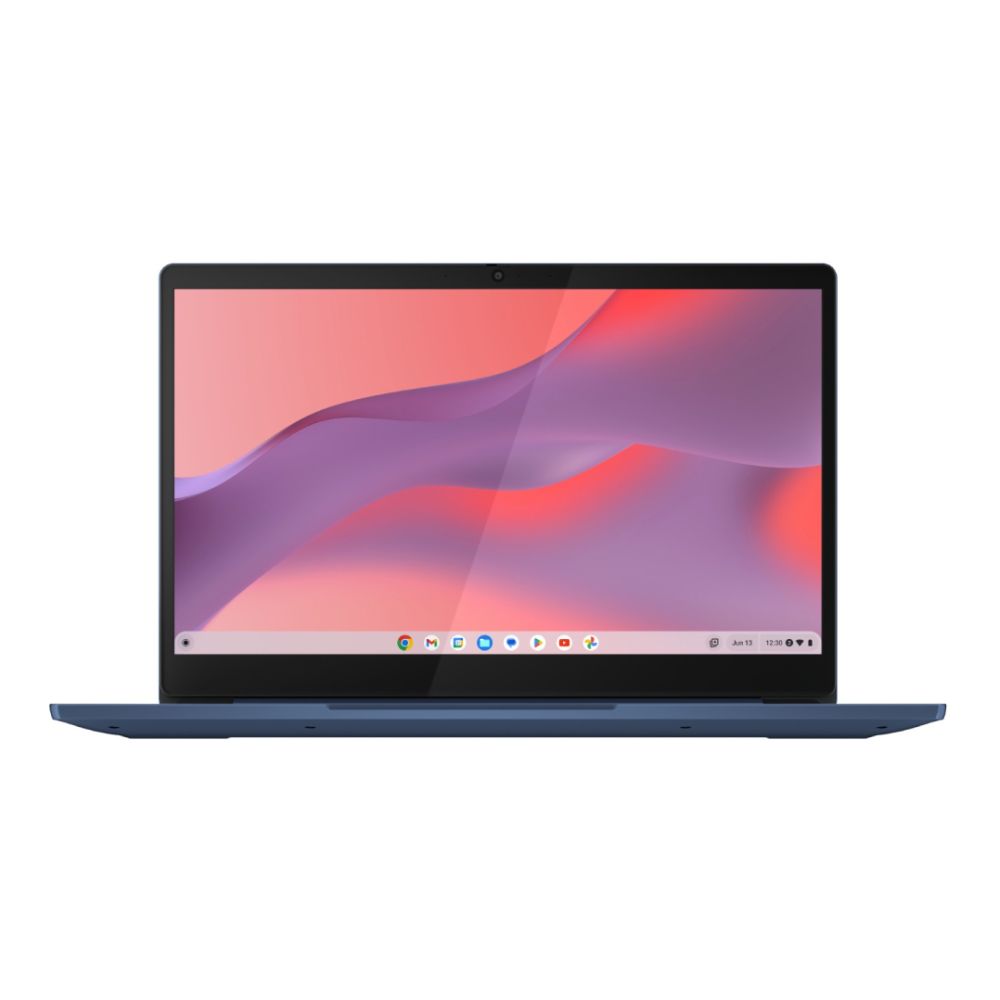
9. Lenovo IdeaPad Slim 3
The Lenovo IdeaPad Slim 3 Chrome features a 14" Full HD TN display, powered by an octa-core MediaTek Kompanio 520 processor, 4GB LPDDR4x RAM, and a 64GB SSD. It runs on ChromeOS and offers Bluetooth 5.3, Wi-Fi 6, USB-C, USB 3.2 ports, and a microSD card reader.
Weighing 1.3 kg in Abyss Blue, it also packs an integrated webcam, so you can jump straight into virtual meetings, streaming sessions, or creative catch-ups with clear clarity and portability.
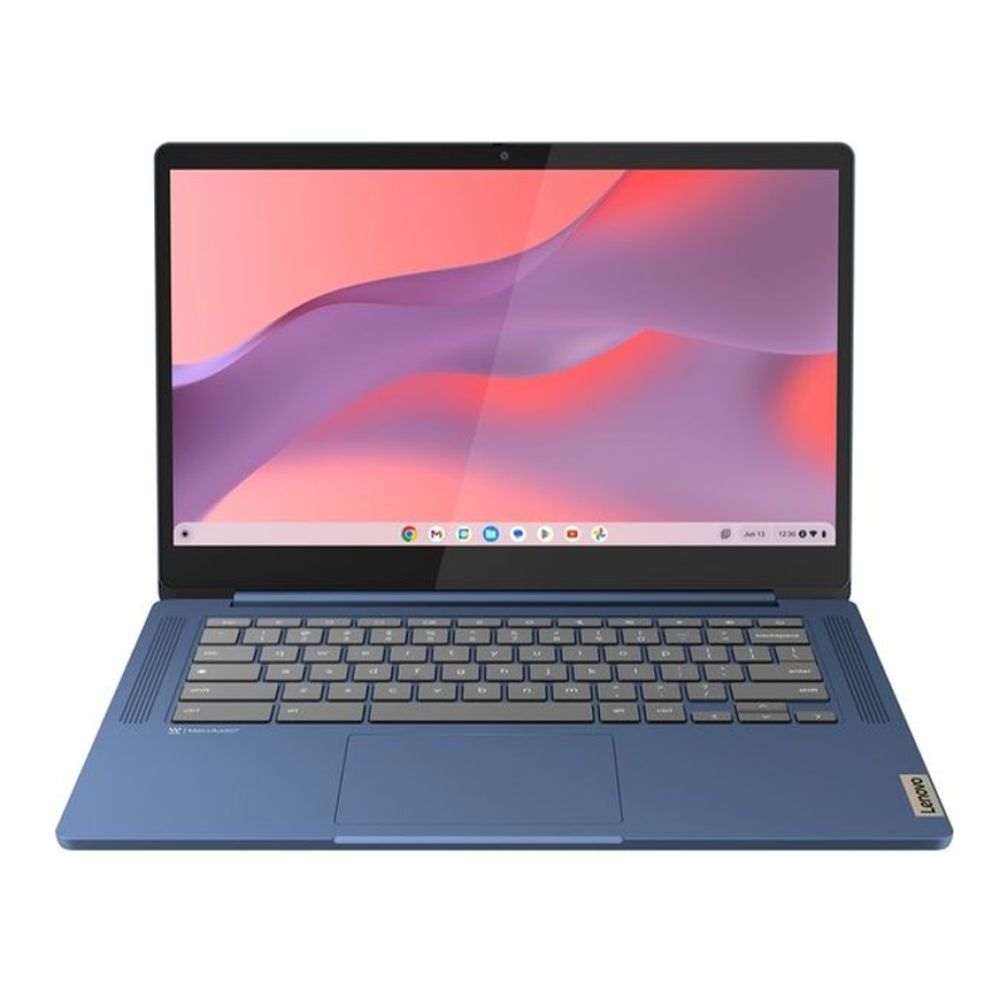
10. Lenovo IdeaPad 3 Chrome 15IJL6
The Lenovo IdeaPad 3 Chrome 15IJL6 is a top budget Chromebook choice with an Intel Pentium Silver N6000 processor, 8GB RAM, and a speedy 128GB SSD. Excellent for everyday use, this lightweight Chromebook weighs just 1.58 kg and offers a crisp 15.6" Full HD display.
With Wi-Fi 6 and USB-C connectivity, this option from our list of Lenovo Chromebooks is a good fit for students and professionals seeking the best buy Chromebook option in the UK without breaking the bank.
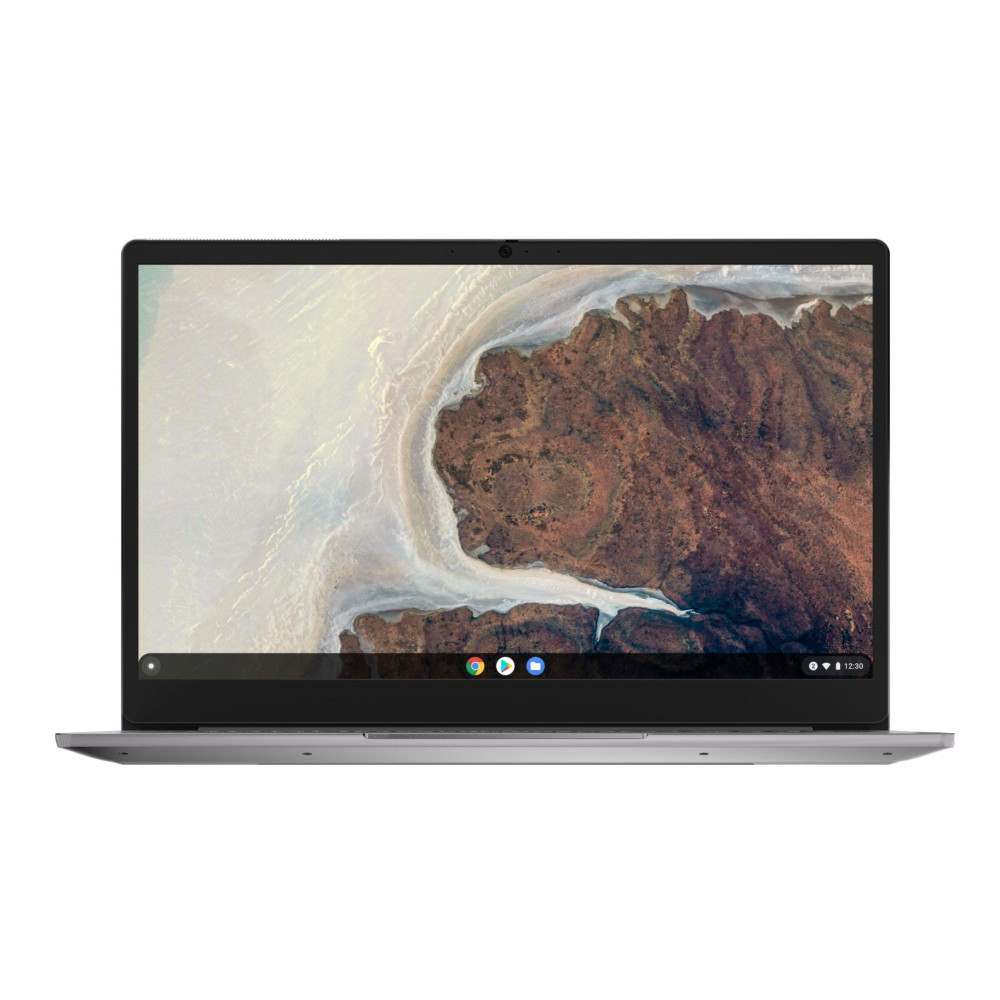
11. Lenovo Chromebook S345
For unbeatable value, the Lenovo Chromebook S345 remains a smart choice. Powered by an AMD A6-9220C processor with 4GB RAM, it’s ideal for web browsing, coursework and streaming.
The 14" Full HD display makes it comfortable for longer sessions, while 64GB storage supports everyday needs. Now available at £189.99 with savings applied, it’s one of the most affordable ways to secure a reliable Chromebook in the UK.
How to Choose the Best Chromebook Under £300
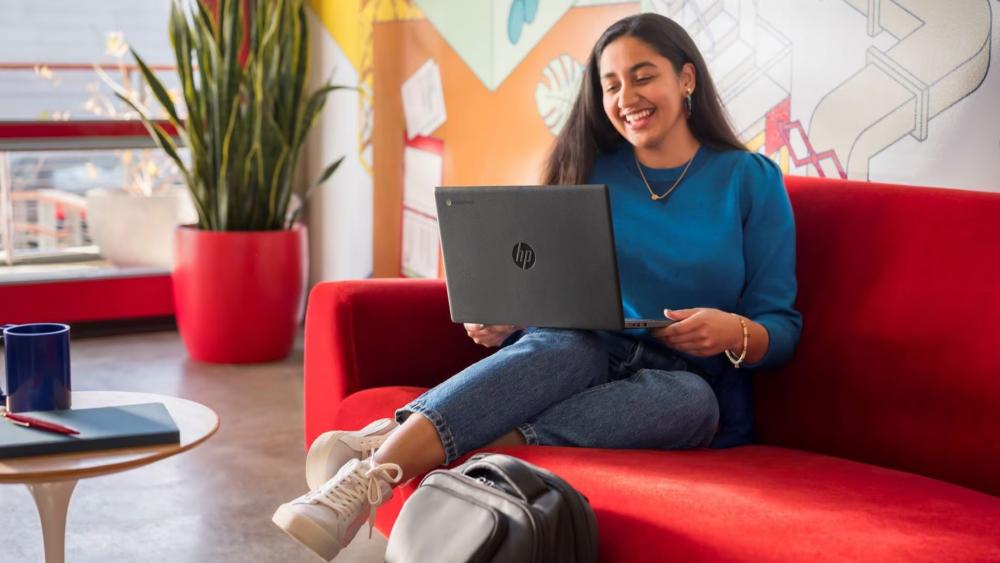
Finding the best Chromebook under £300 isn’t just about grabbing the cheapest option. It’s about balancing performance, display quality, battery life and portability so you get real value for your money. Here’s what to look out for before you buy.
Processor: Entry-Level vs Mid-Range
Most budget Chromebook models under £300 use Intel Celeron, Intel N100/N200 or MediaTek Kompanio processors. These are perfect for browsing, Google Docs, streaming and video calls.
If you want smoother multitasking, look for models with an Intel Core i3-N305 or 8GB RAM. These offer noticeably better performance and are ideal for remote work or heavier browser use.
RAM: 4GB vs 8GB
4GB RAM is fine for everyday tasks like emails, YouTube and Google Classroom. However, if you tend to keep multiple tabs open or run Android apps alongside Chrome, 8GB RAM is worth the small extra investment. It makes a lightweight Chromebook feel much more responsive.
Storage: eMMC, SSD or UFS?
Most Chromebooks under £300 use eMMC storage, which is fast enough for ChromeOS and cloud-based apps. Some higher-end options feature UFS or SSD storage, which improves boot speeds and file access.
If you store lots of files offline, aim for 128GB rather than 64GB. Many models also include microSD support for extra storage.
Screen Size and Display Quality
Screen size makes a big difference to usability:
- 11.6" models are ultra-portable and great for travel or school bags.
- 14" models strike the best balance between portability and workspace.
- 15.6" models give you more room for multitasking and streaming.
Full HD (1920 x 1080) is ideal if you spend long hours working or watching content. HD panels are fine for basic use but less sharp.
Convertible vs Traditional Design
If you like flexibility, a 2-in-1 convertible Chromebook with a touchscreen lets you switch between laptop and tablet modes. These are ideal for students, presentations or streaming in tent mode.
Traditional clamshell designs are usually slightly cheaper and still offer excellent performance.
Battery Life and Portability
One of the biggest advantages of a budget Chromebook is battery life. Most models last 8–12 hours on a single charge, making them ideal for all-day use. If you’re commuting or studying on the go, aim for something under 1.5kg for maximum portability.
Choosing the best Chromebook under £300 ultimately comes down to how you’ll use it. Whether you need the cheapest Chromebook for simple tasks or a slightly more powerful Chromebook for multitasking, there’s a strong option available.
Conclusion
Choosing the best Chromebook under £300 doesn’t mean settling for less. In 2026, budget Chromebook models deliver impressive speed, solid build quality and all-day battery life without pushing past your spending limit. Whether you need a lightweight Chromebook for commuting, a dependable device for schoolwork, or a larger screen for streaming and multitasking, there’s a model here that fits the bill.
From reliable Acer Chromebook options to sleek ASUS Chromebook touchscreen designs and great-value Lenovo Chrome Book models, these picks prove you can get serious performance at a sensible price. Fast boot times, automatic ChromeOS updates and seamless access to Google apps make everyday tasks simple, whether you’re studying, working remotely or just browsing.
If you’re ready to upgrade, explore the latest Chromebook deals at Box.co.uk and find the best Chromebook under £300 for your needs. With competitive pricing, flexible payment options and fast UK delivery, getting your next Chromebook has never been easier.
FAQs
1. Are Chromebooks under £300 good for students or remote work?
Yes. Most Chromebooks under £300 are great for students and remote workers. They support Google Workspace, offer long battery life, fast Wi-Fi, and HD webcams, all essential for online classes or meetings.
2. Can I run Android apps and Linux on a budget Chromebook?
Yes. Most Chromebooks under £300 support Android apps via Google Play. Many also run Linux (Beta), letting you use development tools or open-source apps, though performance may vary with lower-end specs.
3. How long do Chromebooks under £300 stay updated?
Typically, Chromebooks released before 2021 receive updates for up to 8 years from their release. Newer models offer longer support.
4. Can I upgrade the storage or RAM in Chromebooks under £300?
Generally, most budget Chromebooks under £300 come with fixed storage and RAM. While some models may offer a microSD slot for additional storage, the RAM and internal storage are typically not upgradeable.
5. What is the difference between a Chromebook and a traditional laptop?
A Chromebook runs on ChromeOS, which is designed around cloud computing and Google apps. Traditional laptops usually run Windows or macOS and support heavier desktop software. Chromebooks boot faster, are generally more secure, and often cost less, making them ideal budget laptops for everyday use.
6. Is 4GB RAM enough for a Chromebook?
Yes, for most users, 4GB RAM is enough for browsing, streaming, emails and Google Workspace. However, if you multitask heavily or use Android apps regularly, 8GB RAM will provide a smoother experience.
7. Can I use Microsoft Office on a Chromebook?
Yes. You can use Microsoft Office via the web-based versions of Word, Excel and PowerPoint. Some Chromebooks also support Android Office apps. For most students and remote workers, this works perfectly well.
8. Do Chromebooks work without internet?
Yes. While Chromebooks are built for cloud use, many apps such as Google Docs, Sheets and Gmail support offline mode. You can also download movies and Android apps for offline access. However, you’ll get the best experience when connected to Wi-Fi.
You can pay with:
*PayPal Credit Representative Example: Assumed credit limit £1,200, Representative 23.9% APR (variable). Purchase rate 23.9% p.a (variable).Terms & Conditions apply.


PayPal Credit and PayPal Pay in 3 are trading names of PayPal UK Ltd, 5 Fleet Place, London, United Kingdom, EC4M 7RD. Terms and conditions apply. Credit subject to status, UK residents only, Five Tech LTD acts as a broker and offers finance from a restricted range of finance providers. PayPal Pay in 3 is not regulated by the Financial Conduct Authority. Pay in 3 eligibility is subject to status and approval. 18+. UK residents only. Pay in 3 is a form of credit. Check if affordable and how you will repay. May make other borrowing more difficult or expensive. See product terms for more details.
Copyright © 1996-2026 Fivetech LTD | Terms and Conditions
box.co.uk & Box are trading names of Five Tech Limited. Registered office: Box LTD, Unit 10 Woodford Trading Estate, Woodford Green IG8 8HF