


 Menu
MenuMenu


Get Sales Advice from Mon - Fri 9am - 5:00pm:
020 3337 8950LAST UPDATED: July 06, 2026
Best Budget Gaming Monitors in 2026: Top Picks for Gamers
Finding the best budget gaming monitors in 2026 is not just about buying the cheapest screen. A good inexpensive gaming monitor should still feel fast, sharp, and responsive, whether you are playing on PC, PS5, or Xbox.
The main things to compare are simple: resolution, refresh rate, response time, panel type, screen size, and ports. Once those are right, the best monitor for budget gaming becomes much easier to choose.
This guide will walk you through how to choose the best gaming displays for your needs. We will also list the latest gaming monitor offers available at Box to make the selection easier for you. So, let’s get started.
Quick answer: For most gamers, a 24-inch or 27-inch 1080p display with 144Hz or higher is the best affordable starting point. For sharper visuals, a 27-inch QHD gaming monitor is the best value upgrade. For consoles, check HDMI support, resolution, and refresh rate before buying.
Best Budget Gaming Monitors: Quick Picks
| Best For | Monitor Type to Look For | Why It Works |
|---|---|---|
| Cheapest gaming setup | 1080p 144Hz monitor | Smooth, affordable, and easy to run |
| Competitive gaming | 1080p 200Hz or 240Hz monitor | Faster motion and lower input feel |
| Best value visuals | 27-inch 1440p monitor | Sharper than Full HD without 4K pricing |
| Console gaming | 4K or QHD HDMI display | Better for PS5 and Xbox Series X/S |
| Single-screen setup | 27-inch monitor with speakers | Useful for gaming and everyday use |
| Immersion | Curved or ultrawide display | Wider field of view and stronger desk presence |
What Makes a Good Inexpensive Gaming Monitor?
A good inexpensive gaming monitor should get the basics right before adding extras.
Look for:
- 1080p or 1440p resolution
- 144Hz refresh rate or higher
- low response time
- HDMI and DisplayPort
- Adaptive Sync or similar support
- decent brightness
- IPS or VA panel
- a size that fits your desk
Do not overpay for features you will not use. A budget gaming monitor does not need to be flashy. It just needs to make your games feel smoother and look cleaner than a standard office display.
Best Budget 1440p Gaming Monitor
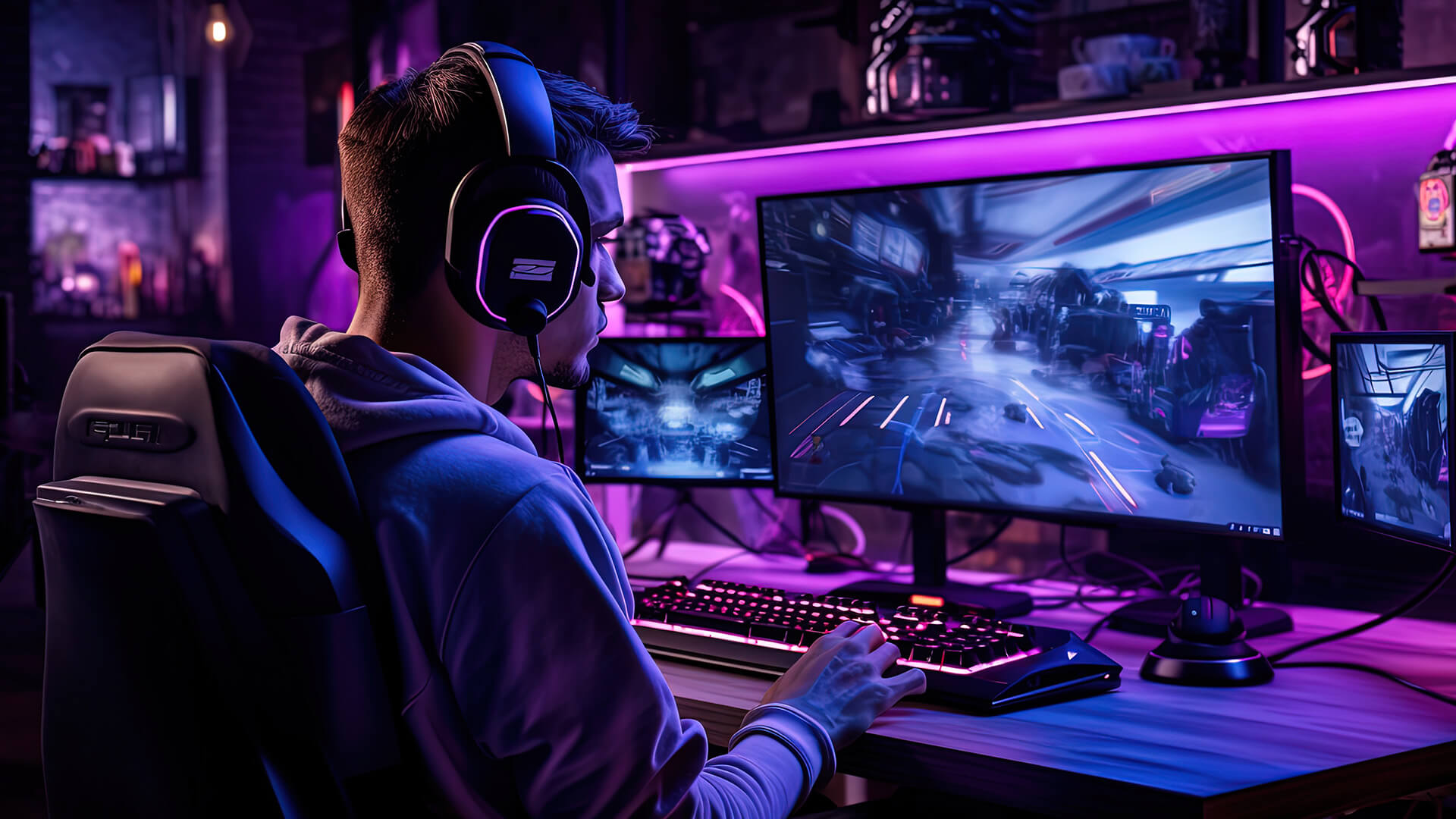
The best budget 1440p gaming monitor is the sweet spot for many PC gamers in 2026. It gives you sharper image quality than 1080p while staying more affordable and easier to run than 4K.
A 27-inch QHD gaming monitor is especially strong for:
- RPGs
- racing games
- shooters
- open-world games
- strategy titles
- mixed gaming and work use
Why 1440p Works Well on a Budget
The best budget 1440p monitor gives you:
- sharper detail than Full HD
- a better fit for 27-inch screens
- smoother gaming with 144Hz+ options
- better value than most 4K gaming screens
- more desktop space for work and browsing
If your gaming PC has a mid-range graphics card, 1440p is often the best balance between visuals and performance.
Good 1080p Monitor for Gaming
A good 1080p monitor for gaming still makes loads of sense, especially if you want high refresh rates without spending too much.
1080p is best for:
- esports
- budget gaming PCs
- entry-level gaming laptops
- compact setups
- younger gamers
- fast shooters
- high FPS gaming
1080p vs 1440p for Budget Gamers
Choose 1080p if you want:
- the lowest cost
- higher frame rates
- easier GPU performance
- competitive gaming
- smaller screens
Choose 1440p if you want:
- sharper visuals
- better 27-inch image quality
- stronger all-round use
- a more future-ready display upgrade
144Hz Gaming Display vs 165Hz Gaming Screen
A 144Hz gaming display is still one of the best upgrades from a standard 60Hz screen. It makes movement feel smoother, mouse input feel sharper and fast games easier to follow.
A 165Hz gaming screen is a small step up from 144Hz. It is not always a night-and-day difference, but it can be worth it if the price is close.
Refresh Rate Guide
| Refresh Rate | Best For |
|---|---|
| 75Hz | Casual gaming |
| 144Hz | Best budget starting point |
| 165Hz | Slightly smoother budget upgrade |
| 180Hz to 200Hz | Fast PC gaming |
| 240Hz | Esports and competitive shooters |
If refresh rate is your priority, find faster screens for gaming and compare by both Hz and response time.
Best Budget 27 Inch Monitor
The best budget 27-inch monitor depends on resolution.
At 27 inches:
- 1080p is affordable and fine for casual gaming
- 1440p looks sharper and more balanced
- 4K looks excellent but costs more and needs stronger hardware
For most players, 27-inch QHD is the best value gaming monitor size and resolution combo. It is large enough to feel immersive but not so big that you need a huge desk.
Best Budget 4K Gaming Monitor
The best budget 4K gaming monitor is worth considering if you play on PS5, Xbox Series X, or a powerful PC.
4K is best for:
- console gaming
- single-player adventures
- racing games
- open-world titles
- cinematic visuals
- desk setups used for work and gaming
The trade-off is performance. On PC, 4K needs a stronger graphics card. On console, check whether the monitor supports the resolution and refresh rate you want.
If sharpness is your priority, explore sharper 4K gaming screens before deciding.
Best Budget Curved Monitor
A best budget curved monitor can make sense if you want a more immersive feel, especially at 27 inches and above.
Curved displays are good for:
- racing games
- flight sims
- open-world games
- ultrawide setups
- single-player immersion
They are less essential for:
- competitive esports
- shared screens
- colour-critical creative work
- very small desks
A curved display is more about feel than raw performance. If the specs are weaker than a flat monitor at the same price, choose the faster or sharper panel instead.
Budget Ultrawide Monitor
A budget ultrawide monitor is ideal if you want more screen space without using two monitors.
It works well for:
- racing games
- simulation games
- productivity
- video timelines
- multitasking
- immersive single-player gaming
Check game support before buying. Most modern games handle ultrawide well, but some competitive titles and older games may have limits.
For budget buyers, ultrawide is usually a nice upgrade, not the first priority. Get refresh rate, resolution, and panel quality right first.
Best Budget Monitor Picks at Box
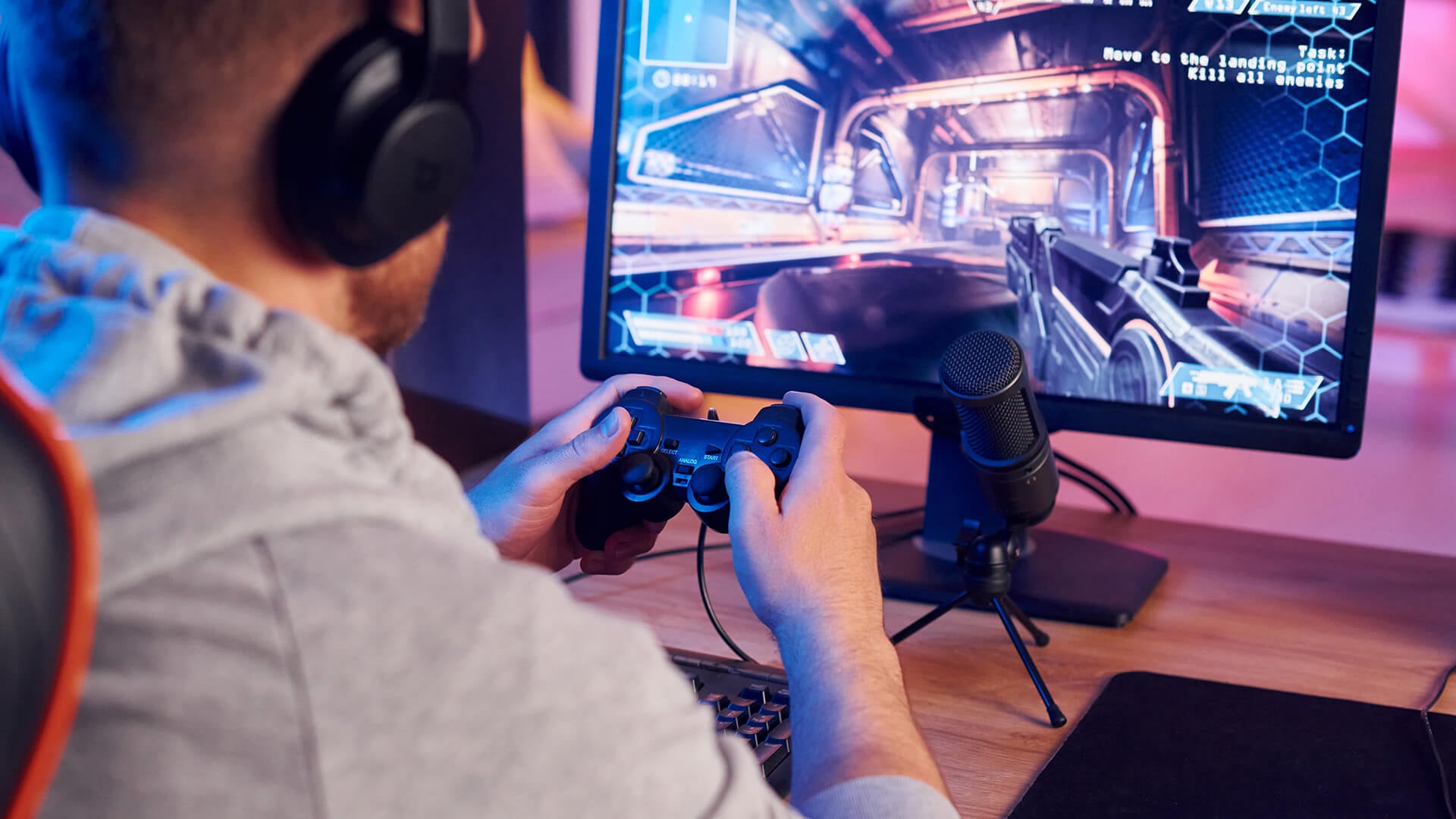
Here are practical monitor picks based on the type of gamer you are.
Best Budget 1440p Pick: MSI MAG 274QF
Best for players who want sharper visuals without jumping to 4K.
Why it makes sense:
- 27-inch QHD resolution
- Rapid IPS panel
- 180Hz refresh rate
- 0.5ms response time
- Adaptive Sync
- Console mode
Best for:
- PC gaming
- PS5 and Xbox setups
- all-round gaming
- sharper everyday use
The MSI MAG QHD gaming display is a strong example of what to look for, with a 27-inch QHD panel, 180Hz refresh rate, Rapid IPS display, and Adaptive Sync.

Best Affordable Full HD Pick: AOC 27B36X
Best for gamers who want a simple, affordable gaming screen.
Why it makes sense:
- 27-inch Full HD display
- IPS panel
- 144Hz refresh rate
- Adaptive Sync
- HDMI and DisplayPort
- HDR10 support
Best for:
- casual PC gaming
- budget setups
- everyday use
- first gaming monitor upgrade
The Affordable AOC Full HD gaming screen is a solid option for players who want a 27-inch Full HD display with 144Hz refresh and IPS colour.
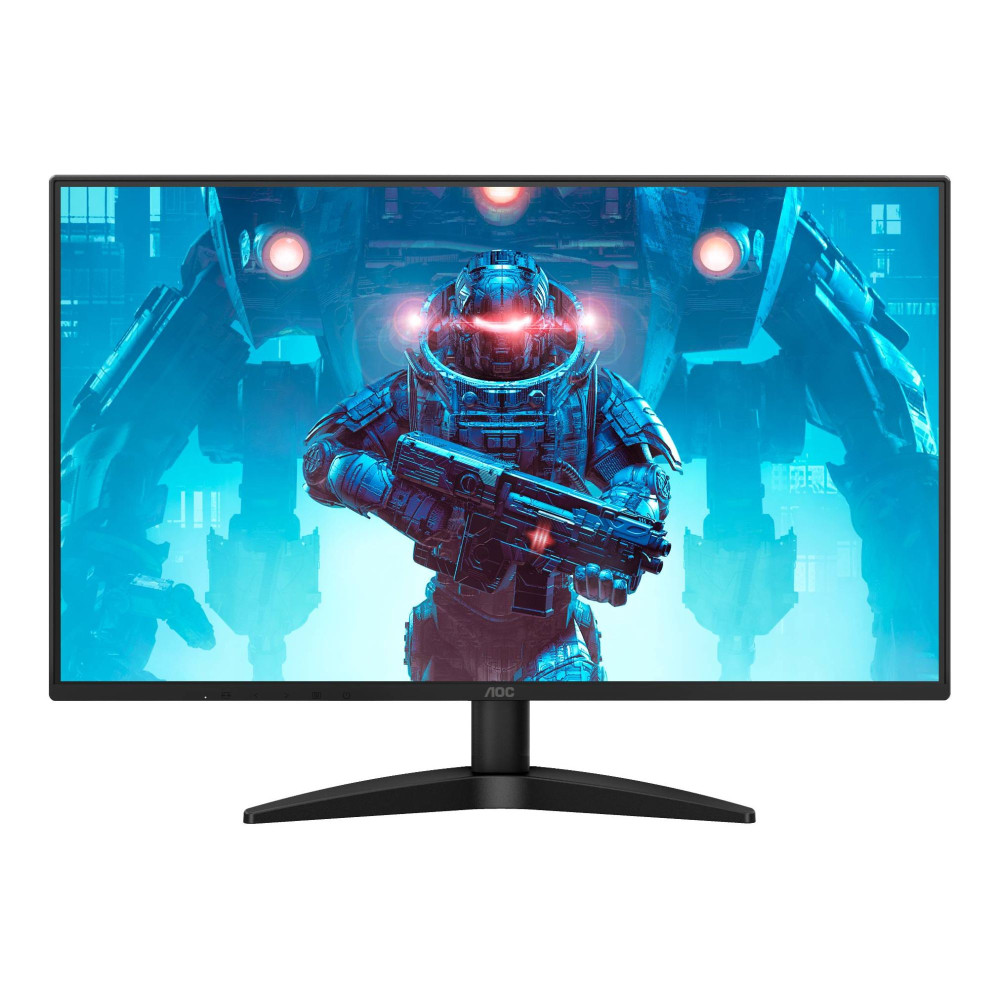
Best High Refresh Pick: AOC 25G3ZM/BK
The fast 240Hz AOC display is made for players who care more about speed than resolution.
Why it makes sense:
- 24.5-inch Full HD screen
- 240Hz refresh rate
- 0.5ms response time
- VA panel
- height-adjustable stand
- AMD FreeSync Premium
Best for:
- esports
- shooters
- fast reaction games
- competitive players

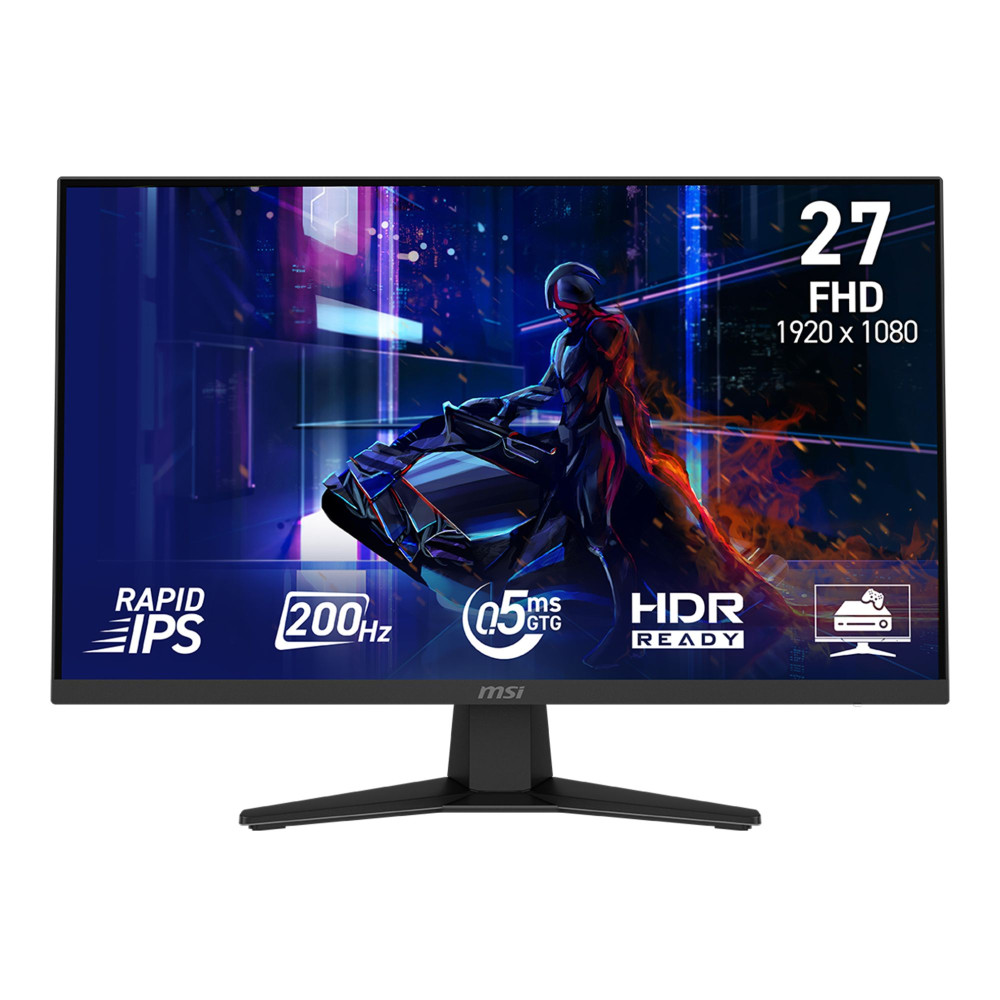
Best Smooth Full HD Pick: MSI MAG 274F
This is a strong option from budget monitors for gamers if you want a larger 27-inch Full HD screen with a very fast refresh rate.
Why it makes sense:
- 27-inch Full HD display
- Rapid IPS panel
- 200Hz refresh rate
- 0.5ms response time
- Adaptive Sync
- console mode
Best for:
- smooth gameplay
- fast PC gaming
- mixed PC and console use
- value-focused monitor buyers
For a faster Full HD setup, the smooth 200Hz MSI Full HD gaming monitor gives you a higher refresh rate while keeping the resolution easy to run.
Best QHD Monitor With Speakers: AOC Q27G42XNE
This is a useful gaming display option if you want QHD, speed, and built-in speakers in one screen.
Why it makes sense:
- 27-inch QHD resolution
- 180Hz refresh rate
- 0.5ms MPRT response time
- HDR10 support
- built-in 2W speakers
- HDMI and DisplayPort
Best for:
- tidy setups
- students
- bedrooms
- console and PC gaming
- users who do not want separate speakers
The QHD AOC monitor with built-in speakers is useful if you want a 27-inch 1440p display with fast refresh and basic built-in audio for a cleaner setup.

Best Monitor for PC, PS5 and Xbox
For PC, focus on resolution, refresh rate, and what your graphics card can actually handle.
For console, you need to check HDMI support, resolution, and refresh rate. If you want an easy starting point, compare PS5 and Xbox-ready displays.
Quick Console Advice
- PS5 and Xbox Series X work well with 4K displays
- 1440p is a strong value option for many players
- 120Hz support is useful for supported games
- low input lag matters for responsive gameplay
- HDMI ports matter if you connect multiple devices
A monitor does not need to be the most expensive screen in the room to feel good. It just needs to match the games and hardware you actually use.
IPS, VA, or TN: Which Panel Should Budget Gamers Choose?
Panel type affects colour, contrast, and viewing angles.
Simple Panel Guide
- IPS panel: best for colour, viewing angles, and general use
- VA panel: stronger contrast, good for darker games and curved displays
- TN panel: very fast, but usually weaker colour and viewing angles
For most players, IPS is the safest choice. If colour matters for both gaming and everyday use, browse colour-rich IPS displays.
VA can still be a great option if you want better contrast or a curved display at a lower price.
What Specs Matter Most in a Budget Gaming Monitor?
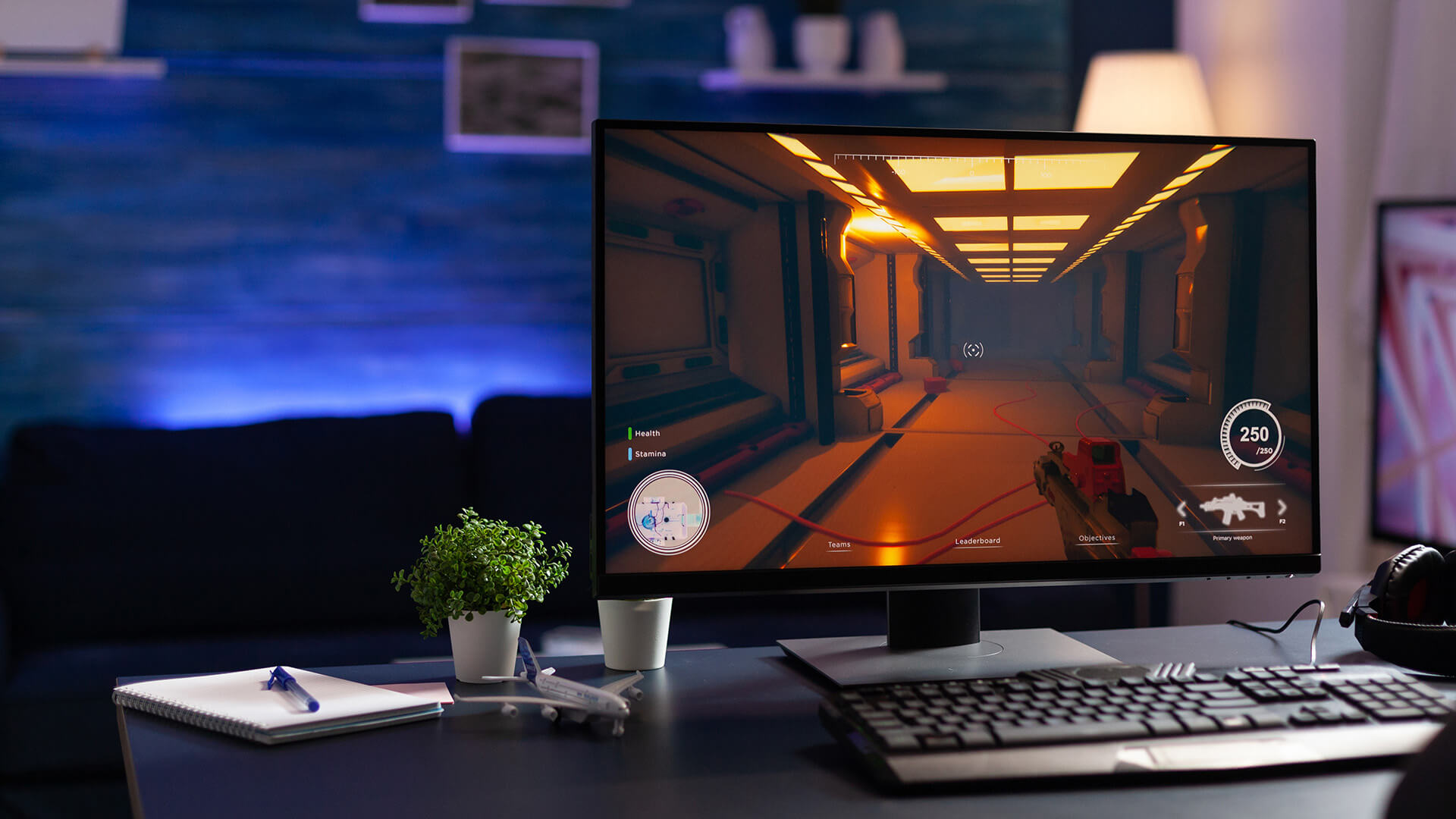
Do not get lost in marketing. Focus on the specs that affect gameplay.
Must-Check Features
- Resolution: 1080p, 1440p or 4K
- Refresh rate: 144Hz minimum is ideal for gaming
- Response time: lower is better for fast motion
- Panel type: IPS for colour, VA for contrast
- Ports: HDMI and DisplayPort are useful
- Adaptive Sync: helps reduce tearing
- Screen size: 24-inch or 27-inch suits most budgets
- Stand adjustment: useful for comfort
- Speakers: convenient, but not essential
A budget gaming display should feel responsive first. Extras like RGB, built-in speakers, or curved design are nice, but they should not come before the core screen specs.
Final Thoughts
The best budget gaming monitors in 2026 depend on how you play.
Choose a 1080p high refresh display if you want the lowest cost and smooth frame rates. Choose a 1440p display if you want the best balance of sharpness, speed, and value. Choose 4K if you play mostly on PS5, Xbox Series X, or a powerful PC and care more about detail than ultra-high frame rates.
The simple recommendation:
- Best entry-level choice: 1080p 144Hz
- Best value choice: 27-inch 1440p
- Best competitive choice: 200Hz or 240Hz Full HD
- Best console choice: 4K or QHD with the right HDMI support
- Best everyday setup: 27-inch QHD with good colour and low input lag
A good affordable gaming screen does not need every premium feature. It needs to be smooth, sharp enough, responsive, and matched to your setup.
FAQs
-
What is a good inexpensive gaming monitor?
A good inexpensive gaming monitor should have at least Full HD resolution, 144Hz refresh rate, low response time, HDMI or DisplayPort, and Adaptive Sync support. For better sharpness, choose a 27-inch 1440p monitor if your budget allows.
-
Is 24 or 27 better for gaming?
A 24-inch monitor is great for competitive gaming and smaller desks. A 27-inch monitor is better for immersion, 1440p gaming, and mixed work or entertainment use. For most budget gamers, 24-inch 1080p or 27-inch 1440p is the best fit.
-
Is 27 or 32 better for 4K gaming?
For 4K gaming, 27-inch is sharper and easier to fit on most desks. A 32-inch 4K monitor feels more immersive, but needs more space. For console gaming from a slightly longer distance, 32-inch can feel better.
-
Is 1080p or 1440p better for a budget gaming monitor?
1080p is better if you want the lowest price and higher frame rates. 1440p is better if you want sharper visuals and a stronger long-term display upgrade. For 27-inch screens, 1440p usually looks better.
-
Can a budget gaming monitor work well with PS5 or Xbox?
Yes, a budget gaming monitor can work well with PS5 or Xbox if it has the right HDMI connection, low input lag, and suitable resolution. For PS5 and Xbox Series X, 4K or 1440p displays are usually the most useful options.
-
Is a 144Hz gaming monitor worth it on a budget?
Yes. A 144Hz gaming monitor is one of the best budget upgrades because it makes motion feel smoother and controls feel more responsive than a standard 60Hz display.
-
What refresh rate should I choose for a budget gaming monitor in 2026?
Choose 144Hz as the minimum target for budget gaming. Go for 165Hz, 180Hz, or 200Hz if the price is close. Choose 240Hz if you mainly play competitive shooters or esports games.
You can pay with:
*PayPal Credit Representative Example: Assumed credit limit £1,200, Representative 23.9% APR (variable). Purchase rate 23.9% p.a (variable).Terms & Conditions apply.


PayPal Credit and PayPal Pay in 3 are trading names of PayPal UK Ltd, 5 Fleet Place, London, United Kingdom, EC4M 7RD. Terms and conditions apply. Credit subject to status, UK residents only, Five Tech LTD acts as a broker and offers finance from a restricted range of finance providers. PayPal Pay in 3 is not regulated by the Financial Conduct Authority. Pay in 3 eligibility is subject to status and approval. 18+. UK residents only. Pay in 3 is a form of credit. Check if affordable and how you will repay. May make other borrowing more difficult or expensive. See product terms for more details.
Copyright © 1996-2026 Fivetech LTD | Terms and Conditions
box.co.uk & Box are trading names of Five Tech Limited. Registered office: Box LTD, Unit 10 Woodford Trading Estate, Woodford Green IG8 8HF