


 Menu
MenuMenu


Get Sales Advice from Mon - Fri 9am - 5:00pm:
020 3337 8950LAST UPDATED: July 01, 2026
ATX 3.0 vs 3.1: Which PSU Standard Is Better for Modern GPUs?
Choosing the right power supply is one of the most important parts of building a modern gaming PC. It may not be as exciting as a graphics card, processor, or motherboard, but the PSU controls how safely and reliably power is delivered to every part of your system.
This is especially important now that modern graphics cards can demand much higher power, especially under sudden load changes. If you are building around a high-end GPU, you may have seen terms such as ATX 3.0 PSU, ATX 3.1 PSU, PCIe 5, PCIe 5.1, 12VHPWR cable PSU and 12V-2x6 connector.
The difference between ATX 3.0 vs 3.1 mainly comes down to improved power delivery, safer GPU connector design, and better support for modern graphics cards. ATX 3.0 introduced major improvements for new GPUs, while ATX 3.1 refined the standard further, especially around the power connector used by demanding graphics cards.
If you are buying a power supply for RTX 50 series graphics cards or building a future-ready gaming PC, understanding these standards can help you choose the right PSU with more confidence.
What Is ATX 3.0?
ATX 3.0 is a modern power supply standard designed to support newer PC hardware, especially high-performance graphics cards. It was introduced to help PSUs deal better with the power behaviour of modern GPUs.
Older power supplies were designed around earlier graphics cards that did not create the same type of sudden power spikes. Newer GPUs can increase and reduce power demand very quickly, especially during gaming, rendering, or heavy workloads. ATX 3.0 was created to make PSUs better prepared for these moments.
In simple terms, an ATX 3.0 power supply is designed for modern PC builds that need stable power delivery, better transient power handling, and support for newer GPU power connectors.
Key Features
An ATX 3.0 PSU is built to support modern components more effectively than older PSU designs. The main improvements focus on power stability, GPU compatibility, and better handling of sudden load changes.
Key ATX 3.0 features include:
| Feature | What It Means |
|---|---|
| Better GPU power support | Designed for modern graphics cards with higher power demands. |
| Transient power handling | Helps the PSU cope with sudden GPU power spikes. |
| PCIe 5.0 support | Supports newer GPU power delivery requirements. |
| 12VHPWR connector | Introduced a single high-power connector for supported GPUs. |
| Cleaner cabling | Reduces the need for several older 8-pin PCIe power cables. |
| Modern build support | Better suited to gaming PCs, creator systems and high-performance desktops. |
The biggest benefit of ATX 3.0 is that it was made with modern GPUs in mind. This makes it more suitable than older PSU standards for users in building systems with demanding graphics cards.
Support for PCIe 5.0 GPUs
One of the main reasons ATX 3.0 became important was its support for newer PCIe 5.0 graphics cards and power requirements. PCIe 5.0 is often associated with newer GPUs, faster data standards and modern high-performance PC builds.
For builders, this means an ATX 3.0 PSU can be a better match for systems using current-generation graphics cards. It helps reduce the need for adapters and gives a more direct power connection to supported GPUs.
This is especially useful if you are building a gaming PC with a high-end graphics card, powerful processor, and multiple storage drives. A modern PSU gives the system a stronger foundation.
12VHPWR Connector Introduction
ATX 3.0 introduced the 12VHPWR connector. This is a 16-pin GPU power connector designed to deliver high power through one cable instead of using several traditional 8-pin PCIe connectors.
The purpose was simple: make GPU power delivery cleaner and more suitable for high-end graphics cards.
The 12VHPWR connector can support high-wattage GPUs, but it also became widely discussed because some users experienced problems when the connector was not fully inserted, or the cable was sharply bent. This made proper cable installation very important.
If you have searched for terms like 12VHPWR Corsair or 12VHPWR cable PSU, you have likely seen that many PSU brands created cables and power supplies to support this connector. However, the later ATX 3.1 standard improved this area further with a revised connector design.
What Is ATX 3.1?
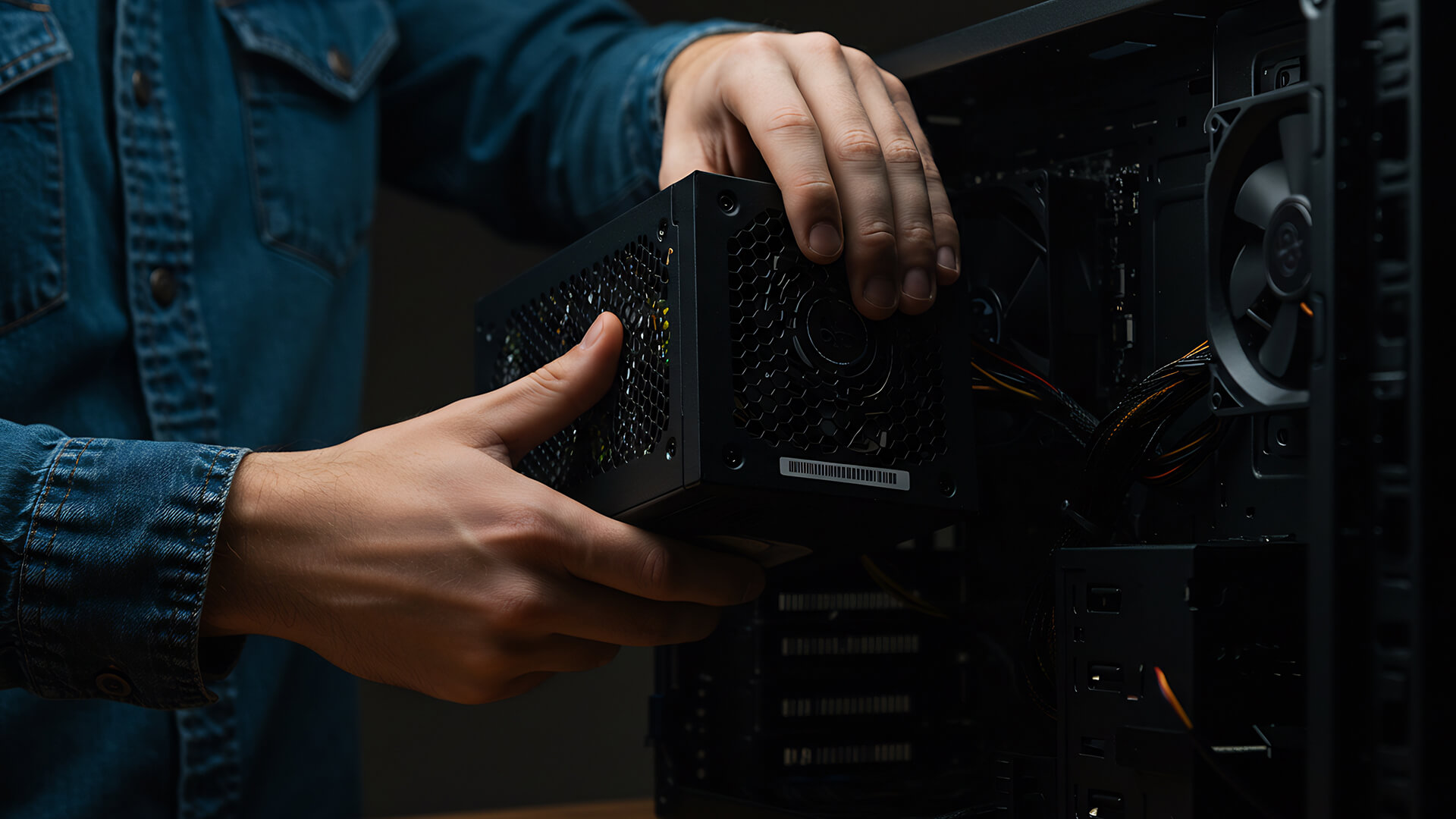
ATX 3.1 is the newer update to the ATX power supply standard. It builds on ATX 3.0 but introduces refinements that make it better suited to modern GPUs and safer power delivery.
The biggest change is the move from the original 12VHPWR connector to the newer 12V-2x6 connector. This updated connector is designed to improve reliability and reduce the risk of problems caused by loose or incomplete cable insertion.
An ATX 3.1 PSU is therefore a stronger choice for new high-end builds, especially if you are buying a modern GPU and want the latest power connector design.
Improvements Over ATX 3.0
ATX 3.1 does not completely replace the idea behind ATX 3.0. Instead, it improves it. The goal is still the same: support modern GPUs, improve power delivery stability and give PC builders a cleaner way to connect high-power graphics cards.
The main difference is that ATX 3.1 focuses more heavily on connector safety and updated PCIe power requirements.
ATX 3.1 improvements include:
| Improvement | Why It Matters |
|---|---|
| New 12V-2x6 connector | Improves the high-power GPU connector design. |
| Better cable safety | Helps reduce problems caused by loose GPU power connections. |
| Modern PCIe 5.1 support | Better suited to newer power delivery requirements. |
| Strong GPU compatibility | Useful for RTX 40 and RTX 50 series builds. |
| Cleaner modern cabling | Supports single-cable GPU power delivery where compatible. |
| Future-ready design | Better suited to high-performance builds going forward. |
For buyers, the simple takeaway is that ATX 3.1 is the more refined version of the standard.
New 12V-2x6 Connector
The 12V-2x6 connector is one of the most important changes in ATX 3.1. It is designed to replace and improve the original 12VHPWR connector used with ATX 3.0.
Both connectors look similar and are designed for high-power GPUs, but the 12V-2x6 connector includes small design changes that help improve safety.
The key improvement is that the connector is better at detecting whether the cable is properly seated. If the connection is not secure, the GPU is less likely to receive full power. This helps reduce the risk of overheating caused by a loose or poorly inserted cable.
This matters because modern GPUs can draw a lot of power. A secure connection is essential for safe, reliable operation.
Better Power Stability and Safety
ATX 3.1 is designed for modern PC builds where stability matters. This includes gaming PCs, creator workstations, streaming systems, and high-end desktops.
A good PSU does more than simply turn your PC on. It helps keep power delivery stable when your system is under load. That means your graphics card, CPU, motherboard, storage and cooling system can all work more reliably.
For users building around modern GPUs, ATX 3.1 gives extra confidence because it supports newer connector guidance and updated power delivery expectations.
ATX 3.0 vs 3.1: Key Differences
The difference between ATX 3.0 vs 3.1 is not about gaming FPS. A PSU standard does not directly make games run faster. Instead, the difference is about power delivery, compatibility, connector design, and long-term reliability.
| Feature | ATX 3.0 | ATX 3.1 |
|---|---|---|
| Main purpose | Support newer GPUs and handle power spikes | Improve ATX 3.0 with safer connector design |
| GPU connector | 12VHPWR | 12V-2x6 |
| PCIe focus | PCIe 5.0 | PCIe 5.1 / updated power guidance |
| Modern GPU support | Good | Better for new builds |
| Cable safety | Requires careful insertion and cable handling | Improved connector design for safer seating |
| Best use case | RTX 40 series and modern gaming PCs | RTX 40, RTX 50 and future-ready builds |
| Future-proofing | Good | Stronger |
| Upgrade value | Still useful | Better long-term option |
In simple terms, ATX 3.0 was the big step forward from older PSUs. ATX 3.1 is the safer and more refined version of that step.
If you already have a good ATX 3.0 power supply, it may still be suitable for many builds. If you are buying new for a high-end GPU, ATX 3.1 is usually the better choice.
Which PSU Standard Is Better for Modern GPUs?
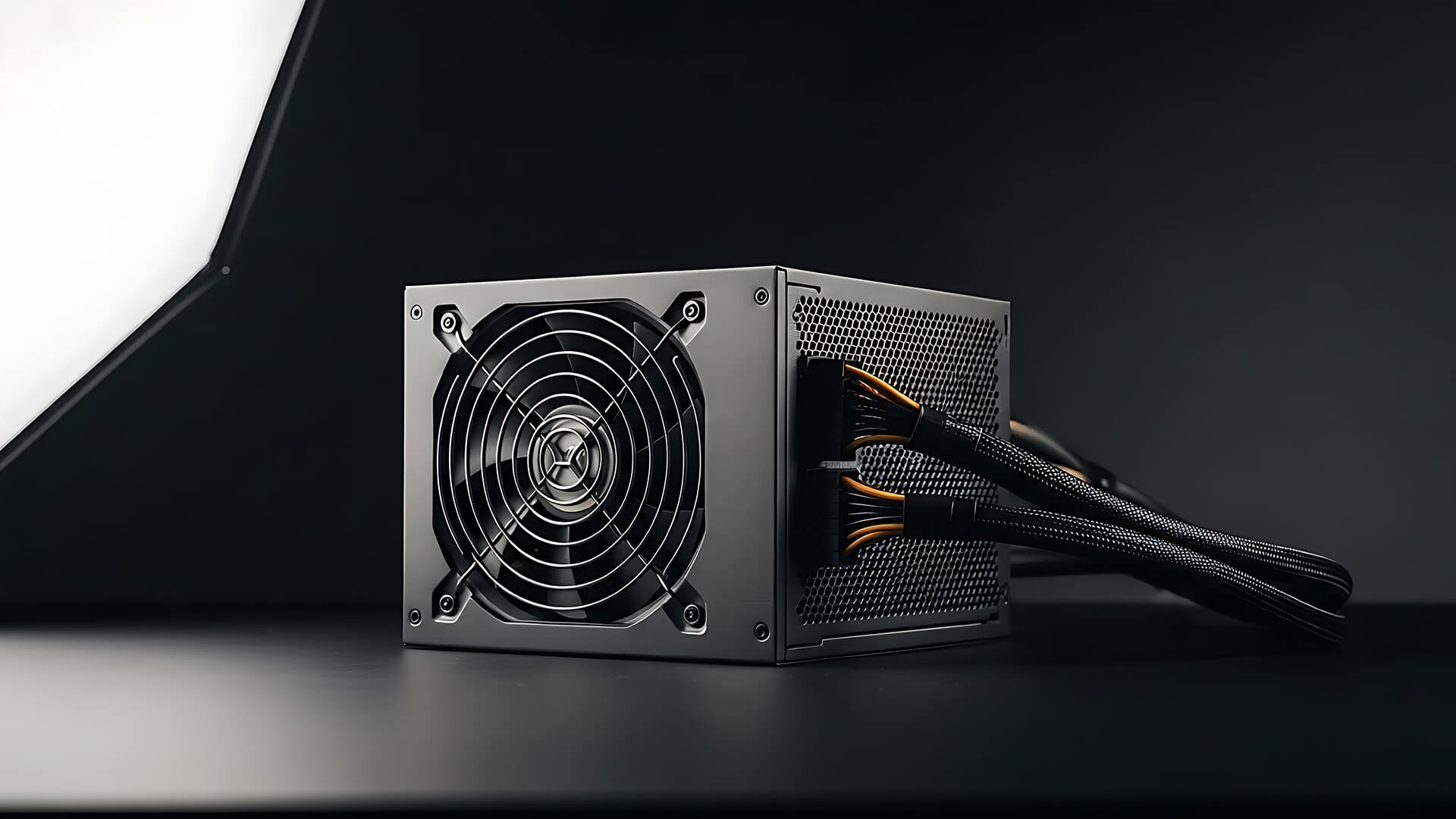
For most new builds, ATX 3.1 is the better PSU standard for modern GPUs. It gives you the updated connector design, strong support for high-power graphics cards and better future-proofing.
However, that does not mean every ATX 3.0 PSU is bad or outdated. A quality ATX 3.0 PSU can still be a strong choice, especially if it has enough wattage, strong efficiency, good build quality and the right GPU cables.
The right choice depends on your GPU, budget, and whether you are building new or upgrading an existing system.
RTX 40 and RTX 50 Series Considerations
Modern NVIDIA GPUs, especially higher-end models, can demand a lot from your power supply. That is why choosing the right PSU matters when building around RTX 50 series GPUs or powerful RTX 40 series cards.
If you are buying a power supply for RTX 50 series, ATX 3.1 is the safer recommendation for a new build. It gives you the latest connector design and better alignment with newer GPU power requirements.
For high-end RTX cards, you should think about:
- GPU wattage
- Recommended PSU wattage
- CPU power draw
- Number of storage drives
- Cooling setup
- Overclocking plans
- Connector type
- Cable clearance inside the case
If you are upgrading to a modern graphics card, browse RTX 50 series GPUs and make sure your power supply has the right wattage and connector support.
Future-Proofing Your Build
Future-proofing does not mean buying the most expensive PSU possible. It means choosing a power supply that gives your system room to grow.
An ATX 3.1 PSU is a good choice if you want:
- A newer power standard
- Better support for modern GPUs
- A safer GPU connector design
- More confidence for future upgrades
- Cleaner GPU cabling
- Better long-term compatibility
If you are building a new gaming PC from scratch, it makes sense to look at ATX 3.0 & 3.1 power supplies rather than older PSU options.
When ATX 3.0 Is Still Enough
ATX 3.0 can still be enough in many situations. If you already own a high-quality ATX 3.0 PSU with enough wattage and proper GPU cables, you may not need to replace it immediately.
ATX 3.0 may still be suitable if:
- Your GPU is already supported
- Your PSU has enough wattage
- You are using the correct cable
- The cable is fully inserted
- Your system is stable under load
- You are not planning a major GPU upgrade soon
For many RTX 40 series systems, a good ATX 3.0 PSU can still work well. The key is quality, wattage, and correct cable installation.
Choosing the Right PSU for Your Setup
A PSU should be chosen based on the full system, not just the GPU. Your graphics card may be the most power-hungry part, but the CPU, motherboard, storage, fans and accessories also matter.
A good ATX power supply should give your system stable power, enough upgrade headroom and the right connectors for your components.
If you are building a new PC, explore power supplies for gaming PCs and compare wattage, efficiency, modular cabling and GPU connector support.
Wattage Requirements
Wattage is one of the first things to check. A PSU with too little wattage can cause instability, shutdowns or poor upgrade flexibility. A PSU with sensible extra headroom can help your system run more reliably.
Basic PSU wattage guidance:
| Build Type | Suggested PSU Direction |
|---|---|
| Entry-level gaming PC | 550W to 650W |
| Mid-range gaming PC | 650W to 750W |
| High-end gaming PC | 850W to 1000W |
| RTX 50 series high-end build | 850W to 1200W, depending on GPU and CPU |
| Workstation or extreme build | 1000W+ depending on components |
These are general guidelines. Always check the recommended wattage for your specific GPU and CPU before buying.
Build Type: Gaming vs Workstation
A gaming PC and workstation may need different PSU choices.
A gaming PC usually needs strong GPU support, stable power delivery and enough headroom for gaming loads. A workstation may also need support for a high-power CPU, long rendering workloads, multiple drives and professional hardware.
| Build Type | PSU Priorities |
|---|---|
| Gaming PC | GPU support, wattage headroom, modular cables, efficiency |
| Creator PC | Stability, high wattage, quiet cooling, GPU and CPU support |
| Workstation | Long-load reliability, high wattage, premium efficiency |
| Compact PC | Smaller PSU form factor, careful cable management |
| Upgrade build | Compatibility with existing case, motherboard and GPU |
If you are planning a full system, compare components for custom builds and make sure the PSU matches the rest of your hardware.
Budget vs Performance
It can be tempting to save money on the PSU, but the power supply is not the best place to cut corners. A low-quality PSU can put the rest of your system at risk.
That does not mean you need the most expensive model. It means you should choose a PSU from a trusted range, with enough wattage, the right connectors and suitable efficiency.
When choosing a PSU, look for:
- Correct wattage
- ATX 3.0 or ATX 3.1 support
- Native GPU connector
- 80 PLUS or equivalent efficiency rating
- Modular or semi-modular cables
- Strong warranty
- Quiet fan design
- Good brand reputation
- Correct physical size for your case
If you are using a smaller case, check SFX TFX PSUs to find compact power supplies that suit small form factor builds.
You should also check your motherboard and case compatibility. If you are planning a platform upgrade, browse compatible mobos so your PSU, CPU and motherboard all work together properly.
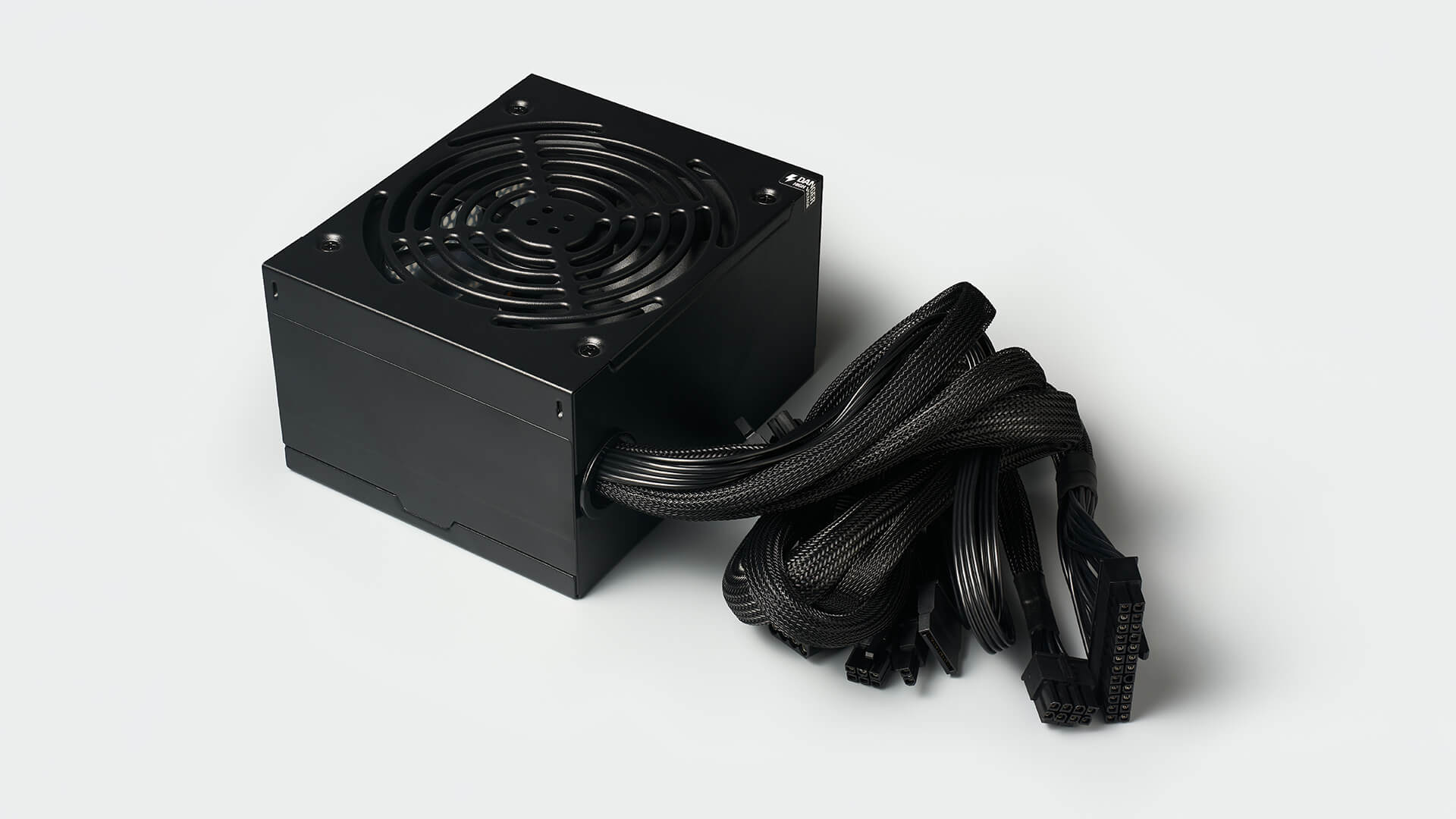
Common PSU Buying Mistakes to Avoid
Choosing the wrong PSU can limit your upgrade options or create issues later. Here are some common mistakes to avoid.
| Mistake | Why It Matters |
|---|---|
| Buying too little wattage | Can cause instability or limit future upgrades. |
| Ignoring GPU connectors | Modern GPUs may need 12VHPWR or 12V-2x6 support. |
| Using poor-quality adapters | Can increase cable clutter and connection risk. |
| Forgetting case size | Some PSUs may not fit compact cases. |
| Not checking cable clearance | High-power GPU cables need room to sit correctly. |
| Choosing price over quality | A weak PSU can affect system reliability. |
| Ignoring future upgrades | A PSU with no headroom may need replacing sooner. |
A PSU should be treated as a long-term investment. A good one can support several upgrades over time.
Final Thoughts: ATX 3.0 or 3.1?
When comparing ATX 3.0 vs 3.1, the better choice for most new gaming PC builds is ATX 3.1. It includes the newer 12V-2x6 connector, improved safety design and stronger support for modern GPUs.
ATX 3.0 is still useful and can be enough if you already have a good PSU with the right wattage and cables. However, if you are buying new, especially for an RTX 50 series build, ATX 3.1 is the more future-ready option.
The simple rule is this: if you already have a quality ATX 3.0 PSU, check compatibility before replacing it. If you are building a new high-performance PC, choose ATX 3.1 where possible.
To upgrade your build, browse ATX 3.0 & 3.1 power supplies at box.co.uk, compare power supplies for gaming PCs, explore RTX 50 series GPUs, shop components for custom builds, or find compatible mobos for your next PC upgrade.
Frequently Asked Questions
What is the difference between ATX 3.0 and ATX 3.1?
ATX 3.0 introduced better support for modern GPUs, PCIe 5.0 power delivery and the 12VHPWR connector. ATX 3.1 improves on this with the newer 12V-2x6 connector, which is designed to improve connection reliability and safety.
Does ATX 3.1 improve gaming performance?
No, ATX 3.1 does not directly increase FPS. It improves power delivery support, connector design, and compatibility for modern GPUs. This can help system stability, but it does not make the graphics card faster by itself.
Is ATX 3.0 still good in 2026?
Yes, a quality ATX 3.0 PSU can still be good in 2026 if it has enough wattage, the right GPU connector, and stable power delivery. However, for new high-end builds, ATX 3.1 is usually the better long-term choice.
Which PSU is best for RTX 50 series GPUs?
For RTX 50 series GPUs, an ATX 3.1 PSU with enough wattage and a native 12V-2x6 connector is the best choice for most new builds. You should also check the recommended wattage for your exact graphics card and processor.
You can pay with:
*PayPal Credit Representative Example: Assumed credit limit £1,200, Representative 23.9% APR (variable). Purchase rate 23.9% p.a (variable).Terms & Conditions apply.


PayPal Credit and PayPal Pay in 3 are trading names of PayPal UK Ltd, 5 Fleet Place, London, United Kingdom, EC4M 7RD. Terms and conditions apply. Credit subject to status, UK residents only, Five Tech LTD acts as a broker and offers finance from a restricted range of finance providers. PayPal Pay in 3 is not regulated by the Financial Conduct Authority. Pay in 3 eligibility is subject to status and approval. 18+. UK residents only. Pay in 3 is a form of credit. Check if affordable and how you will repay. May make other borrowing more difficult or expensive. See product terms for more details.
Copyright © 1996-2026 Fivetech LTD | Terms and Conditions
box.co.uk & Box are trading names of Five Tech Limited. Registered office: Box LTD, Unit 10 Woodford Trading Estate, Woodford Green IG8 8HF