


 Menu
MenuMenu


Get Sales Advice from Mon - Fri 9am - 5:00pm:
020 3337 8950LAST UPDATED: March 05, 2026
Best Accessories for ASUS ROG Xbox Ally in 2026
The ASUS ROG Xbox Ally is quickly becoming one of the most exciting Windows gaming handhelds on the market. Powered by AMD Ryzen Z series processors and built to run modern PC titles, it delivers true handheld PC gaming performance. But like most handheld gaming devices, the experience gets significantly better when you add the right upgrades.
The best ASUS ROG Xbox Ally accessories help protect your device, expand your game library, improve controls, and create a bigger, more immersive setup when you want to play on a desk or TV. With the right essential gaming gear, your handheld can transform from a portable gaming PC into a full desktop-style gaming station.
Whether you want improved immersive gaming audio, faster expandable game storage, or larger portable gaming displays, the right accessories make a massive difference.
This guide covers the must-have ASUS ROG Xbox Ally accessories that upgrade performance, comfort, and portability in 2026.
Take Your ASUS ROG Xbox Ally Beyond Handheld Gaming
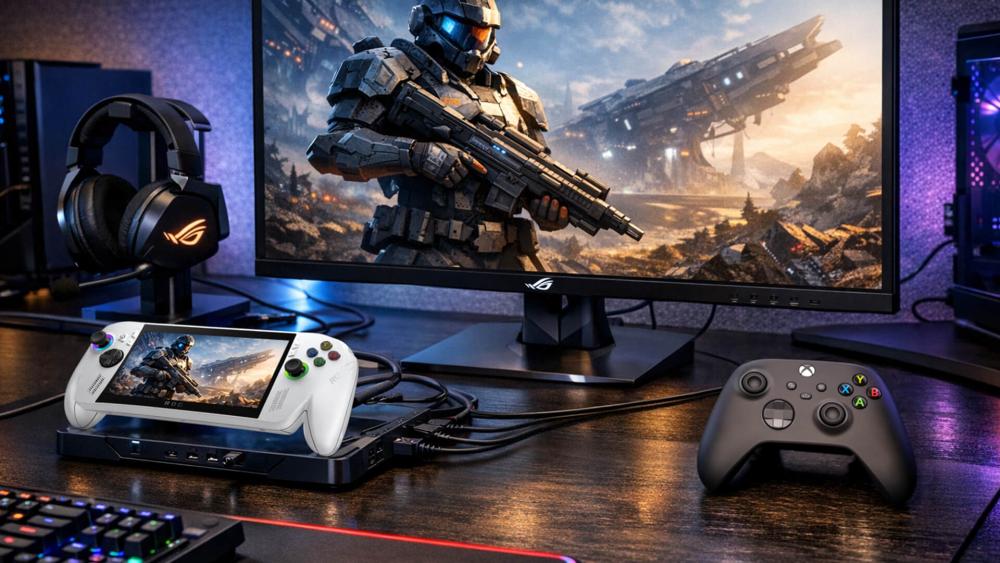
The ASUS ROG Xbox Ally already delivers incredible performance as a portable gaming PC, but accessories unlock its full flexibility.
Modern handheld gaming devices like the Ally are designed to adapt to different play styles. With the right ASUS ROG Xbox Ally accessories, you can switch between handheld gaming, couch gaming, and full desktop gaming within seconds.
Accessories also solve many of the common limitations of handheld PCs.
For example:
- limited storage space
- smaller screens
- limited battery life
- comfort during long sessions
Upgrades like expandable game storage, controllers, and portable gaming displays allow the Ally to handle all of those challenges.
When paired with the right essential gaming gear, your ASUS ROG handheld can rival a full desktop setup.
Protection Accessories for the ASUS ROG Xbox Ally
Because the Ally is designed for portability, protection is one of the most important ASUS ROG Xbox Ally accessories to consider.
When carrying your handheld to work, school, or events, you want to protect the screen, joysticks, and cooling vents from damage.
ROG Ally Carrying Cases
A ROG Ally case is the first upgrade most players buy.
High-quality travel cases protect the handheld from bumps, scratches, and dust during transport.
The best cases include:
- shock-absorbing padding
- water-resistant materials
- storage compartments for chargers and cables
- slots for memory cards or earbuds
Many premium cases also include built-in stands for tabletop gaming.
For frequent travellers or commuters, a protective ROG Ally case is one of the most essential ASUS ROG Xbox Ally accessories.
Popular options:
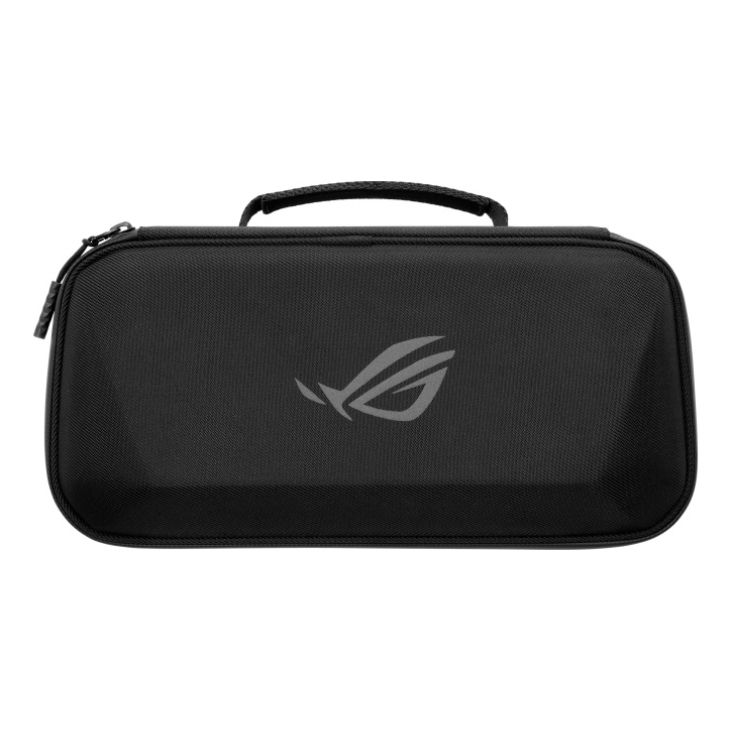
Shop ROG Xbox Ally (2-in-1) Travel Case
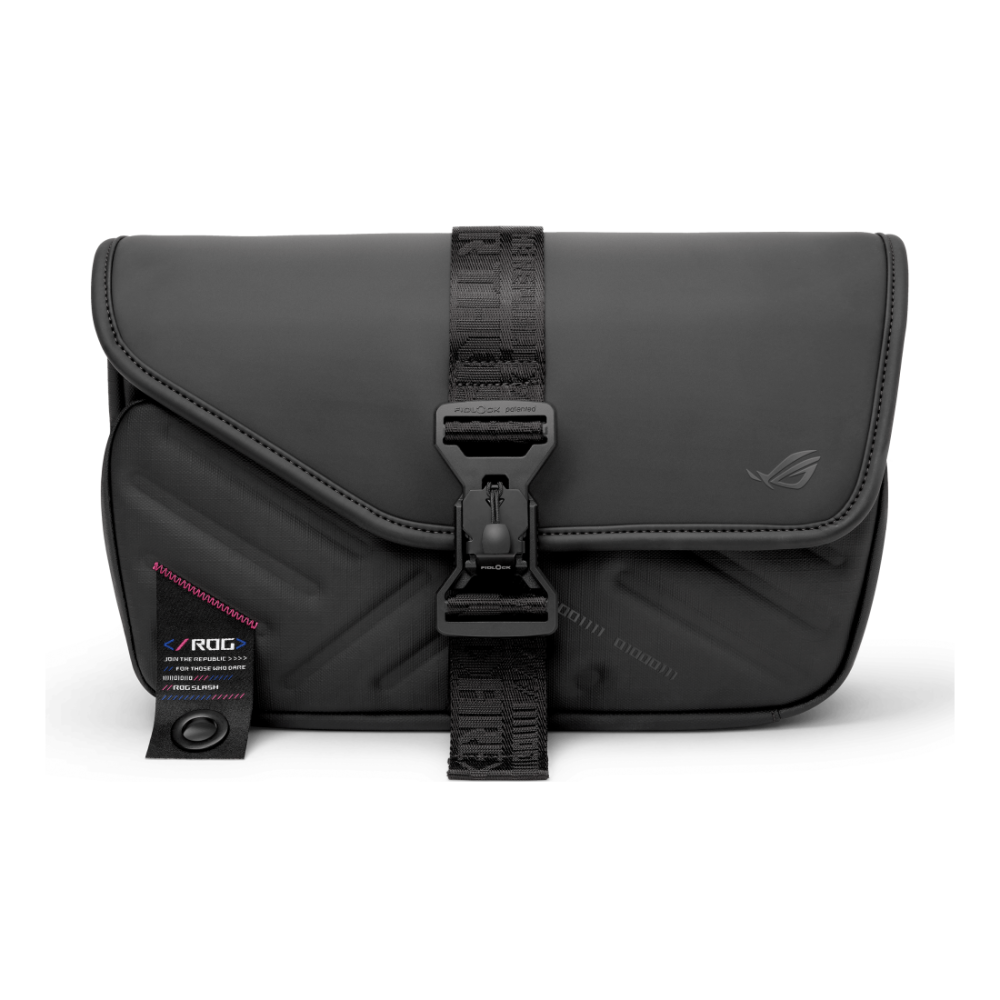
Screen Protectors and Grip Upgrades
A large part of the Ally experience is its high-refresh-rate display.
Using a tempered glass screen protector prevents scratches and reduces fingerprints without affecting visual clarity.
Grip accessories are also worth considering. Thumbstick grips improve comfort and control, especially during competitive games or long gaming sessions.
Even small upgrades like these improve the usability of ASUS ROG Xbox Ally accessories during daily gaming.
Storage Upgrades for Larger Game Libraries
Game libraries are growing rapidly. Modern titles often exceed 100GB, which means expandable game storage upgrades are one of the most practical ASUS ROG Xbox Ally accessories.
High-Speed microSD Cards
The easiest way to expand storage on an ASUS handheld is by adding a microSD card.
Many high-performance cards now offer read speeds around 200MB/s, making them suitable for large games and fast loading times.
High-capacity cards allow players to store dozens of titles simultaneously, making them perfect for Xbox Game Pass libraries.
For most players, microSD cards are the easiest ASUS ROG Ally upgrade available as you can expand up to 2TB instantly.
Popular Options:
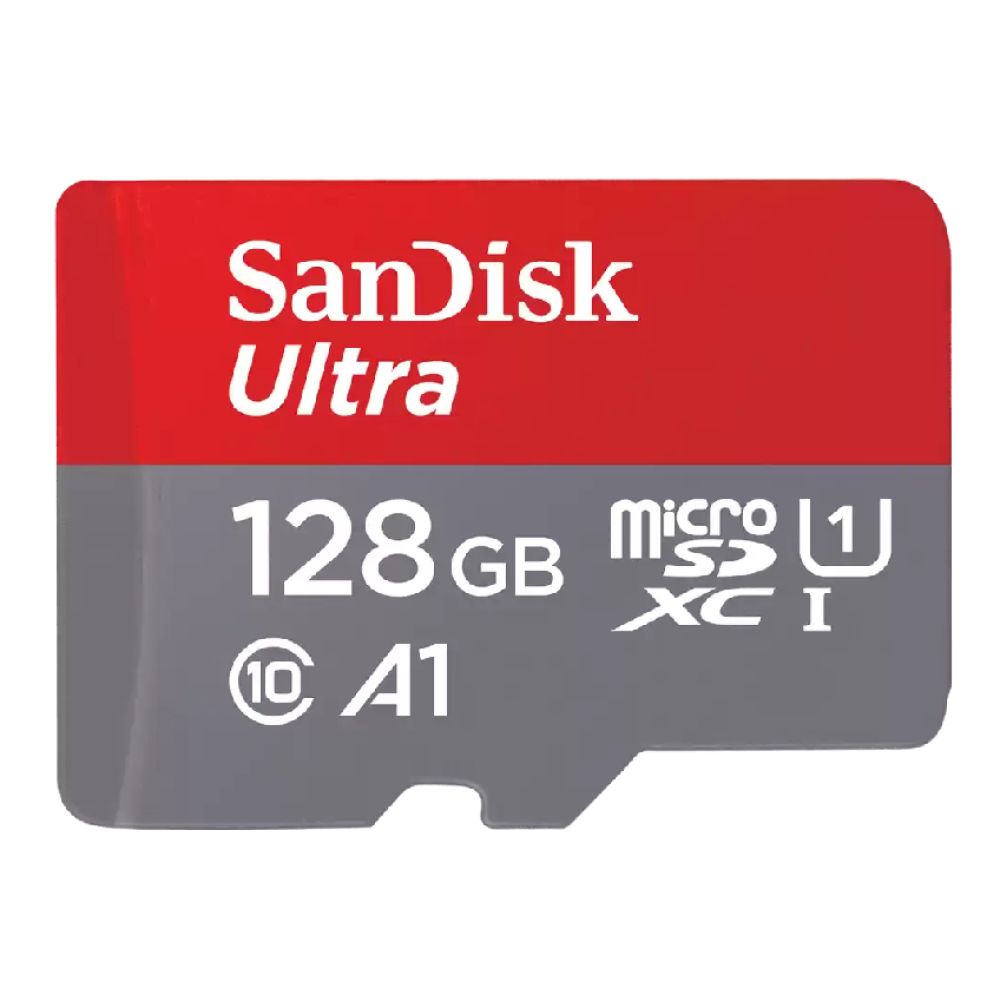
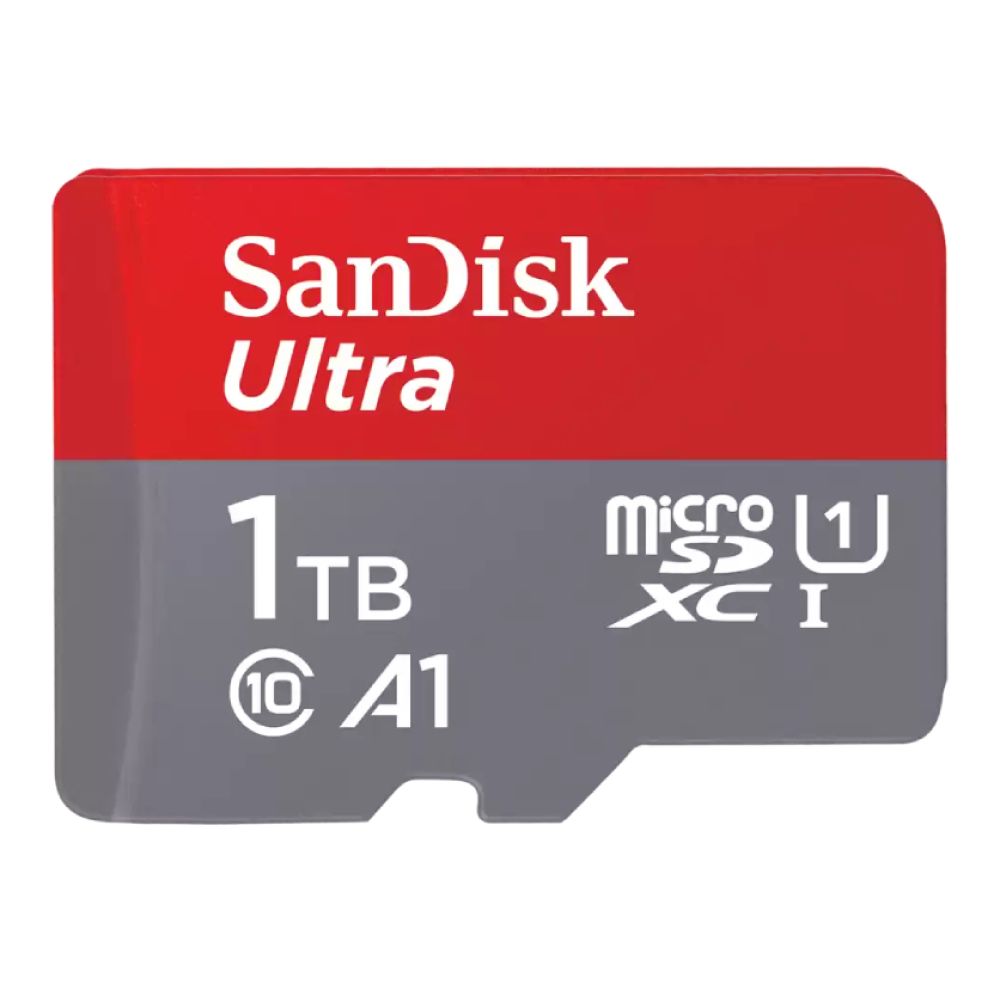
Internal SSD Upgrades
For even faster performance, some players install NVMe SSD upgrades.
These drives can offer speeds above 7GB/s, dramatically improving load times and game installations.
While upgrading internal storage requires opening the device, it provides the fastest possible storage solution for your portable gaming PC.
Popular Options:

Shop Western Digital Black SN7100 2TB M.2
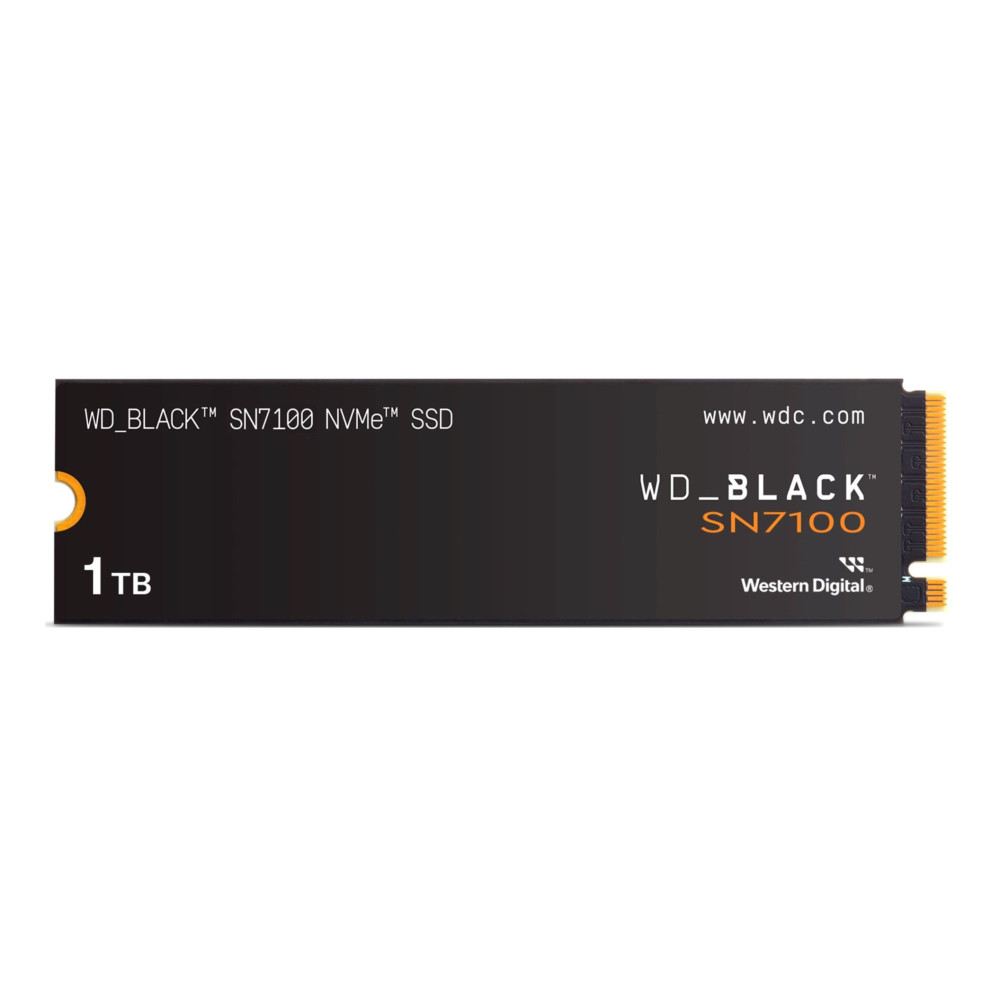
Shop Western Digital Black SN7100 1TB M.2
Portable Displays for Bigger Gaming
Although the Ally is designed for handheld gaming, larger screens can significantly improve the experience.
Many players upgrade their setup with portable gaming displays to make their experience more immersive.
A portable monitor gaming setup allows you to enjoy PC games on a larger screen without losing portability.
Most portable monitors connect via USB-C and support high refresh rates, making them ideal companions for handheld gaming PCs.
They are perfect for:
- hotel gaming setups
- LAN parties
- work desks
- content creation setups
This makes portable monitors one of the most flexible ASUS ROG Xbox Ally accessories available.
Popular Options:
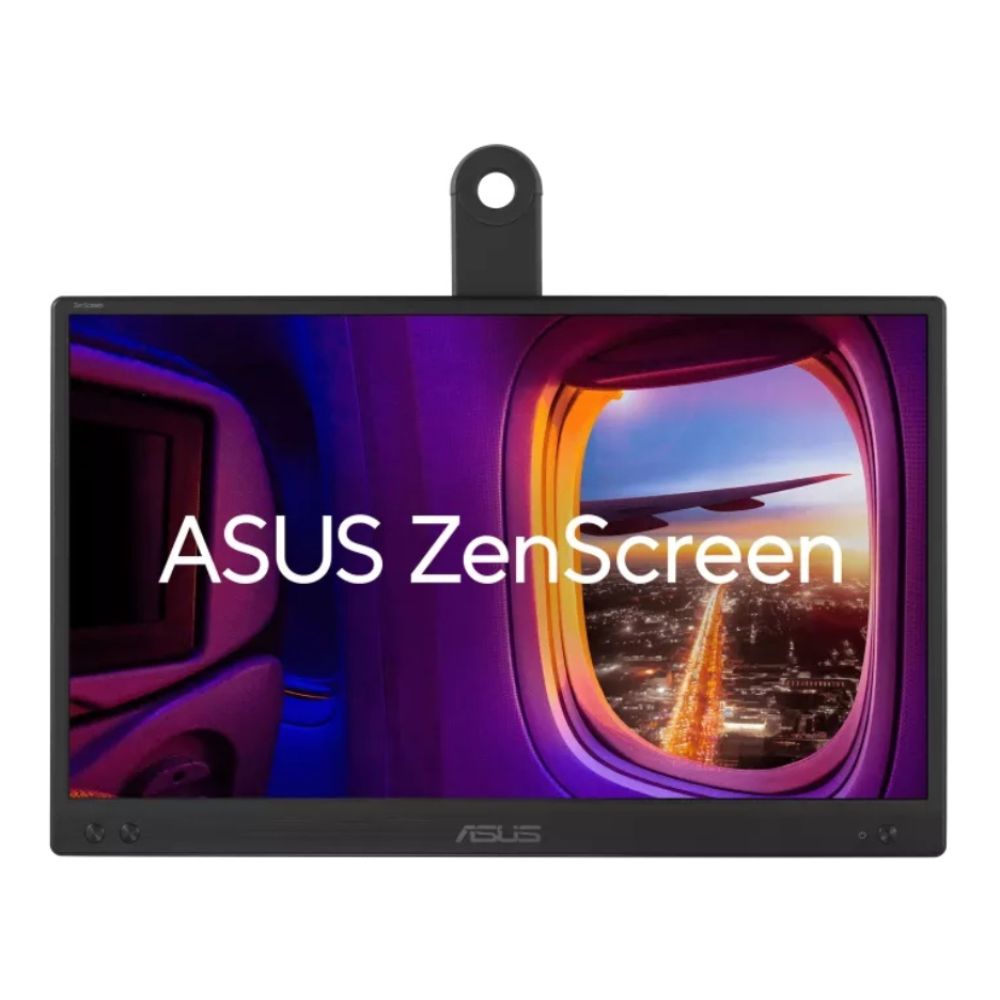
Shop ASUS ZenScreen MB166CR 15.6"
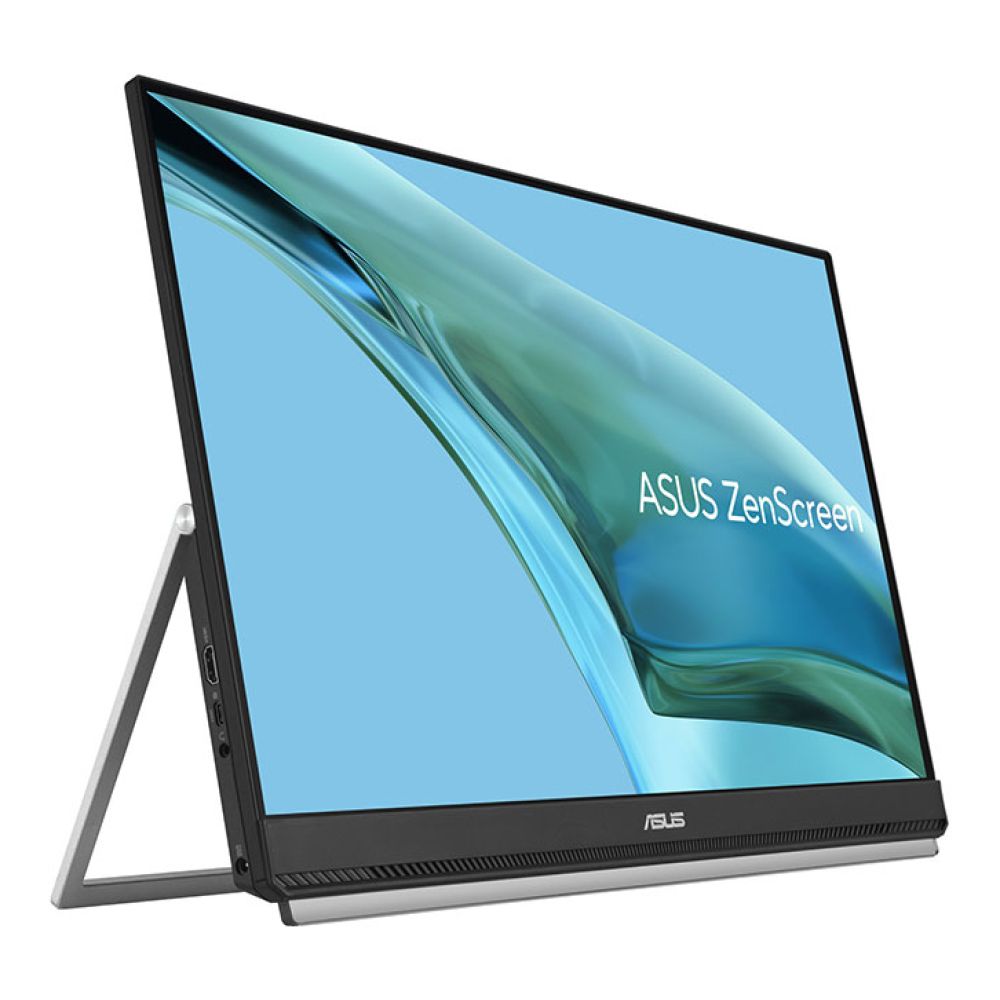
Shop ASUS ZenScreen MB249C 23.8"
Audio Upgrades for Immersive Gaming
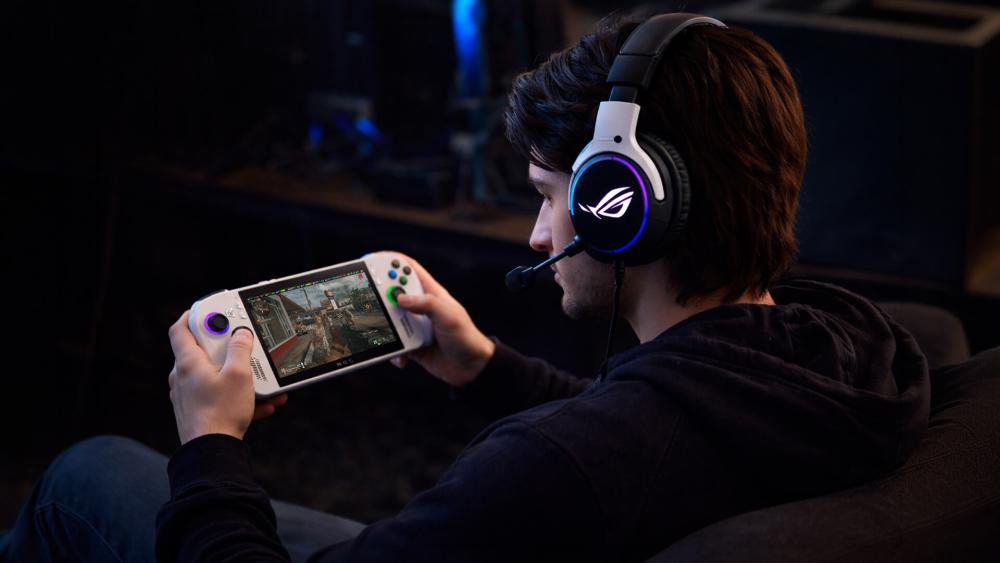
High-quality audio is essential for competitive gaming and immersive single-player experiences.
Upgrading your sound setup with immersive gaming audio ROG headset options or ROG earbuds can significantly improve your gaming experience.
ASUS ROG Delta II Wireless Gaming Headset
The ROG Delta II is one of the best audio upgrades for the Ally.
Key features include:
- tri-mode connectivity (USB-C, Bluetooth, 3.5mm)
- detachable boom microphone
- wide frequency response
- DualFlow Audio support
This headset allows you to connect multiple devices simultaneously while maintaining crystal-clear communication.
It's a premium option for players who want professional-grade gaming headset performance.
Available Options:
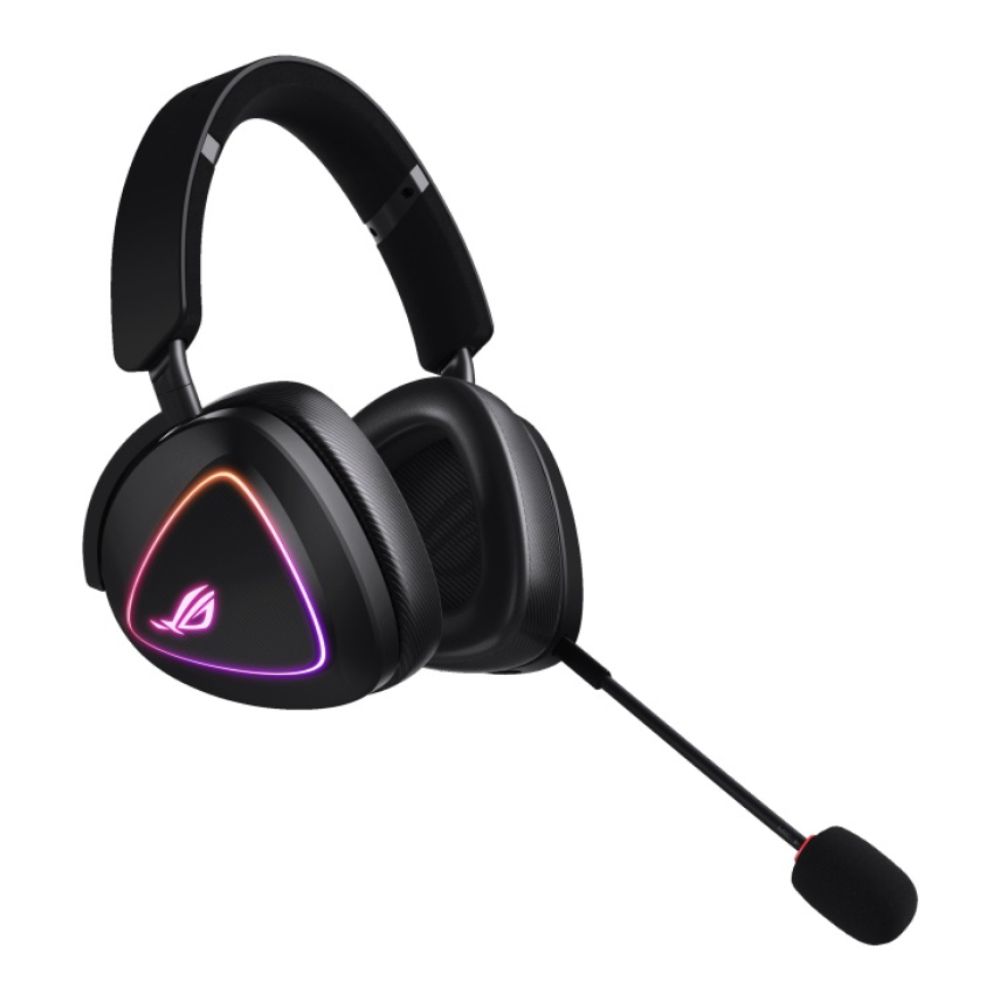
Shop ASUS ROG Delta II (Black)
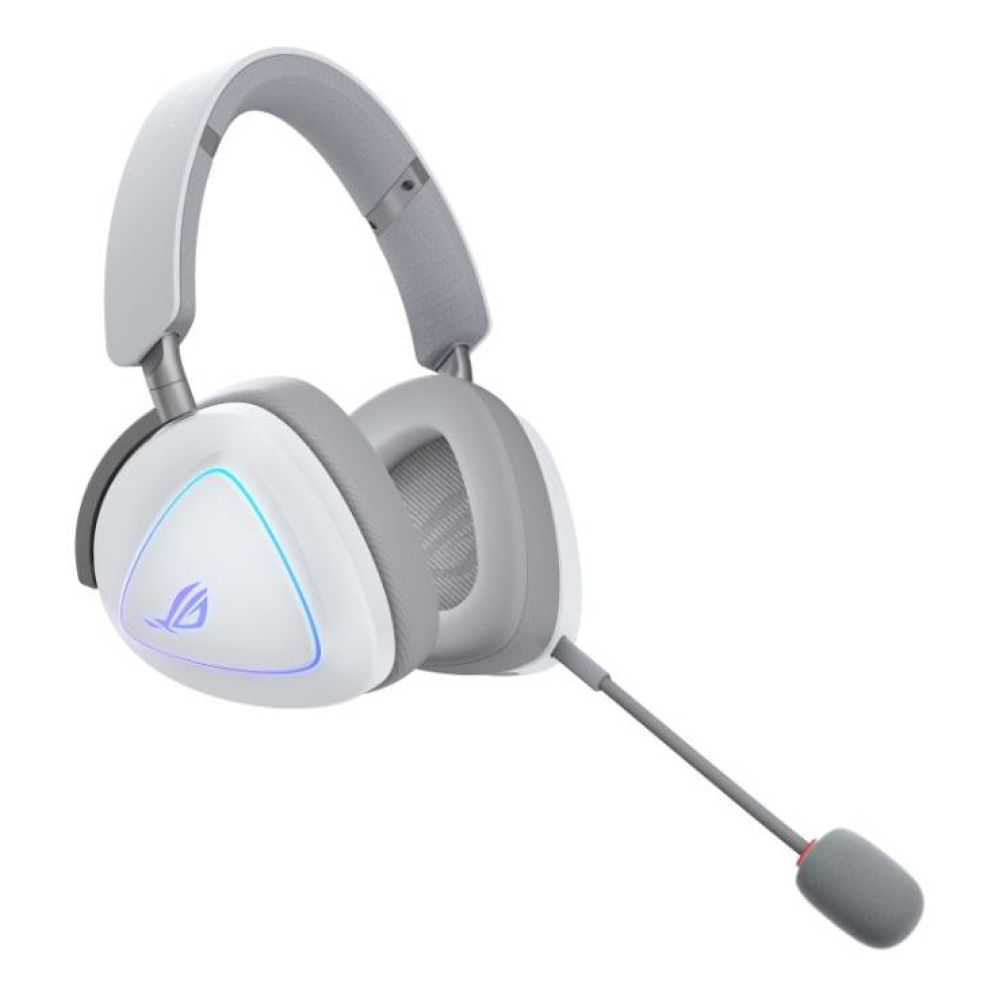
Shop ROG Delta II (Moonlight White)
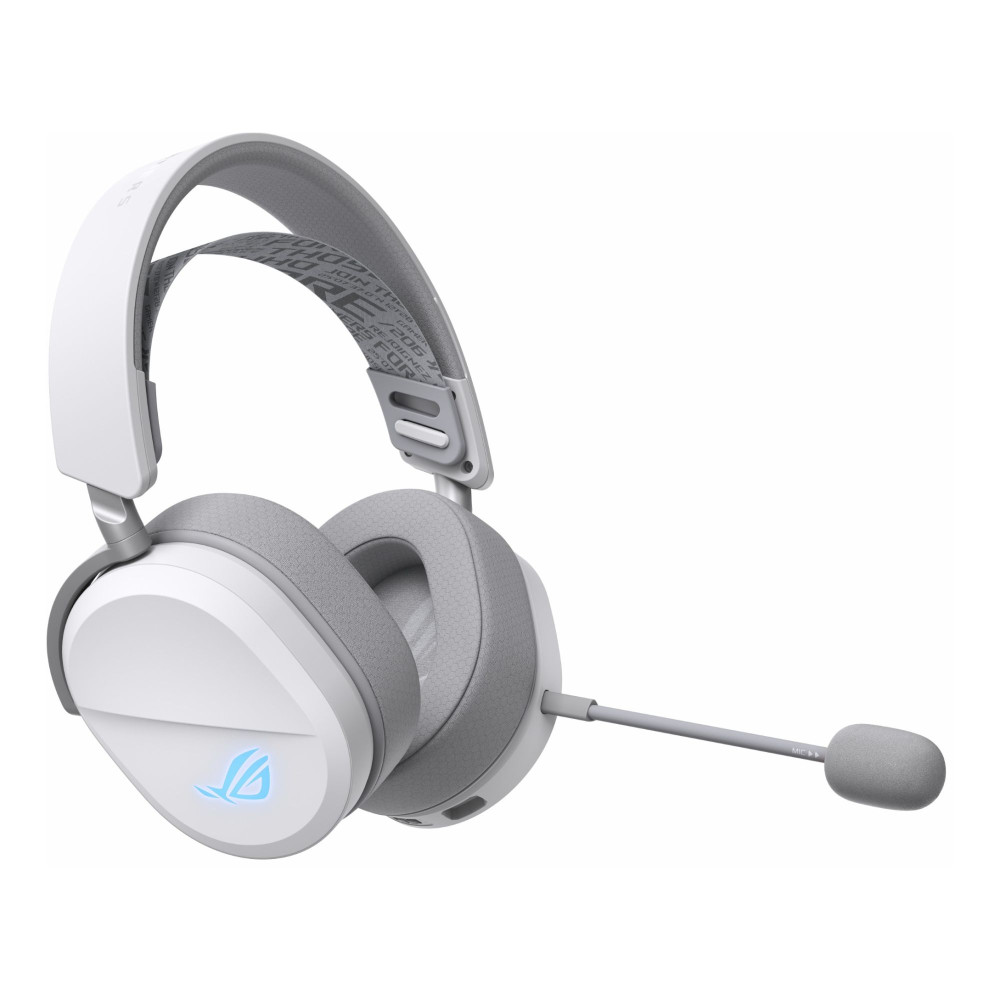
ASUS ROG Pelta Gaming Headset
The ROG Pelta headset is designed for comfort and long gaming sessions.
With Bluetooth and RF wireless support, it works across PC, console, and mobile devices.
The lightweight design and boom microphone make it ideal for multiplayer games where communication is key.
ASUS ROG Cetra True Wireless SpeedNova Earbuds
For portable gaming, ROG earbuds like the Cetra True Wireless SpeedNova are incredibly convenient.
These compact earbuds feature:
- dual-mode wireless connectivity
- AI noise-reduction microphones
- adaptive ANC
- high-resolution audio support
For travel gaming, they are some of the most convenient ASUS ROG Xbox Ally accessories available.
Available Options:
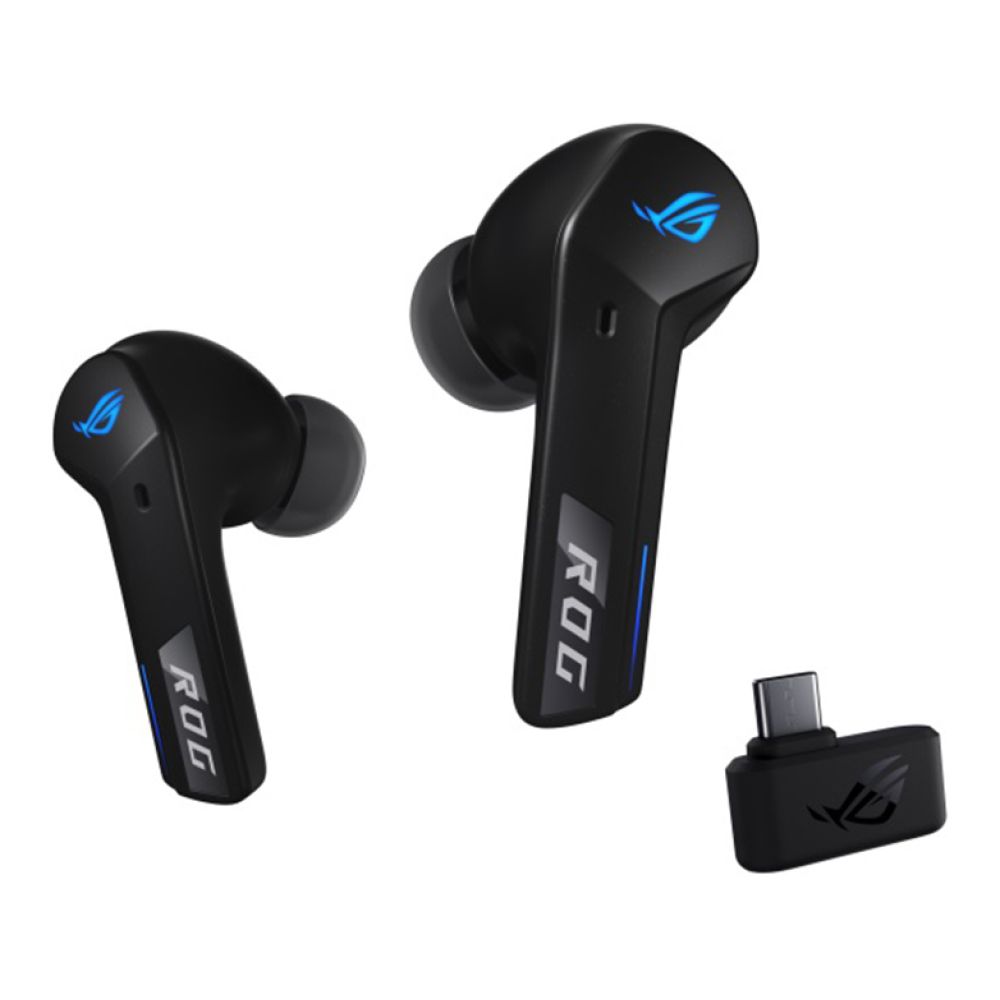
Shop ASUS ROG Cetra True Wireless (Black)
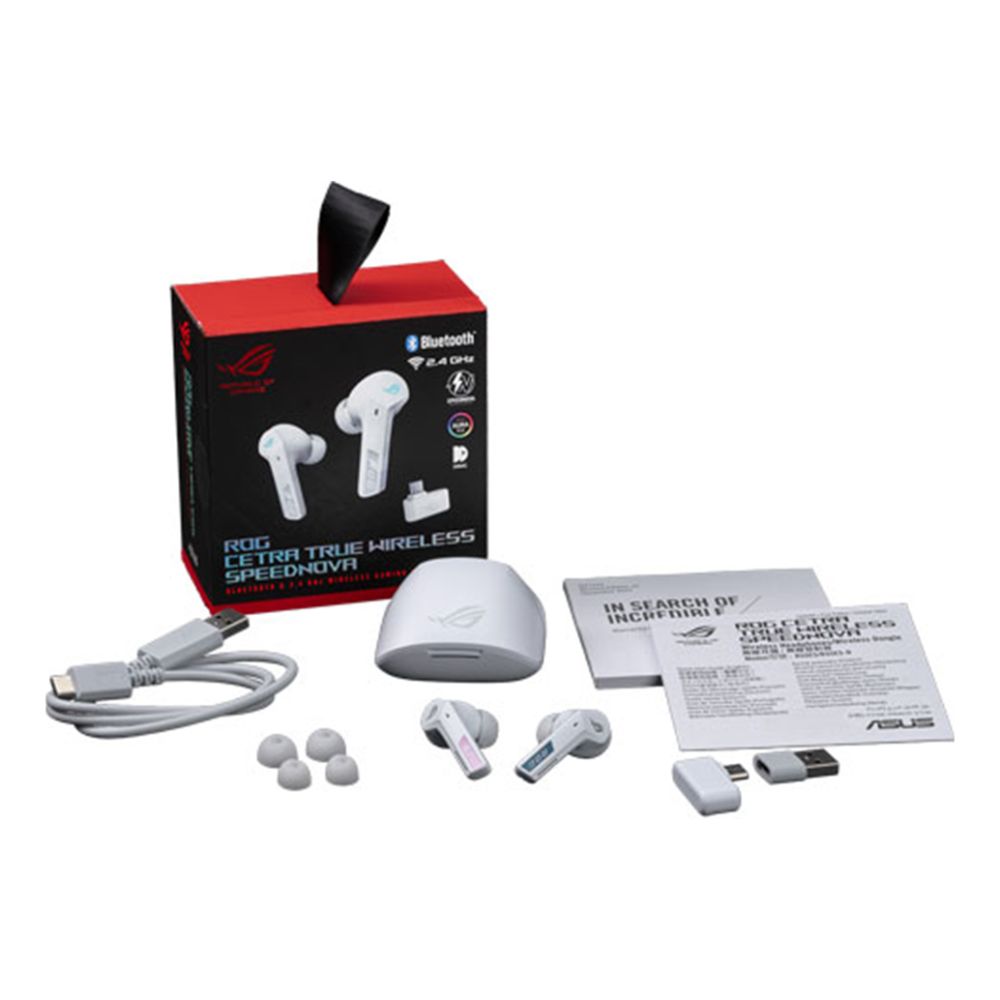
Shop ROG Cetra True Wireless (White)
Controller Upgrades for Competitive Play
While the Ally has built-in controls, dedicated gaming controllers offer better ergonomics for longer sessions.
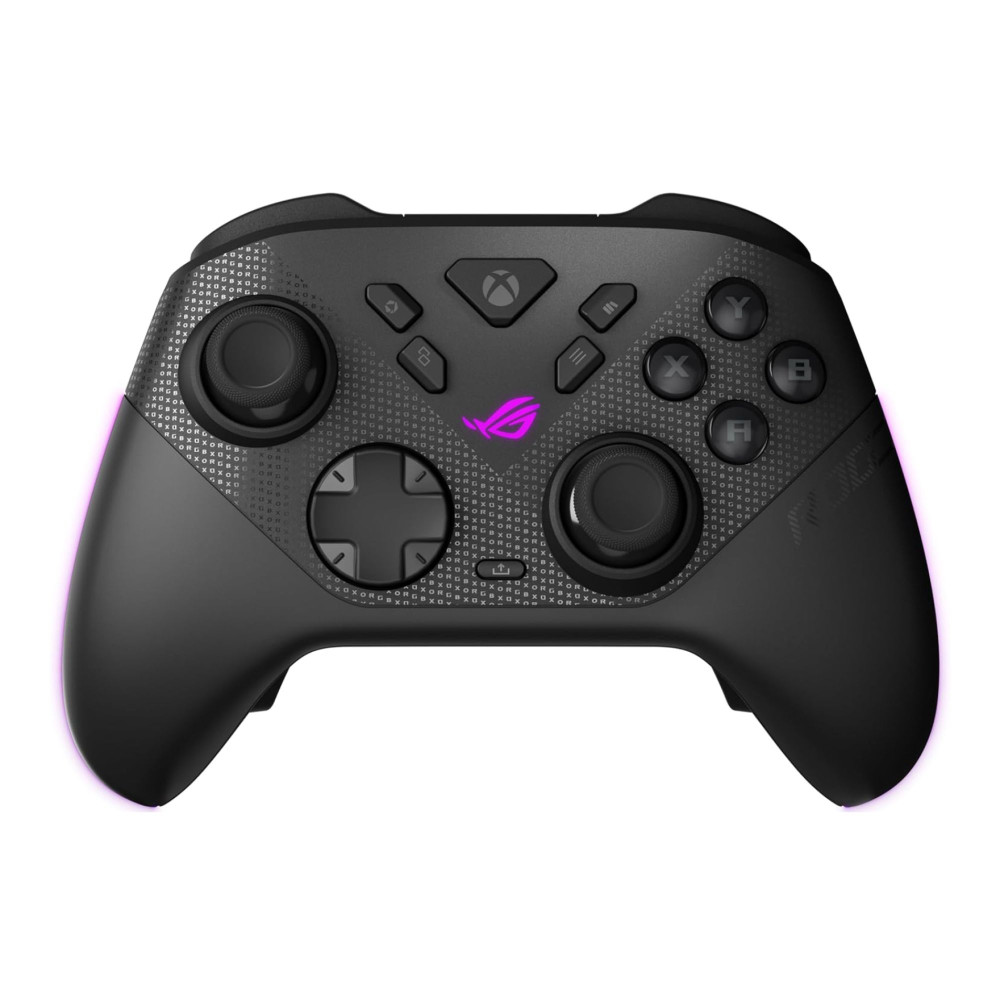
ASUS ROG Raikiri II Xbox Wireless Controller
The ROG Raikiri II is designed to work perfectly with the Ally ecosystem.
It offers:
- tri-mode connectivity (wired, Bluetooth, 2.4GHz RF)
- ultra-responsive inputs
- programmable rear buttons
- anti-drift TMR joysticks
These advanced joysticks reduce stick drift and improve precision, making the controller ideal for competitive gaming.
For docked gaming sessions or couch gaming setups, this ROG Ally controller is one of the most useful ASUS ROG Xbox Ally accessories available.
Docking Solutions for Full Gaming Setups
A docking station for ROG Ally is the key upgrade for turning your handheld into a desktop gaming system.
Modern USB-C docks allow the Ally to connect to:
- HDMI monitors or TVs
- keyboards and mice
- wired internet connections
- external storage devices
Many docking stations also deliver 100W power delivery, allowing you to charge the handheld while gaming.
This upgrade turns the Ally into a full console-style gaming machine.
With a dock, controller, and monitor, your ASUS ROG Xbox Ally accessories setup can function like a desktop PC.
This setup works perfectly for:
- competitive multiplayer games
- streaming setups
- couch gaming on a TV
Docking the Ally truly unlocks the flexibility of a Windows gaming handheld.
Available Options:
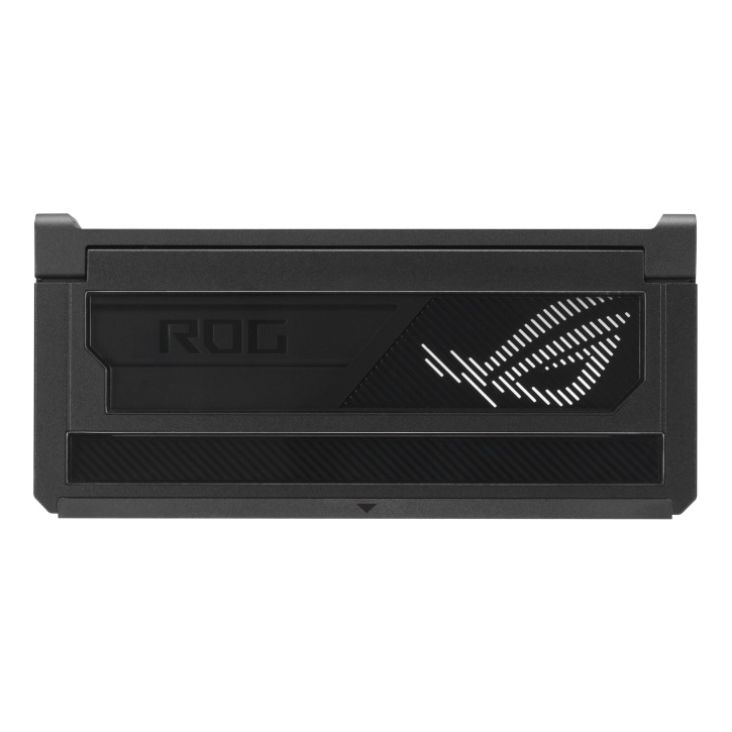
Shop ASUS ROG DG300 Bulwark Dock
Final Picks: Must-Have ASUS ROG Xbox Ally Accessories
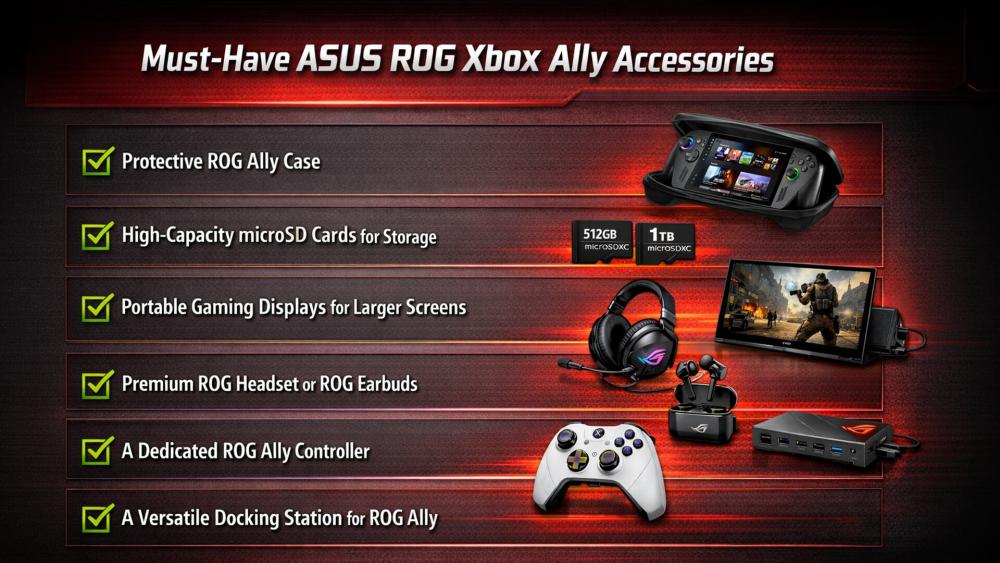
The ASUS ROG Xbox Ally is already a powerful handheld PC, but the right ASUS ROG Xbox Ally accessories dramatically improve the experience.
The most important upgrades include:
- protective ROG Ally case
- high-capacity microSD cards for storage
- portable gaming displays for larger screens
- premium ROG headset or ROG earbuds
- a dedicated ROG Ally controller
- a versatile docking station for ROG Ally
With these upgrades, your ASUS ROG Xbox Ally accessories setup can evolve from portable gaming into a full PC gaming ecosystem.
FAQs
What are the best ASUS ROG Xbox Ally accessories?
The most popular upgrades include protective cases, microSD cards, wireless controllers, gaming headsets, and USB-C docks.
Can the ASUS ROG Xbox Ally connect to a monitor?
Yes. Using a USB-C dock or portable monitor, the Ally can output to external displays through HDMI or USB-C.
Do I need extra storage for the ROG Ally?
Most players add microSD cards or upgrade the internal SSD to store large game libraries.
Is a controller necessary for the ASUS ROG Ally?
The handheld has built-in controls, but using a wireless controller improves comfort when playing on a TV or monitor.
Are portable monitors worth it for handheld gaming PCs?
Yes. Portable monitors allow larger screens and dual-screen setups while maintaining portability.
You can pay with:
*PayPal Credit Representative Example: Assumed credit limit £1,200, Representative 23.9% APR (variable). Purchase rate 23.9% p.a (variable).Terms & Conditions apply.


PayPal Credit and PayPal Pay in 3 are trading names of PayPal UK Ltd, 5 Fleet Place, London, United Kingdom, EC4M 7RD. Terms and conditions apply. Credit subject to status, UK residents only, Five Tech LTD acts as a broker and offers finance from a restricted range of finance providers. PayPal Pay in 3 is not regulated by the Financial Conduct Authority. Pay in 3 eligibility is subject to status and approval. 18+. UK residents only. Pay in 3 is a form of credit. Check if affordable and how you will repay. May make other borrowing more difficult or expensive. See product terms for more details.
Copyright © 1996-2026 Fivetech LTD | Terms and Conditions
box.co.uk & Box are trading names of Five Tech Limited. Registered office: Box LTD, Unit 10 Woodford Trading Estate, Woodford Green IG8 8HF