


 Menu
MenuMenu


Get Sales Advice from Mon - Fri 9am - 5:00pm:
020 3337 8950LAST UPDATED: June 04, 2026
Best ASUS ExpertBook for AI and Copilot: B5, P3 and P5, Which Model Should You Choose?
Choosing the best ASUS ExpertBook for AI and Copilot depends on what you need most: stronger on-device AI performance, a sharper portable display, or a larger business laptop for everyday productivity. The ASUS ExpertBook series is designed for professional users, offering a range of configurations that cater to different work styles, performance requirements and AI-driven workflows.
For users who want an ASUS ExpertBook AI laptop that can handle modern business tasks, the main things to compare are NPU performance, RAM, storage, battery life, display size and security features. These details matter because Copilot+ experiences and AI-assisted tools rely on more than just a fast processor.
In this guide, we’ll compare the ASUS ExpertBook P3, ASUS ExpertBook P5 and ASUS ExpertBook B5 to help you decide which model makes the most sense as an AI laptop for business. We’ll look at where each laptop performs best, how suitable each one is for Copilot and AI use, and which model offers the strongest balance for everyday work.
ASUS ExpertBook B5 vs P3 vs P5: All Features Compared
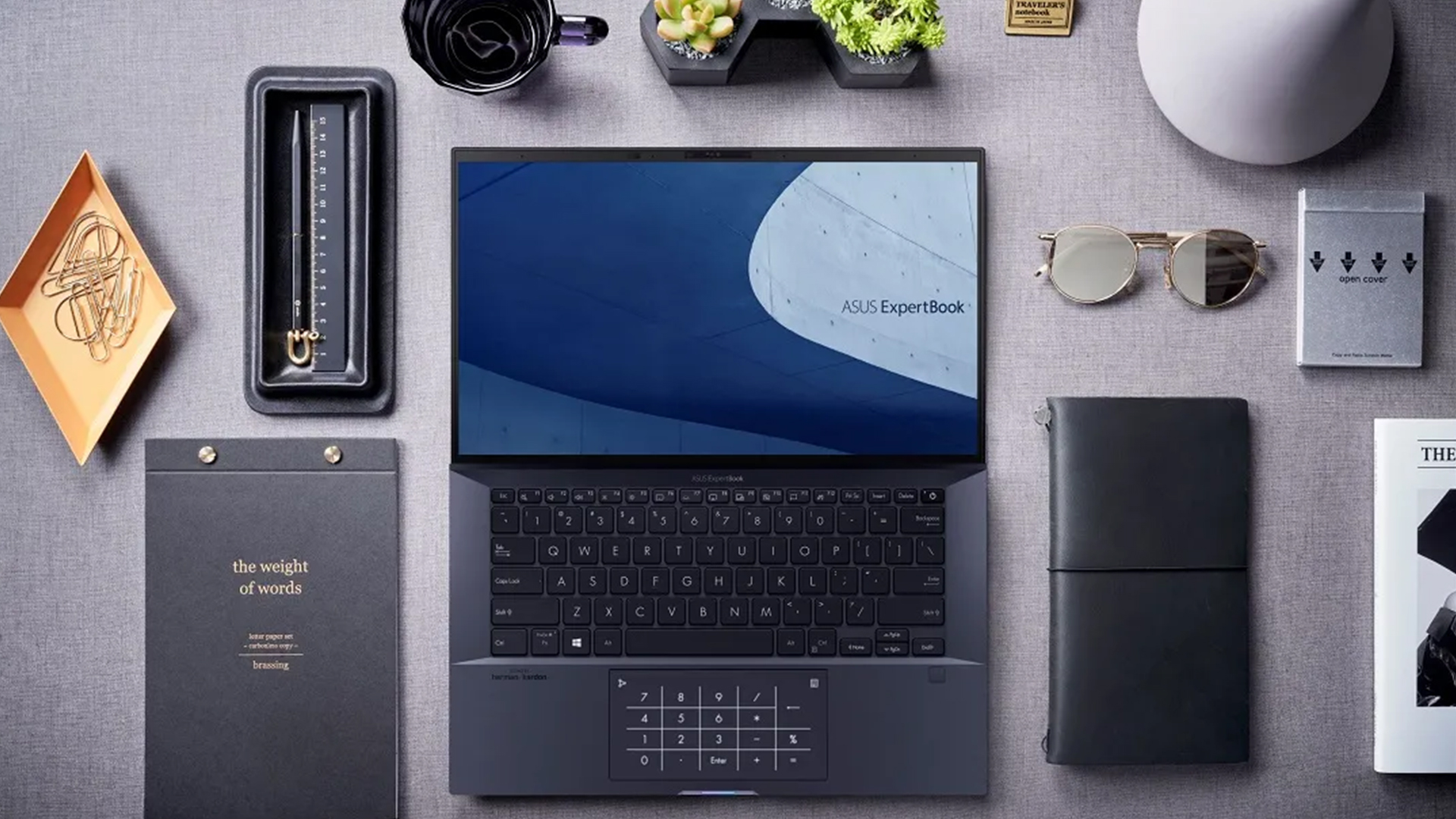
When browsing the latest ASUS laptops for AI workloads, it is important to compare NPU performance, RAM, storage, battery life and display quality side by side.
| Feature | ASUS ExpertBook P3 PM3606CK-R731X | ASUS ExpertBook P5 P5405CSA-U731X | ASUS ExpertBook B5 B5605CC-MBU715X |
| Processor | AMD Ryzen AI 7 350 | Intel Core Ultra 7 258V | Intel Core Ultra 7 255H |
| NPU performance | Up to 50 TOPS | Up to 47 TOPS | Up to 13 TOPS |
| Overall AI performance | Up to 66 TOPS | Up to 115 TOPS | Up to 96 TOPS |
| RAM | 32GB DDR5, upgradeable to 64GB | 32GB LPDDR5x onboard | 16GB DDR5, upgradeable via SO-DIMM slots |
| Storage | 1TB SSD | 1TB SSD | 512GB SSD |
| Display | 16-inch WUXGA anti-glare | 14-inch WQXGA, 400 nits, 100% sRGB | 16-inch WUXGA anti-glare |
| Battery | 70Wh | 63Wh | 63Wh |
| Connectivity | Wi-Fi 7, Ethernet, HDMI, USB-C | Wi-Fi 6E, HDMI, Thunderbolt 4 | Wi-Fi 7, Ethernet, HDMI, Thunderbolt 4 |
| Best for | Users who want an ASUS ExpertBook Copilot laptop with strong memory, storage and AI readiness | Mobile professionals who want a sharper display and compact design | Office users who want a bigger screen, strong CPU performance and practical business ports |
You can also browse our full range of ASUS ExpertBook laptops if you are looking for a different machine to suit your needs.
ASUS ExpertBook P3 Review: Best Overall for Copilot+ and AI Business Use
MPN: PM3606CK-R731X
For professionals looking for the best ASUS ExpertBook for AI, the P3 stands out by combining strong Copilot+ readiness, generous memory and practical business-focused features. It delivers a balanced mix of AI performance and everyday productivity without compromising on upgrade flexibility.
- Strongest Fit for AI and Copilot: The ASUS P3 is the best ExpertBook for Copilot in this comparison because it has the strongest dedicated NPU rating at up to 50 TOPS. That makes it the most suitable option here for on-device AI features, Copilot+ experiences, AI-assisted meetings and everyday business workflows that benefit from local processing.
- 32GB RAM and 1TB Storage: The combination of 32GB DDR5 RAM and a 1TB SSD gives the P3 a strong base for multitasking, large files, browser-heavy work and AI-enhanced productivity tools. It also supports up to 64GB RAM, which makes it the most flexible option if your workload grows over time.
- 16-inch Business Workspace: The 16-inch WUXGA anti-glare display gives users more room for spreadsheets, documents, video calls and side-by-side work. It is not the sharpest display in this comparison, but it is the most practical option if screen space matters more than portability.
- Battery, Security and Daily Use: The 70Wh battery is the largest of the three models, making the P3 a strong choice for hybrid work and long business days. It also includes Windows 11 Pro, Wi-Fi 7, Ethernet, HDMI, USB-C, a privacy shutter and Windows Hello support, giving it a well-rounded business setup.
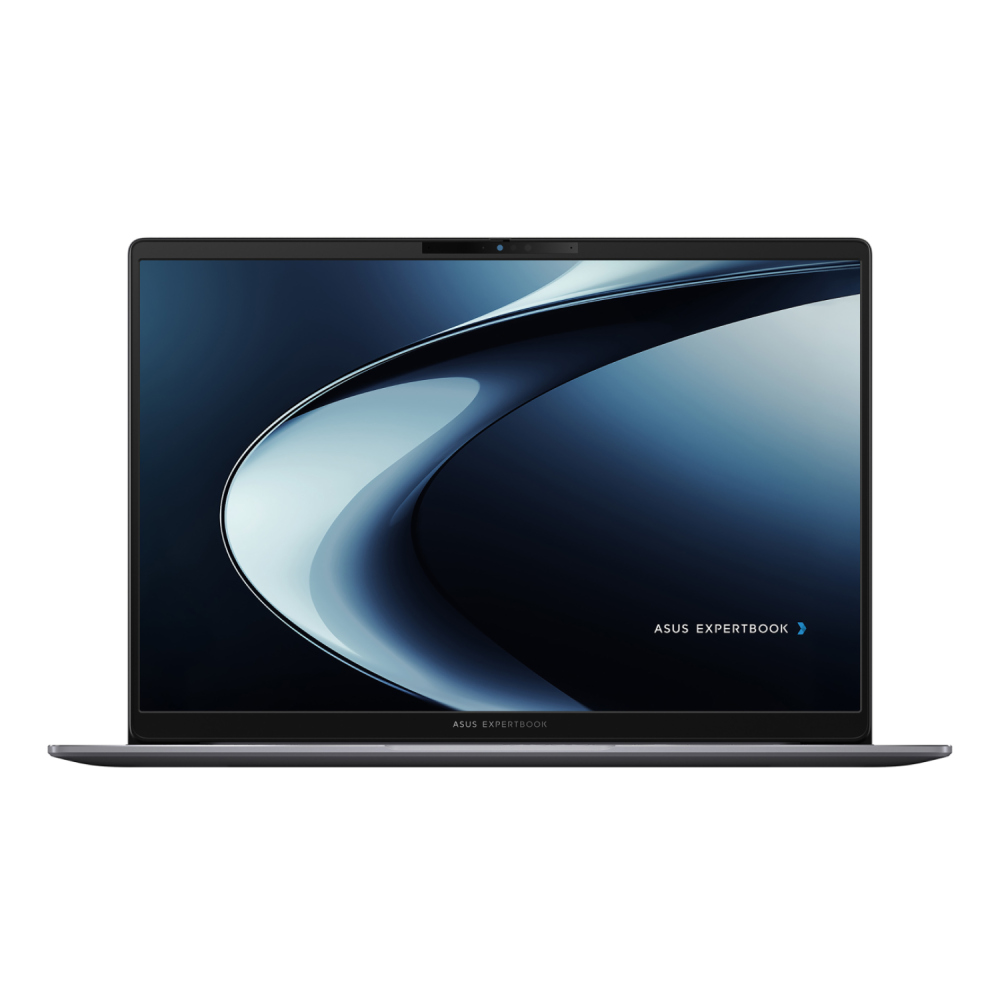
ASUS ExpertBook P5 Review: Best Lightweight ExpertBook for Mobile AI Work
MPN: P5405CSA-U731X
The ASUS ExpertBook P5 is designed for professionals who need strong AI capabilities without carrying a larger laptop. As a modern laptop, it combines Copilot+ PC readiness, a premium high-resolution display and a lightweight design, making it an excellent option for users who spend a lot of time working on the move.
- Portable Copilot+ Performance: The ASUS P5 is a strong choice for mobile professionals seeking an ASUS ExpertBook Copilot laptop in a smaller 14-inch form factor. Its Intel Core Ultra 7 258V processor includes Intel AI Boost with up to 47 NPU TOPS, making it well-suited to on-device AI features, meeting tools, and everyday business productivity.
- Sharper Display for Daily Work: The 14-inch WQXGA display gives the P5 the sharpest screen in this comparison, with a 2560 x 1600 resolution, 400 nits brightness and 100% sRGB coverage. That makes it useful for reports, presentations, dashboards and visual work where clarity matters more than screen size.
- 32GB Memory and 1TB Storage: With 32GB LPDDR5x RAM and a 1TB SSD, the P5 is a modern business productivity laptop built for smooth multitasking and quick file access. The main thing to note is that the memory is onboard, so it is better to choose this model only if 32GB is enough for your long-term workload.
- Lightweight Build and AI Meetings: The P5 is the most portable model here, making it ideal for travel, hybrid work and meetings between locations. It also supports ASUS AI ExpertMeet, AI camera features, AI noise cancellation and Windows Hello, giving it a strong mix of AI-powered collaboration, security and everyday convenience.
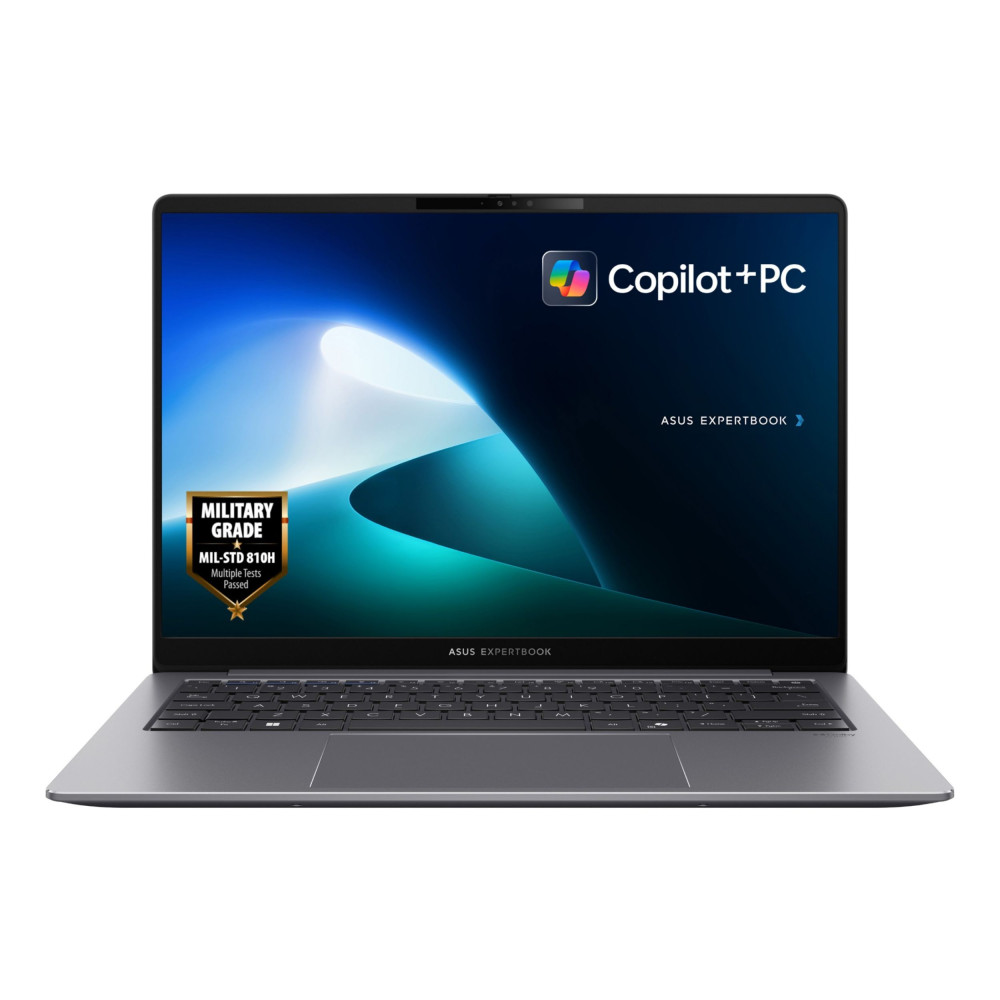
ASUS ExpertBook B5 Review: Best for Larger-Screen Business Work and Traditional Performance
MPN: B5605CC-MBU715X
The ASUS ExpertBook B5 is the better fit for users who want a larger-screen business laptop with strong everyday performance, practical ports and upgrade flexibility. If you don’t run heavier AI workloads, this ASUS ExpertBook AI laptop is a sensible option for office-focused teams that want a larger screen, strong traditional performance and practical business connectivity.
- Strong CPU for Business Productivity: The Intel Core Ultra 7 255H gives the B5 strong performance for multitasking, reports, spreadsheets, video calls and browser-heavy work. Its 13 TOPS NPU supports AI-enhanced laptop features, but it does not match the P3 or P5 for dedicated Copilot+ AI performance.
- 16-inch Display and Office-Friendly Design: The 16-inch WUXGA anti-glare display gives users more space for documents, dashboards and side-by-side windows. The numeric keypad also makes this model more practical for finance, admin and data-entry work.
- Upgradeable Memory and Practical Ports: With 16GB DDR5 RAM, a 512GB SSD and SO-DIMM memory slots, the B5 gives businesses more flexibility than fixed-memory laptops. It also includes Wi-Fi 7, Ethernet, HDMI 2.1 and Thunderbolt 4, making it a useful upgradeable business laptop for office desks, docking setups and wired networks.
- Security and Business Use: The B5 is a sensible choice for teams that value enterprise security, Windows 11 Pro, Windows Hello, a privacy shutter and durable business-focused design. It may not be the strongest option for Copilot+ AI features, but it is still one of the best ASUS business laptops for traditional office work and IT-friendly deployment.
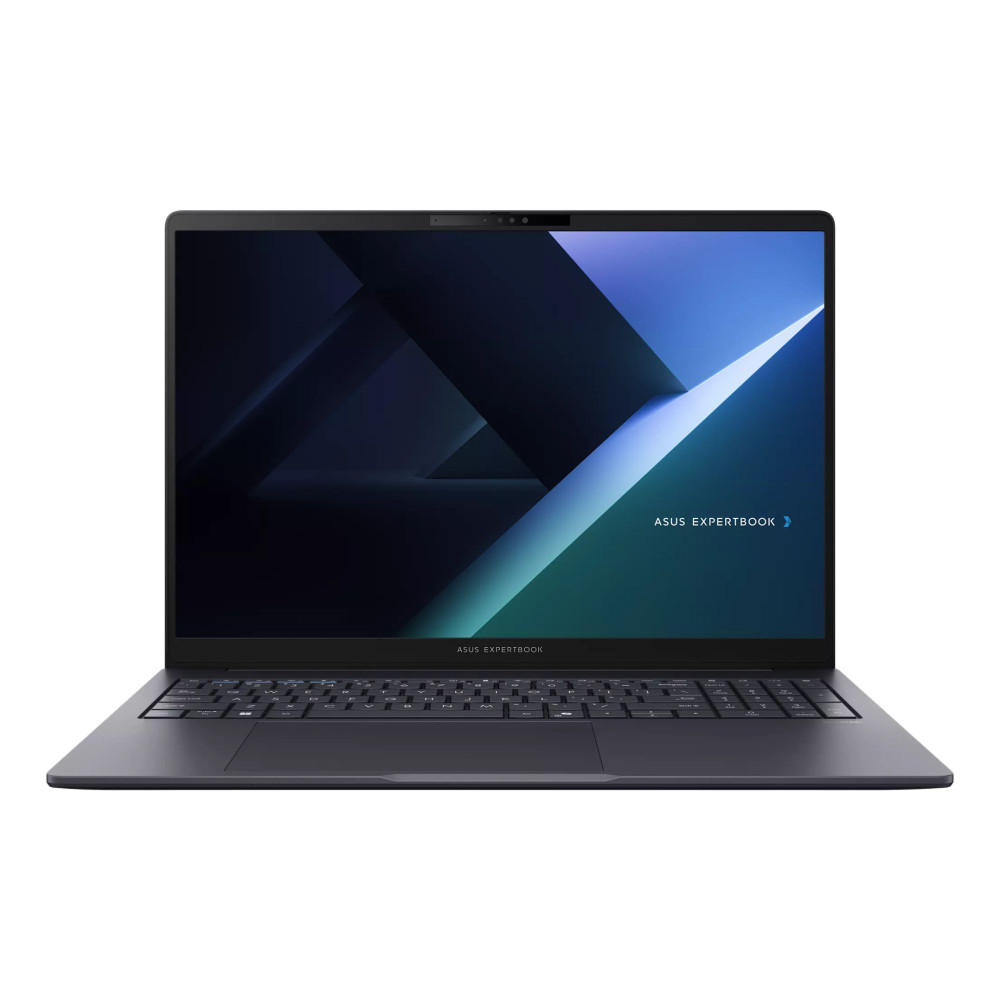
How to Pick the Best ASUS ExpertBook for Copilot and AI Use
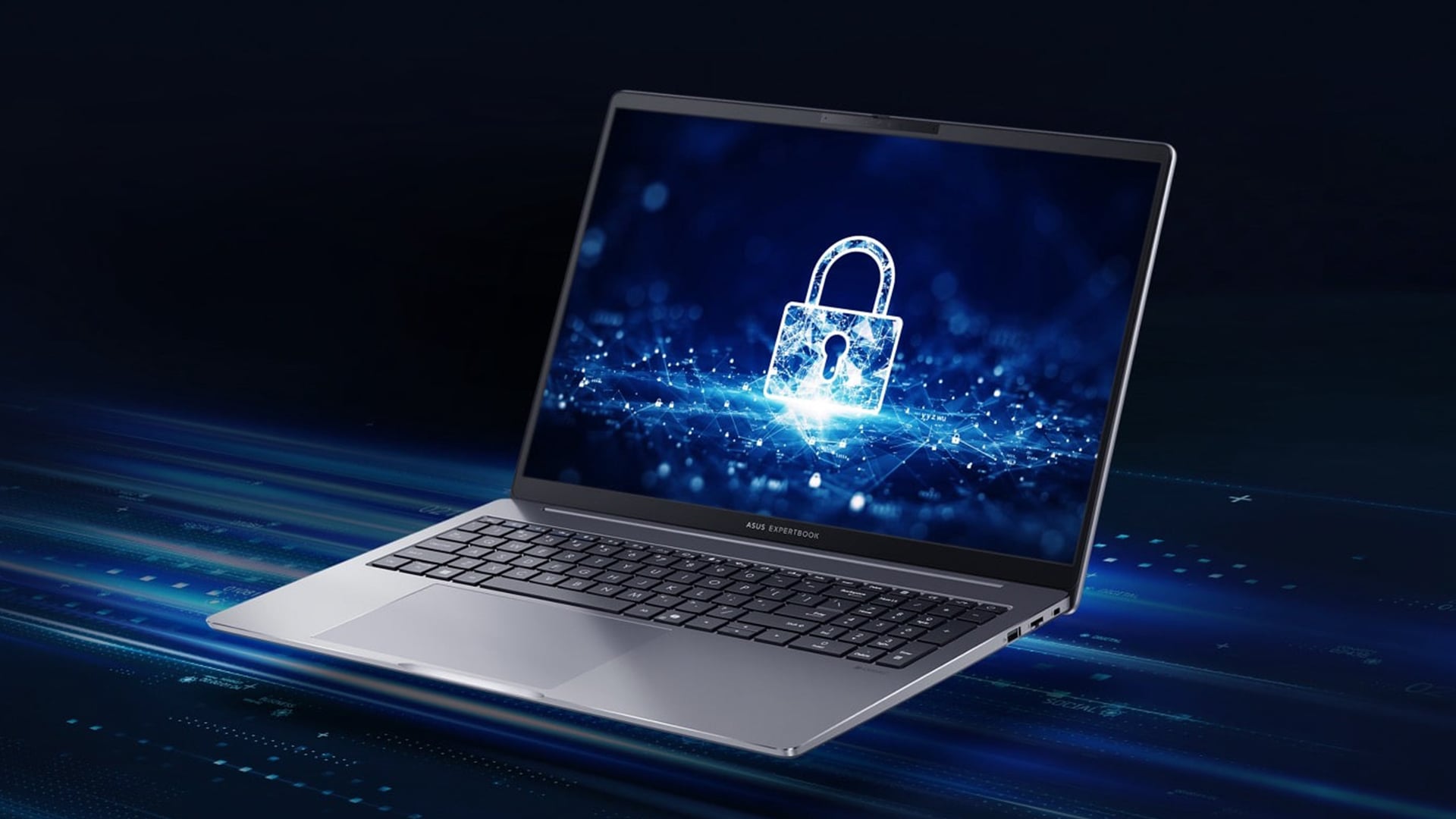
Choosing the best ExpertBook for AI and Copilot is not just about picking the newest processor. For AI-focused work, the most important areas are NPU performance, memory, storage, display size, battery life and security.
Check the NPU First
For an AI laptop or a Copilot+ PC, the NPU matters because many AI features are designed to run locally rather than relying fully on the cloud. The ASUS P3 and P5 are stronger for on-device AI, while the B5 is better treated as an AI-assisted business laptop rather than the main Copilot+ choice.
Think About RAM and Storage
For AI workloads, 32GB RAM is the safer starting point if you use AI tools, video calls, large browser sessions and business apps together. The P3 and P5 already include 32GB RAM and 1TB storage, while the B5 starts lower but gives upgrade flexibility through SO-DIMM slots.
Match the Screen Size to Your Work
Choose a 16-inch model if you work with spreadsheets, dashboards, reports or side-by-side windows. Choose the 14-inch P5 if portability matters more.
Prioritise Ports, Battery and Security
Look at battery size, Wi-Fi, Ethernet, USB-C or Thunderbolt support, Windows 11 Pro, webcam privacy, Windows Hello and security tools. These features often matter just as much as raw AI speed in everyday business use. Whether you are looking for ASUS laptops for students or small businesses, checking ports and connectivity options is important, as missing features can limit everyday productivity.
Final Words
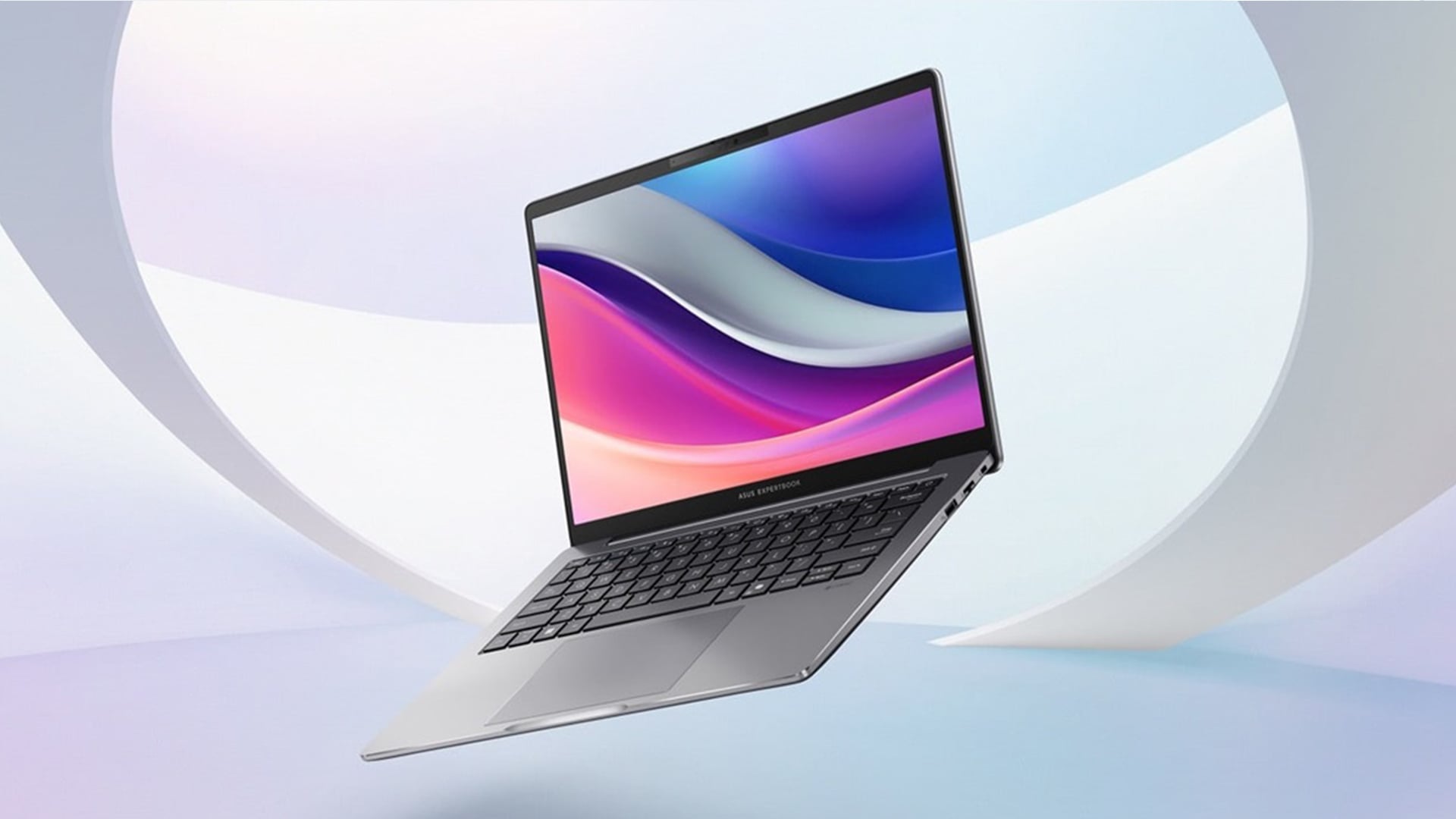
As AI tools become a bigger part of everyday work, choosing a laptop with the right balance of NPU performance, memory, storage and security is becoming increasingly important. Features such as on-device AI, AI-assisted meetings and local processing can improve productivity while helping businesses maintain greater control over their data.
It's also worth thinking beyond current needs. A laptop with sufficient RAM, storage and modern connectivity is more likely to remain capable as AI workflows continue to evolve.
Overall, the best ASUS ExpertBook for AI and Copilot depends on your priority: the P3 for the best AI balance, the P5 for mobile work, and the B5 for office-focused business productivity.
Frequently Asked Questions
Which ASUS ExpertBook is best for AI and Copilot?
The ASUS ExpertBook P3 and ASUS ExpertBook P5 are the best options for AI and Copilot use. The P3 is the strongest overall choice thanks to its 50 TOPS NPU, 32GB RAM, 1TB SSD and larger 16-inch display, while the P5 offers up to 47 TOPS NPU performance in a more portable 14-inch design.
Is the ASUS ExpertBook B5 good for AI?
Yes, but it is better for lighter AI-assisted productivity than heavier Copilot+ workloads. Its 13 TOPS NPU can support some AI features, but the P3 and P5 are stronger choices for on-device AI performance.
How much RAM is best for an AI business laptop?
32GB RAM is a strong starting point for AI-assisted business work, multitasking, video calls and Copilot-style features. Heavier workloads may benefit from 64GB if the laptop supports memory upgrades.
Do all ASUS ExpertBook models support Copilot+ features?
No. Copilot+ features depend on hardware requirements such as NPU performance, RAM and storage. Microsoft’s Copilot+ PC baseline includes a 40+ TOPS NPU, 16GB RAM and 256GB storage, so always check the exact model specification before buying.
Which ASUS ExpertBook is best for small businesses?
The ASUS ExpertBook P3 is a strong option for small businesses because it balances AI performance, memory, storage, battery life, security and connectivity. It is a practical choice for teams that need one laptop for meetings, documents, multitasking and AI-assisted workflows.
Which is better for travel, ASUS ExpertBook P3 or P5?
The ASUS ExpertBook P5 is better for travel because it has a smaller 14-inch design and a lighter build. The P3 is better if you prefer a larger 16-inch screen and longer battery capacity.
You can pay with:
*PayPal Credit Representative Example: Assumed credit limit £1,200, Representative 23.9% APR (variable). Purchase rate 23.9% p.a (variable).Terms & Conditions apply.


PayPal Credit and PayPal Pay in 3 are trading names of PayPal UK Ltd, 5 Fleet Place, London, United Kingdom, EC4M 7RD. Terms and conditions apply. Credit subject to status, UK residents only, Five Tech LTD acts as a broker and offers finance from a restricted range of finance providers. PayPal Pay in 3 is not regulated by the Financial Conduct Authority. Pay in 3 eligibility is subject to status and approval. 18+. UK residents only. Pay in 3 is a form of credit. Check if affordable and how you will repay. May make other borrowing more difficult or expensive. See product terms for more details.
Copyright © 1996-2026 Fivetech LTD | Terms and Conditions
box.co.uk & Box are trading names of Five Tech Limited. Registered office: Box LTD, Unit 10 Woodford Trading Estate, Woodford Green IG8 8HF